15

荒谬产品融合概念的两阶段提示
Enlarge

荒谬产品融合概念的两阶段提示

Prompt
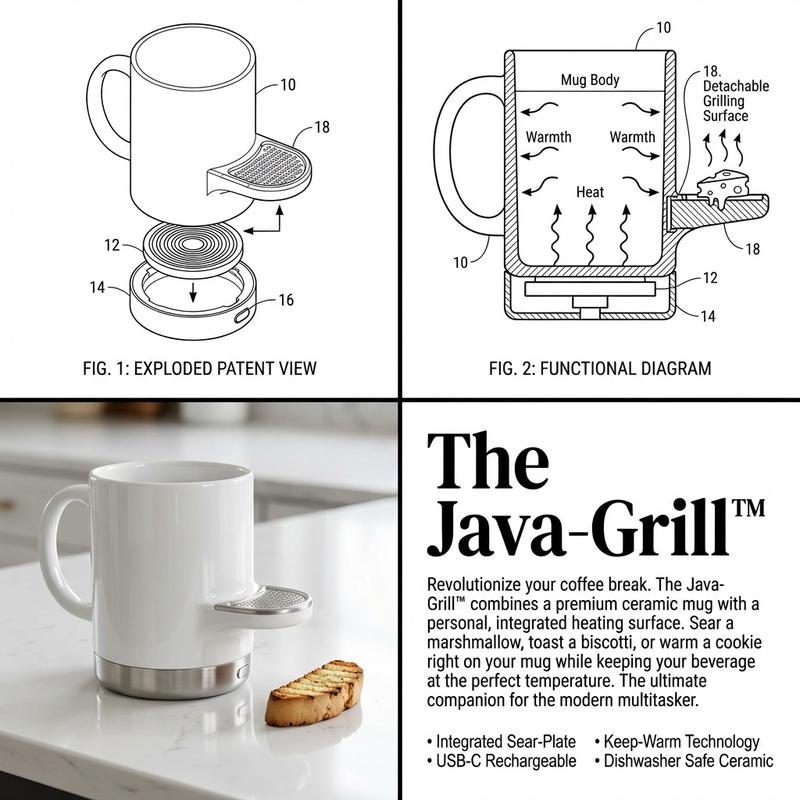
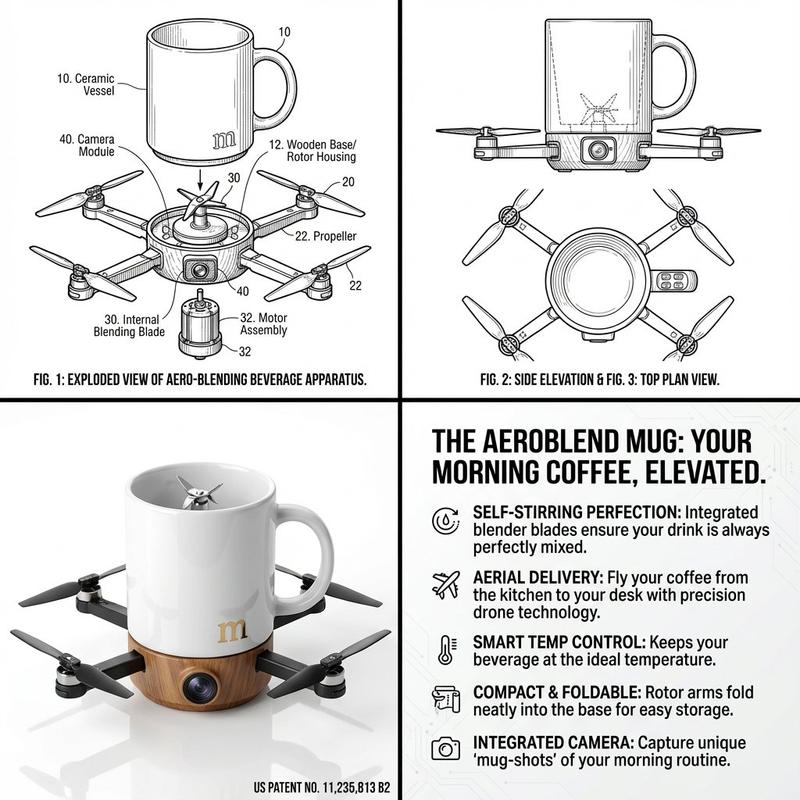
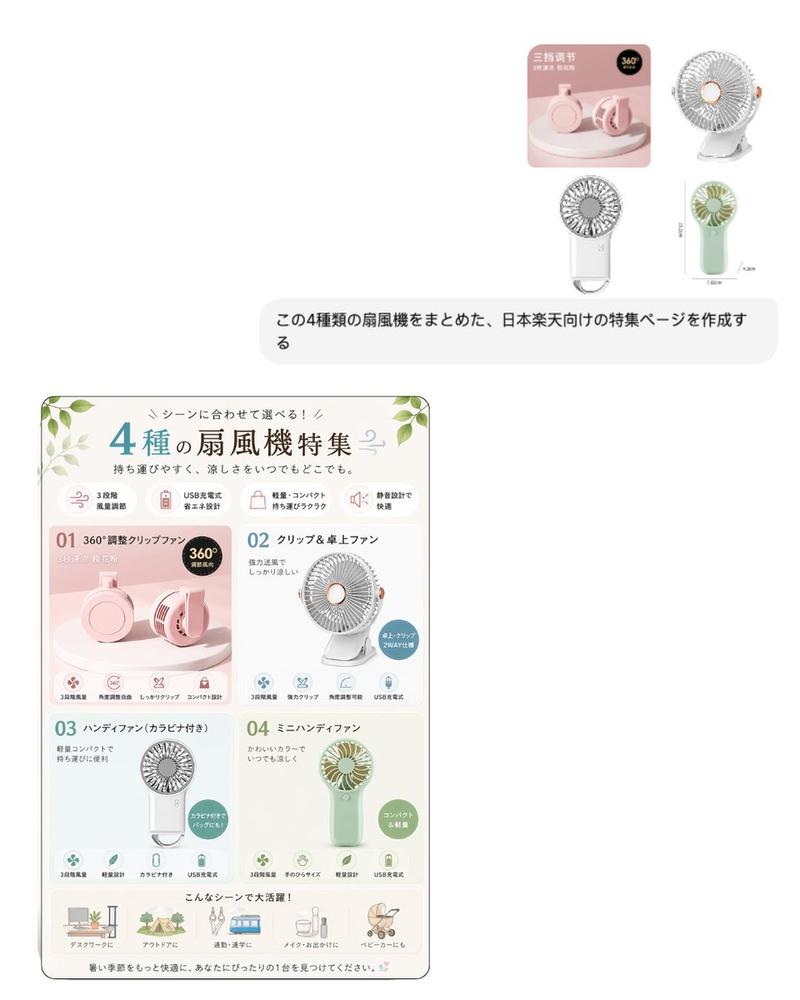
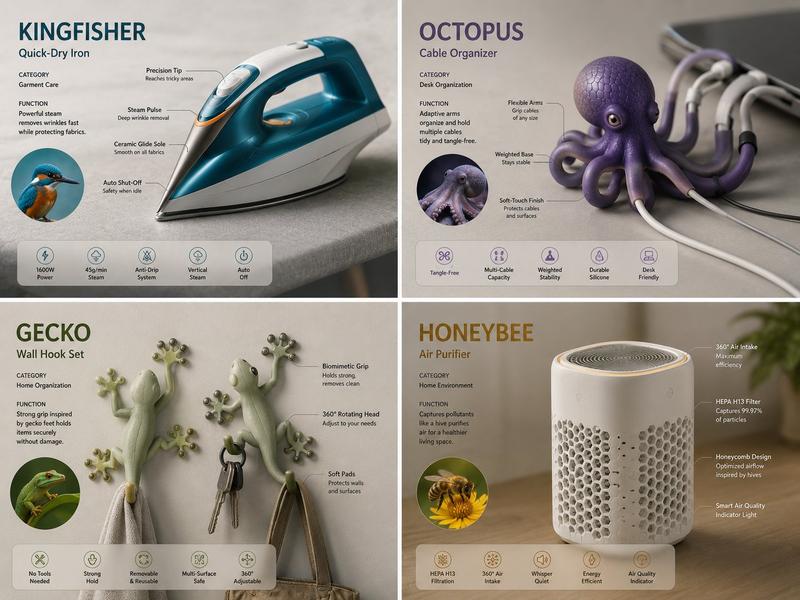
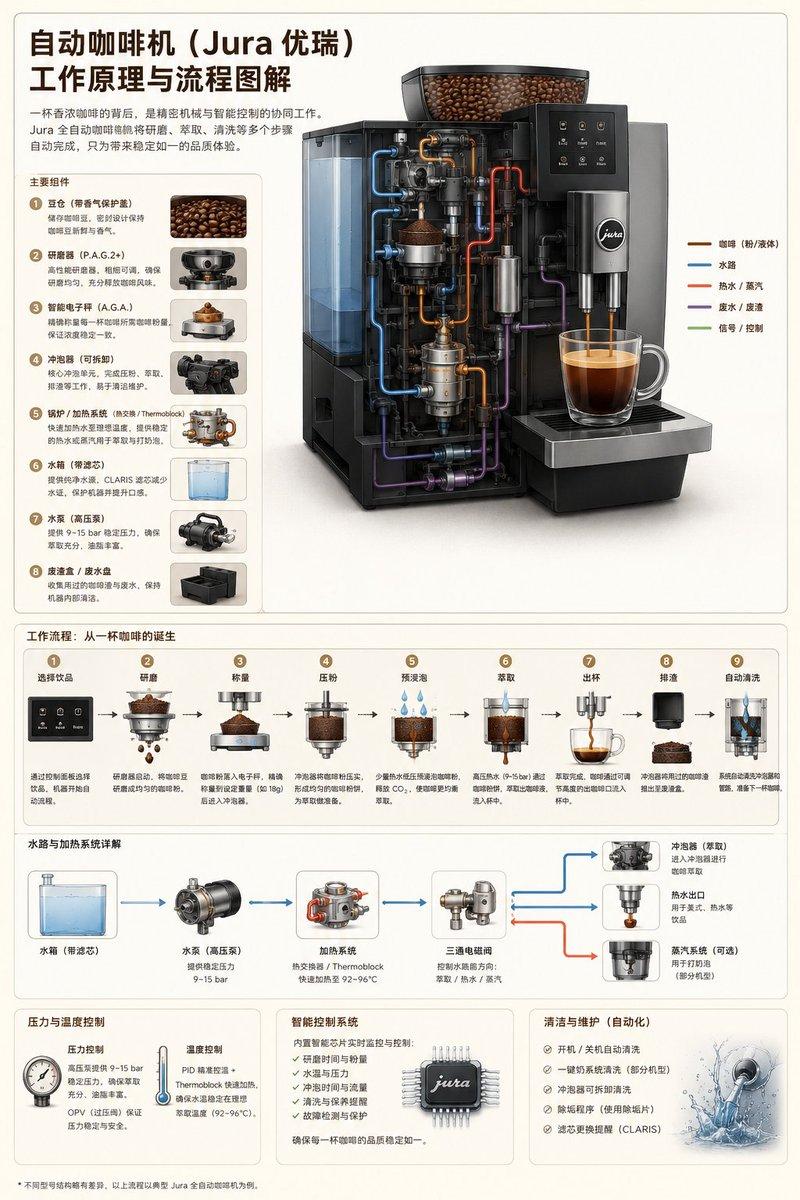
PHASE 1 PROMPT: Analyze these [{argument name="object 1" default="OBJECT 1"}], [{argument name="object 2" default="OBJECT 2"}], [{argument name="object 3" default="OBJECT 3"}] images. Extract: 1) Primary function, 2) Material DNA (metal/plastic ratio, texture), 3) Ergonomic signature (grip angle, weight distribution), 4) Mechanical principle, 5) Cultural association. Output as structured JSON.

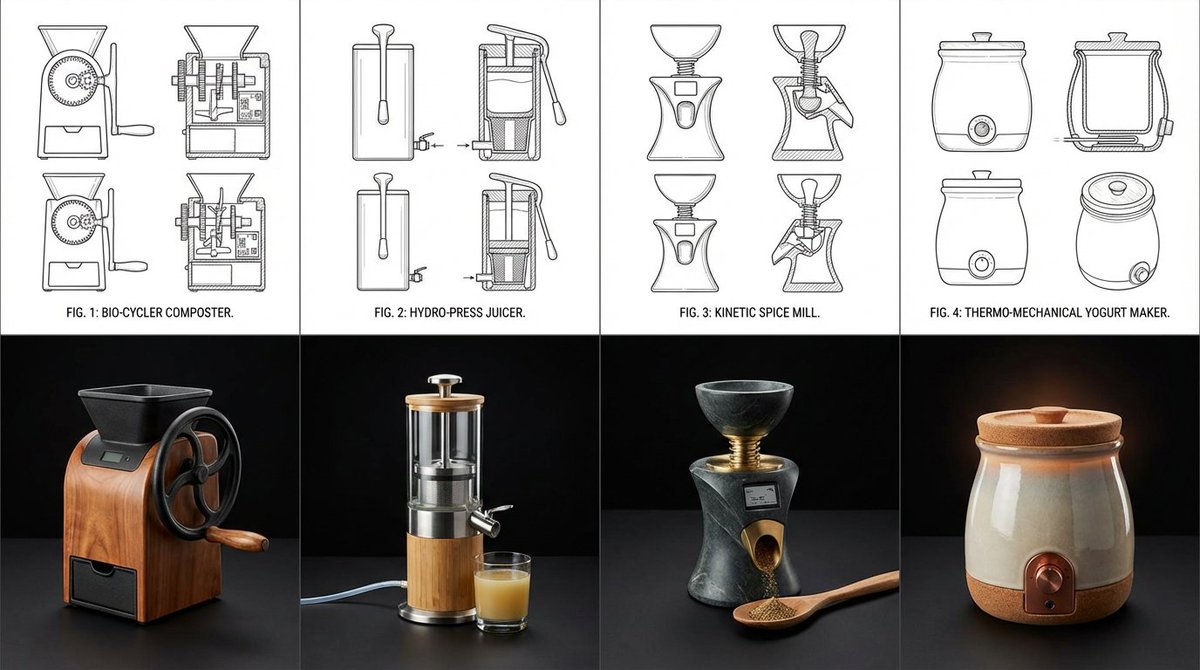
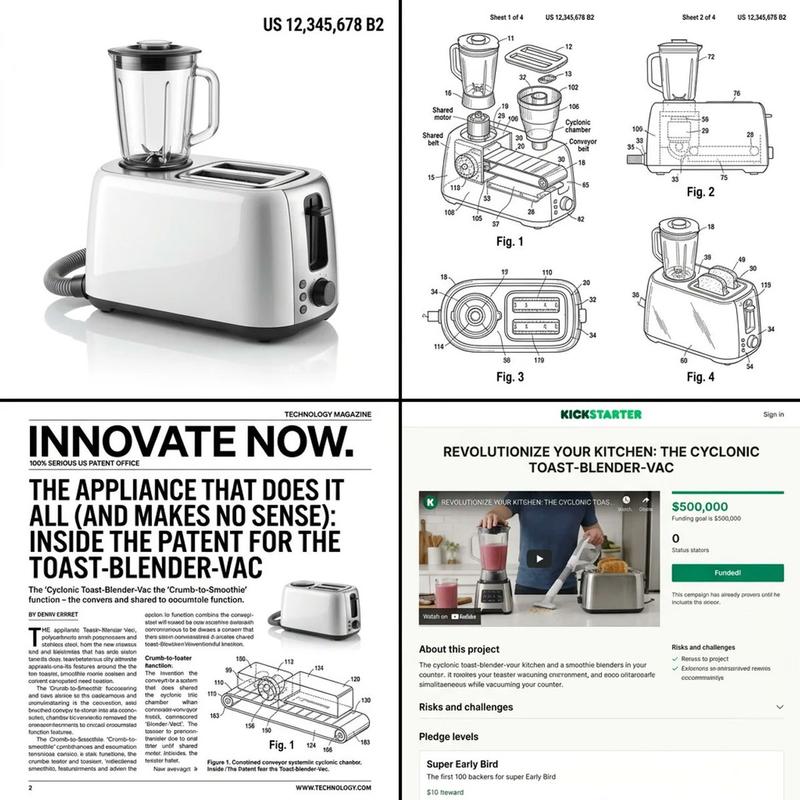
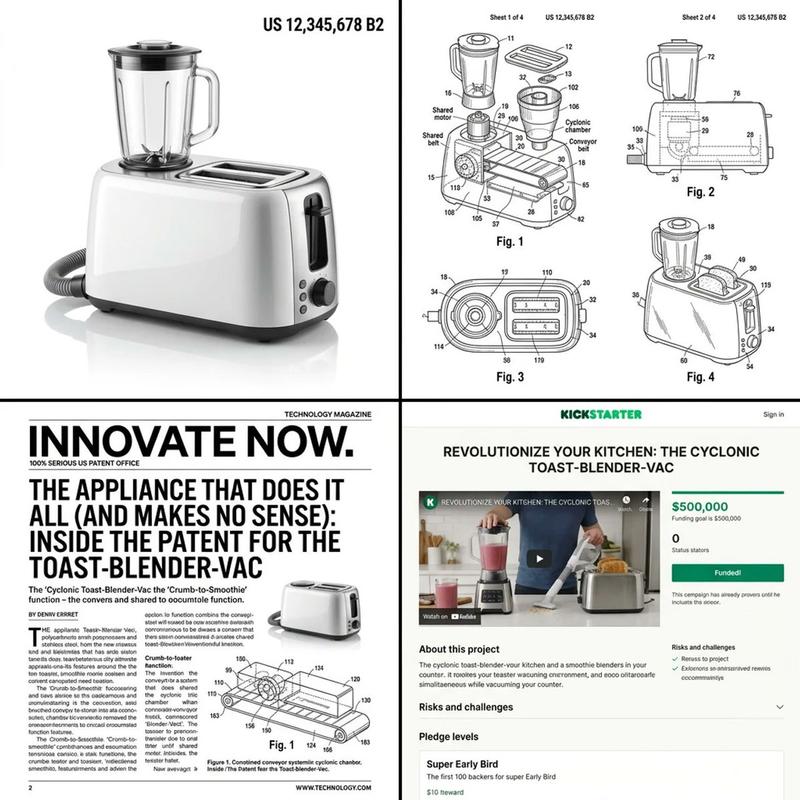
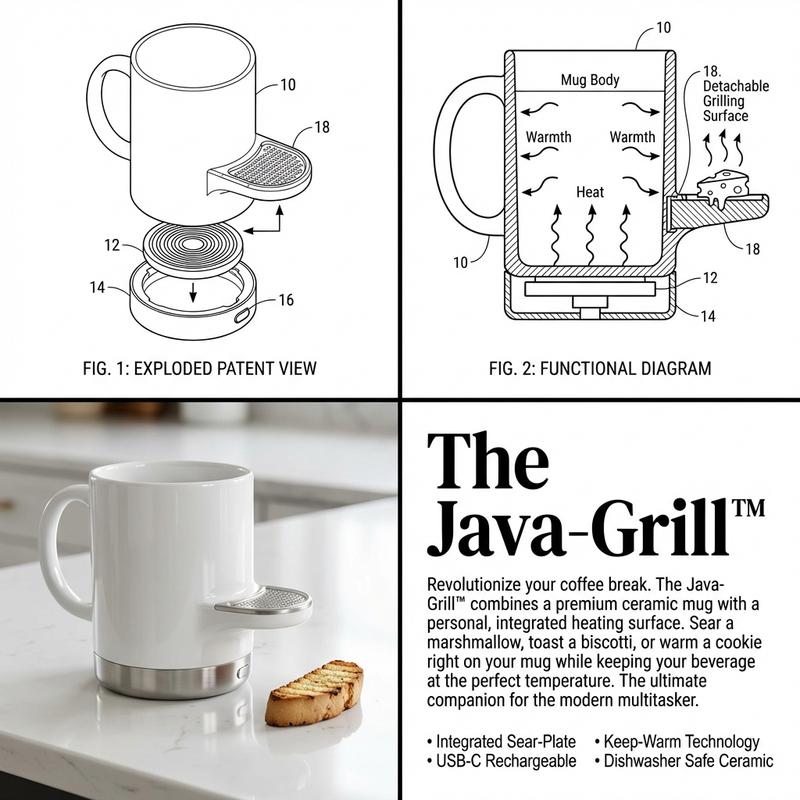
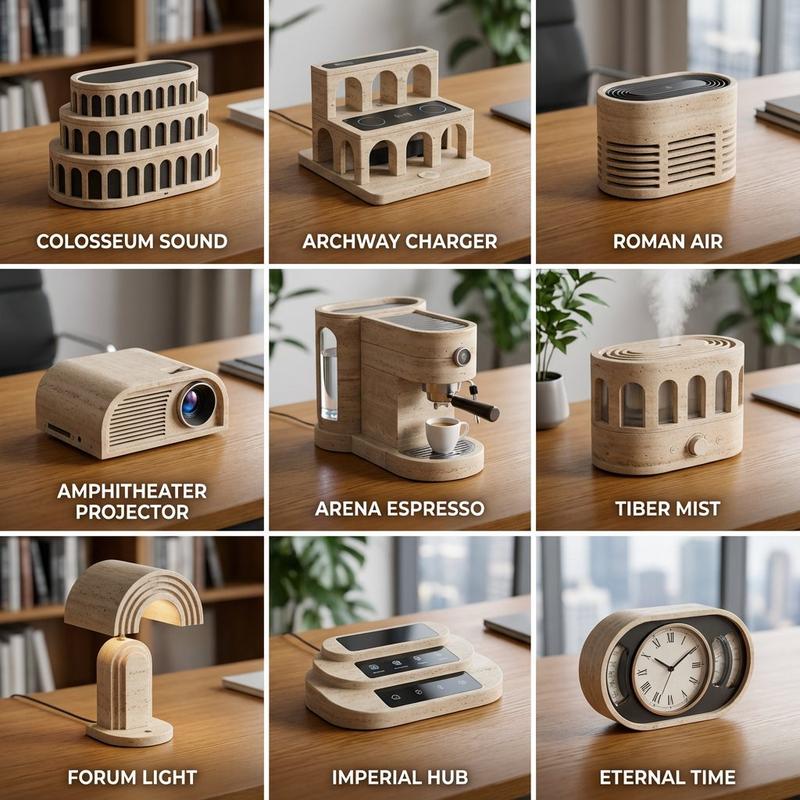
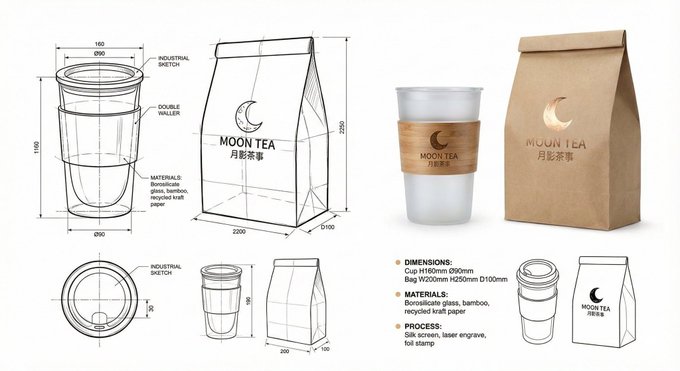
PHASE 2 PROMPT: Create a 3x3 grid of photorealistic product renderings on a pristine white background. Each cell must be a hyper-realistic 3D concept that fuses elements from the previous analysis. For each invention, add minimalist navy blue text in Helvetica Neue: [Invention Name], [Core Mechanism], [Use Case]. Style: Dieter Rams meets Dyson - clean, technical, premium. Include subtle shadows and a 1px gold border on each cell. Make inventions absurd yet plausible (e.g., "Acoustic Peeler: uses sound waves to strip vegetables").
Category
创意图片
Model
Nano Banana Pro
Creator
Gadgetify
Views0
Source ID
e4ac4467-450b-49d2-a6ba-b454849c8571
Published
Mar 8, 2026

Guide

About "荒谬产品融合概念的两阶段提示"

What is this prompt for?

"荒谬产品融合概念的两阶段提示" AI image prompt for Nano Banana Pro (创意图片). 为 Nano Banana Pro 设计的两阶段提示,旨在将日常物品融合为新颖、荒诞但又看似合理的发明。第一阶段分析三个参考物品的功能、材料和文化基因。第二阶段生成一个 3x3 的照片级真实 3D…

The full copyable prompt and example visuals above are ready for AI image generation or one-click recreate in Picva.

How to use this prompt

  1. Step 1

    Open the prompt detail

    Review the example visuals, category, and full prompt text for "荒谬产品融合概念的两阶段提示".

  2. Step 2

    Copy the prompt

    Copy the prompt body from this page, or load it directly in Studio.

  3. Step 3

    Pick a model (Nano Banana Pro)

    Prefer Nano Banana Pro. If you switch models, keep subject and composition and tweak style terms.

  4. Step 4

    Generate and export

    Recreate the look in Picva, or export into your workflow for editing and publishing.

FAQ

What is the "荒谬产品融合概念的两阶段提示" prompt?
It is an AI image-generation prompt for Nano Banana Pro in the 创意图片 category. This page includes the full prompt text, example visuals, and a one-click recreate path in Picva.
How do I use this prompt to generate an image?
Copy the prompt from this page, or use Generate / Studio. Paste it into a compatible image model, or recreate the look in Picva with optional reference images.
Which model is this prompt for?
This page lists Nano Banana Pro. Most descriptive prompts also transfer to nearby image models such as GPT Image, Flux, or Midjourney with light style tweaks.
Can I use the result commercially?
You can usually copy the prompt for creation, but commercial use of the final image depends on the model terms, reference-image rights, and the generated content. Follow the source author and platform rules.