18

荒谬可专利发明生成器
Enlarge

荒谬可专利发明生成器

Prompt
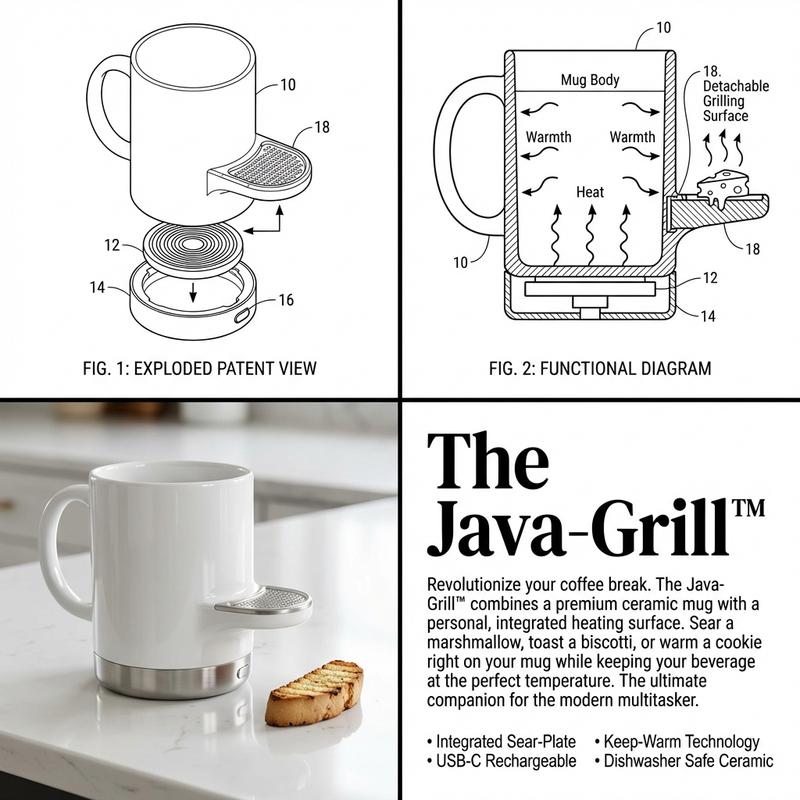
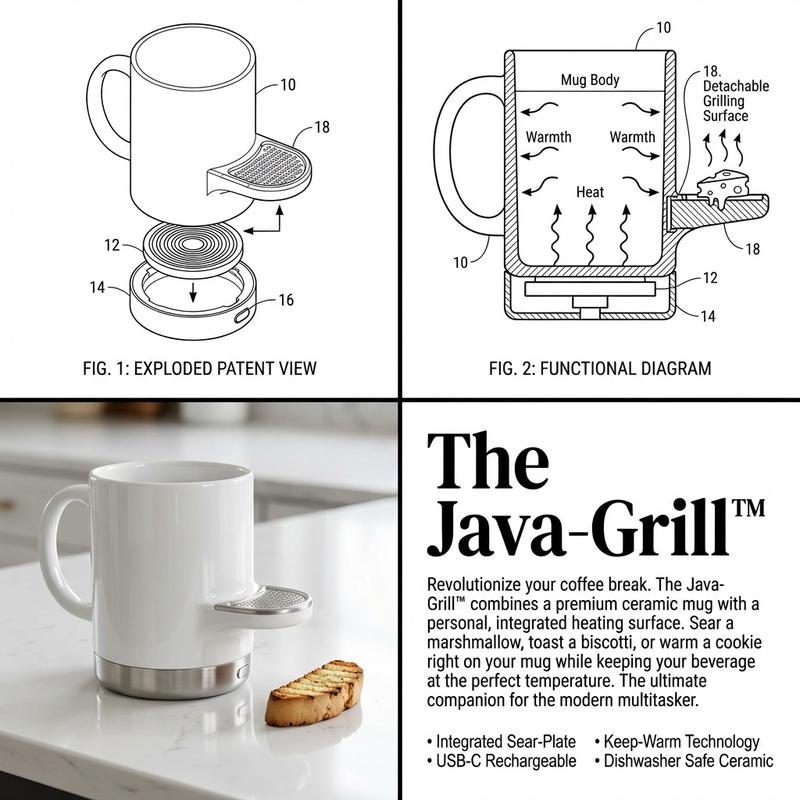
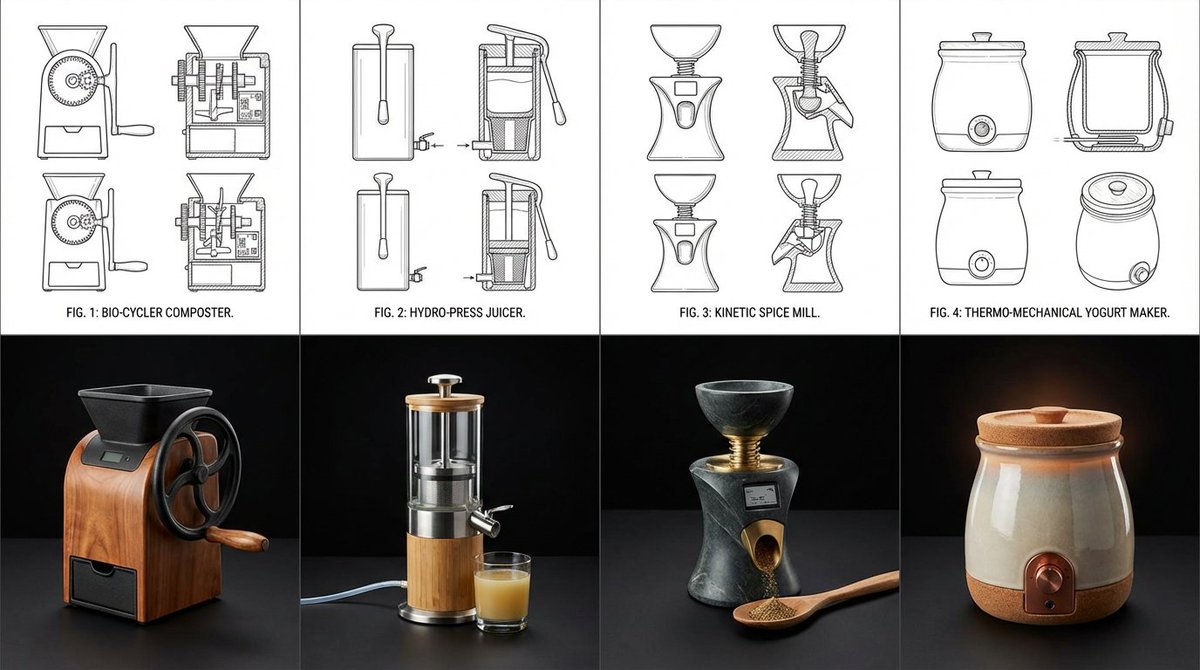
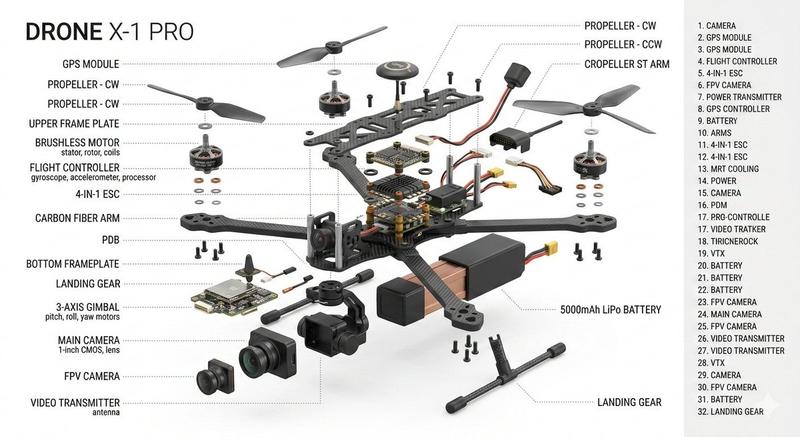
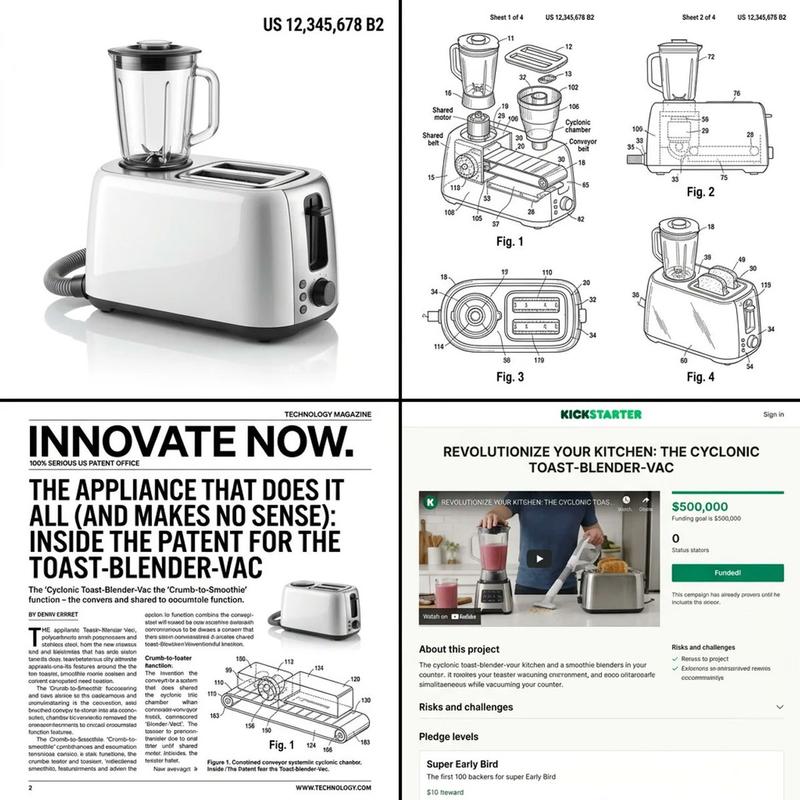
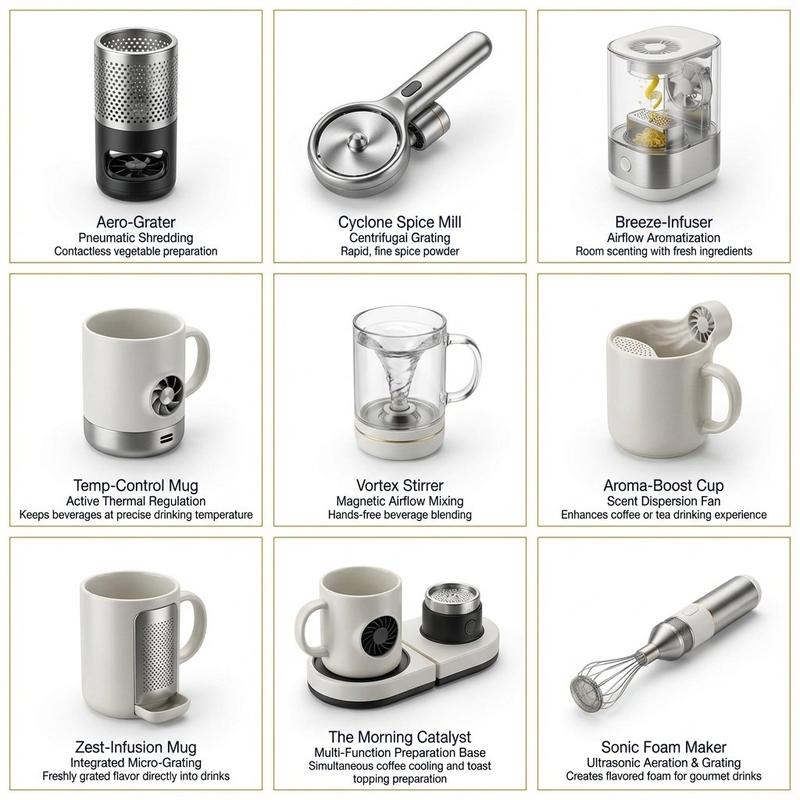
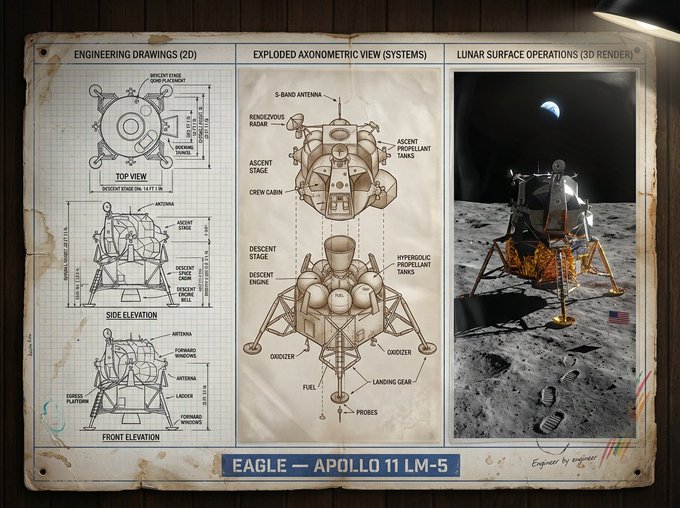
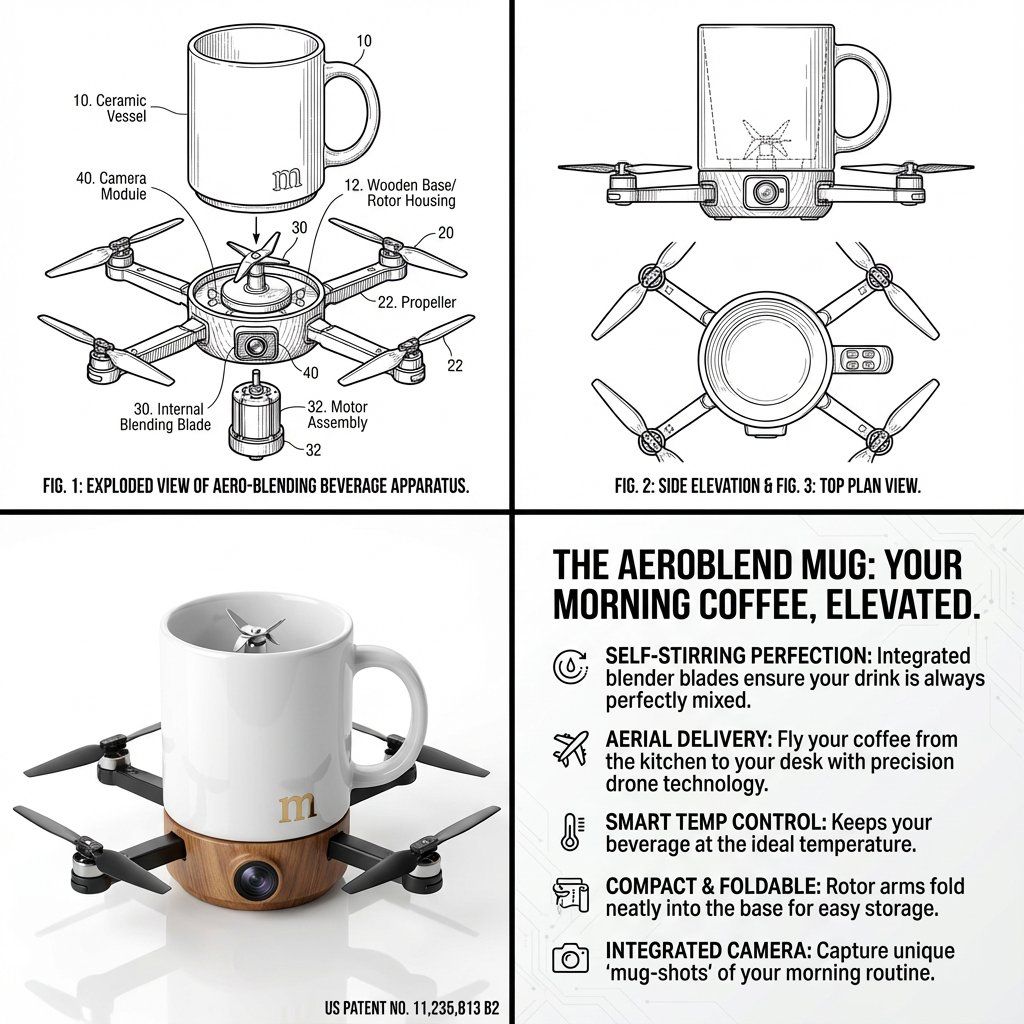
Step 1 – Upload three random objects. Step 2: analyze these gadgets, learn about their features how they can be combined, what can be inspired by them.  Step 3: Combine these three objects into one single absurd but legally patentable invention, borrowing elements from each. Output:  Step 4, draw a 2x2 grid of this invention:   Grid 1 & 2: “Create 2 clean black-and-white technical patent drawings (exploded view, side, top, perspective) of this new invention in classic patent illustration style.” Grid 3  “Now render the final product in glossy Apple-product-photography style on white infinity background with subtle reflection. Add fake patent number in corner.”  Grid 4: detailed explanation of selling points like a tech magazine.
Category
创意图片
Model
Nano Banana Pro
Creator
Gadgetify
Views0
Source ID
a02ab1f5-6a20-42ad-bf61-6829db2d6fea
Published
Mar 8, 2026

Guide

About "荒谬可专利发明生成器"

What is this prompt for?

"荒谬可专利发明生成器" AI image prompt for Nano Banana Pro (创意图片). 这是一个为 Nano Banana Pro 设计的多步骤提示,旨在分析三个上传的随机物体,将其特征组合成一个荒谬但可申请专利的发明,然后输出一个 2x2 网格,其中包含技术专利图纸、一张光面产品渲染图和一…

The full copyable prompt and example visuals above are ready for AI image generation or one-click recreate in Picva.

How to use this prompt

  1. Step 1

    Open the prompt detail

    Review the example visuals, category, and full prompt text for "荒谬可专利发明生成器".

  2. Step 2

    Copy the prompt

    Copy the prompt body from this page, or load it directly in Studio.

  3. Step 3

    Pick a model (Nano Banana Pro)

    Prefer Nano Banana Pro. If you switch models, keep subject and composition and tweak style terms.

  4. Step 4

    Generate and export

    Recreate the look in Picva, or export into your workflow for editing and publishing.

FAQ

What is the "荒谬可专利发明生成器" prompt?
It is an AI image-generation prompt for Nano Banana Pro in the 创意图片 category. This page includes the full prompt text, example visuals, and a one-click recreate path in Picva.
How do I use this prompt to generate an image?
Copy the prompt from this page, or use Generate / Studio. Paste it into a compatible image model, or recreate the look in Picva with optional reference images.
Which model is this prompt for?
This page lists Nano Banana Pro. Most descriptive prompts also transfer to nearby image models such as GPT Image, Flux, or Midjourney with light style tweaks.
Can I use the result commercially?
You can usually copy the prompt for creation, but commercial use of the final image depends on the model terms, reference-image rights, and the generated content. Follow the source author and platform rules.