19

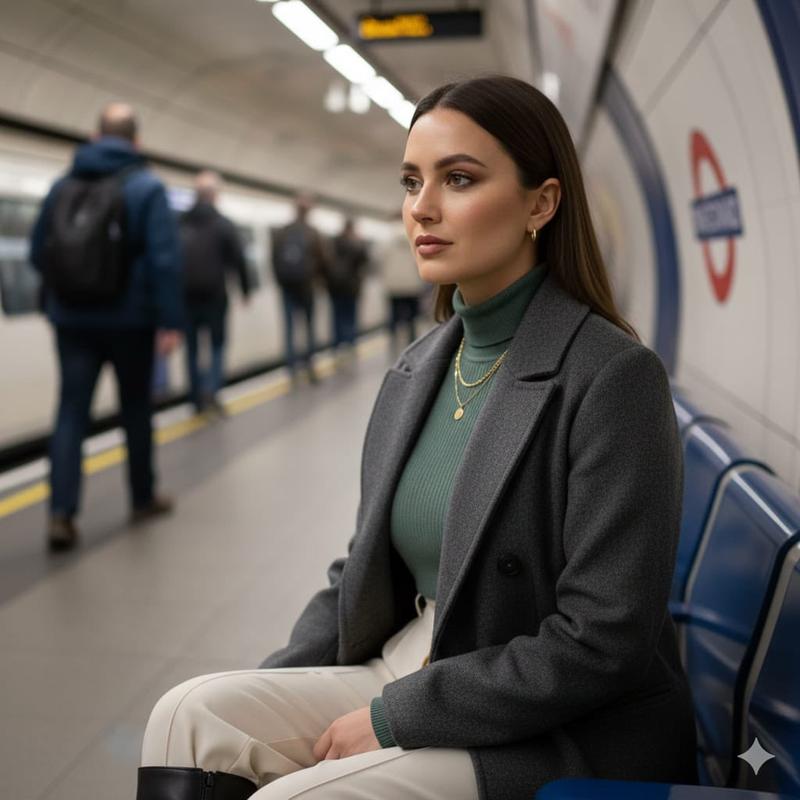
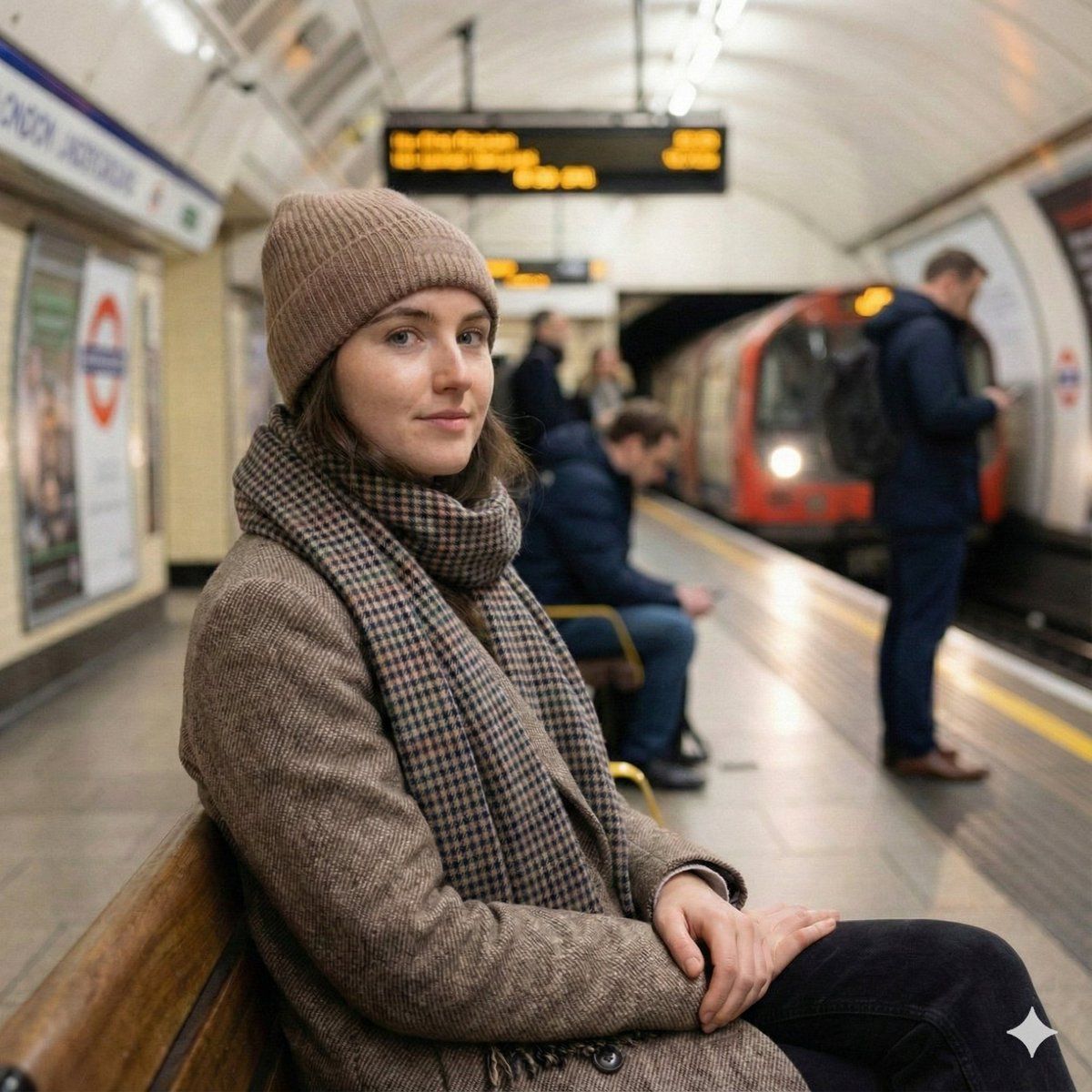
内省的伦敦地铁肖像
Enlarge

内省的伦敦地铁肖像

Prompt
{
  "scene": "{argument name="location" default="London underground subway platform"}, early Wednesday morning, March 2025, calm commuter atmosphere",
  "subject": "young woman sitting alone on a subway bench, waiting for the train, light spring coat and scarf",
  "expression": "quiet, thoughtful, looking off to the side",
  "focus": "razor-sharp focus on her face and upper body",
  "depth_of_field": "very shallow, heavy background blur",
  "background": "people moving and standing on the platform, soft motion blur, train lights in distance",
  "lighting": "soft natural morning light mixed with subway ambient lighting",
  "style": "photorealistic, candid phone-shot feel, unstaged moment",
  "mood": "minimal, introspective, cinematic realism",
  "quality": "high detail, clean tones, smooth bokeh"
}
Category
创意图片
Model
Nano Banana Pro
Creator
Johnn
Views0
Source ID
2b13bdab-8f60-4979-ac8d-34a447ef5938
Published
Mar 8, 2026

Guide

About "内省的伦敦地铁肖像"

What is this prompt for?

"内省的伦敦地铁肖像" AI image prompt for Nano Banana Pro (创意图片). 一个结构化的 JSON 提示词,用于生成一张逼真的、抓拍的年轻女性肖像,她独自坐在伦敦地铁站台上。重点在于电影般的真实感、浅景深以虚化背景动态,以及将自然晨光与地铁环境光线融合。 --- ```json {…

The full copyable prompt and example visuals above are ready for AI image generation or one-click recreate in Picva.

How to use this prompt

  1. Step 1

    Open the prompt detail

    Review the example visuals, category, and full prompt text for "内省的伦敦地铁肖像".

  2. Step 2

    Copy the prompt

    Copy the prompt body from this page, or load it directly in Studio.

  3. Step 3

    Pick a model (Nano Banana Pro)

    Prefer Nano Banana Pro. If you switch models, keep subject and composition and tweak style terms.

  4. Step 4

    Generate and export

    Recreate the look in Picva, or export into your workflow for editing and publishing.

FAQ

What is the "内省的伦敦地铁肖像" prompt?
It is an AI image-generation prompt for Nano Banana Pro in the 创意图片 category. This page includes the full prompt text, example visuals, and a one-click recreate path in Picva.
How do I use this prompt to generate an image?
Copy the prompt from this page, or use Generate / Studio. Paste it into a compatible image model, or recreate the look in Picva with optional reference images.
Which model is this prompt for?
This page lists Nano Banana Pro. Most descriptive prompts also transfer to nearby image models such as GPT Image, Flux, or Midjourney with light style tweaks.
Can I use the result commercially?
You can usually copy the prompt for creation, but commercial use of the final image depends on the model terms, reference-image rights, and the generated content. Follow the source author and platform rules.