20

发明原型展示盒提示
Enlarge

发明原型展示盒提示

Prompt
<instruction>
Input A is a world-changing invention (photo or invention name).
Analyze the inventor, eureka moment, prototype design, and societal impact.
Optional Input B is a style reference (patent office / inventor's workshop). If missing, choose steampunk-meets-modern museum aesthetic.
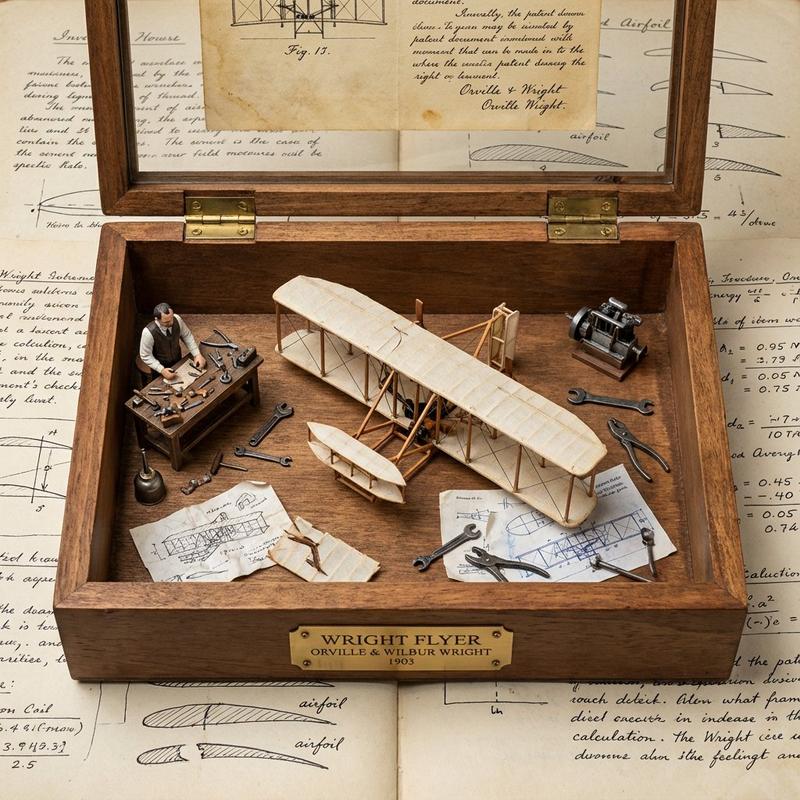
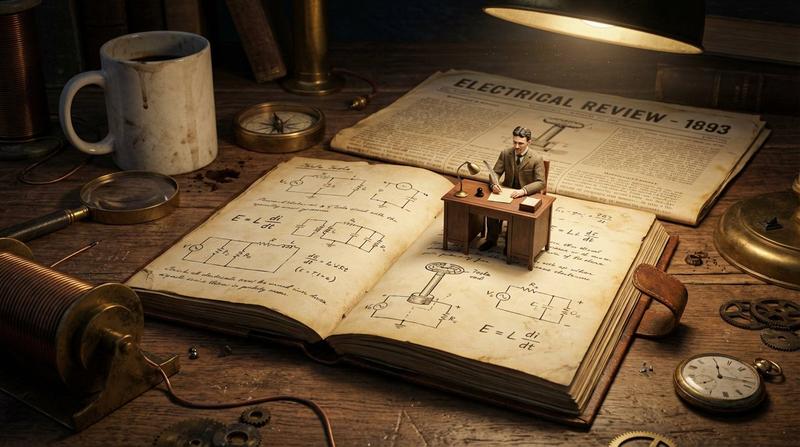
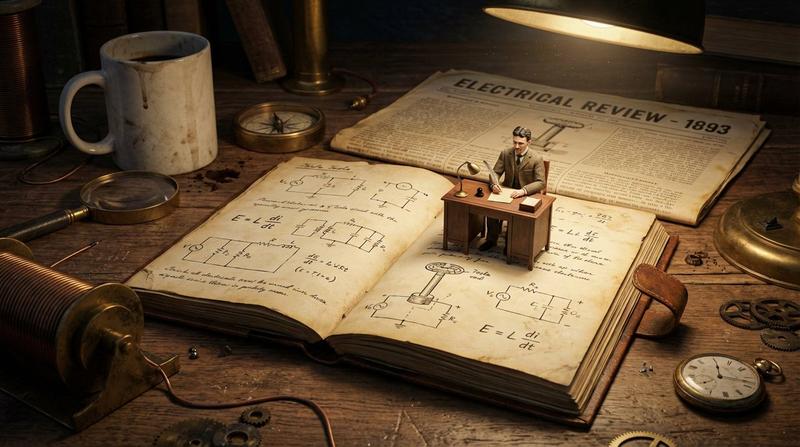
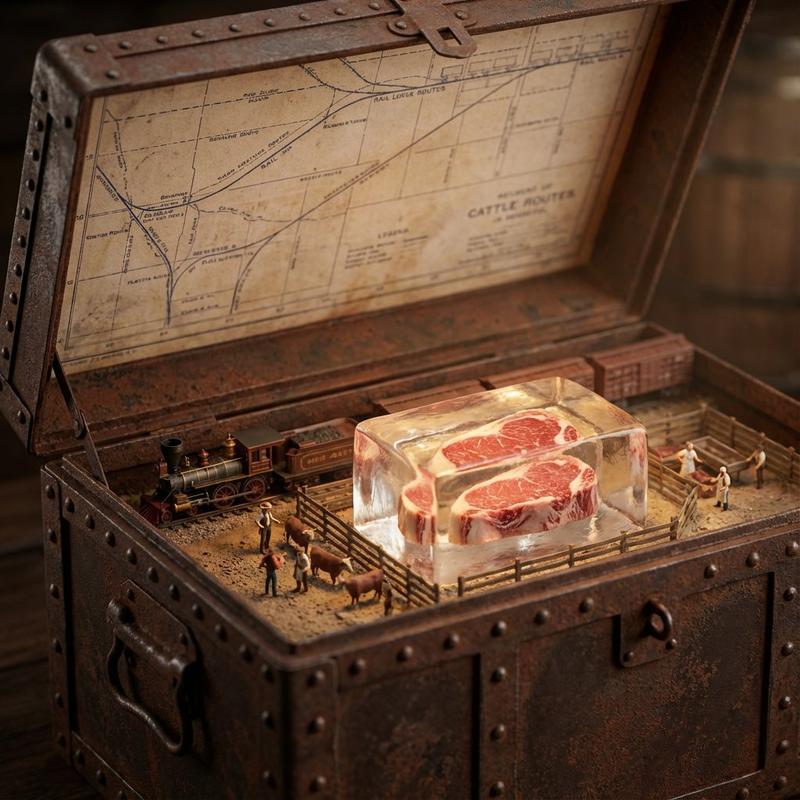
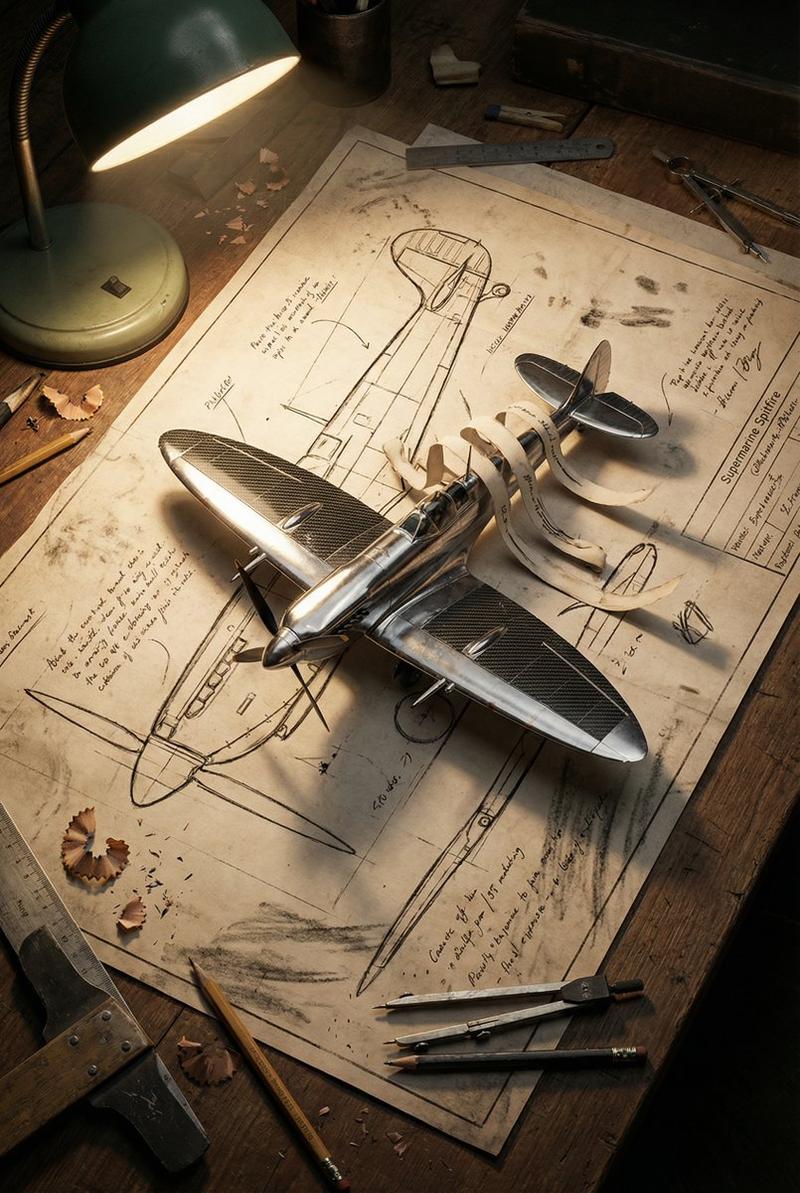
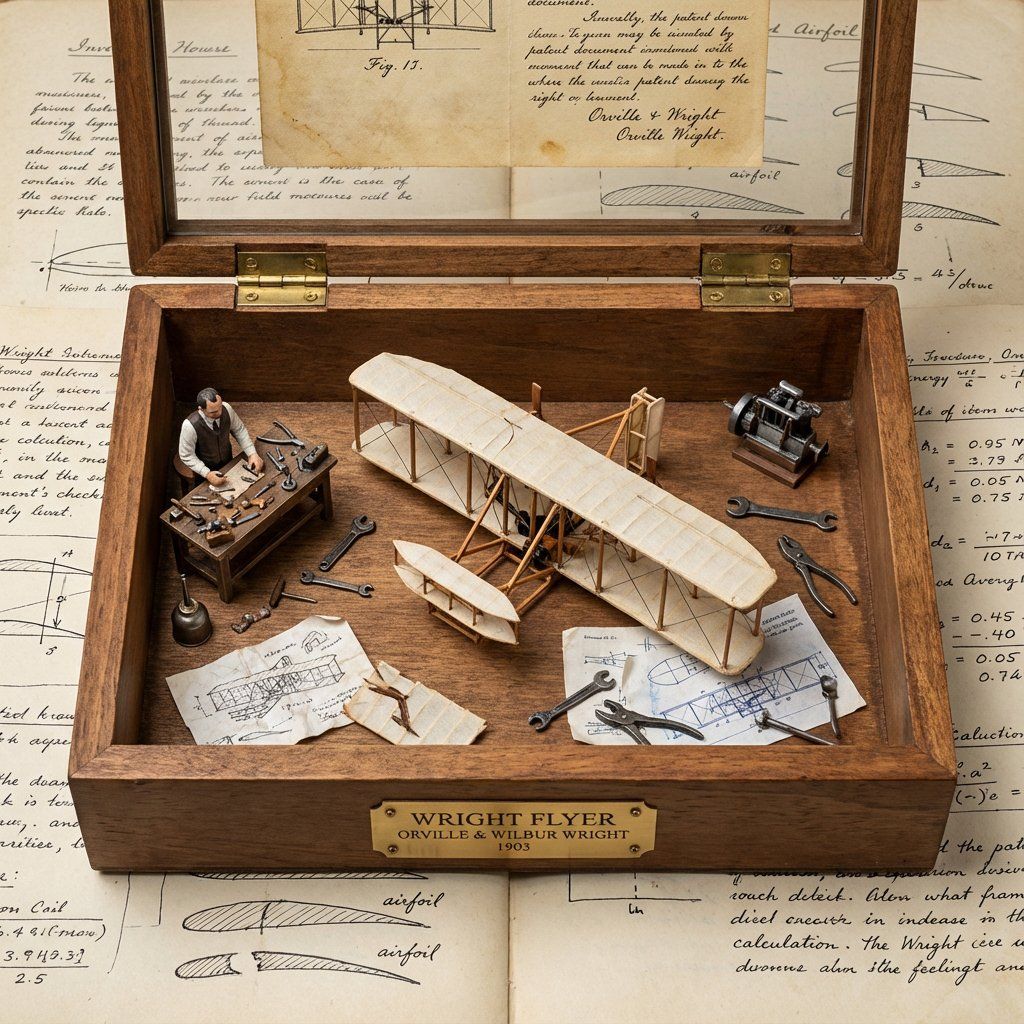
Goal: Wooden display box with brass hinges containing the miniature "first prototype" surrounded by inventor's tools, failed attempts, and blueprint fragments.
Rules:
- Center: tiny working-looking prototype of the invention
- Include inventor figurine at miniature workbench
- Surround with 10-15 period tools, sketches, failed versions
- Add aged paper "patent document" visible through glass top
- Materials: dark wood, brass accents, vintage glass
- Plaque with invention name, inventor, patent year
Output: ONE image, 1:1 inventor's journal aesthetic
</instruction>
Category
创意图片
Model
Nano Banana Pro
Creator
Gadgetify
Views0
Source ID
a100d1a1-424d-4cfb-b45c-0e92c95ea3db
Published
Mar 8, 2026

Guide

About "发明原型展示盒提示"

What is this prompt for?

"发明原型展示盒提示" AI image prompt for Nano Banana Pro (创意图片). 一个为 Nano Banana Pro 设计的结构化提示模板,用于可视化一项历史发明。它需要生成一张图片,内容是一个带有黄铜铰链的木制展示盒,里面装着指定发明的微型“首个原型”,周围环绕着发明家的工具、蓝图…

The full copyable prompt and example visuals above are ready for AI image generation or one-click recreate in Picva.

How to use this prompt

  1. Step 1

    Open the prompt detail

    Review the example visuals, category, and full prompt text for "发明原型展示盒提示".

  2. Step 2

    Copy the prompt

    Copy the prompt body from this page, or load it directly in Studio.

  3. Step 3

    Pick a model (Nano Banana Pro)

    Prefer Nano Banana Pro. If you switch models, keep subject and composition and tweak style terms.

  4. Step 4

    Generate and export

    Recreate the look in Picva, or export into your workflow for editing and publishing.

FAQ

What is the "发明原型展示盒提示" prompt?
It is an AI image-generation prompt for Nano Banana Pro in the 创意图片 category. This page includes the full prompt text, example visuals, and a one-click recreate path in Picva.
How do I use this prompt to generate an image?
Copy the prompt from this page, or use Generate / Studio. Paste it into a compatible image model, or recreate the look in Picva with optional reference images.
Which model is this prompt for?
This page lists Nano Banana Pro. Most descriptive prompts also transfer to nearby image models such as GPT Image, Flux, or Midjourney with light style tweaks.
Can I use the result commercially?
You can usually copy the prompt for creation, but commercial use of the final image depends on the model terms, reference-image rights, and the generated content. Follow the source author and platform rules.