20

将蓝图提示词转化为 3D Chrome 效果
Enlarge

将蓝图提示词转化为 3D Chrome 效果

Prompt
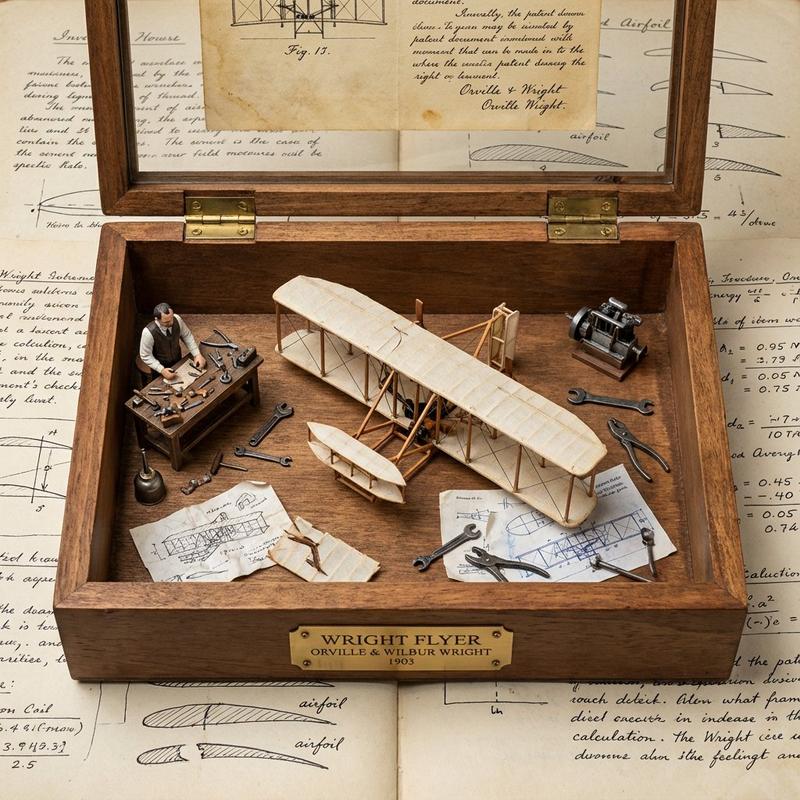
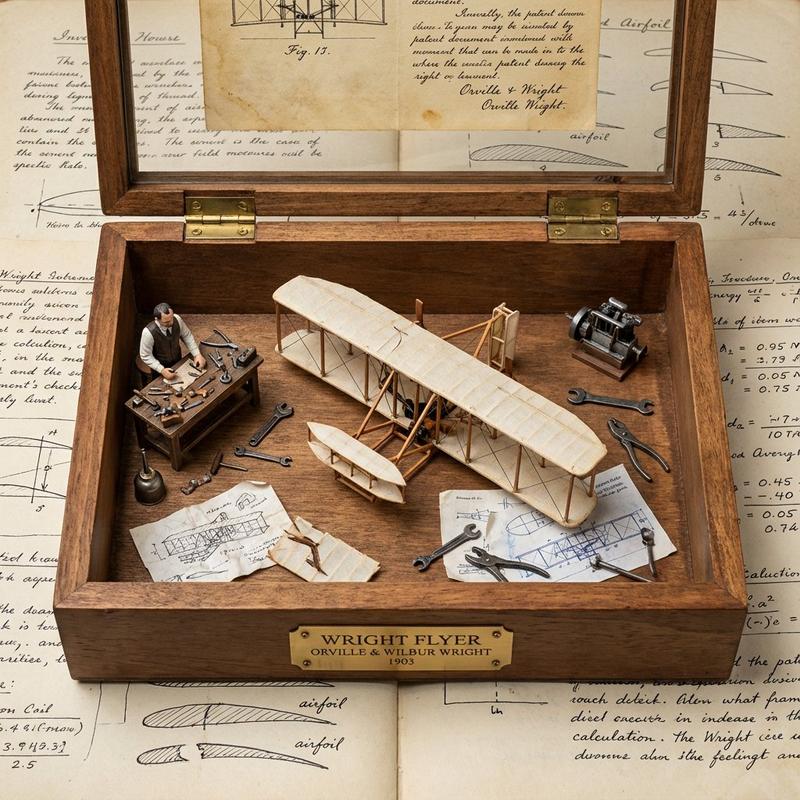
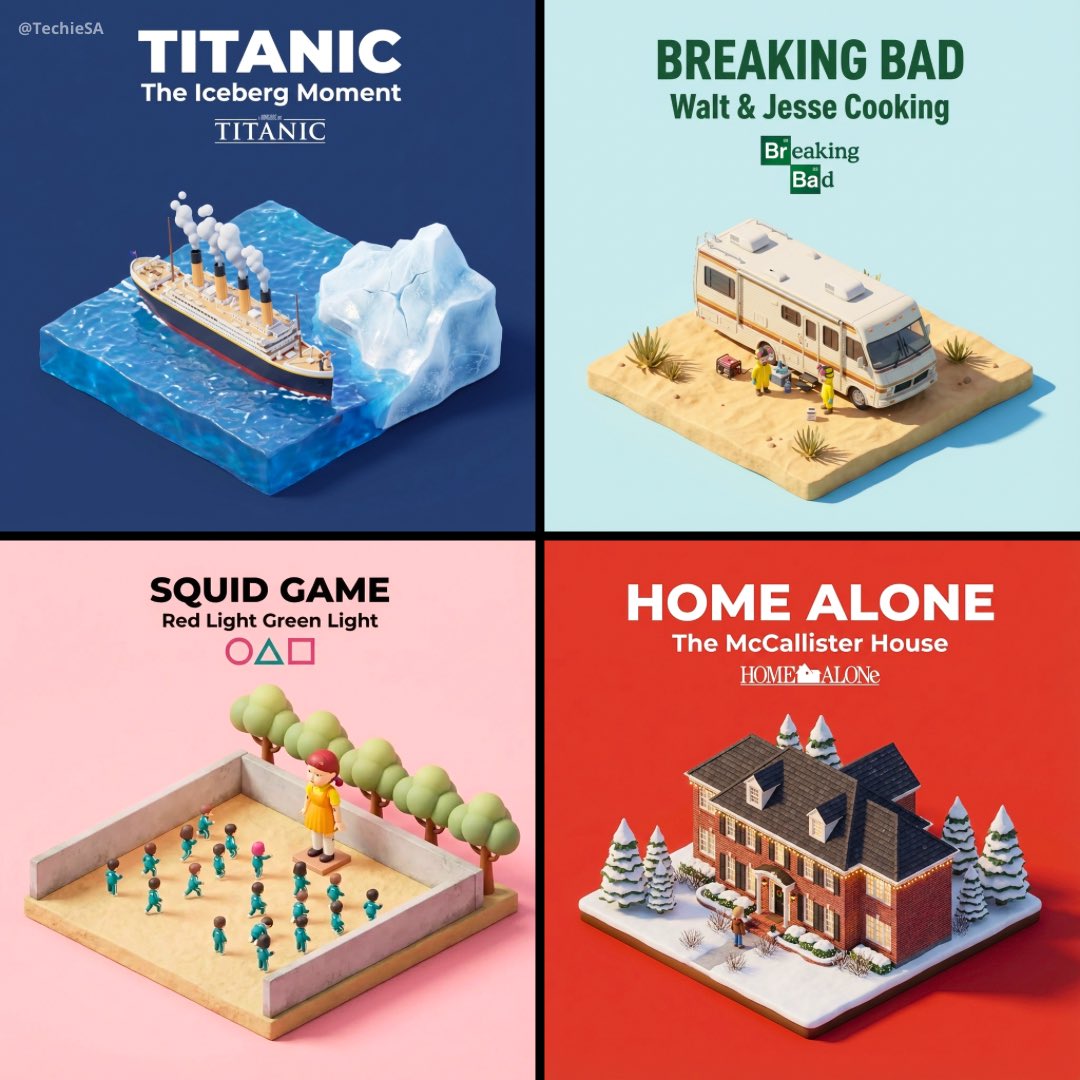
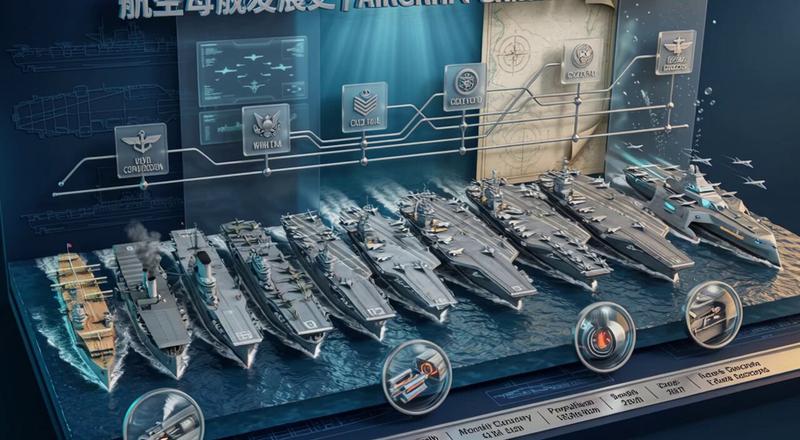
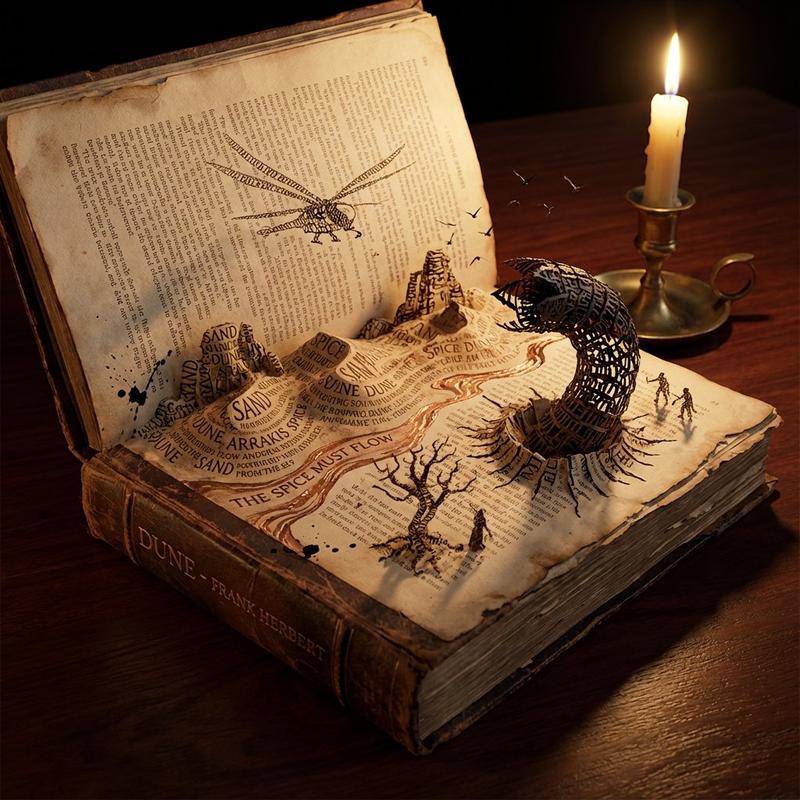
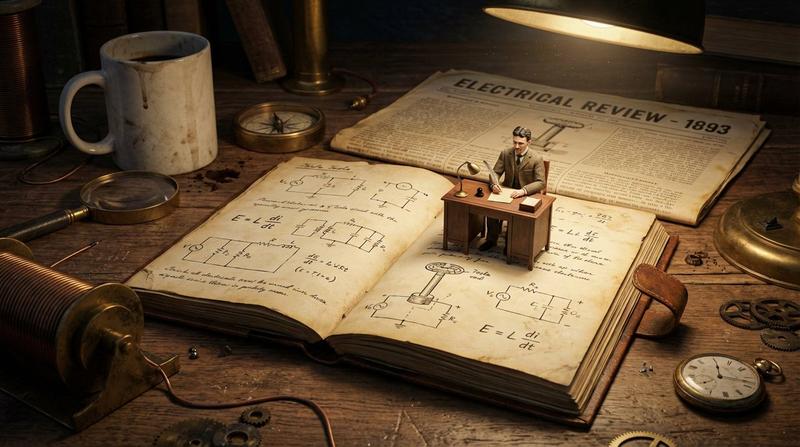
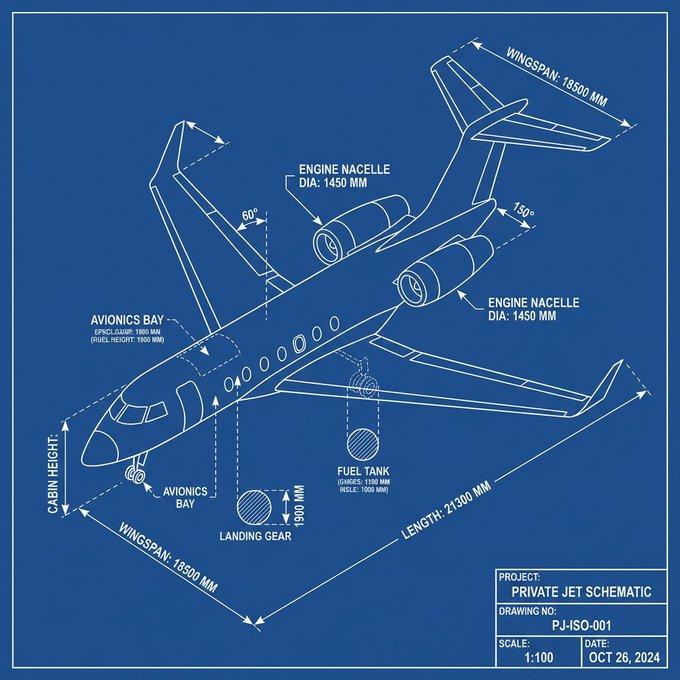
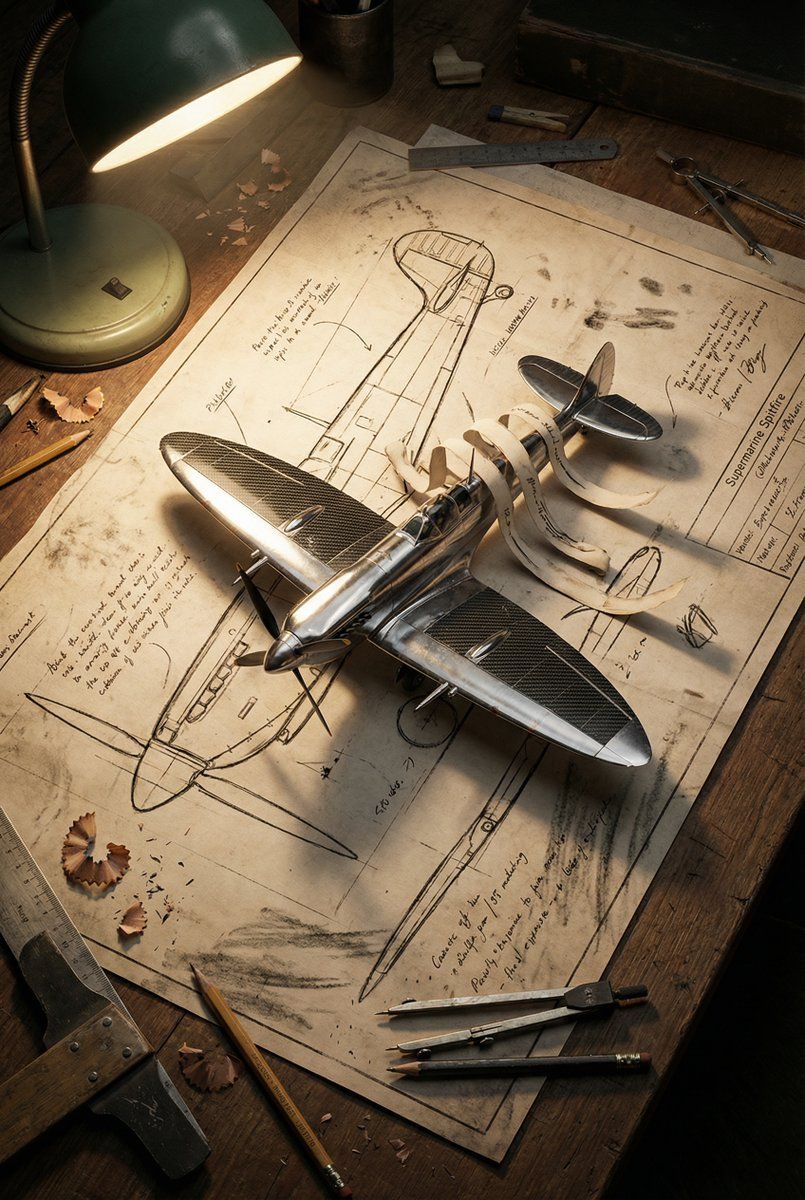
A vintage yellowed blueprint of a {argument name="subject" default="Porsche 911 or Medieval Castle"} lying on a wooden desk. The 2D ink lines are physically lifting off the paper and manifesting into a realistic, 3D chrome and carbon fiber model in the center. Pencil shavings and drafting tools lie scattered around. A mix of hand-drawn charcoal aesthetics and hyper-realistic 3D rendering. High contrast, dramatic side lighting from a desk lamp, 8K, cinematic storytelling.
Category
创意图片
Model
Nano Banana Pro
Views1
Source ID
ea6f4364-2ae1-423f-a915-d6626861b9b7
Published
Mar 8, 2026

Guide

About "将蓝图提示词转化为 3D Chrome 效果"

What is this prompt for?

"将蓝图提示词转化为 3D Chrome 效果" AI image prompt for Nano Banana Pro (创意图片). 一个创意提示,用于生成一张图片:一张放在木质桌上的老式蓝图,物理地显现为一个逼真的 3D 镀铬和碳纤维模型。该提示详细说明了美学组合(手绘炭笔画和超现实 3D)、光照(戏剧性的侧光…

The full copyable prompt and example visuals above are ready for AI image generation or one-click recreate in Picva.

How to use this prompt

  1. Step 1

    Open the prompt detail

    Review the example visuals, category, and full prompt text for "将蓝图提示词转化为 3D Chrome 效果".

  2. Step 2

    Copy the prompt

    Copy the prompt body from this page, or load it directly in Studio.

  3. Step 3

    Pick a model (Nano Banana Pro)

    Prefer Nano Banana Pro. If you switch models, keep subject and composition and tweak style terms.

  4. Step 4

    Generate and export

    Recreate the look in Picva, or export into your workflow for editing and publishing.

FAQ

What is the "将蓝图提示词转化为 3D Chrome 效果" prompt?
It is an AI image-generation prompt for Nano Banana Pro in the 创意图片 category. This page includes the full prompt text, example visuals, and a one-click recreate path in Picva.
How do I use this prompt to generate an image?
Copy the prompt from this page, or use Generate / Studio. Paste it into a compatible image model, or recreate the look in Picva with optional reference images.
Which model is this prompt for?
This page lists Nano Banana Pro. Most descriptive prompts also transfer to nearby image models such as GPT Image, Flux, or Midjourney with light style tweaks.
Can I use the result commercially?
You can usually copy the prompt for creation, but commercial use of the final image depends on the model terms, reference-image rights, and the generated content. Follow the source author and platform rules.