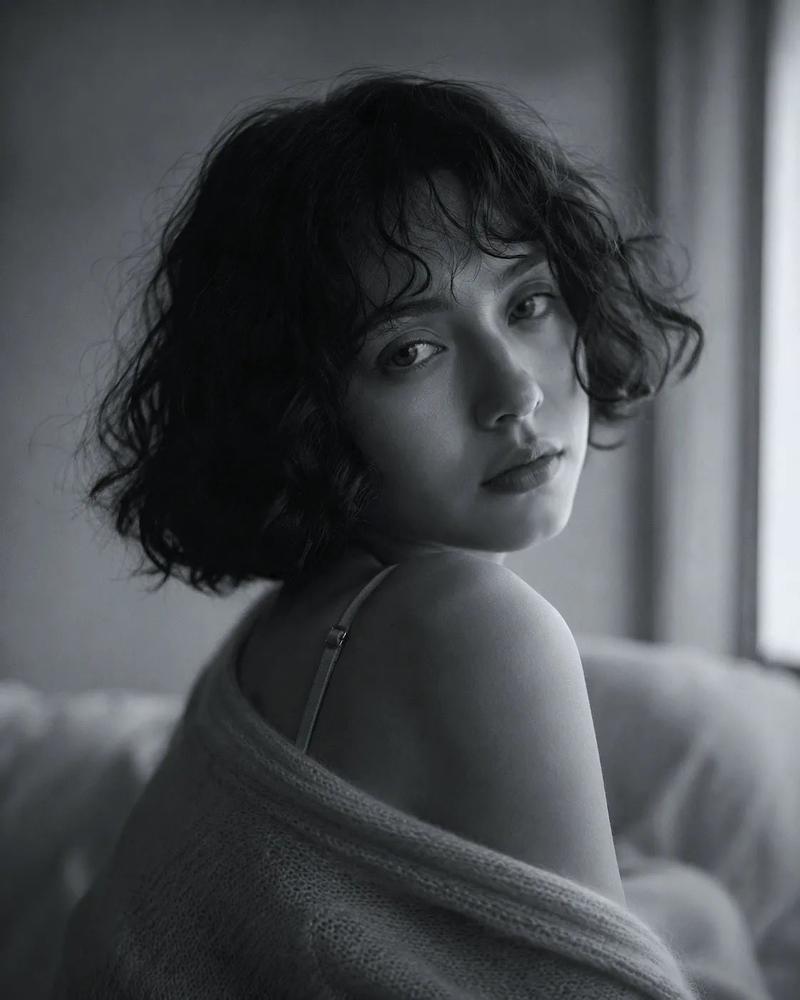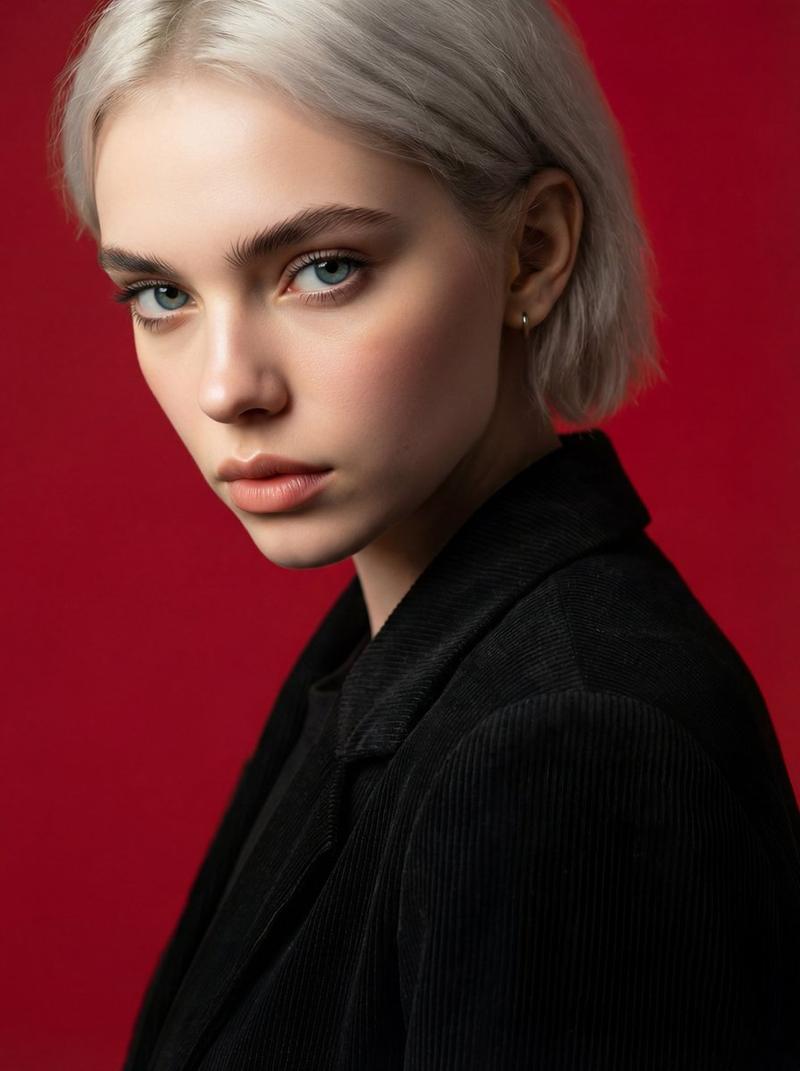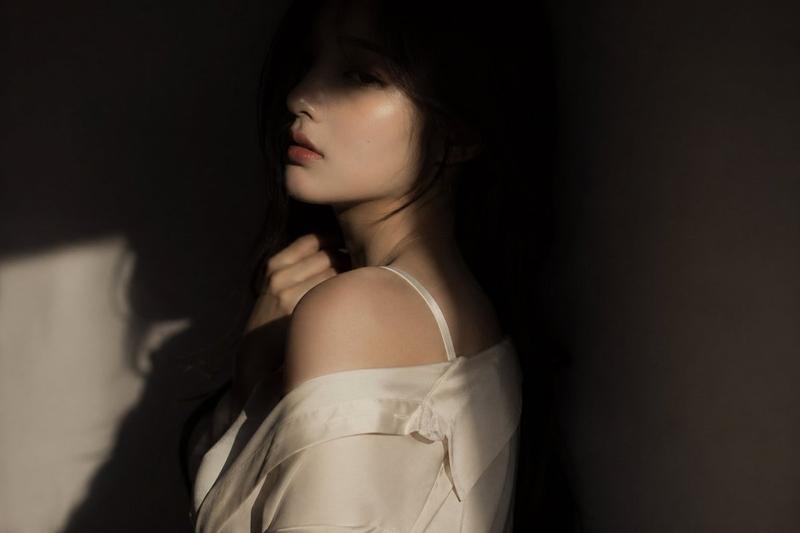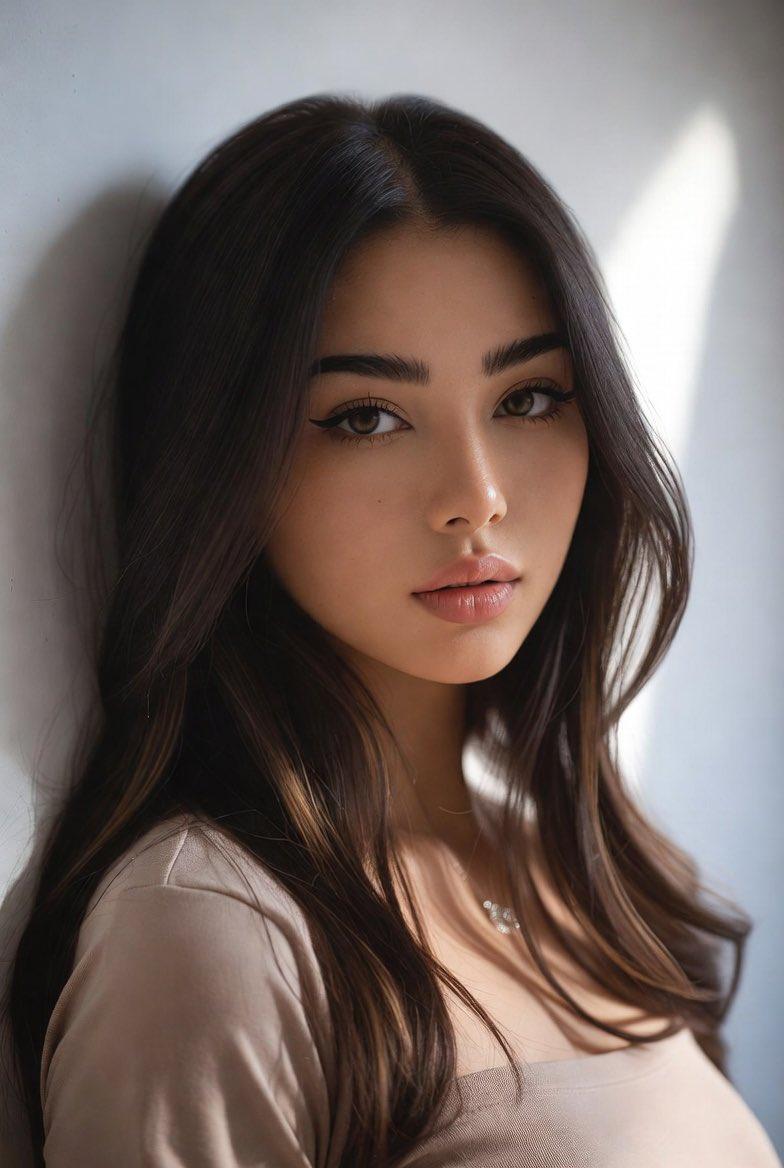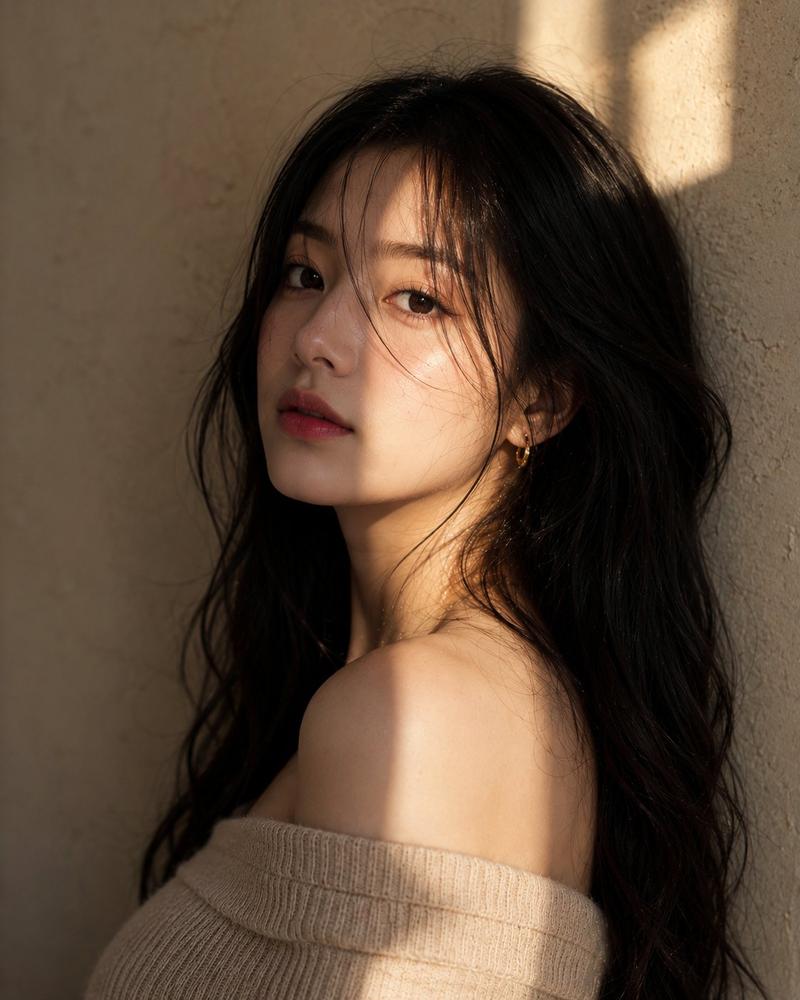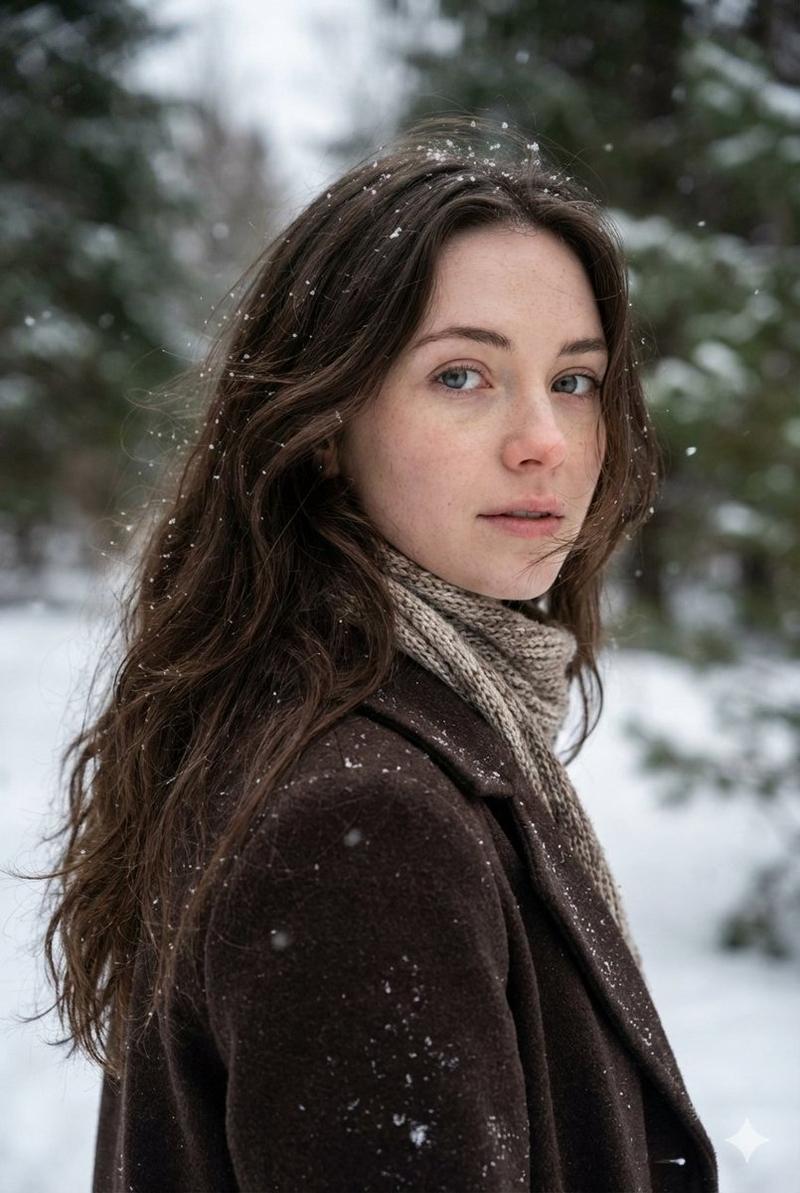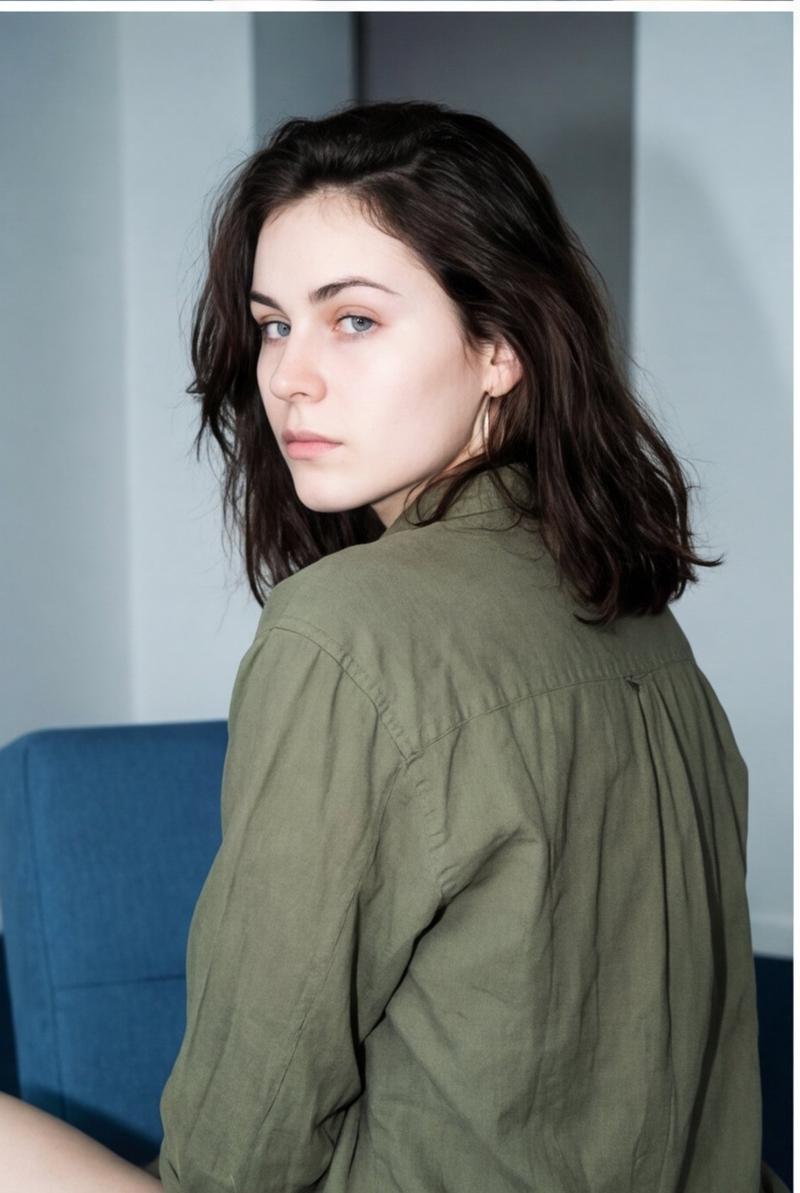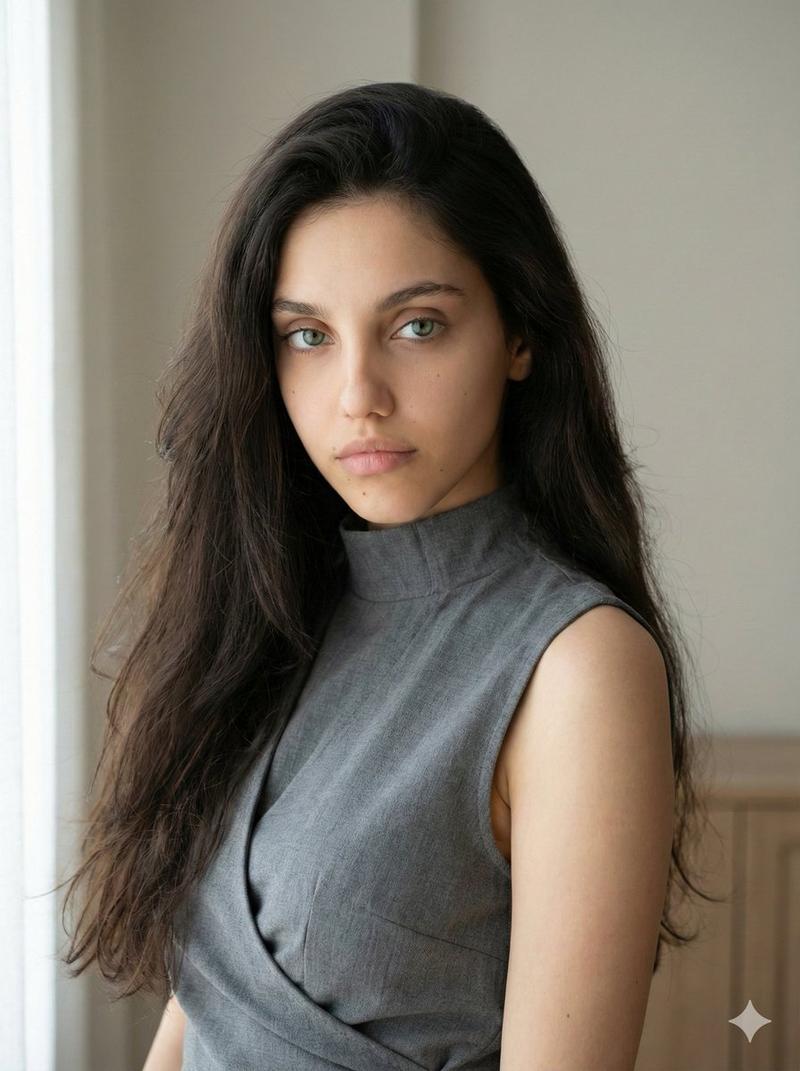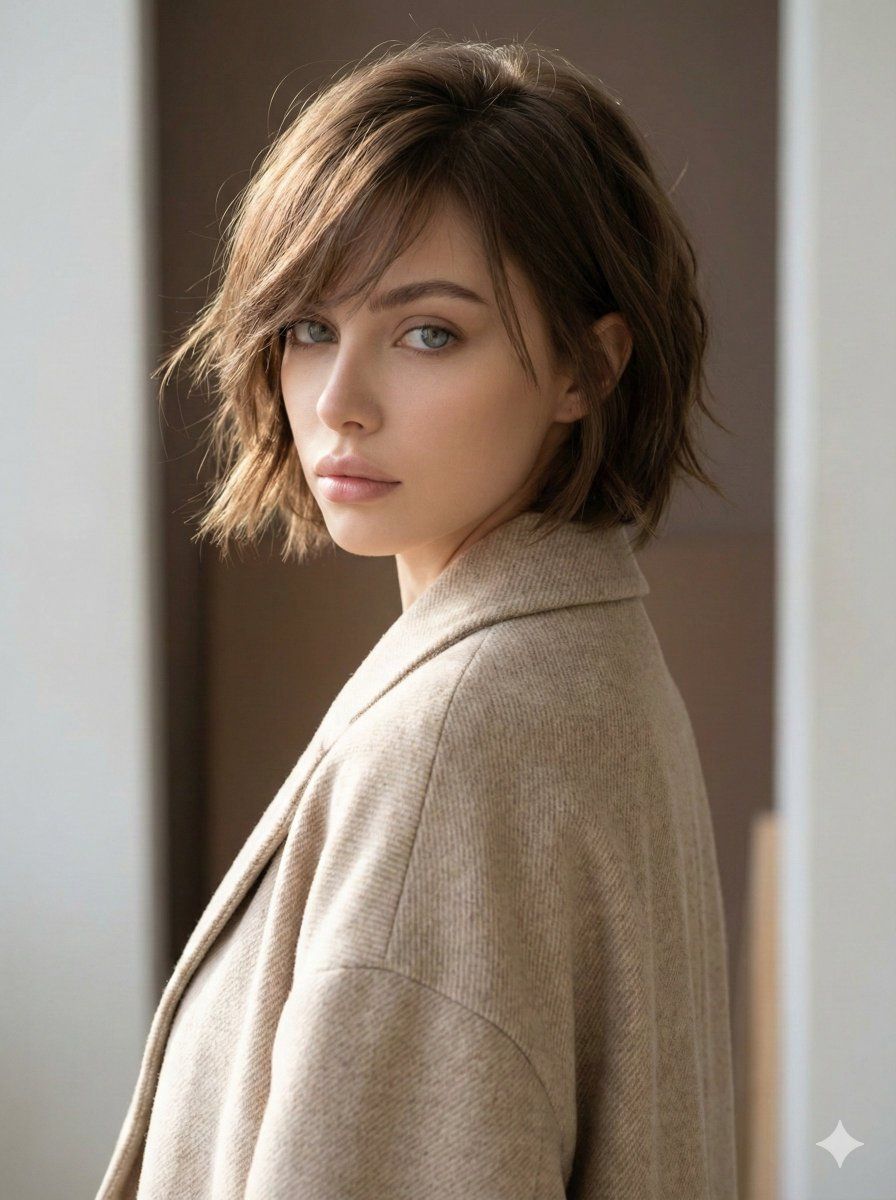
极简主义时尚编辑肖像
Prompt
{
"image_type": "portrait_photography",
"composition": {
"framing": "medium close-up",
"orientation": "vertical",
"subject_position": "subject centered slightly right, body turned away with head rotated back toward camera",
"crop": "cropped at mid-back, full head visible",
"perspective": "eye-level",
"pose": "three-quarter back view with over-the-shoulder gaze",
"negative_space": "soft, minimal negative space on right edge with light-toned background"
},
"subject": {
"gender_presentation": "female",
"age_range": "young adult",
"skin_tone": "light, neutral-warm",
"facial_expression": "neutral, calm, introspective",
"gaze_direction": "looking slightly past the camera",
"hair": {
"style": "short layered bob",
"length": "jaw to neck length",
"texture": "naturally tousled, slightly wavy",
"volume": "medium with airy lift",
"parting": "asymmetrical side-swept fringe",
"color": "medium brown with subtle warm highlights"
},
"facial_features": {
"eyebrows": "natural, medium thickness",
"eyes": "soft almond shape",
"makeup": "minimal, natural finish",
"skin_finish": "matte with subtle natural texture"
}
},
"wardrobe": {
"garment_type": "coat or structured jacket",
"fit": "relaxed, slightly oversized",
"fabric": "textured woven wool or wool-blend",
"color": "light beige / cream",
"style": "minimalist, modern, understated"
},
"lighting": {
"type": "natural light",
"direction": "soft side light from left",
"quality": "diffused, low contrast",
"shadow_characteristics": "gentle shadows with smooth falloff",
"highlight_behavior": "subtle highlights on cheekbone and hair strands"
},
"color_palette": {
"dominant_colors": ["beige", "warm brown", "soft white"],
"accent_colors": ["muted taupe", "light skin tones"],
"saturation": "low to moderate",
"overall_tone": "warm-neutral, earthy"
},
"background": {
"environment": "studio or interior setting",
"elements": "blurred rectangular artwork or panel behind subject",
"depth_of_field": "shallow, background softly out of focus",
"color": "muted brown and off-white",
"texture": "smooth with subtle painterly blur"
},
"technical_details": {
"camera_type": "DSLR or mirrorless",
"lens_estimate": "50mm–85mm portrait lens",
"aperture_estimate": "wide aperture (approximately f/2–f/2.8)",
"sharpness": "sharp focus on face and hair",
"noise": "minimal",
"white_balance": "warm, natural"
},
"artistic_style": {
"genre": "fashion editorial portrait",
"mood": "soft, intimate, understated",
"aesthetic": "modern minimalist, effortless elegance",
"stylistic_influences": ["editorial fashion photography", "natural light portraiture"],
"retouching_level": "light, natural retouching preserving skin texture"
},
"typography": {
"presence": "none"
},
"overall_impression": {
"visual_focus": "hair texture and facial profile",
"emotion": "quiet confidence and calm introspection",
"use_c
ase": ["fashion editorial", "hair styling reference", "portrait inspiration"]
}
}- Category
- 创意图片
- Model
- Nano Banana Pro
- Creator
- Heisenberg
- Source ID
- 700162ff-d569-4a5a-9e1f-f5953c0c2954
- Published
- Mar 8, 2026
Views0