即时宝丽来传送门光学幻象提示
Prompt
{
    "subject": {
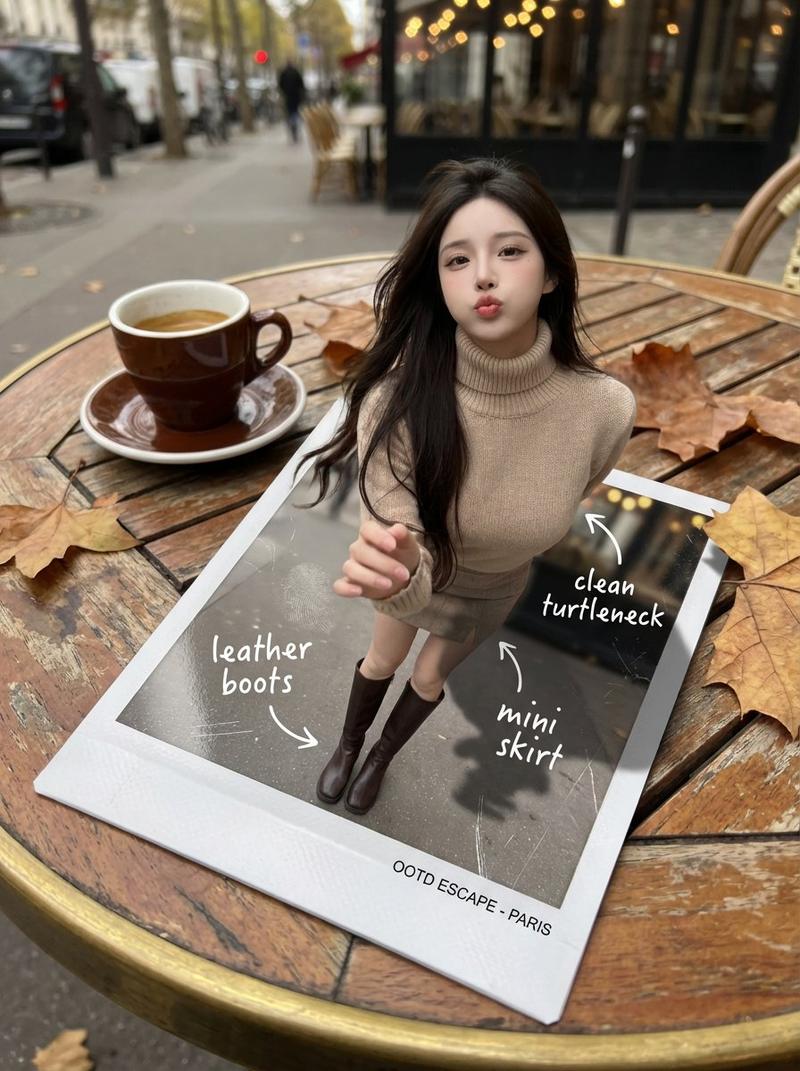
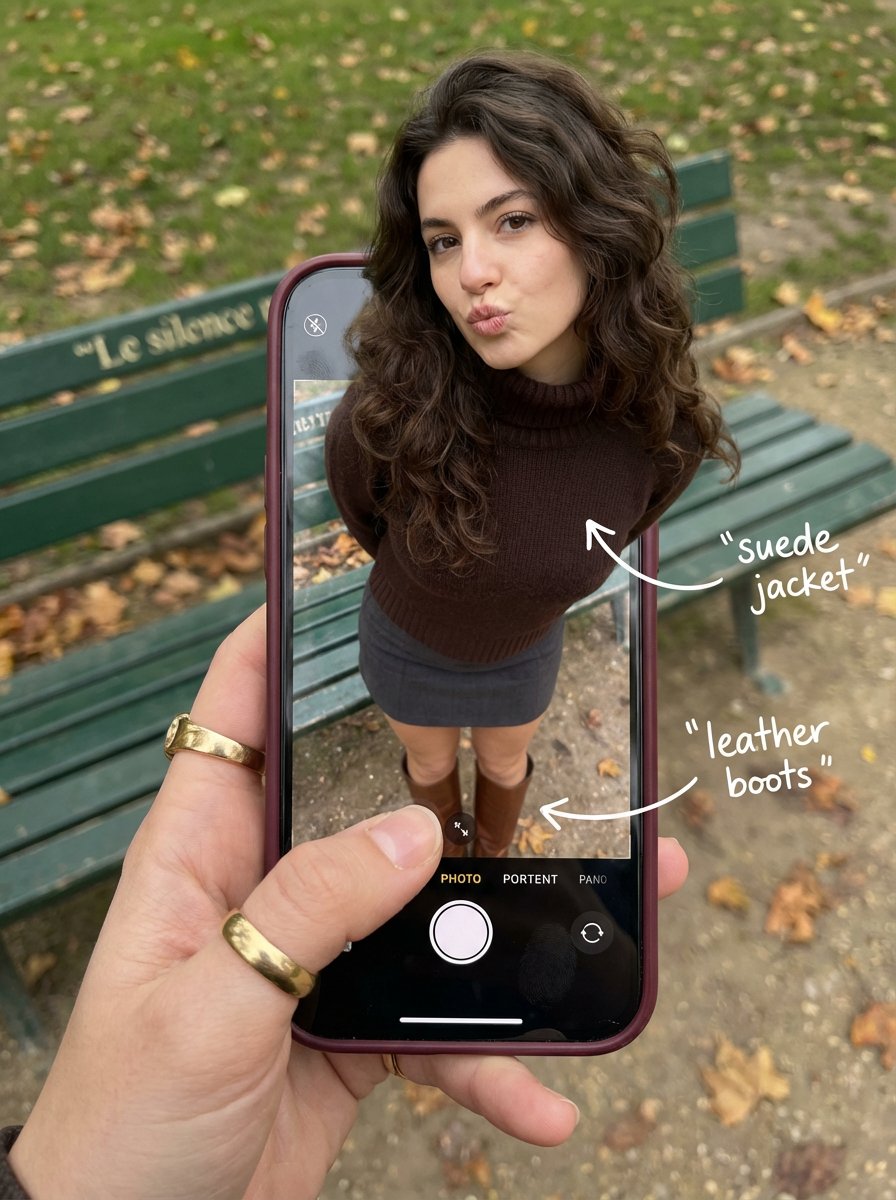
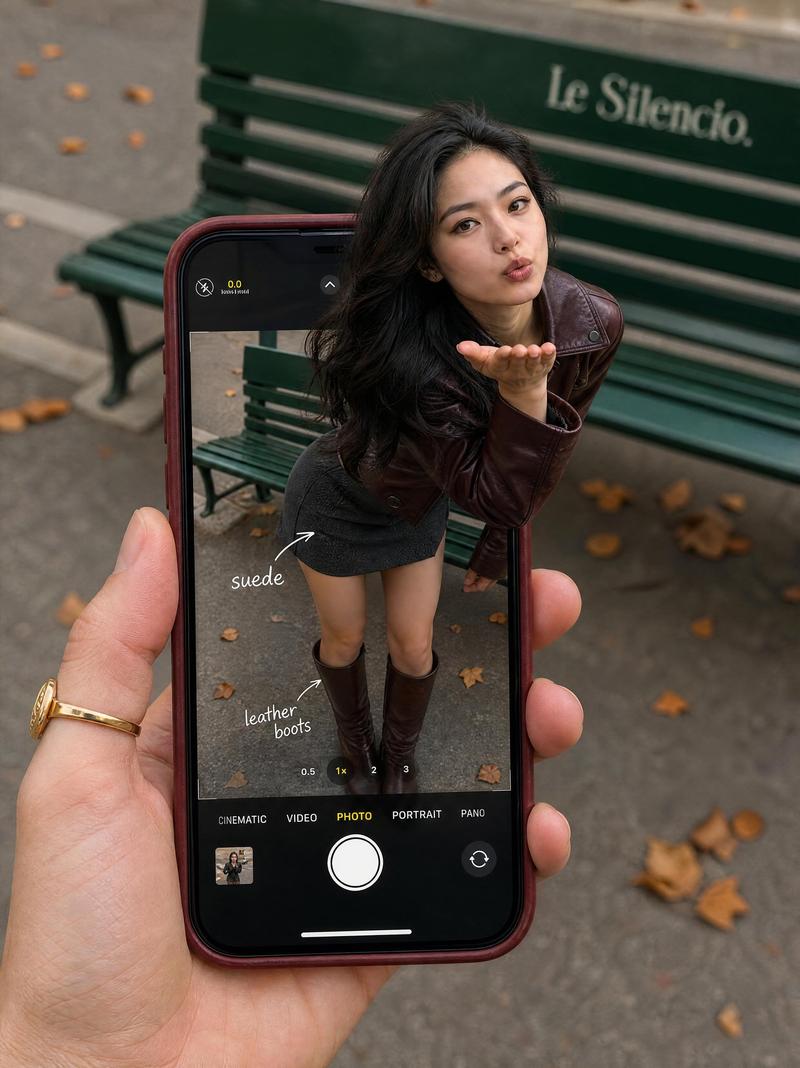
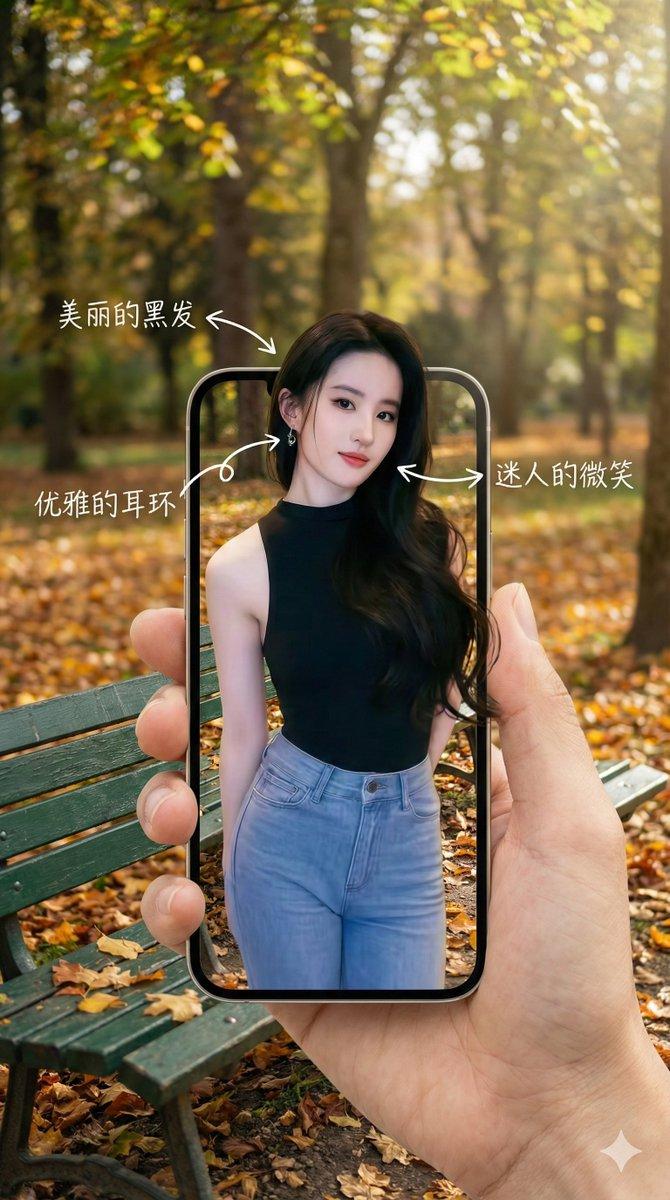
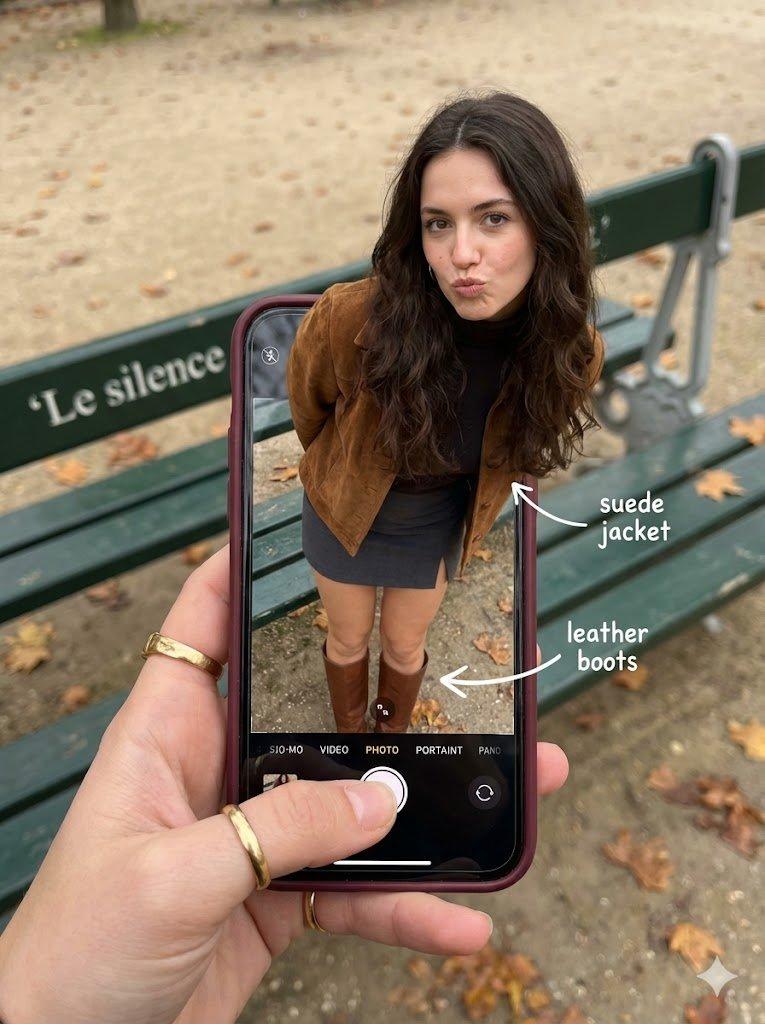
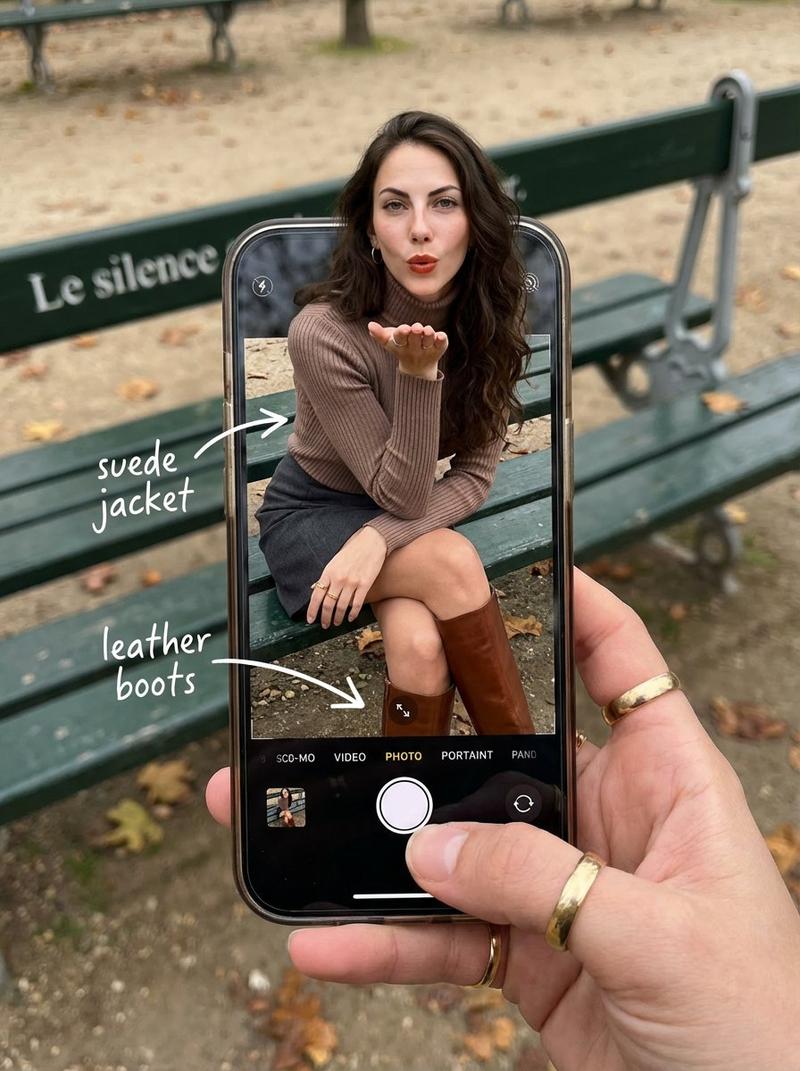
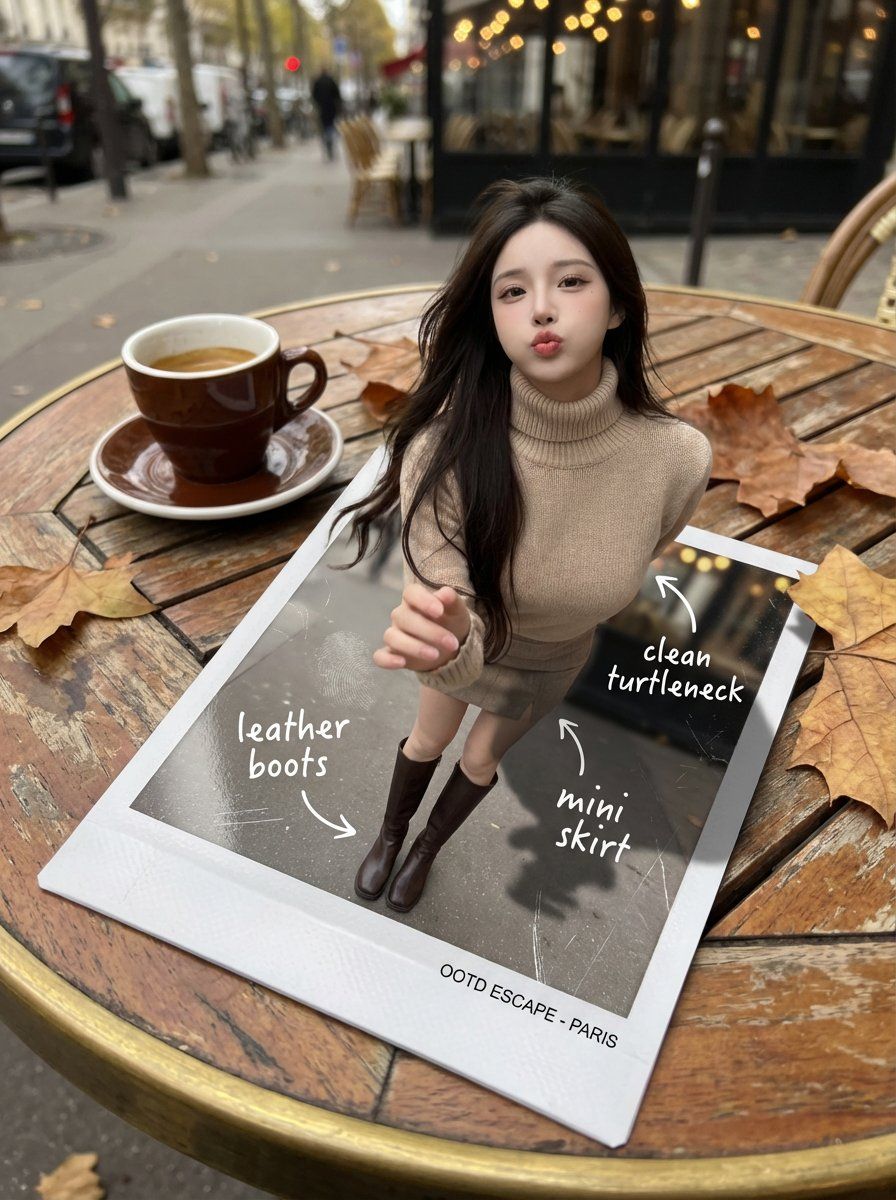
        "description": "A hyper-realistic optical-illusion photograph. The woman from the uploaded reference portrait appears to be emerging from a freshly developed instant photo (Polaroid-style) lying on a small cafe table. In the instant photo frame, her full outfit is visible; in reality, her upper body and head rise out of the glossy print, casting a real shadow onto the table.",
        "reference_image_rules": {
            "use_uploaded_reference_portrait": true,
            "preserve_identity": true,
            "preserve_hairline_and_facial_structure": true,
            "no_face_morphing": true
        },
        "age": "20s",
        "expression": {
            "eyes": {
                "look": "Playful and confident",
                "direction": "Looking at the viewer"
            },
            "mouth": {
                "position": "Pouting or blowing a kiss",
                "energy": "Chic and charming"
            },
            "overall": "Lifelike, engaging interaction"
        },
        "hair": {
            "style": "Long, loose waves",
            "effect": "Realistic shine, slight wind movement"
        },
        "pose": {
            "position": "Upper torso emerging out of the instant photo, one hand slightly forward as if stepping into reality",
            "overall": "Energetic, spontaneous, full of life"
        },
        "clothing": {
            "top": "High-neck knit turtleneck, premium textile detail",
            "bottom": "Mini skirt and leather boots (boots visible clearly inside the instant photo)"
        }
    },
    "mirror_rules": "All handwritten annotations must be perfectly legible and NOT mirrored. Keep printed text on the instant photo frame readable.",
    "props": {
        "instant_photo": {
            "look": "Glossy Polaroid print with subtle fingerprint smudges and micro-scratches",
            "frame_text": "Small printed caption line at the bottom of the frame (readable, not mirrored)"
        },
        "annotations_on_print": [
            {
                "text": "leather boots",
                "style": "white handwritten marker",
                "arrow_to": "boots inside the print"
            },
            {
                "text": "clean turtleneck",
                "style": "white handwritten marker",
                "arrow_to": "top inside the print"
            },
            {
                "text": "mini skirt",
                "style": "white handwritten marker",
                "arrow_to": "skirt inside the print"
            }
        ]
    },
    "photography": {
        "camera_style": "DSLR photorealism, macro lens for print texture",
        "shot_type": "Forced-perspective composite realism",
        "angle": "Top-down 3/4 angle, close and intimate POV",
        "aspect_ratio": "3:4",
        "lighting": "Soft overcast daylight, natural shadows",
"depth_of_field": "Shallow DOF, t"- Category
- 创意图片
- Model
- Nano Banana Pro
- Creator
- katon
- Source ID
- aef25967-abcf-4dc0-a0af-563d051fa7e9
- Published
- Mar 8, 2026
Views0