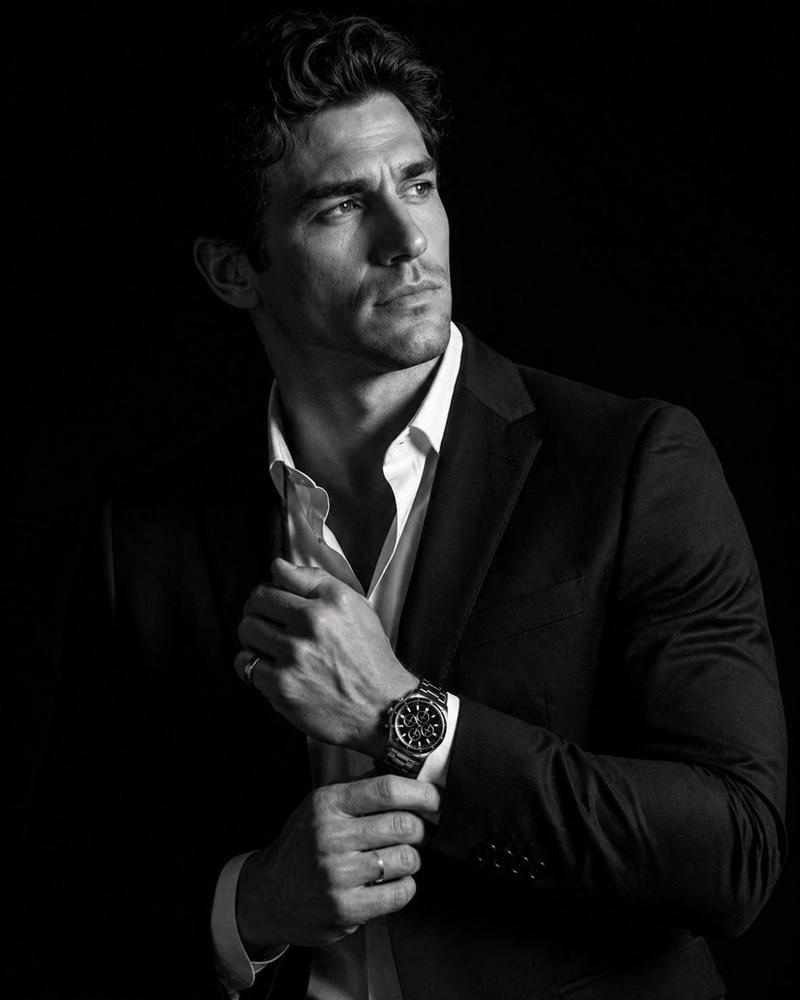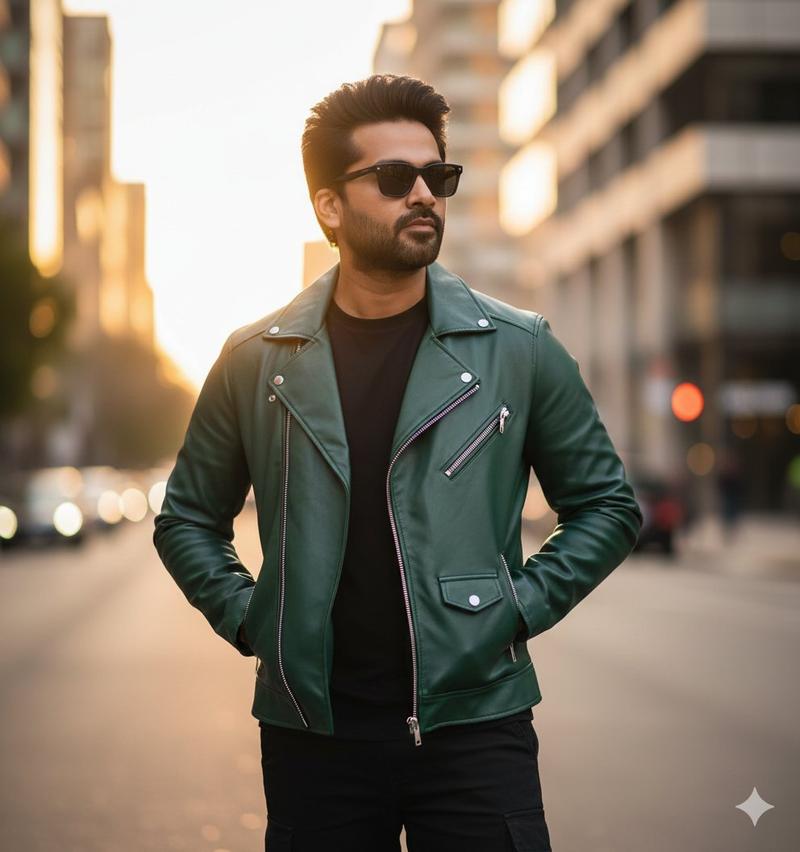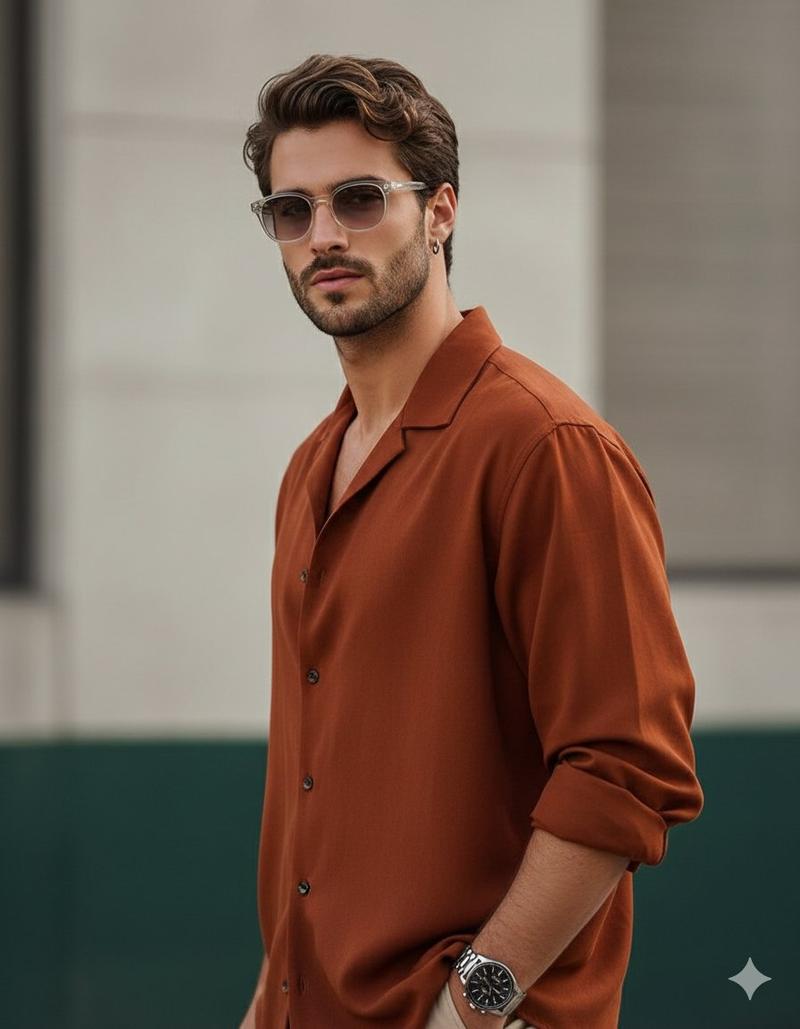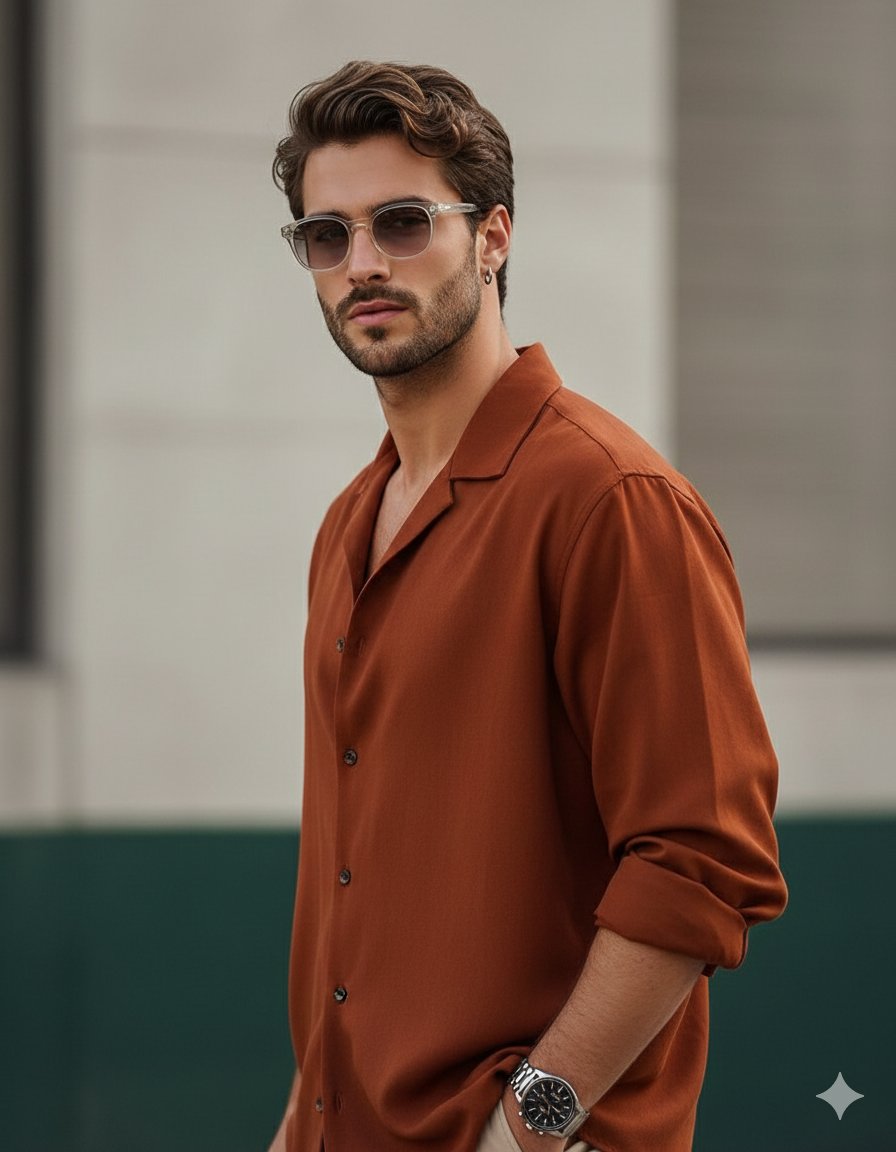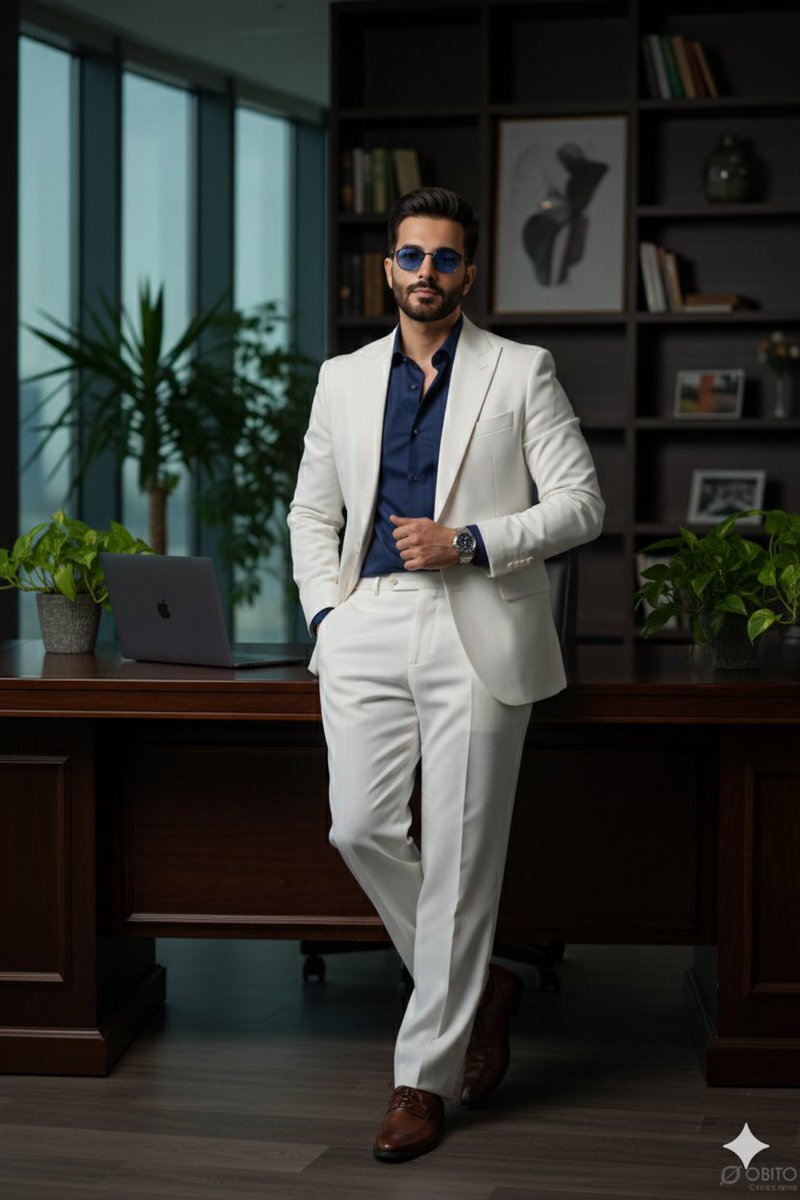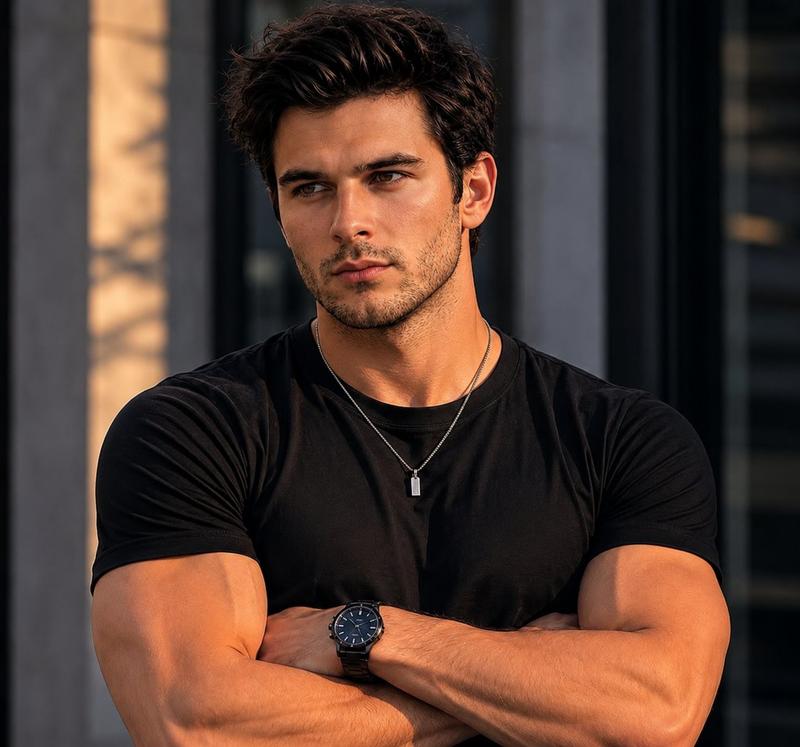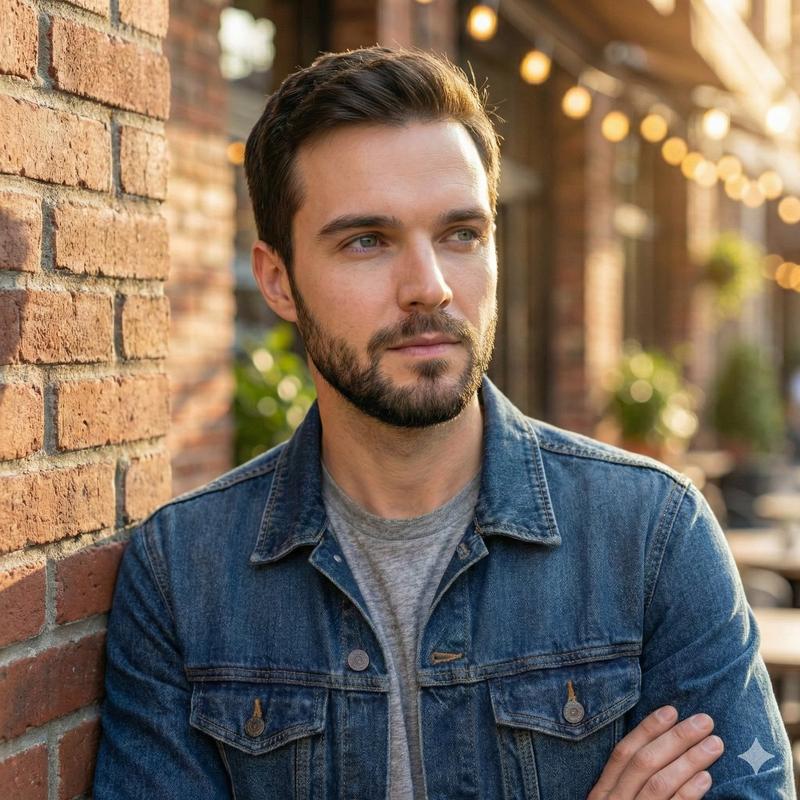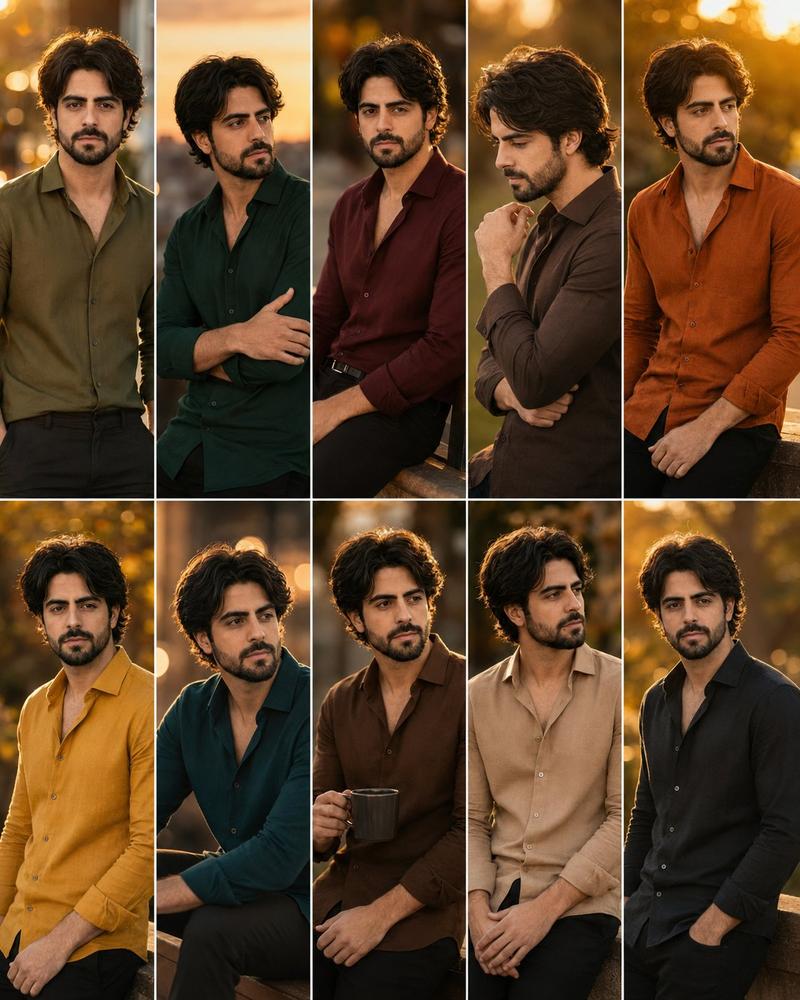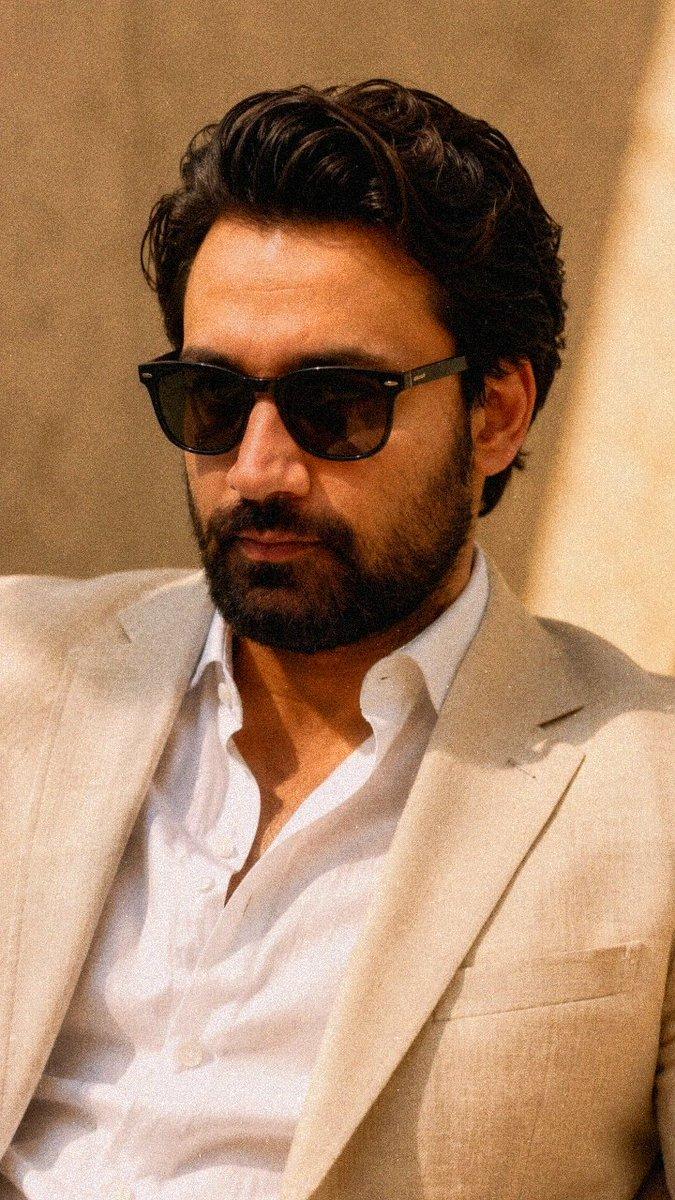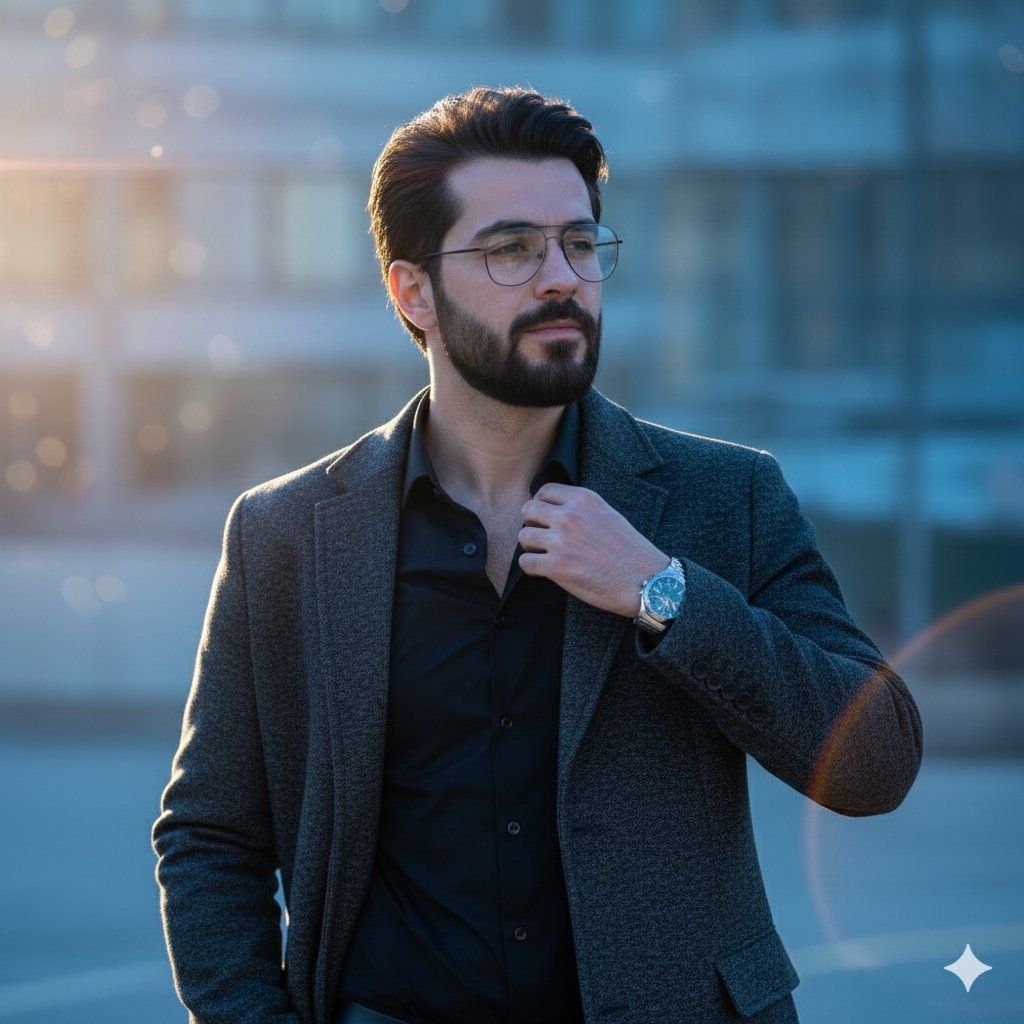
电影感蓝调时刻男士肖像
Prompt
{
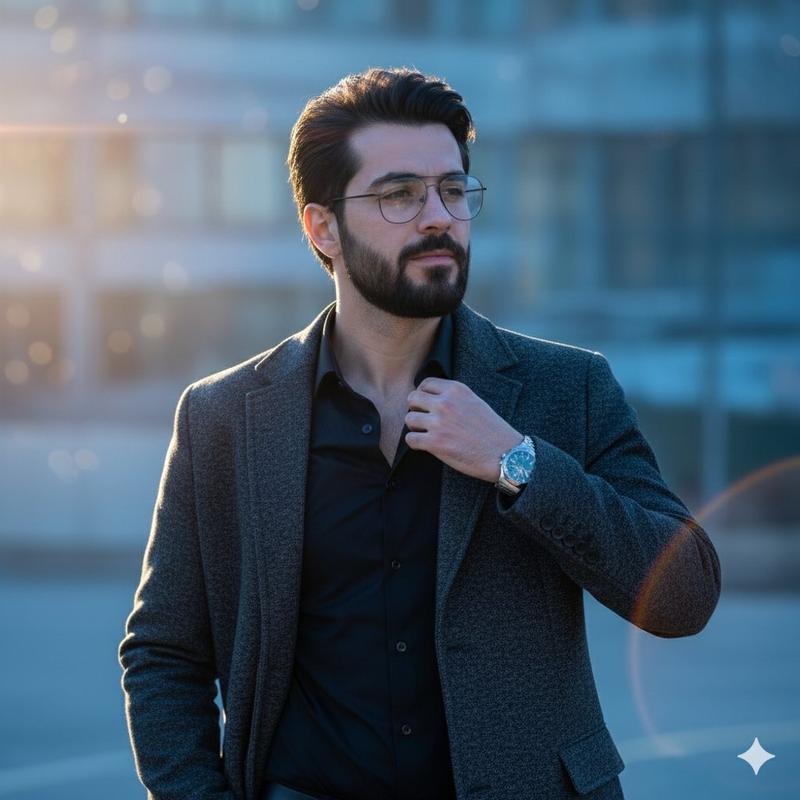
  "Objective": "Create an ultra-realistic cinematic portrait of a man standing alone during quiet blue hour, conveying a poetic, dreamy, and romantic mood.",

  "Subject": {
    "Gender": "Male",
    "Appearance": {
      "Expression": "Gentle, thoughtful, calm",
      "Hair": "Textured, slightly messy hair with natural volume",
      "Skin": {
        "Texture": "Natural, realistic skin with subtle detail",
        "Glow": "Soft glow enhanced by blue-hour lighting"
      },
      "Accessories": [
        "Glasses",
        "Smartwatch"
      ]
    }
  },

  "Wardrobe": {
    "Top": "Black fitted shirt",
    "Outerwear": "Open charcoal overcoat",
    "Style": "Modern, stylish, understated elegance"
  },

  "Scene_Description": {
    "Time_of_Day": "After-evening blue hour",
    "Setting": "Quiet outdoor environment",
    "Atmosphere": "Calm, reflective, cinematic solitude"
  },

  "Lighting_and_Color": {
    "Lighting": {
      "Primary": "Soft blue ambient light",
      "Secondary": "Warm dappled backlight",
      "Effects": [
        "Gentle shadows",
        "Soft lens flare",
        "Subtle atmospheric haze"
      ]
    },
    "Color_Grading": {
      "Style": "Cinematic HDR grading",
      "Palette": [
        "Cool blue tones",
        "Warm amber highlights",
        "Deep soft shadows"
      ]
    }
  },

  "Camera_and_Technical": {
    "Camera_Style": "Professional DSLR photography",
    "Lens": "85mm",
    "Depth_of_Field": "Shallow depth of field with dreamy dramatic bokeh",
    "Focus": "Sharp focus on subject with smooth background separation"
  },

  "Visual_Style": {
    "Aesthetic": "Poetic cinematic realism",
    "Resolution": "Ultra-high detail (8K)",
    "Finish": "Ultra-clean professional Photoshop polish",
    "Detail_Characteristics": [
      "Crisp fabric texture",
      "Natural hair strands",
      "Smooth tonal transitions",
      "Refined highlights and shadows"
    ]
  },

  "Mood_and_Atmosphere": {
    "Vibe": [
      "Dreamy",
      "Romantic",
      "Quietly dramatic",
      "Reflective"
    ],
    "Tone": "Soft, emotional, cinematic"
  },

  "Composition": {
    "Framing": "Medium to close-up portrait",
    "Style": "Minimalist, emotionally focused"
  },

  "Constraints": {
    "Text": "None",
    "Logo": "None",
    "Watermark": "None",
    "Artifacts": "No distortions, no harsh processing"
  },

  "Output_Requirements": {
    "Format": "Image",
    "Orientation": "Portrait",
    "Quality": "High-end editorial, ultra-realistic cinematic photography"
  }
}- Category
- 创意图片
- Model
- Nano Banana Pro
- Creator
- Taaruk
- Source ID
- a4a5a49c-c87d-4a73-a030-0eee50dc9073
- Published
- Mar 8, 2026
Views0