16

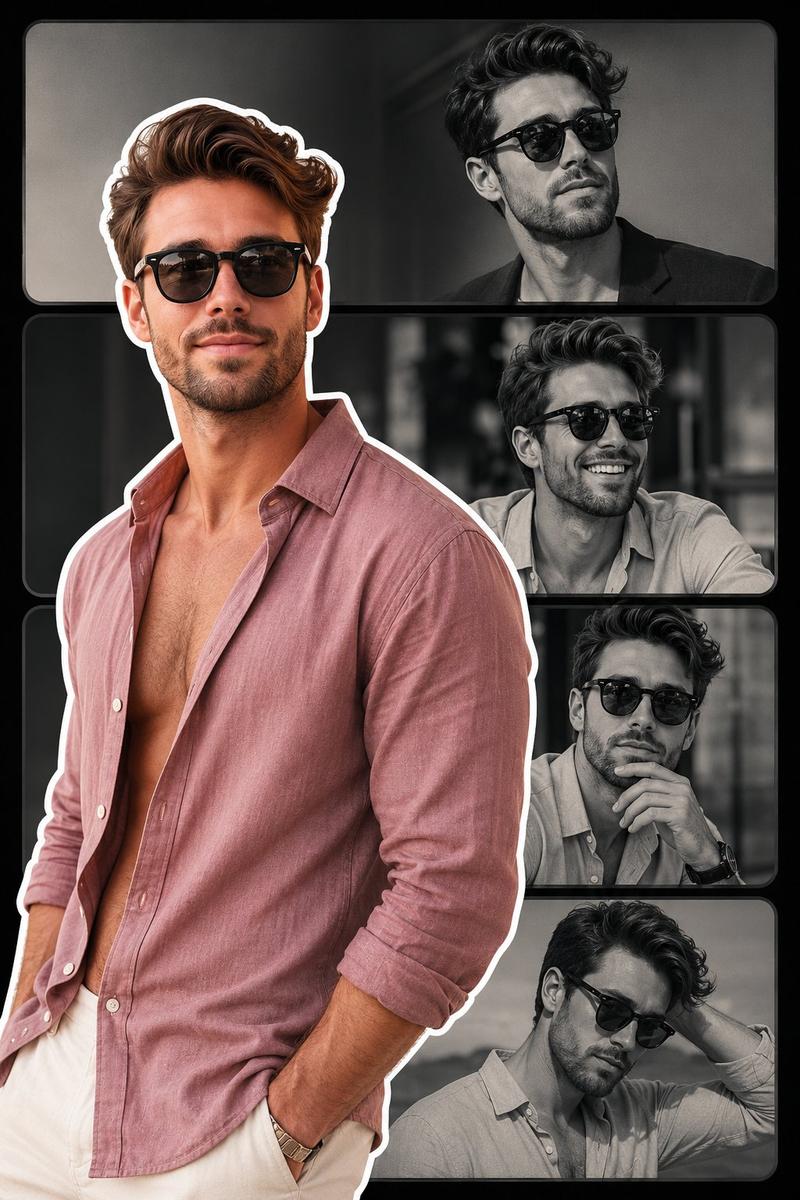
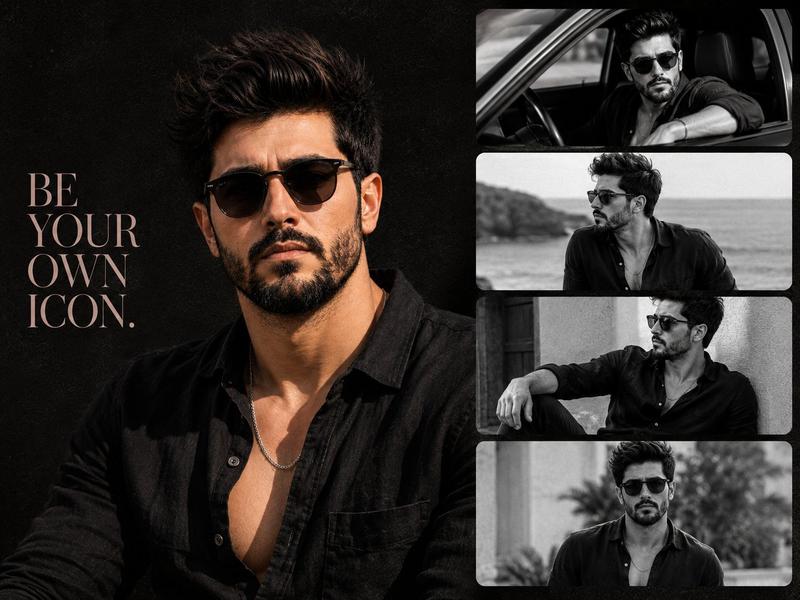
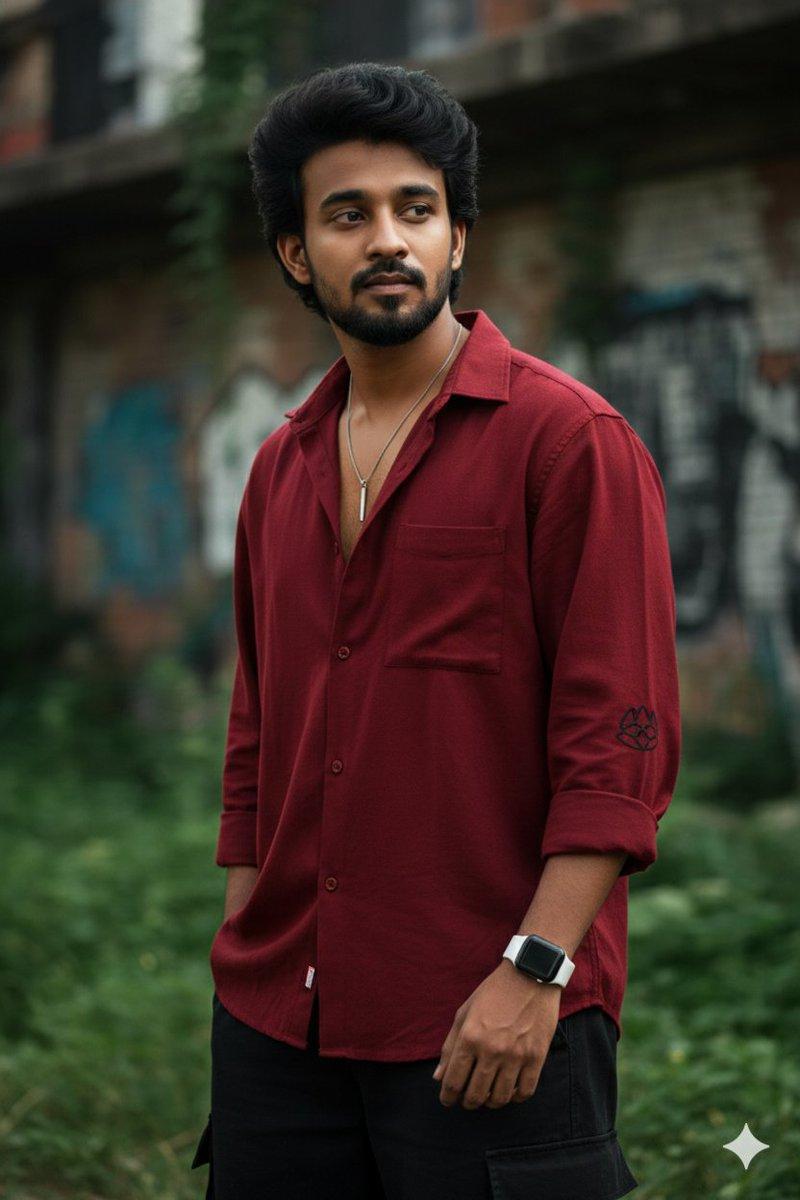
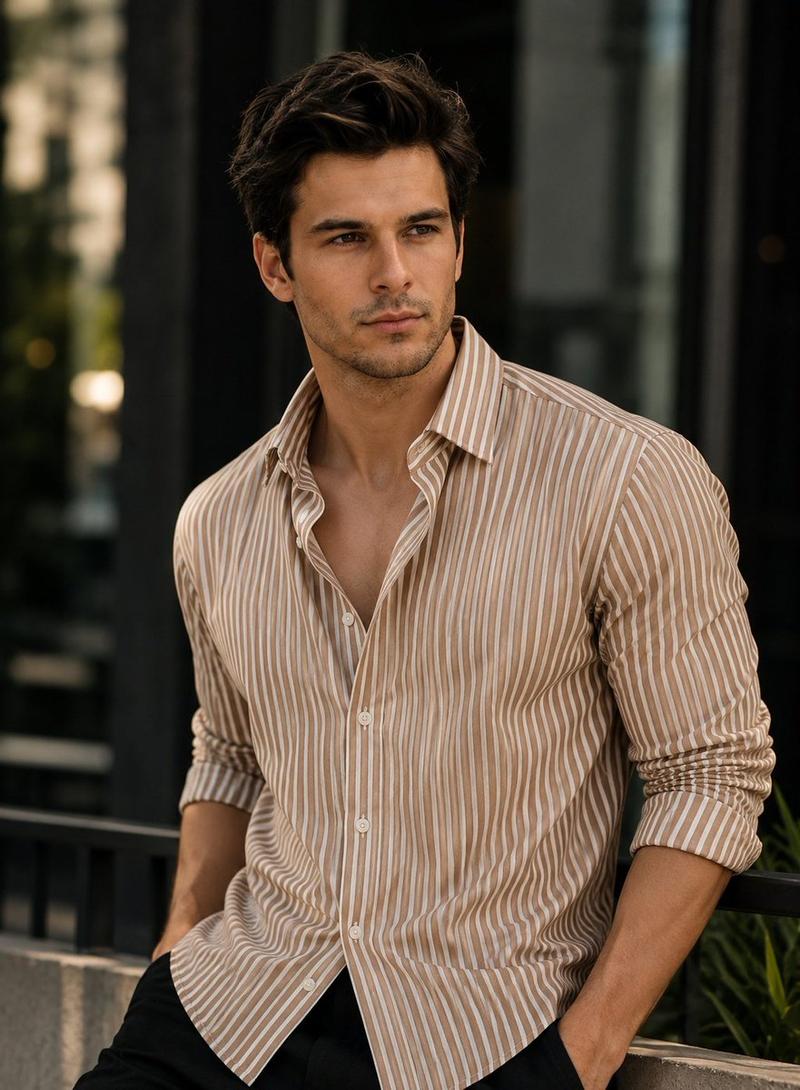
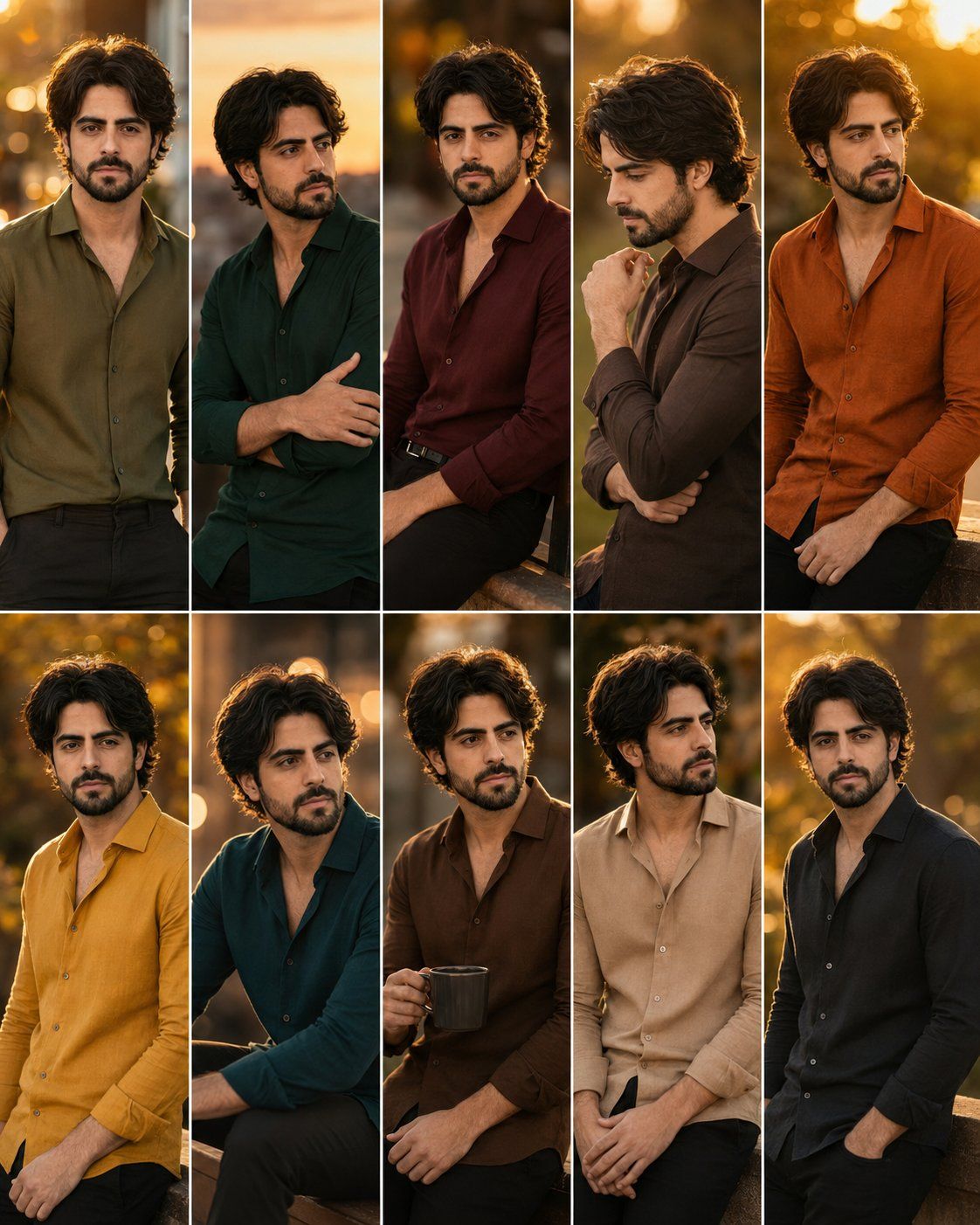
深秋电影感人像系列
Enlarge

深秋电影感人像系列

Prompt
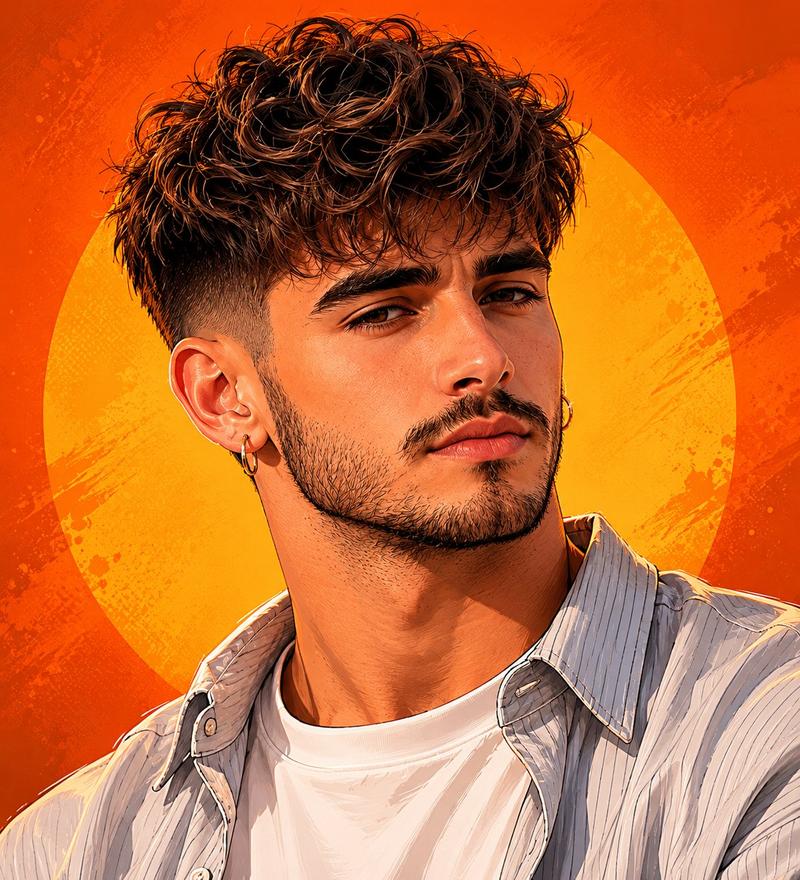
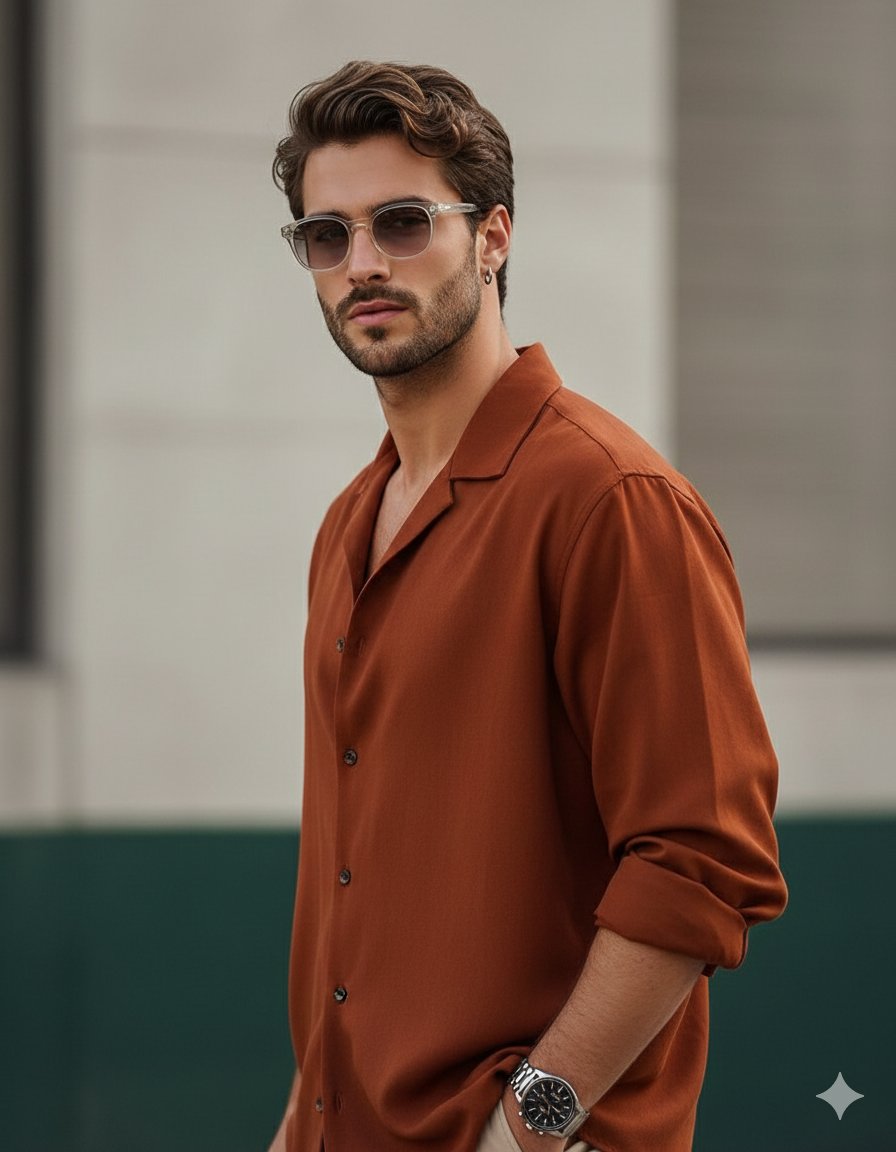
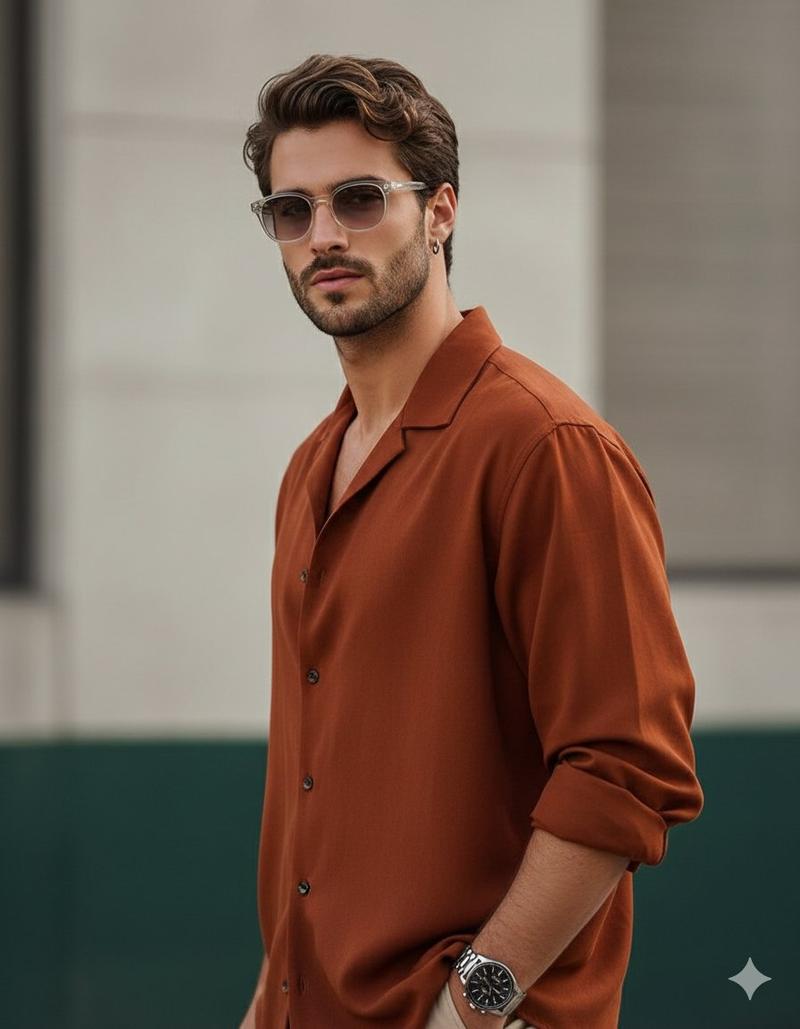
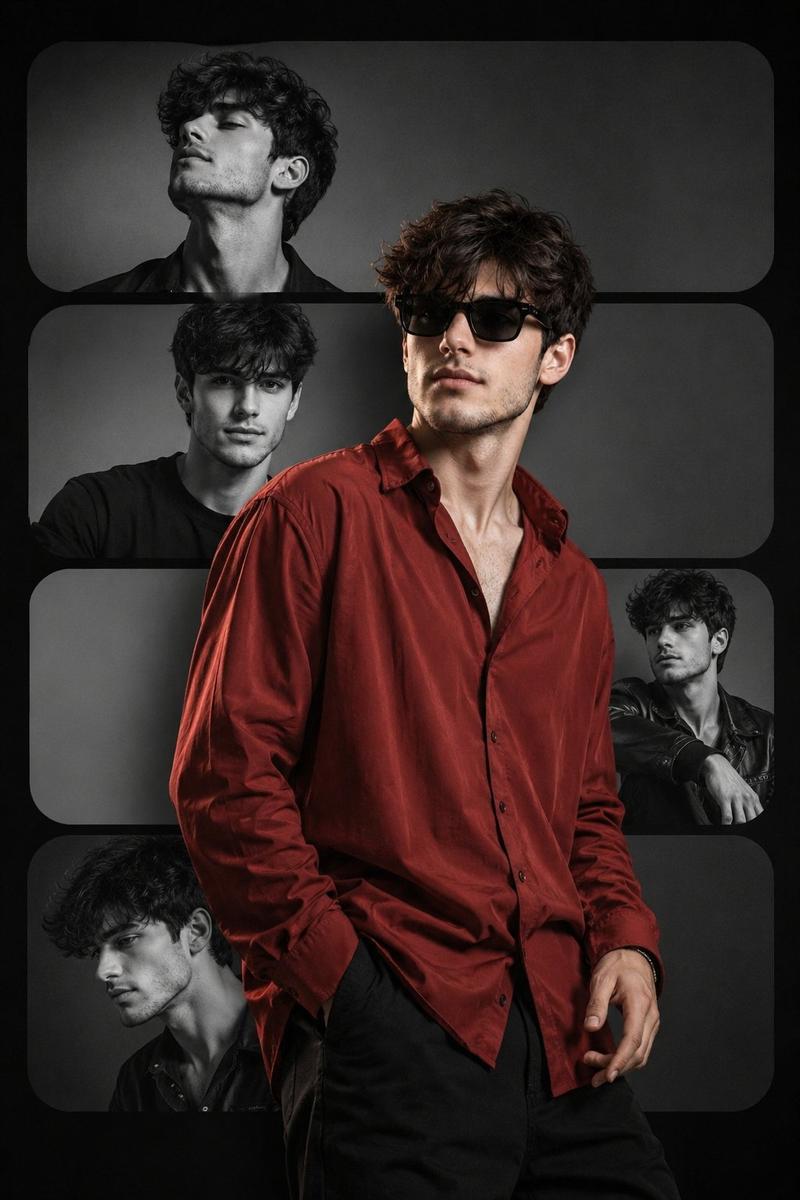
18K ultra-realistic cinematic portrait series, exact face match from reference image, same Stylish hairstyle and same short boxed beard (no changes). Create 10 completely different poses with {argument name="shirt colors" default="Deep Autumn shirt colors: Olive Green, Forest Green, Burgundy, Chocolate Brown, Rust Orange, Mustard Yellow, Dark Teal, Coffee Brown, Camel Beige, and Charcoal Black"}. Golden hour lighting, warm cinematic color grading, realistic skin texture, sharp jawline, soft bokeh, HDR, {argument name="camera" default="Leica SL3"}, {argument name="lens" default="85mm lens"}, f/1.4 --ar 4:5 ratio
Category
Photography & Realism
Model
GPT Image 2
Creator
Zar⭕on
Views0
Source ID
26435
Published
Jun 21, 2026

Guide

About "深秋电影感人像系列"

What is this prompt for?

"深秋电影感人像系列" AI image prompt for GPT Image 2 (Photography & Realism). 使用参考面部生成的超写实电影感人像,包含不同姿势和服装,采用深秋色调。 Copy it on Picva and recreate the look in one click.

The full copyable prompt and example visuals above are ready for AI image generation or one-click recreate in Picva.

How to use this prompt

  1. Step 1

    Open the prompt detail

    Review the example visuals, category, and full prompt text for "深秋电影感人像系列".

  2. Step 2

    Copy the prompt

    Copy the prompt body from this page, or load it directly in Studio.

  3. Step 3

    Pick a model (GPT Image 2)

    Prefer GPT Image 2. If you switch models, keep subject and composition and tweak style terms.

  4. Step 4

    Generate and export

    Recreate the look in Picva, or export into your workflow for editing and publishing.

FAQ

What is the "深秋电影感人像系列" prompt?
It is an AI image-generation prompt for GPT Image 2 in the Photography & Realism category. This page includes the full prompt text, example visuals, and a one-click recreate path in Picva.
How do I use this prompt to generate an image?
Copy the prompt from this page, or use Generate / Studio. Paste it into a compatible image model, or recreate the look in Picva with optional reference images.
Which model is this prompt for?
This page lists GPT Image 2. Most descriptive prompts also transfer to nearby image models such as GPT Image, Flux, or Midjourney with light style tweaks.
Can I use the result commercially?
You can usually copy the prompt for creation, but commercial use of the final image depends on the model terms, reference-image rights, and the generated content. Follow the source author and platform rules.