16

塑料模型套件包装生成提示
Enlarge

塑料模型套件包装生成提示

Prompt
subject: >
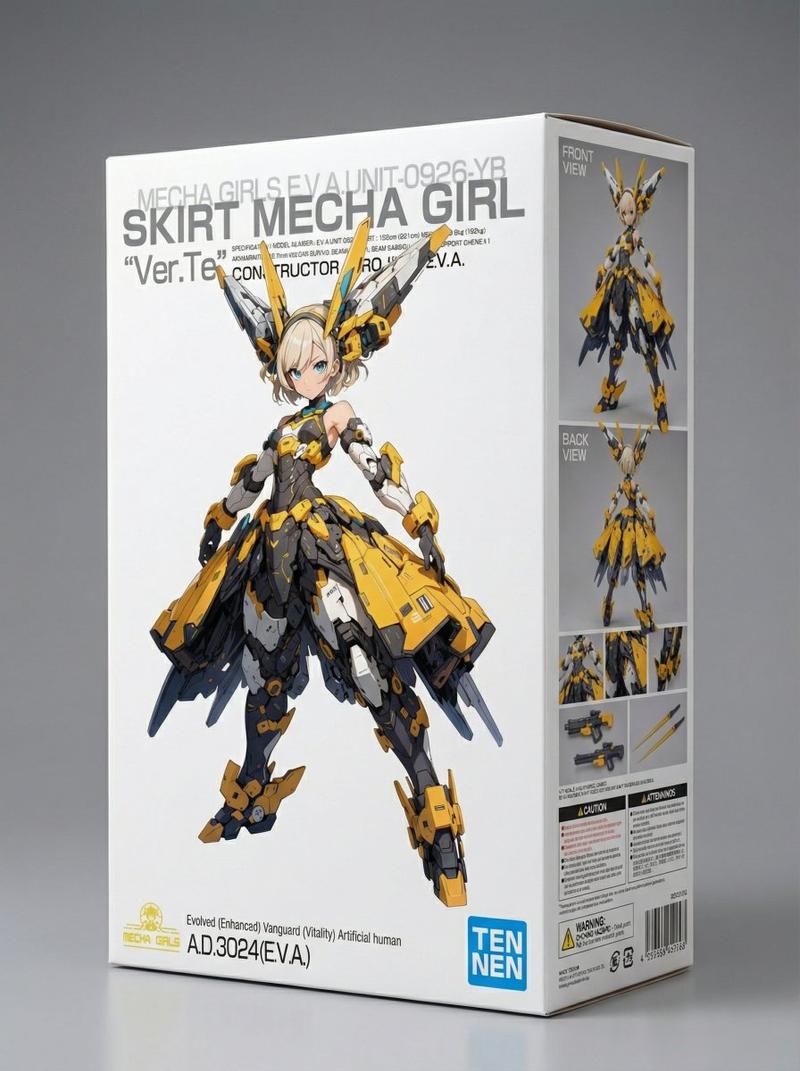
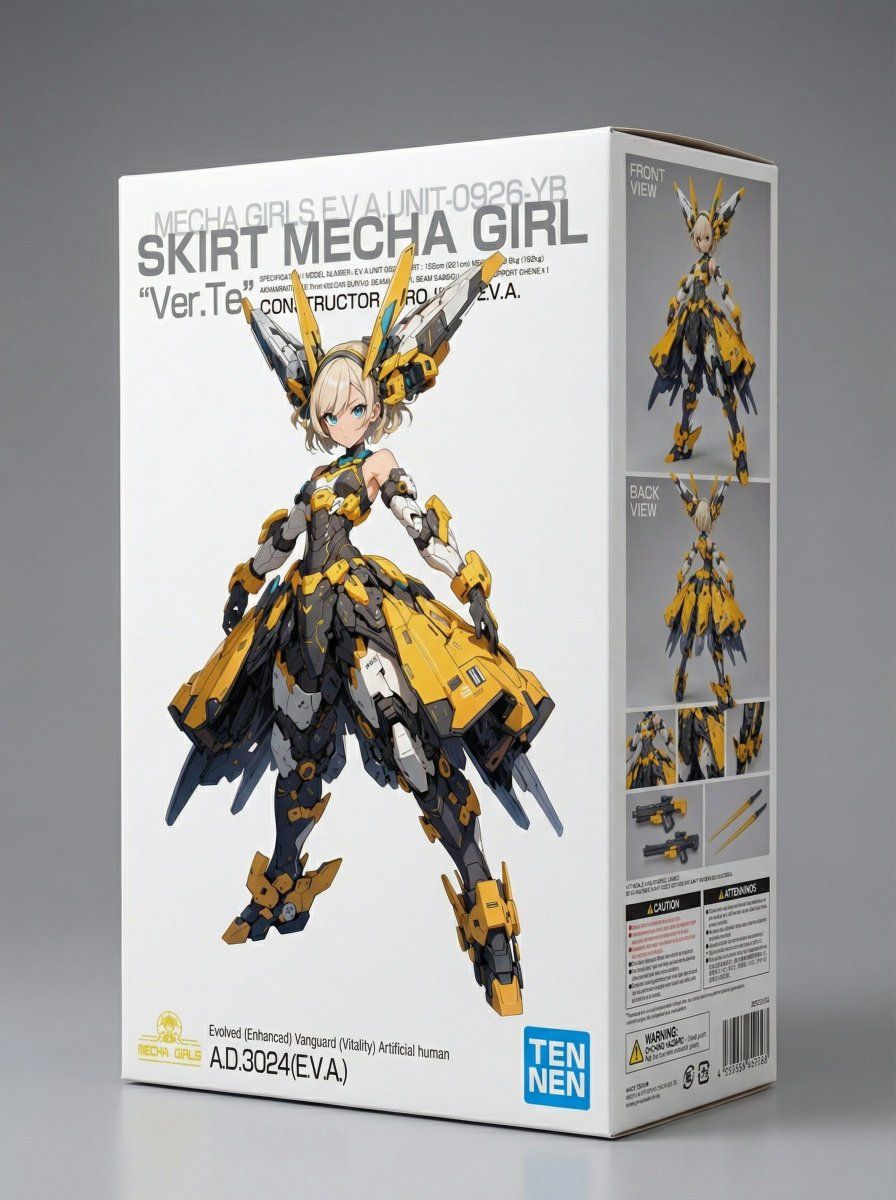
A studio photograph of a physical cardboard box for a 1/7 scale plastic model.
The box is fully printed before photography.
The front face functions as a pure package artwork panel, not an information surface.

composition: >
Three-quarter front view of the box on a neutral studio surface.
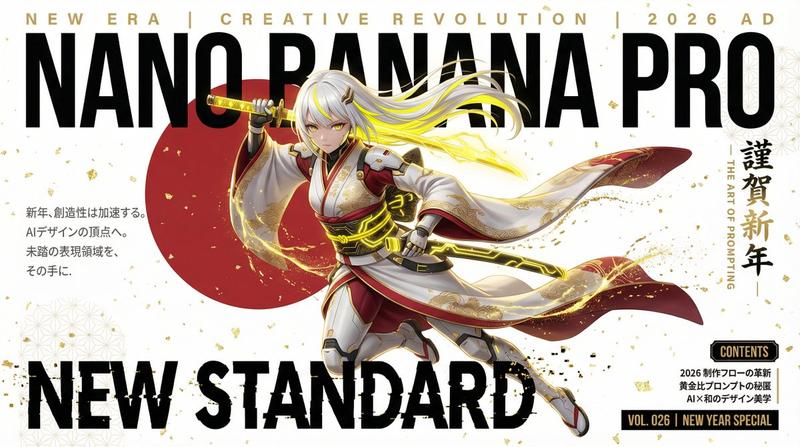
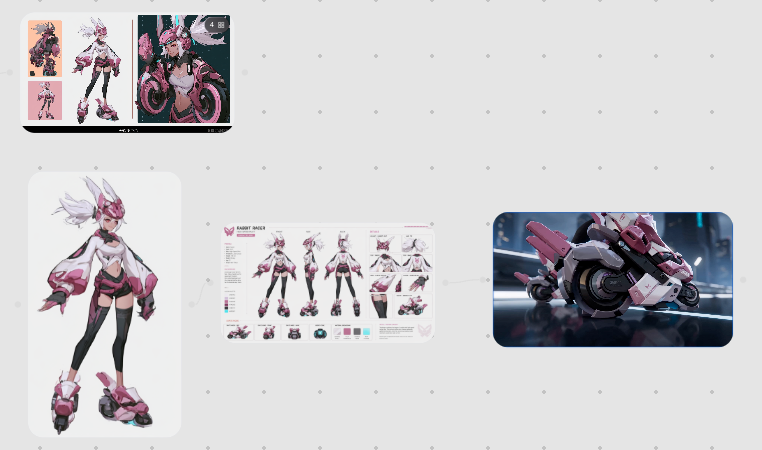
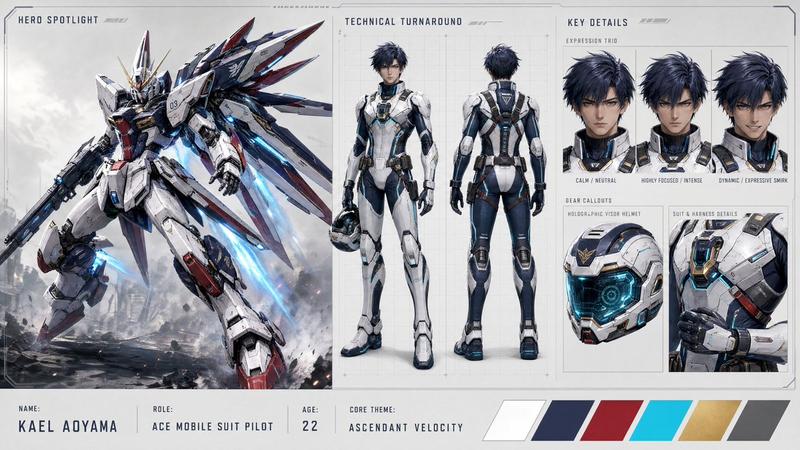
The front face is fully visible and displays ONLY Reference Image C,
full-bleed, edge to edge, with no added elements.
Only ONE side panel is visible in the shot.
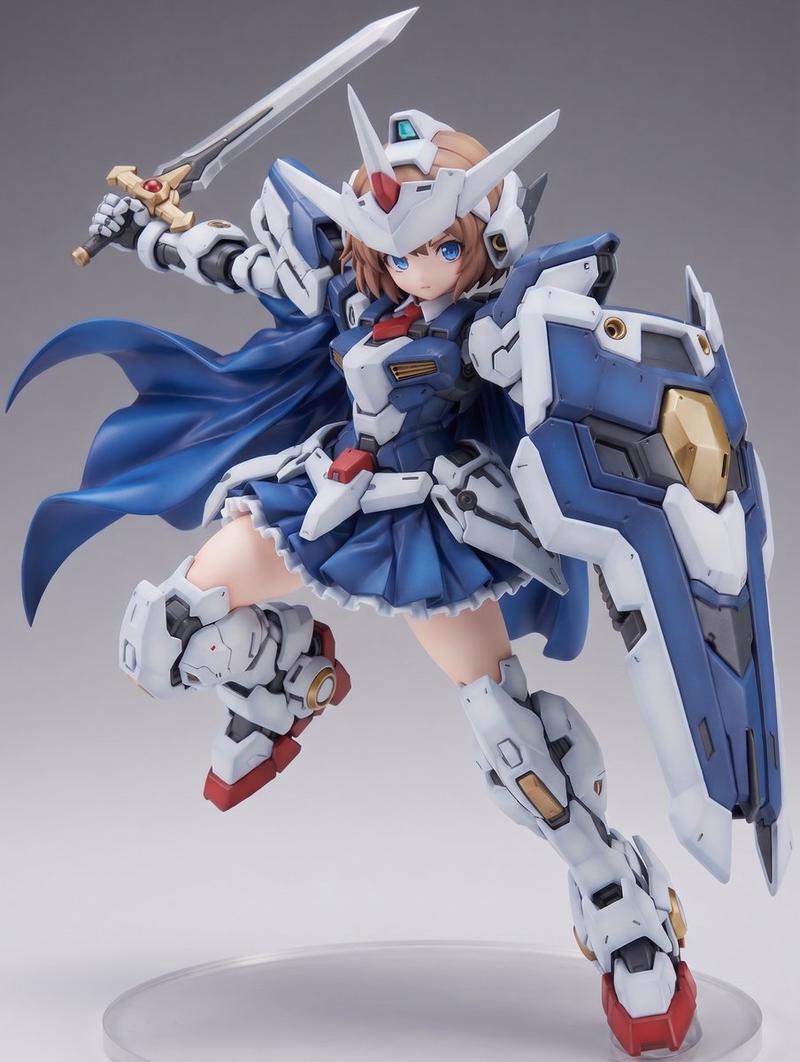
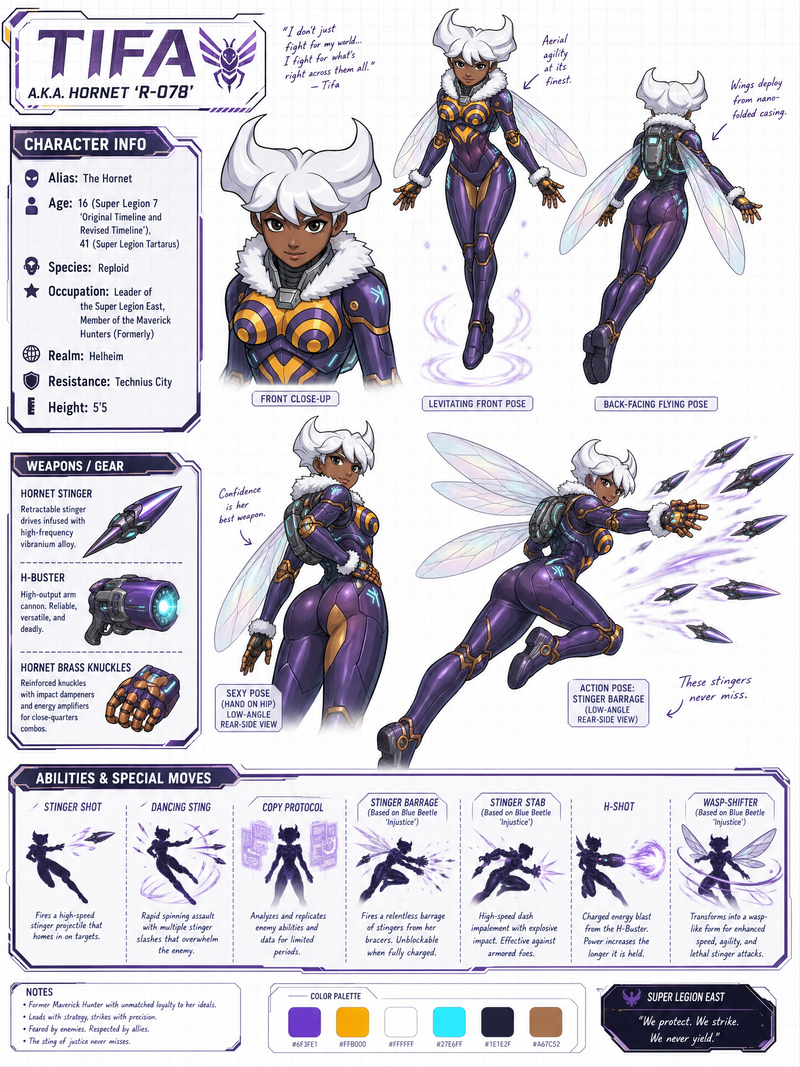
This visible side panel contains a layout combining Reference Image A and Reference Image B,
along with assembled model examples, close-up detail views, weapon accessories,
and cautionary notes arranged like a real commercial plastic model package.
The opposite side panel is turned away from the camera and not visible.

action: >
Static studio product presentation.

location: >
Seamless neutral studio background with no props.

style: >
Photorealistic studio product photography.
High-end hobby model kit packaging style.

camera_lighting: >
Professional studio lighting with soft key light and subtle rim light.
Sharp focus on the box, shallow depth of field.

colors: >
Neutral background tones.
Accurate printed colors matching the reference images.

text: >
Front face: ZERO generated text, ZERO warnings, ZERO symbols, ZERO labels.
The only visible text on the front face is the text already embedded
within Reference Image C.
All g
Category
创意图片
Model
Nano Banana Pro
Views0
Source ID
8ef57f6e-8dcc-41c0-8253-928349901359
Published
Mar 8, 2026

Guide

About "塑料模型套件包装生成提示"

What is this prompt for?

"塑料模型套件包装生成提示" AI image prompt for Nano Banana Pro (创意图片). 这是一个为 Nano Banana Pro 设计的高度结构化、多参考图像提示,旨在生成类似塑料模型套件包装的图像。它需要按特定顺序上传三张参考图像(A、B、C),其中 A 和 B 放置在侧面板上(通常…

The full copyable prompt and example visuals above are ready for AI image generation or one-click recreate in Picva.

How to use this prompt

  1. Step 1

    Open the prompt detail

    Review the example visuals, category, and full prompt text for "塑料模型套件包装生成提示".

  2. Step 2

    Copy the prompt

    Copy the prompt body from this page, or load it directly in Studio.

  3. Step 3

    Pick a model (Nano Banana Pro)

    Prefer Nano Banana Pro. If you switch models, keep subject and composition and tweak style terms.

  4. Step 4

    Generate and export

    Recreate the look in Picva, or export into your workflow for editing and publishing.

FAQ

What is the "塑料模型套件包装生成提示" prompt?
It is an AI image-generation prompt for Nano Banana Pro in the 创意图片 category. This page includes the full prompt text, example visuals, and a one-click recreate path in Picva.
How do I use this prompt to generate an image?
Copy the prompt from this page, or use Generate / Studio. Paste it into a compatible image model, or recreate the look in Picva with optional reference images.
Which model is this prompt for?
This page lists Nano Banana Pro. Most descriptive prompts also transfer to nearby image models such as GPT Image, Flux, or Midjourney with light style tweaks.
Can I use the result commercially?
You can usually copy the prompt for creation, but commercial use of the final image depends on the model terms, reference-image rights, and the generated content. Follow the source author and platform rules.