16

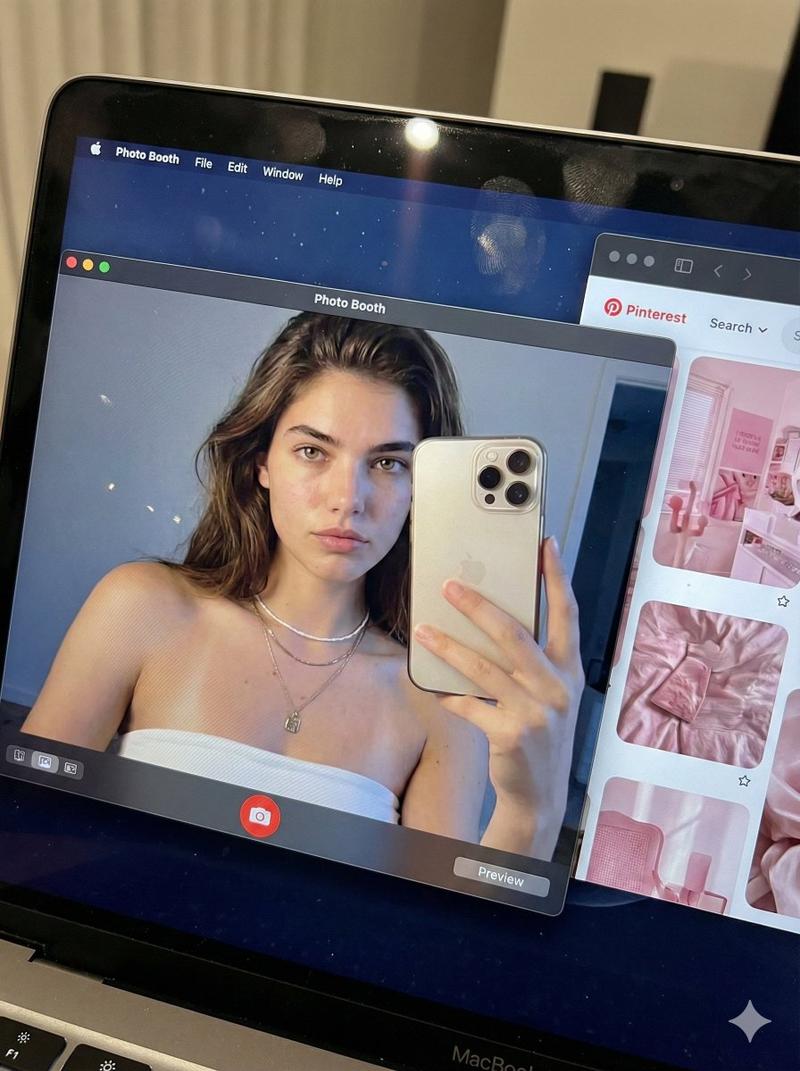
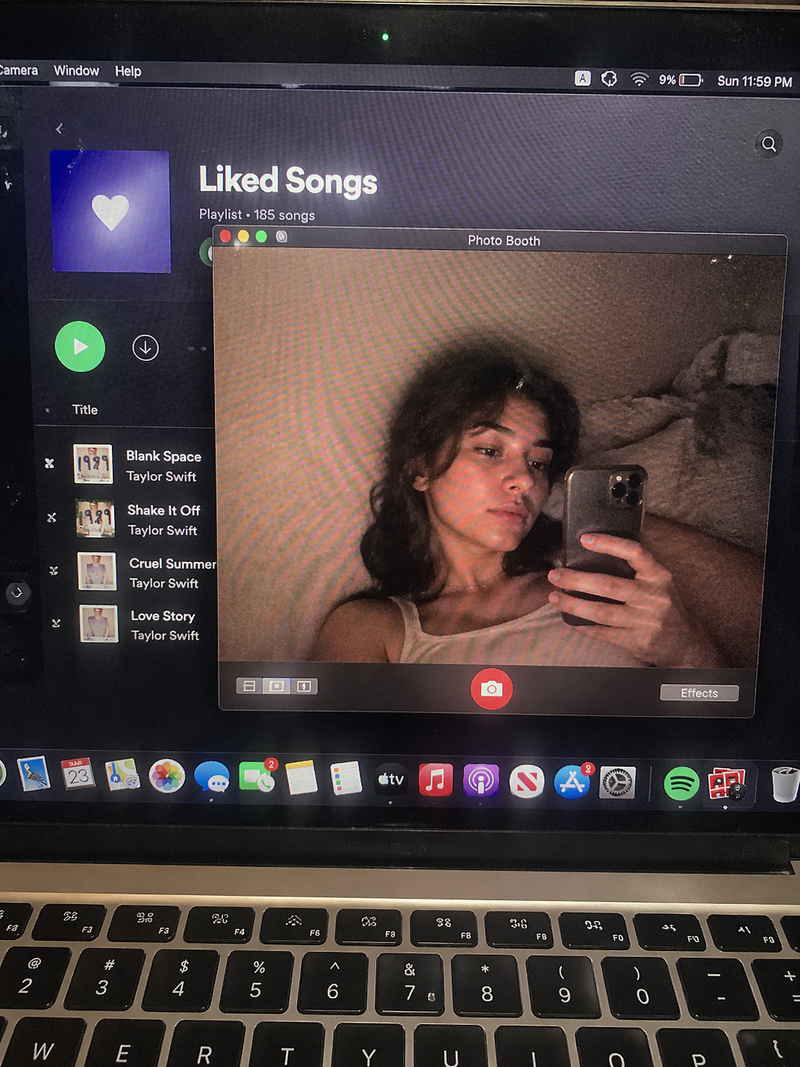
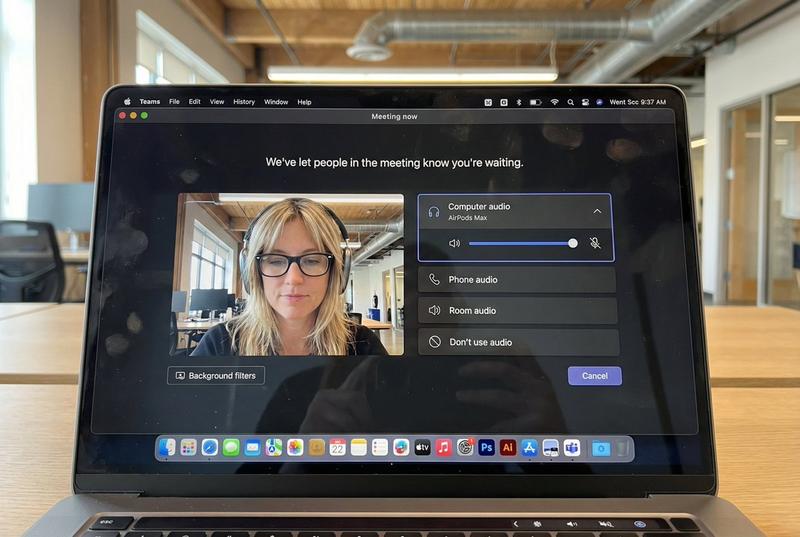
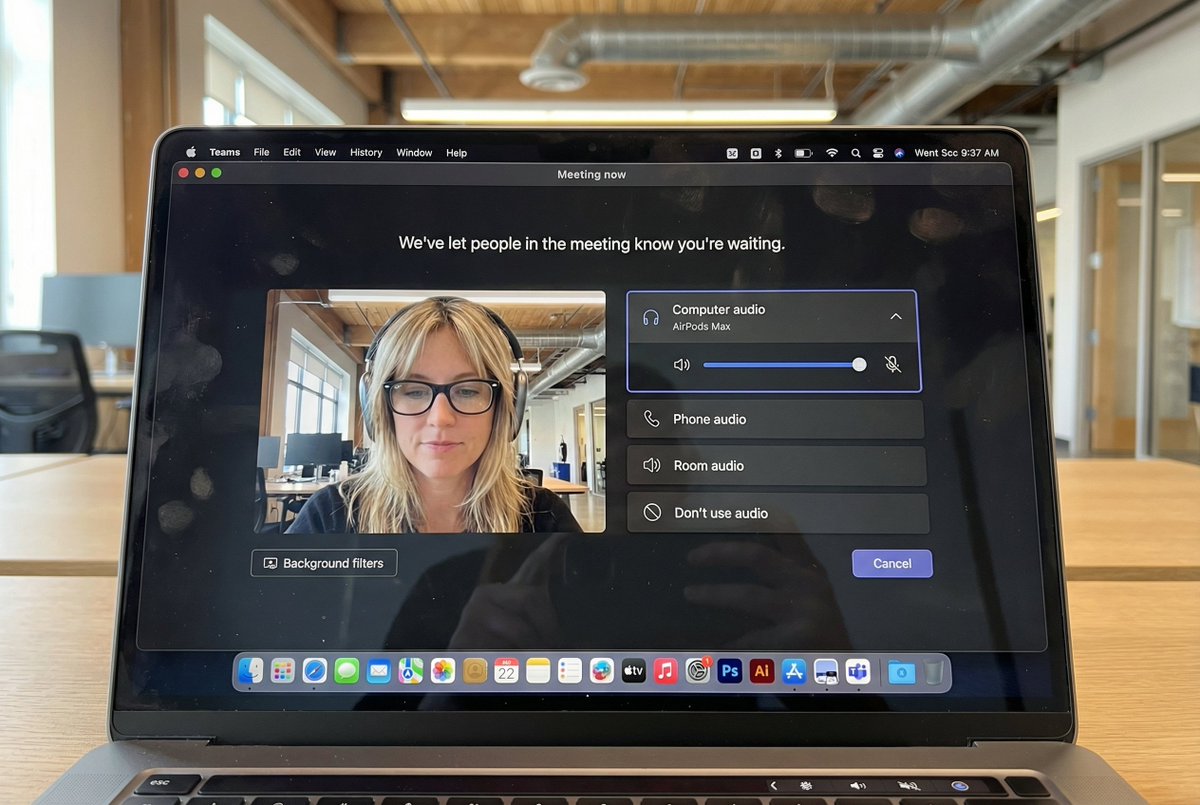
逼真的 MacBook 桌面自拍场景
Enlarge

逼真的 MacBook 桌面自拍场景

Prompt
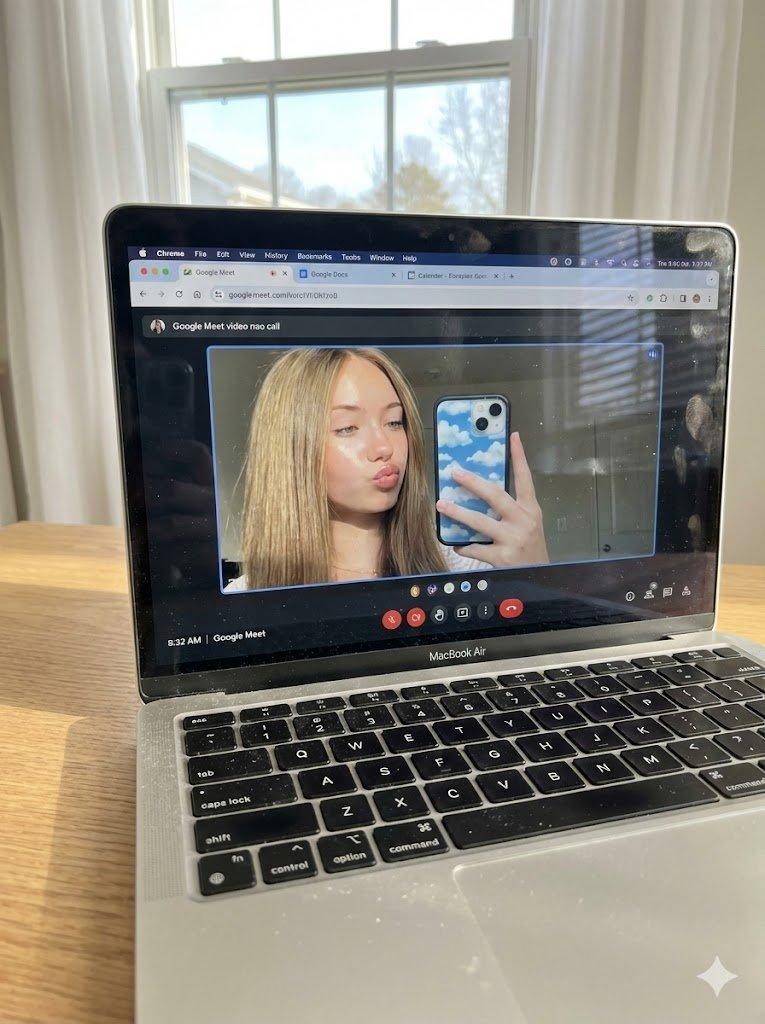
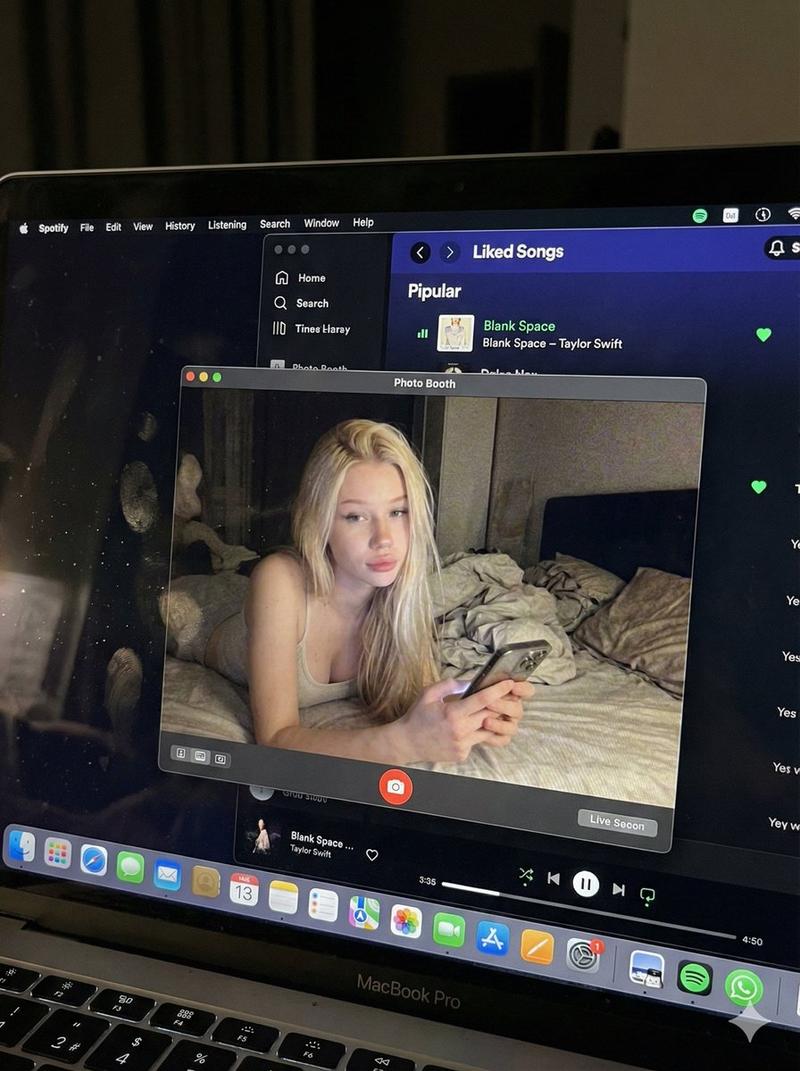
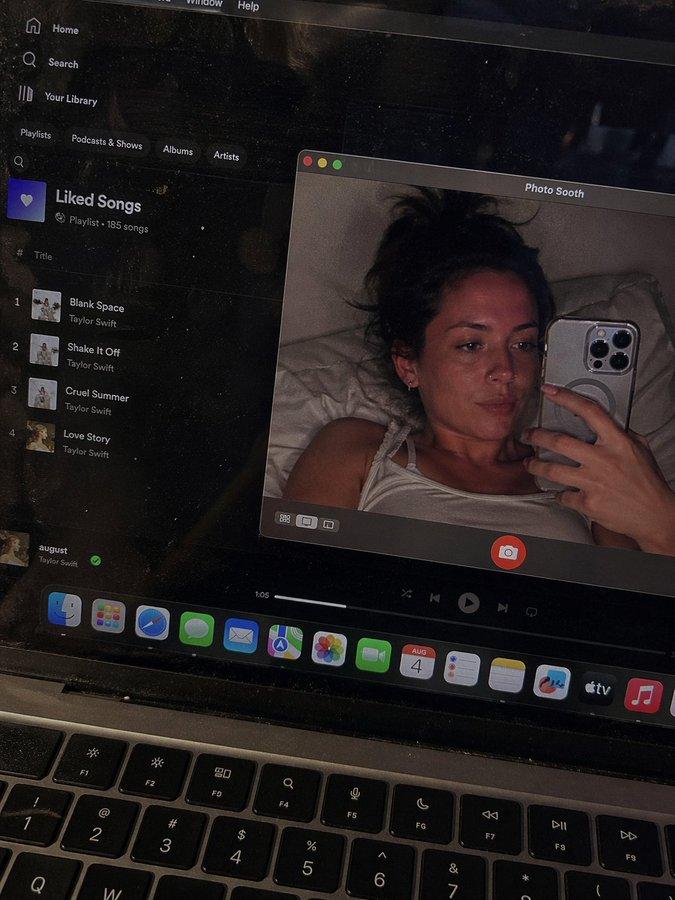
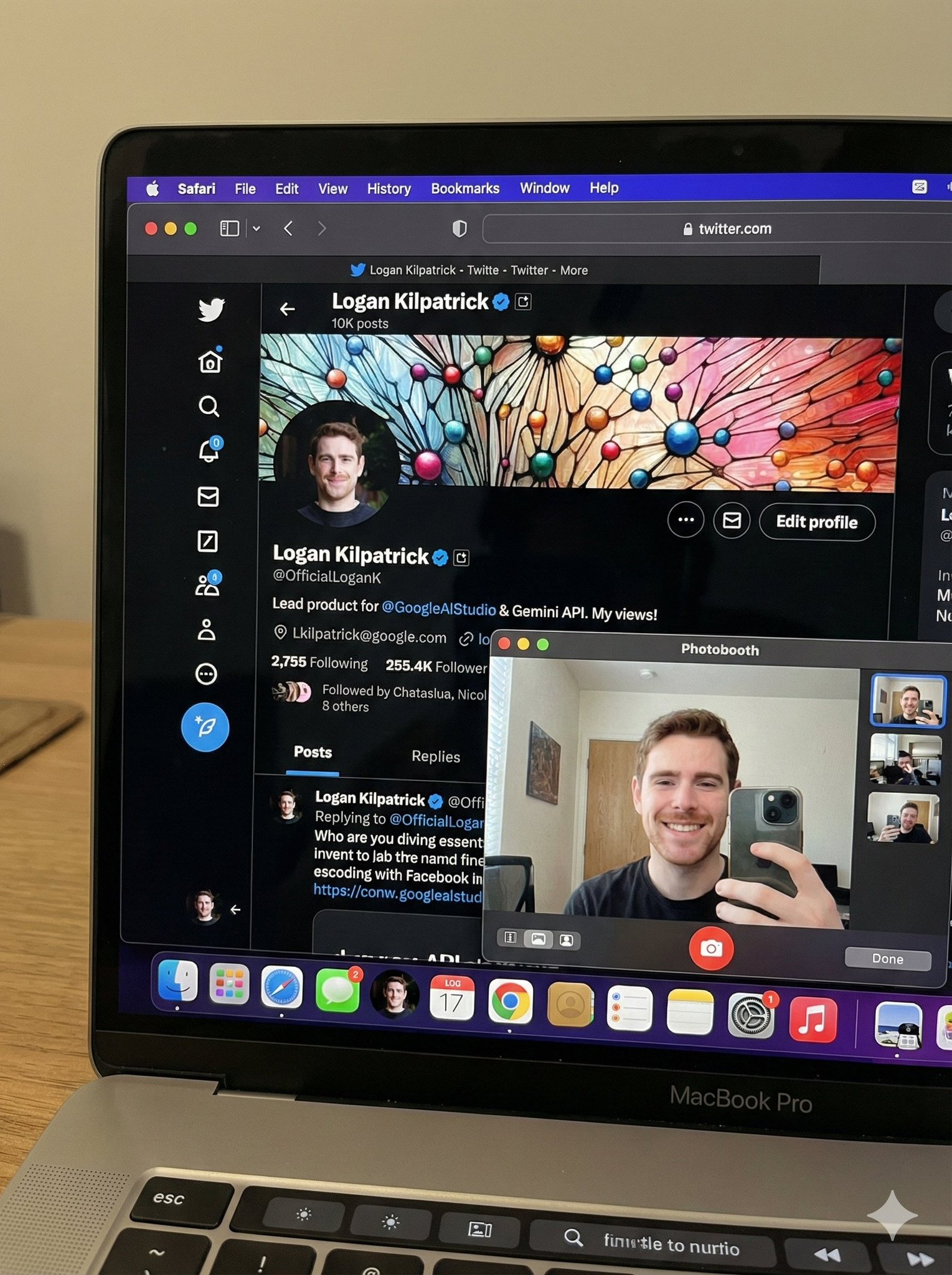
A candid, realistic still image of a MacBook Pro on a desk.

The screen shows Safari open with X (Twitter), displaying my own X account.
All UI elements must be accurate and authentic — no generic or incorrect follow buttons.
My profile picture is clearly visible, and the same profile image also appears in the macOS side dock.

Next to Safari, Photo Booth is open, showing a webcam selfie of me (the same person as in the profile picture).
In the selfie, I am looking directly into the camera, making a cute and playful funny face — slightly exaggerated but charming, casual, and natural.
Do not change my face or identity in any way.

No gibberish or unreadable text anywhere on the screen.
The phone (if present) remains completely still.

Flat, natural lighting.
Normal, realistic image quality — not cinematic, not overly stylized.
Photorealistic, everyday desktop environment with a casual, authentic snapshot feel.
Category
创意图片
Model
Nano Banana Pro
Views0
Source ID
7cf94389-f521-4c39-ab61-bfd45858efd1
Published
Mar 8, 2026

Guide

About "逼真的 MacBook 桌面自拍场景"

What is this prompt for?

"逼真的 MacBook 桌面自拍场景" AI image prompt for Nano Banana Pro (创意图片). 一个详细的、照片级的提示,旨在生成一张 MacBook Pro 放在桌上的静态图像。屏幕上显示一个特定的 X (Twitter) 个人资料,以及用户通过 Photo Booth 摄像头拍摄…

The full copyable prompt and example visuals above are ready for AI image generation or one-click recreate in Picva.

How to use this prompt

  1. Step 1

    Open the prompt detail

    Review the example visuals, category, and full prompt text for "逼真的 MacBook 桌面自拍场景".

  2. Step 2

    Copy the prompt

    Copy the prompt body from this page, or load it directly in Studio.

  3. Step 3

    Pick a model (Nano Banana Pro)

    Prefer Nano Banana Pro. If you switch models, keep subject and composition and tweak style terms.

  4. Step 4

    Generate and export

    Recreate the look in Picva, or export into your workflow for editing and publishing.

FAQ

What is the "逼真的 MacBook 桌面自拍场景" prompt?
It is an AI image-generation prompt for Nano Banana Pro in the 创意图片 category. This page includes the full prompt text, example visuals, and a one-click recreate path in Picva.
How do I use this prompt to generate an image?
Copy the prompt from this page, or use Generate / Studio. Paste it into a compatible image model, or recreate the look in Picva with optional reference images.
Which model is this prompt for?
This page lists Nano Banana Pro. Most descriptive prompts also transfer to nearby image models such as GPT Image, Flux, or Midjourney with light style tweaks.
Can I use the result commercially?
You can usually copy the prompt for creation, but commercial use of the final image depends on the model terms, reference-image rights, and the generated content. Follow the source author and platform rules.