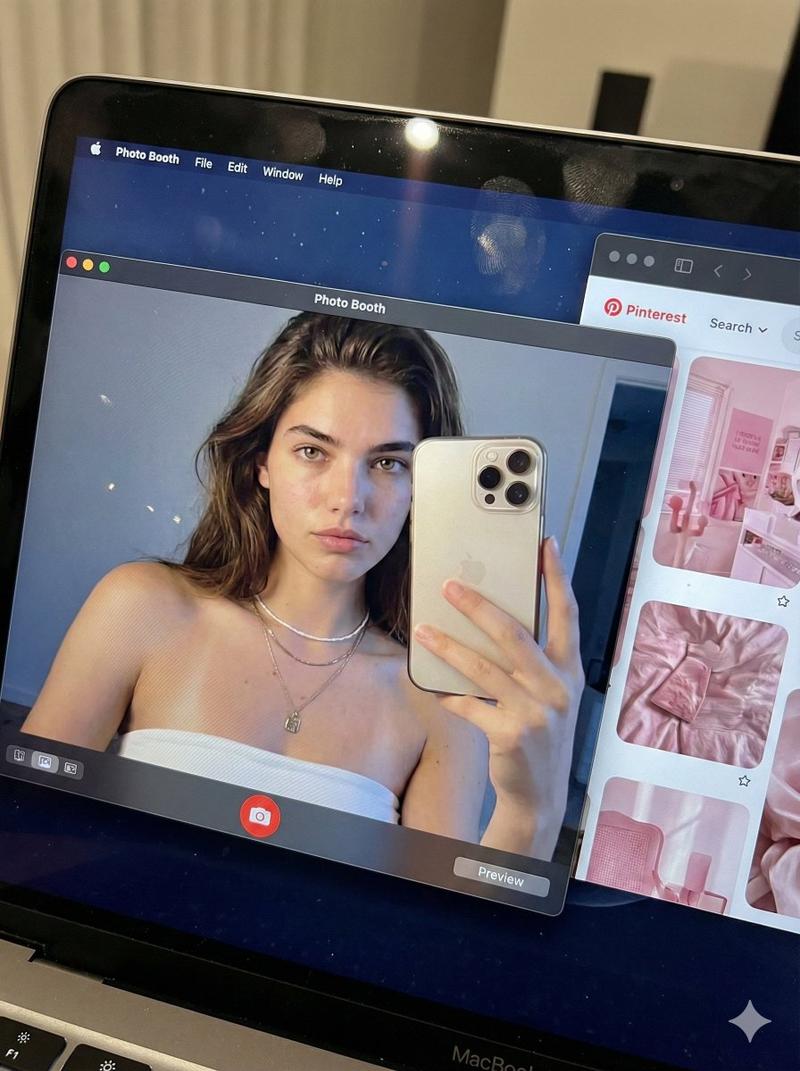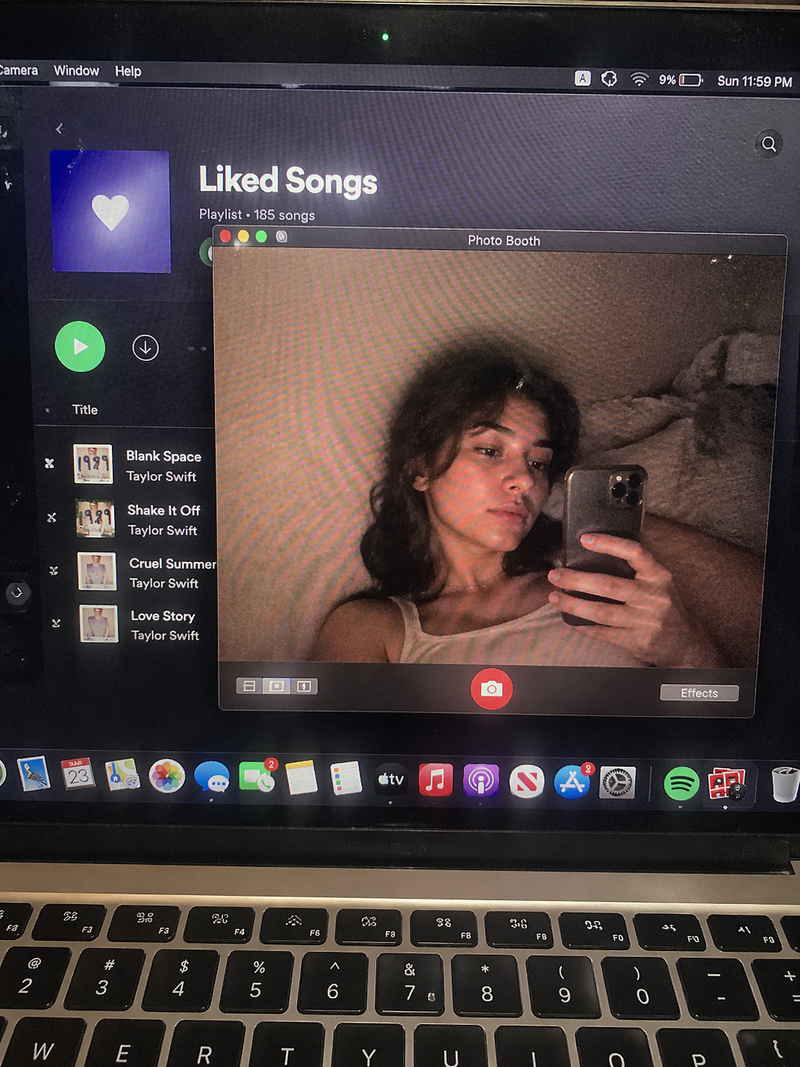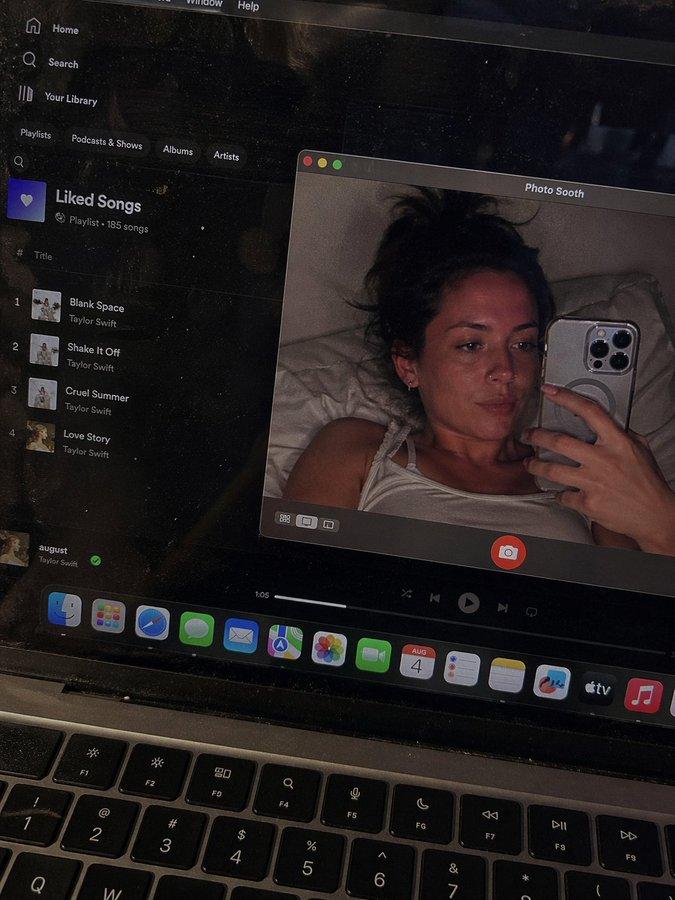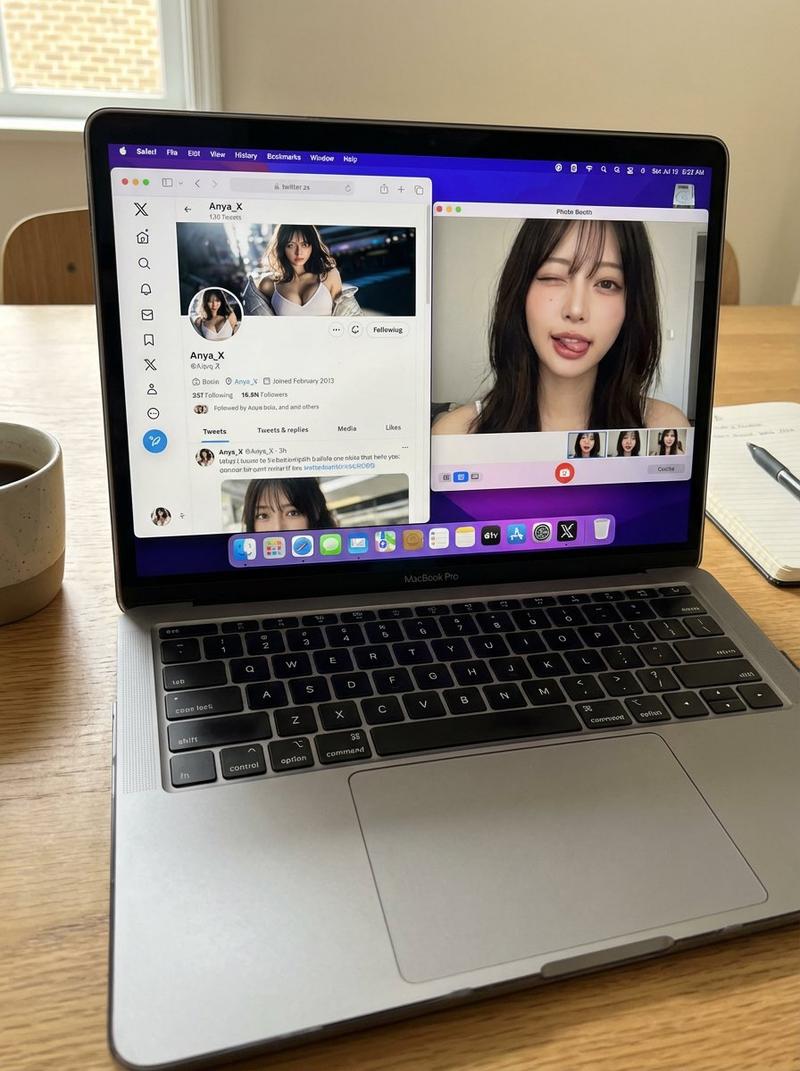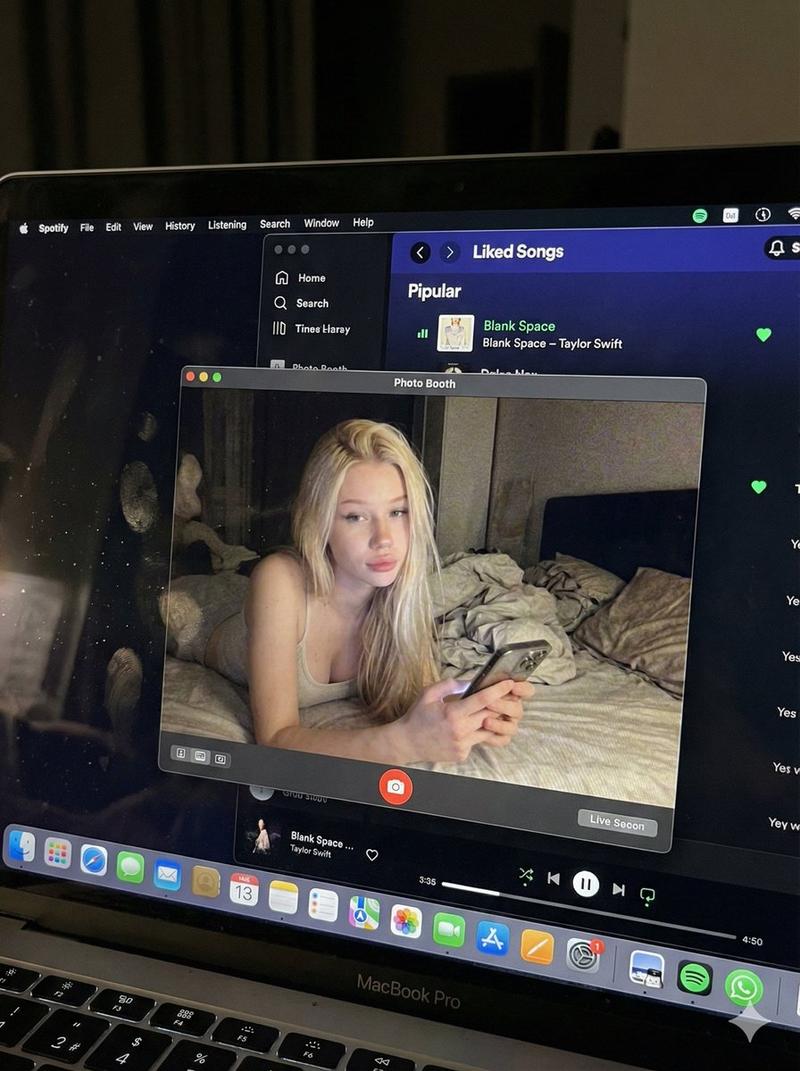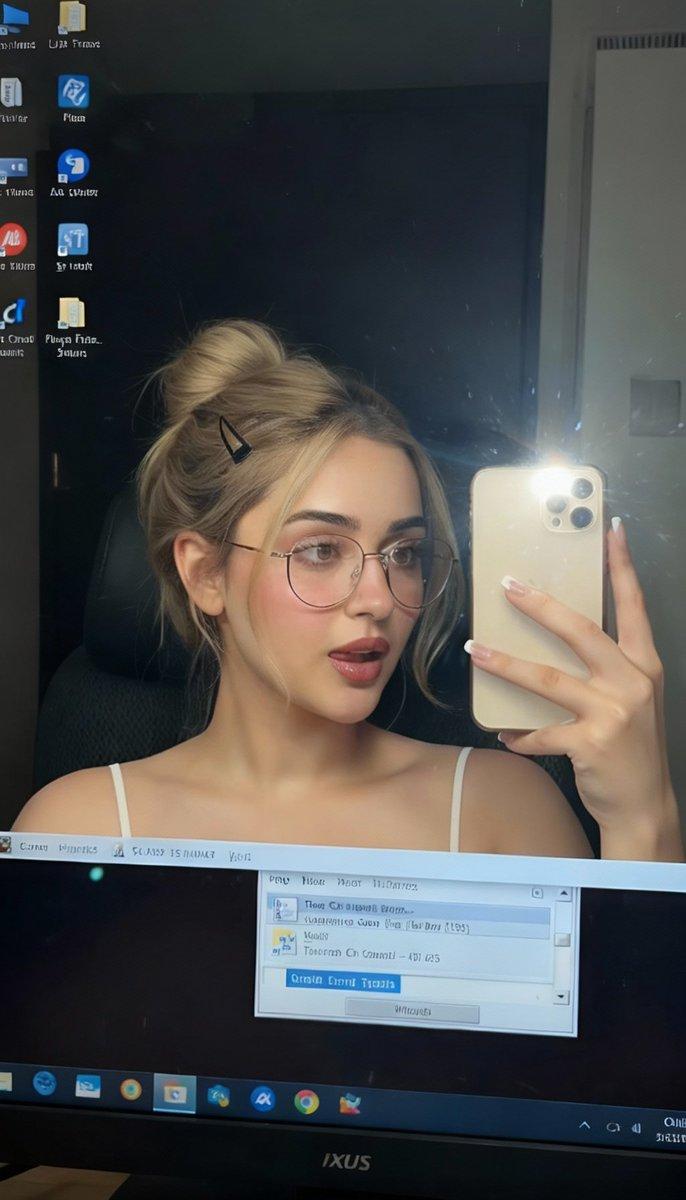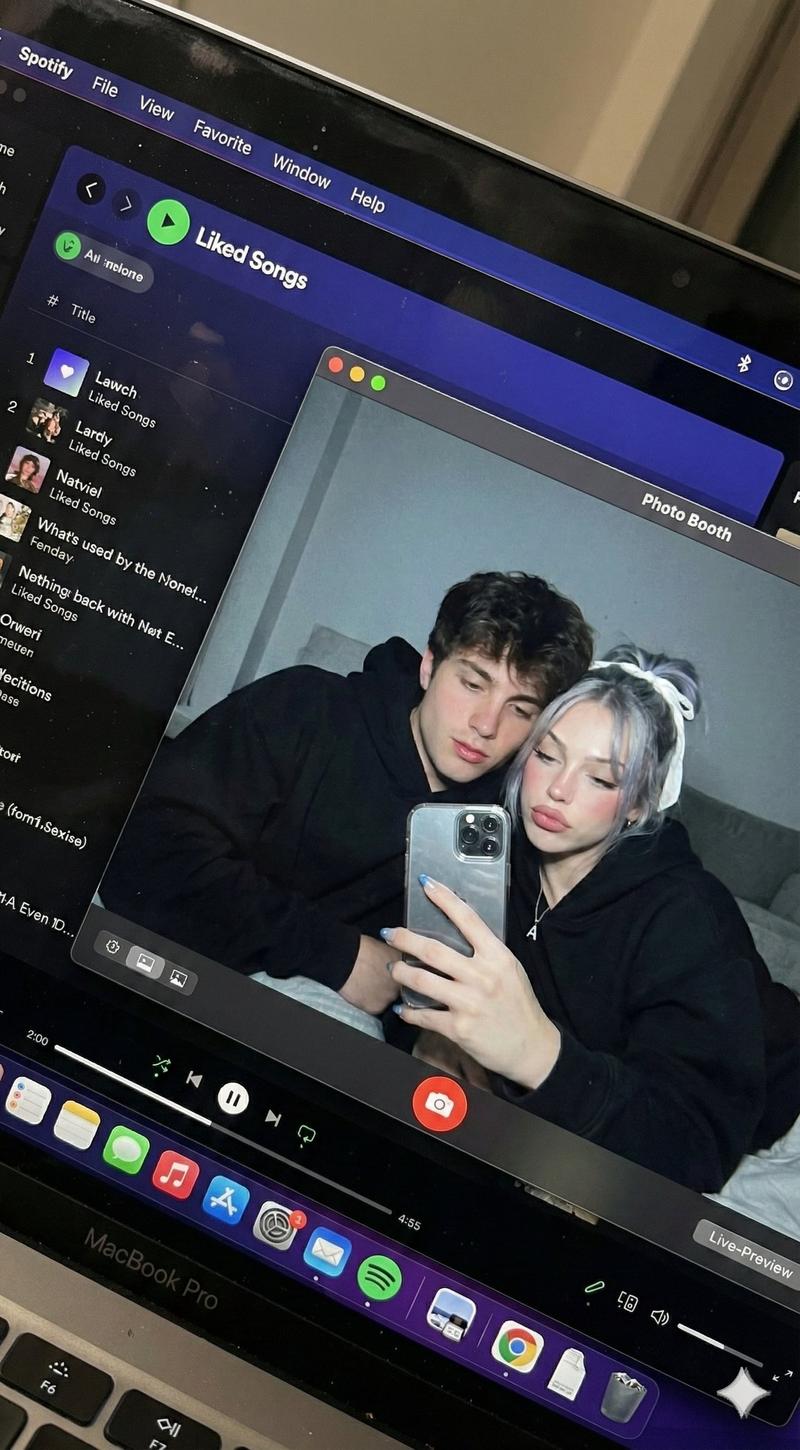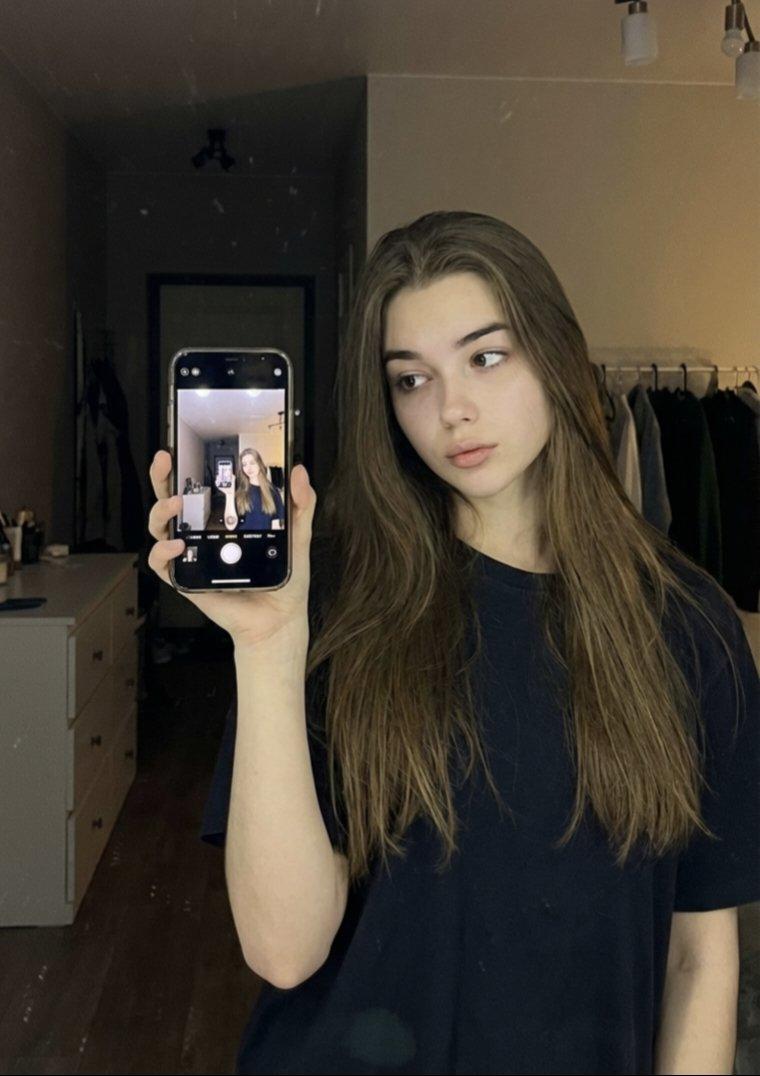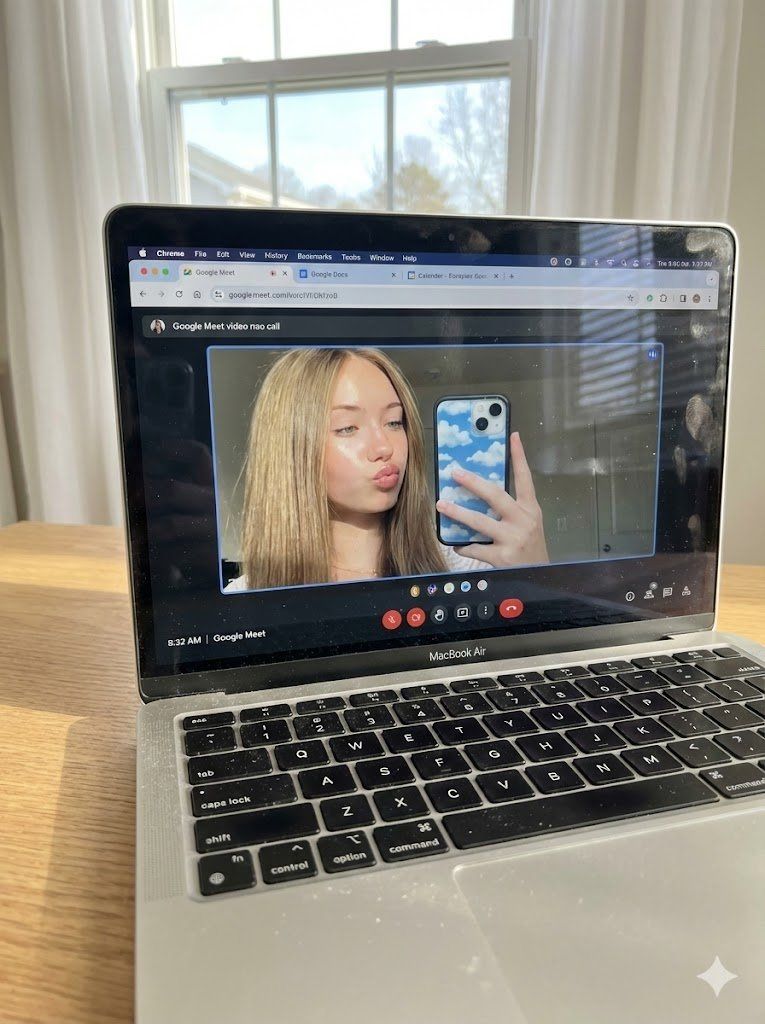
Google Meet 自拍时 MacBook 屏幕的原始照片
Prompt
(Vertical 3:4 aspect ratio). A raw, ultra-realistic physical photograph of a silver MacBook Air sitting on a light oak wooden desk. This is a handheld photo of a screen. NO ARTIFICIAL BOKEH. Everything is SHARP and in focus from the keyboard to the window in the background.
Layer 1: The Physical Hardware (MacBook & Environment)

The MacBook screen is the focal point. Direct, bright natural daylight streams in from a window behind the laptop, partially illuminating the keyboard and creating a realistic sun-glare on the screen's glossy surface.
Surface Imperfections (High Realism): Visible fine dust particles on the black keyboard keys, a few realistic oily fingerprints on the screen's bezel, and the grain of the wooden desk are perfectly SHARP.
Background: Soft white curtains and a bright window are visible behind the laptop, making the room feel airy and lived-in.
Layer 2: The Digital Interface (macOS & Google Meet)

The screen displays a Chrome browser window with multiple active tabs (Google Meet, Google Docs, Calendar).
An active Google Meet video call is in progress. The interface controls (mute, camera, end call red button) are sharp and legible at the bottom of the call window.
Layer 3: The Subject & Identity Locking (The "Uff" Content)

Identity: Strictly preserve the exact face and unique features of the woman in Image 1 (Selfie).
Bio-Fidelity: Inside the video call window, she is seen taking a mirror selfie through her webcam. She has a playful "kiss-face" or "pout" expression.
Appearance: Her blonde hair is styled in a straight, shoulder-length cut. Her skin shows ultra-high-fidelity "TrueLens" physics: visible micro-pores and a healthy "satin-finish" glow even through the webcam's digital feed.
The Selfie Architecture: On the laptop screen, she is holding a smartphone with a distinctive blue-and-white cloud-patterned case, capturing her own reflection.
Quality & Lighting:

Lighting: High-key, bright, and optimistic morning light. The contrast between the bright screen and the natural room light is perfectly balanced.
Quality: Raw smartphone photo aesthetic, high dynamic range, visible subtle moiré patterns on the laptop screen pixels, 8k resolution. Single frame.
- Category
- 创意图片
- Model
- Nano Banana Pro
- Creator
- Dan Reed
- Source ID
- f9fc1a25-6749-4517-9fef-528df0a8a6ae
- Published
- Mar 8, 2026
Views0