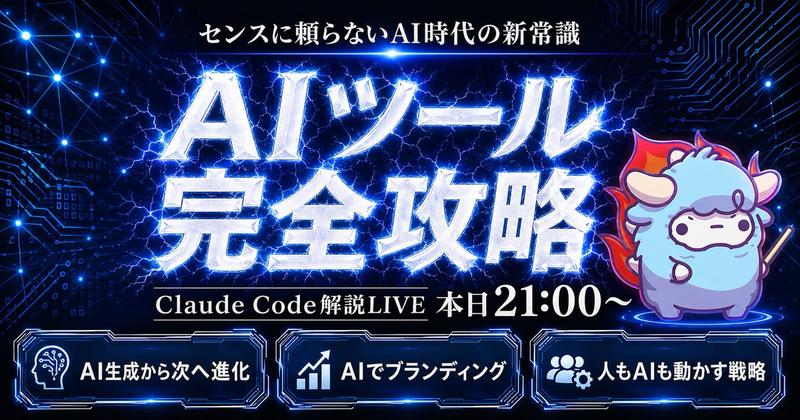
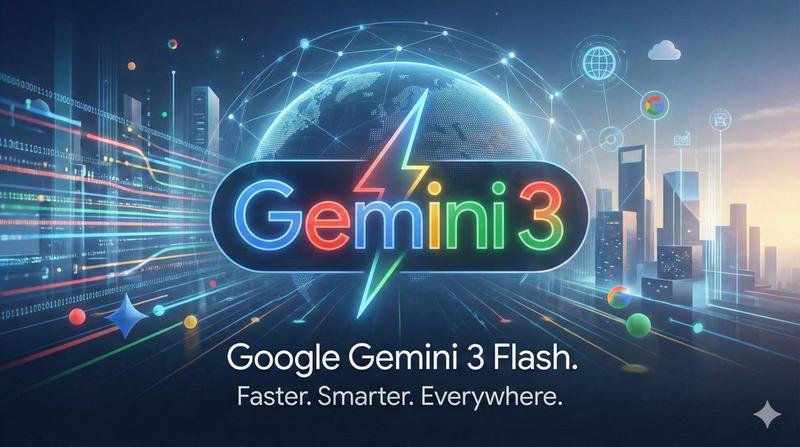
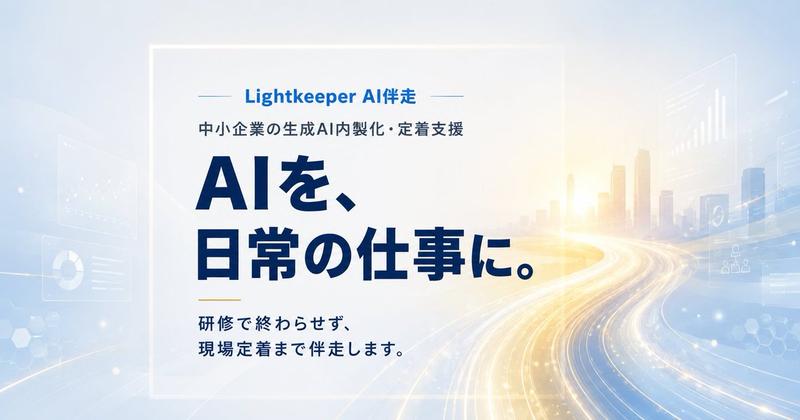
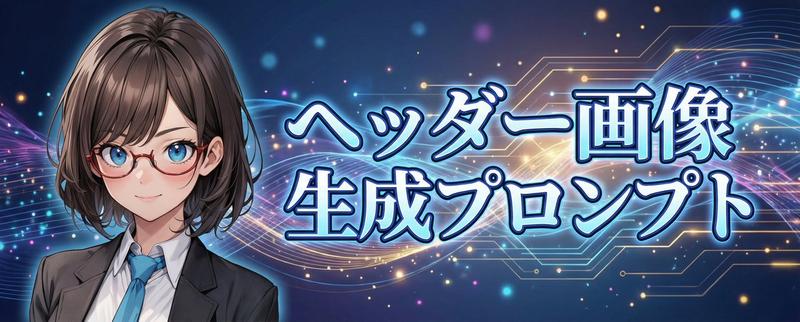
将横幅图片尺寸调整为 1:1
Prompt
このバナー画像を{argument name="アスペクト比" default="1:1"}サイズにして。- Category
- 创意图片
- Model
- Nano Banana Pro
- Creator
- 中村俊也|AIキャンプ®
- Source ID
- 999cd9c2-a6cf-4e01-9e92-4fea6705834c
- Published
- Mar 8, 2026
Views0
17

このバナー画像を{argument name="アスペクト比" default="1:1"}サイズにして。Guide
"将横幅图片尺寸调整为 1:1" AI image prompt for Nano Banana Pro (创意图片). 一个日文指令,要求模型将现有横幅图像转换为 1:1 的方形版本。 --- 将此横幅图片更改为 {argument name="aspect_ratio_en" default="1:1"} 尺寸。…
The full copyable prompt and example visuals above are ready for AI image generation or one-click recreate in Picva.
Step 1
Review the example visuals, category, and full prompt text for "将横幅图片尺寸调整为 1:1".
Step 2
Copy the prompt body from this page, or load it directly in Studio.
Step 3
Prefer Nano Banana Pro. If you switch models, keep subject and composition and tweak style terms.
Step 4
Recreate the look in Picva, or export into your workflow for editing and publishing.