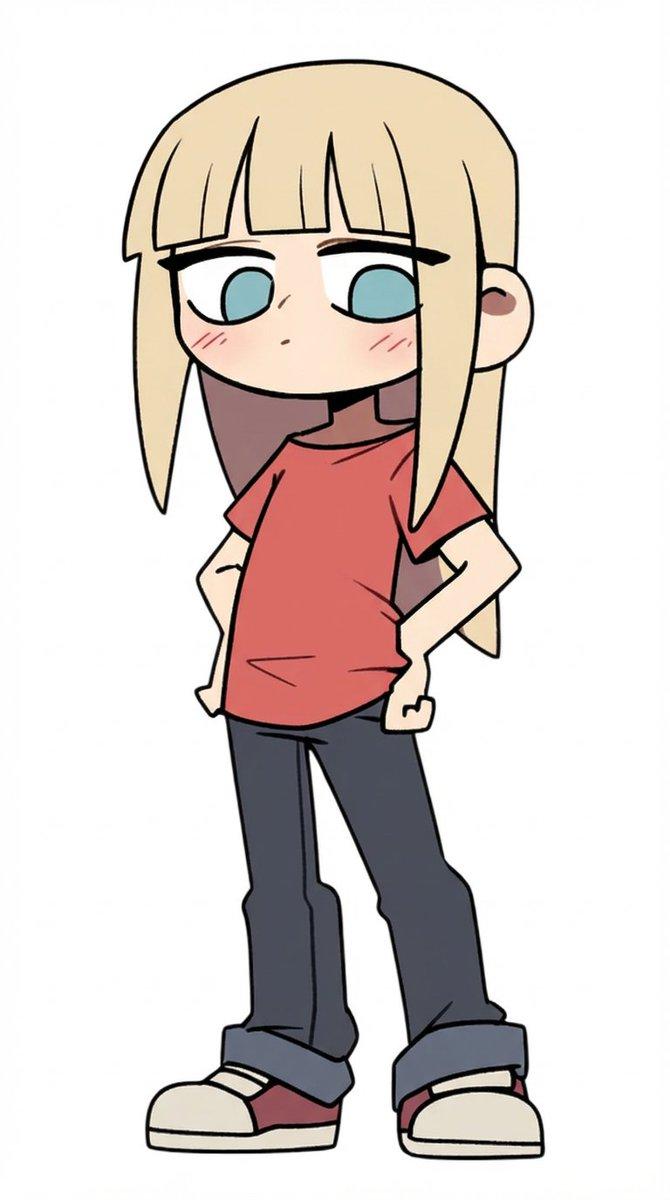
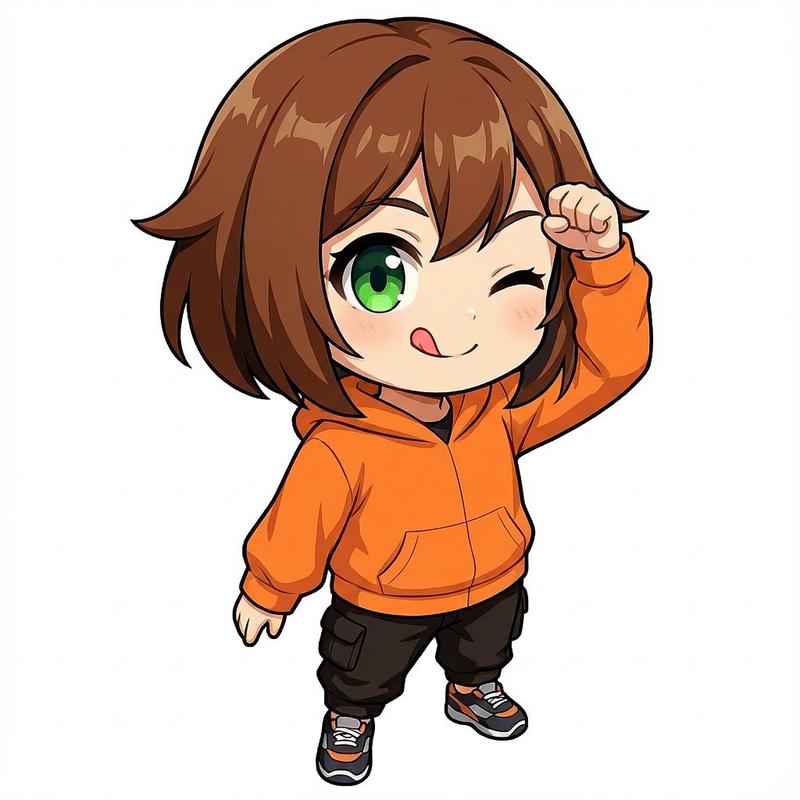
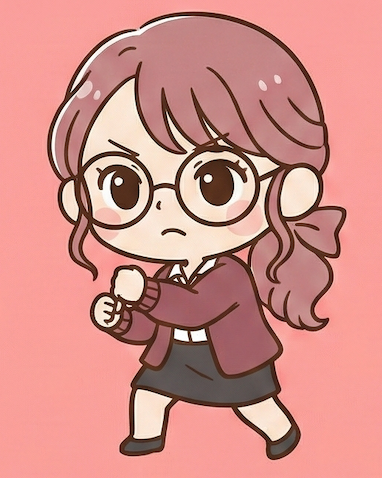
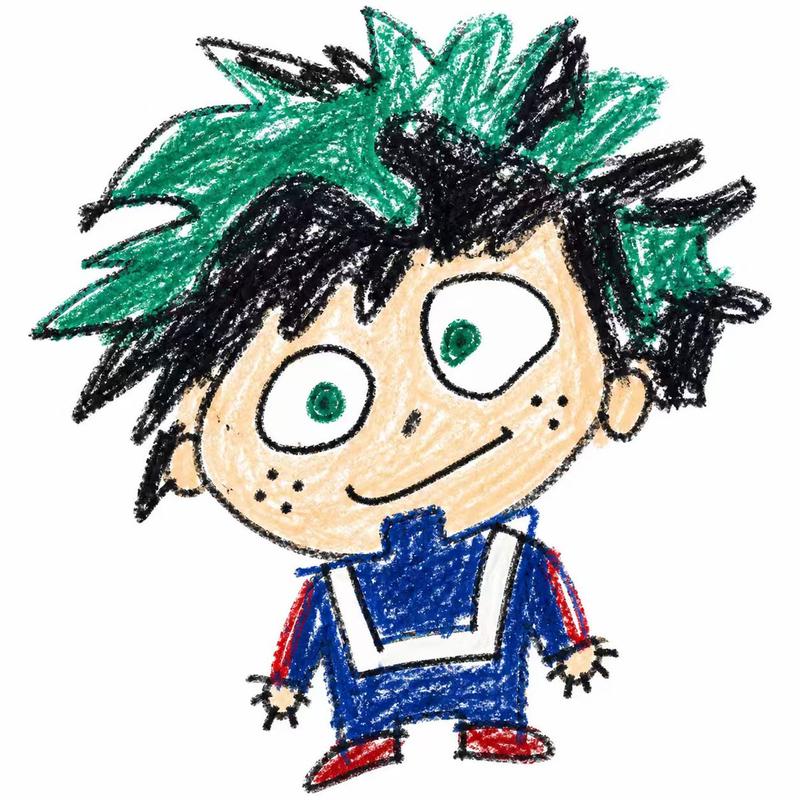
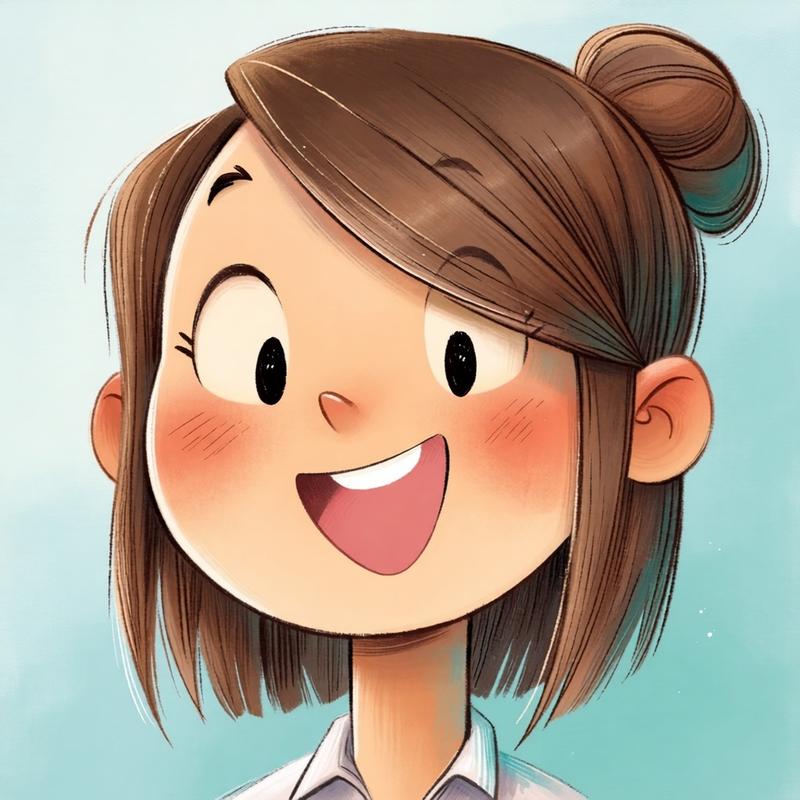
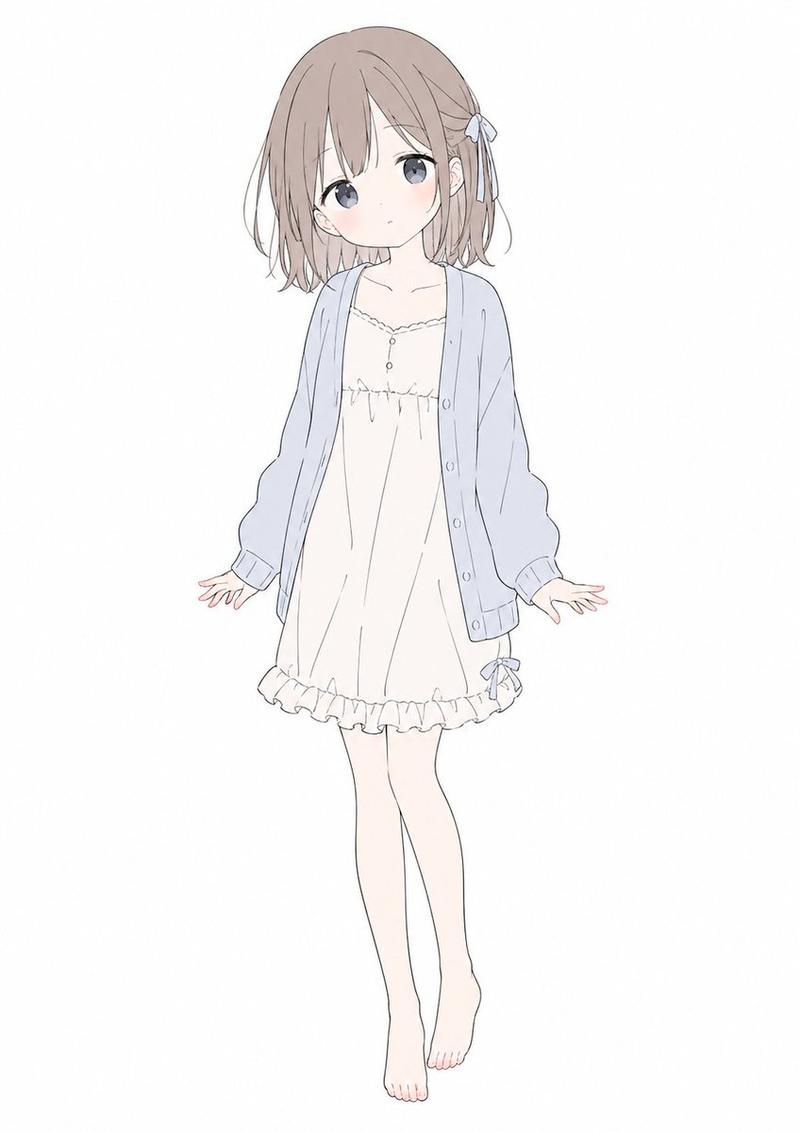
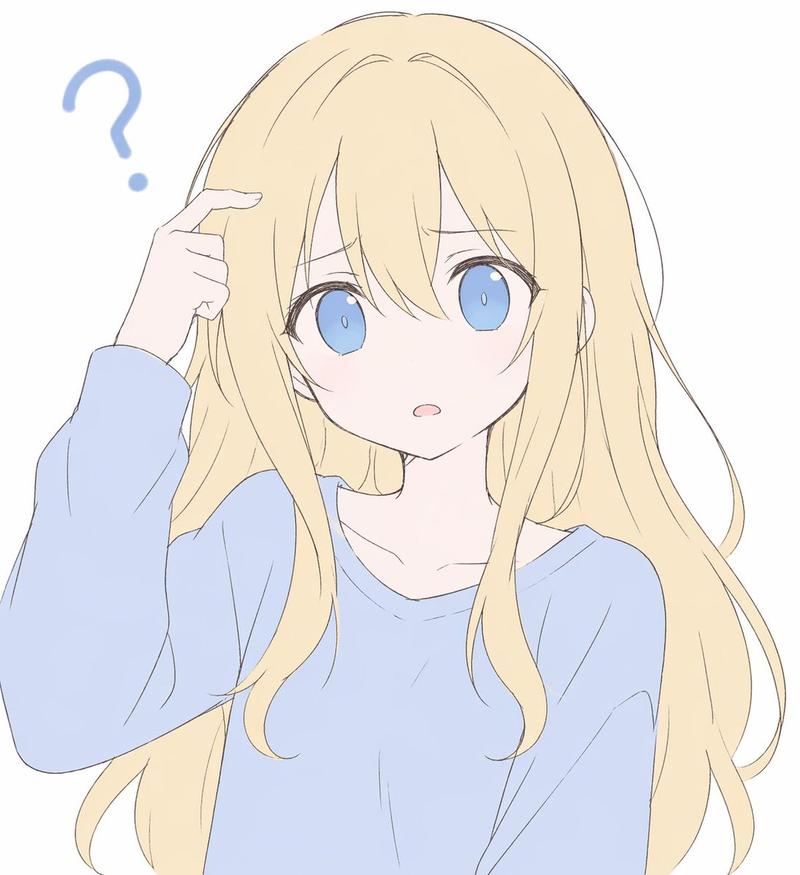
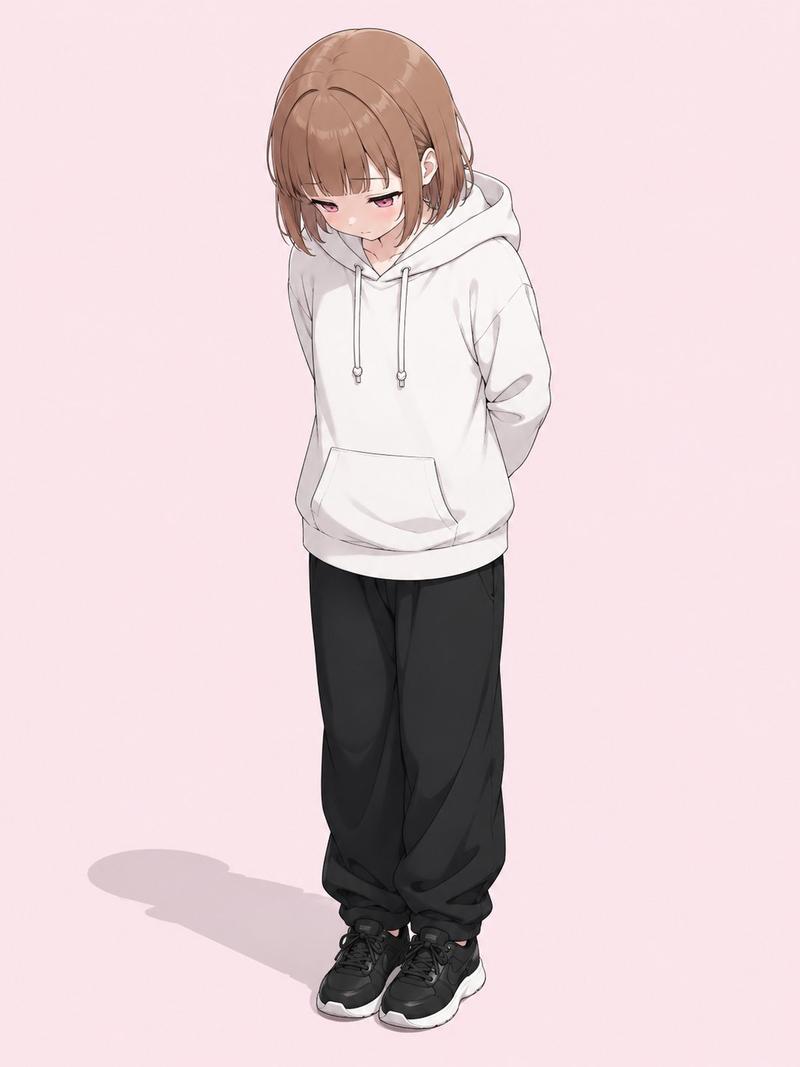
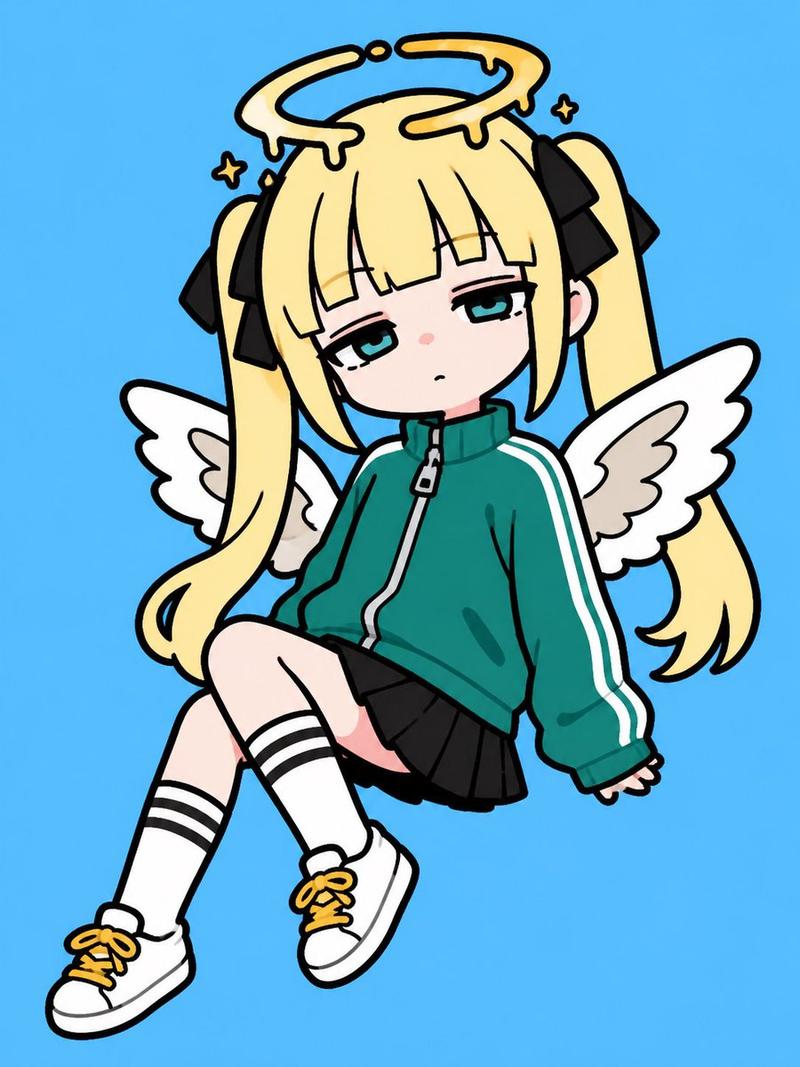
角色优化提示词(日文说明)
Prompt
瞳の色、まつ毛、服の色、長さ、ボディライン。
- Category
- 创意图片
- Model
- Nano Banana Pro
- Creator
- しゅんち(小柴俊太郎)@神戸AI漫画家
- Source ID
- b0571df6-7c35-46f7-a2c0-95a60f58d4eb
- Published
- Mar 8, 2026
Views0
15
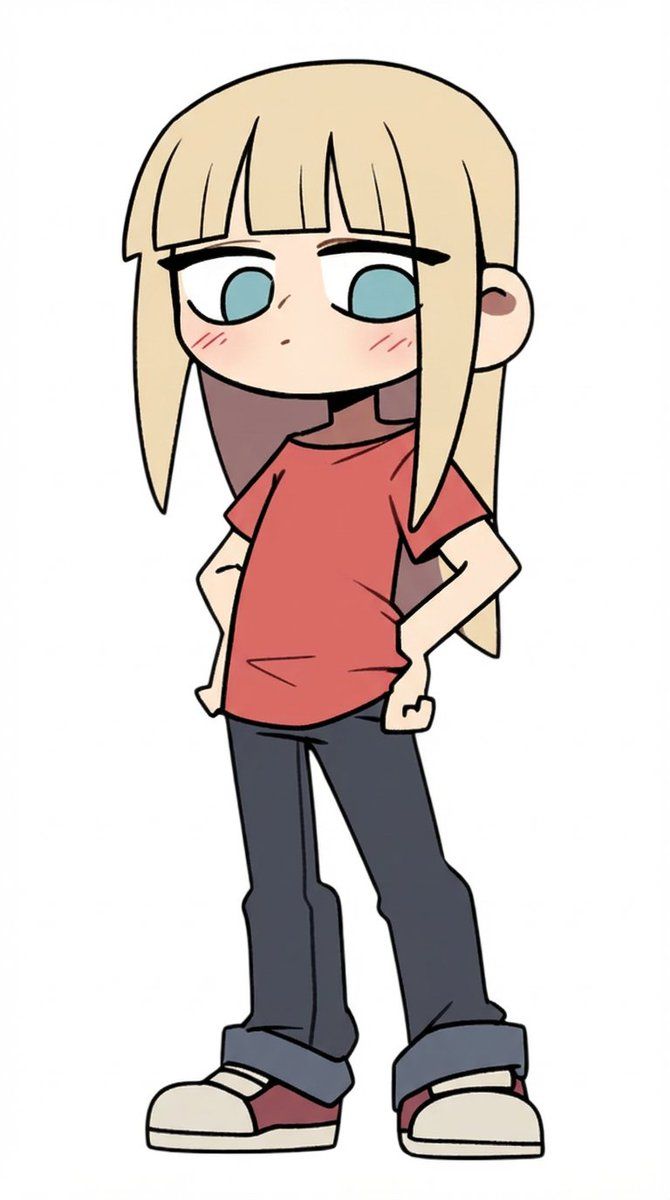
瞳の色、まつ毛、服の色、長さ、ボディライン。
Guide
"角色优化提示词(日文说明)" AI image prompt for Nano Banana Pro (创意图片). Nano Banana Pro 中用于详细角色细化的提示,允许用户使用日语指令指定眼睛颜色、睫毛、服装颜色、长度和身体线条等特征。 --- 眼睛颜色、睫毛、服装颜色、长度、身体线条。 Copy it…
The full copyable prompt and example visuals above are ready for AI image generation or one-click recreate in Picva.
Step 1
Review the example visuals, category, and full prompt text for "角色优化提示词(日文说明)".
Step 2
Copy the prompt body from this page, or load it directly in Studio.
Step 3
Prefer Nano Banana Pro. If you switch models, keep subject and composition and tweak style terms.
Step 4
Recreate the look in Picva, or export into your workflow for editing and publishing.