19

书籍场景转换提示词
Enlarge

书籍场景转换提示词

Prompt
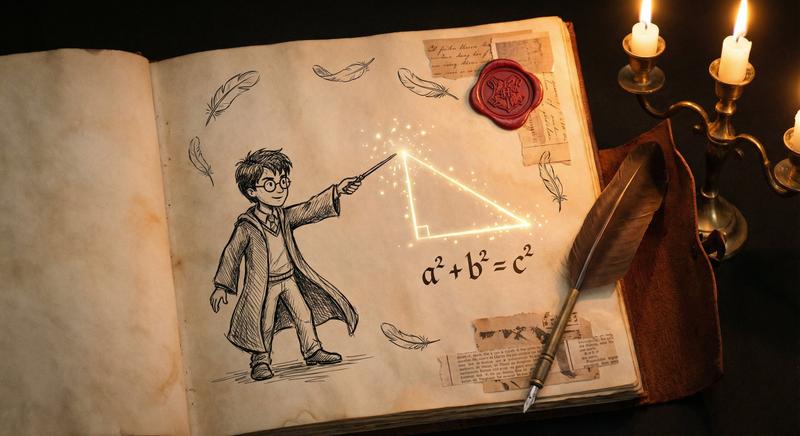
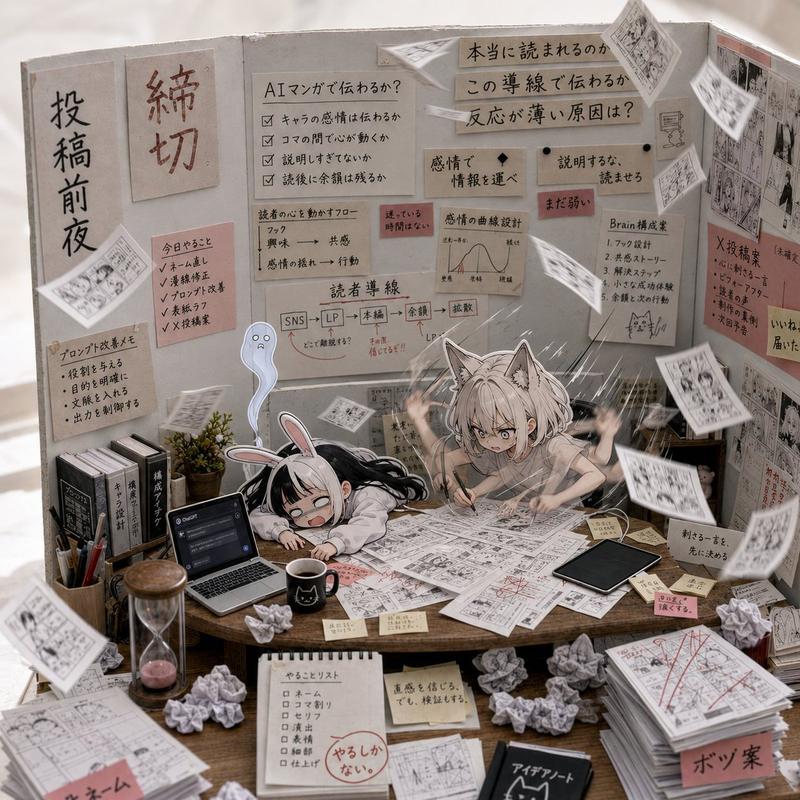
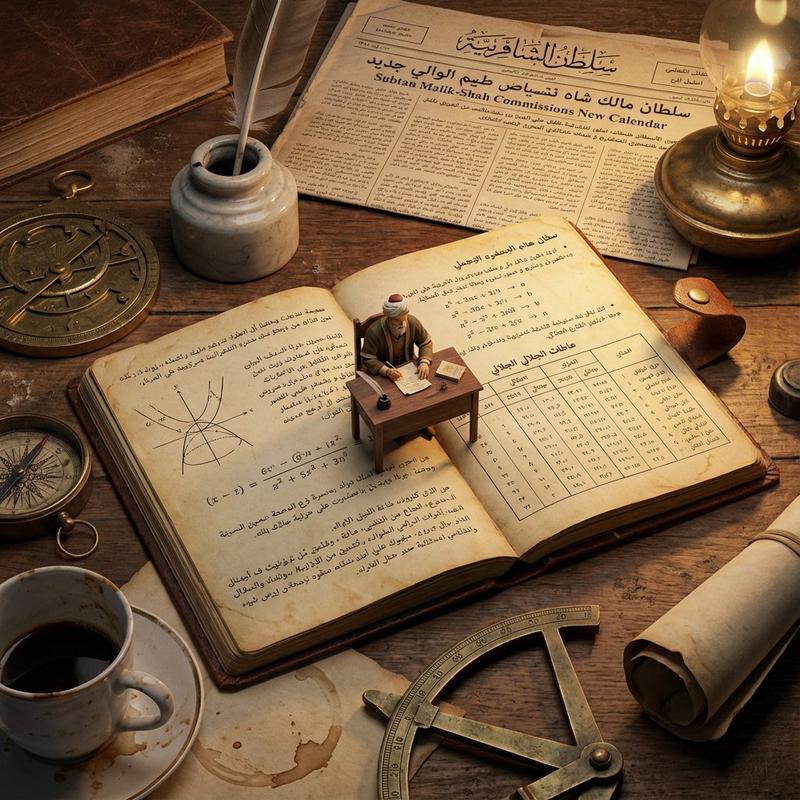
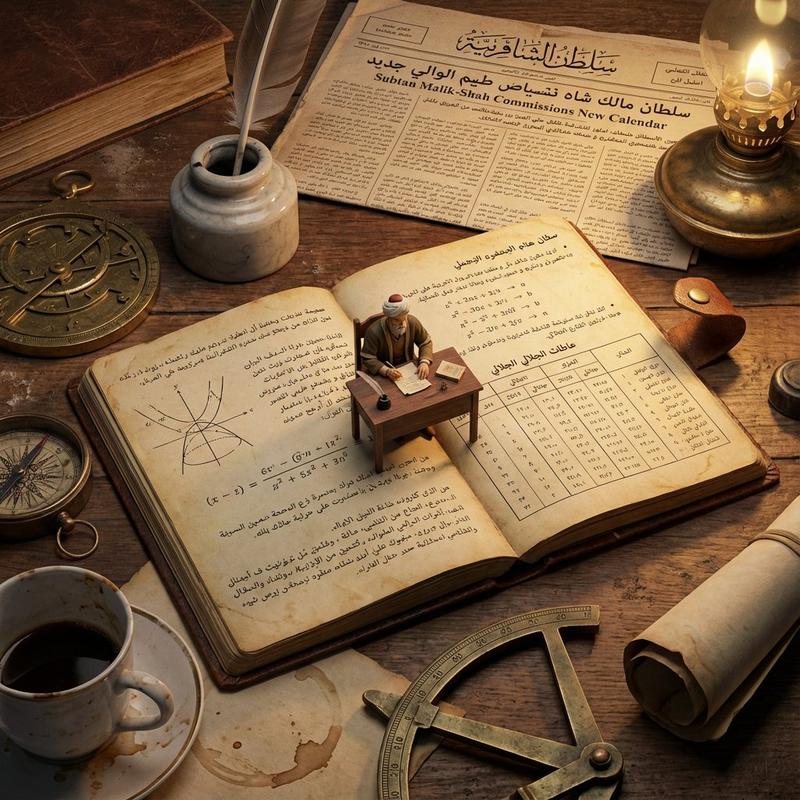
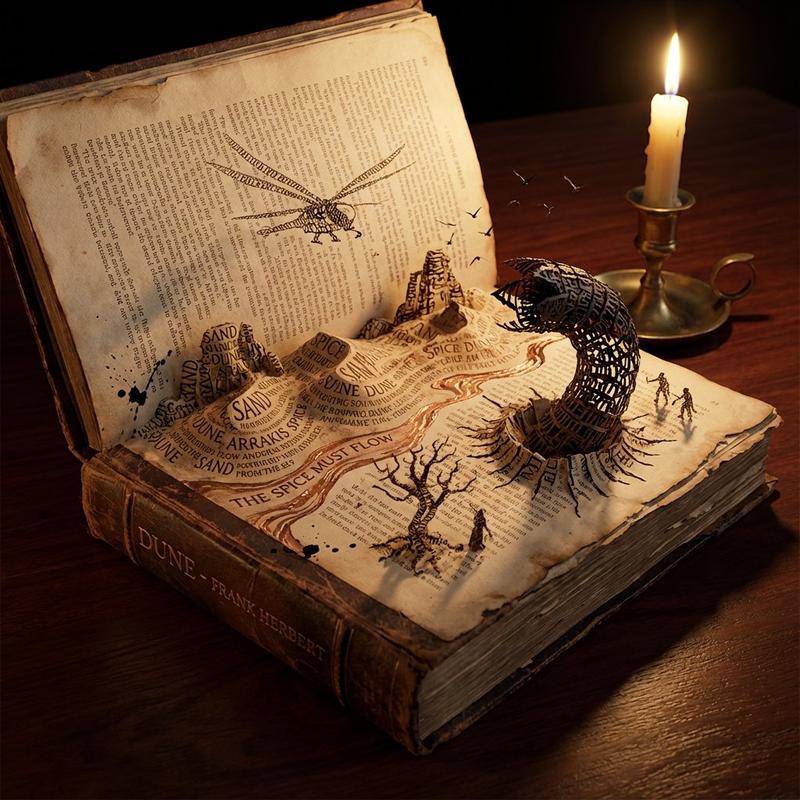
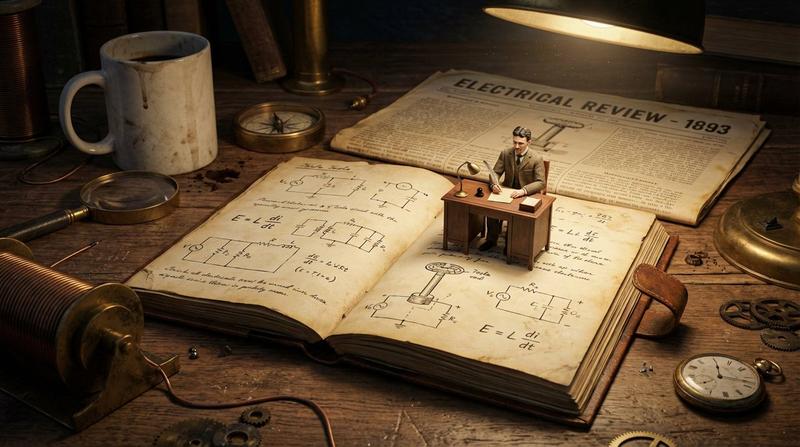
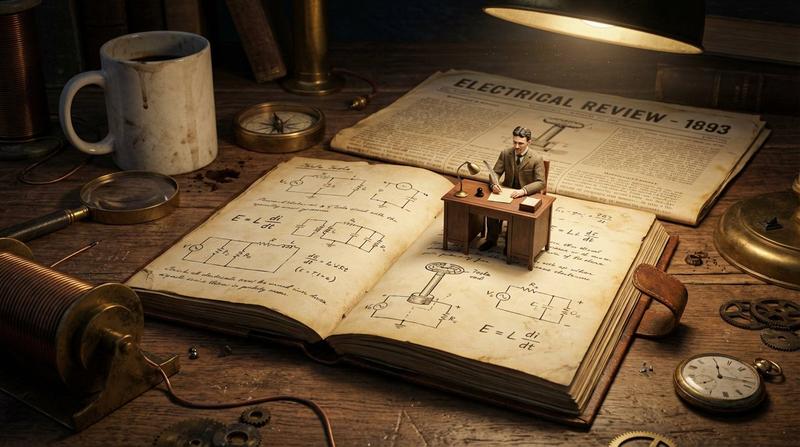
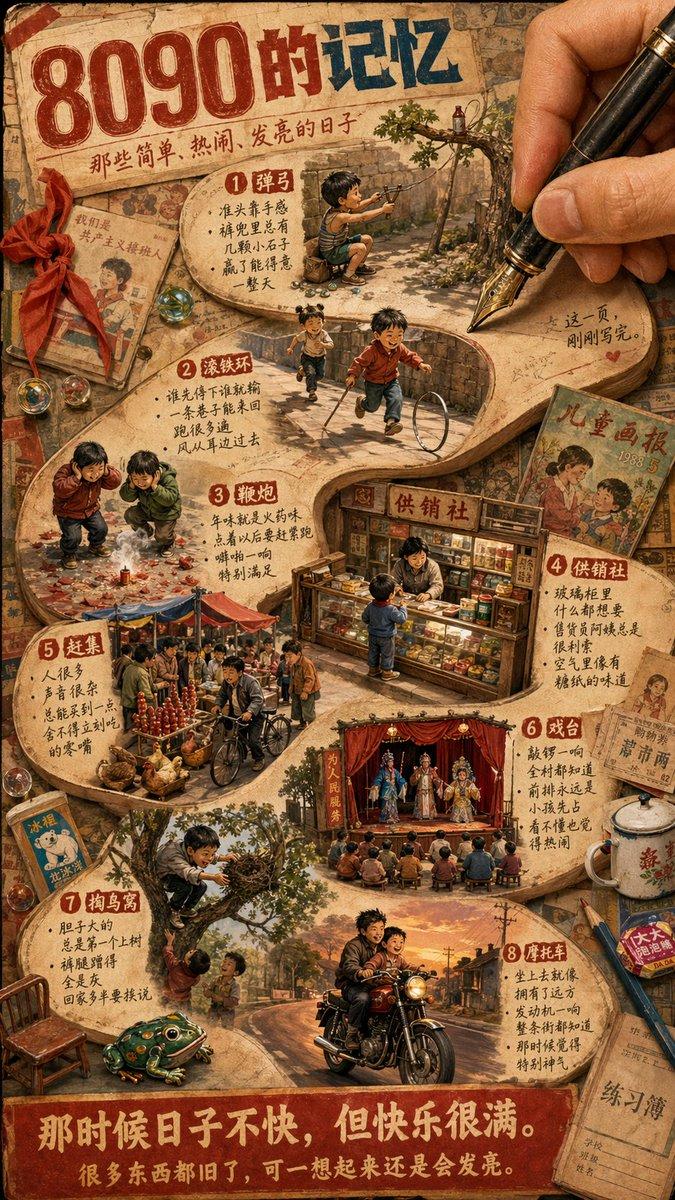
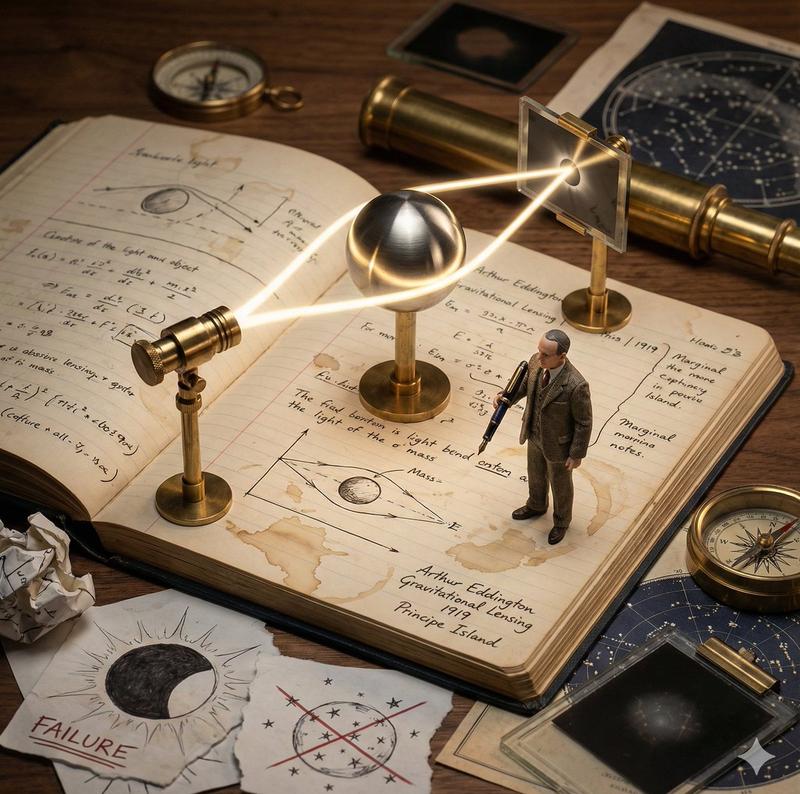
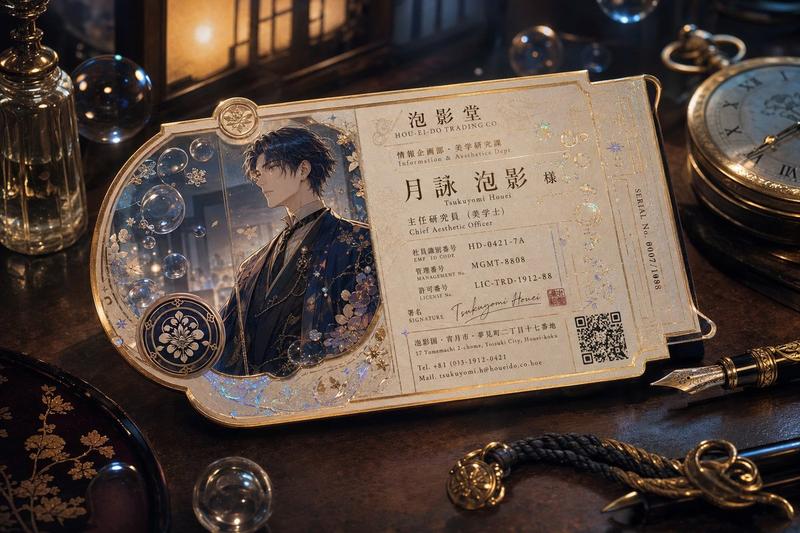
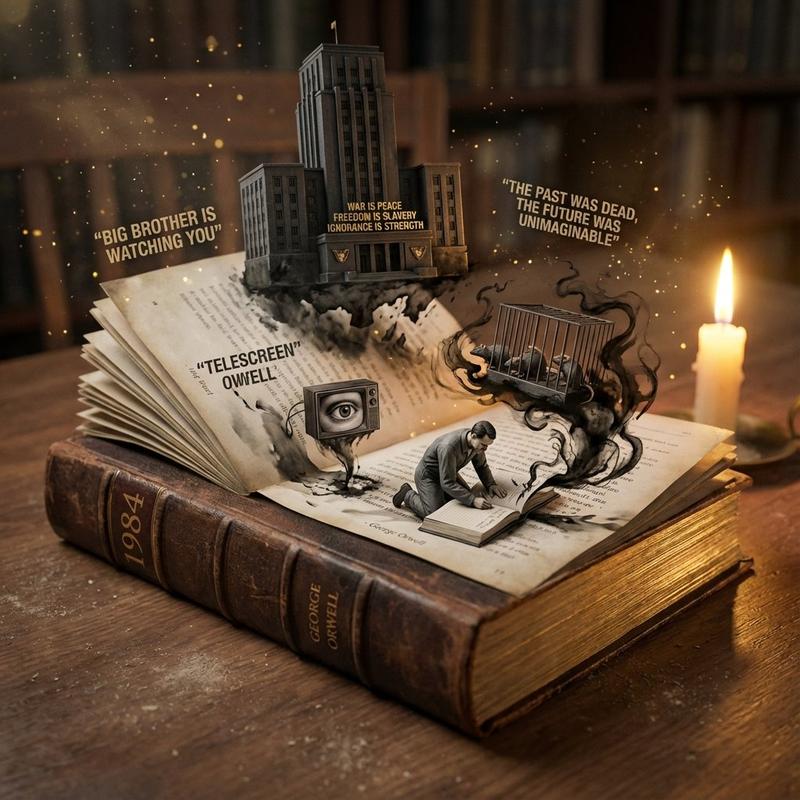
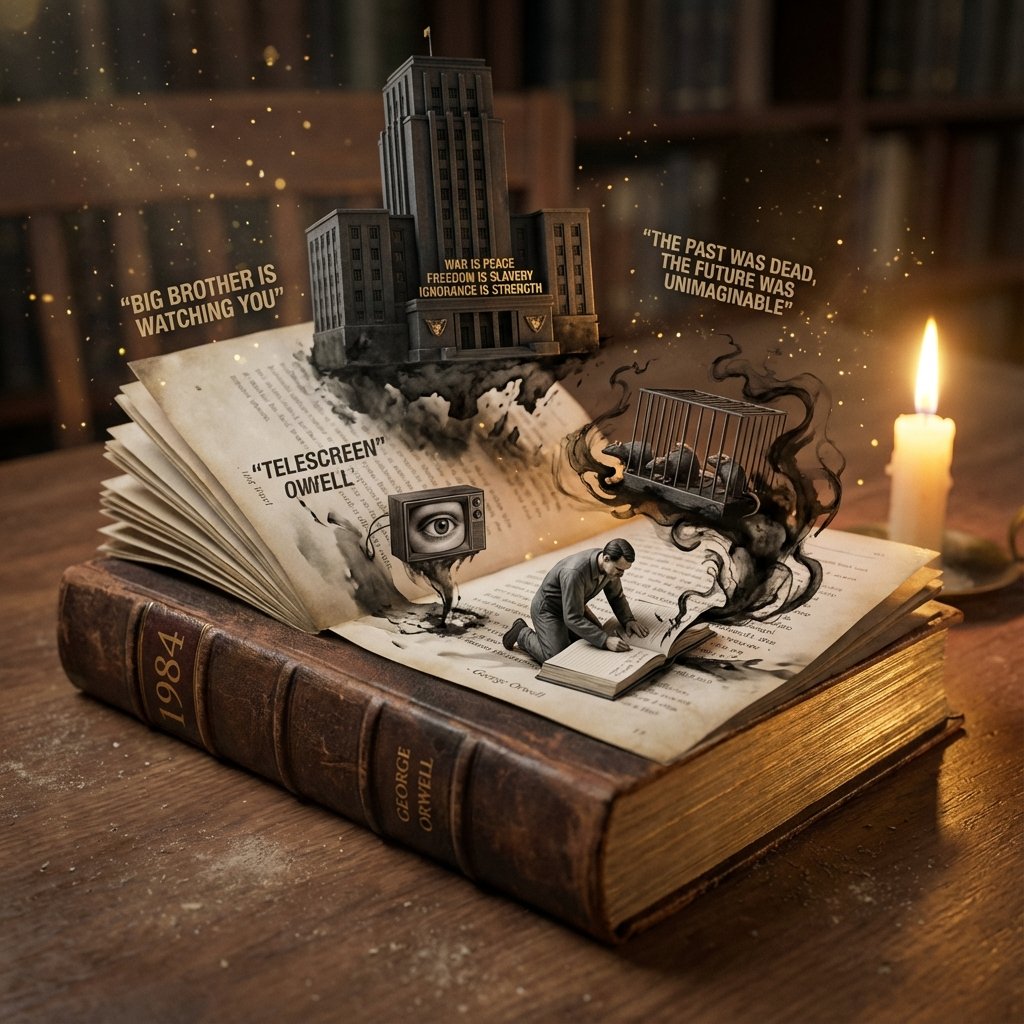
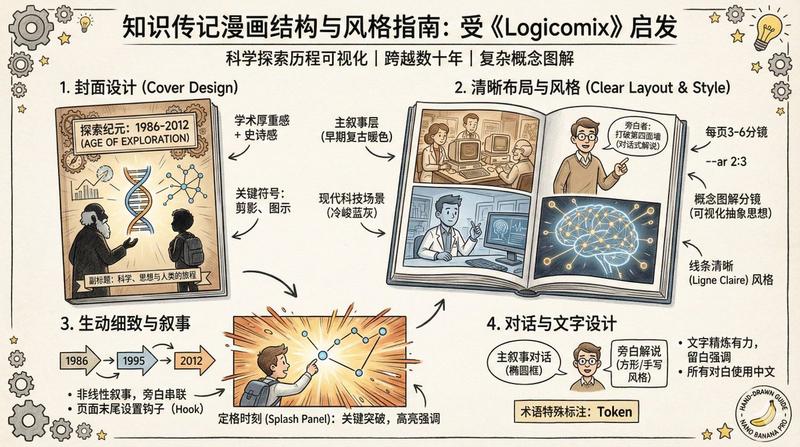
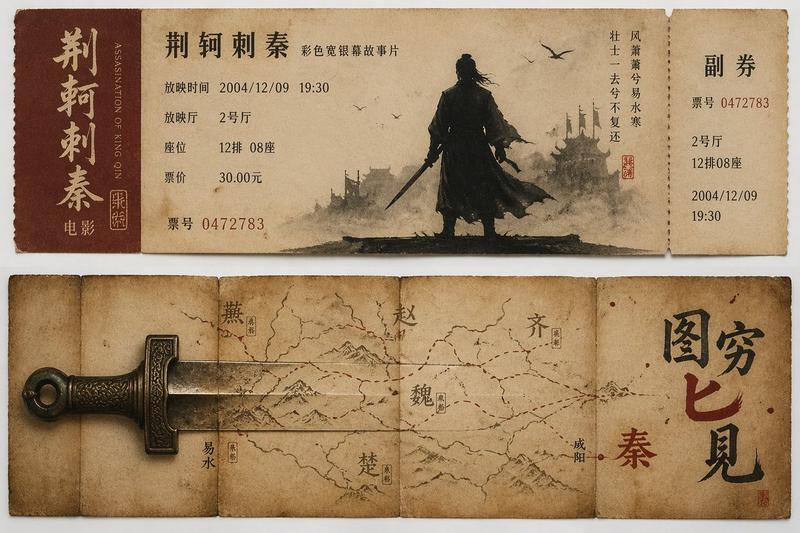
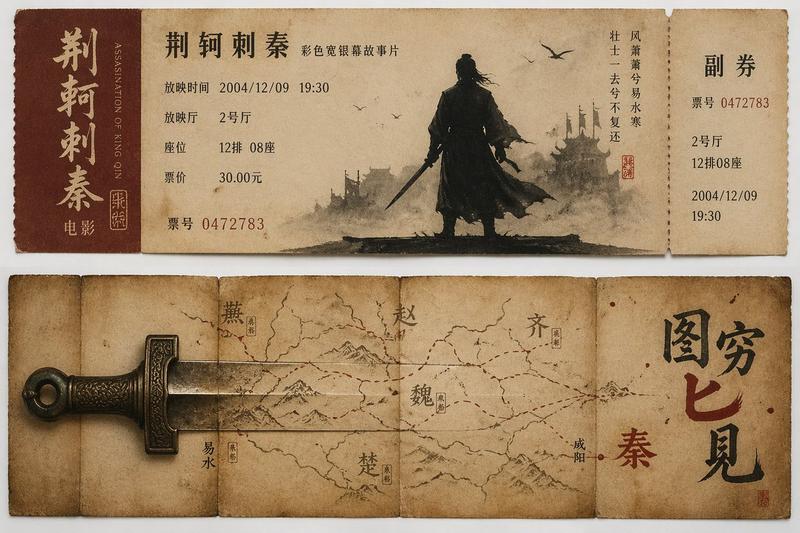
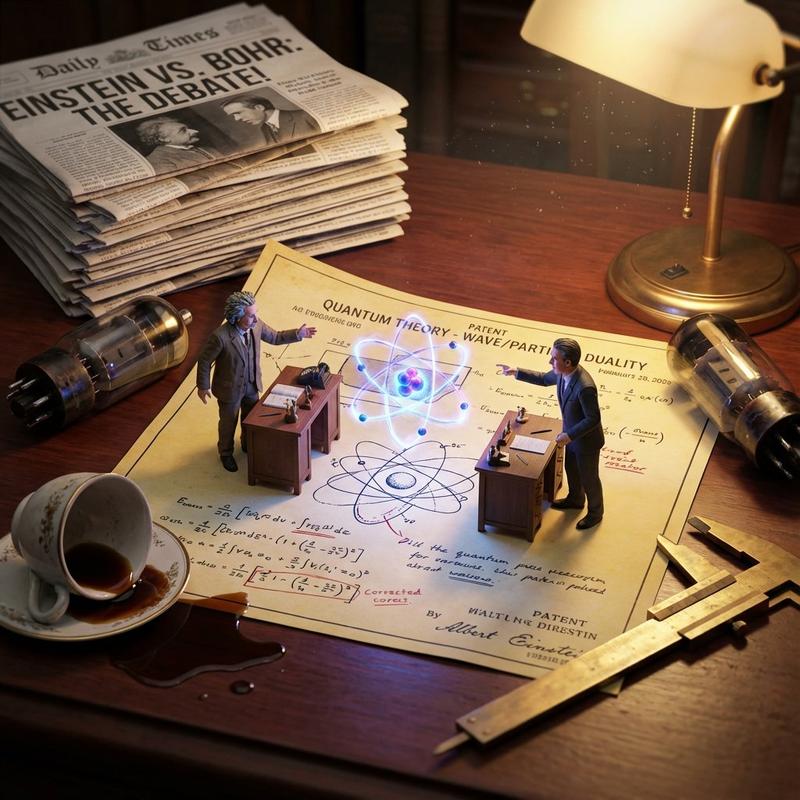
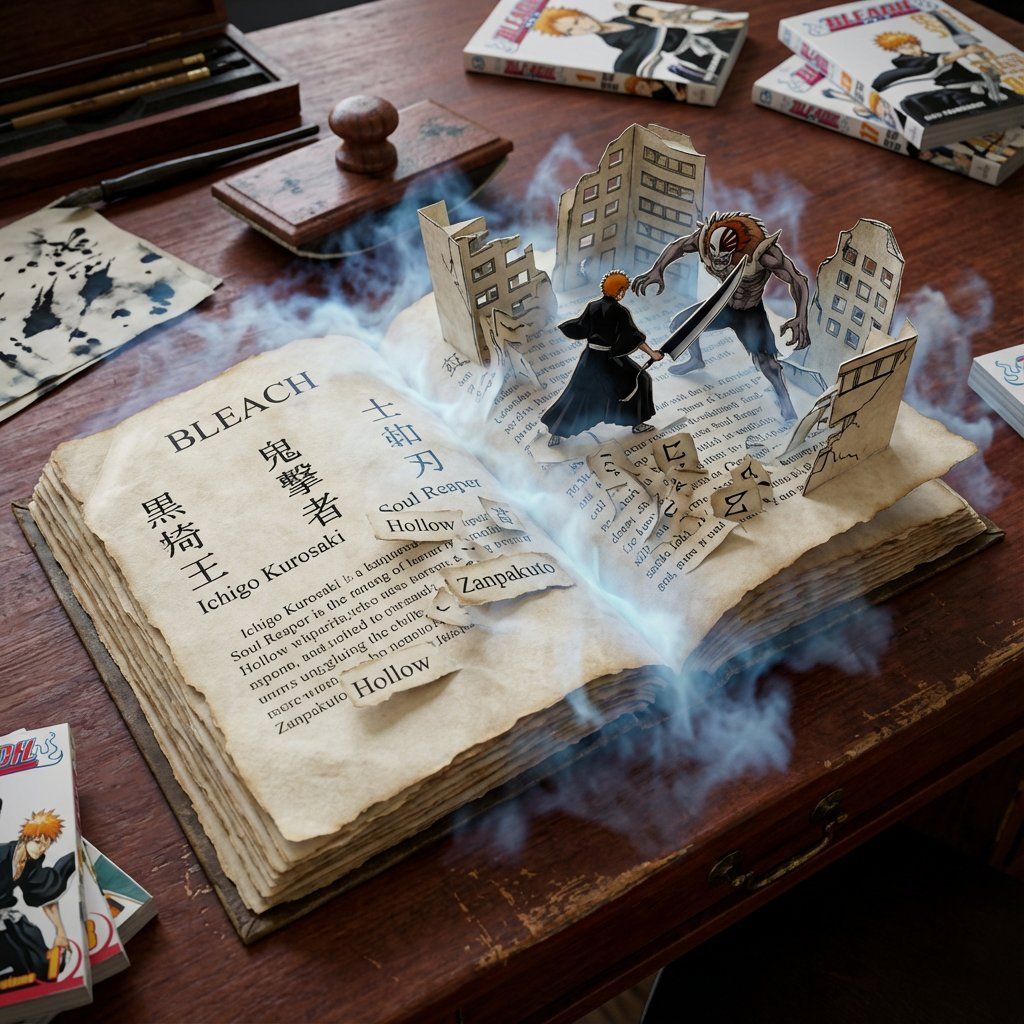
An open book lying on a desk where the text physically rises from the page to form the scene described.
Input Variable: {argument name="book genre" default="Sci-Fi"}

 Logic Steps:

1. The Paper: Determine age and quality. (Crisp white for Sci-Fi, yellowed crumbling edges for Horror, vellum for Fantasy).

2. The Typography: The letters themselves unglue from the page and stack to form the 3D structures. Examples: The word "Castle" forms the bricks of a fortress. "Forest" forms the trunks of trees.

3. The Atmosphere: Mist or light spilling out from between the pages.

4. The Desk: The surrounding surface matches the likely reader (Mahogany desk for Sherlock Holmes, metal grate for Cyberpunk). Output Rules: 45-degree angle looking down, focus on the paper texture and text transformation.
Category
创意图片
Model
Nano Banana Pro
Creator
Gadgetify
Views0
Source ID
1d480387-af55-4b16-b538-11f22f659d93
Published
Mar 8, 2026

Guide

About "书籍场景转换提示词"

What is this prompt for?

"书籍场景转换提示词" AI image prompt for Nano Banana Pro (创意图片). 一个为图像生成模型(如 Nano Banana Pro)设计的详细多步骤提示,专注于将一本打开的书中的文字转换为由这些文字描述的 3D 场景。它包含关于纸张纹理、排版转换、氛围和周围环境的具体说明,以匹配书…

The full copyable prompt and example visuals above are ready for AI image generation or one-click recreate in Picva.

How to use this prompt

  1. Step 1

    Open the prompt detail

    Review the example visuals, category, and full prompt text for "书籍场景转换提示词".

  2. Step 2

    Copy the prompt

    Copy the prompt body from this page, or load it directly in Studio.

  3. Step 3

    Pick a model (Nano Banana Pro)

    Prefer Nano Banana Pro. If you switch models, keep subject and composition and tweak style terms.

  4. Step 4

    Generate and export

    Recreate the look in Picva, or export into your workflow for editing and publishing.

FAQ

What is the "书籍场景转换提示词" prompt?
It is an AI image-generation prompt for Nano Banana Pro in the 创意图片 category. This page includes the full prompt text, example visuals, and a one-click recreate path in Picva.
How do I use this prompt to generate an image?
Copy the prompt from this page, or use Generate / Studio. Paste it into a compatible image model, or recreate the look in Picva with optional reference images.
Which model is this prompt for?
This page lists Nano Banana Pro. Most descriptive prompts also transfer to nearby image models such as GPT Image, Flux, or Midjourney with light style tweaks.
Can I use the result commercially?
You can usually copy the prompt for creation, but commercial use of the final image depends on the model terms, reference-image rights, and the generated content. Follow the source author and platform rules.