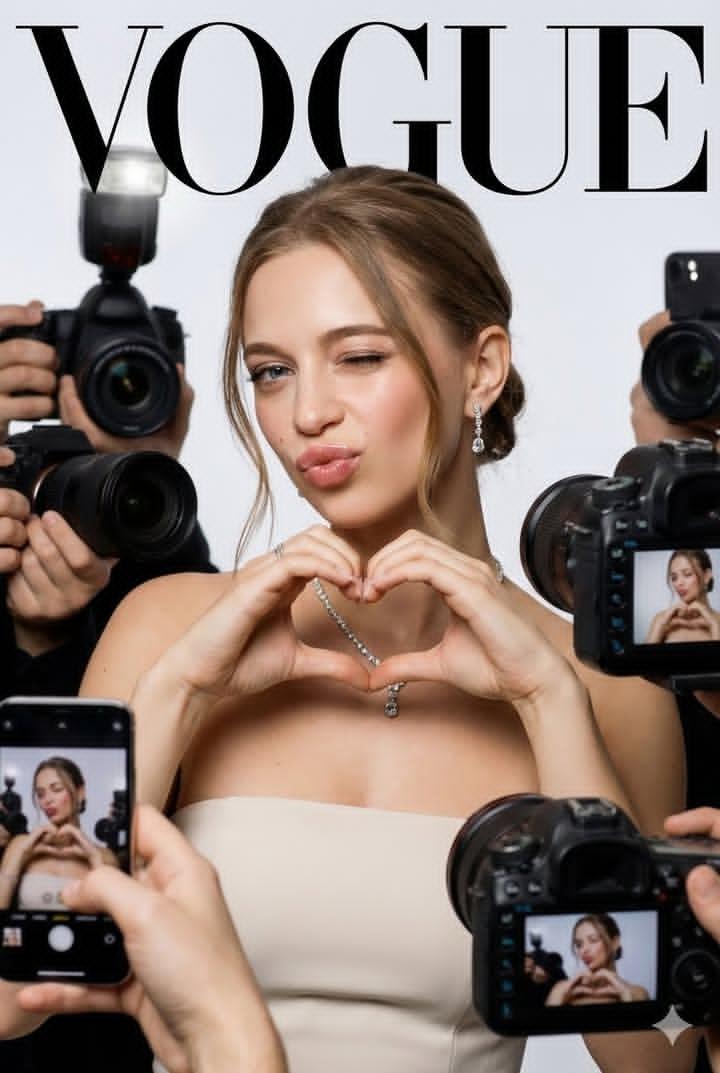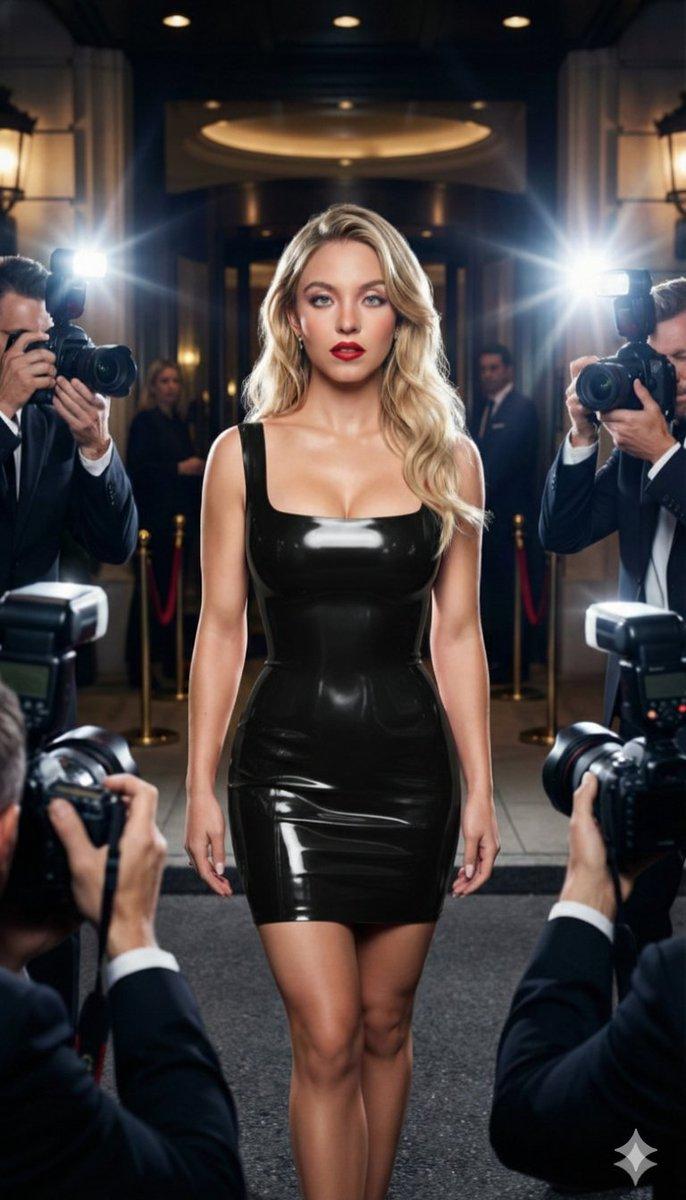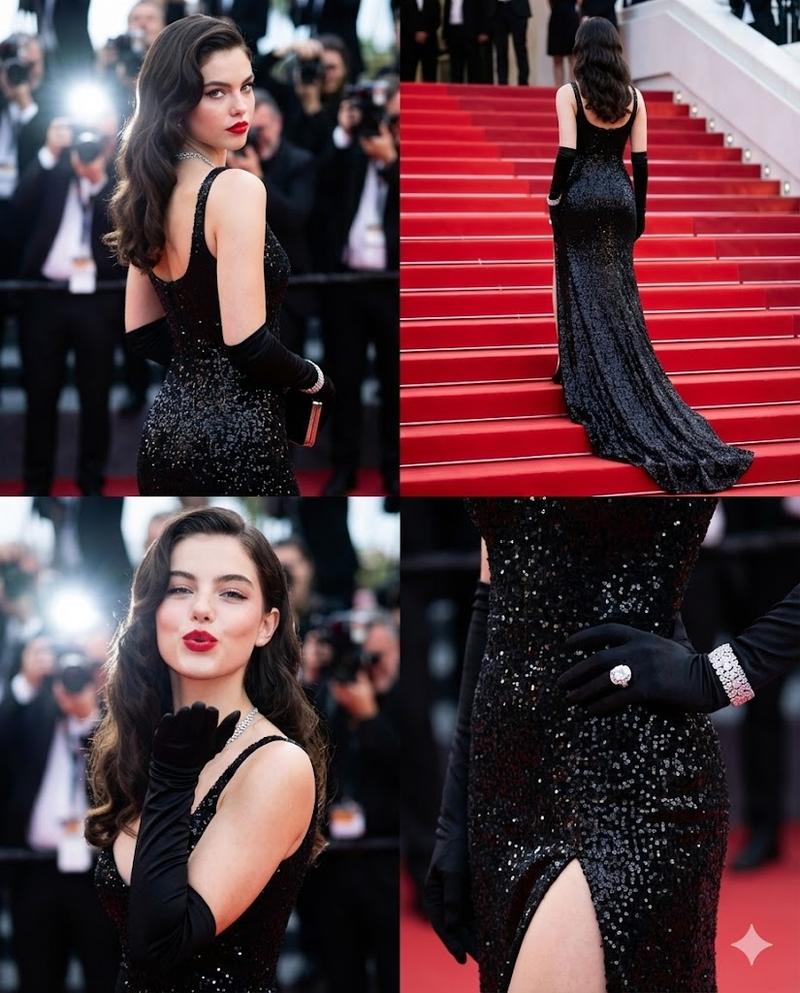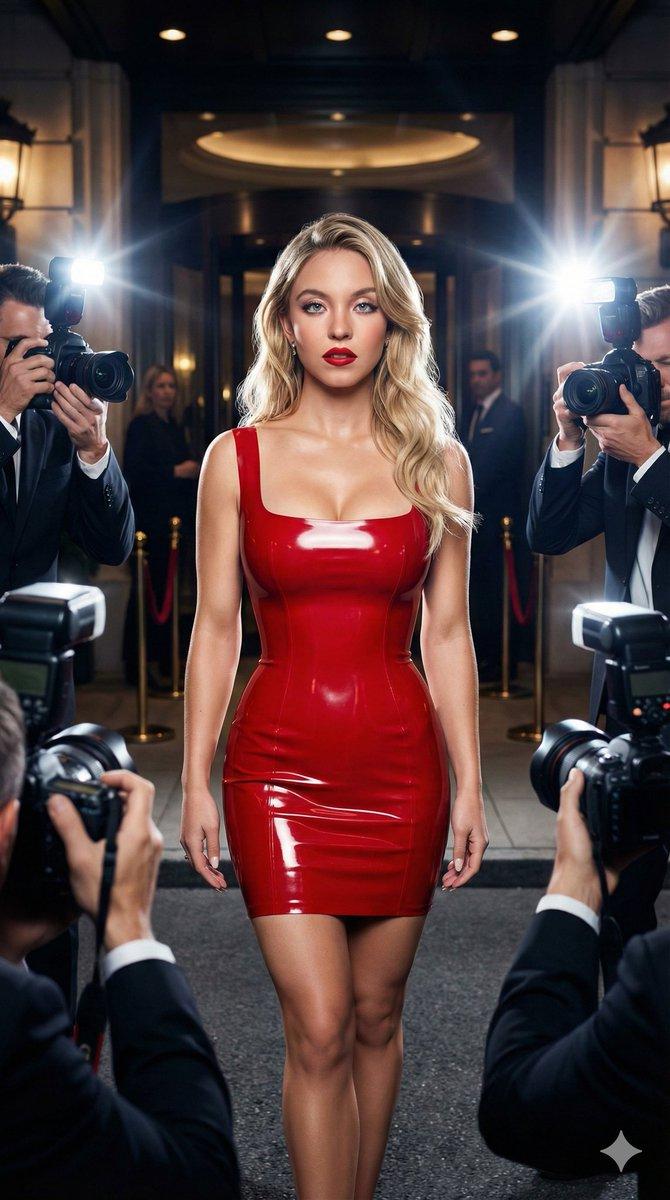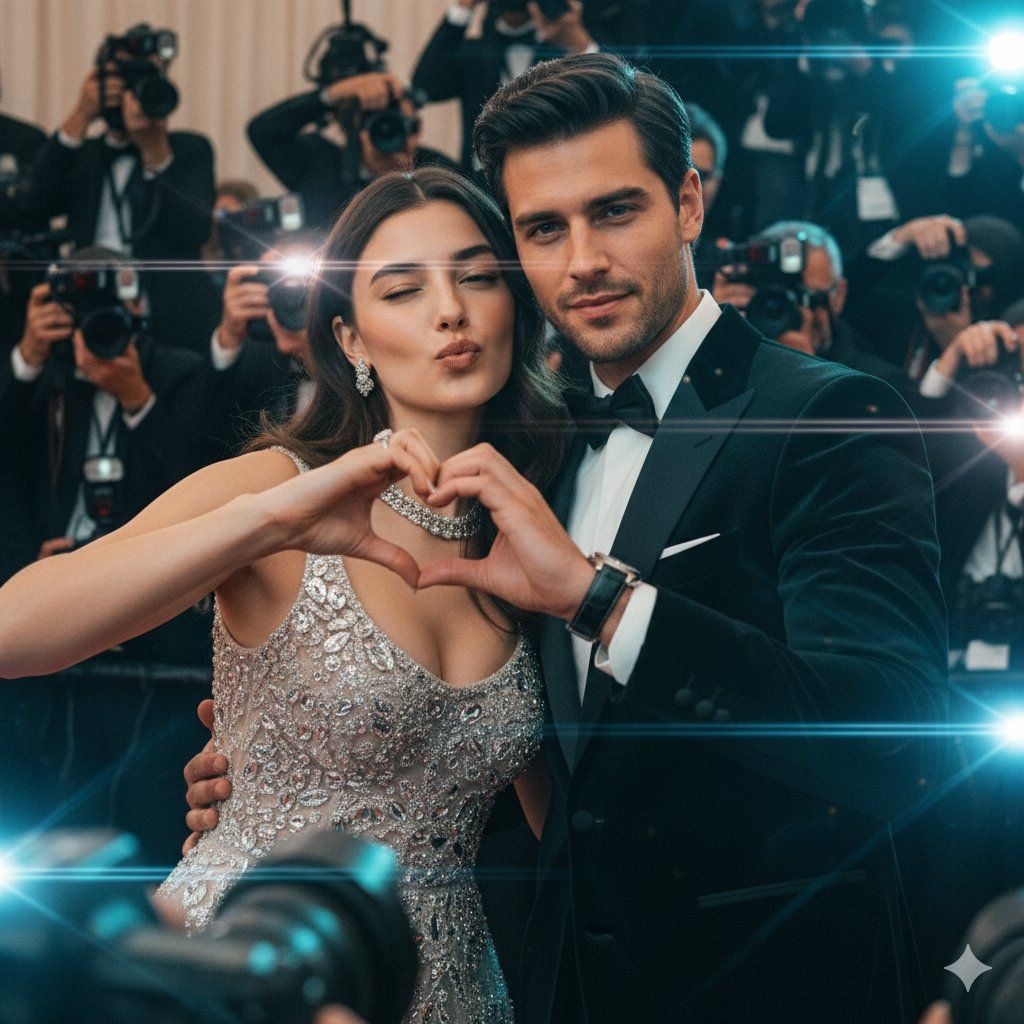
狗仔队红毯情侣提示词,带身份锁定
Prompt
{
  "subject_and_scene": {
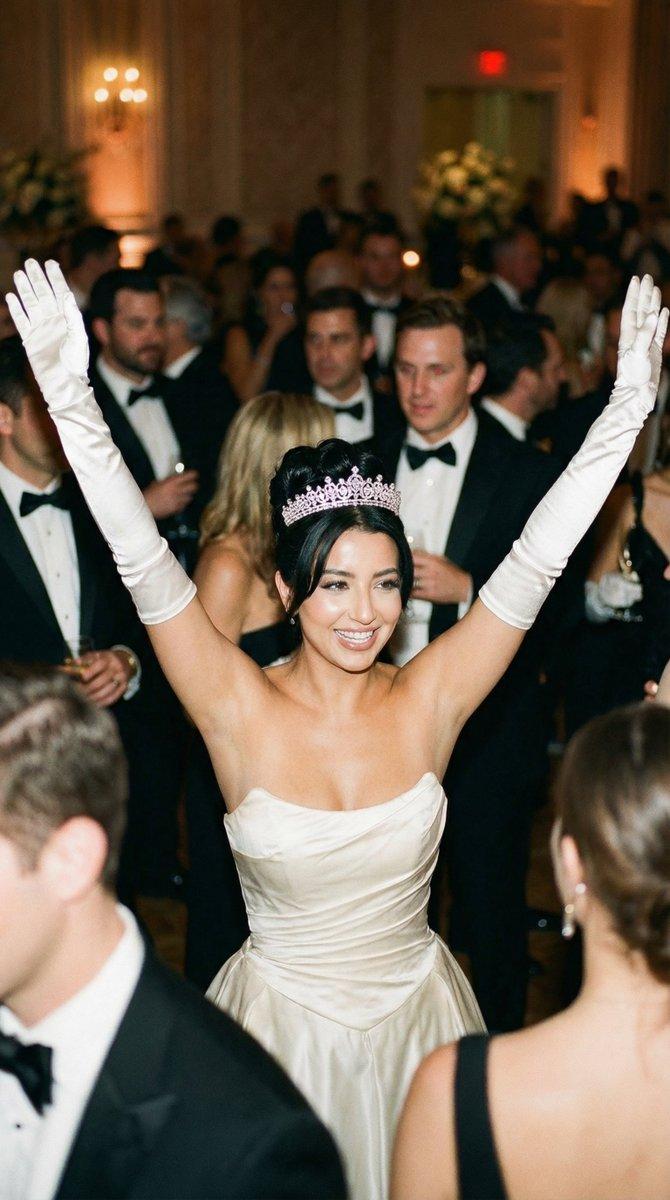
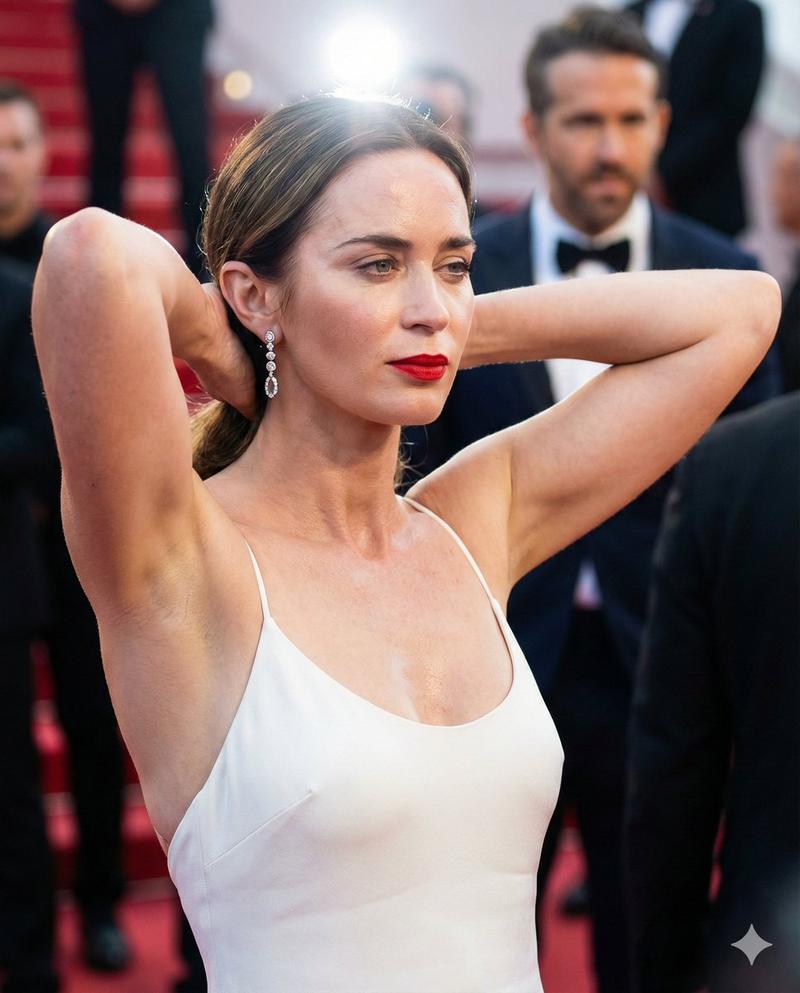
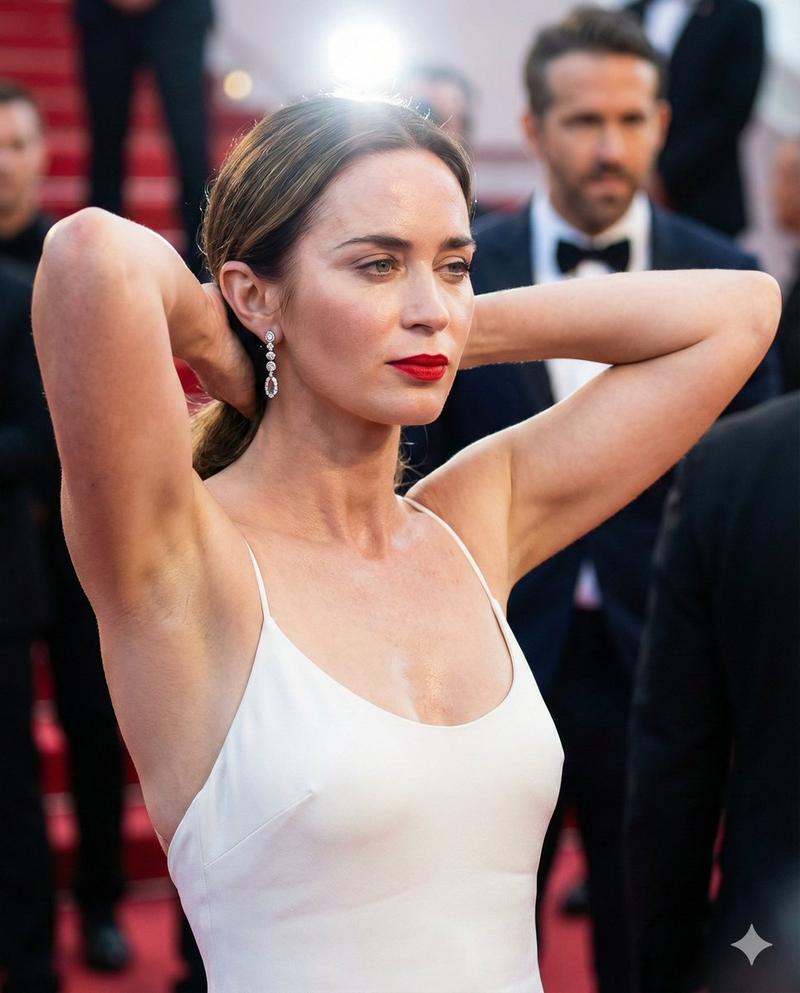
    "main_subject": "A power couple for a high-fashion cover. The woman ({argument name="woman reference" default="uploaded_image_1"}) is elegant with glowing skin, winking and making a playful duck-face with a heart gesture. Beside her, the man ({argument name="man reference" default="uploaded_image_2"}) is sharp and charismatic, wearing a tailored black velvet tuxedo and a luxury watch, posing with a confident smirk. Both maintain 100% facial identity preservation.",
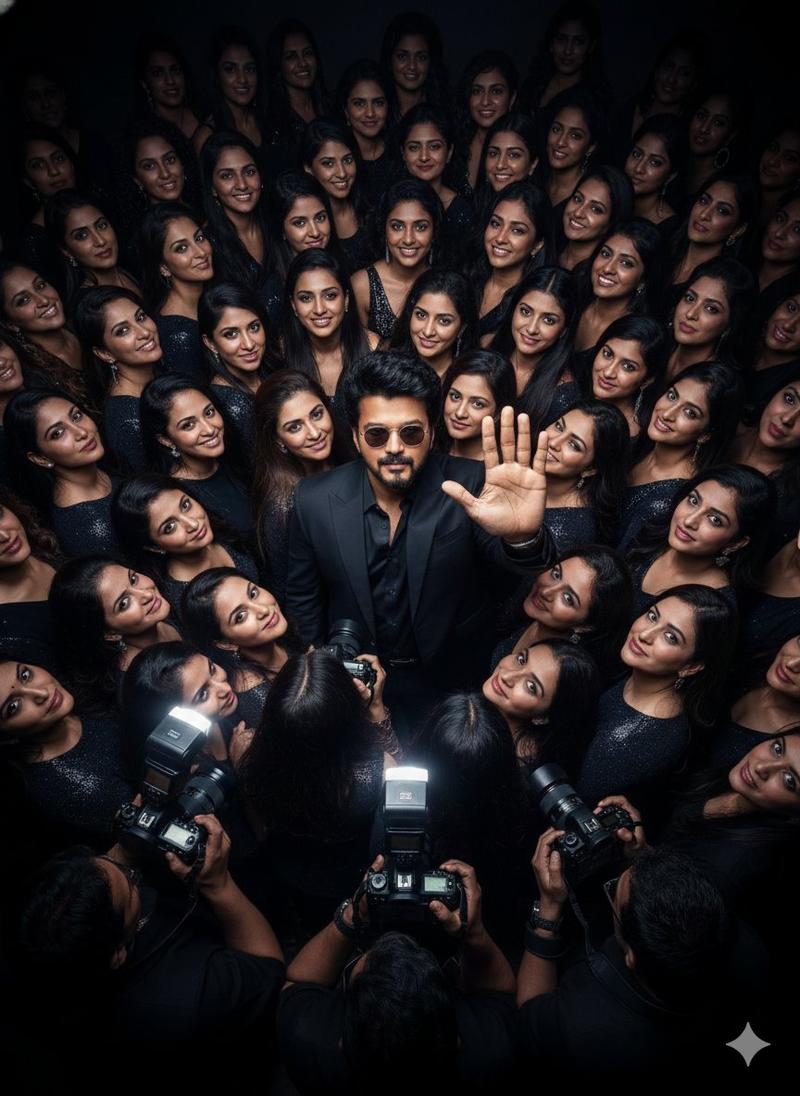
    "action": "The couple is leaning into each other playfully; she is making the heart gesture while he looks directly into the lens with a suave expression. They are being swarmed by photographers.",
    "environment": "A high-energy red carpet or luxury studio event. Dozens of DSLR cameras with protruding lenses and smartphones are pointed at them from the edges of the frame. Flash bulbs are firing, creating a superstar 'paparazzi' atmosphere."
  },
  "cinematography": {
    "camera_model": "Sony Venice 2",
    "sensor_type": "Full Frame 6:5 (Anamorphic)",
    "shot_type": "Cowboy Shot (Mid-thigh up) to capture both outfits",
    "camera_angle": "Eye Level",
    "movement": "Static"
  },
  "optics": {
    "lens_type": "Anamorphic (for horizontal lens flares and oval bokeh)",
    "focal_length": "50mm Anamorphic (equivalent to a wide portrait feel)",
    "aperture": "f/2.8 (Balanced depth of field to keep both faces sharp while blurring the crowd)",
    "shutter_effects": "High Shutter Speed with subtle Halation from camera flashes"
  },
  "lighting_design": {
    "setup": "Three-Point Lighting combined with multiple small 'strobe' lights in the background to simulate paparazzi flashes.",
    "style": "High-Key / Commercial Fashion",
    "atmospheric_light": "Rim Lighting on their silhouettes to separate them from the dark tuxedo and background clutter.",
    "color_temperature": "Neutral Daylight (5500K) with cool blue screen glows from the smartphones."
  },
  "color_and_post": {
    "film_stock": "Kodak Vision3 500T (for a cinematic, high-end commercial look)",
    "color_grading": "Teal and Orange (Subtle), high contrast, polished magazine finish.",
    "analog_artifacts": "Fine Film Grain, subtle Halation around the white dress and jewelry."
  },
  "rendering_and_tech": {
    "engine": "Unreal Engine 5 (Lumen)",
    "advanced_tech": "Subsurface Scattering for skin, Global Illumination for flash reflections, Ray Tracing for jewelry sparkle.",
    "specs": {
      "aspect_ratio": "2:3 (Standard Magazine Cover)",
      "resolution": "8K, Photorealistic, Hyper-detailed"
    }
  },
  "directorial_style": "Ridley Scott (Sert ışık / hard light accents) with a Vogue editorial layout. Clean, sharp, and intensely glamorous."
}- Category
- 创意图片
- Model
- Nano Banana Pro
- Creator
- Kaan
- Source ID
- 83ea3369-cebf-4c80-864a-8eb7ac1e0663
- Published
- Mar 8, 2026
Views0