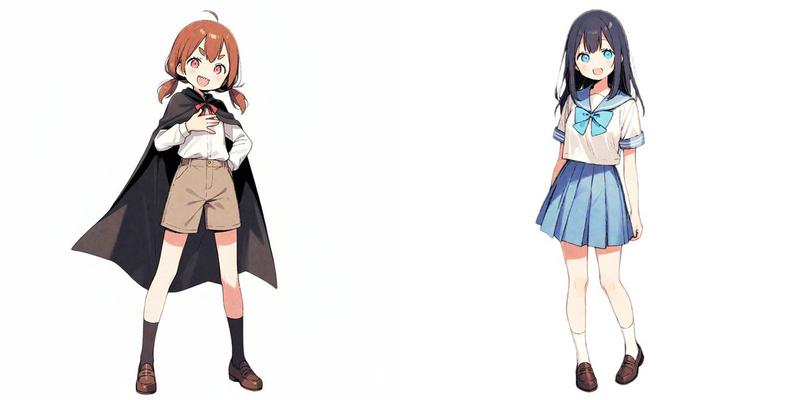
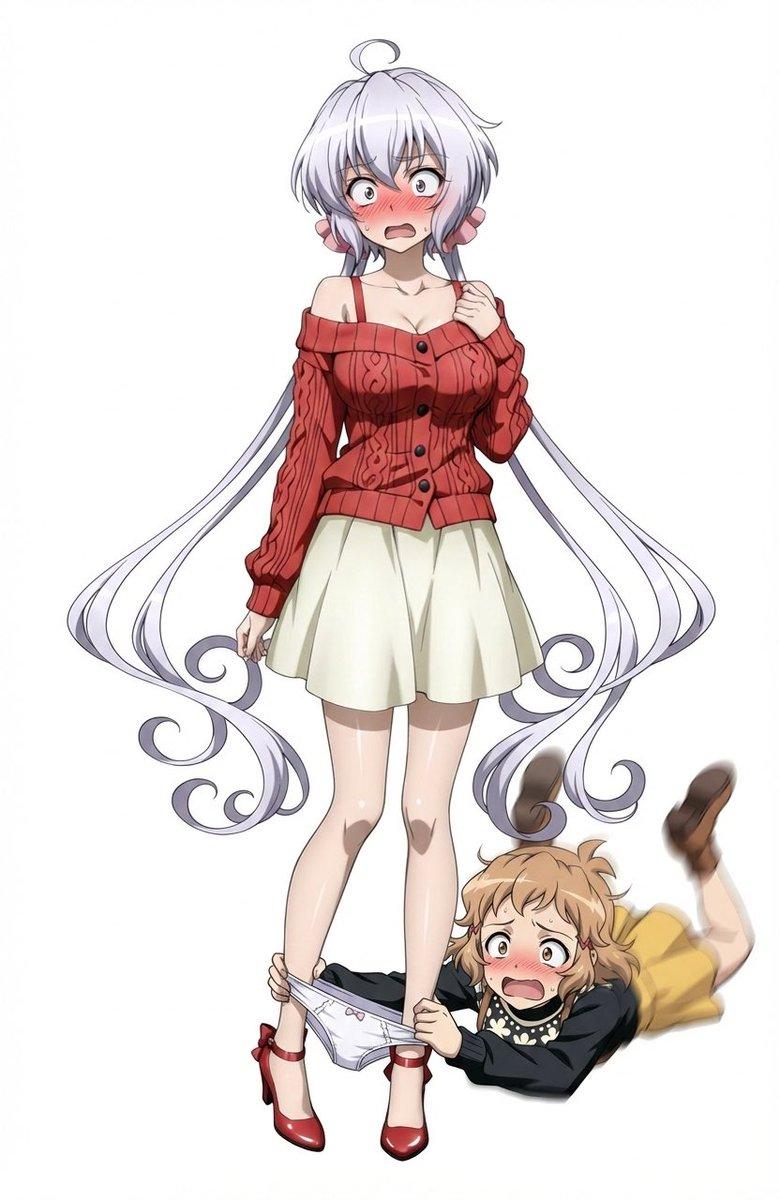
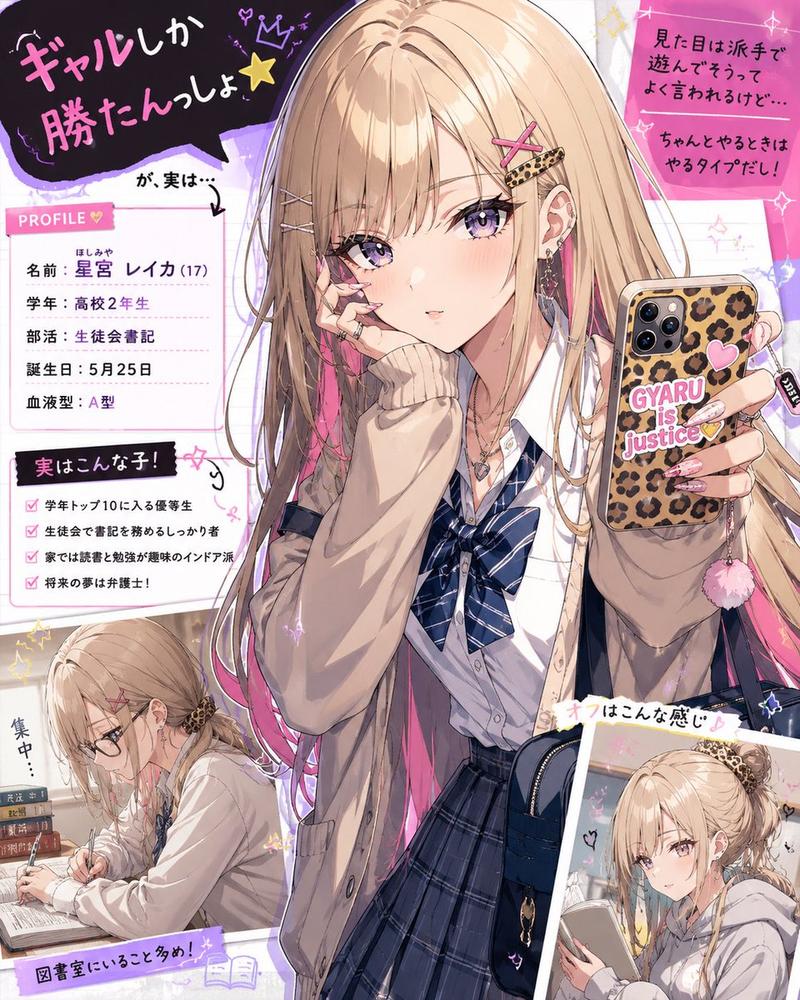
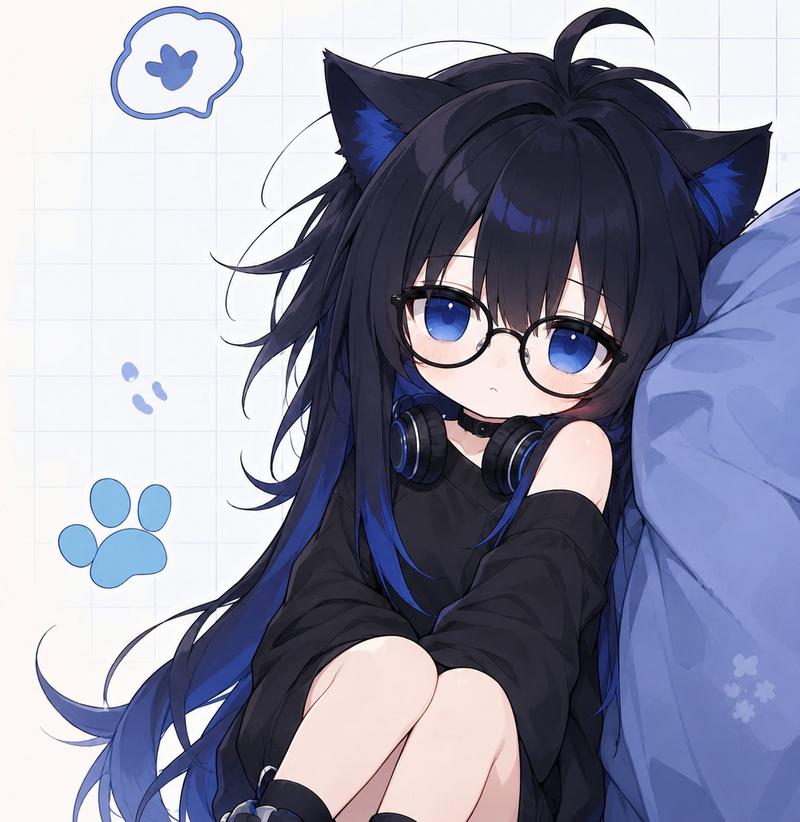
复杂多指令图像生成
Prompt
テーマに合ったエプロンと三角巾とスリッパをつける、両手にお料理アイテムを持つ、全員正面を向く、狐は消す、全員色違い、背景はお料理教室
- Category
- 创意图片
- Model
- Nano Banana Pro
- Creator
- シュガ/珠賀/sugar
- Source ID
- 44b49b2a-ffe2-4798-af25-6e42abc86165
- Published
- Mar 8, 2026
Views0
16
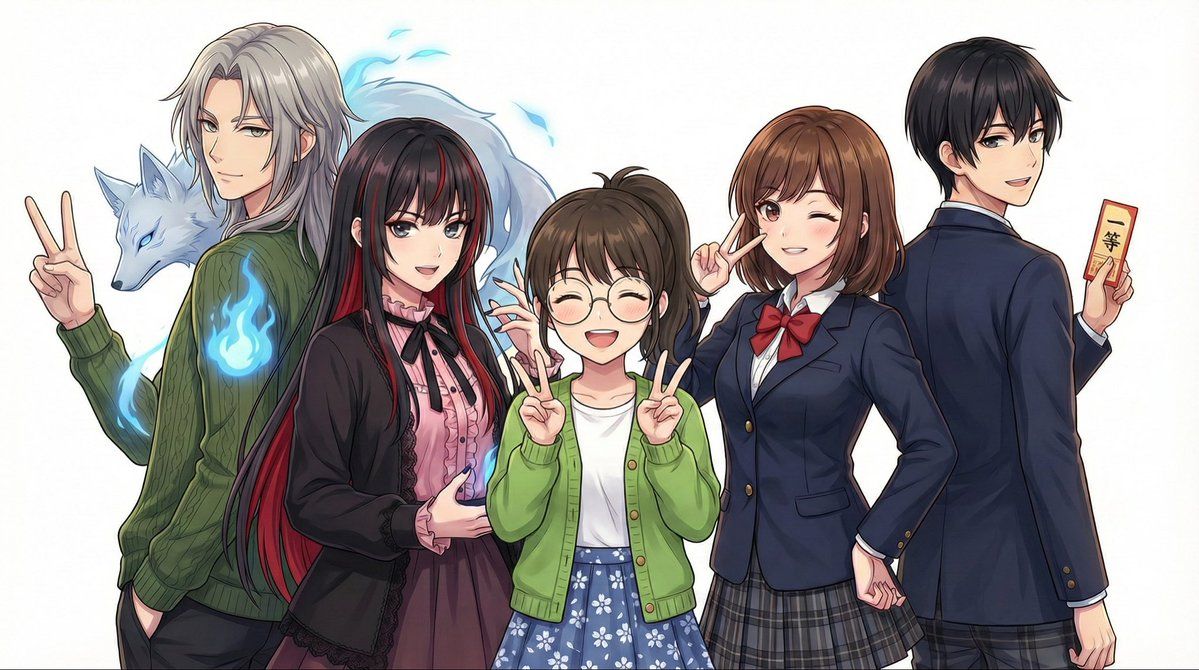
テーマに合ったエプロンと三角巾とスリッパをつける、両手にお料理アイテムを持つ、全員正面を向く、狐は消す、全員色違い、背景はお料理教室
Guide
"复杂多指令图像生成" AI image prompt for Nano Banana Pro (创意图片). 一个详细的多部分提示,展示了 Nano Banana Pro 同时处理众多具体指令的能力,包括角色服装、道具、构图、背景和排除标准。 --- 穿戴与主题相符的围裙、三角巾和拖鞋;双手拿着烹饪用品;所有人物都…
The full copyable prompt and example visuals above are ready for AI image generation or one-click recreate in Picva.
Step 1
Review the example visuals, category, and full prompt text for "复杂多指令图像生成".
Step 2
Copy the prompt body from this page, or load it directly in Studio.
Step 3
Prefer Nano Banana Pro. If you switch models, keep subject and composition and tweak style terms.
Step 4
Recreate the look in Picva, or export into your workflow for editing and publishing.