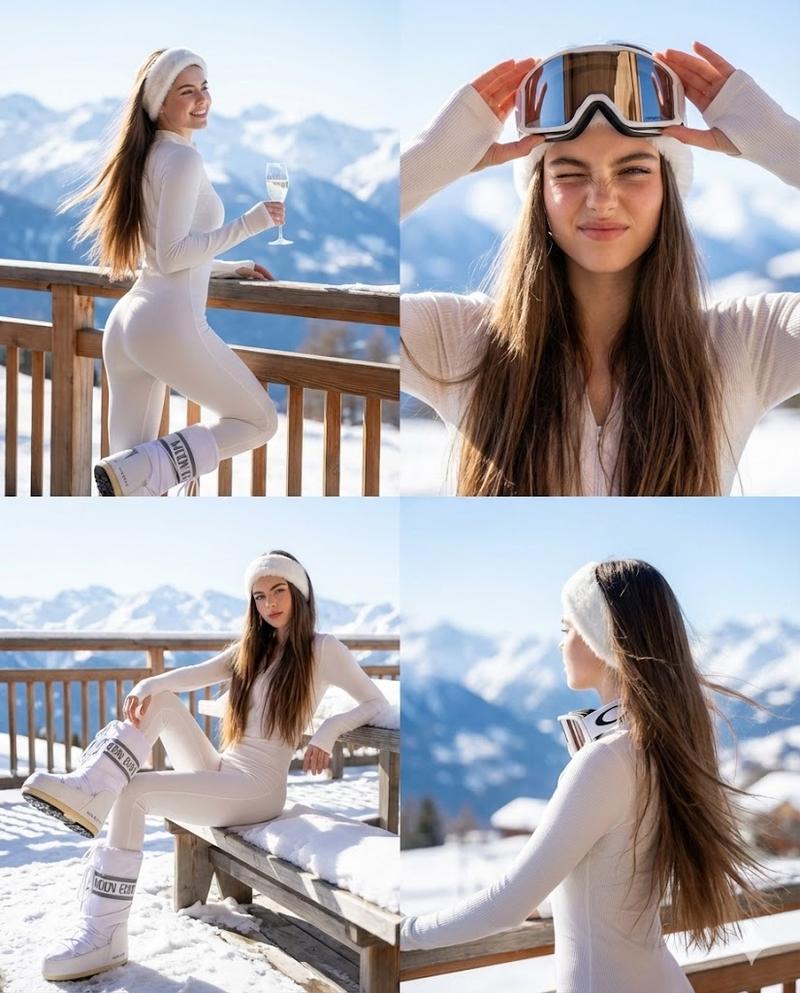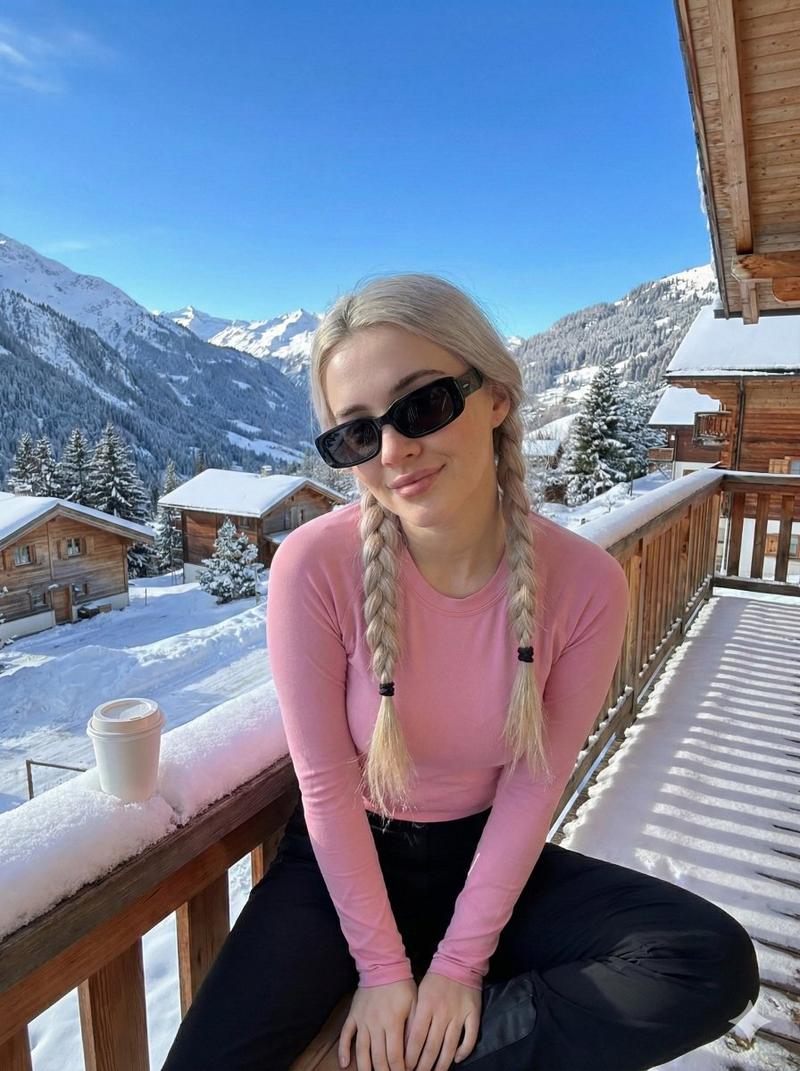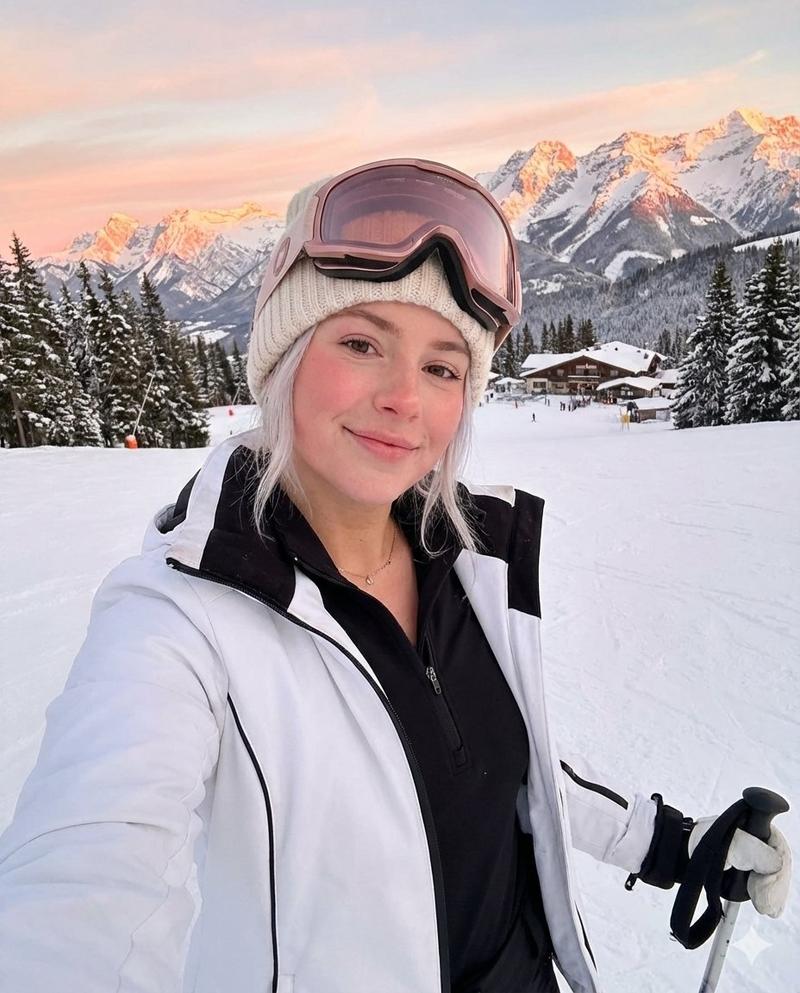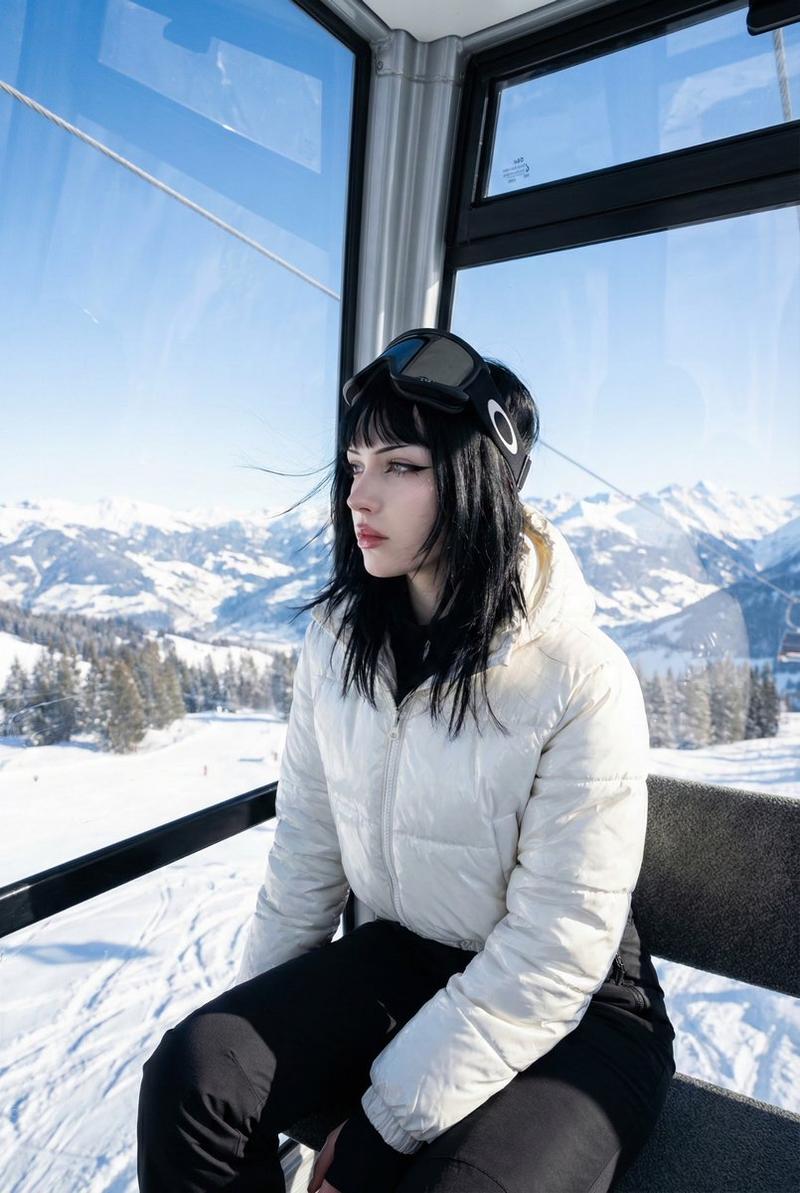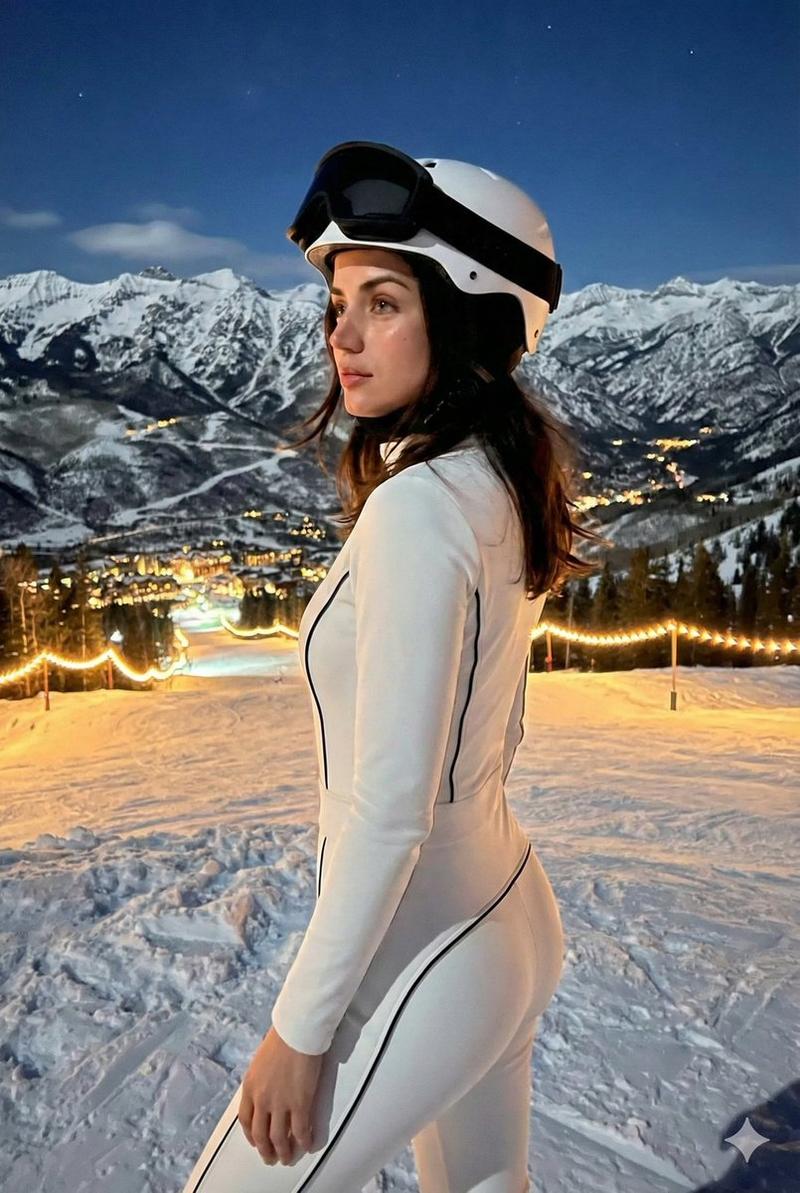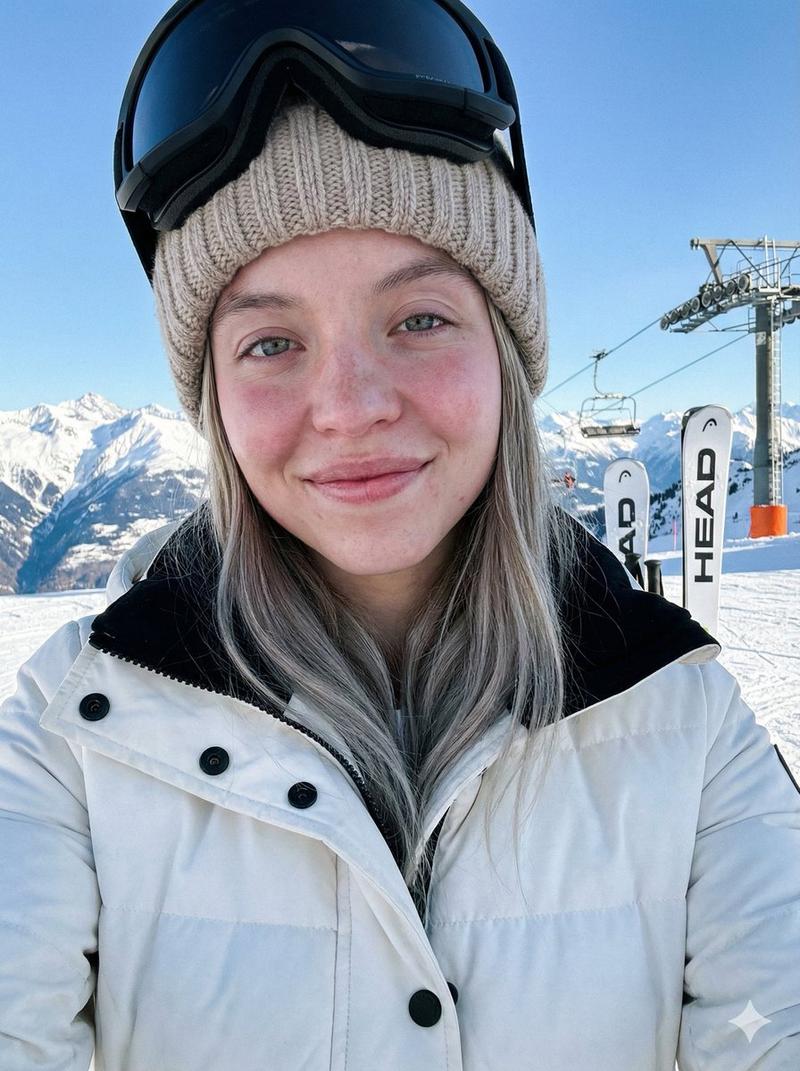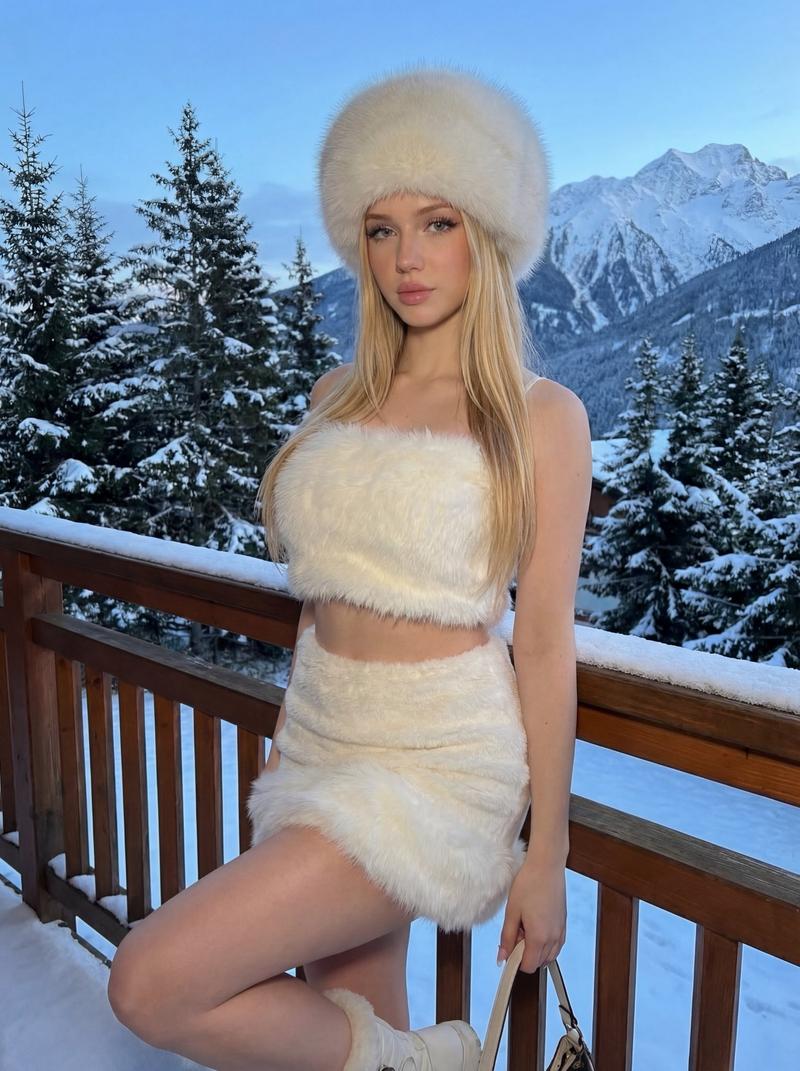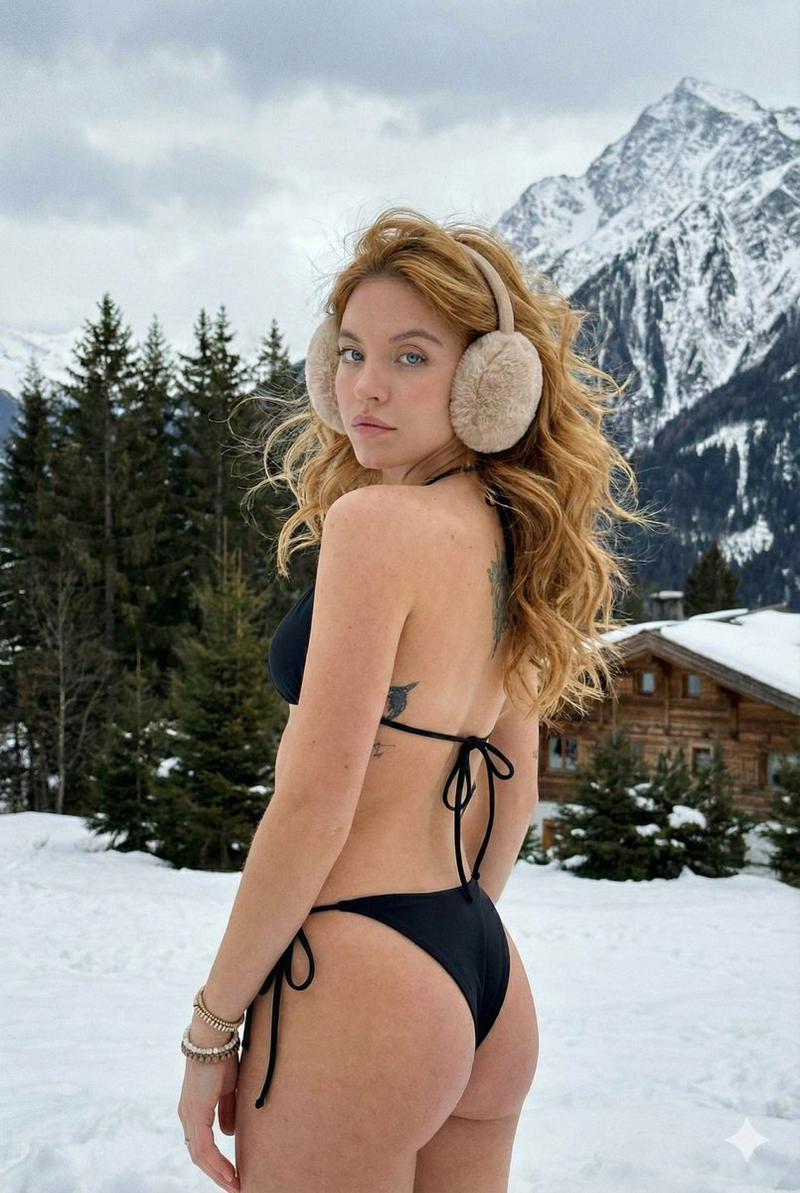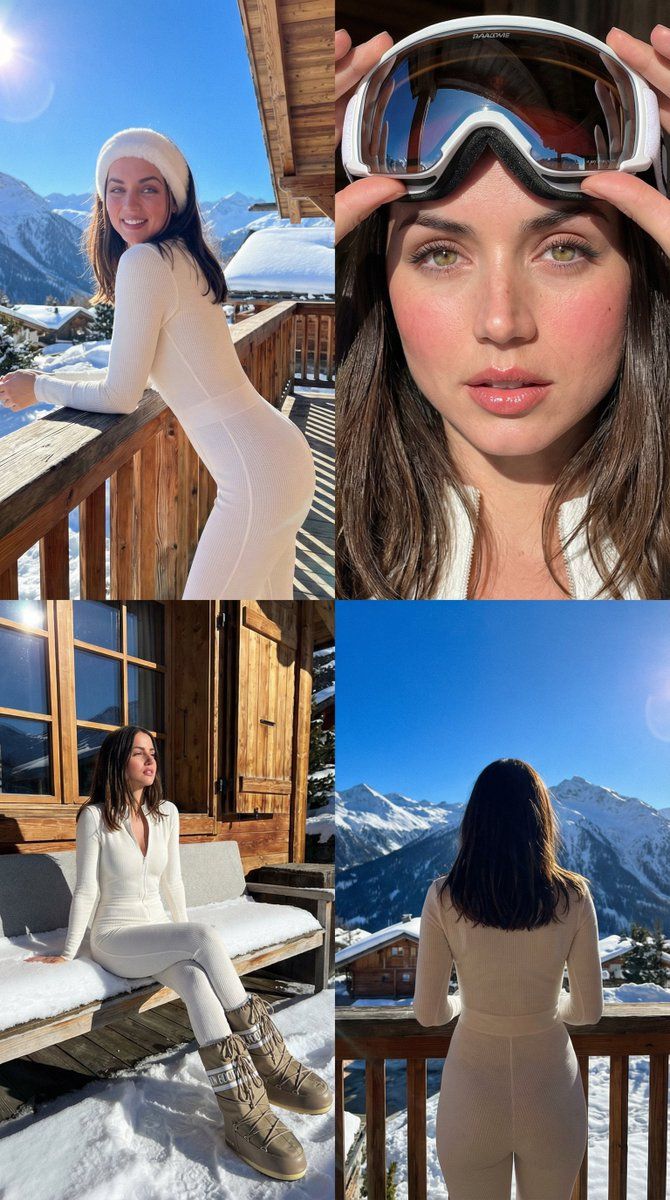
奢华滑雪网红拼贴画和肖像(iPhone 16 Pro 风格)
Prompt
{
      "id": 1,
      "title": "2x2 Collage: Luxury Ski Trip",
      "prompt_text": "2x2 photo collage, luxury ski influencer lifestyle. Strict face reference lock. Location: high-end ski chalet balcony (Aspen/Alps), blurred snowy mountains behind. Outfit: fitted white thermal bodysuit, white faux-fur headband, oversized Moon Boots. Natural skin texture, fresh cold girl makeup. Style: iPhone 16 Pro photo, harsh bright high-altitude winter sun, sharp shadows, strong contrast, slight lens flare, blown snow highlights. Panels: 1) Leaning on rustic wooden railing, smiling. 2) Close-up adjusting large mirrored ski goggles. 3) Sitting relaxed on snow-covered bench. 4) Rear view looking at peaks.",
      "negative_prompt": "cinema, studio light, soft diffused, DSLR, film grain, 3D, CGI, smooth skin, warm lighting, low contrast, blurry, distorted, artificial AI look",
      "aspect_ratio": "4:5"
    },
    {
      "id": 2,
      "title": "Solo: Leaning on Balcony",
      "prompt_text": "Lifestyle photo, luxury ski influencer on chalet balcony. Strict face reference lock. Leaning on wooden railing, smiling naturally. Outfit: white thermal bodysuit, white fur headband, Moon Boots. Natural skin texture, cold makeup. Background: blurred snowy mountains. Style: iPhone 16 Pro photo, harsh high-altitude winter sun, sharp shadows, high contrast, \"plandid\" look.",
      "negative_prompt": "cinema, studio light, soft diffused, DSLR, film grain, 3D, CGI, smooth skin, warm lighting, low contrast, blurry, distorted, artificial AI look",
      "aspect_ratio": "4:5"
    },
    {
      "id": 3,
      "title": "Close-up: Adjusting Goggles",
      "prompt_text": "Close-up portrait, luxury ski influencer on balcony. Strict face reference lock. Adjusting large mirrored ski goggles with both hands, elbows up, dynamic fashion pose. White outfit details visible. Style: iPhone 16 Pro photo, harsh winter sun, crisp highlights on goggles, high contrast.",
      "negative_prompt": "cinema, studio light, soft diffused, DSLR, film grain, 3D, CGI, smooth skin, warm lighting, low contrast, blurry, distorted, artificial AI look",
      "aspect_ratio": "4:5"
    },
    {
      "id": 4,
      "title": "Full Body: Sitting",
      "prompt_text": "Full-body photo, luxury ski influencer sitting on snow-covered bench on chalet balcony. Strict face reference lock. Relaxed posture, looking off-camera candidly. White outfit, Moon Boots visible. Style: iPhone 16 Pro photo, direct winter sun causing sharp shadows, bright snow glare.",
      "negative_prompt": "cinema, studio light, soft diffused, DSLR, film grain, 3D, CGI, smooth skin, warm lighting, low contrast, blurry, distorted, artificial AI look",
      "aspect_ratio": "9:16"
}- Category
- 创意图片
- Model
- Nano Banana Pro
- Creator
- Melisa♡
- Source ID
- 5b61b1f8-7885-4eea-ab83-af31770c66eb
- Published
- Mar 8, 2026
Views0