原始高清打印肖像美学提示
Prompt
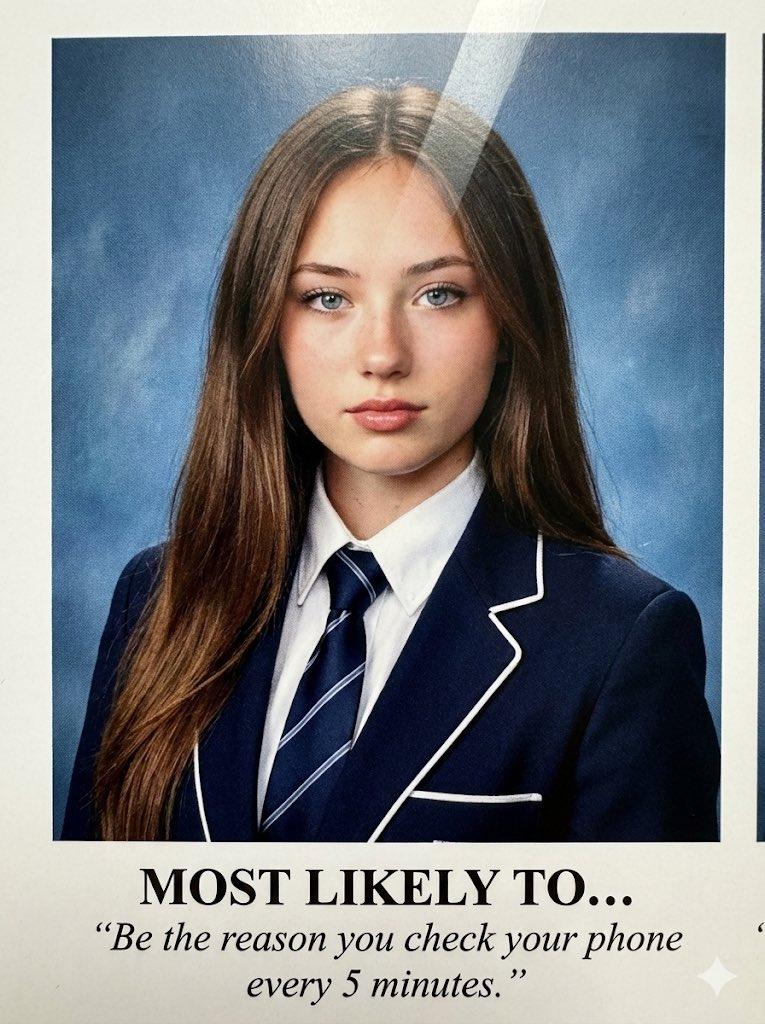
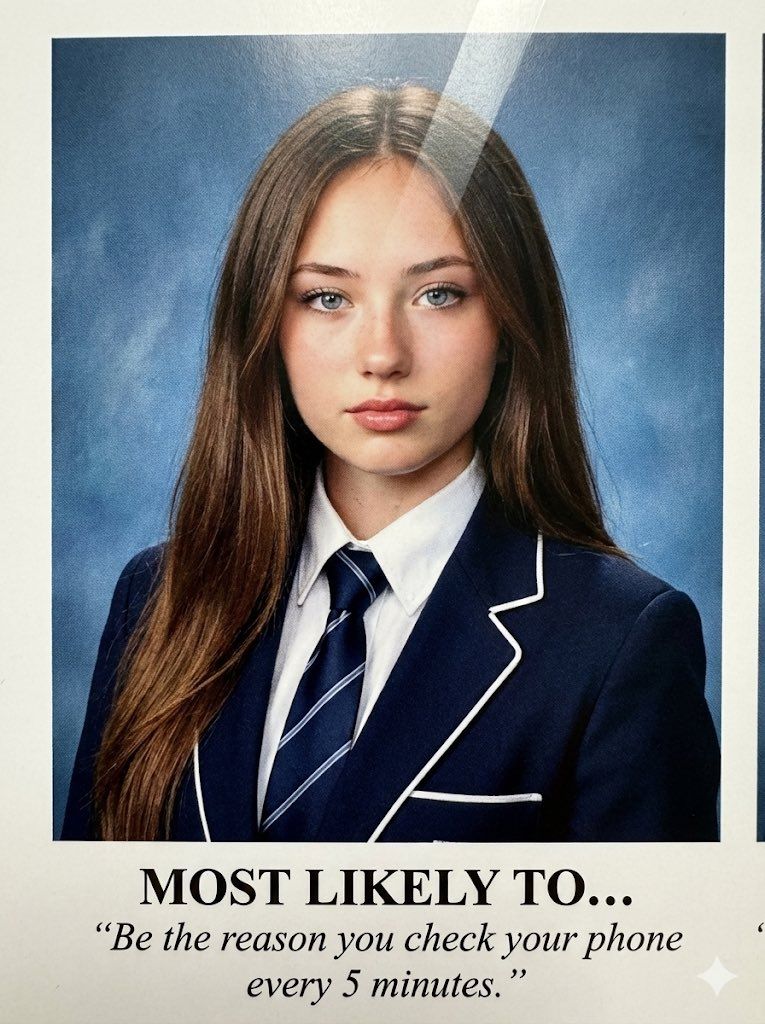
(3:4). A raw, high-definition photograph of a physical printed portrait taken with an iPhone 17 Pro. NO ARTIFICIAL BOKEH. Everything is SHARP and in focus, capturing the physical textural reality of the paper grain and the ink-on-page in high resolution.

Subject & Identity Locking:

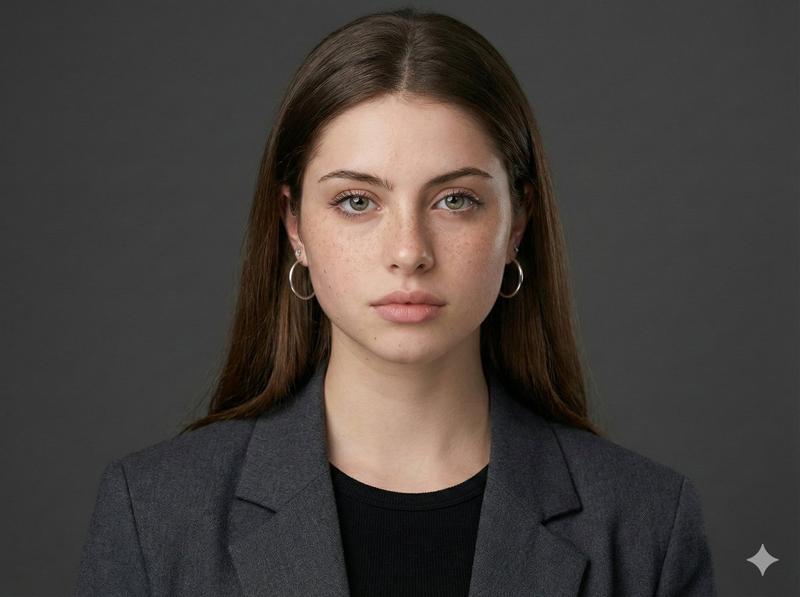
Identity: Strictly preserve the exact face and unique features of the woman in Image 1 (Selfie).
Bio-Fidelity: Render high-fidelity "TrueLens" skin physics as captured through high-end printed ink: visible micro-pores, natural "satin-finish" glow muted by paper texture, and fine peach fuzz along the jawline.
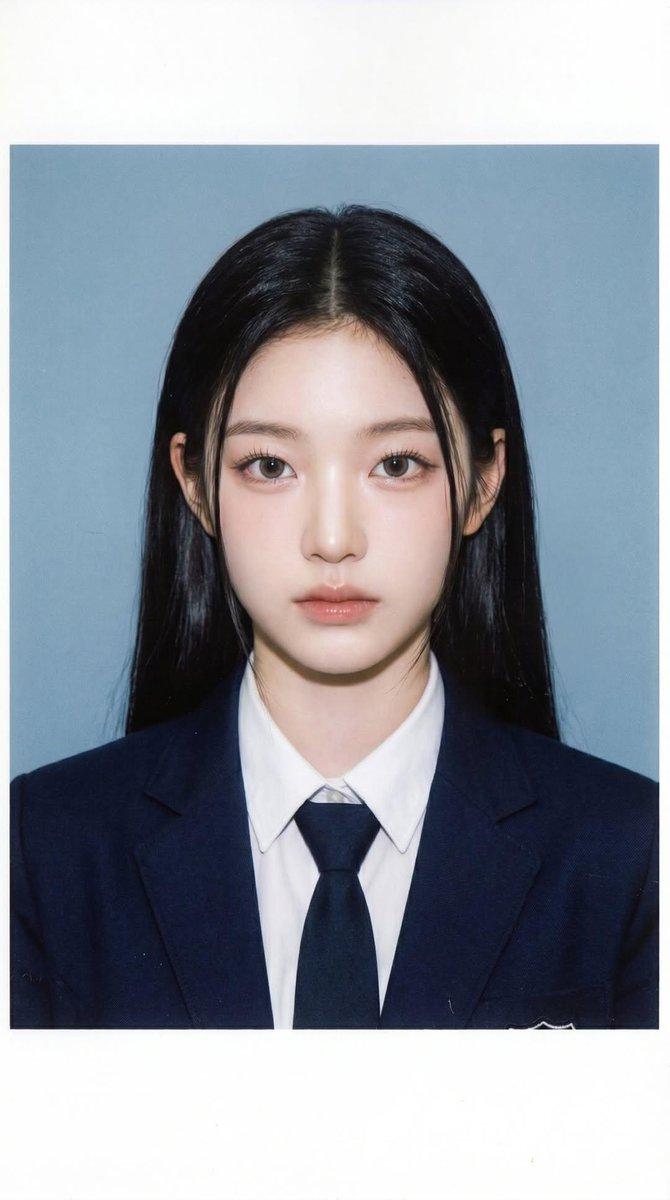
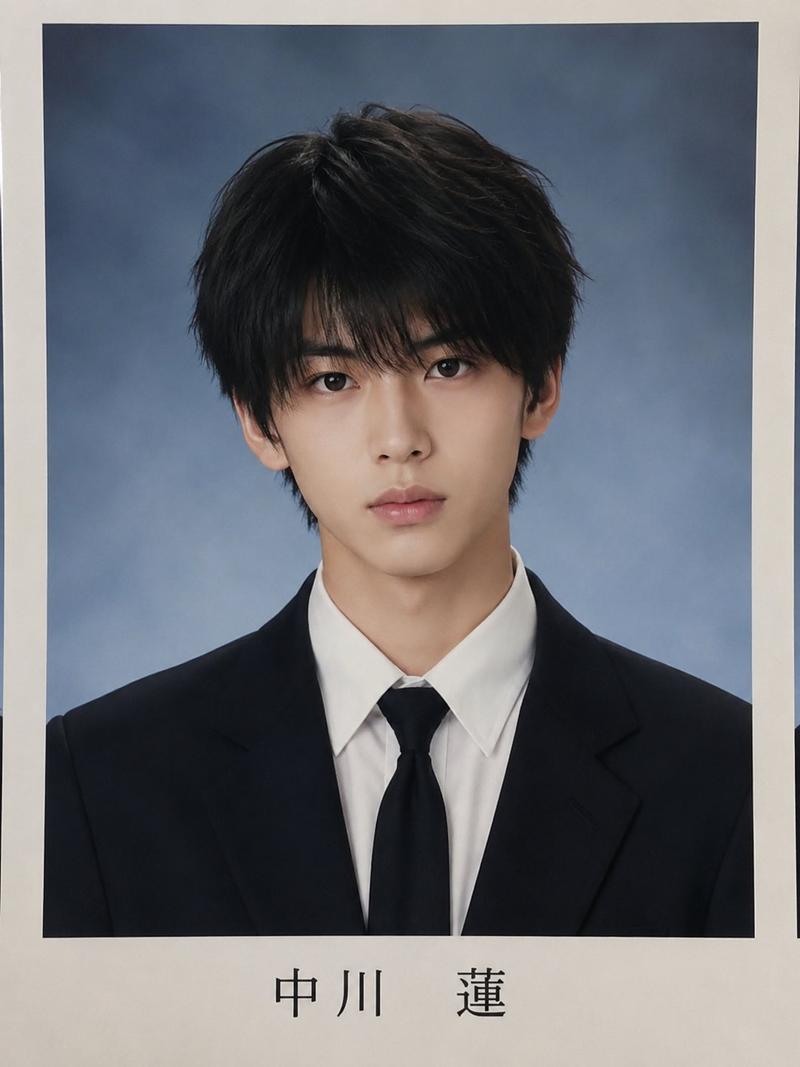
Expression: A perfectly aligned, symmetrical head-and-shoulders yearbook-style pose. Neutral but confident expression with a magnetic, "main character" gaze looking directly into the lens.
Silhouette Calibration: Despite the formal school tailoring, amplify the dominant structural bust volume and the aggressive hourglass structural tapering at the waist. Ensure the fit of the uniform highlights a high-impact, fit physique.
Outfit & Material Realism:

Clothing: A dark navy blue structured blazer with white piping, a crisp white collared shirt, and a dark navy striped silk tie.
Tension: The blazer and shirt show extreme material tension and a vacuum-tight fit, creating realistic physical interaction and "tension lines" that highlight her fit, symmetrical upper silhouette and anatomical depth.
The Printed Aesthetic (Hardware Emulation):

Surface Texture: The image features an authentic semi-gloss paper sheen with thin, realistic diagonal lamination glares reflecting off the ink surface across the cheeks and chest.
Ink Physics: Visible ink-absorption softening at the edges (not digital blur), fine paper grain texture, and a gentle warm undertone typical of vintage magazine archives. It looks like a scanned physical object.
Lighting & Composition:

Lighting: Direct frontal harsh studio flash (ID style). Even exposure with bright, sharp eye catchlights and minimal shadows, creating a flat but clean professional portrait look.
Background (SHARP): A flat, textured cool-blue studio backdrop, showing realistic ink-on-paper depth.
Creative "Pinterest" Text Overlay:

Center-aligned below the portrait in an ink-printed bold serif font: "{argument name="main text" default="MOST LIKELY TO..."}"
Below in smaller, elegant italic subtext: "{argument name="subtext" default="“Be the reason you check your phone every 5 minutes.”"}"
The text features slightly imperfect ink bleeding and natural letter-spacing, mimicking an authentic high-end physical printing process.
Quality: Raw scan/photo-of-print aesthetic, high dynamic range, visible paper fiber and digital ISO noise in the shadows, 8k resolution, looks physically touchable.- Category
- 创意图片
- Model
- Nano Banana Pro
- Creator
- Dan Reed
- Source ID
- 9b0f6f52-8370-4afd-afe4-a963162f8efd
- Published
- Mar 8, 2026
Views0