17

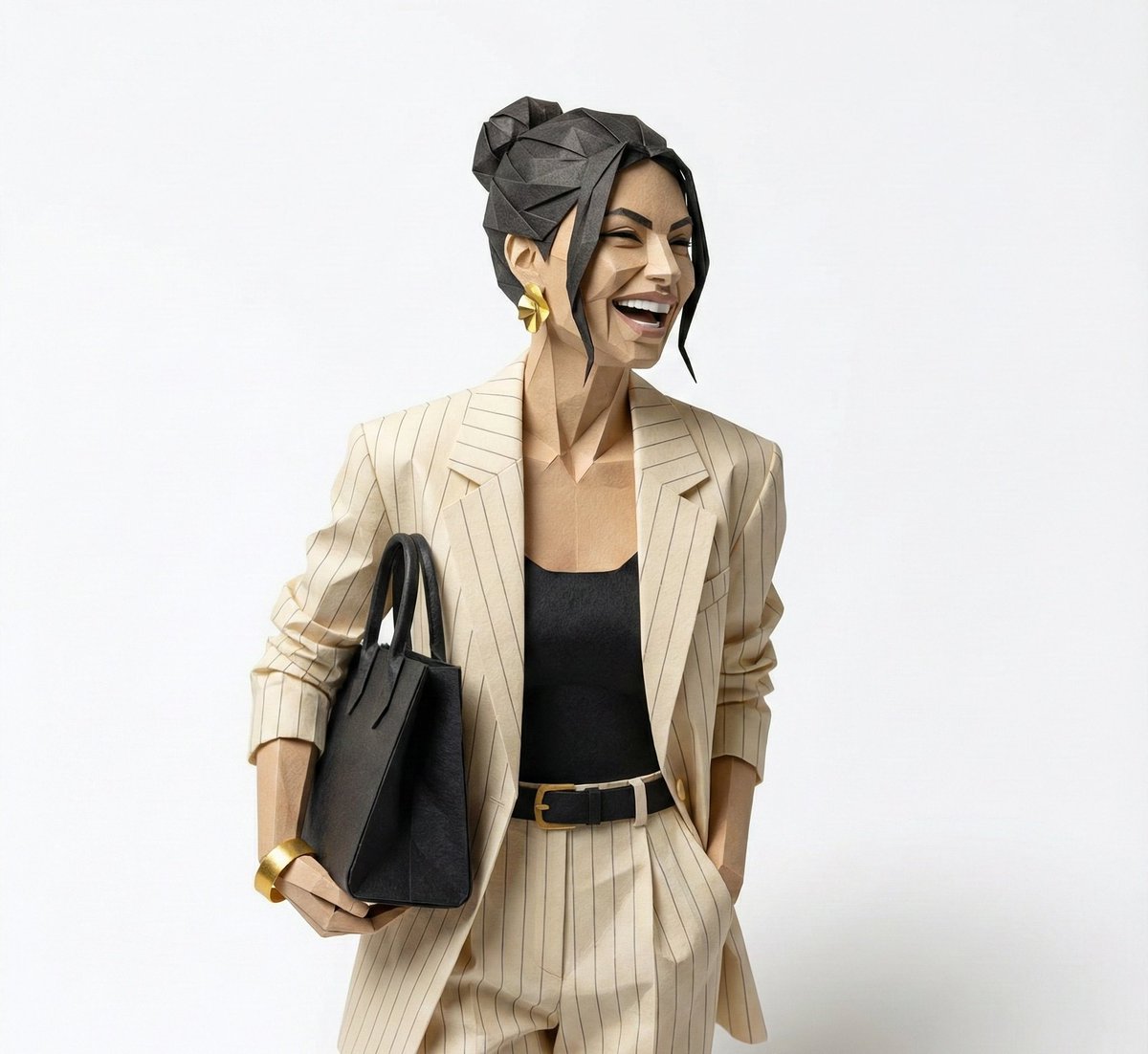
超精细折纸肖像雕塑
Enlarge

超精细折纸肖像雕塑

Prompt
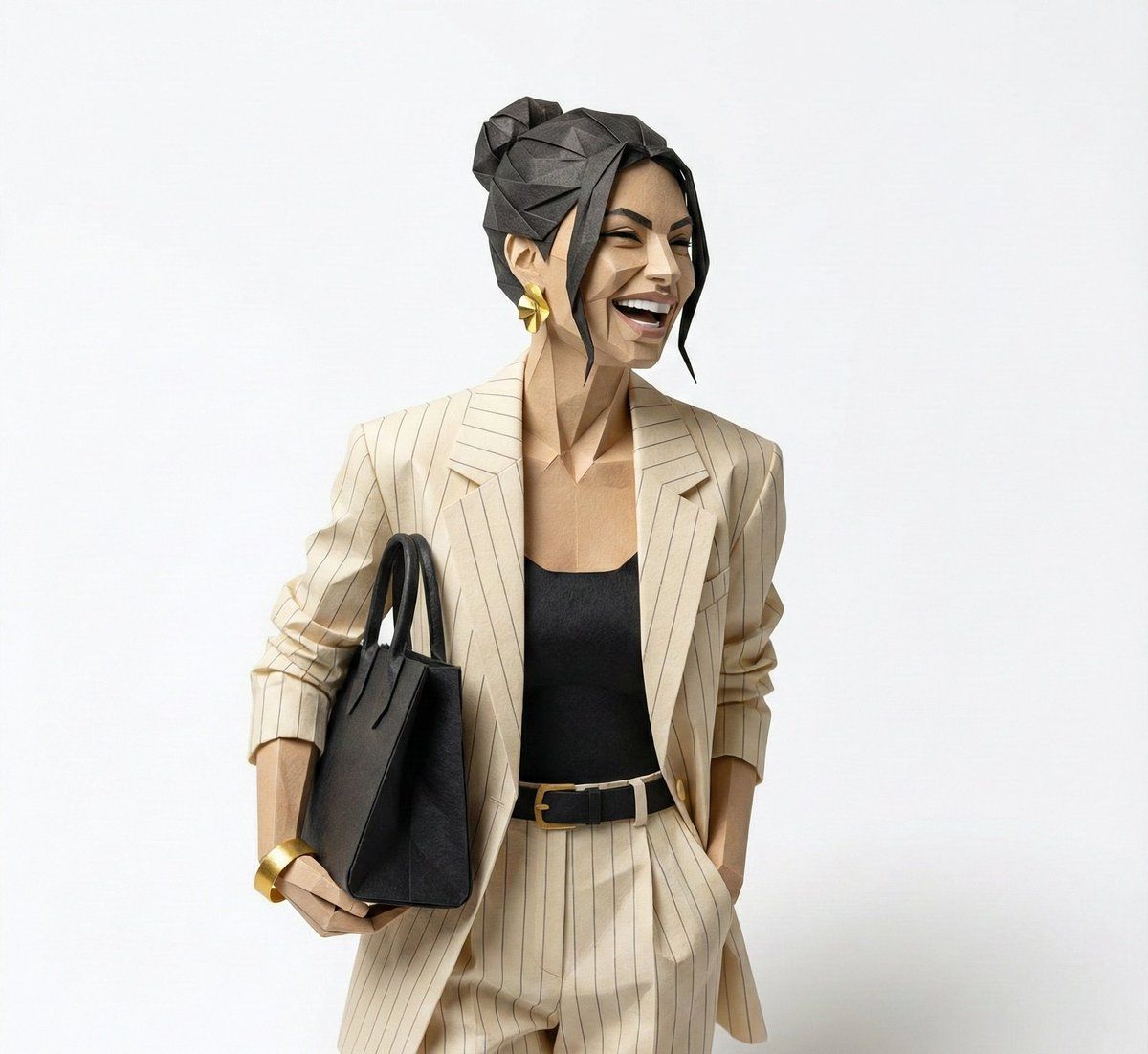
Create a hyper-detailed origami-style sculpture of a person, folded entirely from high-quality paper with crisp, precise edges and realistic paper fiber texture.

The origami folds are intricate and geometric, carefully structured to capture the subject’s recognizable facial features, proportions, and expression while remaining true to authentic paper-folding logic.

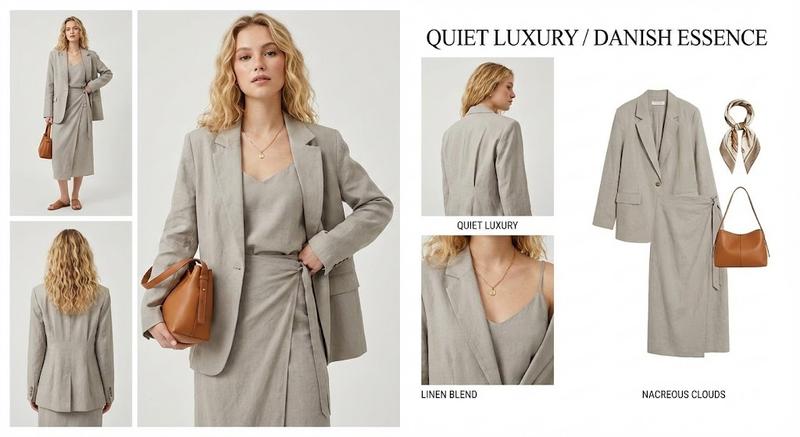
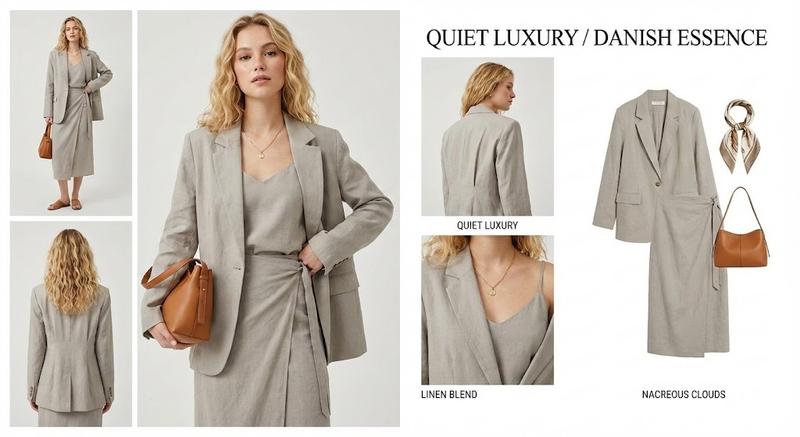
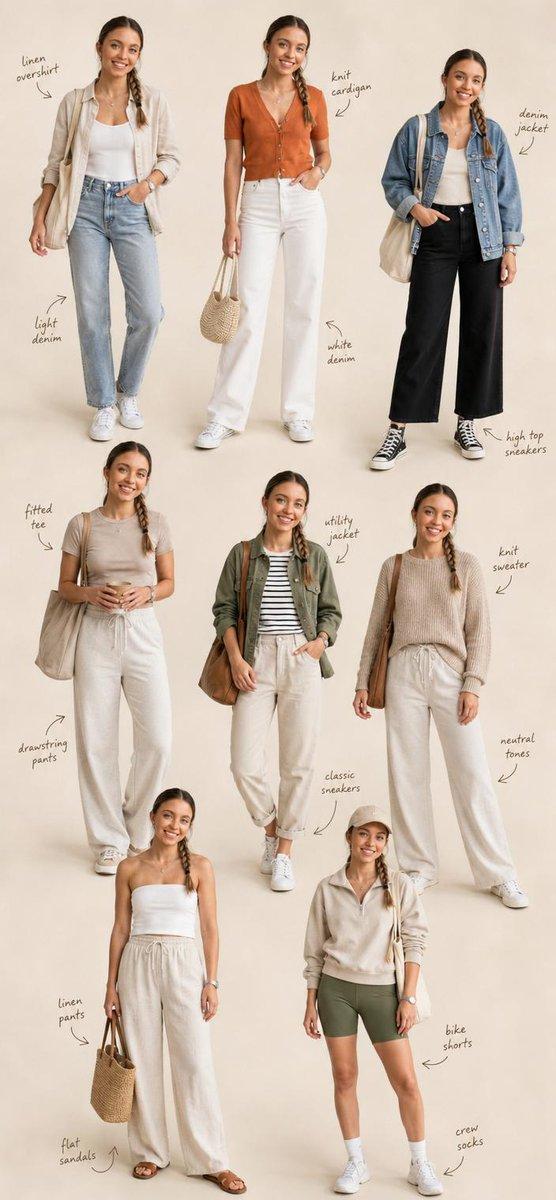
Use exactly the same color palette as the reference photo — no black tones, no color substitutions.

The figure is placed on a clean studio surface, with soft, natural shadows that ground the sculpture and enhance depth.

Minimalist collectible art aesthetic, premium design object feel.

Ultra-photorealistic rendering, sharp focus, high material realism, subtle highlights on paper creases, no illustration or cartoon style.
Square composition, 1080 × 1080 resolution.
Category
创意图片
Model
Nano Banana Pro
Views0
Source ID
a8c61f3e-d3cc-4579-950d-301799d7c01e
Published
Mar 8, 2026

Guide

About "超精细折纸肖像雕塑"

What is this prompt for?

"超精细折纸肖像雕塑" AI image prompt for Nano Banana Pro (创意图片). 生成一张超精细、照片般逼真的折纸人物雕塑图像的提示。雕塑必须由高品质纸张折叠而成,边缘精确,捕捉面部特征,同时遵循真实的折纸逻辑。它需要使用参考照片的精确调色板。 --- 创作一个超精细的折纸风格人物雕塑,…

The full copyable prompt and example visuals above are ready for AI image generation or one-click recreate in Picva.

How to use this prompt

  1. Step 1

    Open the prompt detail

    Review the example visuals, category, and full prompt text for "超精细折纸肖像雕塑".

  2. Step 2

    Copy the prompt

    Copy the prompt body from this page, or load it directly in Studio.

  3. Step 3

    Pick a model (Nano Banana Pro)

    Prefer Nano Banana Pro. If you switch models, keep subject and composition and tweak style terms.

  4. Step 4

    Generate and export

    Recreate the look in Picva, or export into your workflow for editing and publishing.

FAQ

What is the "超精细折纸肖像雕塑" prompt?
It is an AI image-generation prompt for Nano Banana Pro in the 创意图片 category. This page includes the full prompt text, example visuals, and a one-click recreate path in Picva.
How do I use this prompt to generate an image?
Copy the prompt from this page, or use Generate / Studio. Paste it into a compatible image model, or recreate the look in Picva with optional reference images.
Which model is this prompt for?
This page lists Nano Banana Pro. Most descriptive prompts also transfer to nearby image models such as GPT Image, Flux, or Midjourney with light style tweaks.
Can I use the result commercially?
You can usually copy the prompt for creation, but commercial use of the final image depends on the model terms, reference-image rights, and the generated content. Follow the source author and platform rules.