16

猫咪夜间抓拍照片提示词
Enlarge

猫咪夜间抓拍照片提示词

Prompt
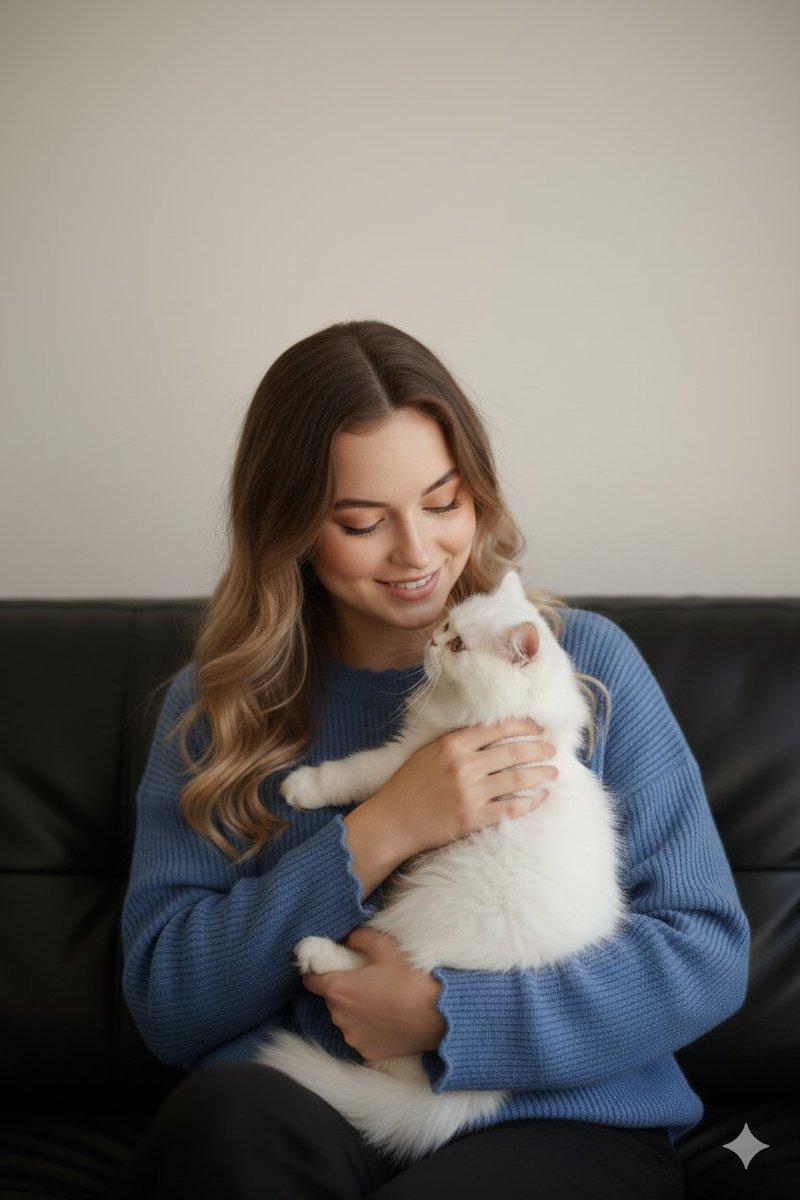
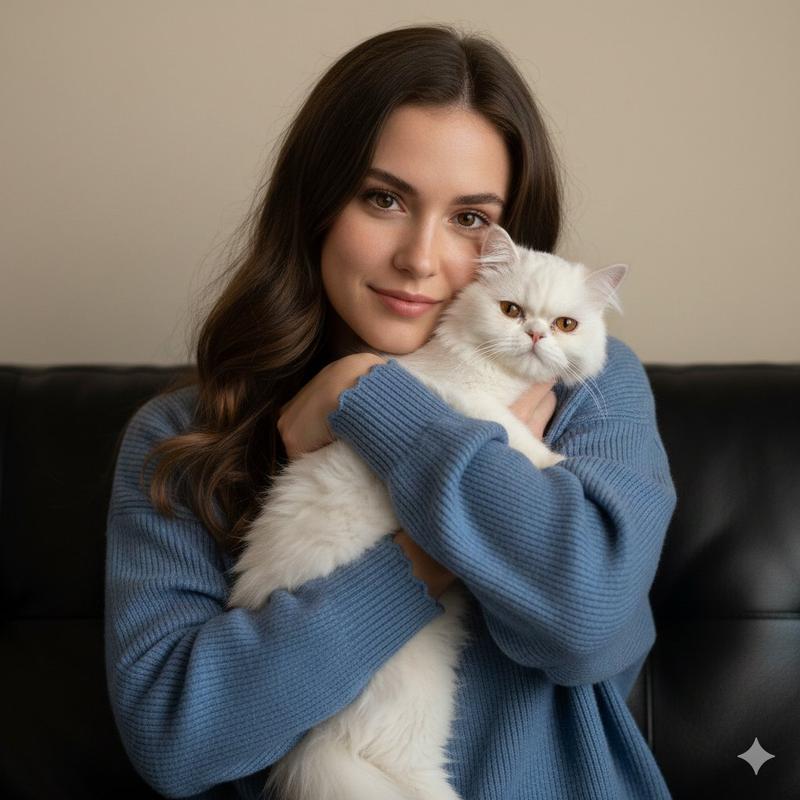
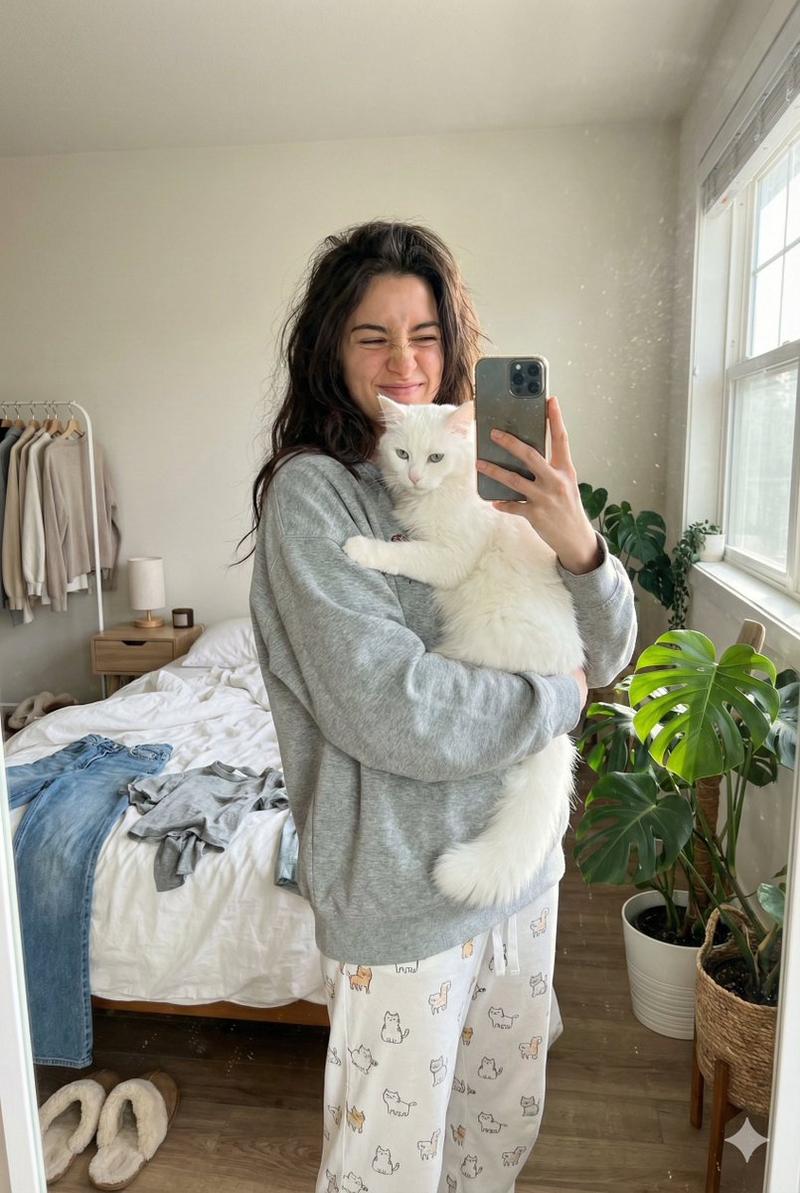
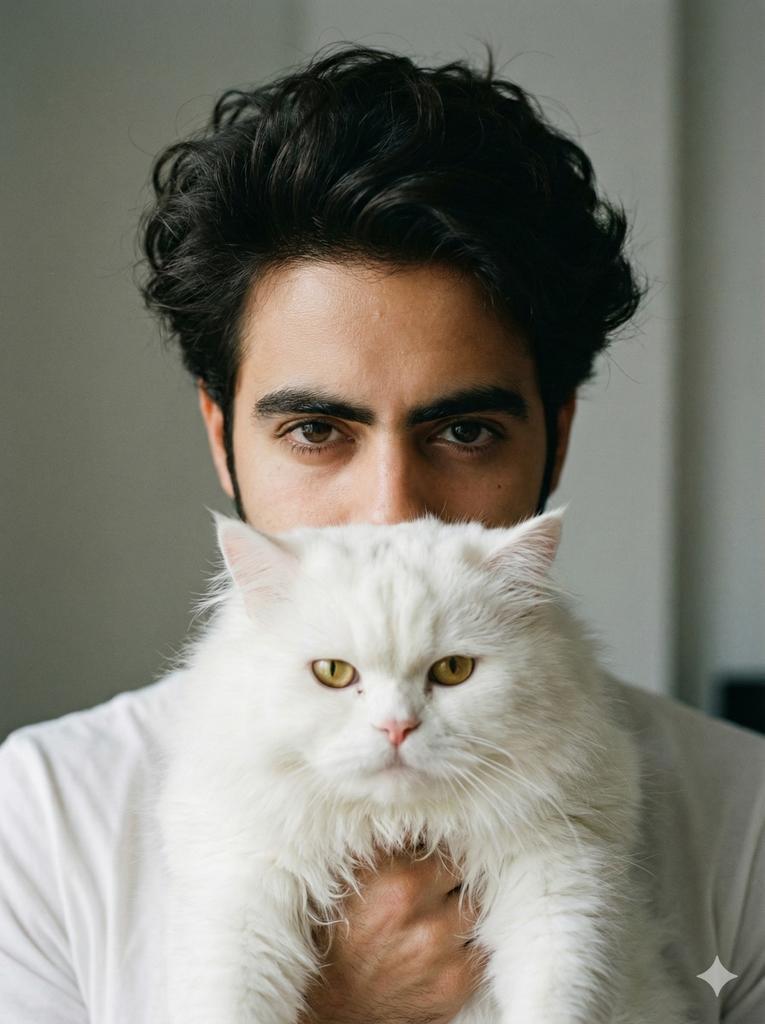
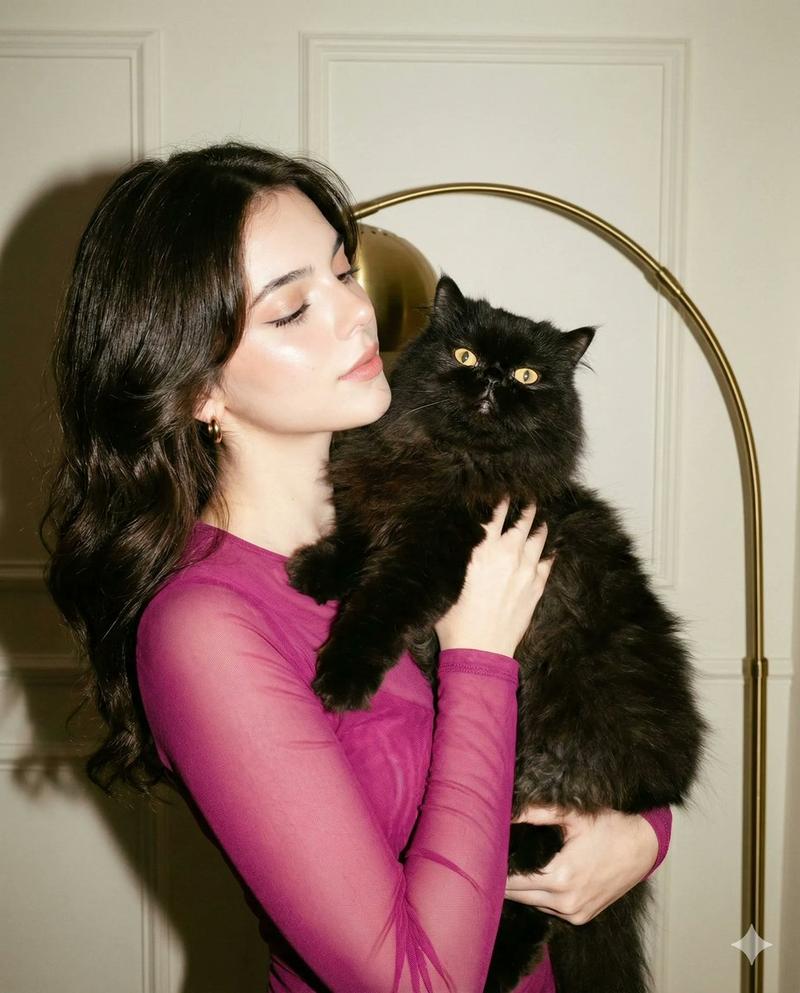
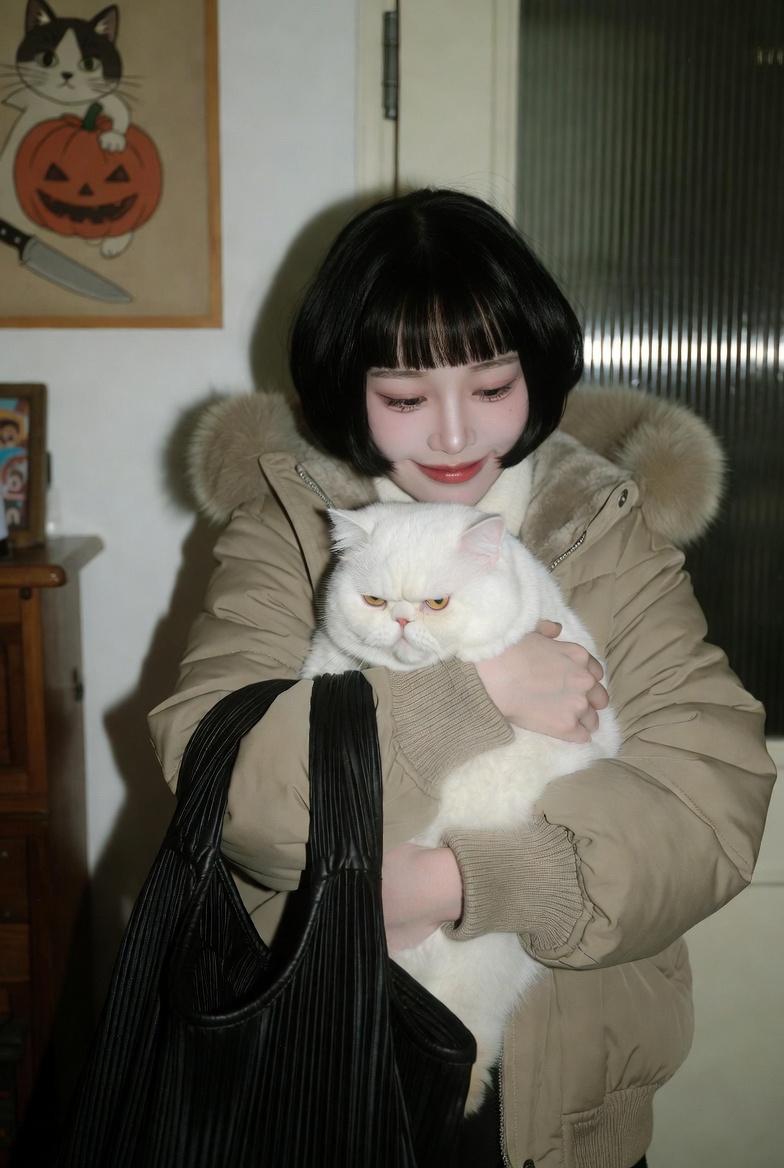
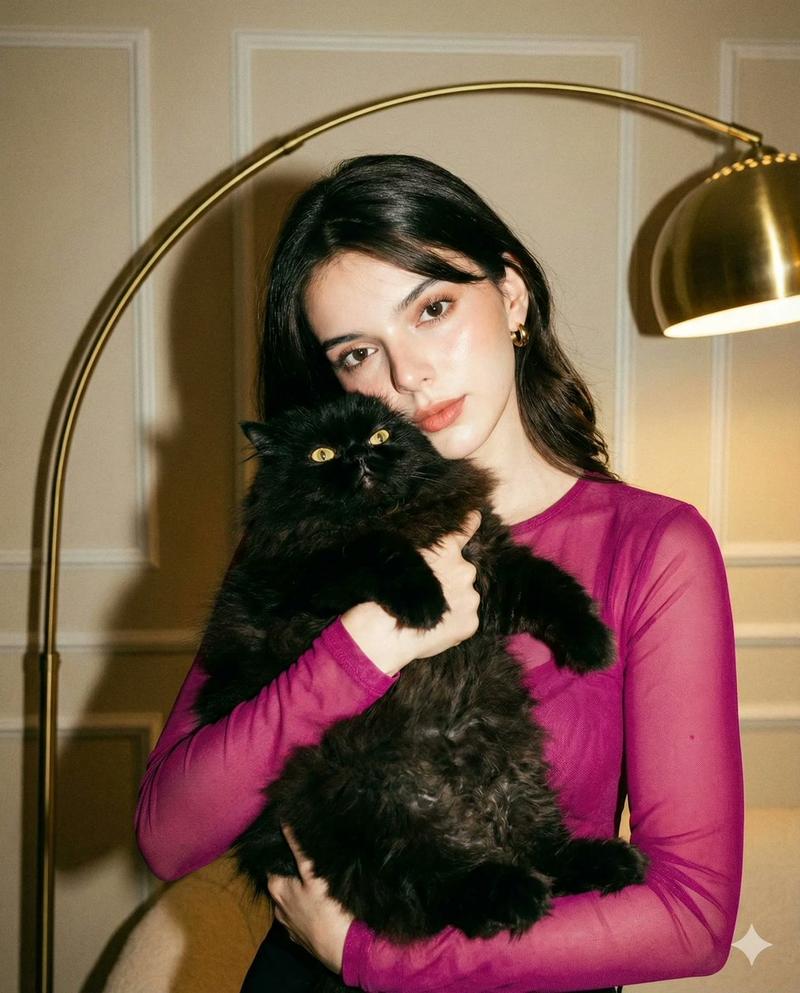
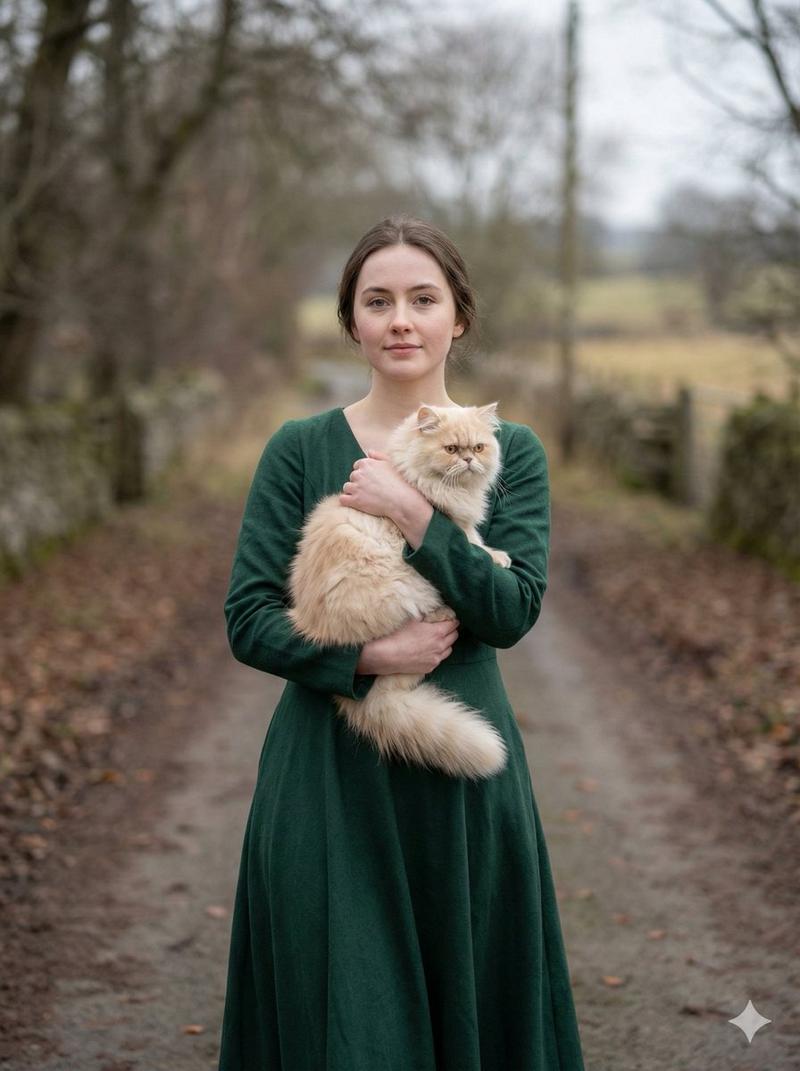
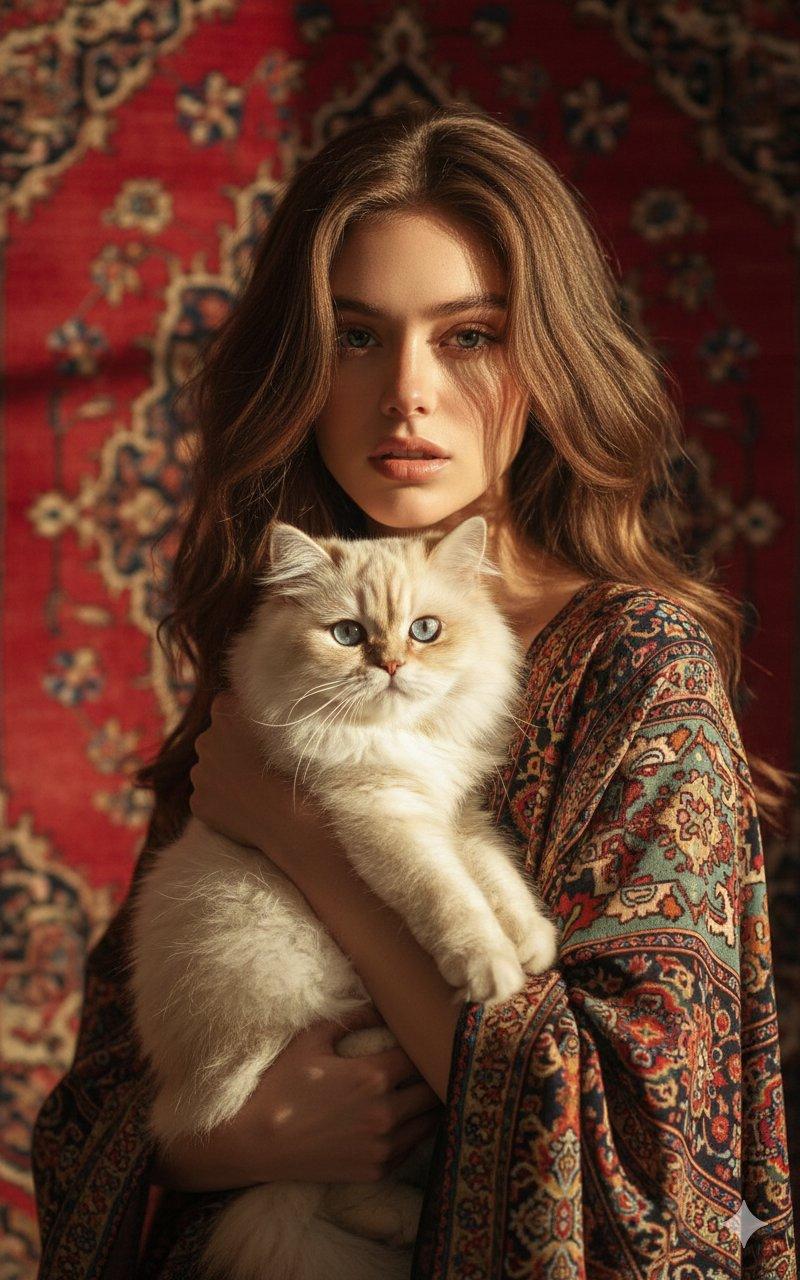
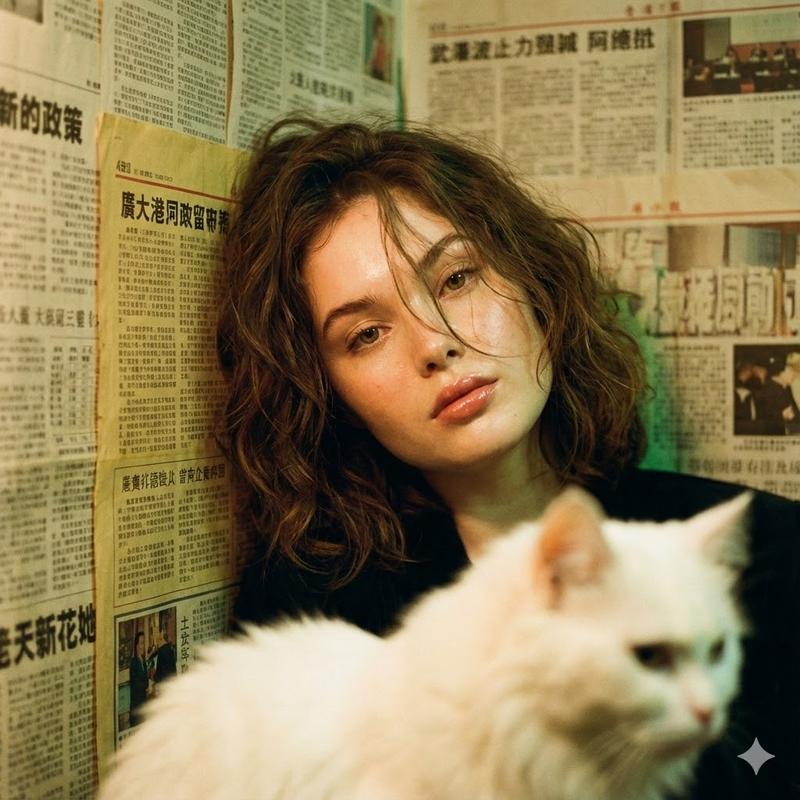
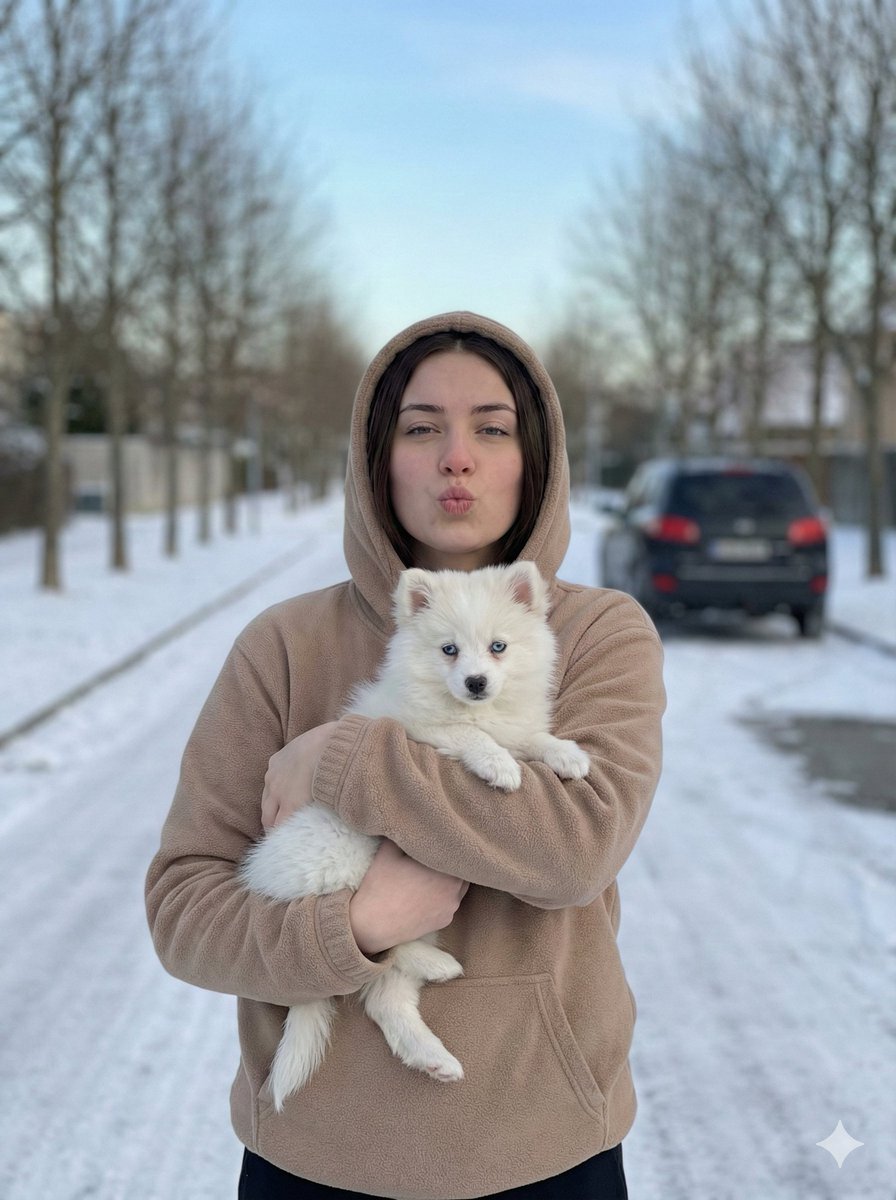
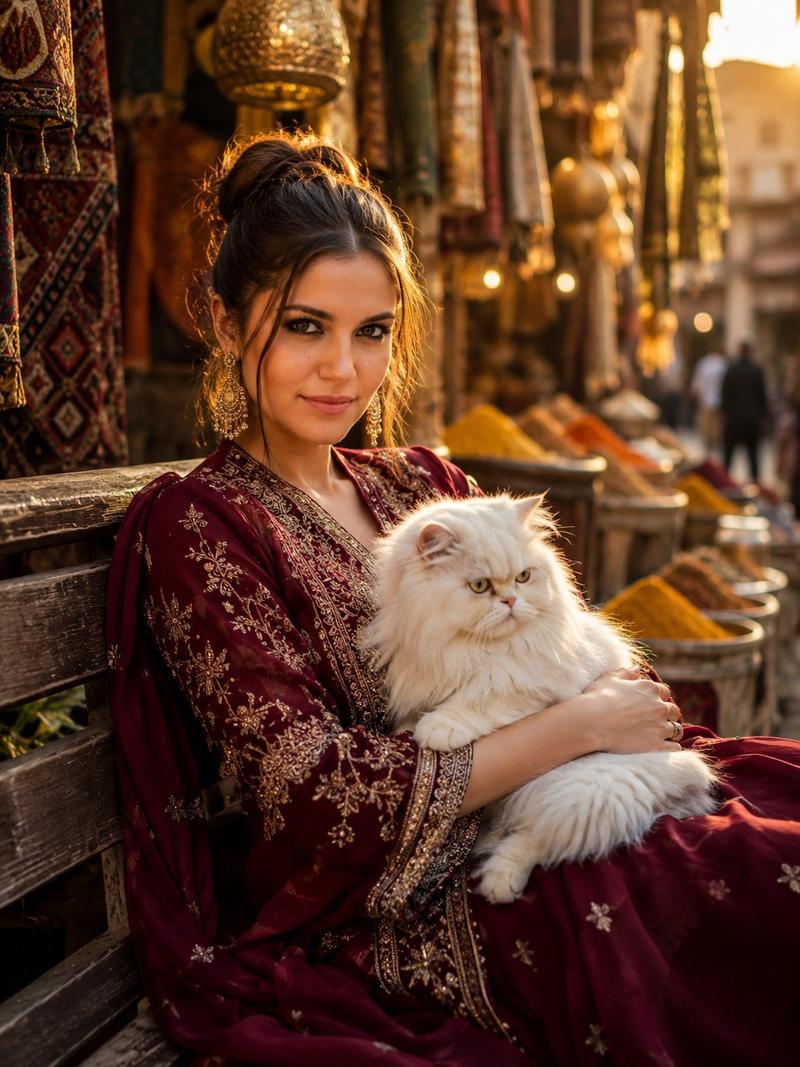
A raw, candid smartphone-style photo taken at night with a soft bright, direct camera flash, use my face on this image, featuring a man with middle-parted dark hair and a soft, gentle expression looking affectionately at a large, fluffy {argument name="cat color" default="white"} cat that he is holding in his arms. The man is wearing a plain {argument name="clothing item" default="black hoodie"}, and the cat is looking back at him, creating a heartwarming moment. The background consists of a metal chain-link fence with some dark green leafy plants visible behind it, all set against a pitch-black night sky. The lighting has a nostalgic, slightly grainy 2010s digital camera aesthetic with high contrast, sharp shadows, and a natural, unpolished vibe.
Category
创意图片
Model
Nano Banana Pro
Creator
Harboriis
Views0
Source ID
4323574c-0477-4099-b6ed-5c0d1ca27ea2
Published
Mar 8, 2026

Guide

About "猫咪夜间抓拍照片提示词"

What is this prompt for?

"猫咪夜间抓拍照片提示词" AI image prompt for Nano Banana Pro (创意图片). 生成一张原始、坦率的夜间智能手机照片的提示词,照片中一名男子抱着一只大白猫,使用明亮的直射相机闪光灯,营造出高对比度、略带颗粒感的视觉效果,让人联想到 2010 年代初期的数码摄影风格。 --- 一张夜…

The full copyable prompt and example visuals above are ready for AI image generation or one-click recreate in Picva.

How to use this prompt

  1. Step 1

    Open the prompt detail

    Review the example visuals, category, and full prompt text for "猫咪夜间抓拍照片提示词".

  2. Step 2

    Copy the prompt

    Copy the prompt body from this page, or load it directly in Studio.

  3. Step 3

    Pick a model (Nano Banana Pro)

    Prefer Nano Banana Pro. If you switch models, keep subject and composition and tweak style terms.

  4. Step 4

    Generate and export

    Recreate the look in Picva, or export into your workflow for editing and publishing.

FAQ

What is the "猫咪夜间抓拍照片提示词" prompt?
It is an AI image-generation prompt for Nano Banana Pro in the 创意图片 category. This page includes the full prompt text, example visuals, and a one-click recreate path in Picva.
How do I use this prompt to generate an image?
Copy the prompt from this page, or use Generate / Studio. Paste it into a compatible image model, or recreate the look in Picva with optional reference images.
Which model is this prompt for?
This page lists Nano Banana Pro. Most descriptive prompts also transfer to nearby image models such as GPT Image, Flux, or Midjourney with light style tweaks.
Can I use the result commercially?
You can usually copy the prompt for creation, but commercial use of the final image depends on the model terms, reference-image rights, and the generated content. Follow the source author and platform rules.