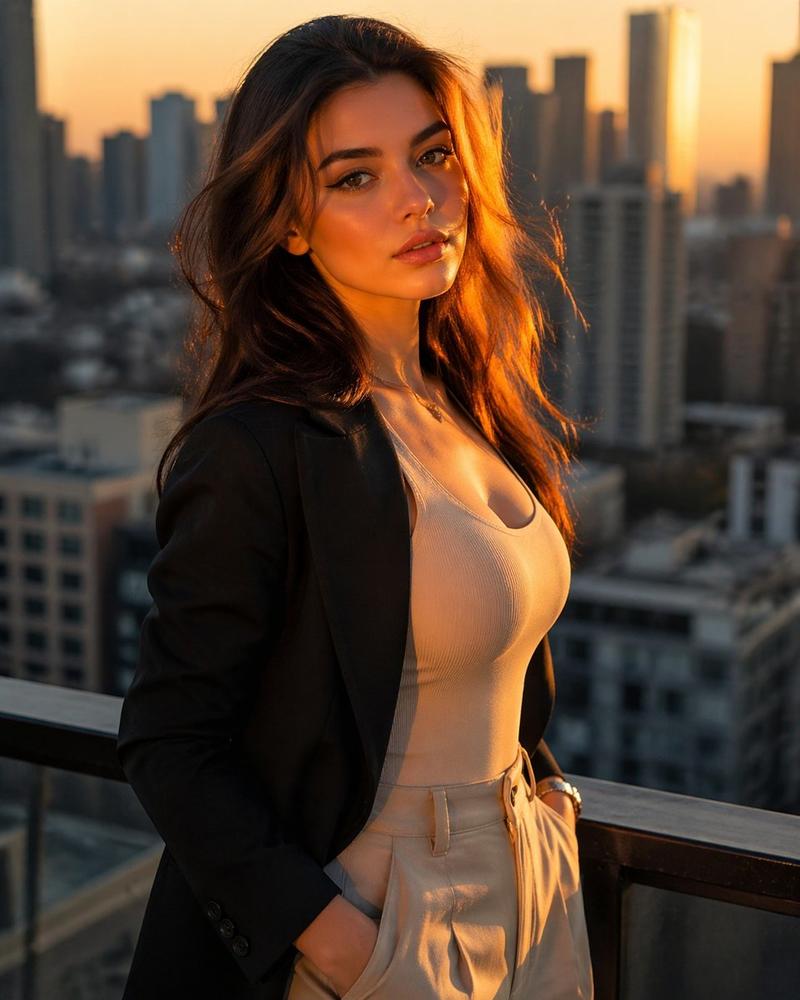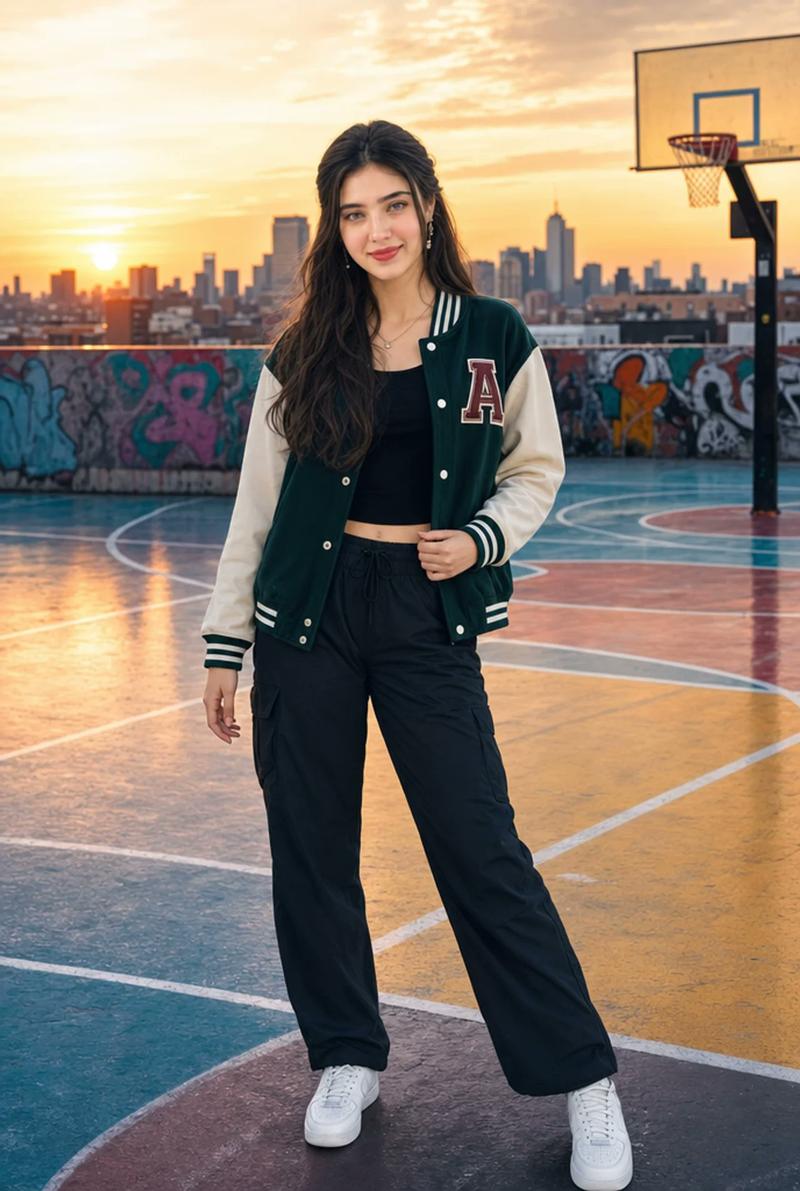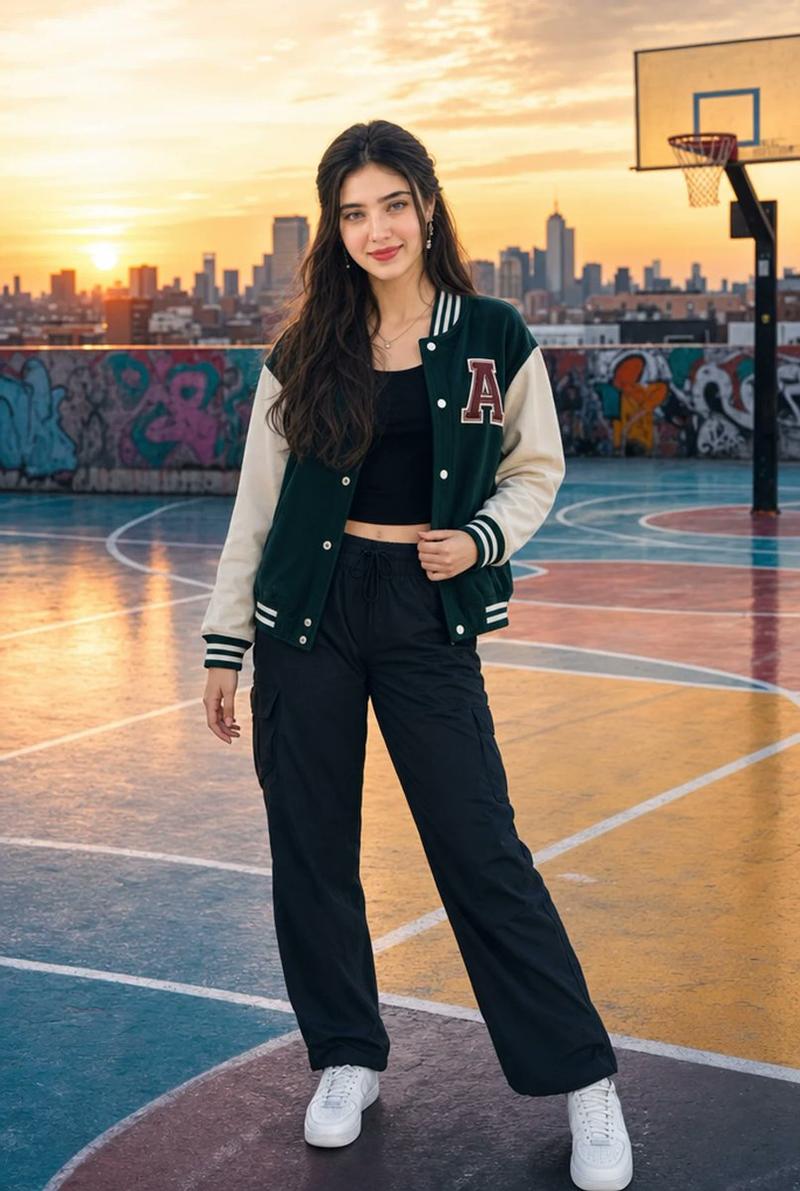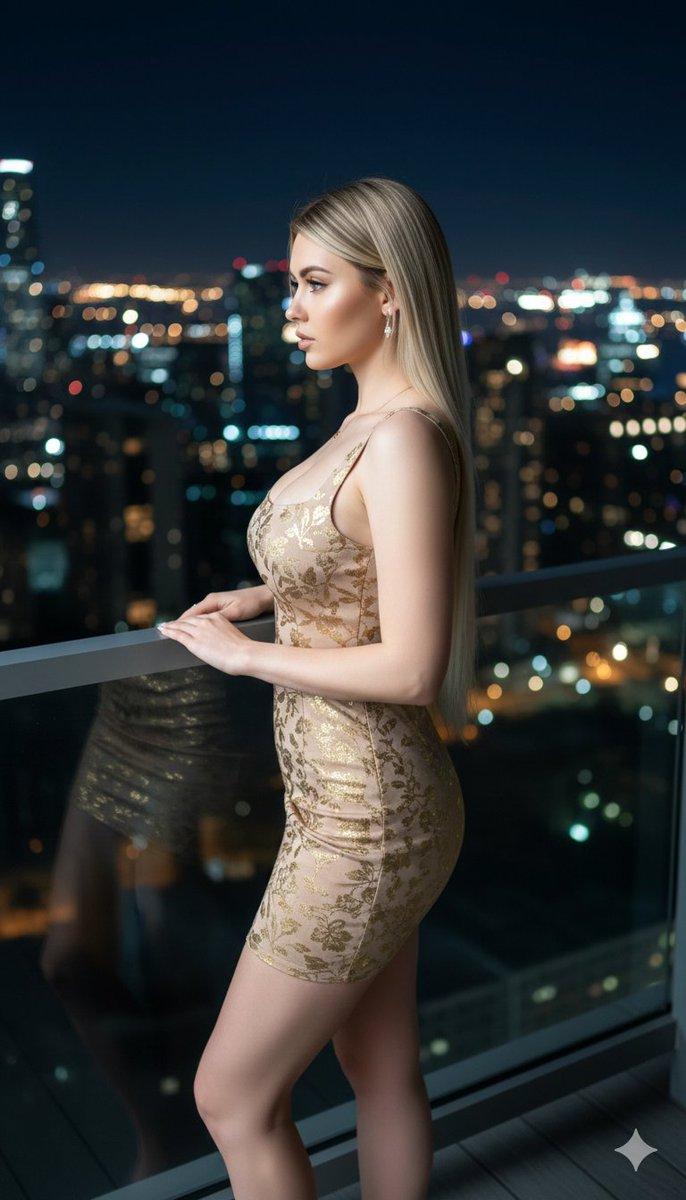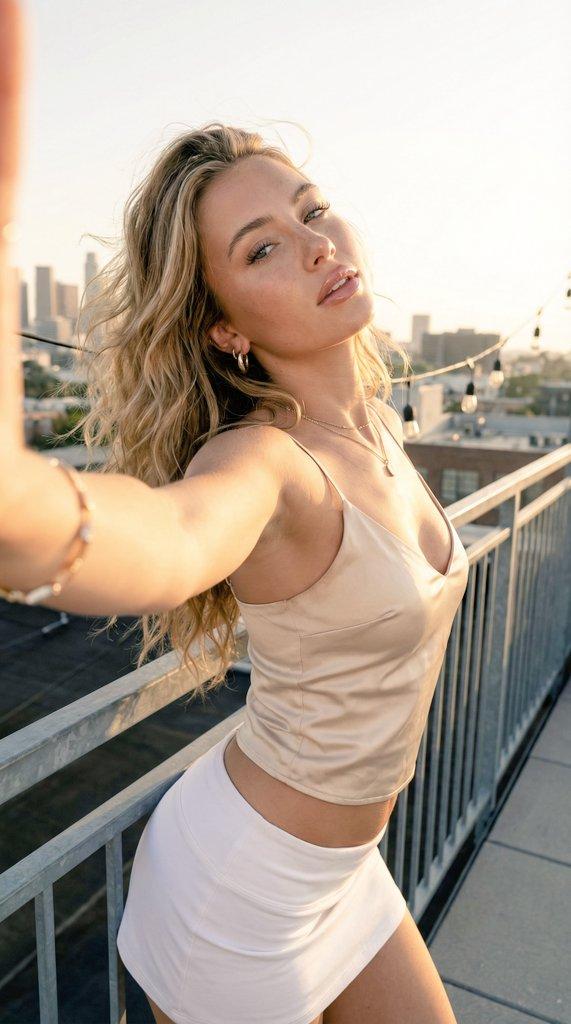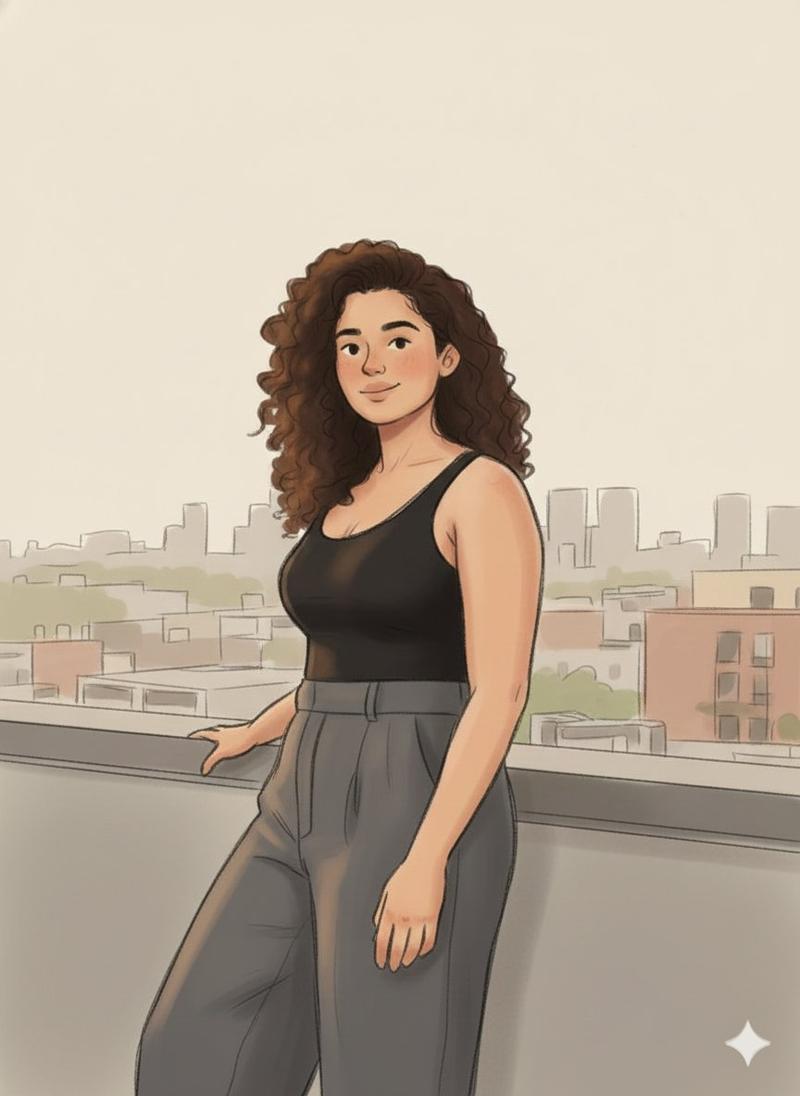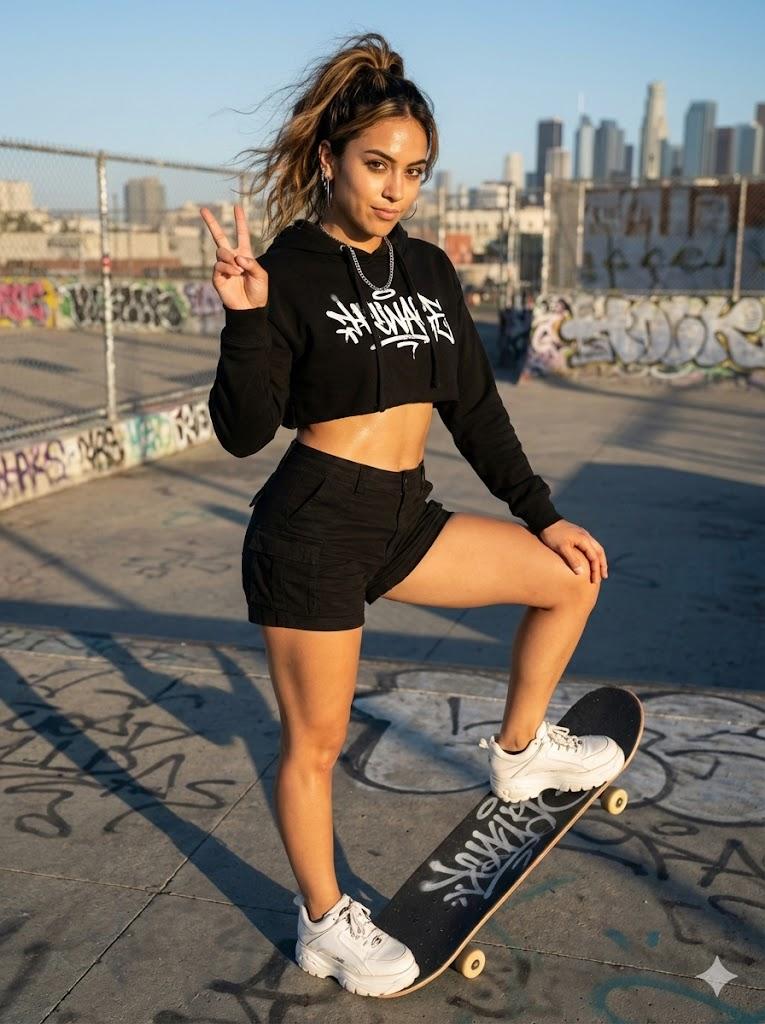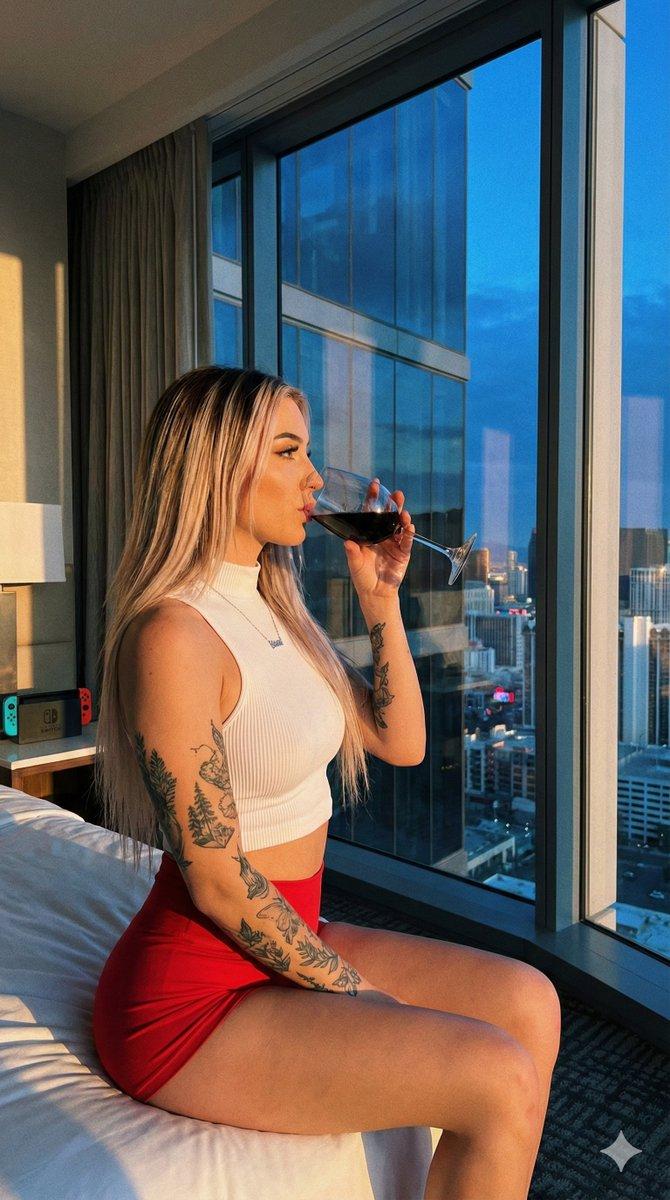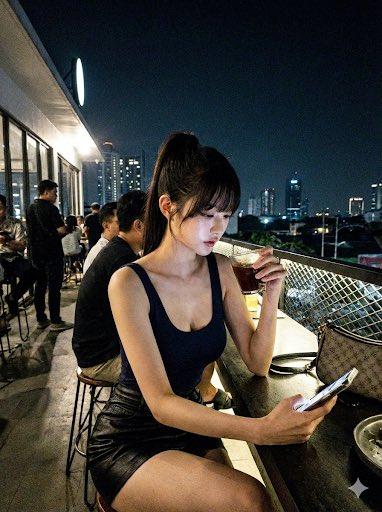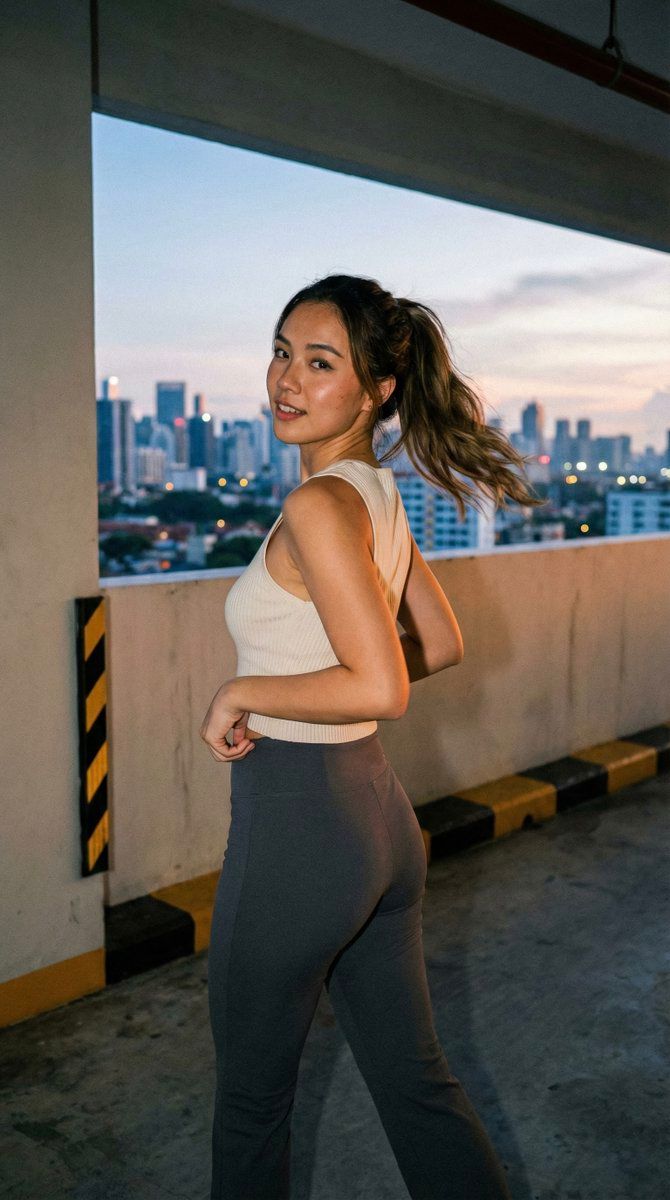
街头抓拍人像(狗仔队风格)
Prompt
{
  "meta": {
    "aspect_ratio": "9:16",
    "quality": "ultra_photorealistic",
    "resolution": "8k",
    "camera": "DSLR with slight paparazzi feel",
    "lens": "35mm",
    "style": "raw social media realism, natural skin texture, subtle grain, zero plastic look"
  },
  "scene": {
    "location": "underground parking garage rooftop exit",
    "time": "sunset transitioning to blue hour",
    "environment": [
      "concrete walls with yellow-black hazard stripes",
      "open rooftop edge revealing city skyline",
      "warm sunset glow mixing with cool city lights",
      "slight wind moving loose elements"
    ],
    "atmosphere": "urban, spontaneous, caught-in-the-moment energy"
  },
  "lighting": {
    "type": "mixed natural + city ambient",
    "key_light": "low warm sunset light from side",
    "fill_light": "cool reflected city light",
    "effect": "soft highlights on curves, realistic shadow falloff, cinematic but accidental"
  },
  "camera_perspective": {
    "pov": "third-person candid",
    "angle": "slightly low, off-center",
    "framing": "mid-thigh to head",
    "motion": "minor handheld imperfection, not symmetrical"
  },
  "subject": {
    "gender": "female",
    "vibe": "young adult, confident but unposed",
    "ethnicity": "mixed Asian-European",
    "body": {
      "type": "slim-curvy",
      "waist": "tight and defined",
      "hips": "round and naturally full",
      "chest": "full but natural",
      "legs": "toned thighs with subtle tension from stance"
    },
    "hair": {
      "color": "deep chestnut brown",
      "style": "loose high ponytail",
      "behavior": "wind catching loose strands mid-motion"
    },
    "face": {
      "expression": "half-smile, half-challenge",
      "eyes": "glancing back at camera mid-step",
      "makeup": "minimal glow, glossy lips, light liner",
      "skin": "real texture, slight warmth from sunset"
    },
    "outfit": {
      "top": {
        "type": "ribbed sleeveless fitted top",
        "color": "{argument name="top color" default="soft off-white"}",
        "fit": "tight, no bra, fabric under slight stretch"
      },
      "bottom": {
        "type": "high-waisted stretch pants",
        "color": "{argument name="pants color" default="charcoal grey"}",
        "fit": "hugging hips and thighs, natural fabric tension"
      }
    },
    "action": {
      "movement": "walking forward then turning upper body back",
      "micro_details": [
        "one hand adjusting waistband",
        "hip mid-shift creating natural curve",
        "ponytail swinging with motion"
      ]
    }
  },
  "realism_rules": {
    "avoid": [
      "perfect symmetry",
      "over-smoothed skin",
      "posed influencer look"
    ],
    "priority": "looks like a real moment someone snapped too late on purpose"
  }
}- Category
- 创意图片
- Model
- Nano Banana Pro
- Creator
- babydoll
- Source ID
- e7a24281-afb9-4dfd-af73-bb3ecb8c718b
- Published
- Mar 8, 2026
Views0