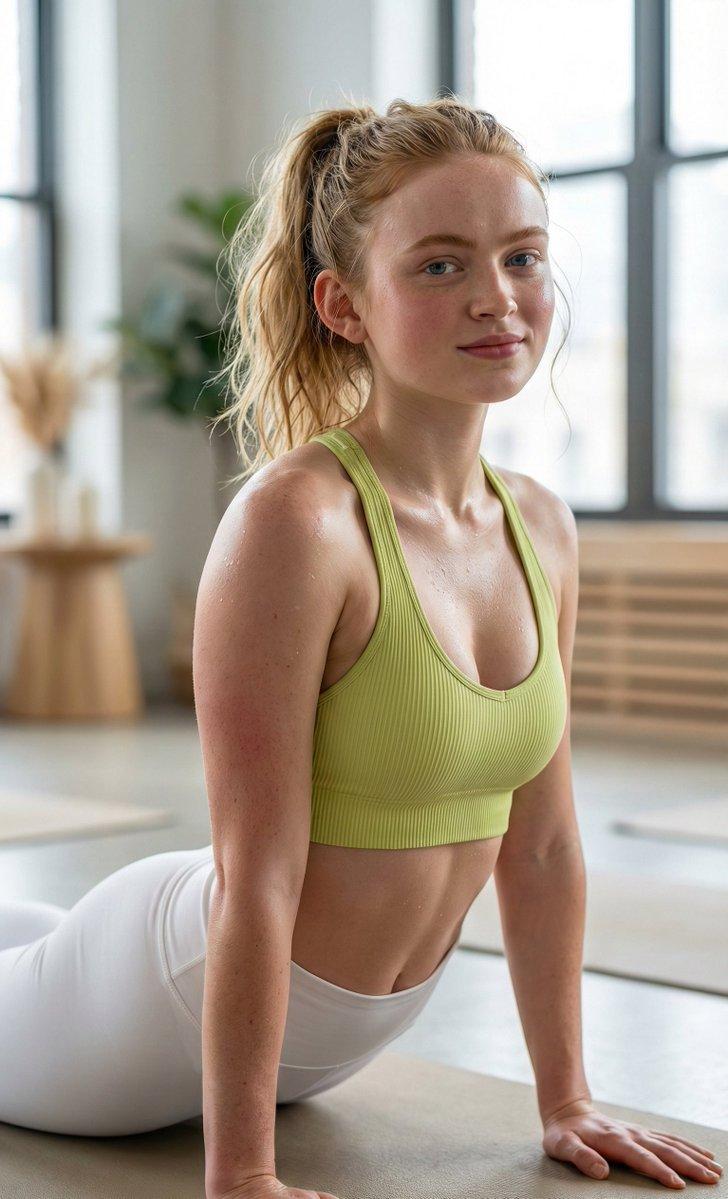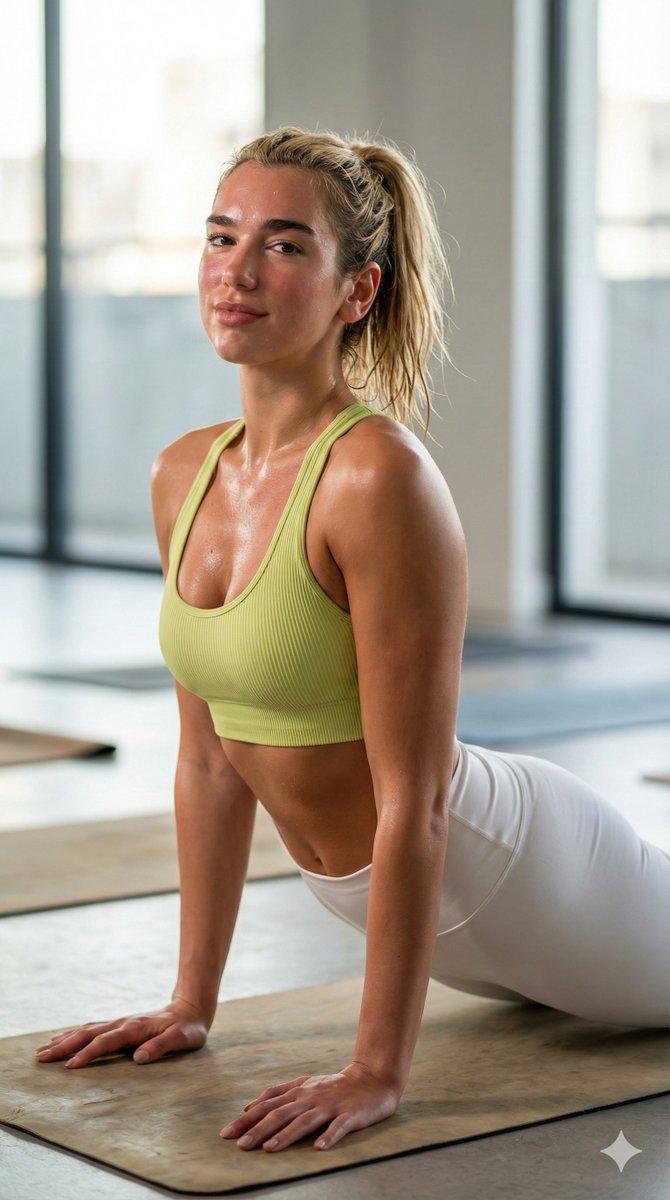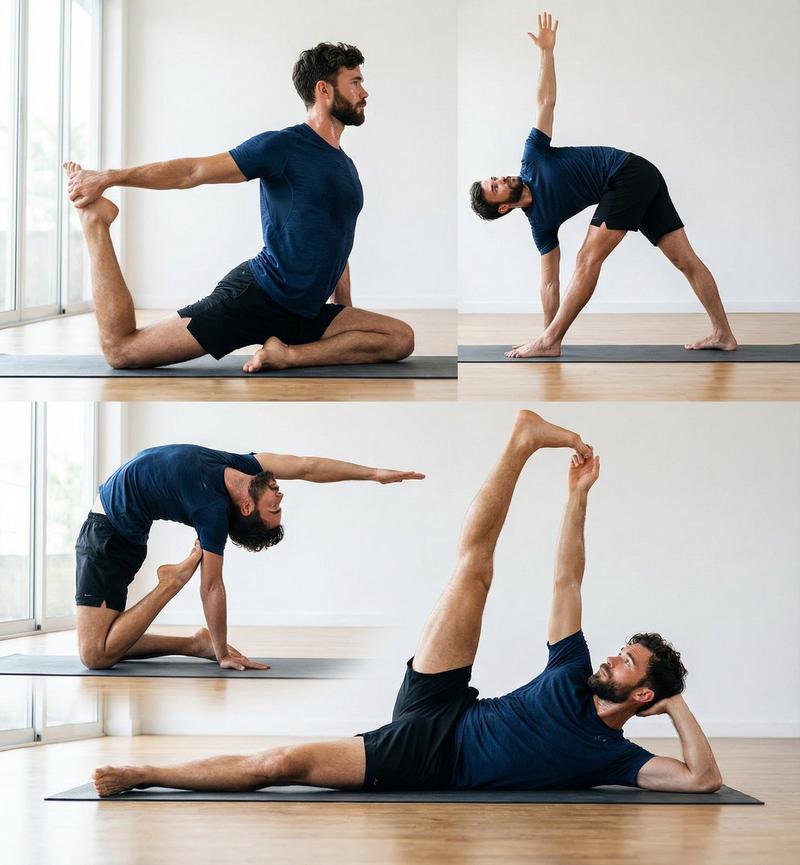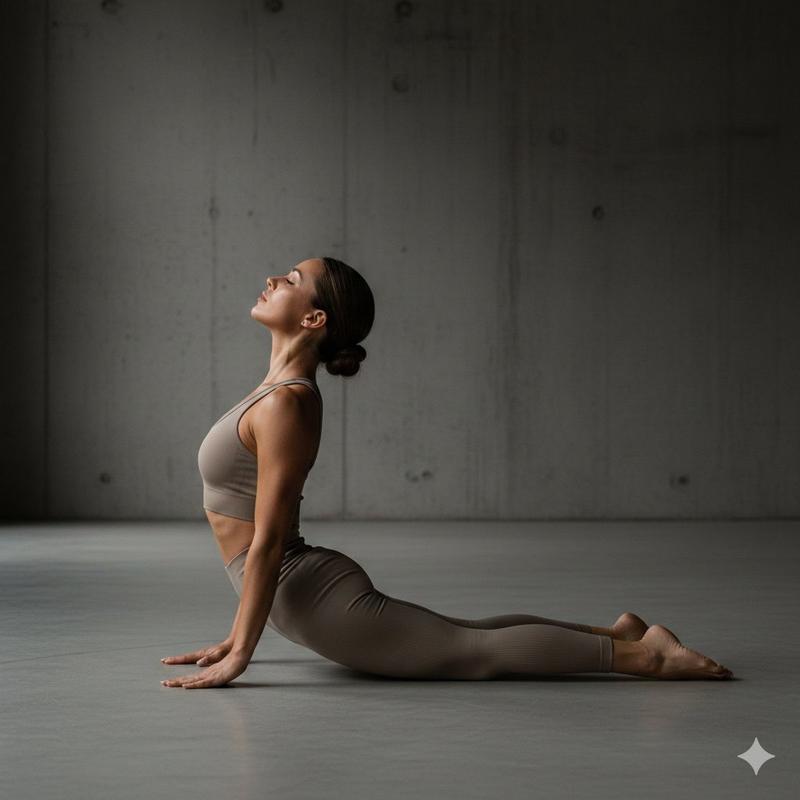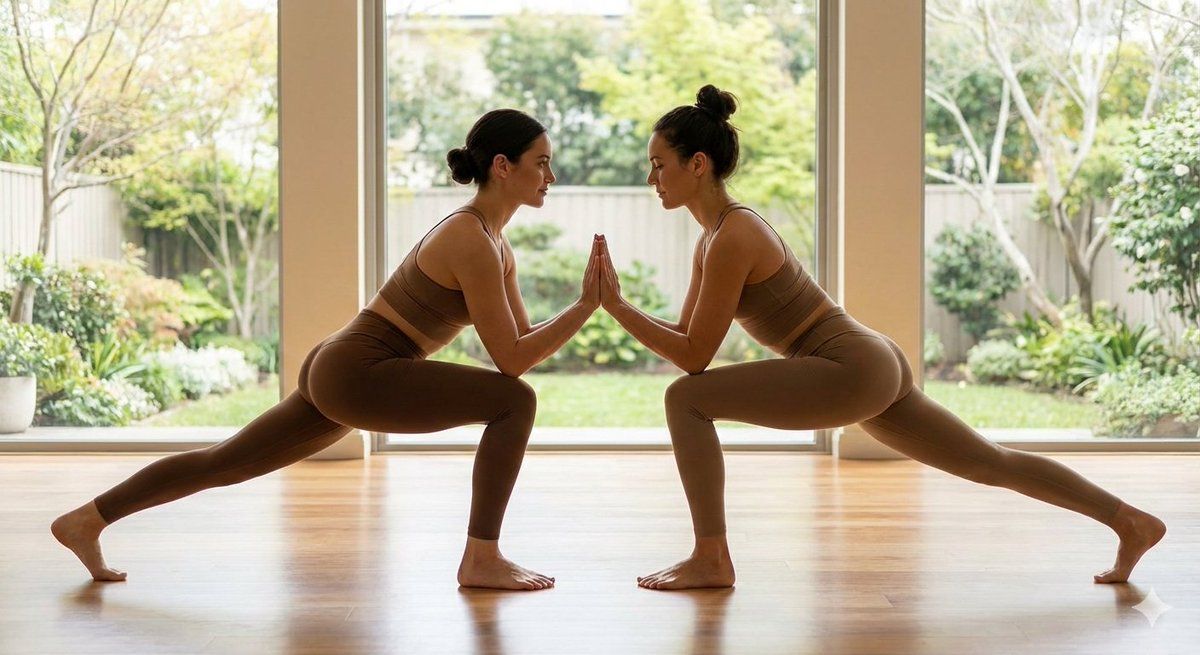
超逼真病毒式镜面自拍提示词
Prompt
{
  "content_goal": "viral mirror pose image with strong personal branding",
  "image_type": "ultra-photorealistic mirror portrait photography",
  "visual_style": {
    "aesthetic": "editorial, lifestyle, cinematic realism",
    "vibe": "confident, intimate, modern",
    "realism": "high-end smartphone realism"
  },
  "composition": {
    "framing": "mid-to-full body reflection",
    "camera_angle": "mirror selfie perspective",
    "subject_position": "centered in mirror reflection",
    "perspective": "natural mirror depth with realistic reflections"
  },
  "subject": {
    "description": "confident individual captured via mirror reflection",
    "pose": "relaxed mirror pose, slight body angle for shape definition",
    "body_language": "casual confidence, natural posture",
    "expression": "soft, calm, subtly self-assured",
    "hands": "one hand holding phone, other relaxed or touching hair",
    "gaze": "looking at phone screen or mirror reflection"
  },
  "facial_details": {
    "emotion": "composed, self-aware",
    "micro_details": "natural skin texture, realistic facial symmetry"
  },
  "wardrobe": {
    "clothing": "stylish minimal outfit or fitted athletic wear",
    "textures": "soft fabric with natural folds",
    "color_tones": "neutral, monochrome, or muted tones"
  },
  "lighting": {
    "type": "natural or soft indoor lighting",
    "quality": "diffused, flattering",
    "direction": "side or front ambient light",
    "reflection_control": "clean mirror reflection without glare",
    "shadow_style": "soft, realistic shadows"
  },
  "color_palette": {
    "primary": [
      "warm neutrals",
      "soft skin tones",
      "clean highlights"
    ],
    "mood": "cozy, modern, intimate"
  },
  "environment": {
    "location": "bedroom, gym mirror, or minimalist indoor space",
    "background": "clean, uncluttered interior",
    "atmosphere": "personal, calm, aesthetic"
  },
  "camera_details": {
    "camera_type": "smartphone camera simulation",
    "lens": "wide or standard mobile lens",
    "focus": "sharp subject with natural depth",
    "depth_of_field": "slight background blur",
    "resolution": "social-media premium clarity"
  },
  "quality_control": {
    "mirror_accuracy": "correct reflection physics",
    "skin_realism": "no over-smoothing",
    "anatomy_accuracy": "correct proportions",
    "ai_artifacts": "none"
  },
  "overall_mood": "confident, stylish, authentic",
  "intended_use": {
    "primary": "viral post on X",
    "secondary": "personal branding, lifestyle, fitness content"
  }
}- Category
- 创意图片
- Model
- Nano Banana Pro
- Creator
- Cuties
- Source ID
- a5ccf903-6d4c-4457-9ab6-20cc125b863b
- Published
- Mar 8, 2026
Views0