16

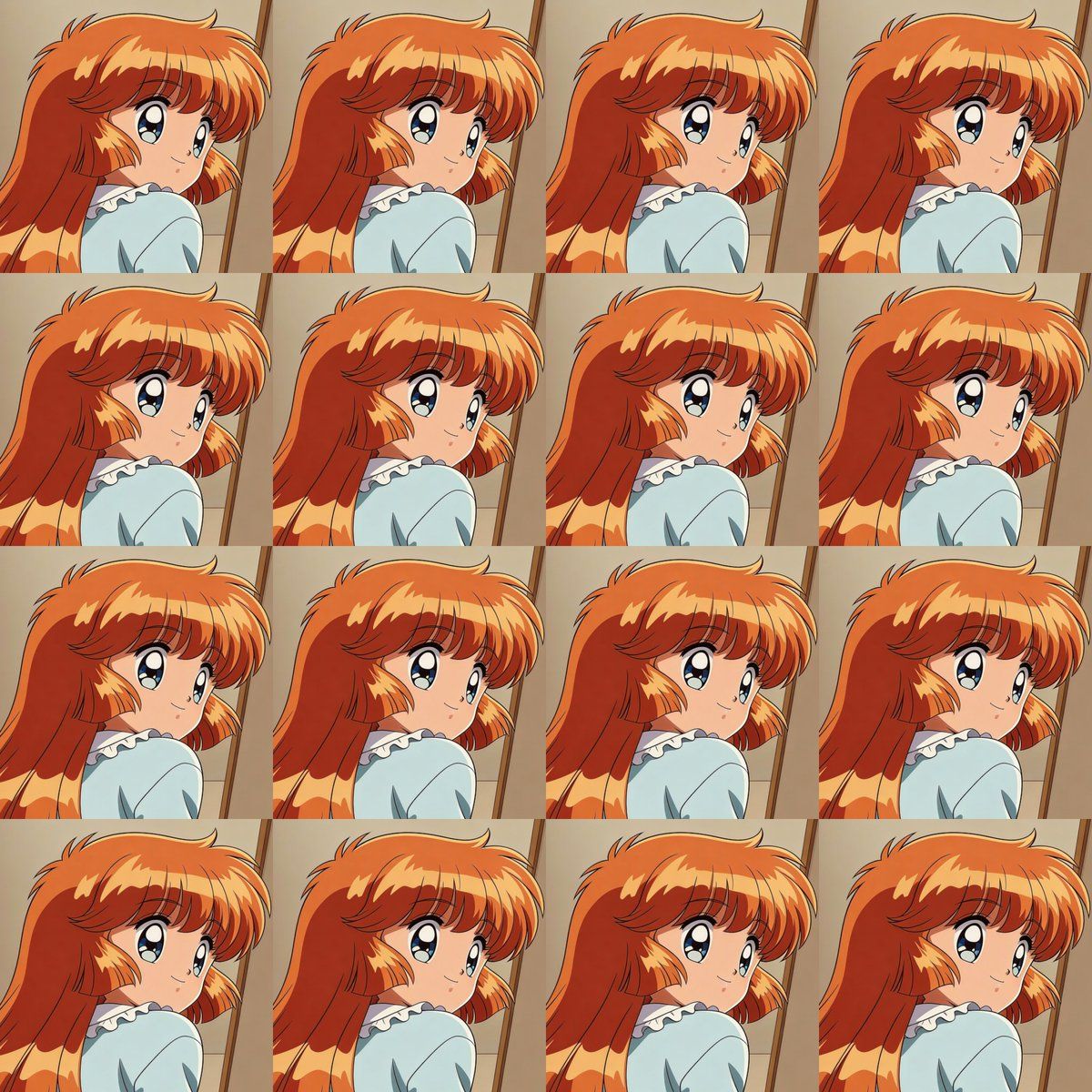
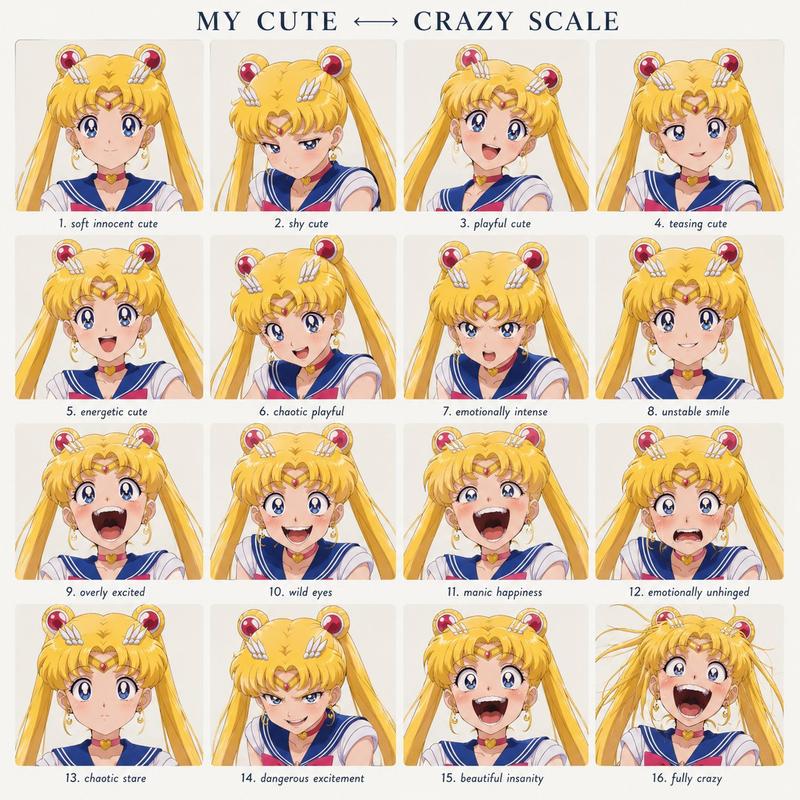
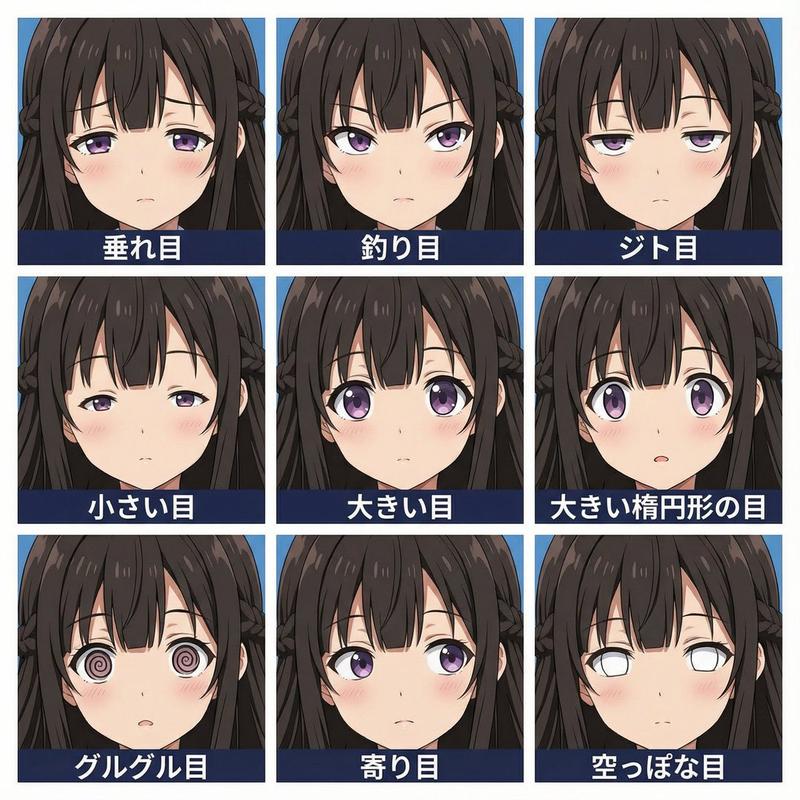
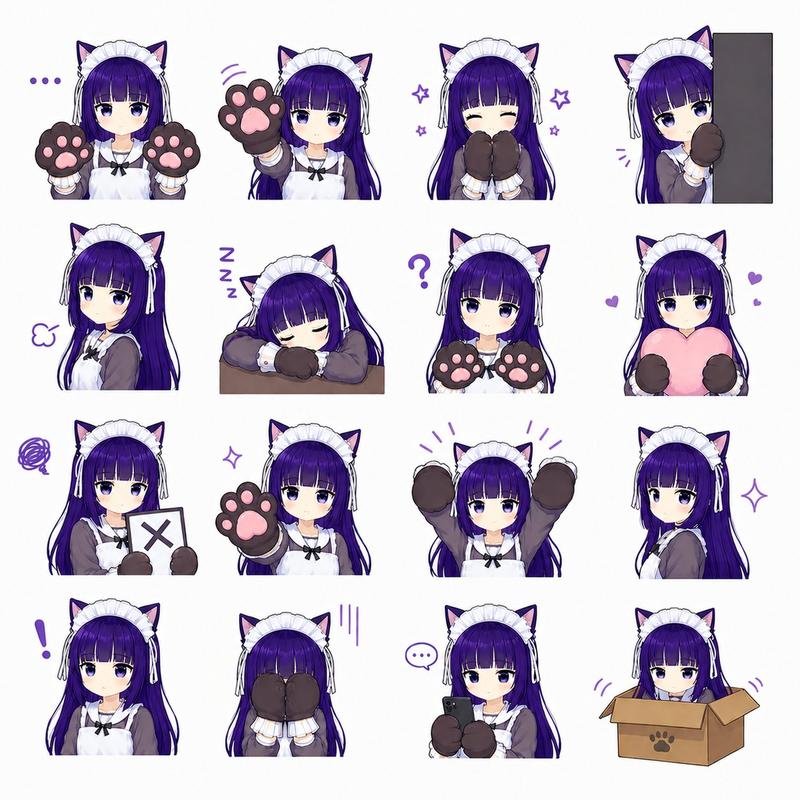
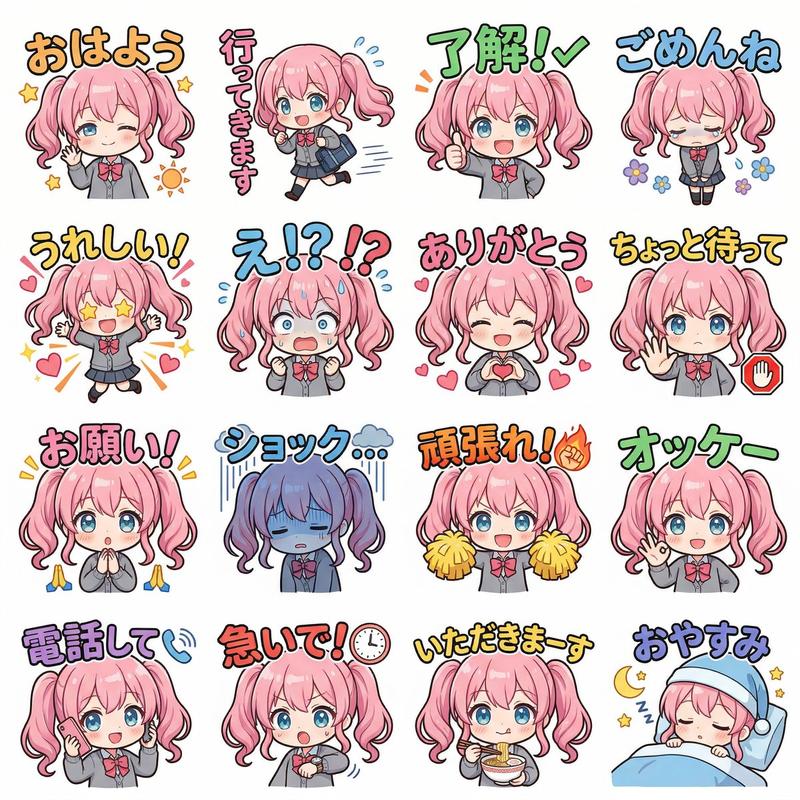
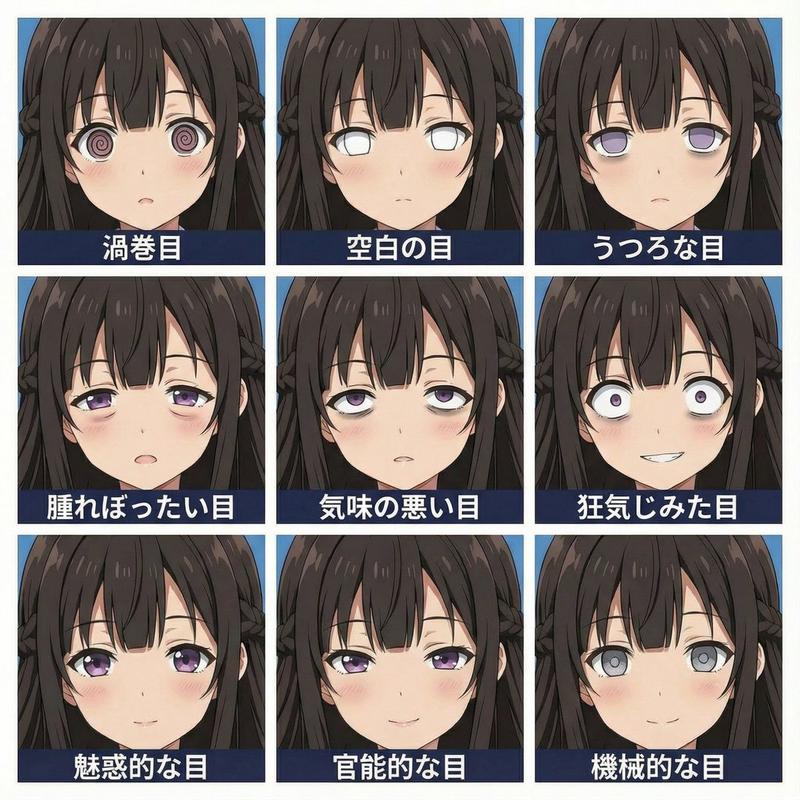
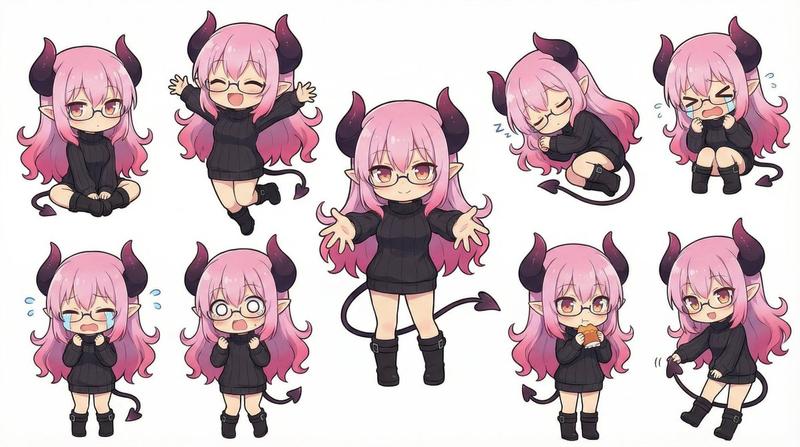
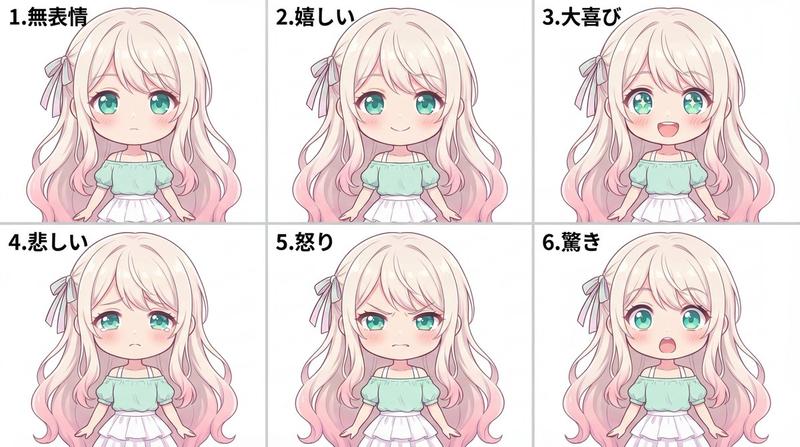
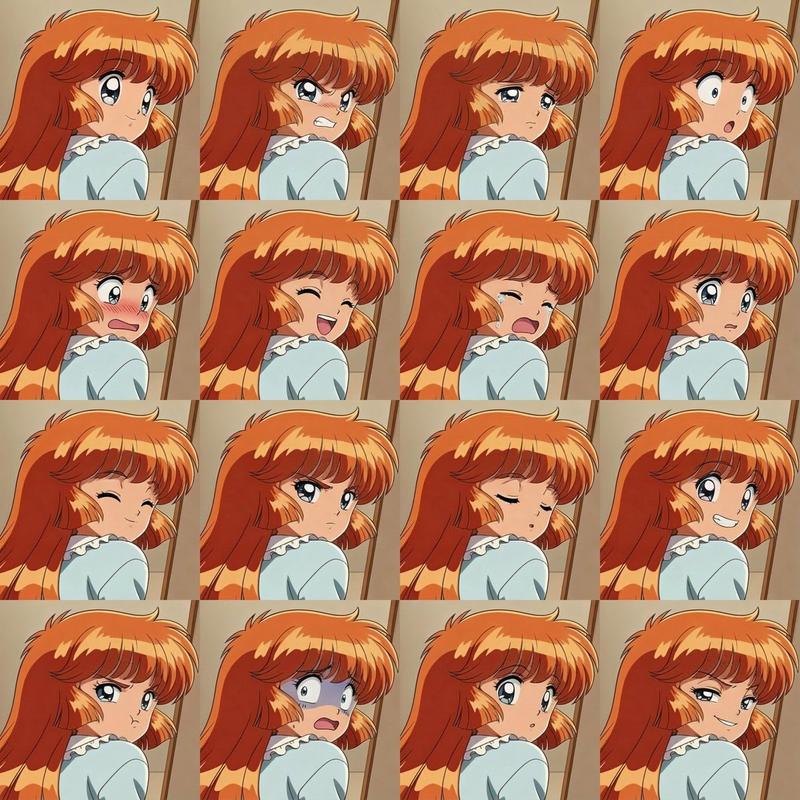
女主角表情差异网格尝试
Enlarge

女主角表情差异网格尝试

Prompt
ヒロインの表情差分を作成。16分割された画面にそれぞれ表示。一番左上のコマは元絵をそのまま。残りの15画面に各表情の差分を表示する。
Category
创意图片
Model
Nano Banana Pro
Creator
SenY
Views0
Source ID
018f812c-4f71-475f-87a2-2cd4015c29e9
Published
Mar 8, 2026

Guide

About "女主角表情差异网格尝试"

What is this prompt for?

"女主角表情差异网格尝试" AI image prompt for Nano Banana Pro (创意图片). 一个日文提示,尝试使用 Nano Banana Pro 生成一个 16 格的网格,展示女主角不同的面部表情(表情差异),基于一张参考图像。该提示指定左上角的格子应为原始图像,其余 15 个格子应展示变体…

The full copyable prompt and example visuals above are ready for AI image generation or one-click recreate in Picva.

How to use this prompt

  1. Step 1

    Open the prompt detail

    Review the example visuals, category, and full prompt text for "女主角表情差异网格尝试".

  2. Step 2

    Copy the prompt

    Copy the prompt body from this page, or load it directly in Studio.

  3. Step 3

    Pick a model (Nano Banana Pro)

    Prefer Nano Banana Pro. If you switch models, keep subject and composition and tweak style terms.

  4. Step 4

    Generate and export

    Recreate the look in Picva, or export into your workflow for editing and publishing.
FAQ

What is the "女主角表情差异网格尝试" prompt?
It is an AI image-generation prompt for Nano Banana Pro in the 创意图片 category. This page includes the full prompt text, example visuals, and a one-click recreate path in Picva.
How do I use this prompt to generate an image?
Copy the prompt from this page, or use Generate / Studio. Paste it into a compatible image model, or recreate the look in Picva with optional reference images.
Which model is this prompt for?
This page lists Nano Banana Pro. Most descriptive prompts also transfer to nearby image models such as GPT Image, Flux, or Midjourney with light style tweaks.
Can I use the result commercially?
You can usually copy the prompt for creation, but commercial use of the final image depends on the model terms, reference-image rights, and the generated content. Follow the source author and platform rules.