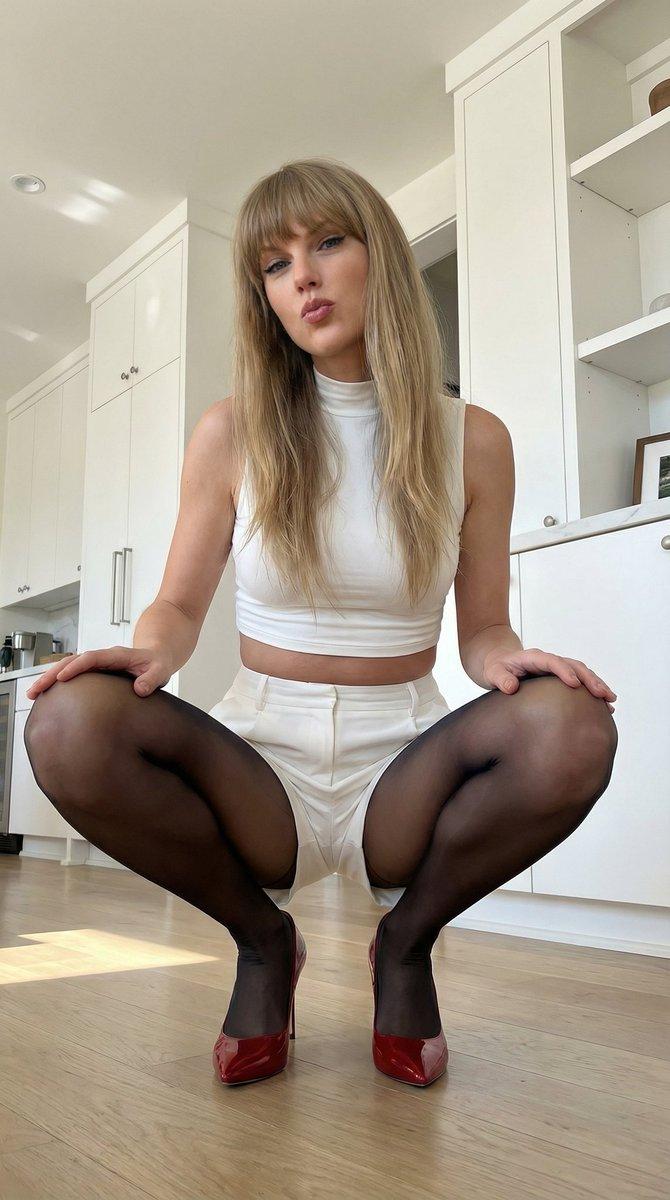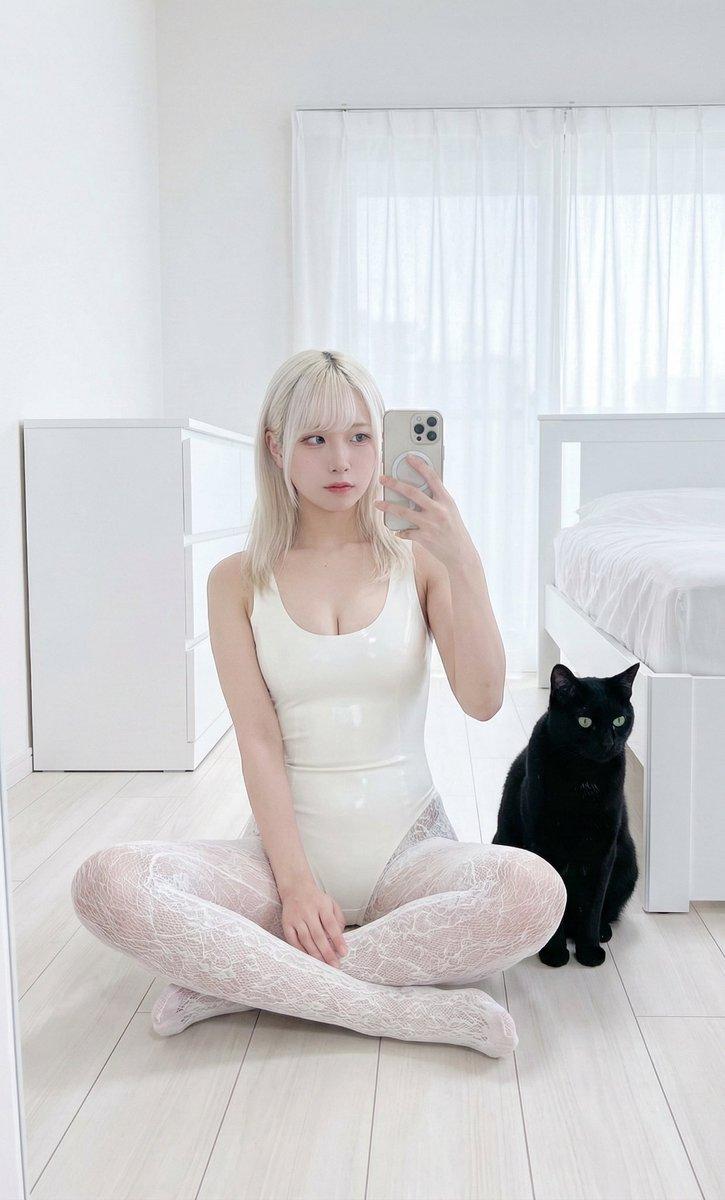
超逼真镜面自拍提示词
Prompt
{
  "subject": {
    "character": "uploaded_photo",
    "face_consistency": "true",
    "body_consistency": "true",
    "gender": "female",
    "age_appearance": "young adult, early 20s",
    "ethnicity": "Northern European",
    "emotion": "composed, neutral, effortless, calm focus",

    "hair": {
      "color": "icy platinum blonde",
      "length": "long, past shoulders",
      "style": "straight with soft natural movement",
      "texture": "silky, light-reflecting, fine strands",
      "placement": "cascading over shoulders"
    },

    "face": {
      "visibility": "partially visible in reflection",
      "profile_visibility": "three-quarter view",
      "skin_tone": "fair, pale, porcelain",
      "expression": "neutral, relaxed lips, blue eyes looking at phone screen"
    }
  },

  "meta": {
    "aspect_ratio": "9:16",
    "camera": "iPhone 15 Pro Max rear camera",
    "lens": "24mm f/1.78 main lens equivalent",
    "focal_character": "sharp focus on subject, natural depth of field",
    "quality": "ultra photorealistic, 8k resolution",
    "style": "authentic mirror selfie, raw mobile photography, natural daylight, subtle skin texture"
  },

  "visibility_rules": {
    "mirror_only": true,
    "no_direct_subject_visibility": true,
    "no_body_parts_outside_mirror": true
  },

  "camera_angle": {
    "vertical_position": "eye level",
    "horizontal_alignment": "centered",
    "tilt": "0 degree tilt",
    "yaw": "facing mirror directly",
    "roll": "no rotation",
    "distance_to_mirror_meters": 1.0,
    "handheld_behavior": "slight natural handheld lean"
  },

  "body_angle": {
    "global_orientation": "crouching or squatting position",
    "torso_rotation_degrees": 15,
    "shoulder_alignment": "relaxed, one shoulder slightly higher holding phone",
    "hip_rotation_degrees": 45,
    "weight_distribution": "balanced on balls of feet in a squat",
    "posture": "compact, athletic, modern pose"
  },

  "head_angle": {
    "rotation_degrees": 10,
    "tilt": "subtle side tilt",
    "chin_position": "neutral",
    "neck_tension": "relaxed"
  },

  "phone_angle": {
    "phone_model": "Gold iPhone 15 Pro Max with triple-lens system",
    "height_relative_to_face": "partial coverage of the left cheek",
    "distance_from_face_cm": 25,
    "angle": "slight inward tilt toward subject",
    "coverage": "phone obscures a portion of the face but leaves eyes and hair visible"
  },

  "pose": {
    "legs": {
      "stance": "deep squat",
      "front_leg": "bent, knee pointing toward camera",
      "back_leg": "bent, supporting weight"
    },
    "hips": {
      "action": "tucked in a crouching silhouette"
    },
    "arms": {
      "phone_hand": "right hand holding phone, index finger on side",
      "free_hand": "left arm resting on knee"
    }
  },

  "clothing": {
    "outfit_type": "long-sleeve bodysuit with patterned tights",
    "color": "solid black top, black patterned bottoms",
"ma- Category
- 创意图片
- Model
- Nano Banana Pro
- Creator
- inanna
- Source ID
- 8a1ebcc2-3771-4b61-b17d-8acd716e66a5
- Published
- Mar 8, 2026
Views9