20

坦率试衣间肖像 JSON 提示词
Enlarge

坦率试衣间肖像 JSON 提示词

Prompt
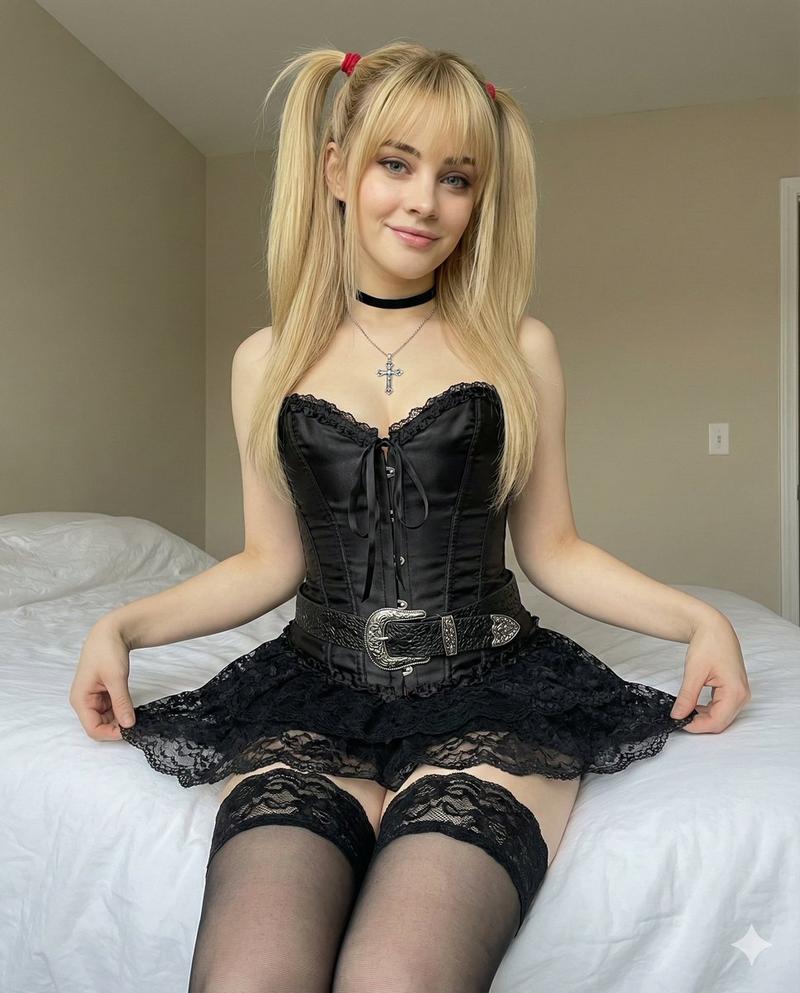
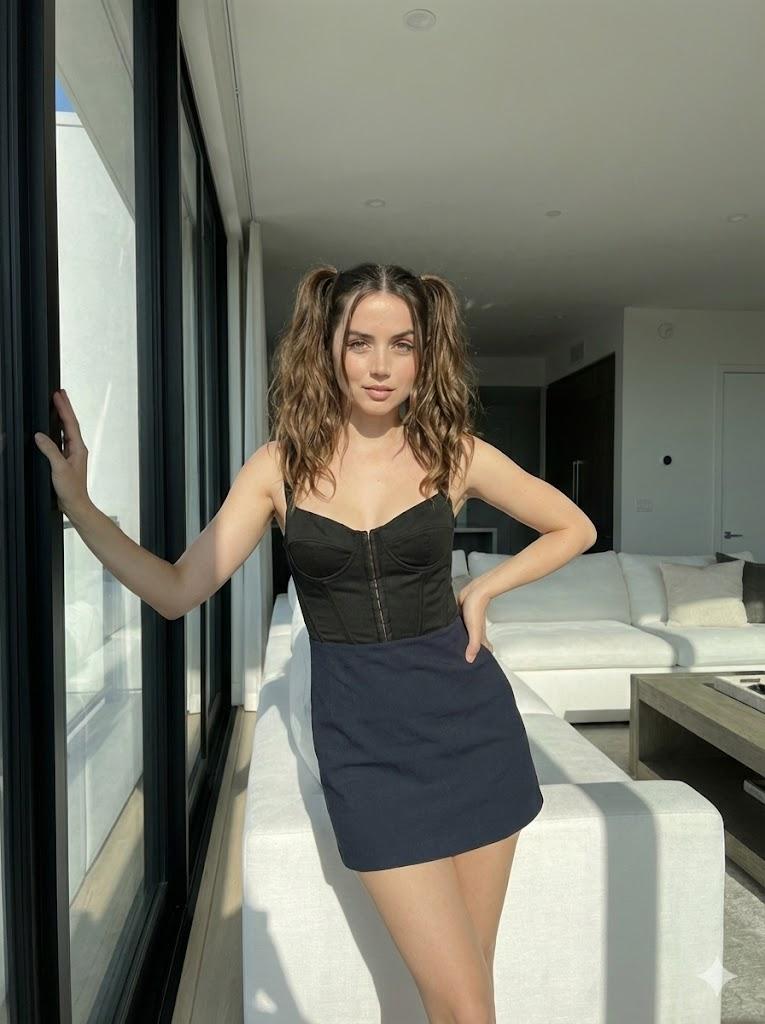
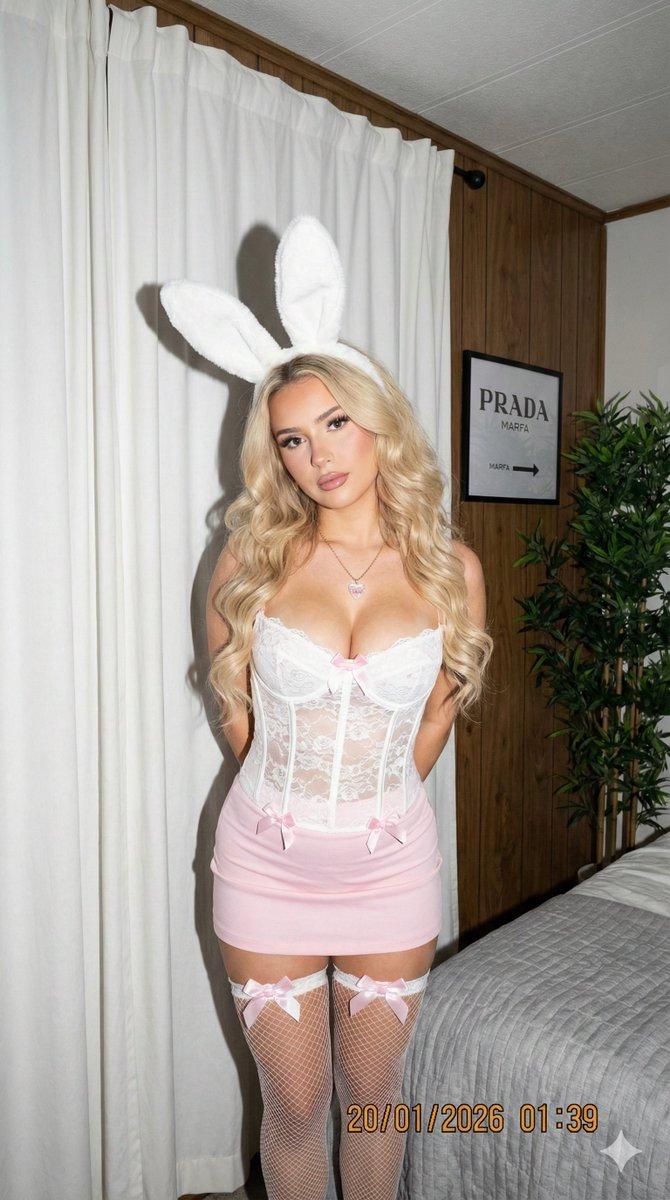
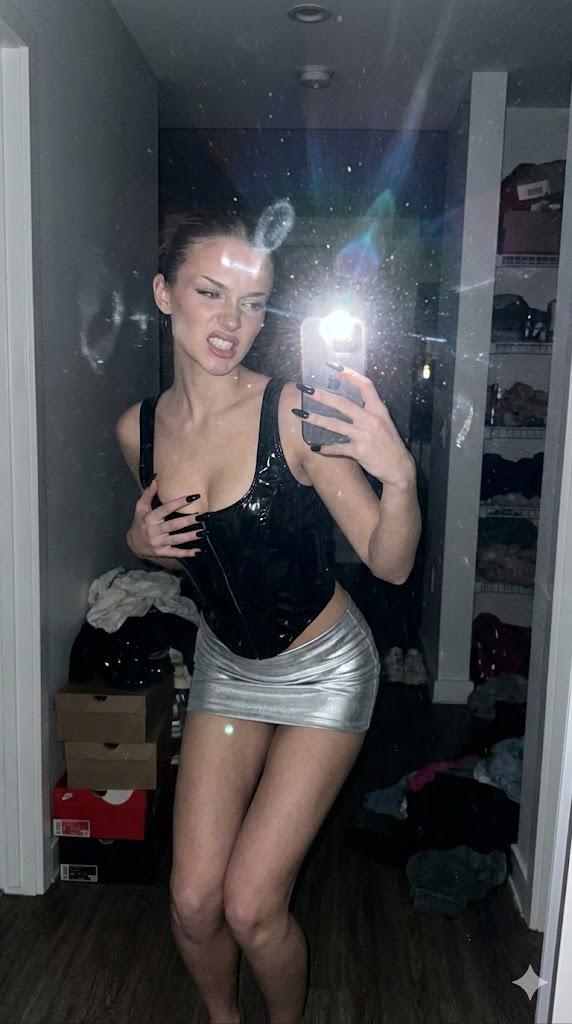
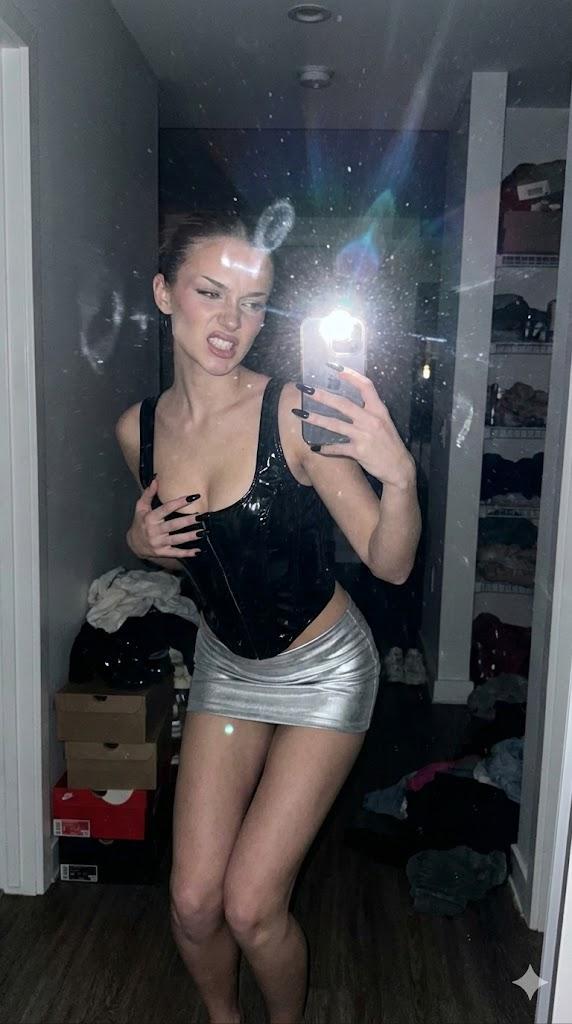
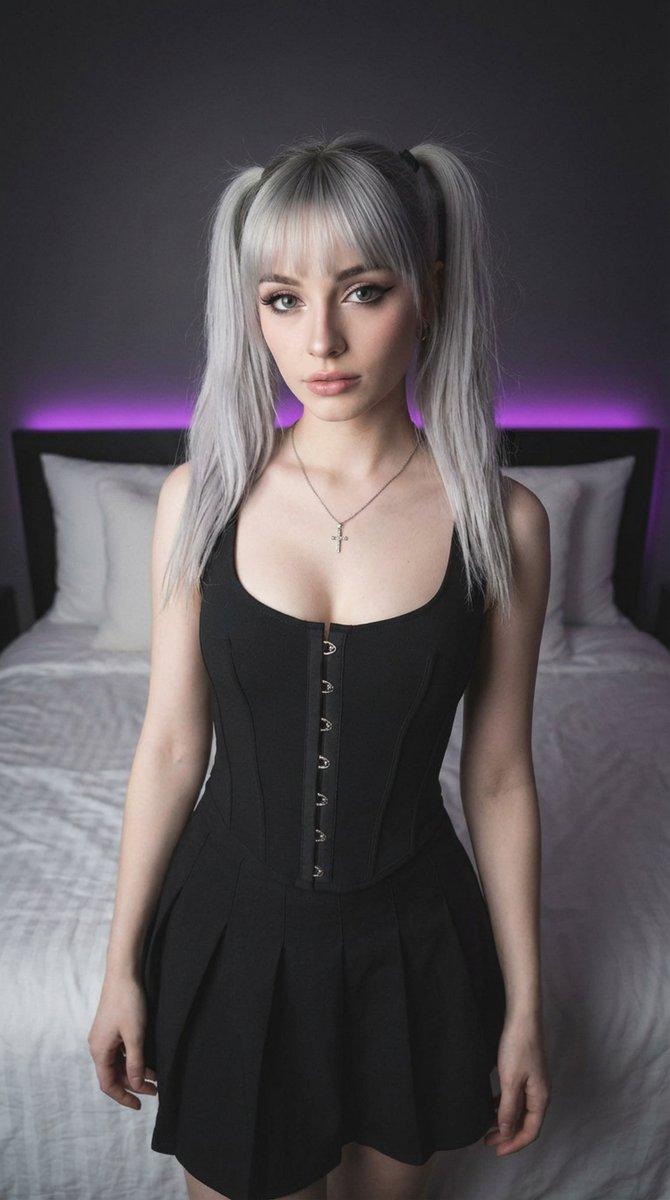
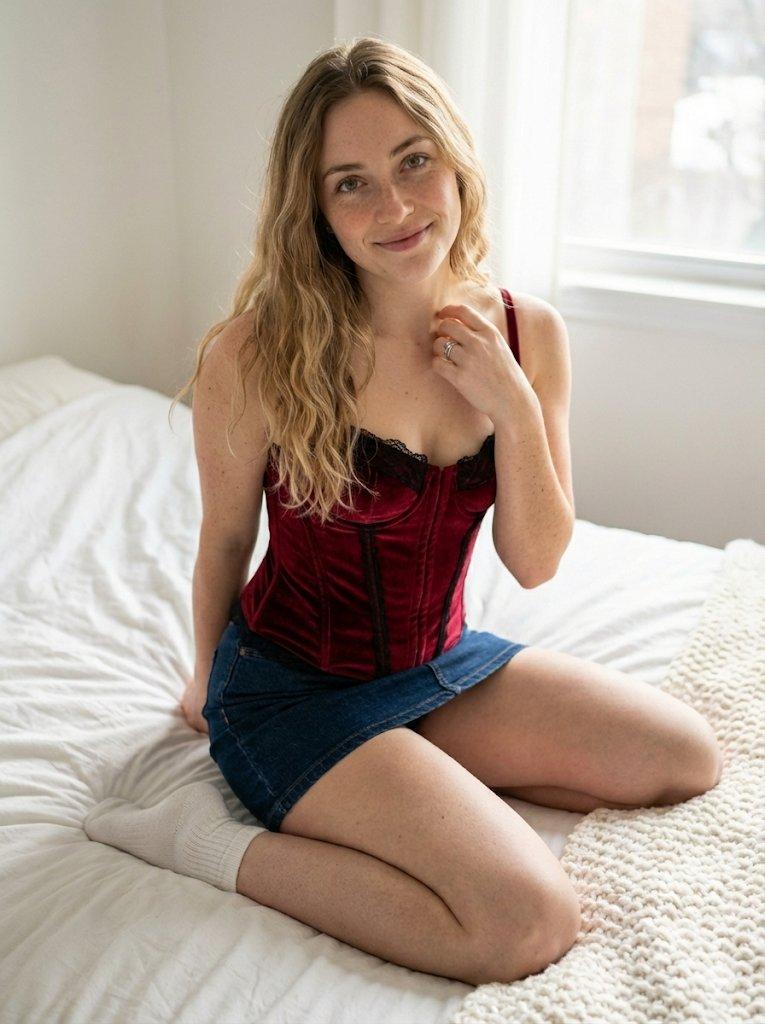
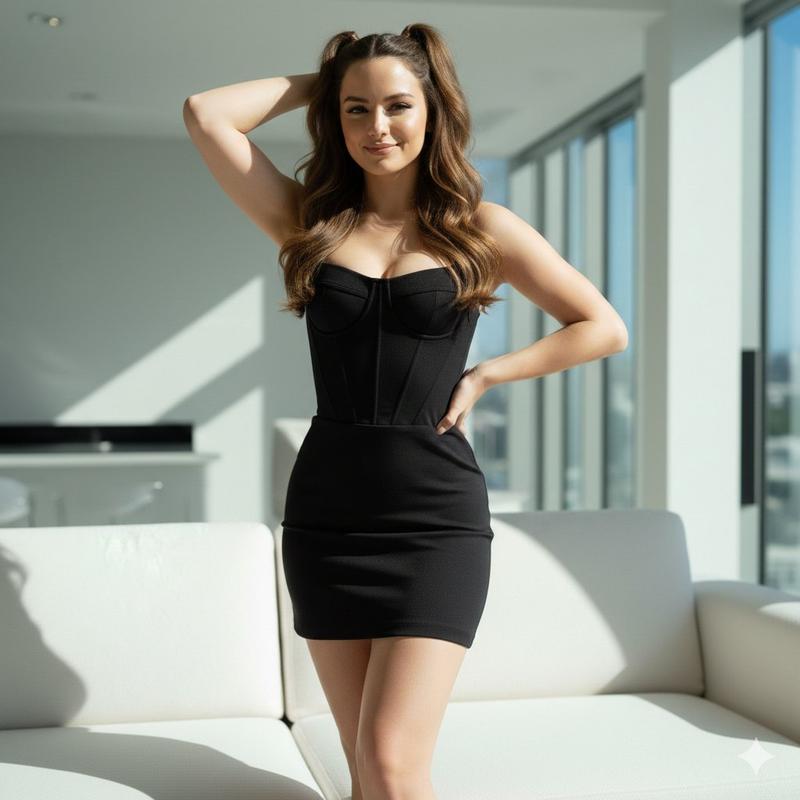
{   "prompt": "A realistic, candid full-body photo of a woman standing in a cluttered dressing room trailer. She is wearing a fitted black latex corset top with a front zipper, a matching black latex mini skirt with dangling garter straps, and black thigh-high boots. She stands with a relaxed posture, arms by her sides, looking away to her left. The background features a full-length mirror, a black leather couch, and hanging garment bags. Flash photography style, raw and unpolished aesthetic. sfw",   "negative_prompt": "illustration, 3d render, painting, cartoon, drawing, deformed, ugly, distorted",   "aspect_ratio": "3:4",   "notes": "Face and hair descriptions have been omitted to allow for reference image usage." }
Category
创意图片
Model
Nano Banana Pro
Creator
jennieee:3
Views0
Source ID
80a9aa78-b686-4bc5-ab8a-2e4d5956303c
Published
Mar 8, 2026

Guide

About "坦率试衣间肖像 JSON 提示词"

What is this prompt for?

"坦率试衣间肖像 JSON 提示词" AI image prompt for Nano Banana Pro (创意图片). 一个结构化的 JSON 提示词,用于生成一张逼真、自然的女性全身照片,她身穿紧身黑色乳胶服,置身于凌乱的化妆间拖车内。该提示词指定了原始、未经修饰的美学风格,并标记为 SFW(工作场所安全)。…

The full copyable prompt and example visuals above are ready for AI image generation or one-click recreate in Picva.

How to use this prompt

  1. Step 1

    Open the prompt detail

    Review the example visuals, category, and full prompt text for "坦率试衣间肖像 JSON 提示词".

  2. Step 2

    Copy the prompt

    Copy the prompt body from this page, or load it directly in Studio.

  3. Step 3

    Pick a model (Nano Banana Pro)

    Prefer Nano Banana Pro. If you switch models, keep subject and composition and tweak style terms.

  4. Step 4

    Generate and export

    Recreate the look in Picva, or export into your workflow for editing and publishing.

FAQ

What is the "坦率试衣间肖像 JSON 提示词" prompt?
It is an AI image-generation prompt for Nano Banana Pro in the 创意图片 category. This page includes the full prompt text, example visuals, and a one-click recreate path in Picva.
How do I use this prompt to generate an image?
Copy the prompt from this page, or use Generate / Studio. Paste it into a compatible image model, or recreate the look in Picva with optional reference images.
Which model is this prompt for?
This page lists Nano Banana Pro. Most descriptive prompts also transfer to nearby image models such as GPT Image, Flux, or Midjourney with light style tweaks.
Can I use the result commercially?
You can usually copy the prompt for creation, but commercial use of the final image depends on the model terms, reference-image rights, and the generated content. Follow the source author and platform rules.