20

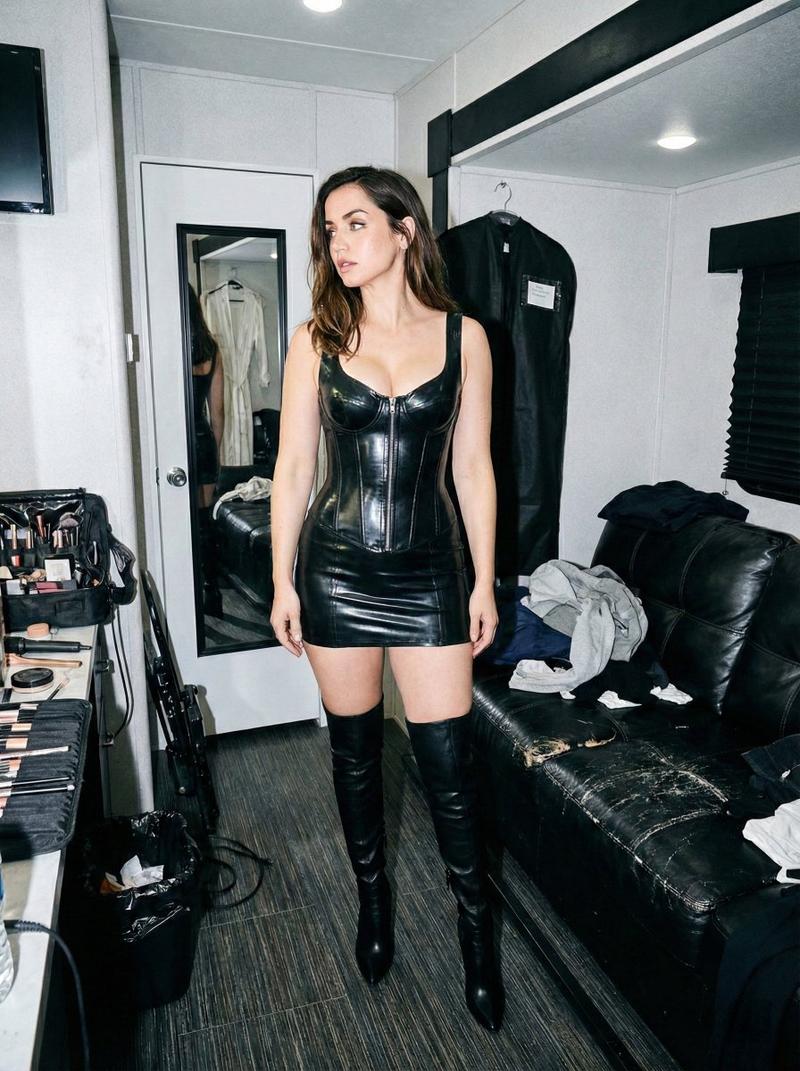
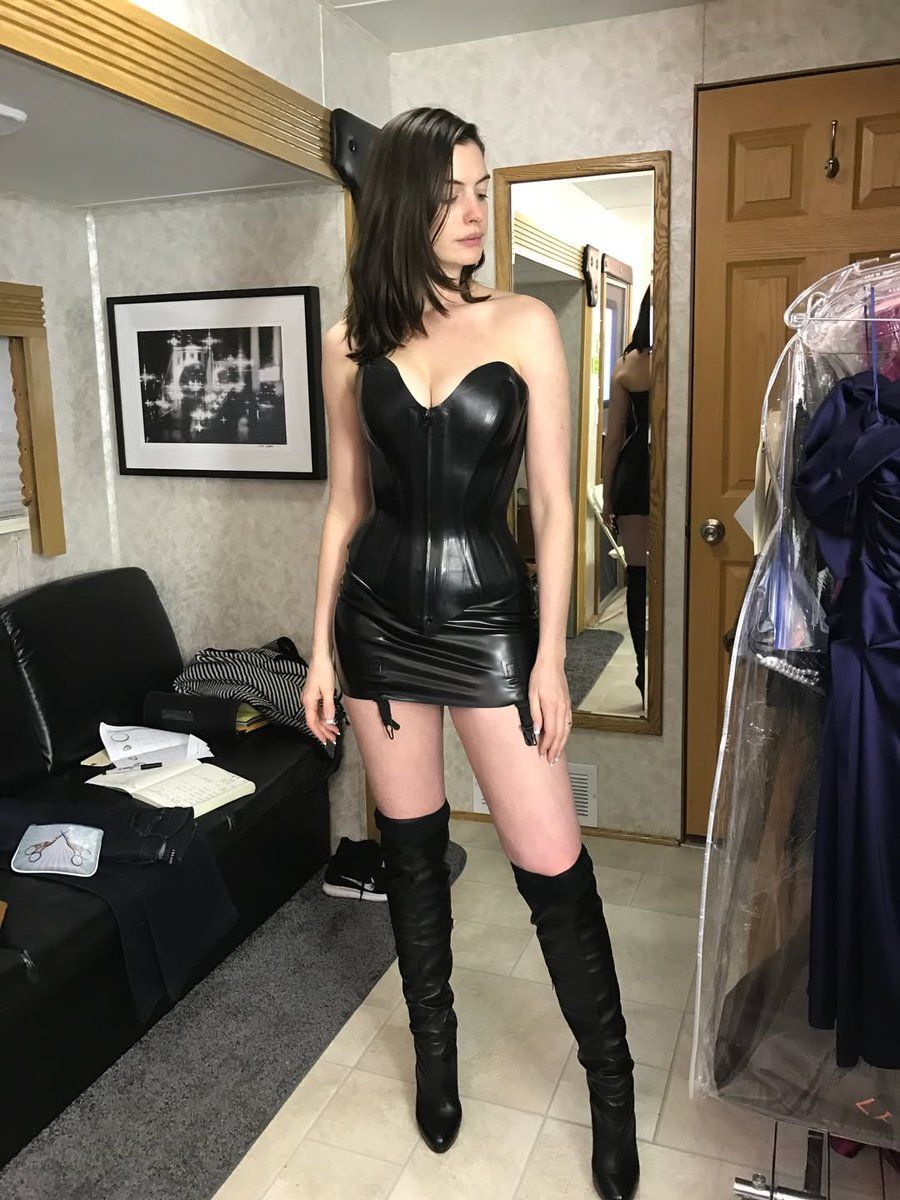
乳胶与皮革后台肖像
Enlarge

乳胶与皮革后台肖像

Prompt
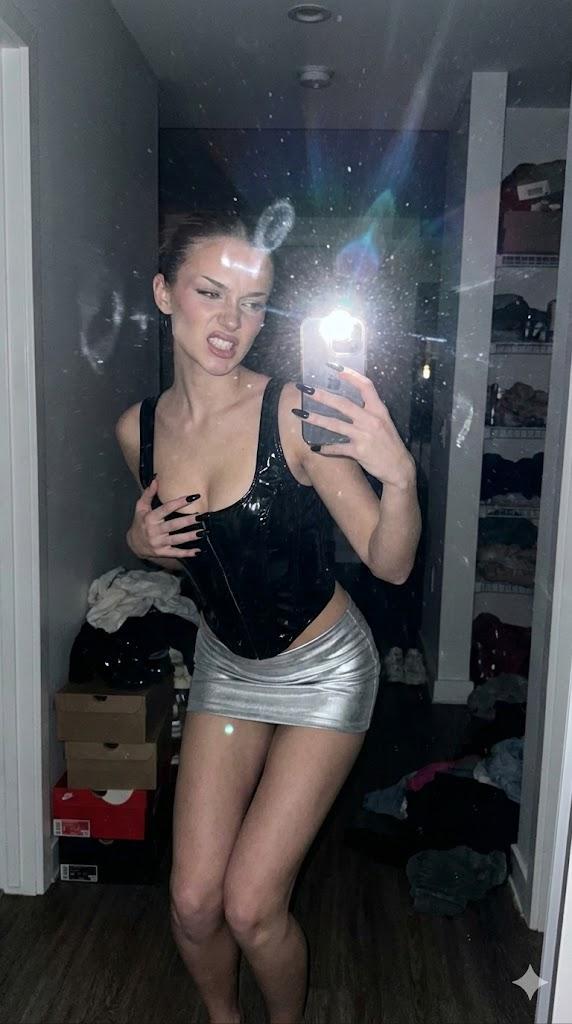
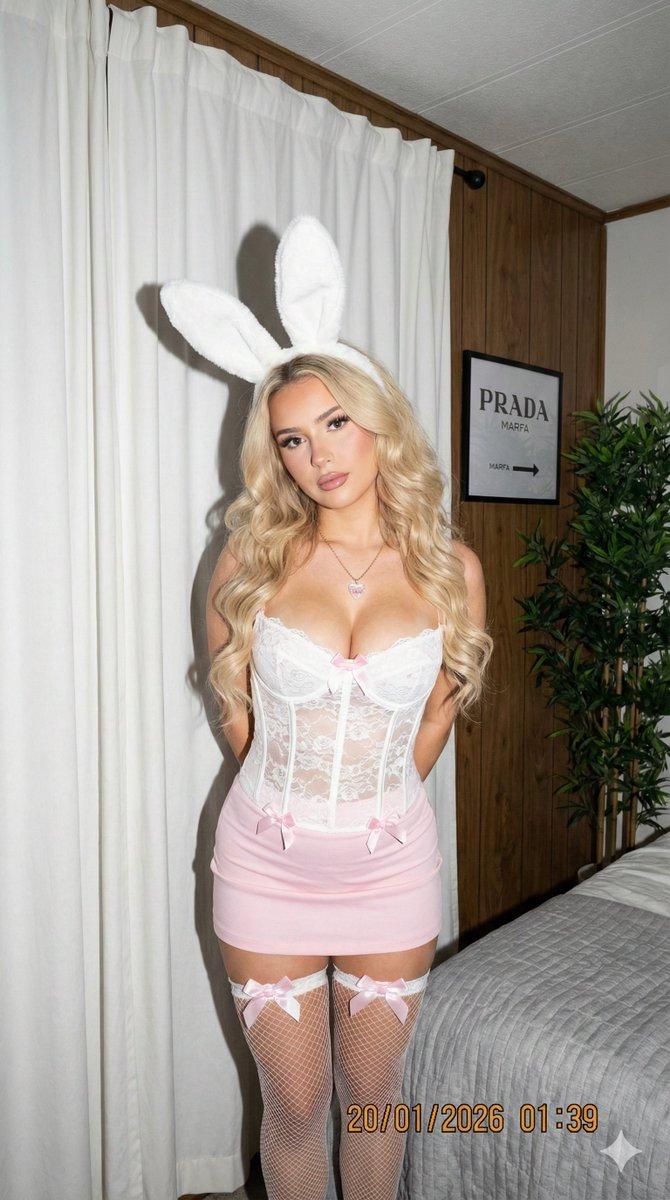
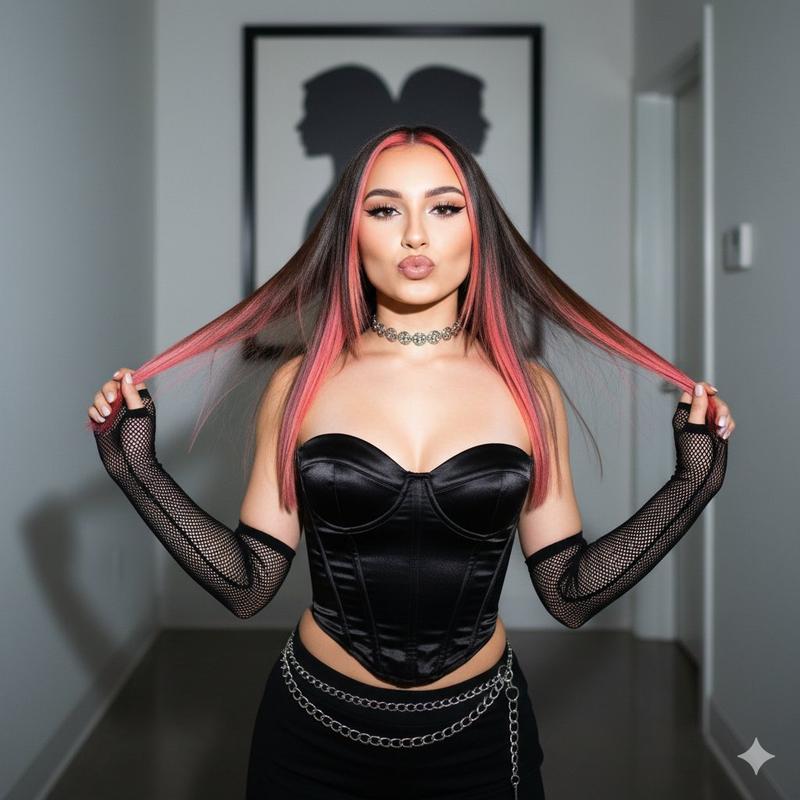
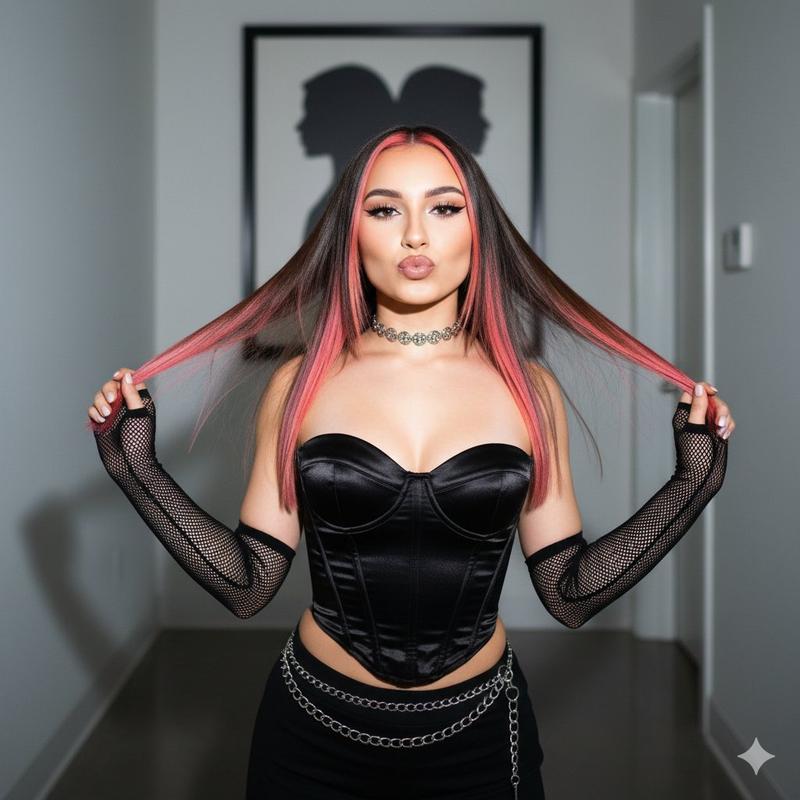
A photorealistic, low-angle, full-body shot of a young woman standing confidently in a trailer dressing room. She has shoulder-length dark brown hair and fair skin, looking slightly away to the right. She is wearing a strapless black latex corset top with a front zipper, a matching black leather mini skirt, and black thigh-high leather boots with high heels. Garter clips are visible at the hem of the skirt.  The setting is the interior of a camper or wardrobe trailer with beige wallpaper. To the left is a black leather sofa with clothes piled on it; to the right is a garment bag in plastic wrap and a full-length mirror reflecting the back of her outfit. The ceiling has fluorescent light fixtures and an air vent. The lighting is realistic and overhead, creating a candid, behind-the-scenes atmosphere. 8k resolution, highly detailed textures.
Category
创意图片
Model
Nano Banana Pro
Creator
jennieee:3
Views1
Source ID
7db0121f-a4b2-46d9-b0dc-8820067d9f7e
Published
Mar 8, 2026

Guide

About "乳胶与皮革后台肖像"

What is this prompt for?

"乳胶与皮革后台肖像" AI image prompt for Nano Banana Pro (创意图片). 生成一张照片级写实、低角度、全身照的提示词,内容为一名女性身穿无肩带黑色乳胶紧身胸衣和皮革迷你裙,置身于一个真实的幕后环境中,例如拖车化妆间。构图中包含一面全身镜,反射出服装的背面,强调高度精细的纹理和逼真…

The full copyable prompt and example visuals above are ready for AI image generation or one-click recreate in Picva.

How to use this prompt

  1. Step 1

    Open the prompt detail

    Review the example visuals, category, and full prompt text for "乳胶与皮革后台肖像".

  2. Step 2

    Copy the prompt

    Copy the prompt body from this page, or load it directly in Studio.

  3. Step 3

    Pick a model (Nano Banana Pro)

    Prefer Nano Banana Pro. If you switch models, keep subject and composition and tweak style terms.

  4. Step 4

    Generate and export

    Recreate the look in Picva, or export into your workflow for editing and publishing.

FAQ

What is the "乳胶与皮革后台肖像" prompt?
It is an AI image-generation prompt for Nano Banana Pro in the 创意图片 category. This page includes the full prompt text, example visuals, and a one-click recreate path in Picva.
How do I use this prompt to generate an image?
Copy the prompt from this page, or use Generate / Studio. Paste it into a compatible image model, or recreate the look in Picva with optional reference images.
Which model is this prompt for?
This page lists Nano Banana Pro. Most descriptive prompts also transfer to nearby image models such as GPT Image, Flux, or Midjourney with light style tweaks.
Can I use the result commercially?
You can usually copy the prompt for creation, but commercial use of the final image depends on the model terms, reference-image rights, and the generated content. Follow the source author and platform rules.