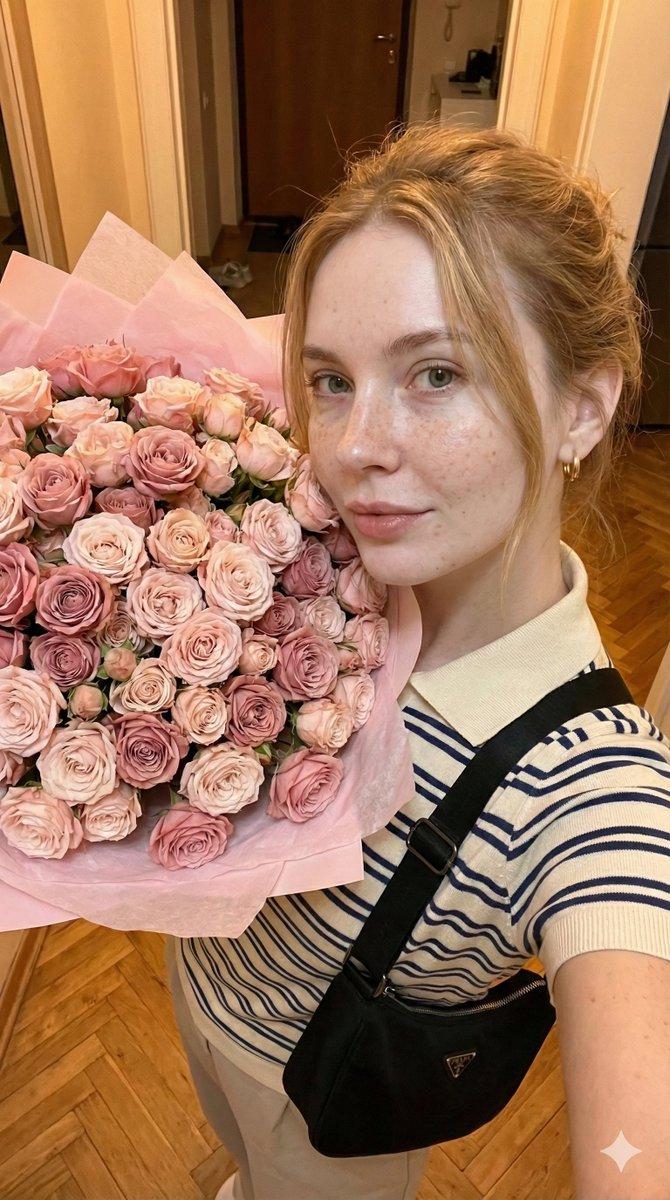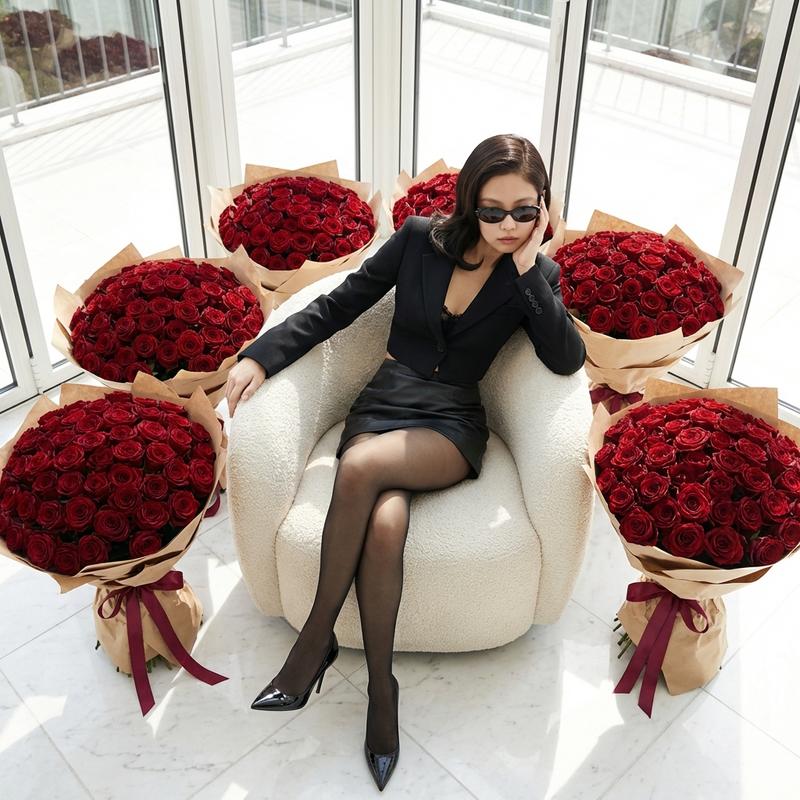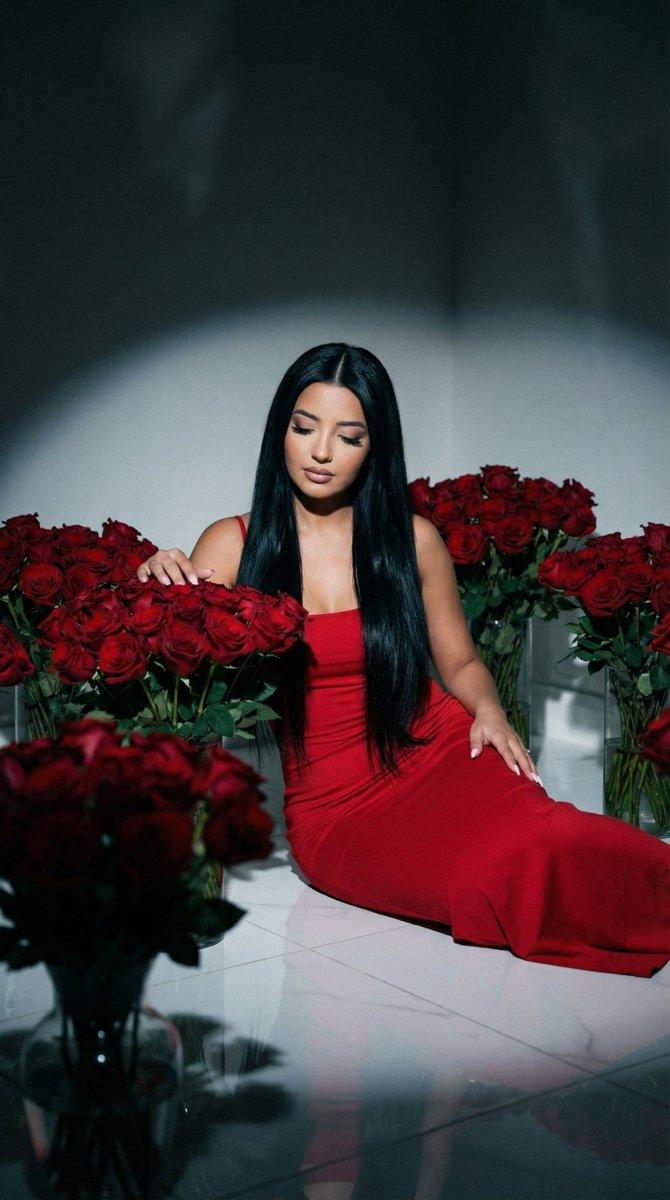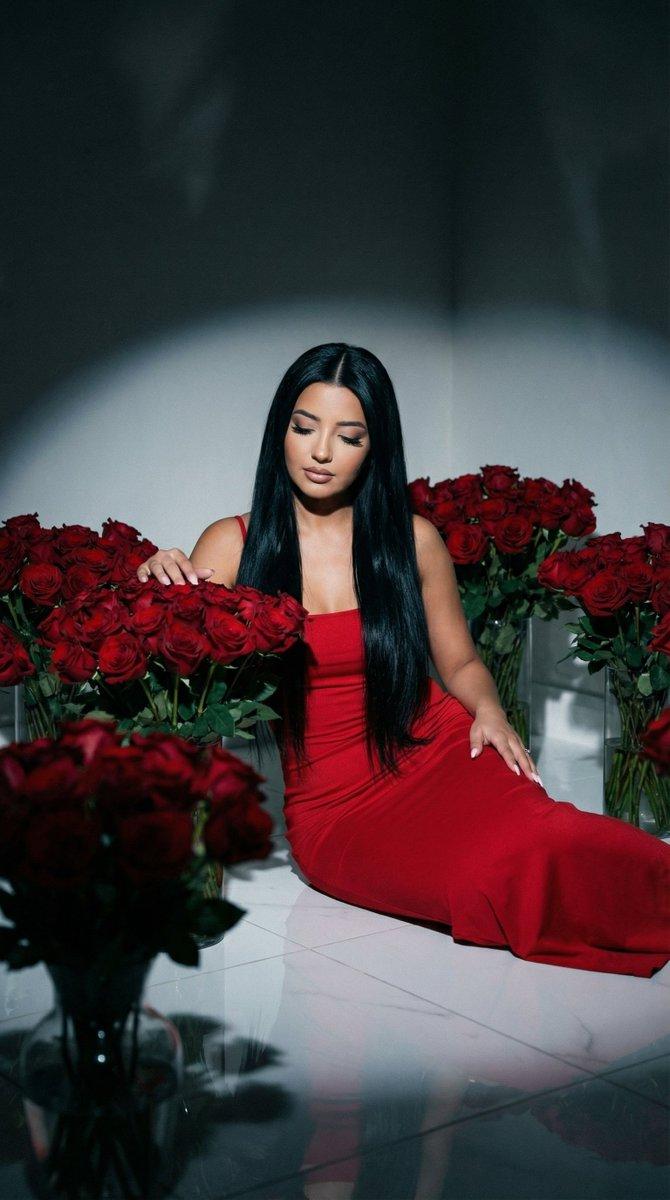
写实宝丽来静物红玫瑰提示
Prompt
{
  "generation_request": {
    "meta_data": {
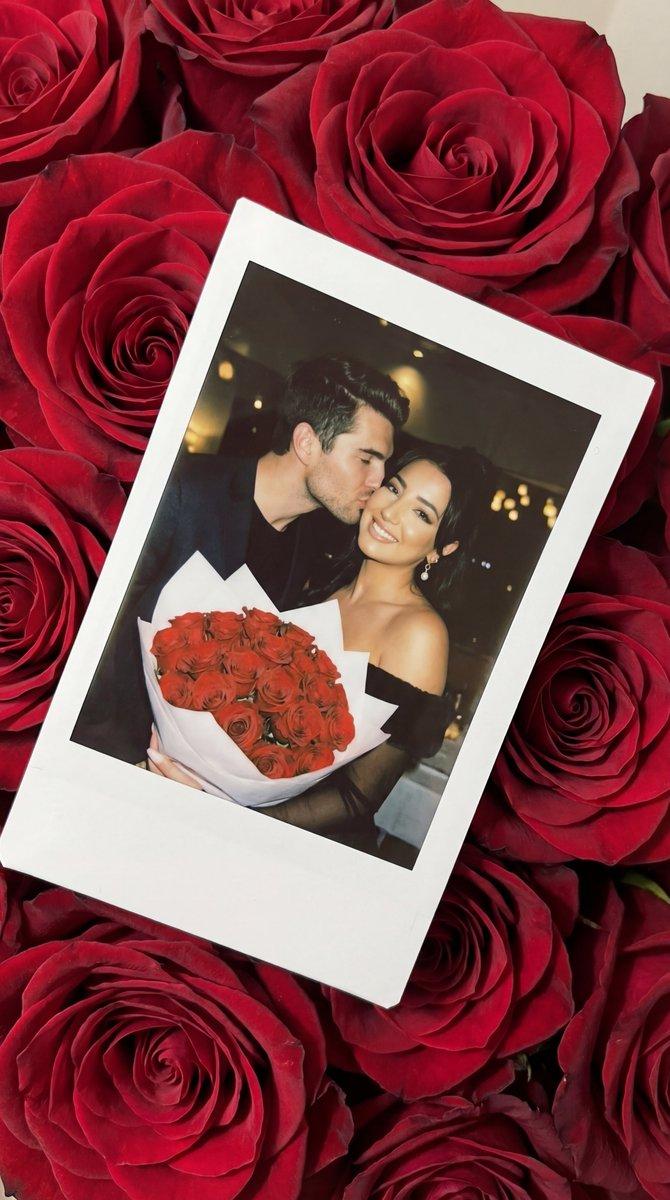
      "task_type": "photoreal_polaroid_on_roses_couple_cheek_kiss",
      "version": "v1.0_RED_ROSES_POLAROID_COUPLE_CHEEK_KISS_NO_TEXT_EN",
      "priority": "highest",
      "language": "en"
    },
    "output_settings": {
      "aspect_ratio": "4:5",
      "orientation": "portrait",
      "resolution_target": "ultra_high_res",
      "render_style": "ultra_photoreal_analog_polaroid_editorial",
      "sharpness": "slightly_soft_analog",
      "film_grain": "medium_analog",
      "color_grade": "rich_crimson_roses_with_warm_flash",
      "dynamic_range": "natural_not_hdr",
      "skin_rendering": "real_texture_analog",
      "no_text": true,
      "no_logos": true,
      "no_watermarks": true,
      "no_ui": true
    },
    "creative_prompt": {
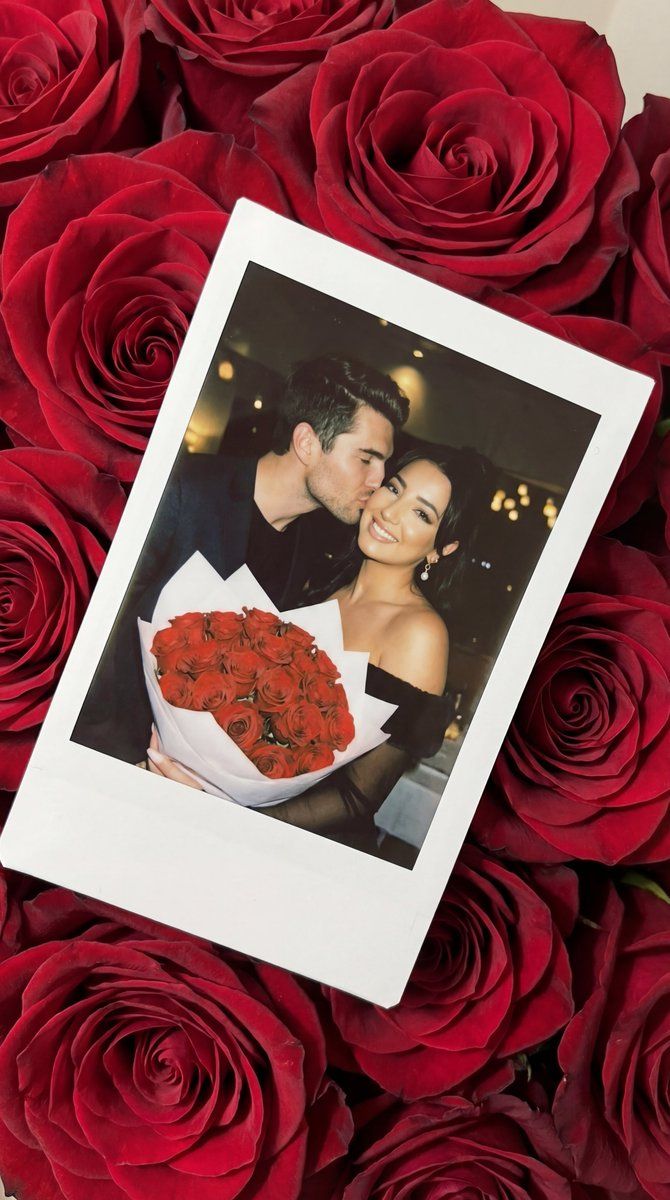
      "scene_summary": "Ultra-photorealistic romantic still life: a single instant-film Polaroid photo lying diagonally on a bed of lush red roses. Inside the Polaroid image, a young woman holds a bouquet of red roses while her boyfriend leans in and kisses her on the cheek. Warm on-camera flash look with subtle bokeh lights in the background. Realistic Polaroid border texture, slight glare, minor film imperfections. No text anywhere.",
      "composition": {
        "top_down": true,
        "surface": "dense bed of red roses filling the entire frame",
        "polaroid": {
          "position": "diagonal, slightly tilted",
          "border": "classic white instant-film border with thicker bottom margin",
          "paper_texture": "subtle fiber texture, slight corner lift, gentle shadow on roses",
          "no_writing": true
        }
      },
      "inside_polaroid_scene": {
        "setting": "nighttime with warm bokeh lights, intimate romantic mood",
        "lighting": "direct on-camera flash, warm highlights, soft shadow falloff",
        "subjects": {
          "female_adult": {
            "look": "long dark hair, elegant makeup, warm natural skin texture",
            "wardrobe": "simple evening dress or top in dark neutral tone",
            "prop": "large bouquet of red roses wrapped in white paper",
            "pose": "facing camera, holding bouquet at chest level, soft smile"
          },
          "male_adult": {
            "look": "short dark hair, clean grooming",
            "wardrobe": "dark jacket or shirt (neutral)",
            "pose": "leaning in from the side, kissing her cheek gently, one hand lightly around her shoulder or waist"
          }
        }
      },
      "realism_requirements": {
        "polaroid_authenticity": [
          "slight vignette",
          "subtle grain",
          "minor color shift typical of instant film",
          "tiny dust specks",
          "gentle flash glare on skin and bouquet wrap"
        ],
        "roses_detail": "high-detail rose petals with natural folds, deep crimson tones, soft shadows between blooms"
      },
      "anatomy_constraints": {
"priority":- Category
- 创意图片
- Model
- Nano Banana Pro
- Creator
- Özge Döner
- Source ID
- 14deb9e5-aac7-4f90-8430-74938c67fb91
- Published
- Mar 8, 2026
Views0