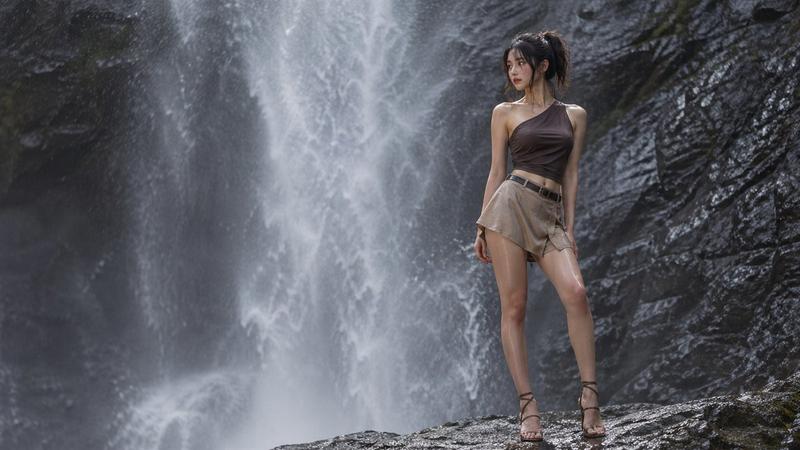
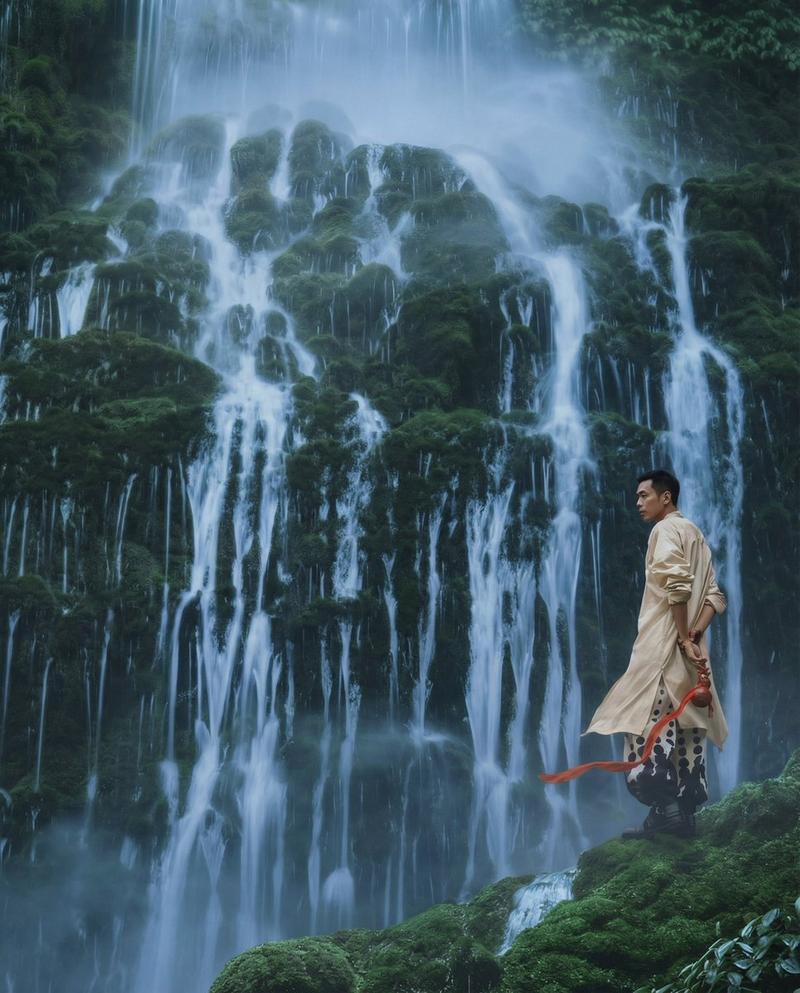
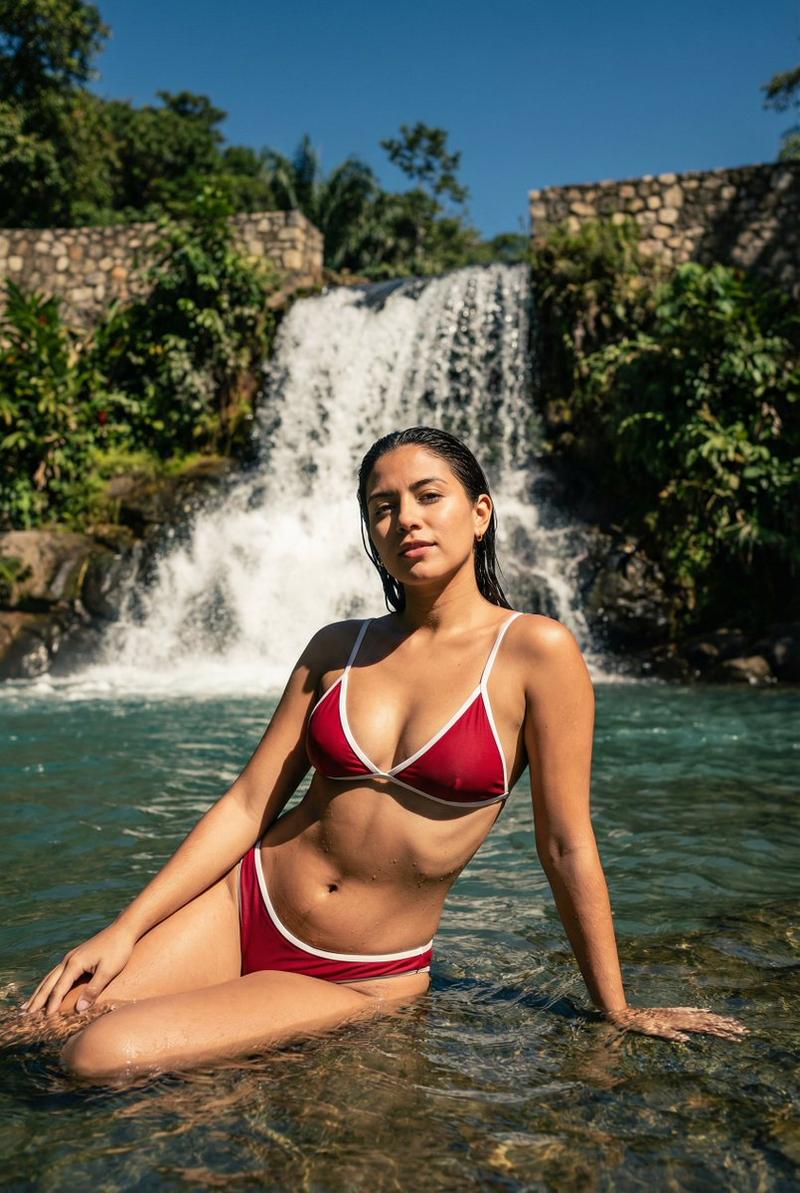
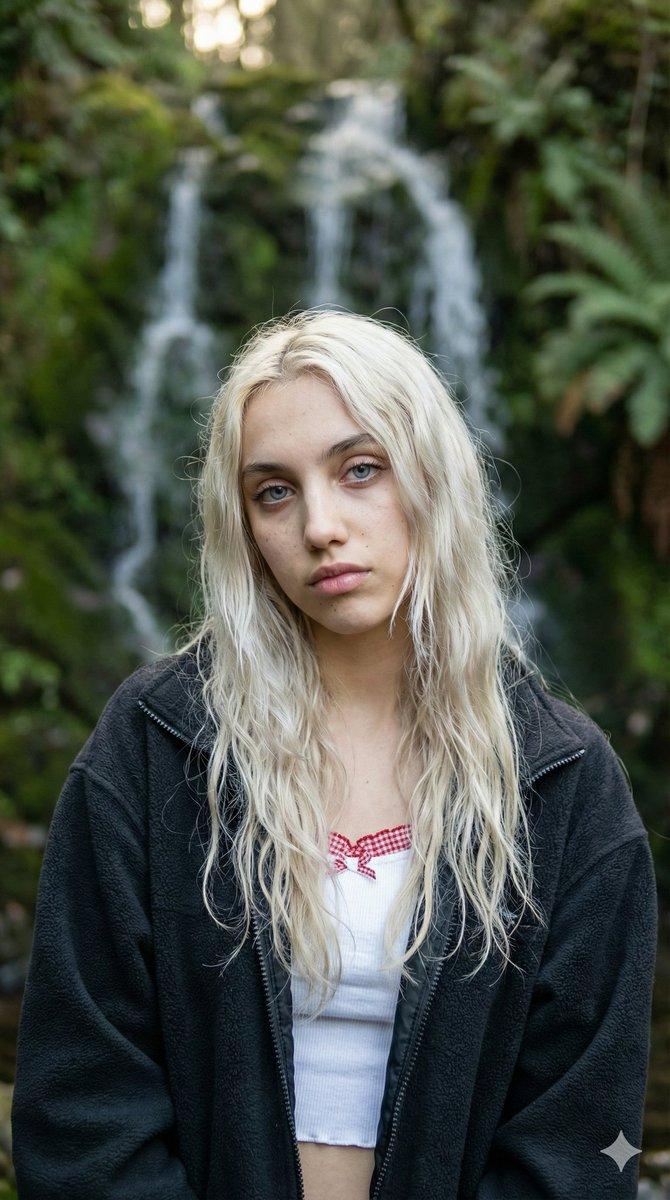
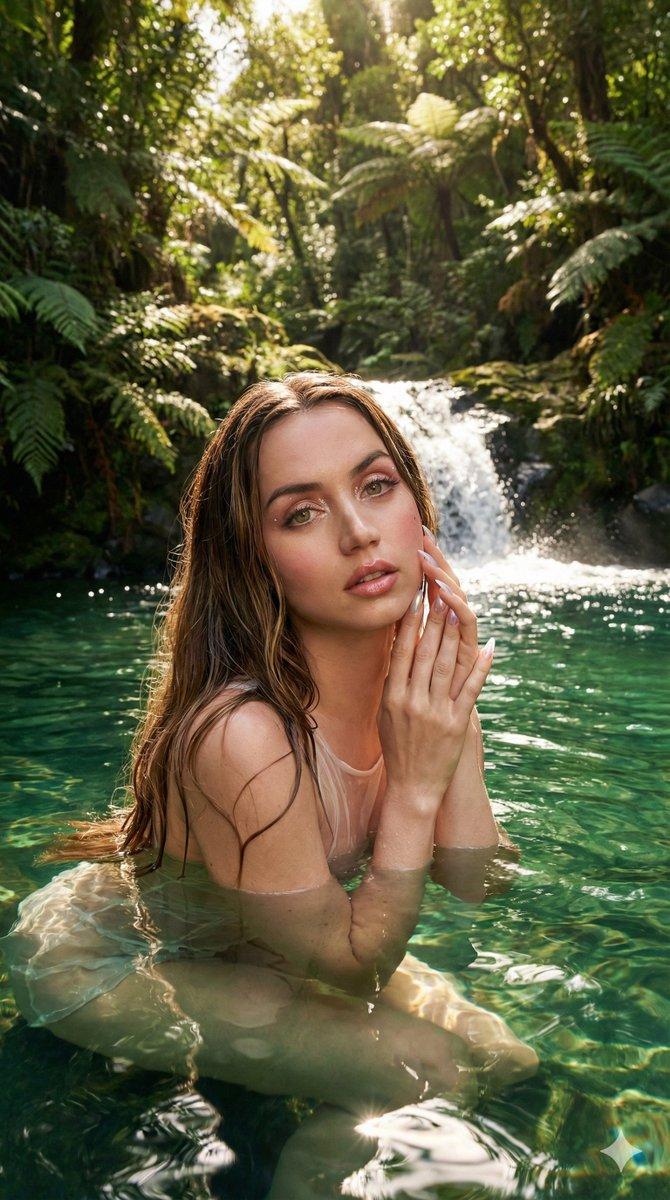
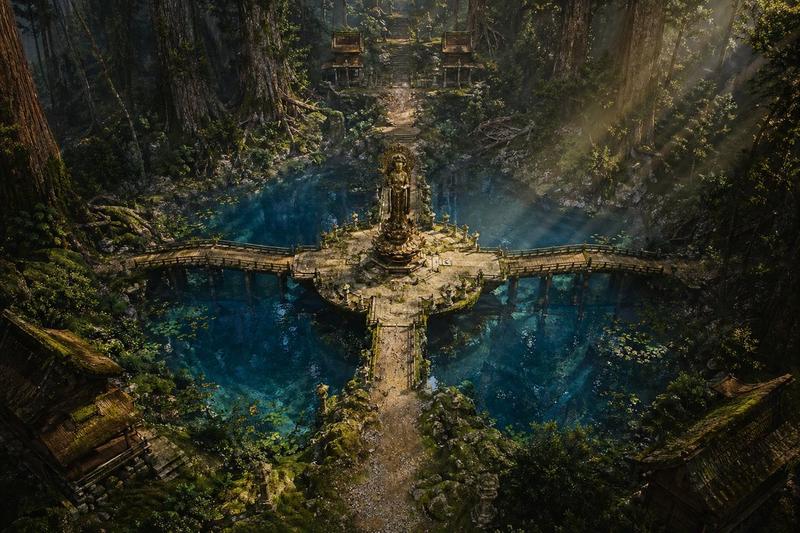
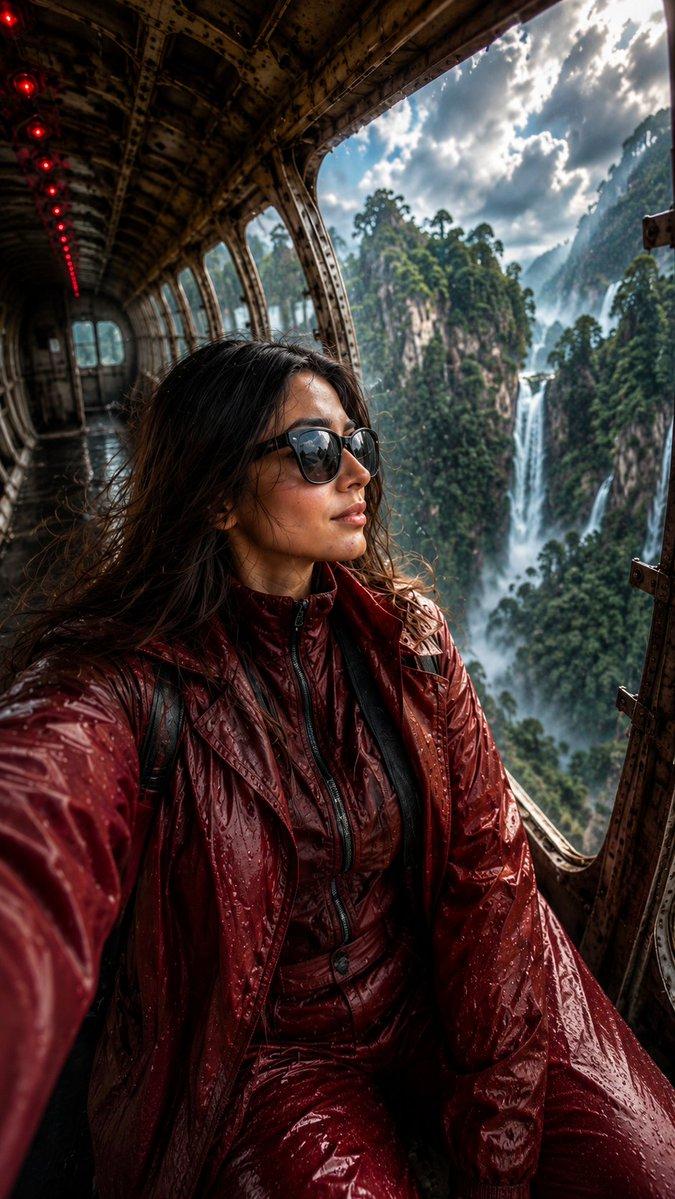
超逼真热带瀑布拥抱
Prompt
{
  "generation_request": {
    "meta_data": {
      "tool": "NanoBanana Pro",
      "task_type": "photoreal_nature_romance",
      "version": "v1.0_TROPICAL_WATERFALL_EMBRACE_NO_TEXT_EN",
      "priority": "highest",
      "language": "en"
    },
    "references": {
      "reference_image_couple": {
        "source": "UPLOAD_REFERENCE_IMAGE (REQUIRED)",
        "purpose": "POSE_MOOD_ENVIRONMENT_ANCHOR",
        "strict_lock": false,
        "preserve_mood": true,
        "preserve_body_proportions": true,
        "no_body_rescale": true
      }
    },
    "global_constraints": {
      "rating": "PG-13",
      "no_explicit_sexual_content": true,
      "no_text": true,
      "no_logos": true,
      "no_watermark": true
    },
    "output_settings": {
      "aspect_ratio": "2:3",
      "orientation": "portrait",
      "resolution_target": "ultra_high_res",
      "render_style": "ultra_photoreal_candid_nature_cinema",
      "sharpness": "crisp_but_natural",
      "film_grain": "subtle_film",
      "color_grade": "lush_green_natural",
      "dynamic_range": "natural_not_hdr",
      "skin_rendering": "real_texture_no_retouch"
    },
    "creative_prompt": {
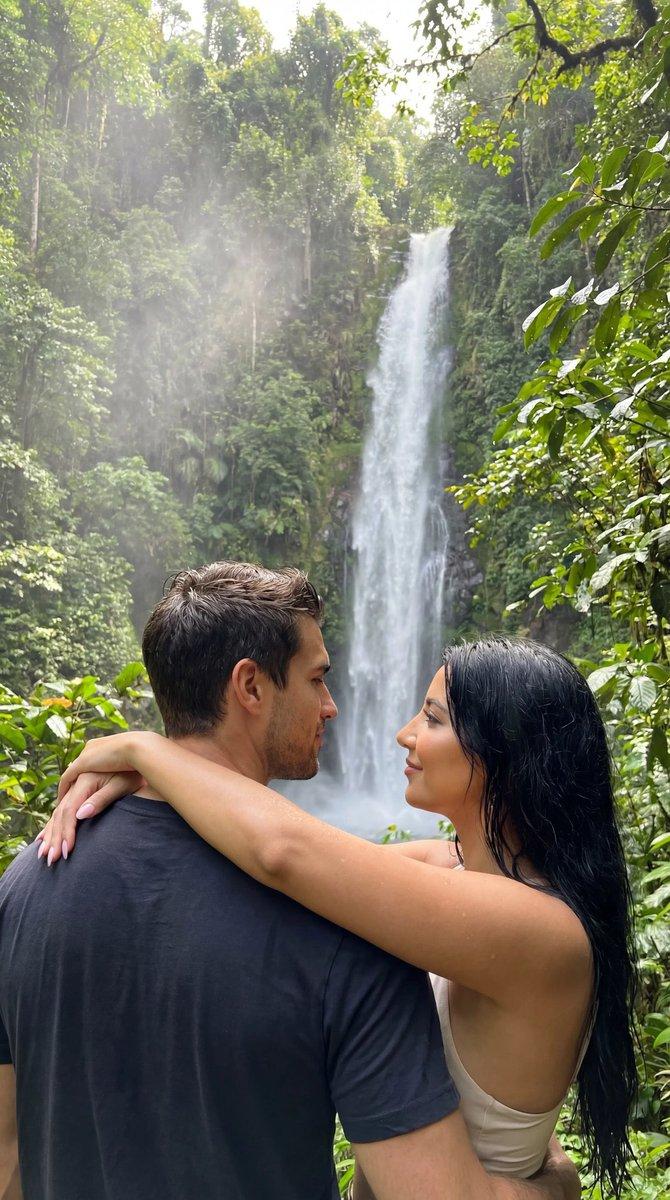
      "scene_summary": "An ultra-photoreal, intimate nature scene of a couple standing close together in dense tropical greenery, facing a tall, multi-stream waterfall. The woman’s arms rest around the man’s shoulders; they share a quiet, affectionate moment while looking at the falls. Wet foliage, mist in the air, and soft natural light create a serene, romantic atmosphere.",
      "subjects": {
        "count": 2,
        "description": "a real couple, natural bodies and proportions",
        "expression": "calm, affectionate, intimate",
        "skin_and_face": "natural skin texture, no retouching"
      },
      "pose_and_micro_action": "The couple stands chest-to-chest, arms gently wrapped around each other, bodies relaxed. Their attention is directed toward the waterfall, emphasizing shared presence rather than posing for camera.",
      "environment": {
        "location": "tropical rainforest waterfall",
        "background": "tall cascading waterfalls, moss-covered cliffs, dense green leaves",
        "atmosphere": "humid air, fine water mist, soft diffused daylight"
      },
      "lighting": "natural overcast jungle light with soft highlights on skin and leaves; realistic reflections on wet surfaces",
      "composition": "mid-distance framing from behind and slightly to the side; couple in foreground framed by lush leaves; waterfall clearly visible but softly blended",
      "mood": "peaceful, intimate, adventurous, romantic"
    },
    "negative_prompt": [
      "AI glow",
      "HDR",
      "beauty retouch",
      "plastic skin",
      "over-sharpening",
      "painterly look",
      "CGI",
      "text",
      "logos",
      "watermark",
      "anatomy errors",
      "extra limbs"
    ]
  }
}- Category
- 创意图片
- Model
- Nano Banana Pro
- Creator
- Özge Döner
- Source ID
- 32ea67a2-2cd1-4653-9943-e09c4cd7906b
- Published
- Mar 8, 2026
Views0