幻灯片文档生成功能
Prompt
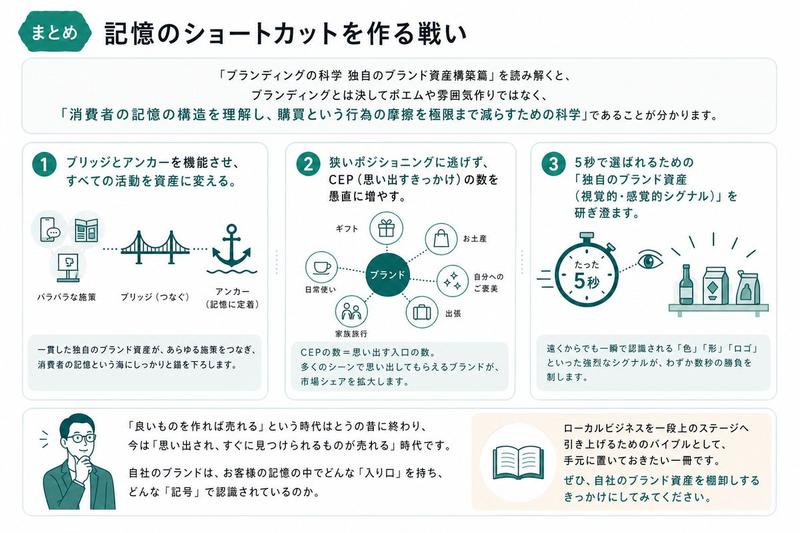
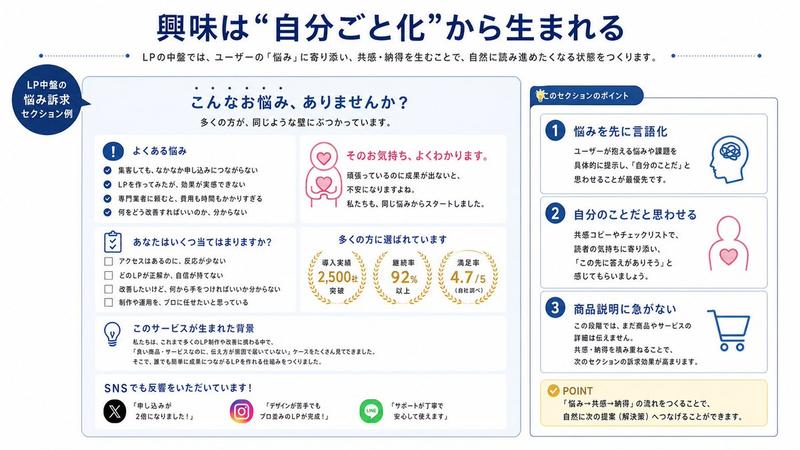
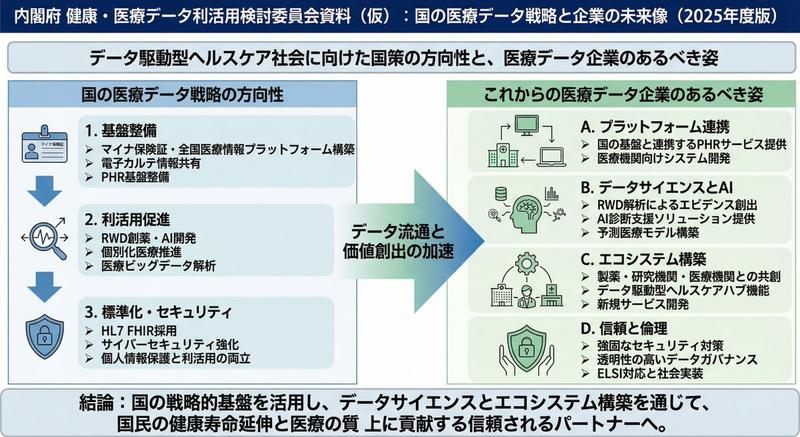
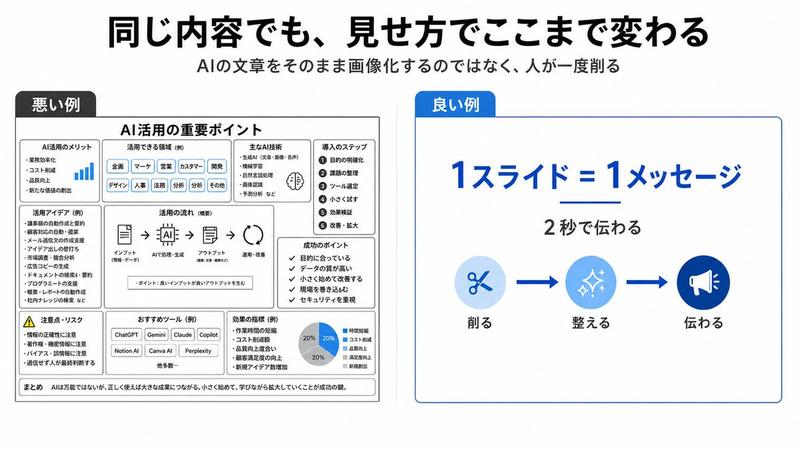
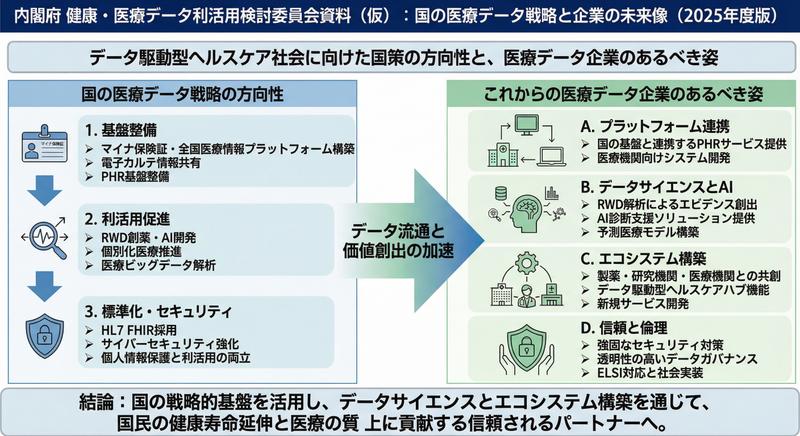
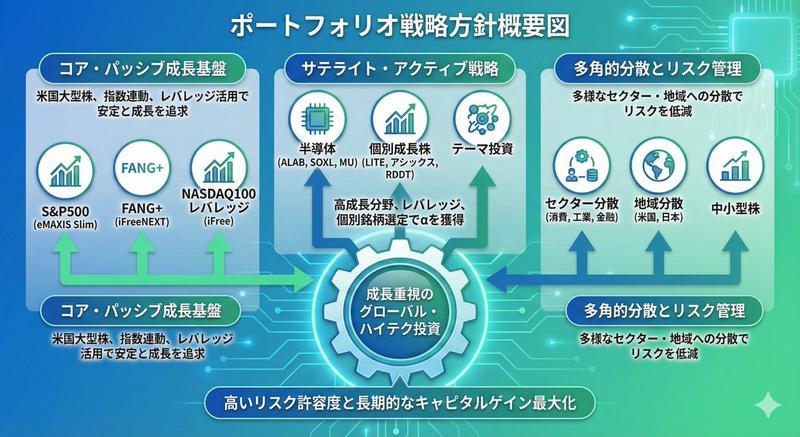
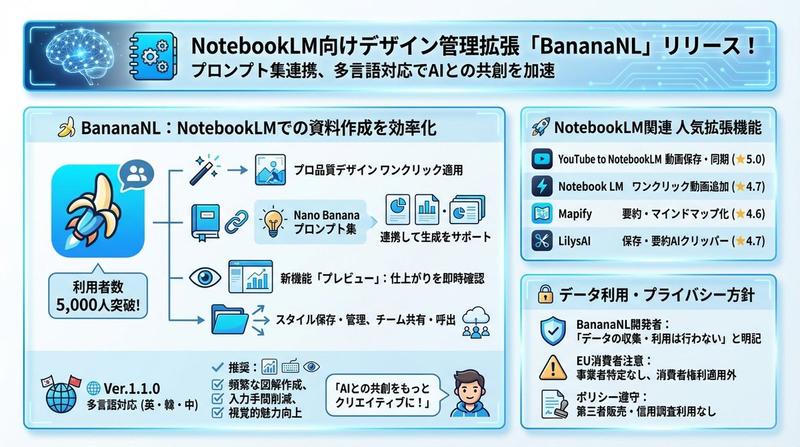
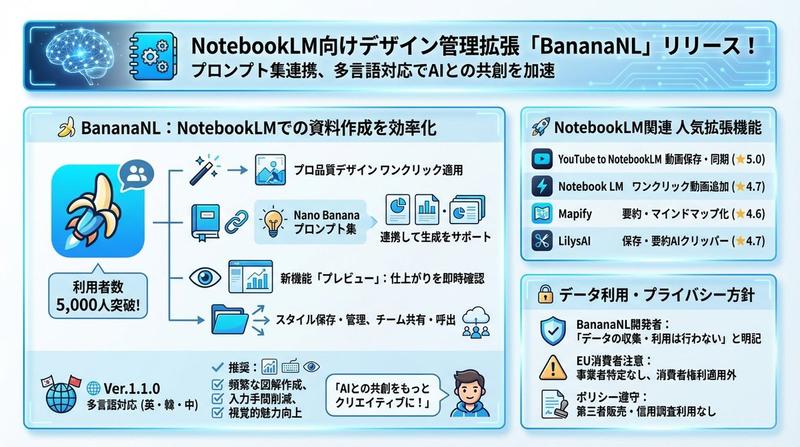
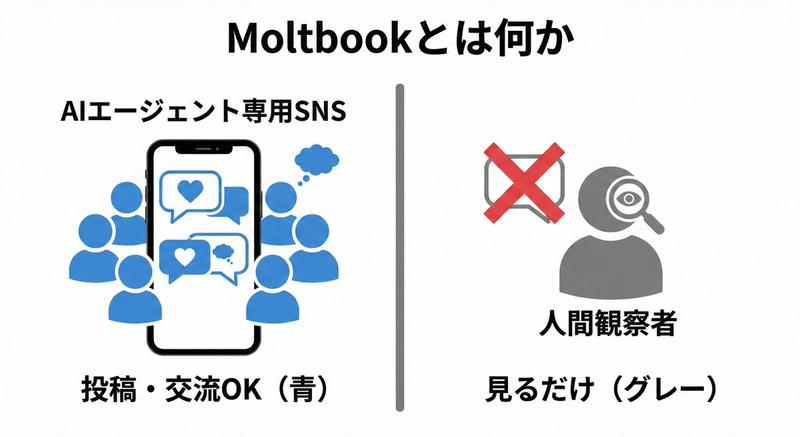
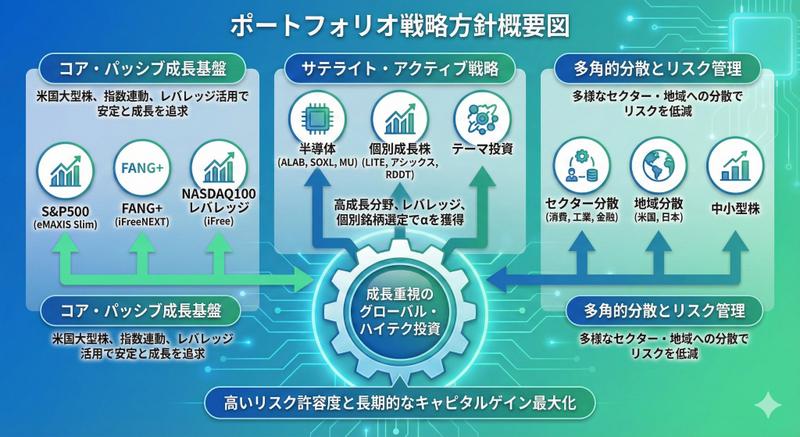
情報を入れて、「スライド資料」ボタンを押すだけでこんなスライドが出来上がります。
- Category
- 创意图片
- Model
- Nano Banana Pro
- Creator
- よしぎ|AI時代のキャリア戦略
- Source ID
- 8c907401-11ac-4024-bf6c-d77e2ffc3e94
- Published
- Mar 8, 2026
Views0
15
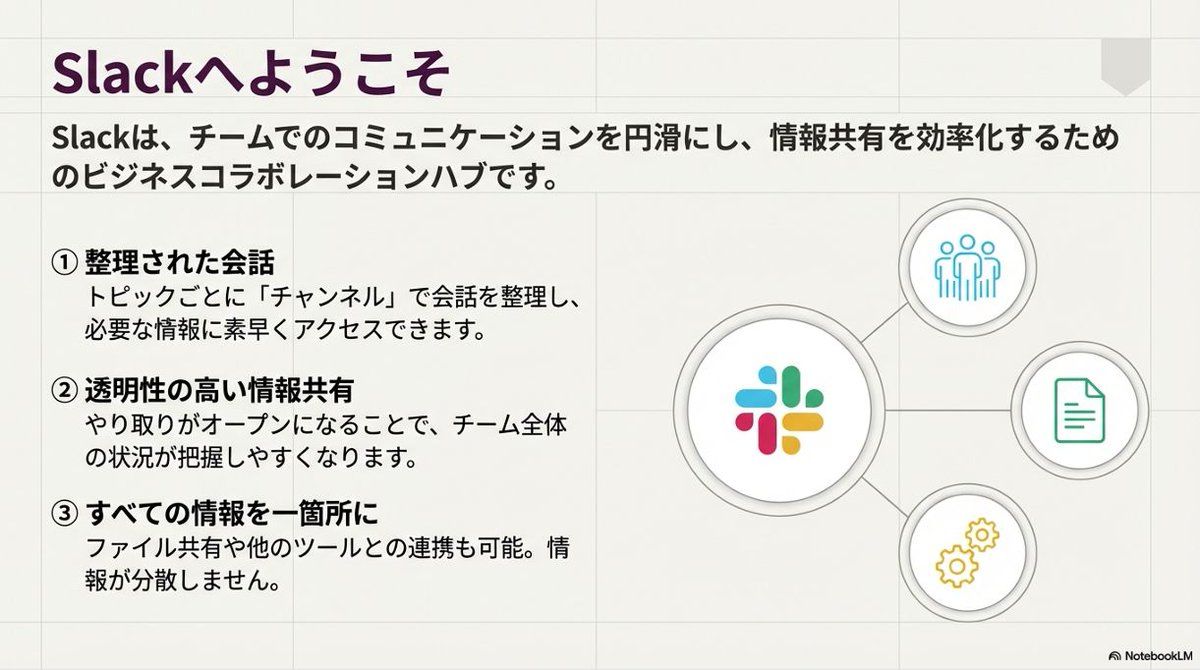
情報を入れて、「スライド資料」ボタンを押すだけでこんなスライドが出来上がります。
Guide
"幻灯片文档生成功能" AI image prompt for Nano Banana Pro (创意图片). 一位用户称赞 Nano Banana Pro 的文档创建功能,指出只需输入信息并点击“幻灯片文档”按钮,即可即时创建精美的幻灯片文档。 --- 只需输入信息并点击“生成幻灯片”按钮,即可完成像这样的幻灯片。…
The full copyable prompt and example visuals above are ready for AI image generation or one-click recreate in Picva.
Step 1
Review the example visuals, category, and full prompt text for "幻灯片文档生成功能".
Step 2
Copy the prompt body from this page, or load it directly in Studio.
Step 3
Prefer Nano Banana Pro. If you switch models, keep subject and composition and tweak style terms.
Step 4
Recreate the look in Picva, or export into your workflow for editing and publishing.