16

专业人物肖像与图形品牌提示
Enlarge

专业人物肖像与图形品牌提示

Prompt
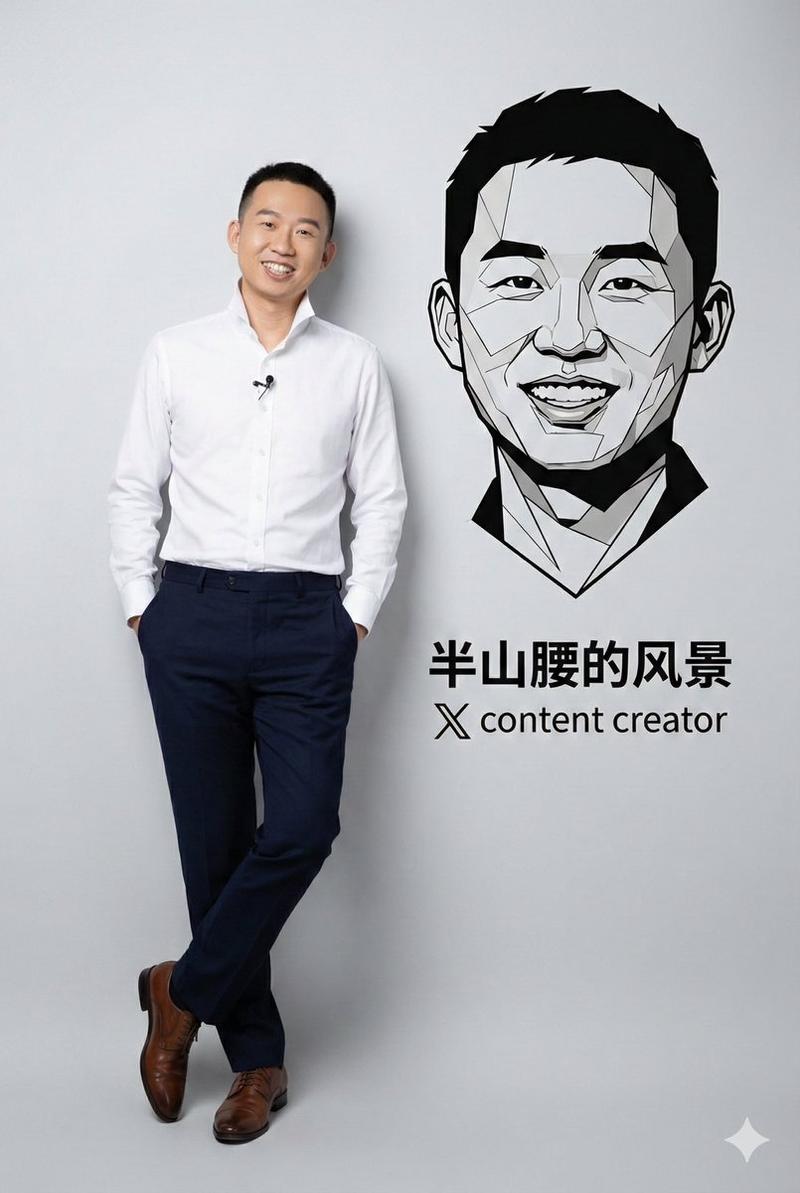
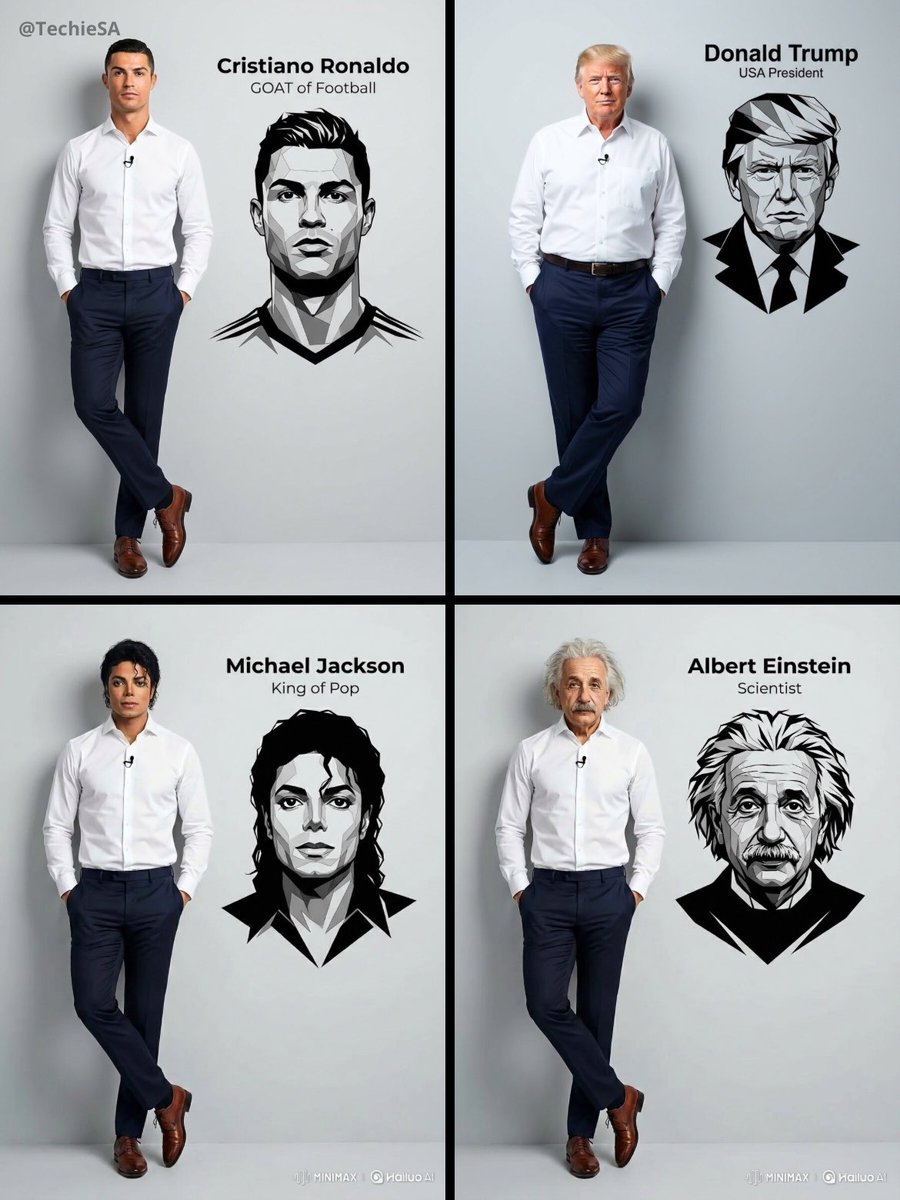
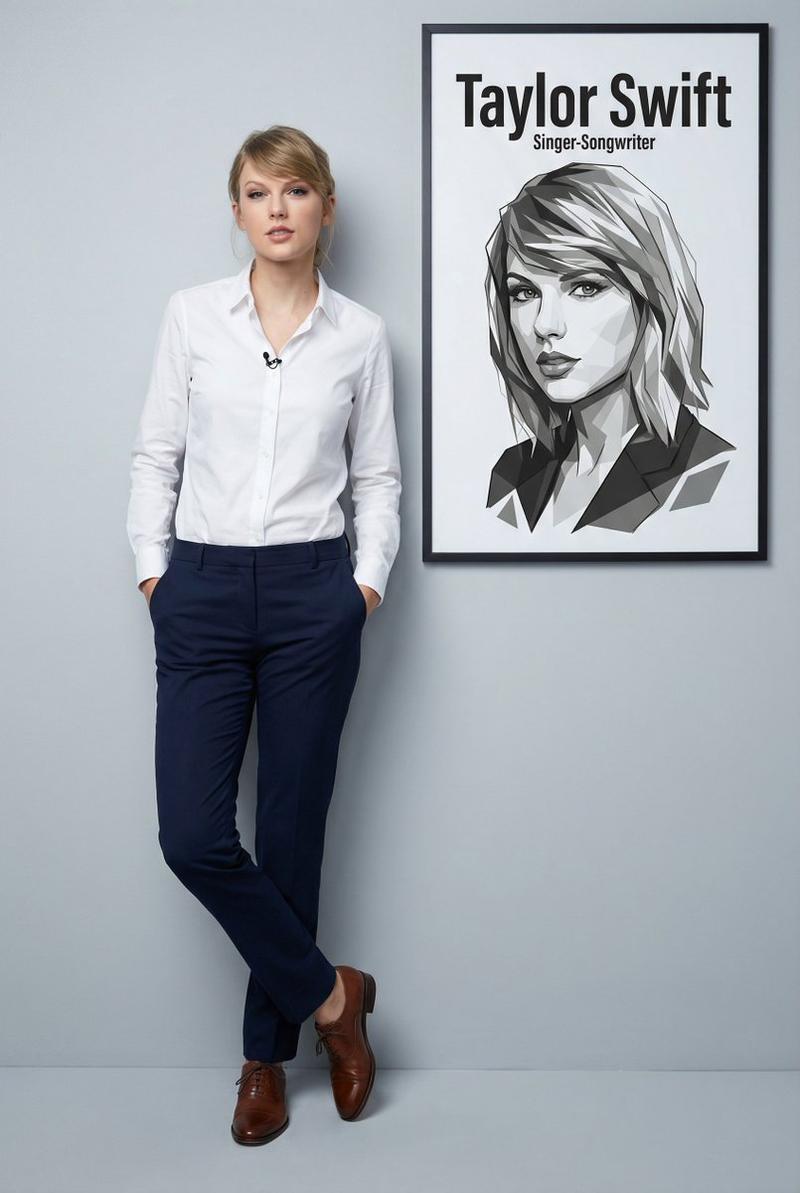
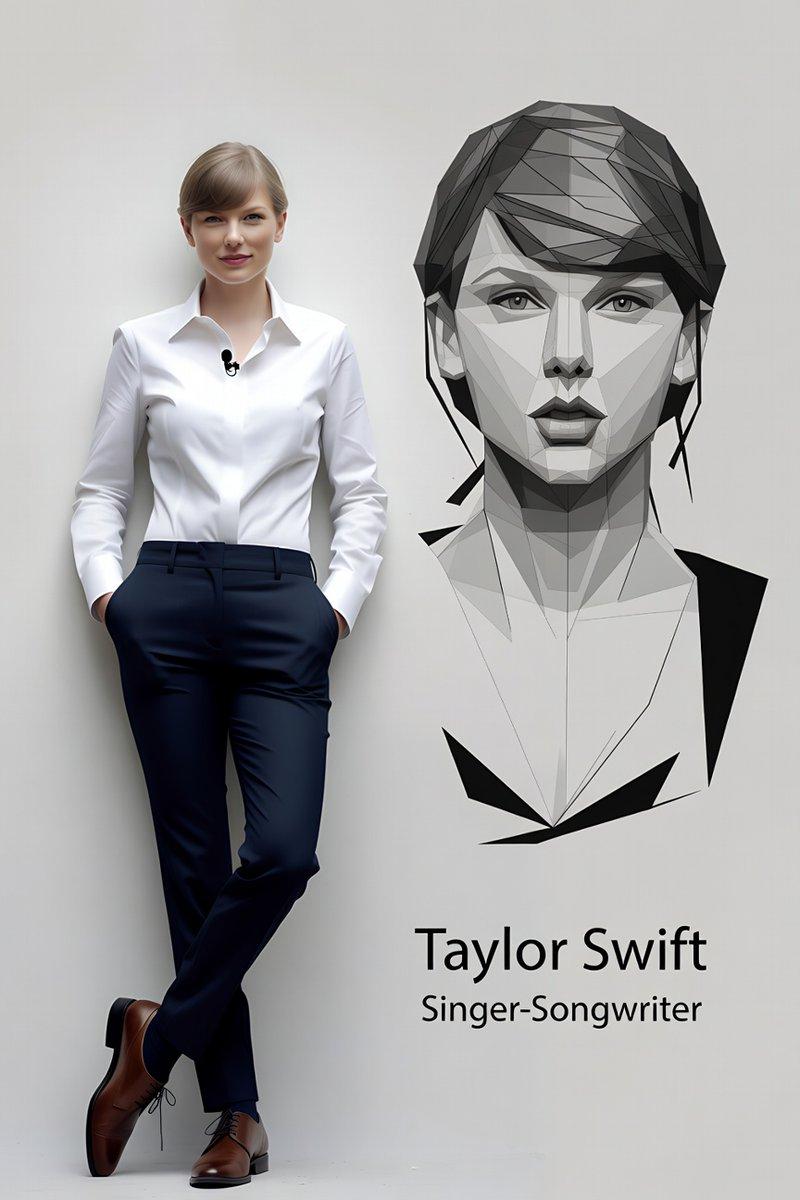
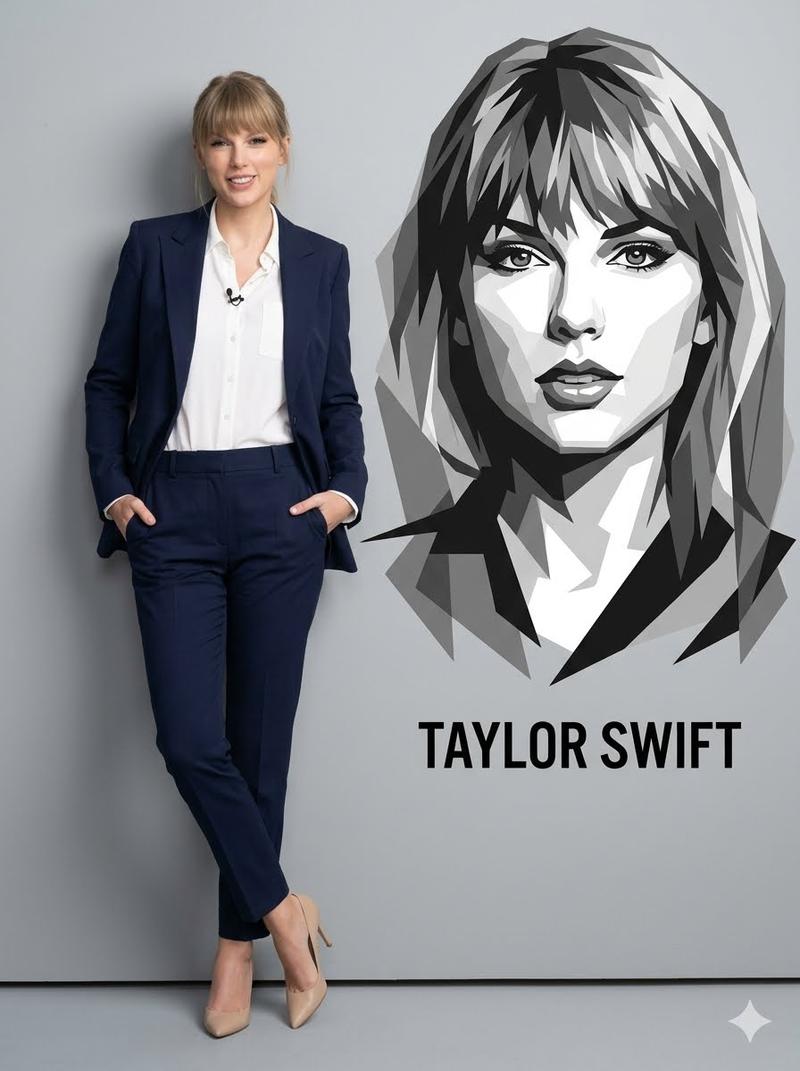
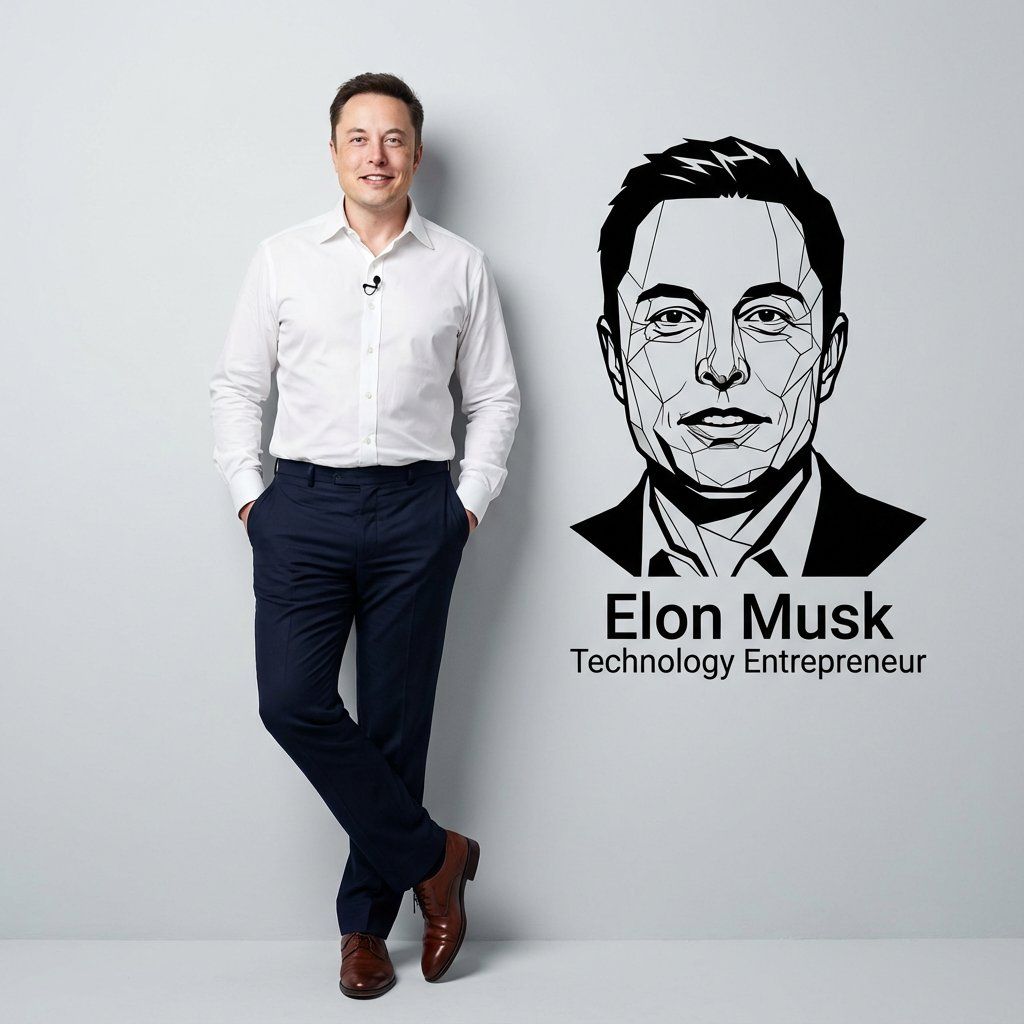
Ultra-realistic 8K full body portrait of \[PERSON’S FULL NAME\], wearing a clean and pressed white social shirt with folded collar and a small lapel microphone, dark navy-blue dress pants and polished brown social shoes. Casually and unpretentiously leaning against a smooth light gray studio wall; hands are in pockets and one leg is crossed over the other, with relaxed and confident body language. Add to the wall next to them a prominent vector portrait in black and white of their face and bust - with sharp lines and angles, overlapping polygonal shapes and a minimalist modern graphic style, right below the information: “\[PERSON’S FULL NAME\]”, and below the name: “\[{argument name="profession" default="PROFESSION"}\]”. 1080x1080 dimensions.
Category
创意图片
Model
Nano Banana Pro
Views0
Source ID
86ee1829-ef97-4c78-9c91-6e1ffa2a01dd
Published
Mar 8, 2026

Guide

About "专业人物肖像与图形品牌提示"

What is this prompt for?

"专业人物肖像与图形品牌提示" AI image prompt for Nano Banana Pro (创意图片). 一个用于生成超逼真、专业人物肖像的提示模板,适用于个人品牌推广,将照片写实主义与平面设计元素相结合。它描述了一张全身工作室肖像,人物靠在浅灰色墙壁上,穿着白色商务衬衫,旁边墙上展示着一个突出的黑白极…

The full copyable prompt and example visuals above are ready for AI image generation or one-click recreate in Picva.

How to use this prompt

  1. Step 1

    Open the prompt detail

    Review the example visuals, category, and full prompt text for "专业人物肖像与图形品牌提示".

  2. Step 2

    Copy the prompt

    Copy the prompt body from this page, or load it directly in Studio.

  3. Step 3

    Pick a model (Nano Banana Pro)

    Prefer Nano Banana Pro. If you switch models, keep subject and composition and tweak style terms.

  4. Step 4

    Generate and export

    Recreate the look in Picva, or export into your workflow for editing and publishing.

FAQ

What is the "专业人物肖像与图形品牌提示" prompt?
It is an AI image-generation prompt for Nano Banana Pro in the 创意图片 category. This page includes the full prompt text, example visuals, and a one-click recreate path in Picva.
How do I use this prompt to generate an image?
Copy the prompt from this page, or use Generate / Studio. Paste it into a compatible image model, or recreate the look in Picva with optional reference images.
Which model is this prompt for?
This page lists Nano Banana Pro. Most descriptive prompts also transfer to nearby image models such as GPT Image, Flux, or Midjourney with light style tweaks.
Can I use the result commercially?
You can usually copy the prompt for creation, but commercial use of the final image depends on the model terms, reference-image rights, and the generated content. Follow the source author and platform rules.