14

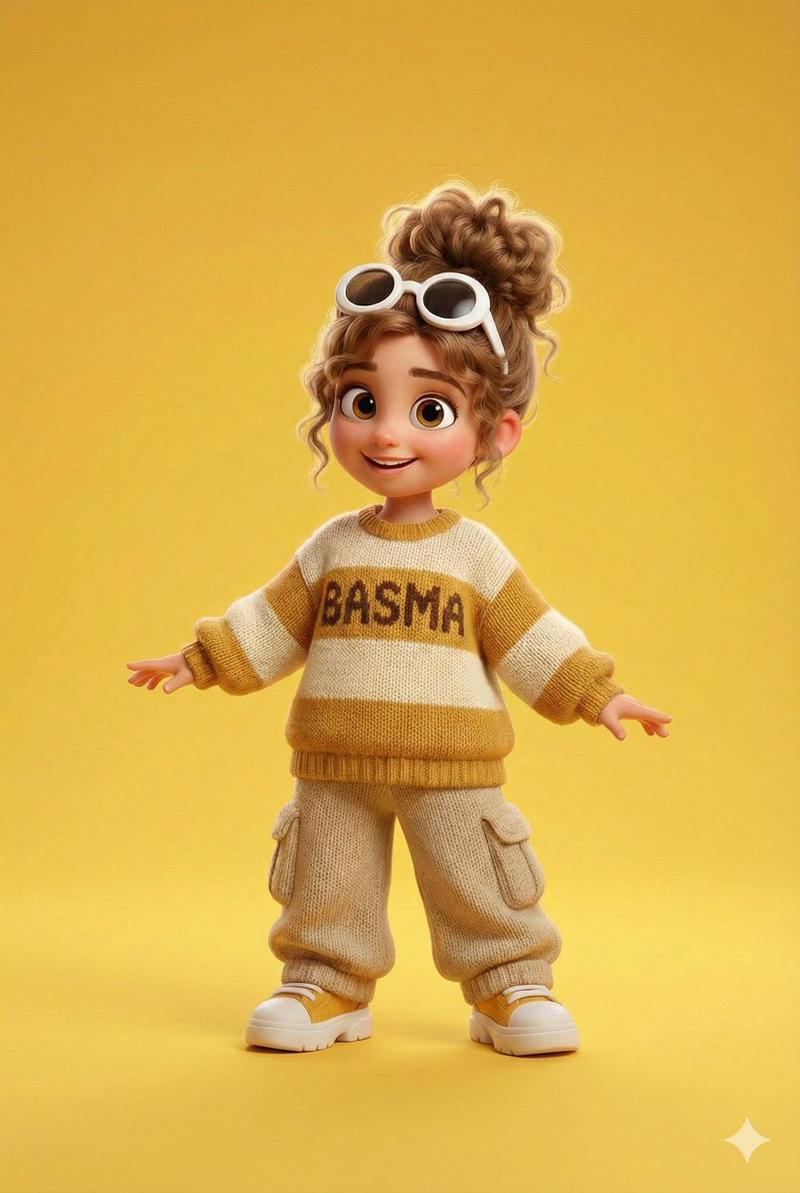
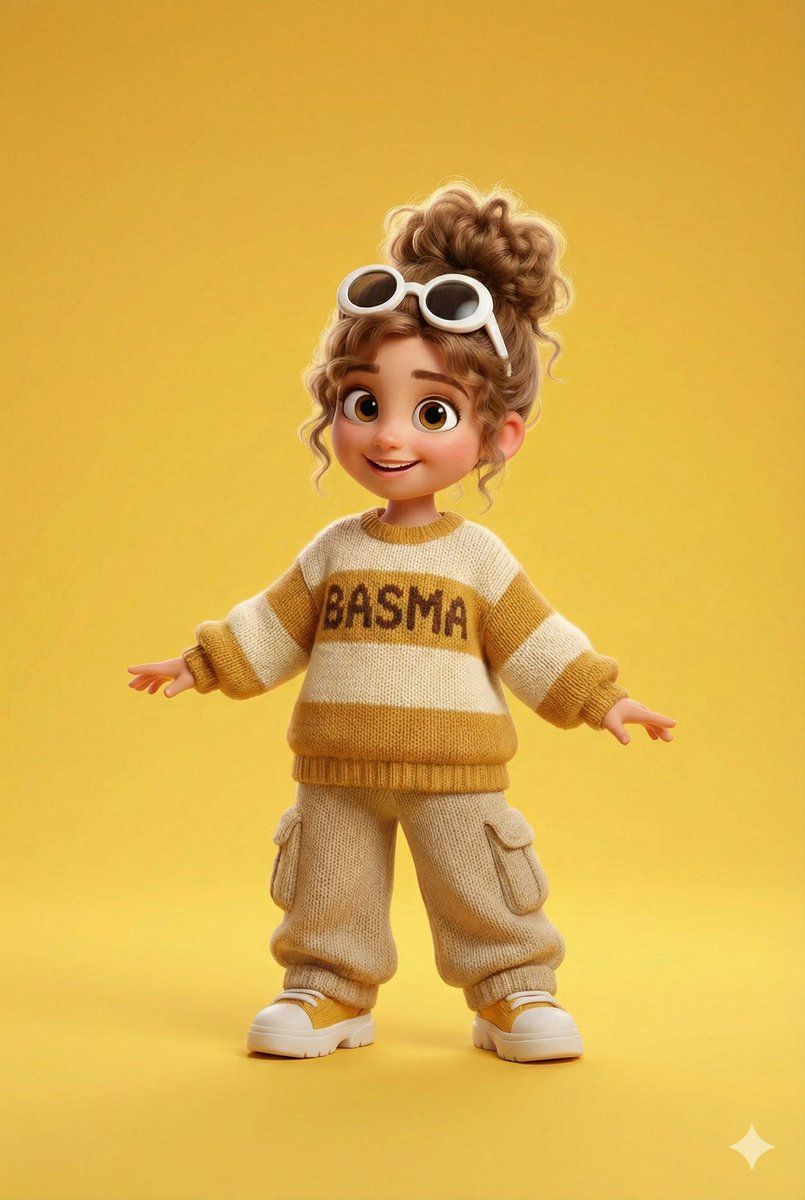
皮克斯/迪士尼 3D 卡通人物,带有针织名字
Enlarge

皮克斯/迪士尼 3D 卡通人物,带有针织名字

Prompt
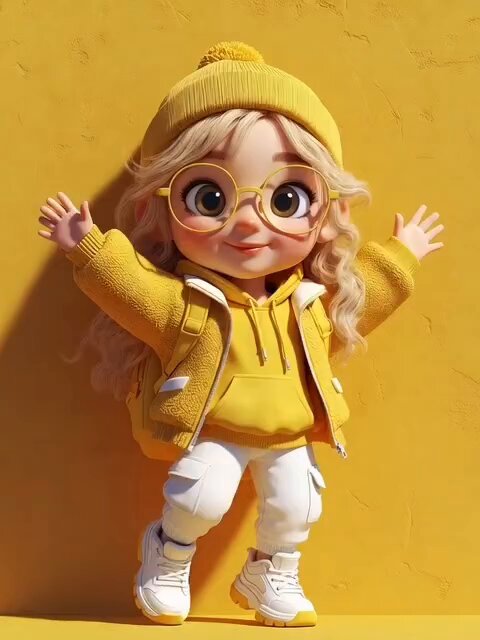
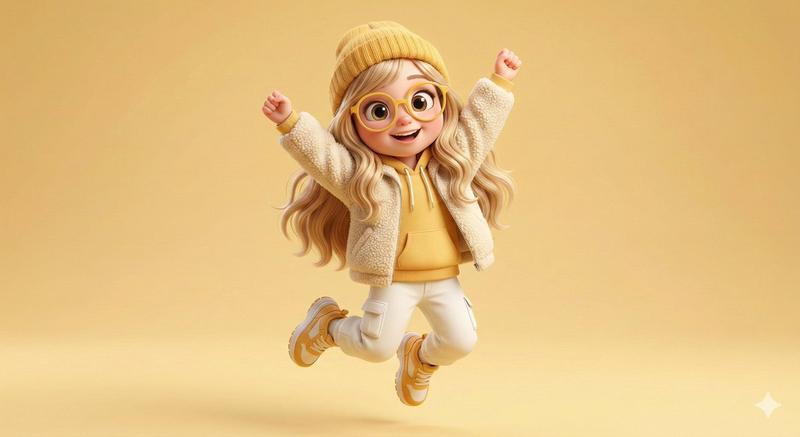
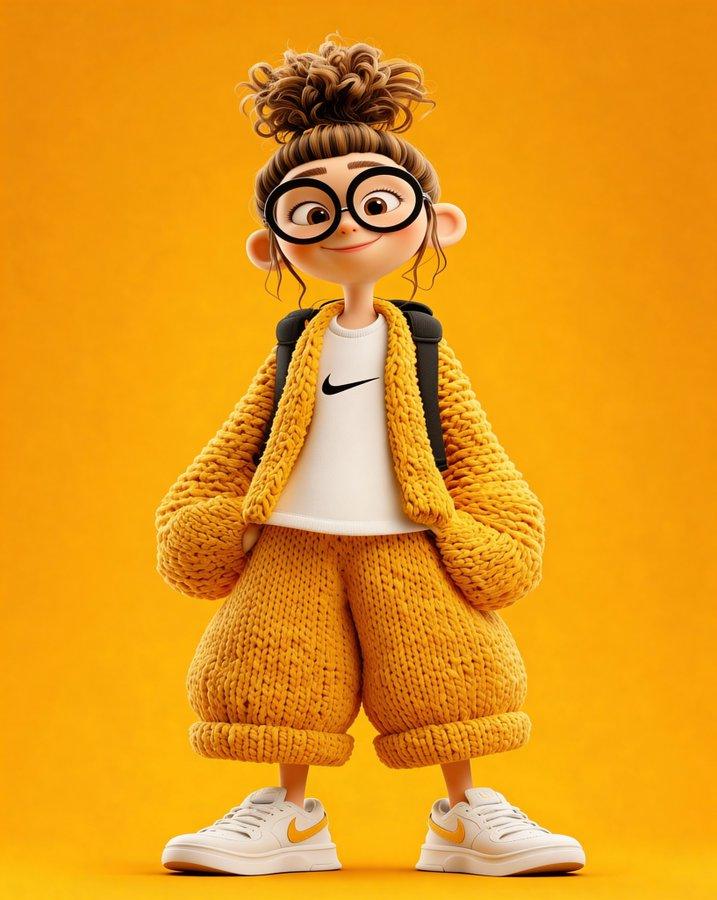
A full-body 3D cartoon girl character in a Pixar/Disney-style render, standing confidently against a solid bright {argument name="background color" default="yellow"} background. She has big expressive brown eyes, a cute smiling face, and light brown curly hair tied in a messy high bun, with white round goggles resting on her head. She is wearing an oversized knitted sweater in cream and mustard yellow stripes, with the name “{argument name="name on sweater" default="NOOR"}” clearly knitted into the fabric across the chest (woven yarn texture, not printed). Loose knitted beige cargo pants with side pockets, white chunky sneakers with subtle yellow accents. Soft studio lighting, smooth textures, high detail yarn knit realism, warm color palette, playful pose with arms slightly spread, ultra-high quality, 4K, sharp focus, clean background, character centered.
Category
创意图片
Model
Nano Banana Pro
Views0
Source ID
4954e7aa-0752-4809-8415-073317c59769
Published
Mar 8, 2026

Guide

About "皮克斯/迪士尼 3D 卡通人物,带有针织名字"

What is this prompt for?

"皮克斯/迪士尼 3D 卡通人物,带有针织名字" AI image prompt for Nano Banana Pro (创意图片). 一个全面的图像生成提示,用于创建皮克斯或迪士尼风格的全身 3D 卡通女孩角色。该提示侧重于特定的服装细节,包括一件超大号的针织毛衣,上面织有“NOOR”字样,强调纱线编织的真实感和…

The full copyable prompt and example visuals above are ready for AI image generation or one-click recreate in Picva.

How to use this prompt

  1. Step 1

    Open the prompt detail

    Review the example visuals, category, and full prompt text for "皮克斯/迪士尼 3D 卡通人物,带有针织名字".

  2. Step 2

    Copy the prompt

    Copy the prompt body from this page, or load it directly in Studio.

  3. Step 3

    Pick a model (Nano Banana Pro)

    Prefer Nano Banana Pro. If you switch models, keep subject and composition and tweak style terms.

  4. Step 4

    Generate and export

    Recreate the look in Picva, or export into your workflow for editing and publishing.

FAQ

What is the "皮克斯/迪士尼 3D 卡通人物,带有针织名字" prompt?
It is an AI image-generation prompt for Nano Banana Pro in the 创意图片 category. This page includes the full prompt text, example visuals, and a one-click recreate path in Picva.
How do I use this prompt to generate an image?
Copy the prompt from this page, or use Generate / Studio. Paste it into a compatible image model, or recreate the look in Picva with optional reference images.
Which model is this prompt for?
This page lists Nano Banana Pro. Most descriptive prompts also transfer to nearby image models such as GPT Image, Flux, or Midjourney with light style tweaks.
Can I use the result commercially?
You can usually copy the prompt for creation, but commercial use of the final image depends on the model terms, reference-image rights, and the generated content. Follow the source author and platform rules.