16

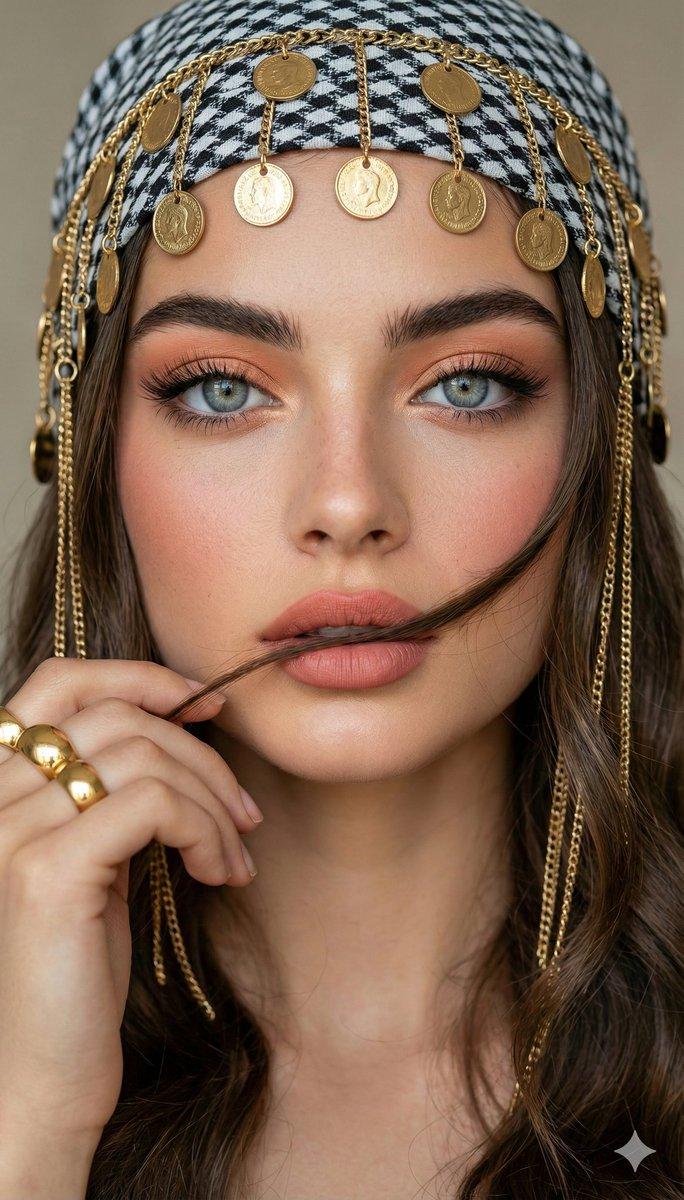
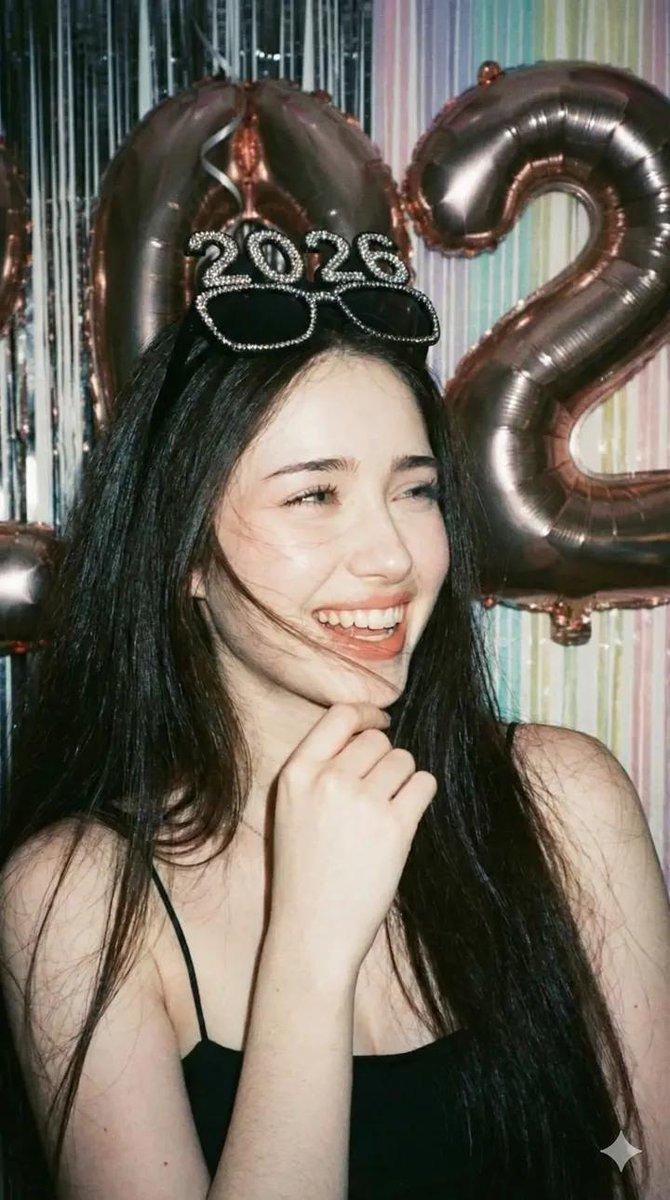
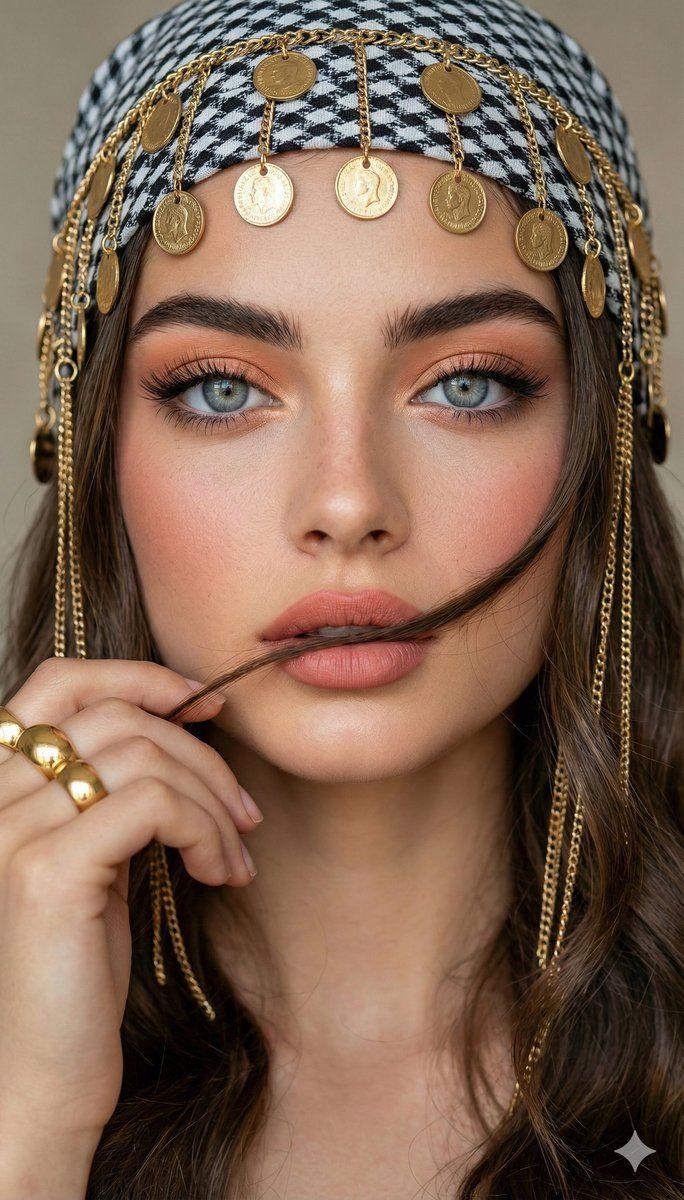
头戴头巾和佩戴珠宝的特写肖像提示(图片参考)
Enlarge

头戴头巾和佩戴珠宝的特写肖像提示(图片参考)

Prompt
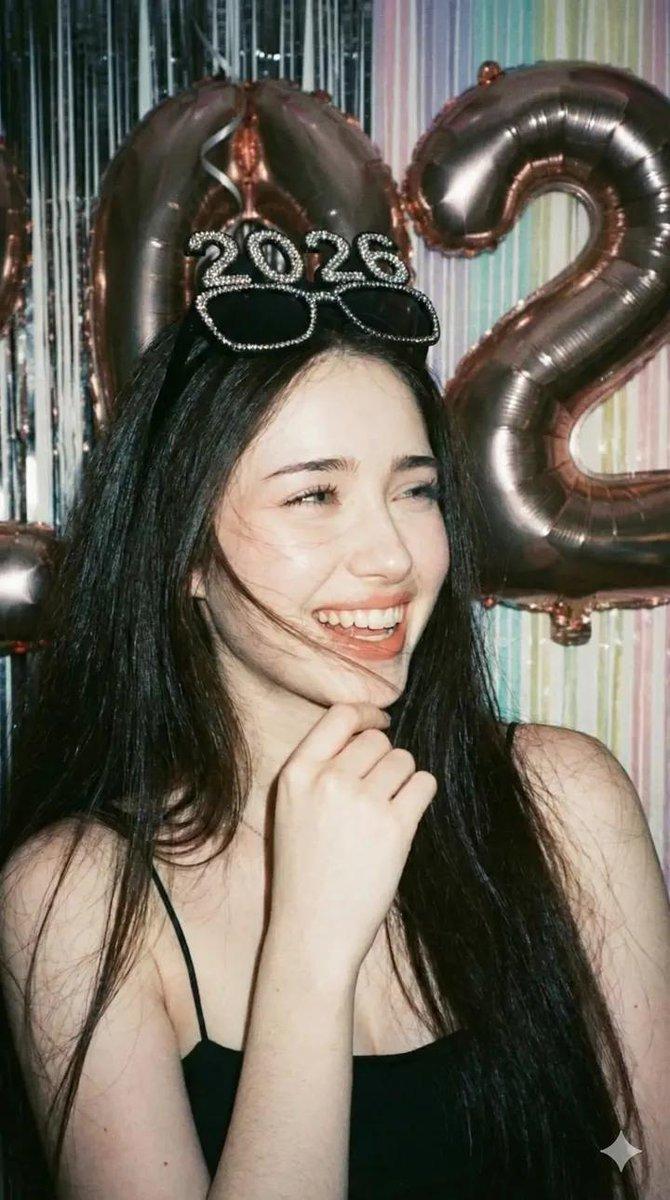
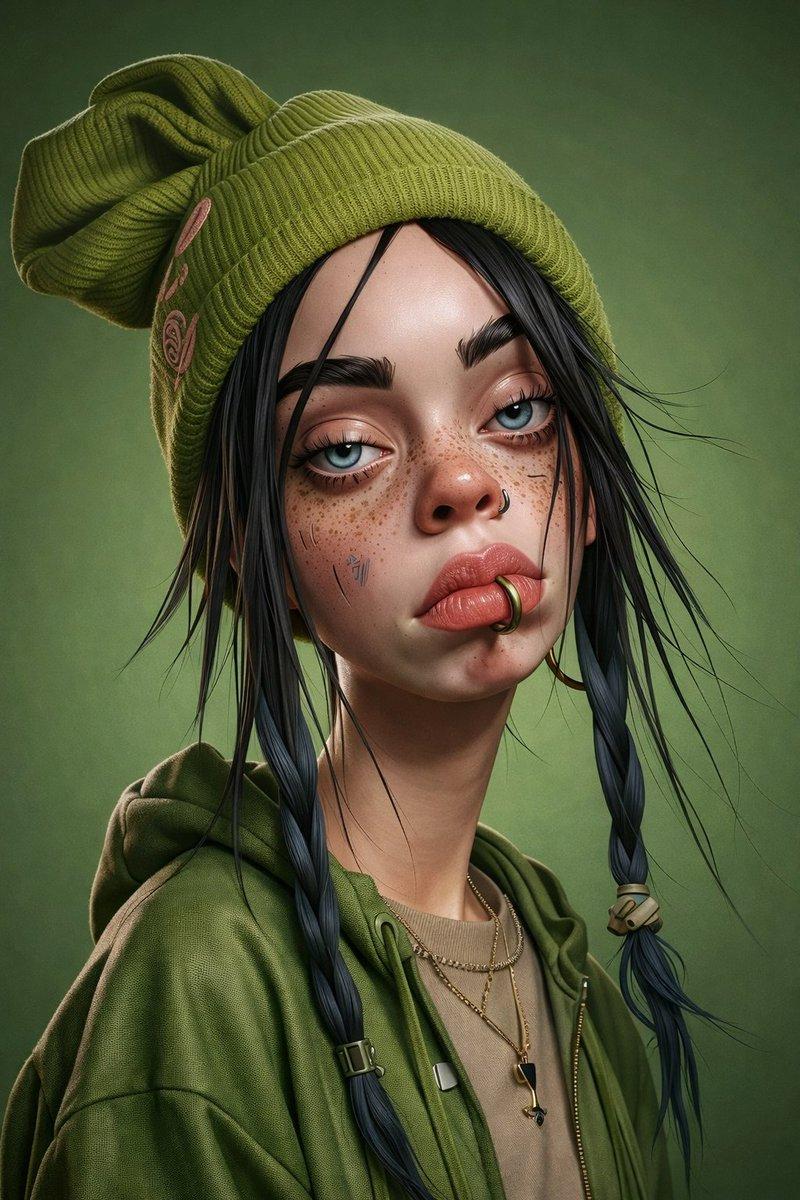
Convert the uploaded image into A stunning woman in a close-up portrait pose. holdina a strand of her wavy browr hair in fror t of her lips. She has captivatinc grey-blue eyes, soft glam makeup with peach eyeshadow, long lashes, bolc
eyeliner, rosy blush, and peach-pink matte lips. She is wearing a black-and-white patterned headscarf decorated with hanging gold coins and chains. Long gold chain earrinas frame her face. She wears a chunky gold ring on her finger, clearly visible as her hand is lifted near her face Background is neutral, softly blurred beige tones. Ultra-realistic, 8K detail, sharp focus on eves, smooth skin texture cinematic lighting. face features remain the same.
Category
创意图片
Model
Nano Banana Pro
Views0
Source ID
dba55834-8a94-47e4-9f31-f27f7391a598
Published
Mar 8, 2026

Guide

About "头戴头巾和佩戴珠宝的特写肖像提示(图片参考)"

What is this prompt for?

"头戴头巾和佩戴珠宝的特写肖像提示(图片参考)" AI image prompt for Nano Banana Pro (创意图片). 一个需要上传图片的提示词,用于将主体转换为超逼真的特写肖像。它详细描述了特定的妆容、饰有金币的黑白图案头巾和粗大的黄金首饰,同时确保保留原始面部特征。 --- 将上传的图片转换为一…

The full copyable prompt and example visuals above are ready for AI image generation or one-click recreate in Picva.

How to use this prompt

  1. Step 1

    Open the prompt detail

    Review the example visuals, category, and full prompt text for "头戴头巾和佩戴珠宝的特写肖像提示(图片参考)".

  2. Step 2

    Copy the prompt

    Copy the prompt body from this page, or load it directly in Studio.

  3. Step 3

    Pick a model (Nano Banana Pro)

    Prefer Nano Banana Pro. If you switch models, keep subject and composition and tweak style terms.

  4. Step 4

    Generate and export

    Recreate the look in Picva, or export into your workflow for editing and publishing.

FAQ

What is the "头戴头巾和佩戴珠宝的特写肖像提示(图片参考)" prompt?
It is an AI image-generation prompt for Nano Banana Pro in the 创意图片 category. This page includes the full prompt text, example visuals, and a one-click recreate path in Picva.
How do I use this prompt to generate an image?
Copy the prompt from this page, or use Generate / Studio. Paste it into a compatible image model, or recreate the look in Picva with optional reference images.
Which model is this prompt for?
This page lists Nano Banana Pro. Most descriptive prompts also transfer to nearby image models such as GPT Image, Flux, or Midjourney with light style tweaks.
Can I use the result commercially?
You can usually copy the prompt for creation, but commercial use of the final image depends on the model terms, reference-image rights, and the generated content. Follow the source author and platform rules.