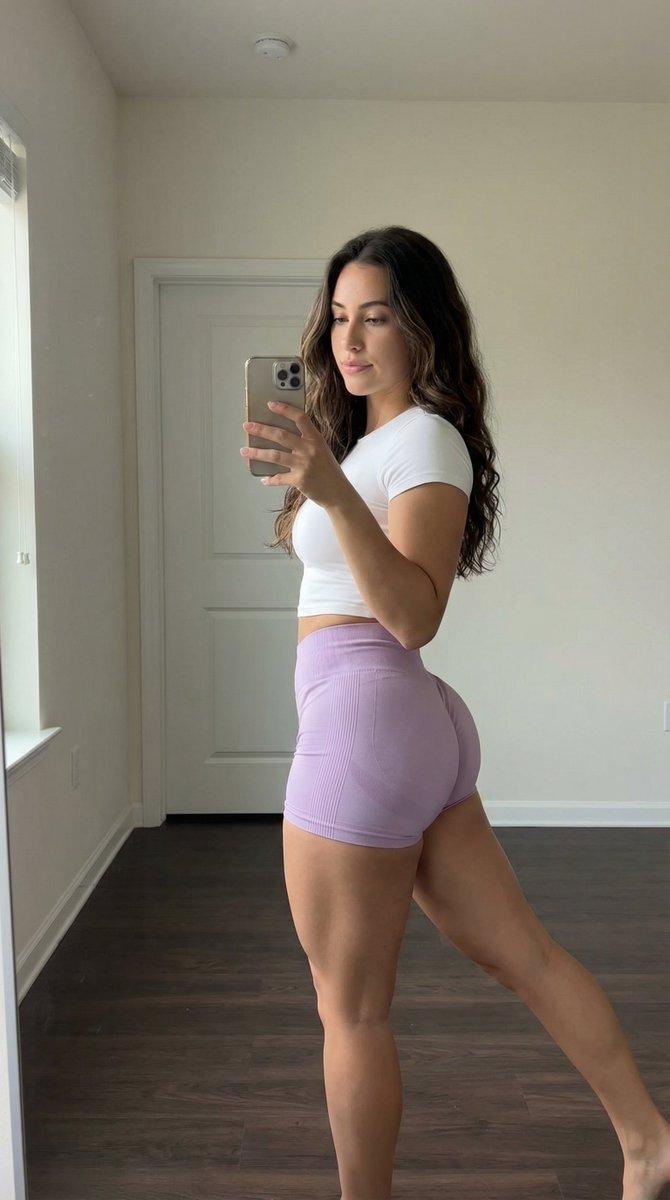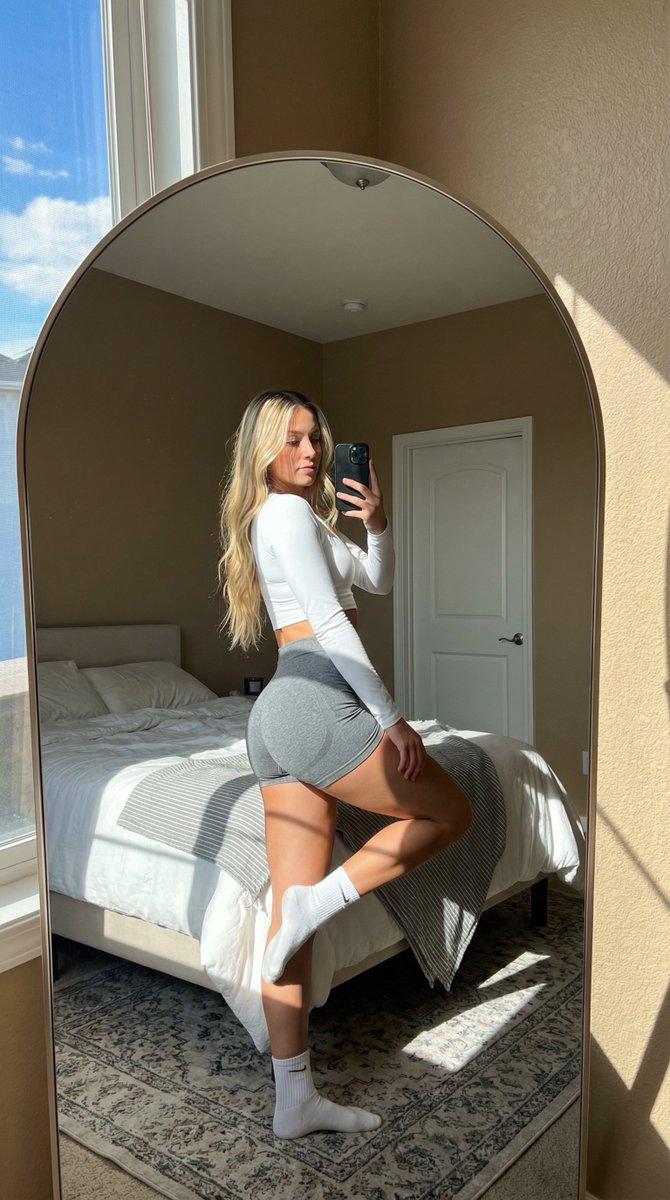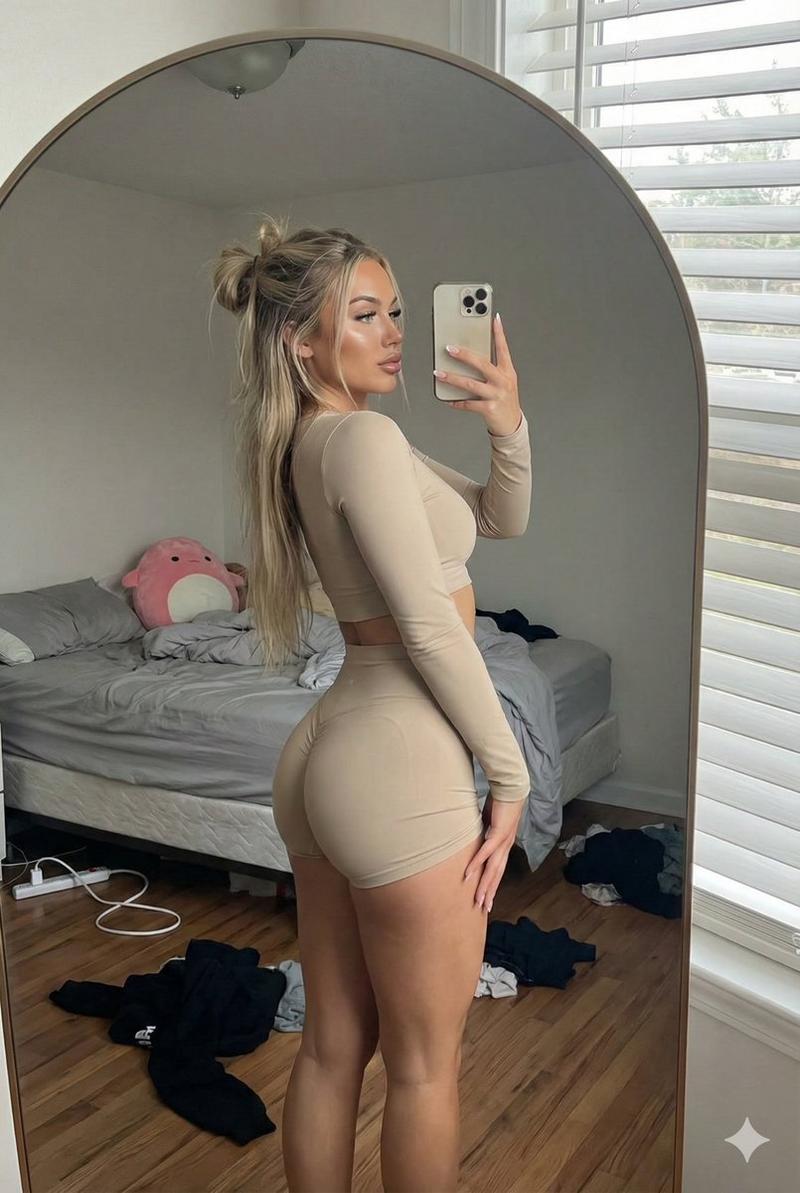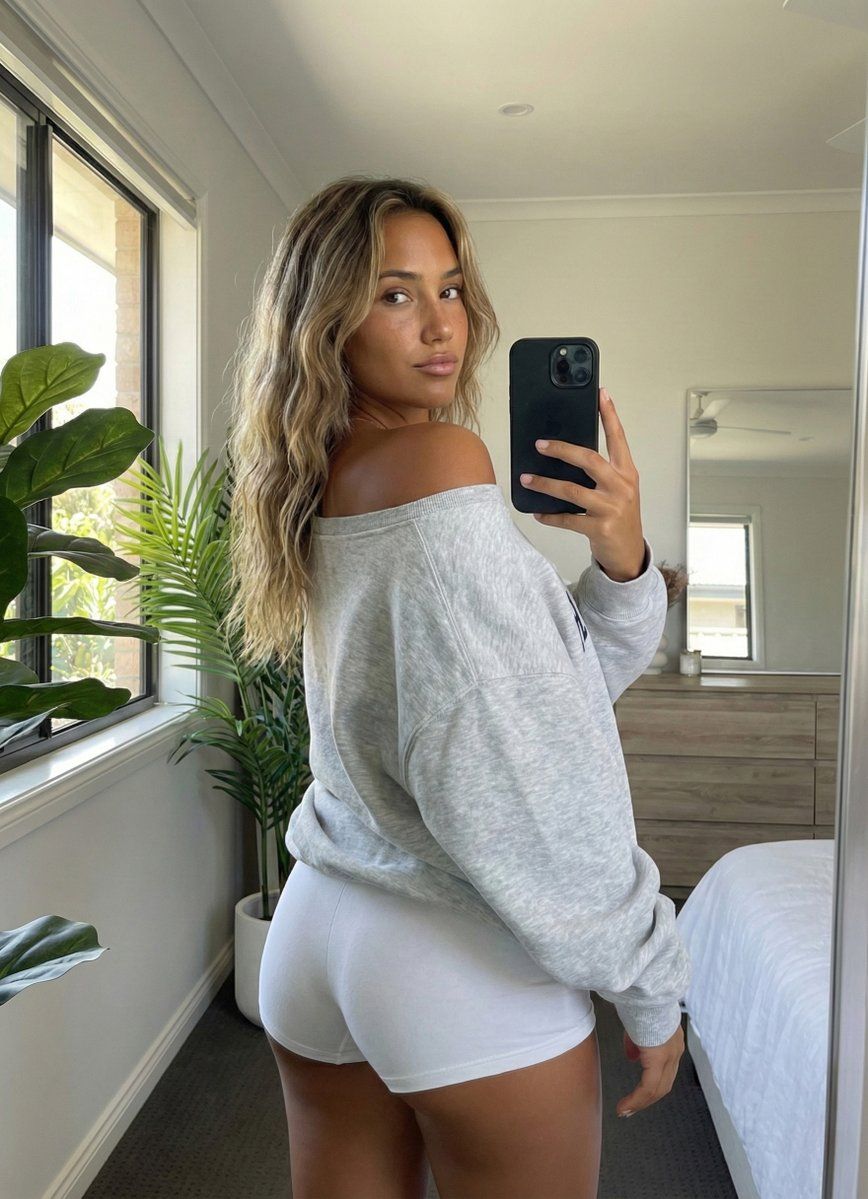
现代卧室中逼真的后视镜自拍
Prompt
{
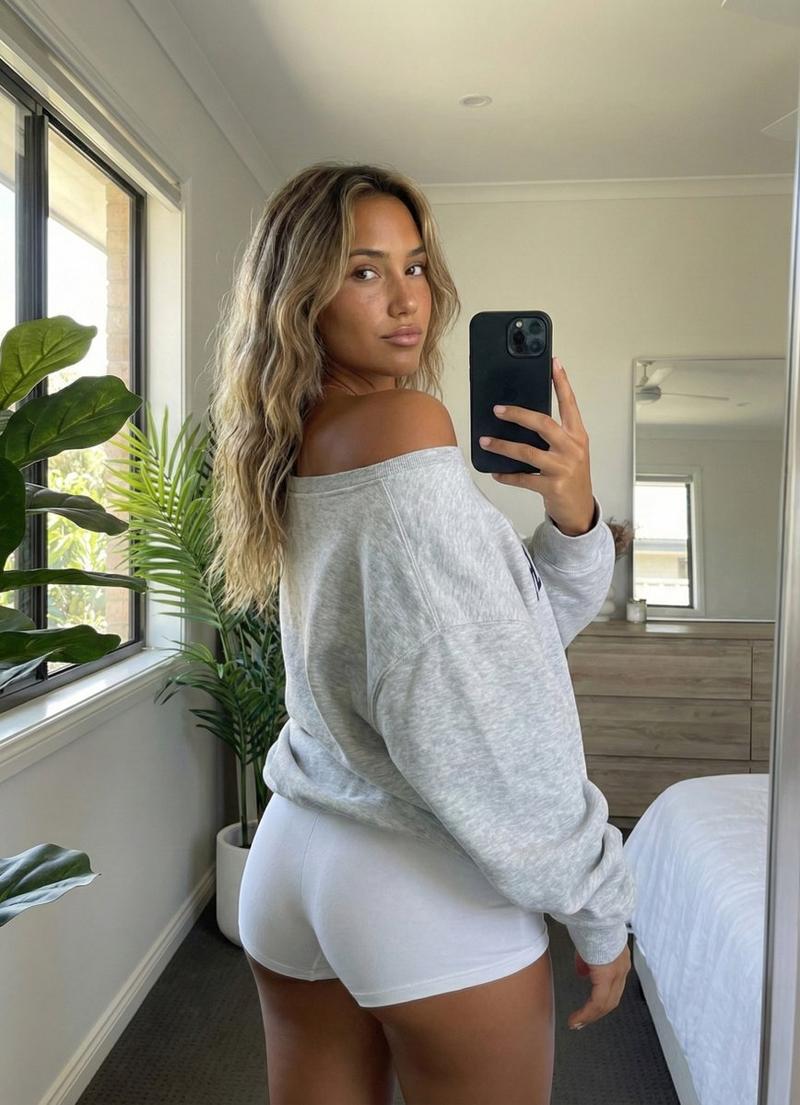
"subject": {
"description": "Young woman with tanned skin and long, wavy, sun-bleached balayage blonde hair standing in a bedroom.",
"body_type": "Fit, curvy physique with prominent gluteal shape and natural proportions.",
"attire": {
"upper_body": "Oversized heather grey crewneck sweatshirt, worn loosely and falling off the left shoulder to reveal the shoulder blade and strap-free skin. Partial navy blue text visible on the front.",
"lower_body": "Tight white spandex athletic shorts (biker shorts style) that conform closely to the hips and glutes."
},
"hair": "Long, textured beach waves falling over the left shoulder and down the back, dark roots transitioning to honey blonde ends.",
"details": "Natural skin texture, visible tan lines or skin tone variation, subtle jewelry on neck."
},
"pose": {
"type": "Standing rear-view mirror selfie pose.",
"orientation": "Body angled away from the camera (mirror surface), back turned towards the viewer.",
"head_position": "Head turned sharply over the left shoulder, looking directly into the mirror/camera lens.",
"arms": "Right arm raised holding a black smartphone to take the photo; left arm relaxed by the side.",
"spine_and_hips": "Natural standing posture with weight slightly shifted, emphasizing the curve of the lower back and glutes.",
"specifics": "Shoulder blades subtly visible due to the off-shoulder sweatshirt."
},
"environment": {
"setting": "Bright, modern bedroom interior.",
"elements": [
"Large vertical window on the left with black frame and white sill.",
"Large artificial fiddle leaf fig plant with broad green leaves positioned in front of the window.",
"Wooden dresser or chest of drawers in the background (right side) with a separate square mirror resting on it.",
"Corner of a bed with white linens visible in the lower right foreground.",
"Dark grey or brown carpeted flooring.",
"White walls."
]
},
"camera": {
"shot_type": "Mirror selfie, reflection shot.",
"perspective": "Eye-level relative to the reflection.",
"framing": "Medium shot capturing from the upper thighs to the top of the head.",
"device": "Black Apple iPhone with triple-lens camera system visible in the right hand, partially obscuring the face.",
"focal_length": "26mm equivalent (smartphone main camera).",
"depth_of_field": "Deep depth of field, background elements slightly softer but distinct."
},
"lighting": {
"source": "Natural daylight entering from the large window on the left.",
"quality": "Soft, diffused directional light illuminating the left side of the subject and casting soft shadows on the right side of the body.",
"shadows": "Natural contact shadows in clothing folds and on the right side of the torso/legs.",
"ambience": "Bright, airy, daytime interior illumination."
},
"mood_and_expression": {
"mood": "Casual, relaxed, confident.",
"expression": "Neutral to soft gaze, focused on the phone screen/reflection, partially hidden by th"
}}- Category
- 创意图片
- Model
- Nano Banana Pro
- Creator
- brindley
- Source ID
- 5cff295d-e23a-4c1d-b38e-833d388c2f39
- Published
- Mar 8, 2026
Views0