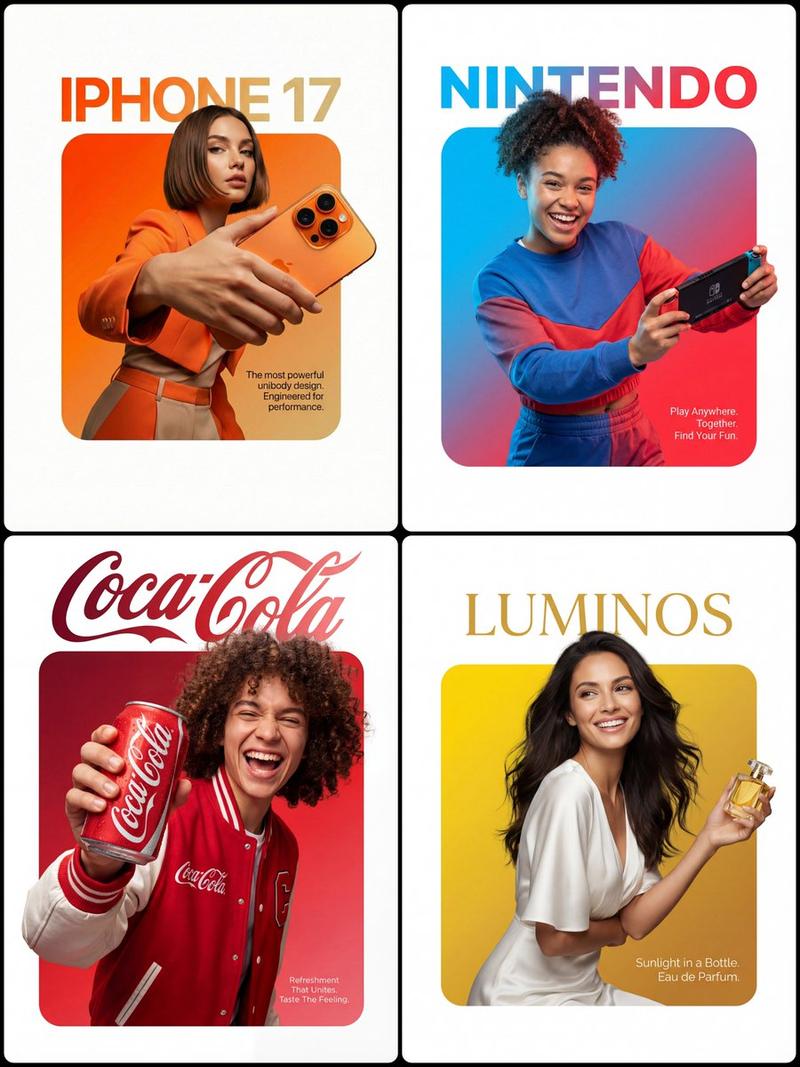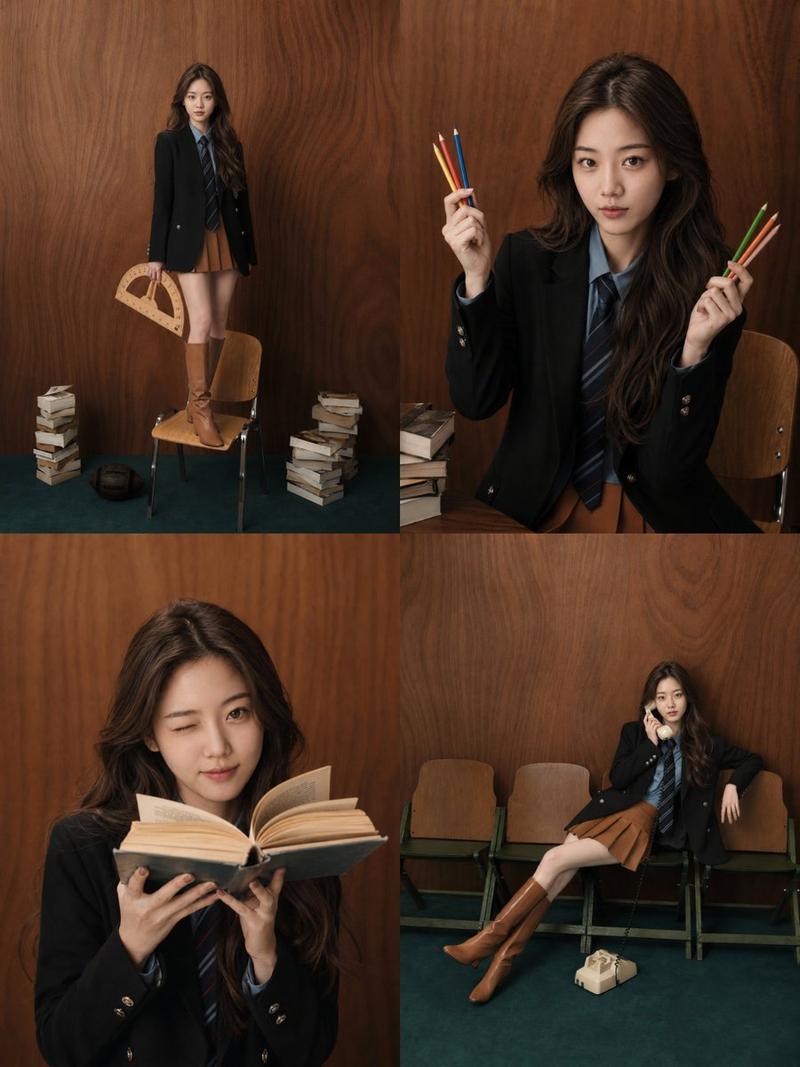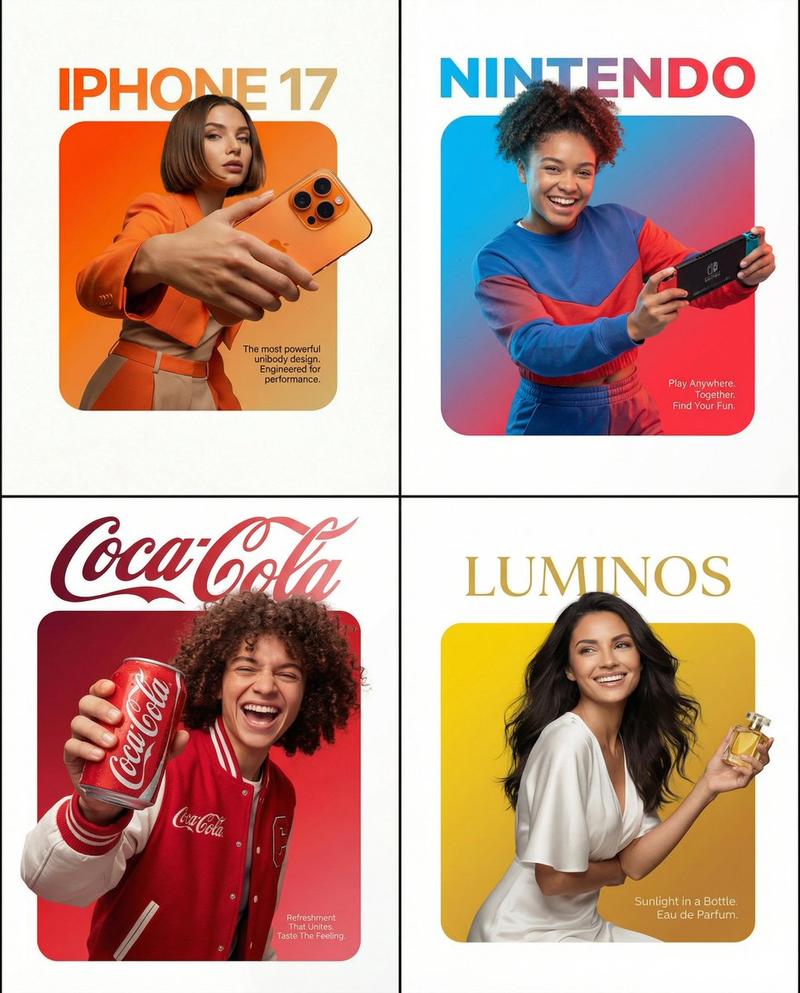
超真实影棚肖像海报艺术生成器提示词
Prompt
{
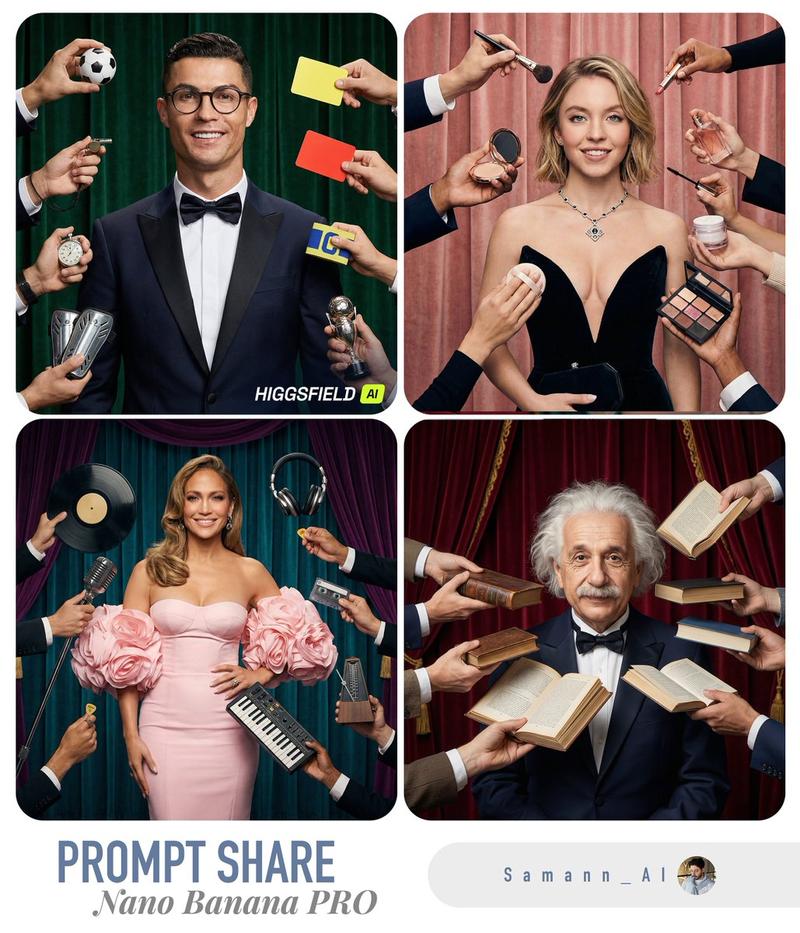
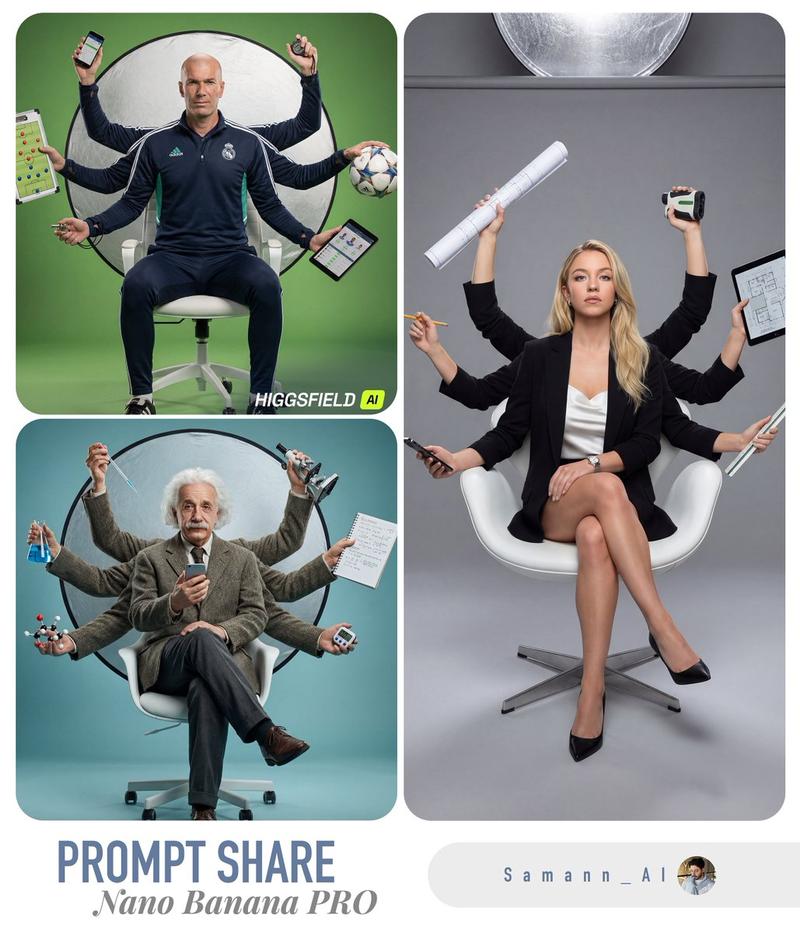
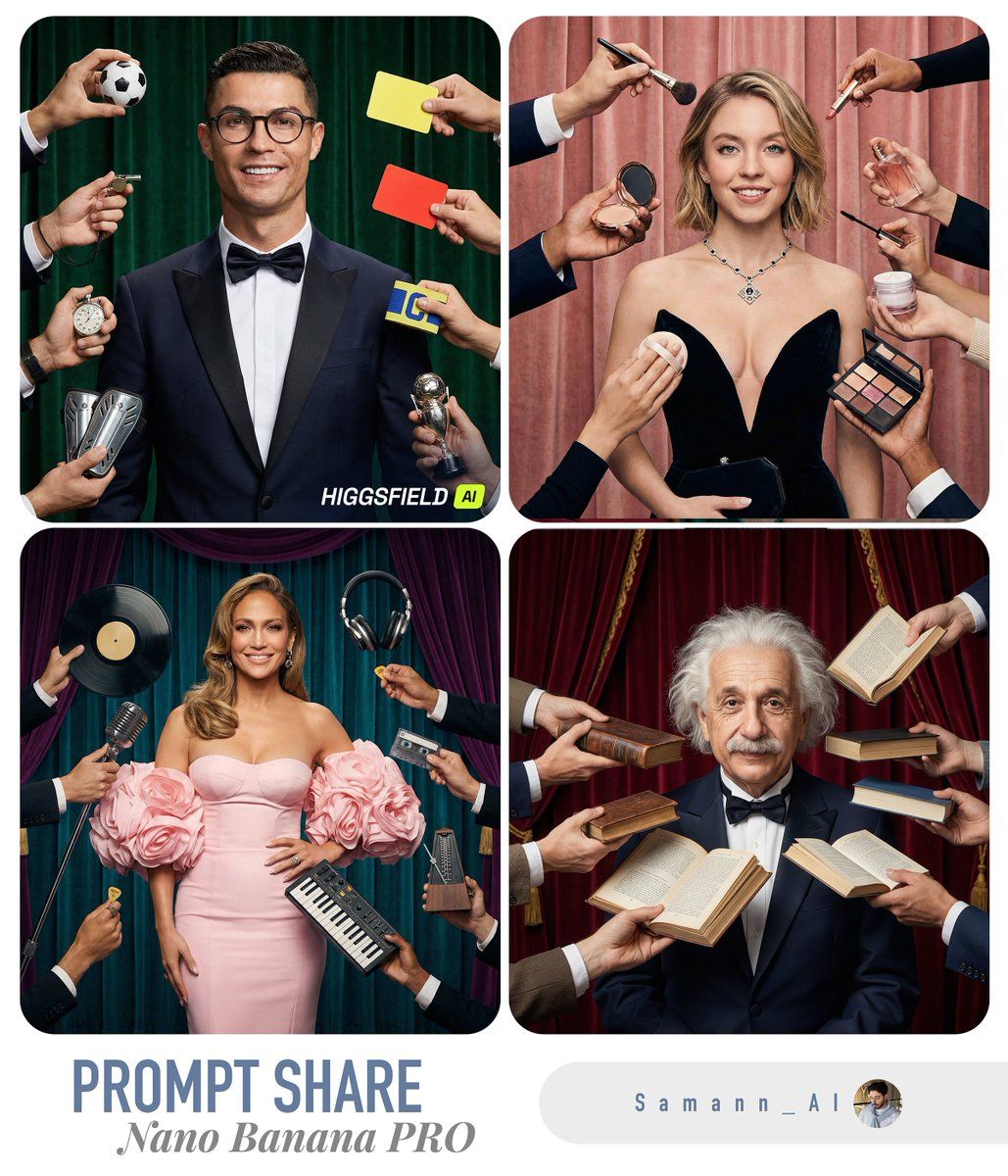
  "task": "Generate a hyper-real studio photograph that matches the composition of the reference image: a centered adult person in a tuxedo, surrounded by many hands entering the frame from all sides holding objects toward the person, with a curtain backdrop whose color matches the theme.",
  "variables": {
    "USER_PHOTO": "<<UPLOAD_OR_URL_TO_USER_FACE_OR_PORTRAIT>>",
    "SUBJECT_THEME": "{argument name="subject theme" default="finance"}",
    "HAND_PROPS": [
      "<<PROP_1 RELATED TO SUBJECT_THEME>>",
      "<<PROP_2 RELATED TO SUBJECT_THEME>>",
      "<<PROP_3 RELATED TO SUBJECT_THEME>>",
      "<<PROP_4 RELATED TO SUBJECT_THEME>>",
      "<<PROP_5 RELATED TO SUBJECT_THEME>>",
      "<<PROP_6 RELATED TO SUBJECT_THEME>>",
      "<<PROP_7 RELATED TO SUBJECT_THEME>>",
      "<<PROP_8 RELATED TO SUBJECT_THEME>>"
    ]
  },
"prompt": "Create an ultra photorealistic studio photo (hyper-real, DSLR look) with the SAME composition and framing as the reference: a centered adult person standing front-facing, waist-up to mid-thigh visible, wearing a dark navy tuxedo jacket, crisp white shirt, and black bow tie, smiling confidently. The person has round eyeglasses and neat facial hair (mustache + short beard), but the FACE must be replaced with the user's likeness from USER_PHOTO while keeping natural skin texture, pores, and realistic facial proportions (no plastic skin, no cartooning). The lighting is clean professional studio lighting with soft shadows, high dynamic range, crisp detail.\n\nSurround the person with 8–10 different hands and forearms entering the frame from the edges (top, left, right, bottom), each holding an object and aiming it toward the center person (close to the face/upper torso). The hands belong to different people (varied sleeves/patterns/colors), but keep them realistic and anatomically correct.\n\nIMPORTANT: The ONLY changing elements across generations are: (1) the user's face from USER_PHOTO, and (2) the objects held in the hands. Everything else stays consistent: the tuxedo pose, camera angle, lens look, and overall composition.\n\nOBJECT RULE: Select HAND_PROPS so they are strongly related to SUBJECT_THEME. The objects must be clearly visible, realistic, and varied (mix of modern and vintage if it fits). Examples by theme:\n- music: studio headphones, microphone, vinyl record, cassette, guitar pick, small synth, metronome\n- gaming: controller, handheld console, gaming headset, mouse, keyboard, VR accessory\n- cooking: chef thermometer, whisk, spice grinder, mini pan, piping bag, recipe card\n- finance: calculator, credit card reader, stock ticker printout, smartphone with finance app, receipt roll\n- fitness: smartwatch, resistance band, shaker bottle, jump rope handle\n\nBACKGROUND: Use a curtain backdrop (like a stage/studio curtain) with a color"- Category
- 创意图片
- Model
- Nano Banana Pro
- Creator
- Saman | AI
- Source ID
- faec957c-c796-4b4d-a6aa-feb15702f908
- Published
- Mar 8, 2026
Views0