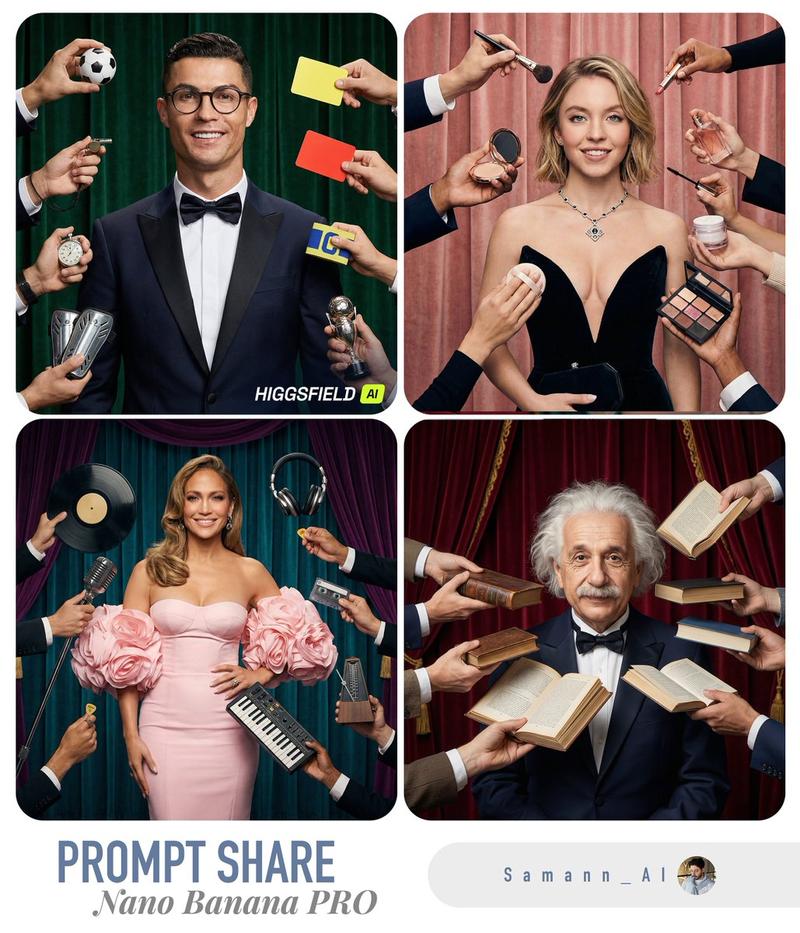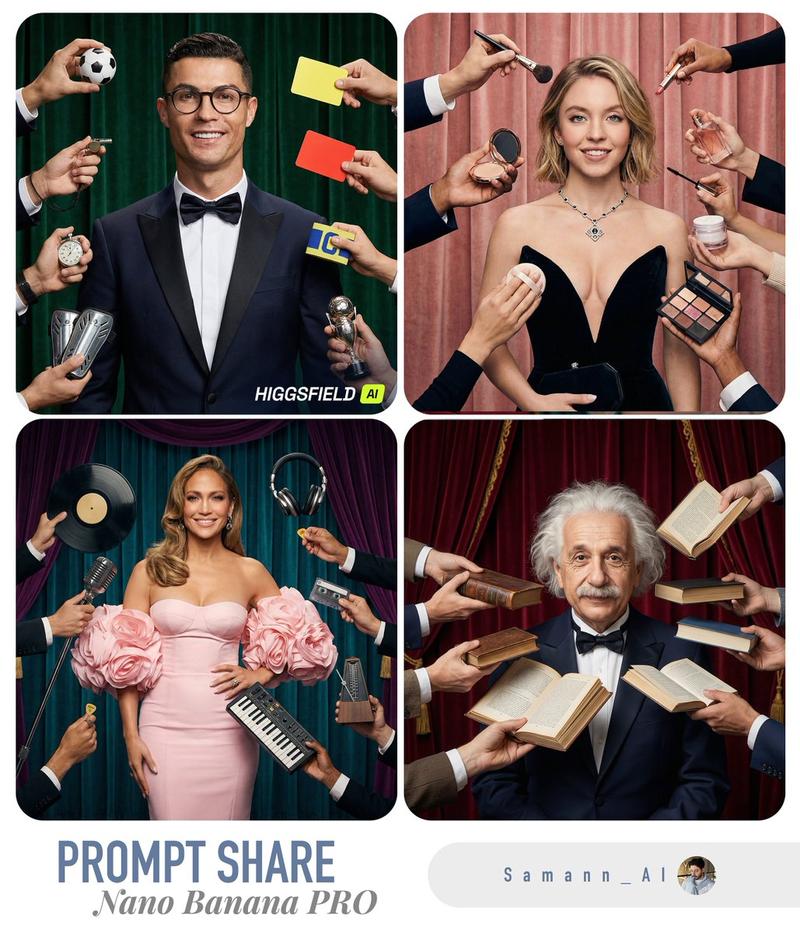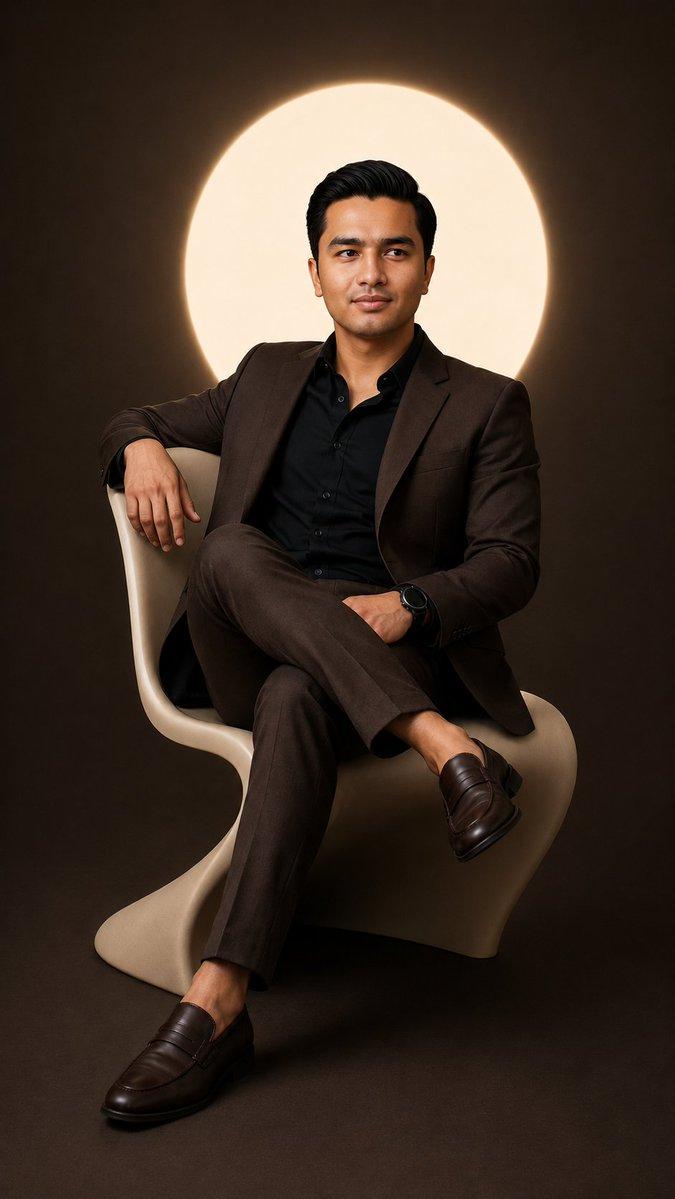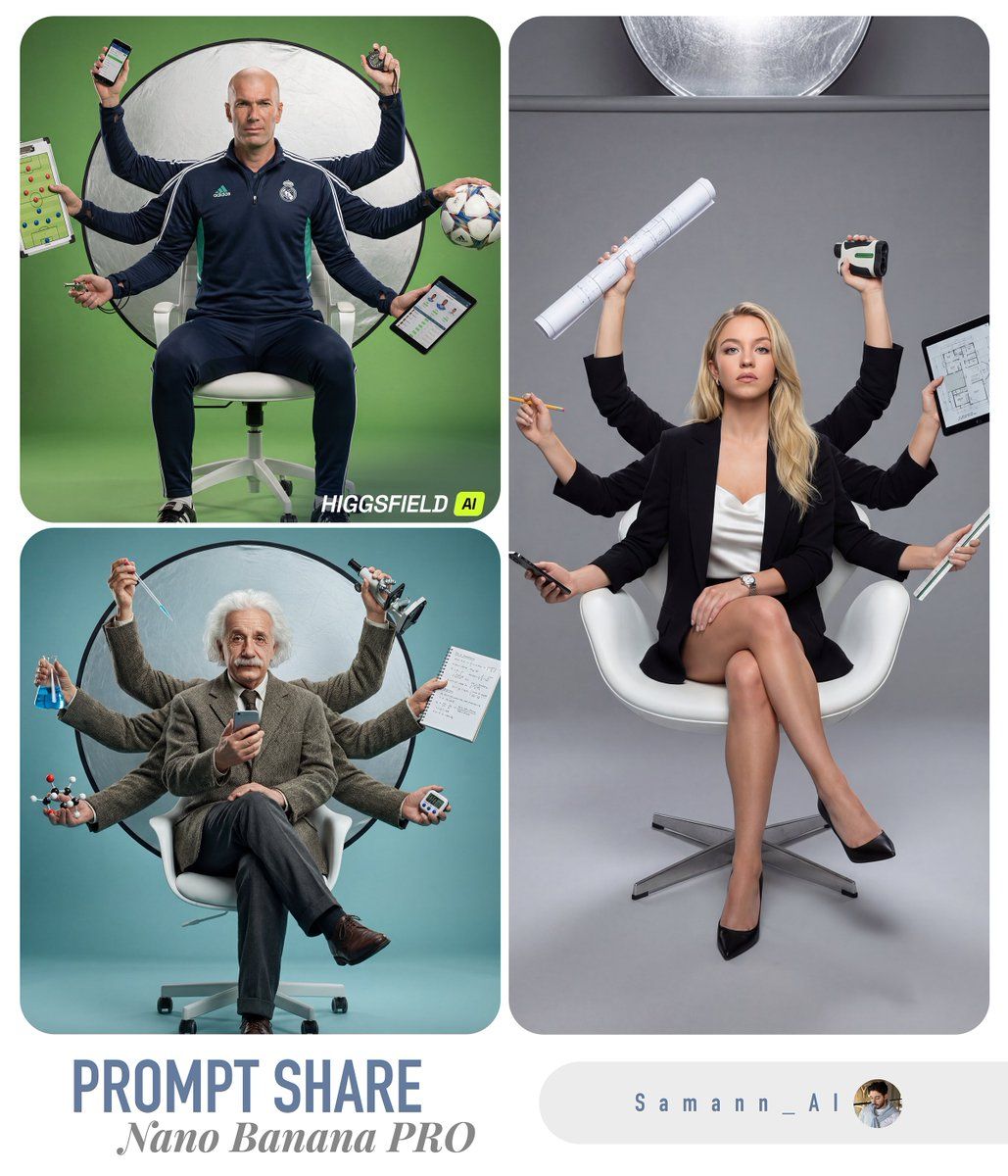
超真实多臂专业肖像
Prompt
**[USER_PHOTO]** **[{argument name="profession" default="PROFESSION"}]**

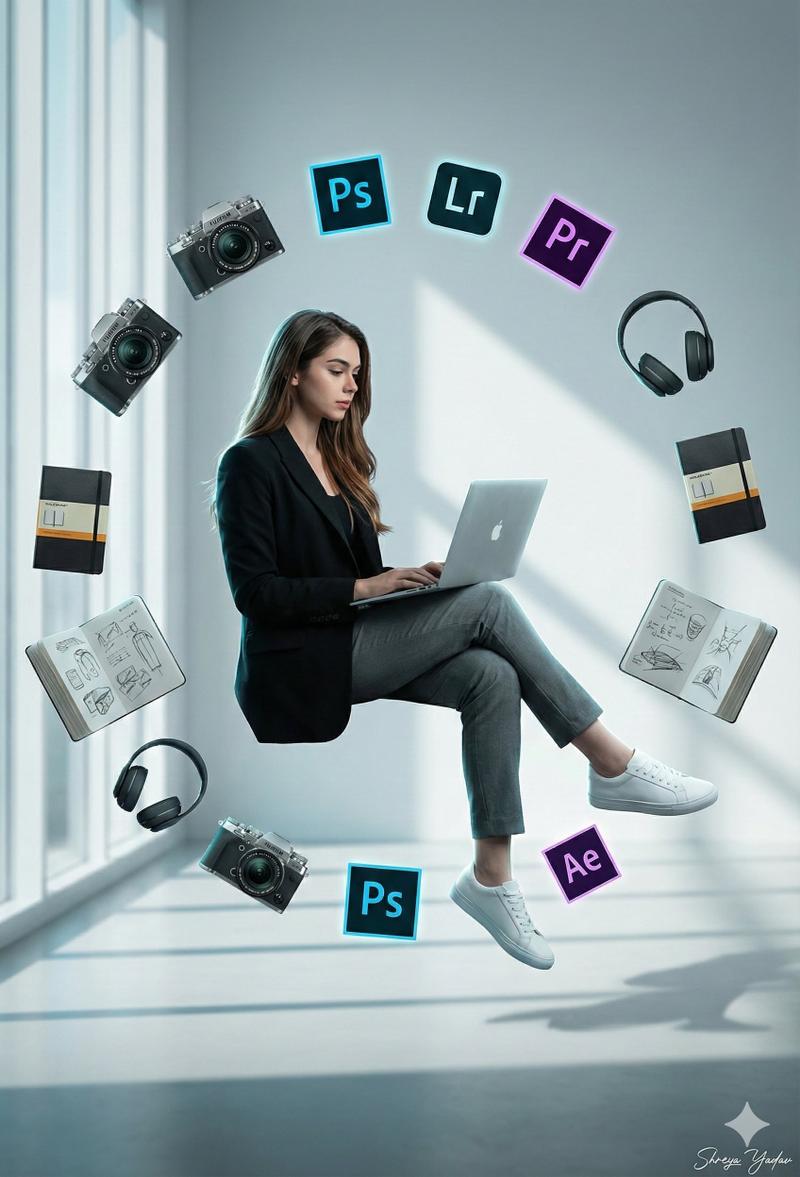
Create a hyper-real, studio portrait using [USER_PHOTO] as the exact identity reference (same face, hairstyle, skin texture, and age). Depict the person as a confident [{argument name="profession" default="PROFESSION"}] sitting casually on a modern white ergonomic office chair, legs crossed, centered in frame. Add a stylized “multi-arm” illusion (6–8 arms total) radiating behind the torso like a modern Shiva/Vishnu-inspired silhouette, but photorealistic: each extra arm must have correct anatomy, believable joints, tendons, skin pores, and natural shadowing; no warped fingers.

PROPS (must be profession-relevant): Automatically choose and place different tools that a real [{argument name="profession" default="PROFESSION"}] would use, one per hand/arm, all clearly readable and accurate in design. Examples of categories: primary tool, secondary tool, communication device, measurement/diagnostic tool, accessory, and a “hero” prop. Keep one real smartphone in the main/front hand. Avoid generic random objects—every prop must logically belong to [{argument name="profession" default="PROFESSION"}]. If [{argument name="profession" default="PROFESSION"}] is digital/tech: include items like laptop, tablet, camera/monitor, light meter, stylus, keyboard, mic, etc. If [{argument name="profession" default="PROFESSION"}] is medical: stethoscope, clipboard, otoscope, syringe (safe/clinical), etc. If [{argument name="profession" default="PROFESSION"}] is culinary: chef knife, tongs, plating tweezers, recipe tablet, etc. (Always match [{argument name="profession" default="PROFESSION"}].)

BACKGROUND COLOR (topic-matched): Use a seamless paper studio backdrop with a single dominant color that matches the profession theme (e.g., warm mustard for creative/media, cool teal for healthcare, graphite/steel for engineering, rich olive for outdoors, deep burgundy for luxury). The color should complement skin tones and wardrobe. Add subtle gradient falloff and soft bounce for depth (no flat background).

LIGHTING & SET: High-end commercial studio look. One large soft key light from camera-left, controlled fill from right, crisp rim light to separate subject, and realistic specular highlights on props. Include a large circular silver reflector disk behind the subject (partially visible) for visual punch. Add a subtle shadow on the floor consistent with light direction.

WARDROBE & STYLING: Outfit must be believable for a top-tier [{argument name="profession" default="PROFESSION"}] (clean, modern, slightly stylized), with texture detail (fabric weave, seams). Add minimal accessories (watch/bracelet) that feel premium. Expression: focused, slightly intense, “in the zone.”

COMPOSITION & CAMERA: Full-body vertical portrait (4:5), 50mm lens look, eye-level camera, sharp focus on face, shallow depth of field but props still readable. Ultra-detailed skin, natural color grading, high dynamic range, crisp micro-contrast.

REALISM RULES: No cartoon, no CGI look. No extra faces, no duplicated heads. Hands must be anatomically correct (5 fingers), no melted objects, no unreadable text logos unless naturally present. Keep the scene clean and premium.- Category
- 创意图片
- Model
- Nano Banana Pro
- Creator
- Saman | AI
- Source ID
- 62f2233a-f1f3-4b06-93f3-3b241bf74f2f
- Published
- Mar 8, 2026
Views0
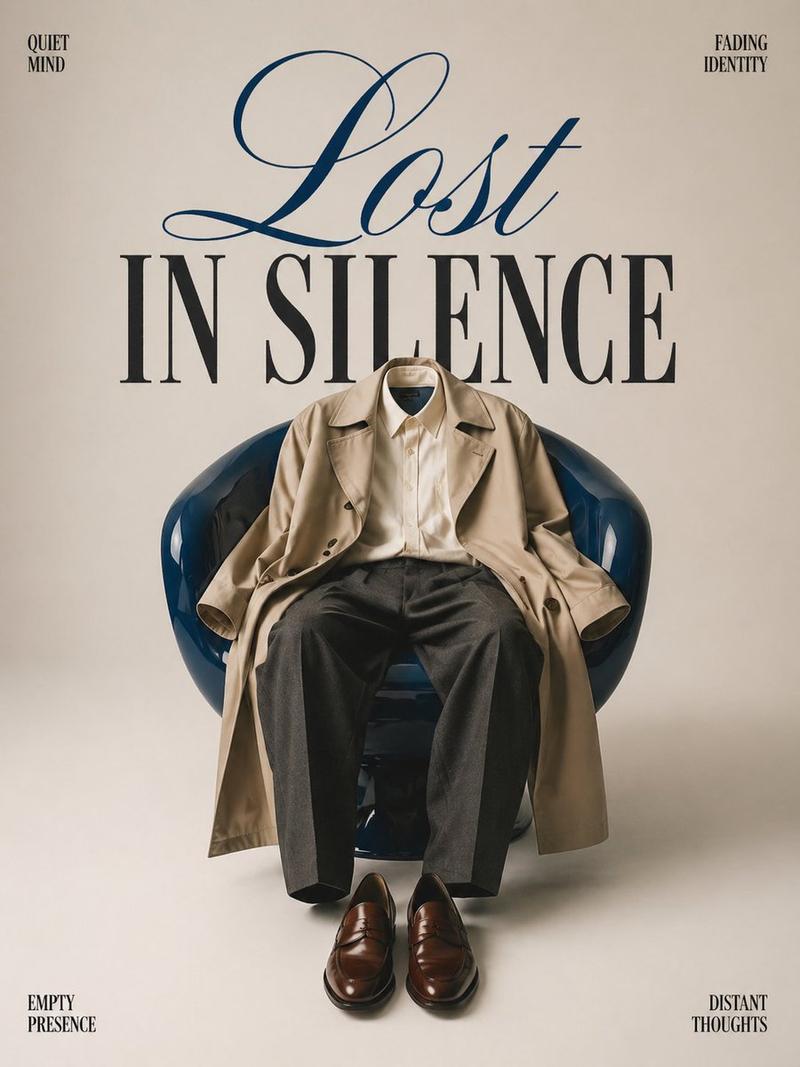
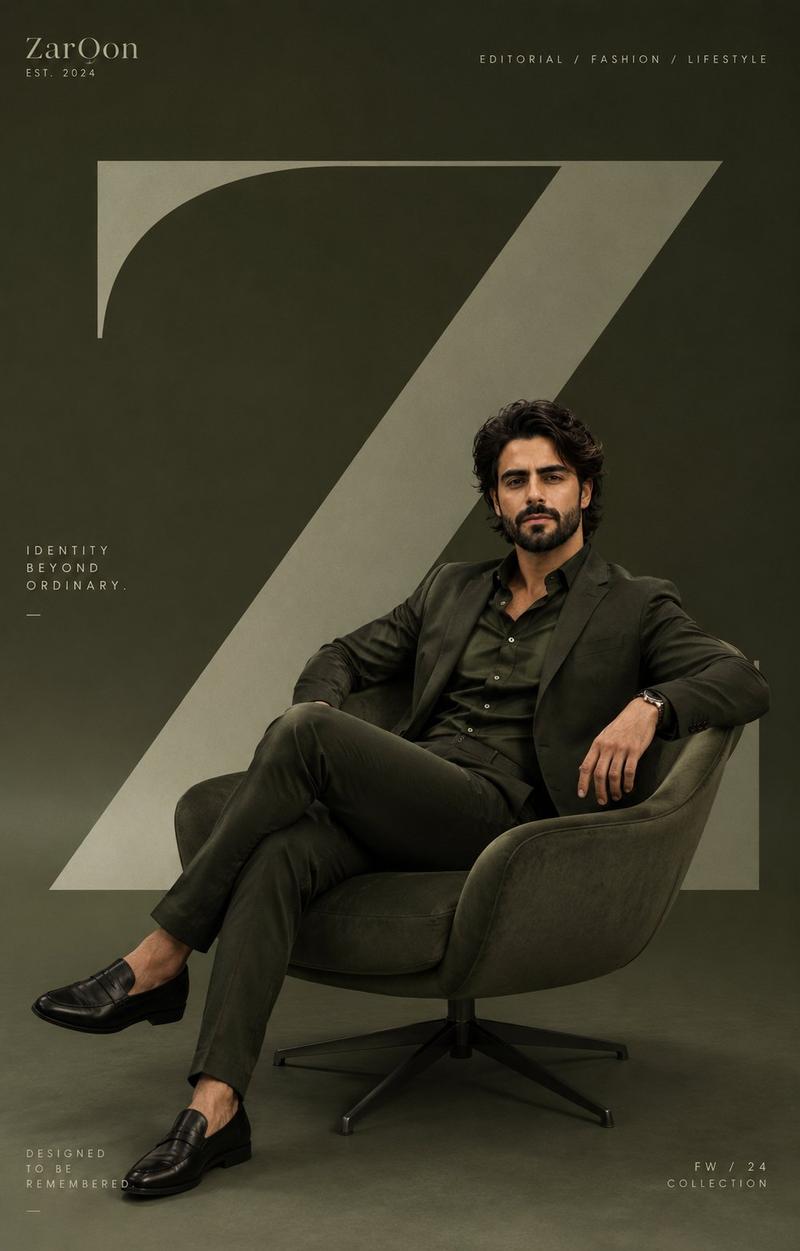
![Create a premium modern editorial branding poster for [RUCHI]](https://whqgdndlpxjbwosvipip.supabase.co/storage/v1/render/image/public/prompt-source-media/promptsref/work-13020/image-1-5e8450f4c99124bb.png?width=800&quality=75&resize=contain)