16

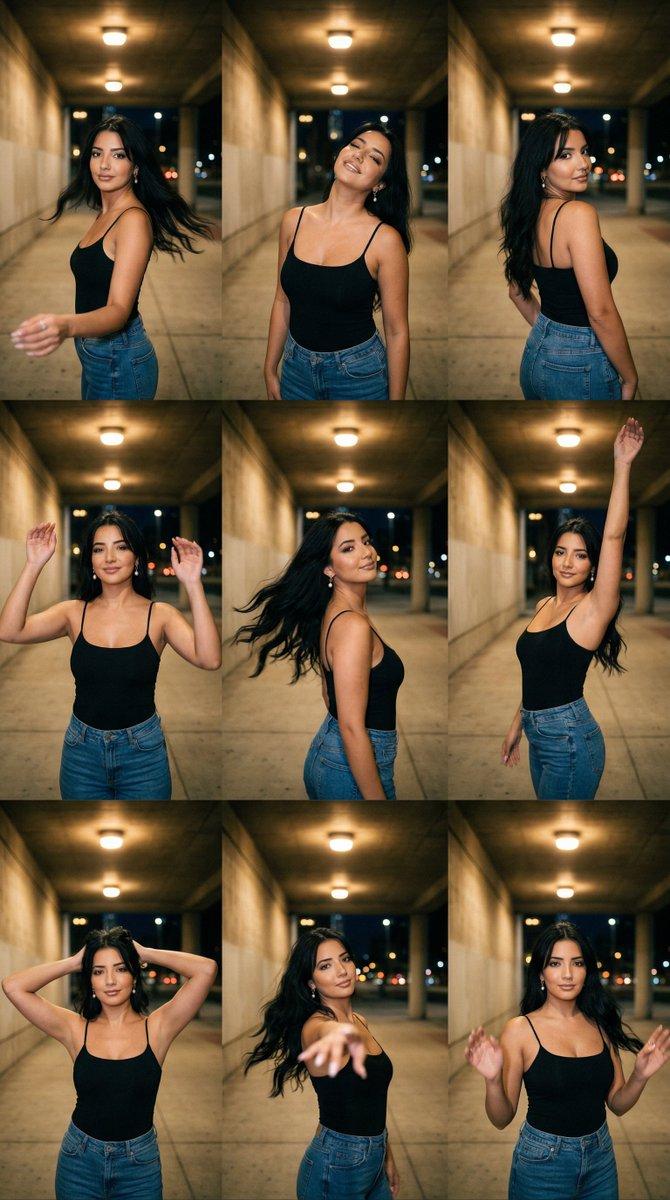
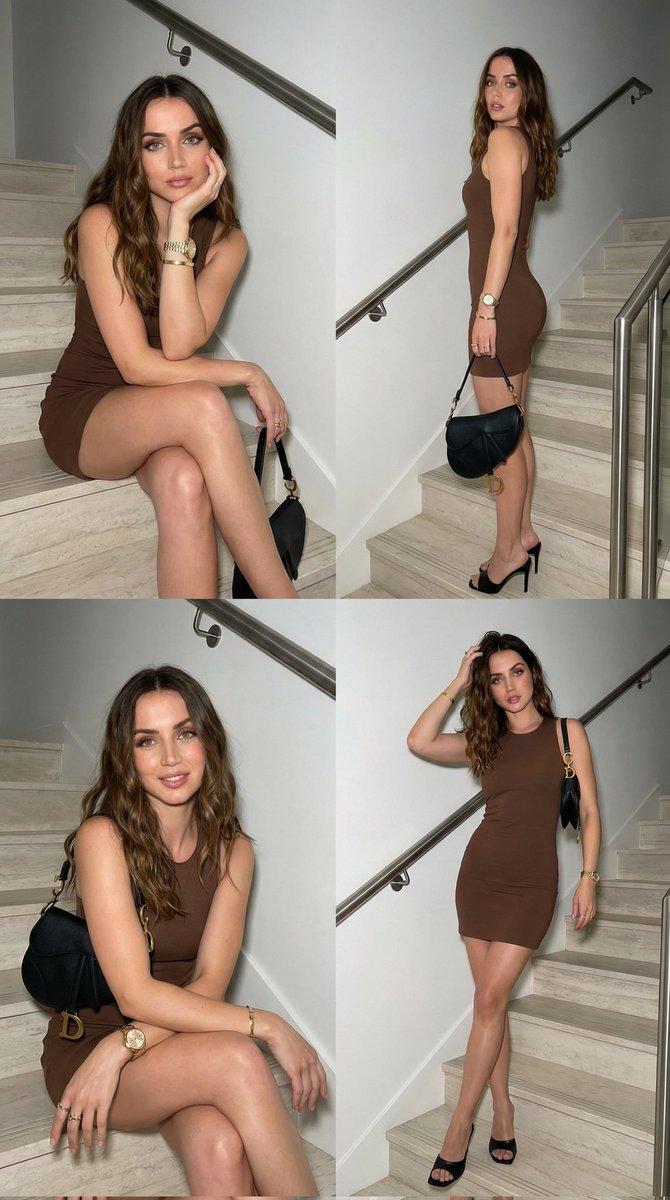
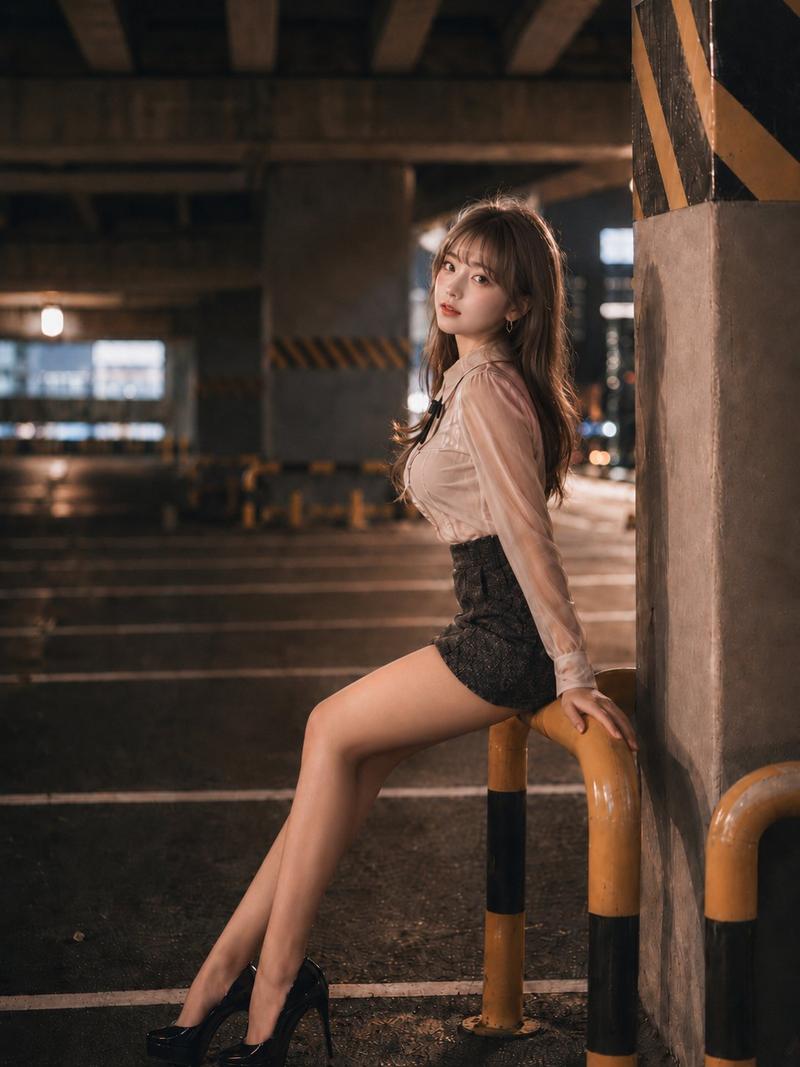
停车场街头风深蹲姿势提示词
Enlarge

停车场街头风深蹲姿势提示词

Prompt
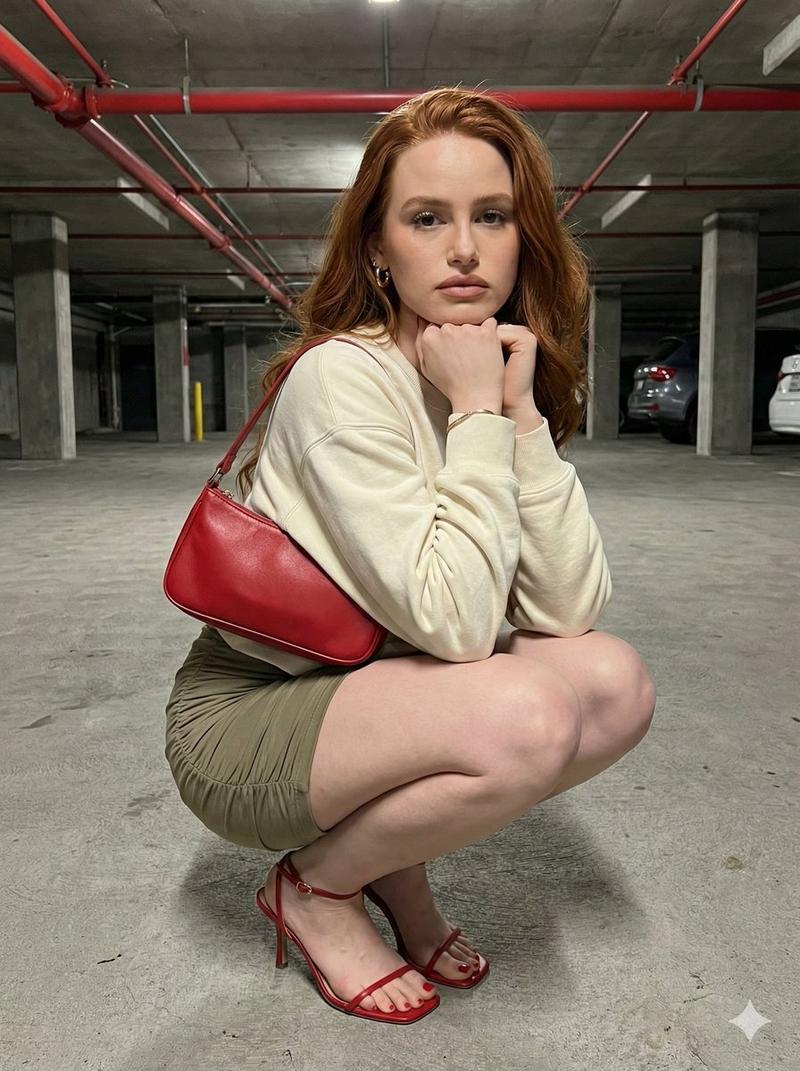
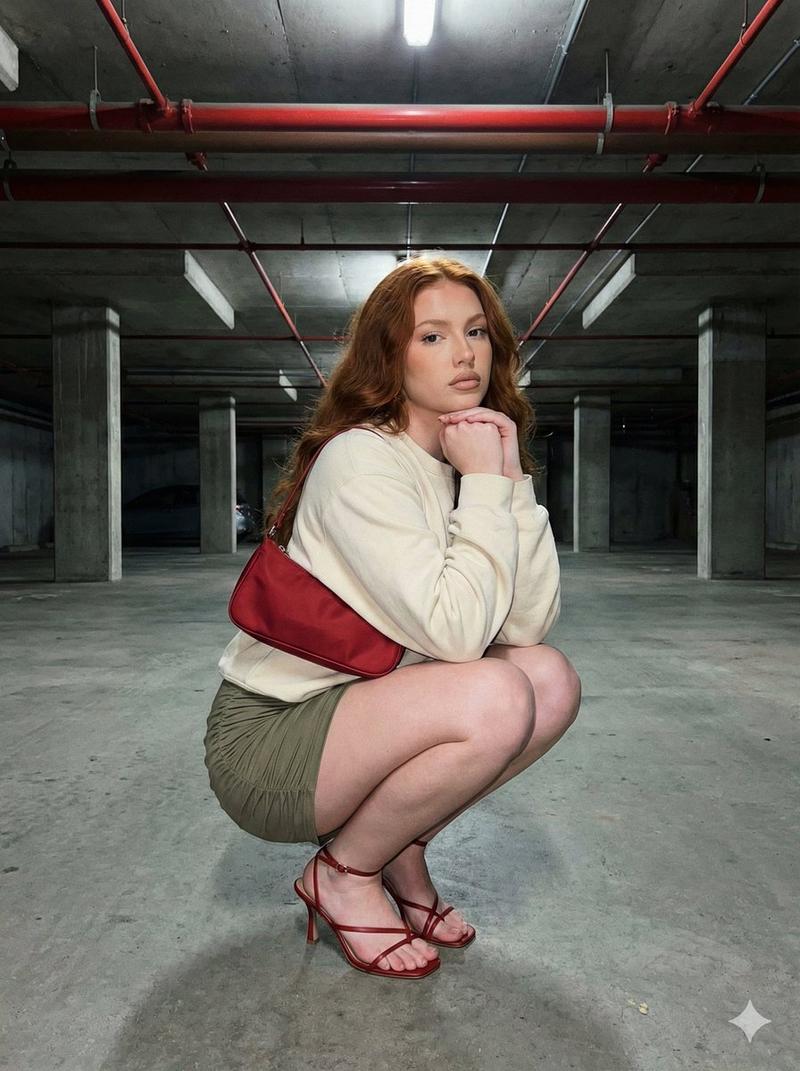
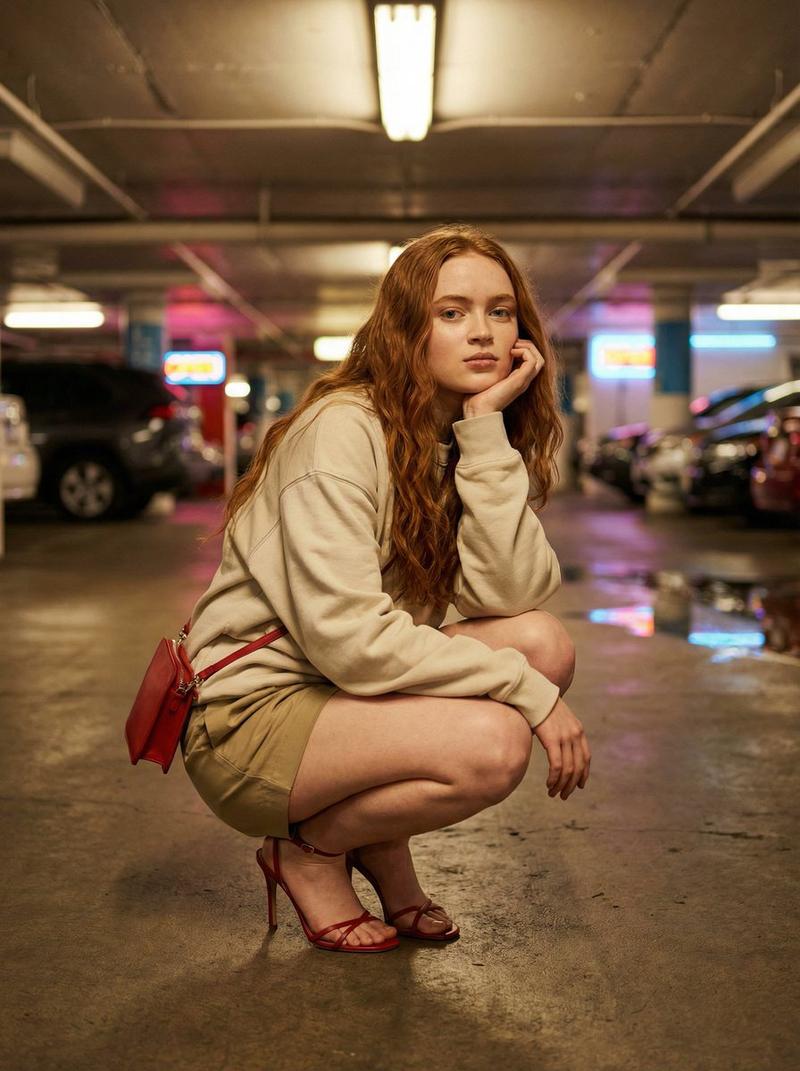
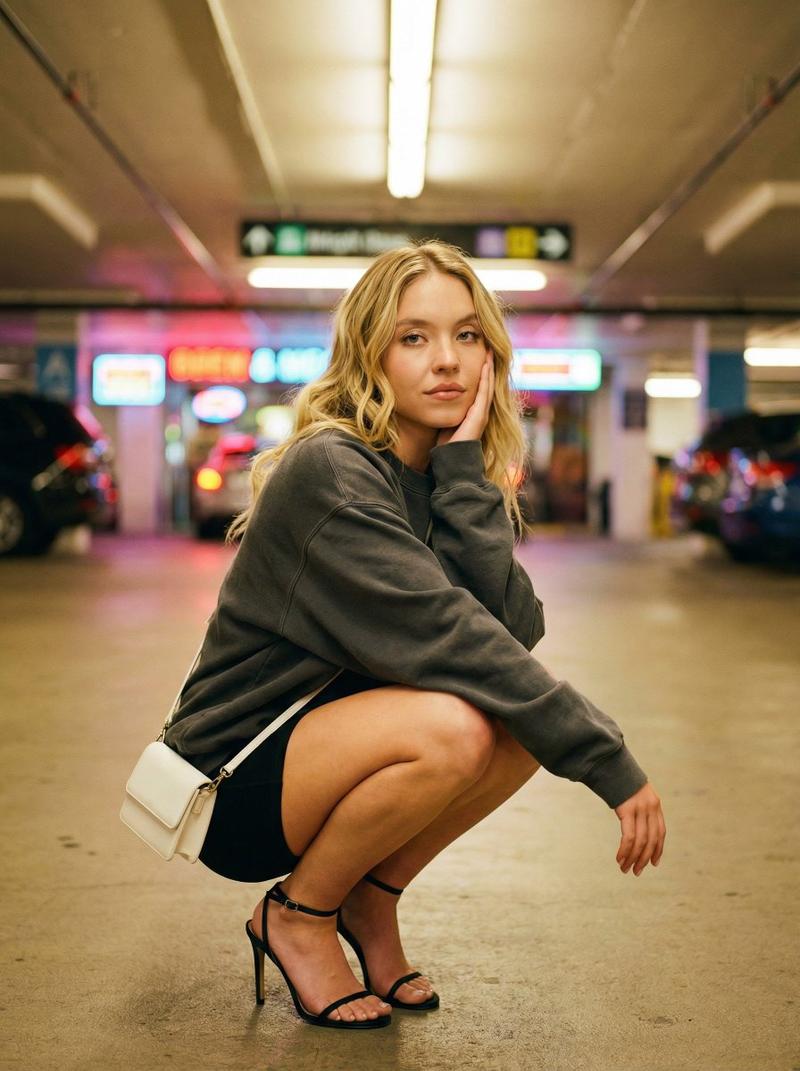
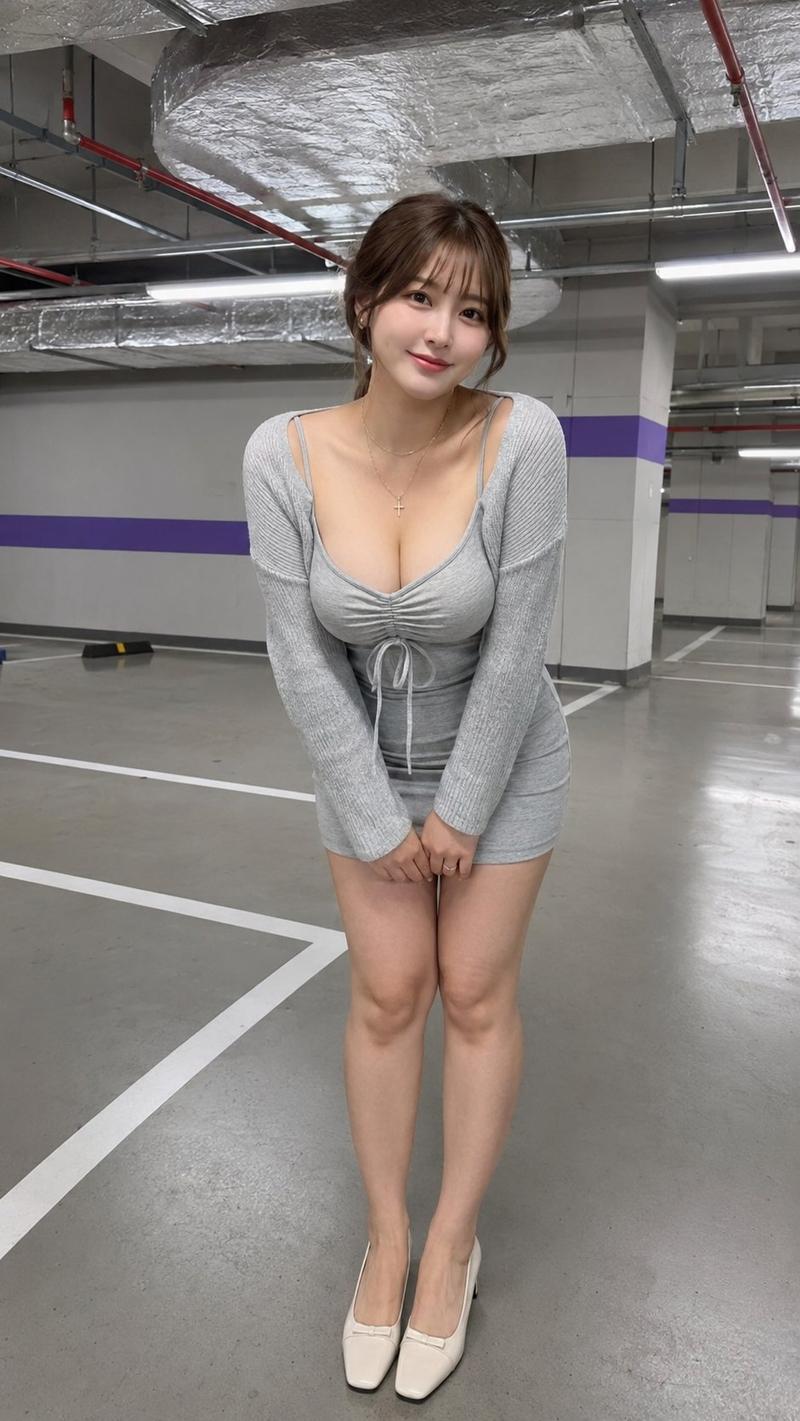
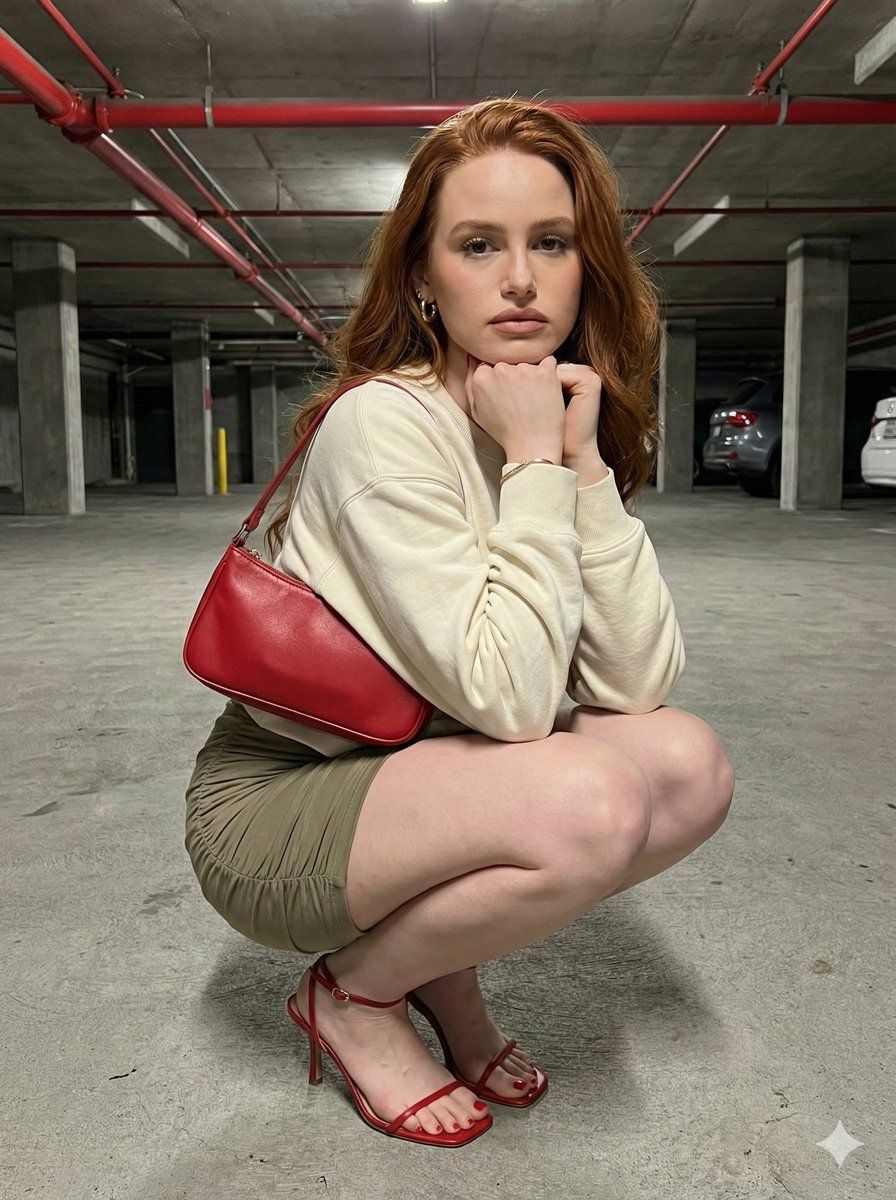
A 17-year-old woman with long, wavy red hair poses in a fully squatted position on the floor of a covered parking garage; she is wearing a cream-colored oversized sweatshirt and a khaki green ruched mini-skirt. She has nude-toned lipstick, neutral and matte skin makeup, light peach blush, and full lips. Her outfit is completed with thin red heeled sandals and a red baguette bag on her shoulder. Her legs are slightly thick and aesthetically pleasing. Her hands are under her chin, and she has a serious expression looking directly at the camera. In the background, there are concrete columns, red pipes running across the ceiling, and a dim, industrial garage atmosphere. This is an 8k ultra-realistic, 3:4 aspect ratio, realistic street style photograph.
Category
创意图片
Model
Nano Banana Pro
Creator
Busra
Views0
Source ID
c2698e94-ab53-49d7-b111-bbae8b838ef3
Published
Mar 8, 2026

Guide

About "停车场街头风深蹲姿势提示词"

What is this prompt for?

"停车场街头风深蹲姿势提示词" AI image prompt for Nano Banana Pro (创意图片). 一个高度具体的提示,用于生成一张 8k 超逼真街头风格照片,内容为一名年轻女性在昏暗的工业停车场内完全蹲姿摆拍。提示详细描述了她的服装(超大卫衣、迷你裙、红色高跟鞋)、妆容、表情以及工业背景元素。…

The full copyable prompt and example visuals above are ready for AI image generation or one-click recreate in Picva.

How to use this prompt

  1. Step 1

    Open the prompt detail

    Review the example visuals, category, and full prompt text for "停车场街头风深蹲姿势提示词".

  2. Step 2

    Copy the prompt

    Copy the prompt body from this page, or load it directly in Studio.

  3. Step 3

    Pick a model (Nano Banana Pro)

    Prefer Nano Banana Pro. If you switch models, keep subject and composition and tweak style terms.

  4. Step 4

    Generate and export

    Recreate the look in Picva, or export into your workflow for editing and publishing.

FAQ

What is the "停车场街头风深蹲姿势提示词" prompt?
It is an AI image-generation prompt for Nano Banana Pro in the 创意图片 category. This page includes the full prompt text, example visuals, and a one-click recreate path in Picva.
How do I use this prompt to generate an image?
Copy the prompt from this page, or use Generate / Studio. Paste it into a compatible image model, or recreate the look in Picva with optional reference images.
Which model is this prompt for?
This page lists Nano Banana Pro. Most descriptive prompts also transfer to nearby image models such as GPT Image, Flux, or Midjourney with light style tweaks.
Can I use the result commercially?
You can usually copy the prompt for creation, but commercial use of the final image depends on the model terms, reference-image rights, and the generated content. Follow the source author and platform rules.