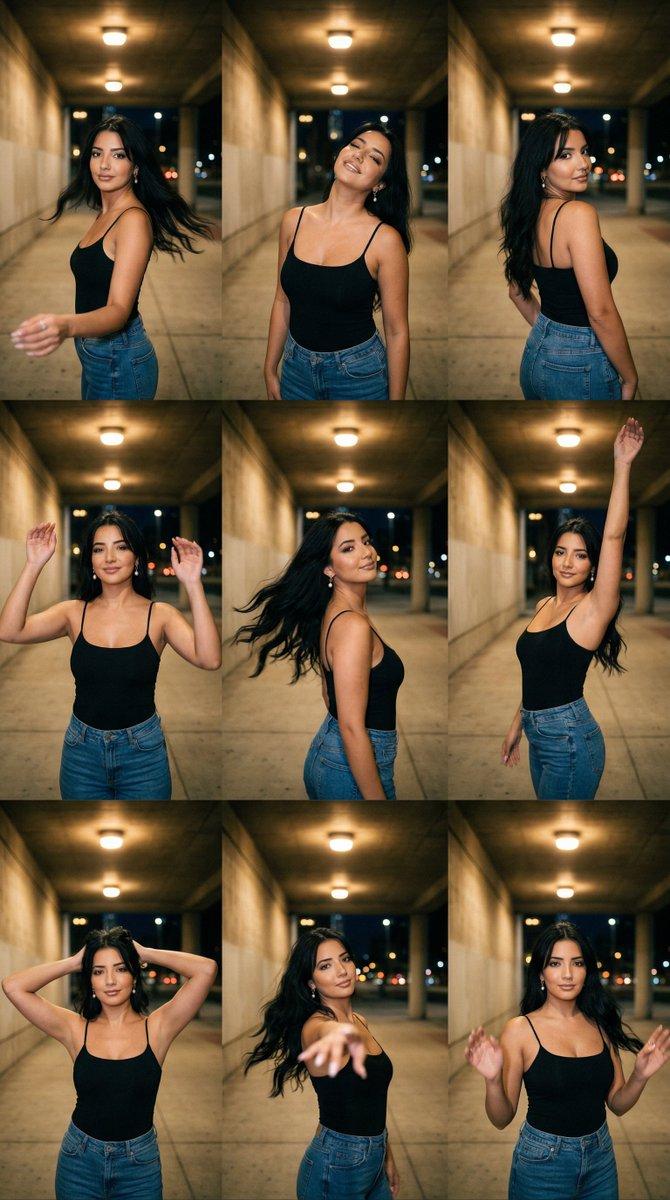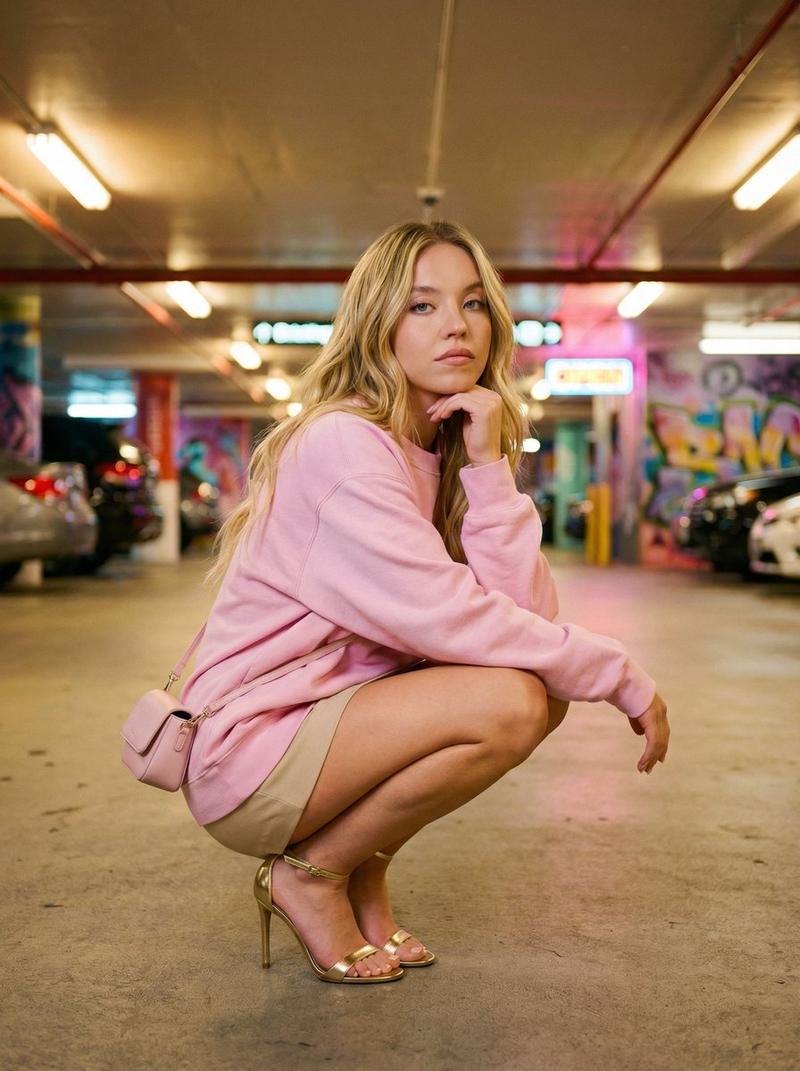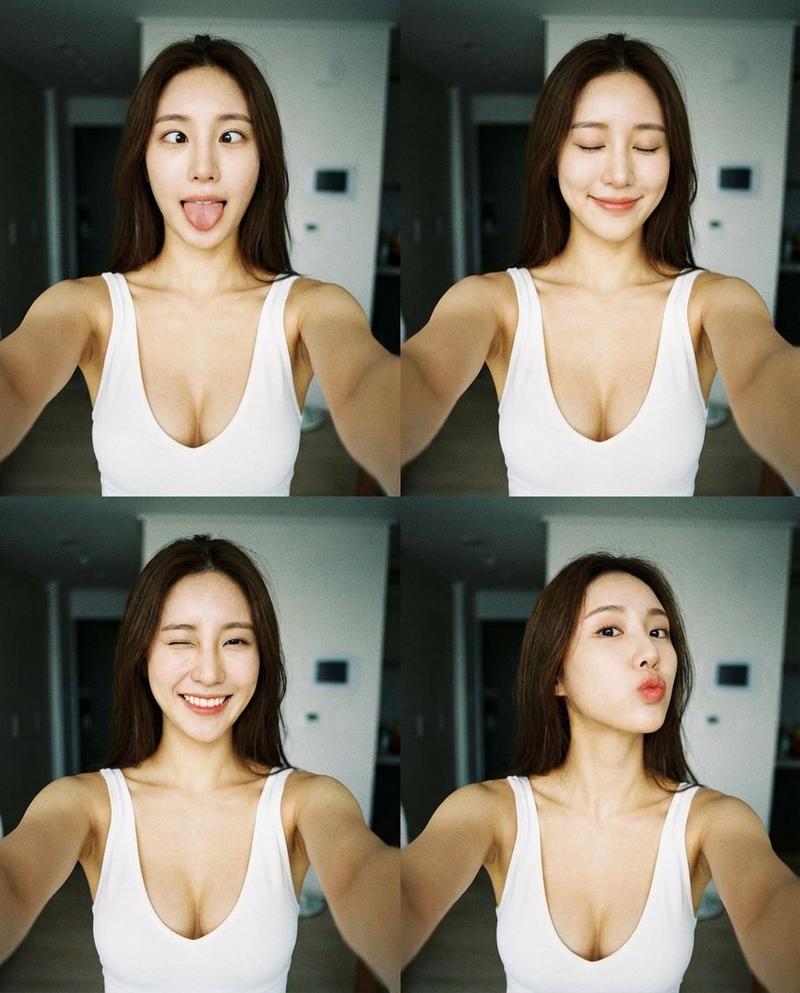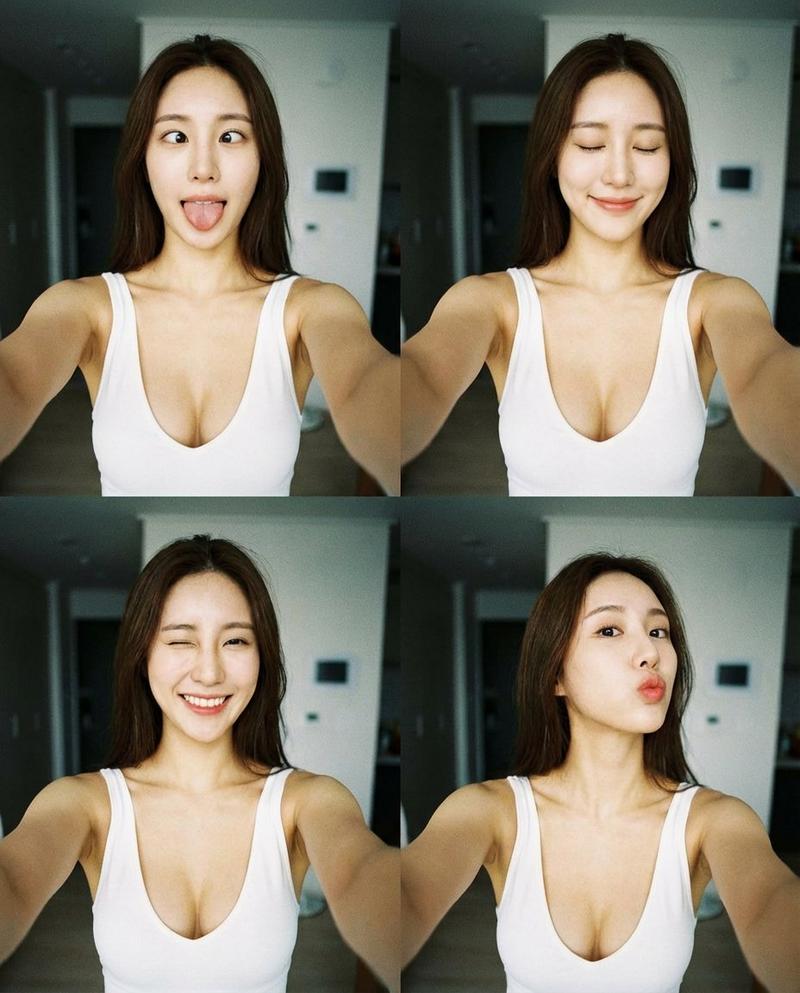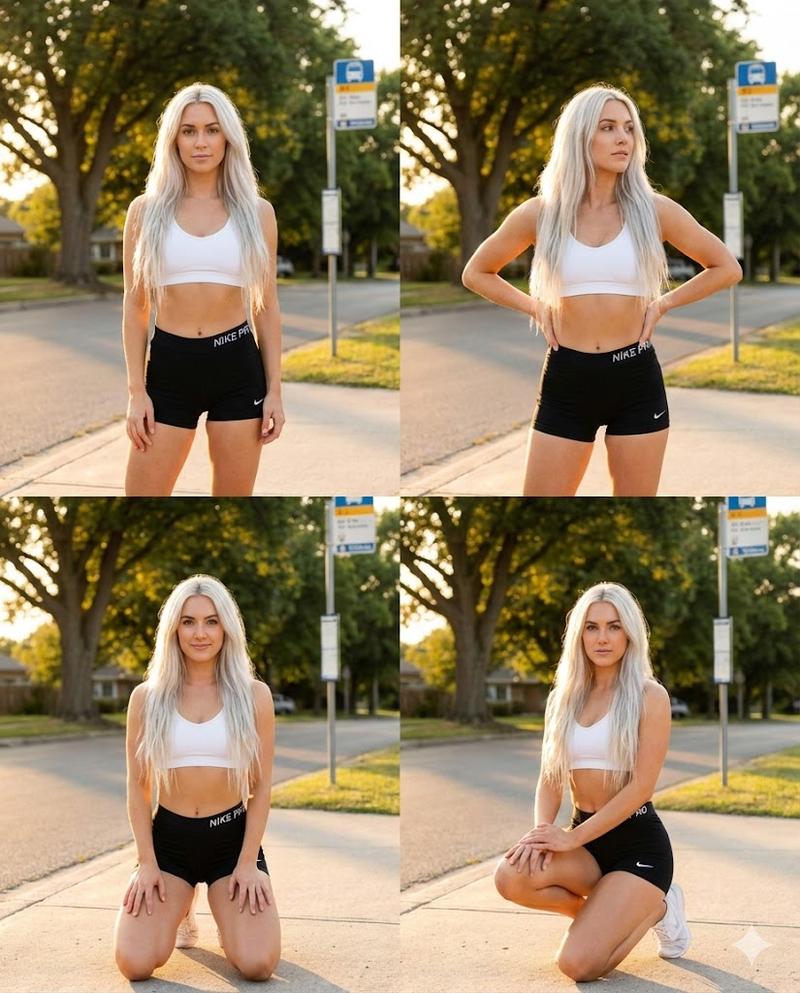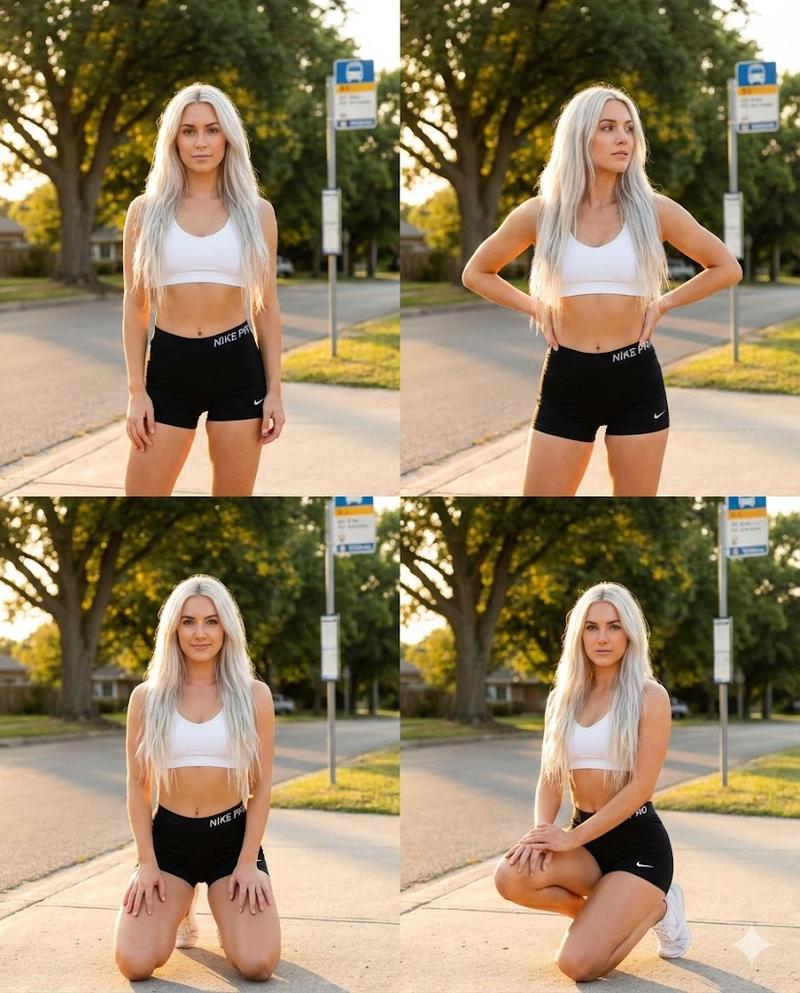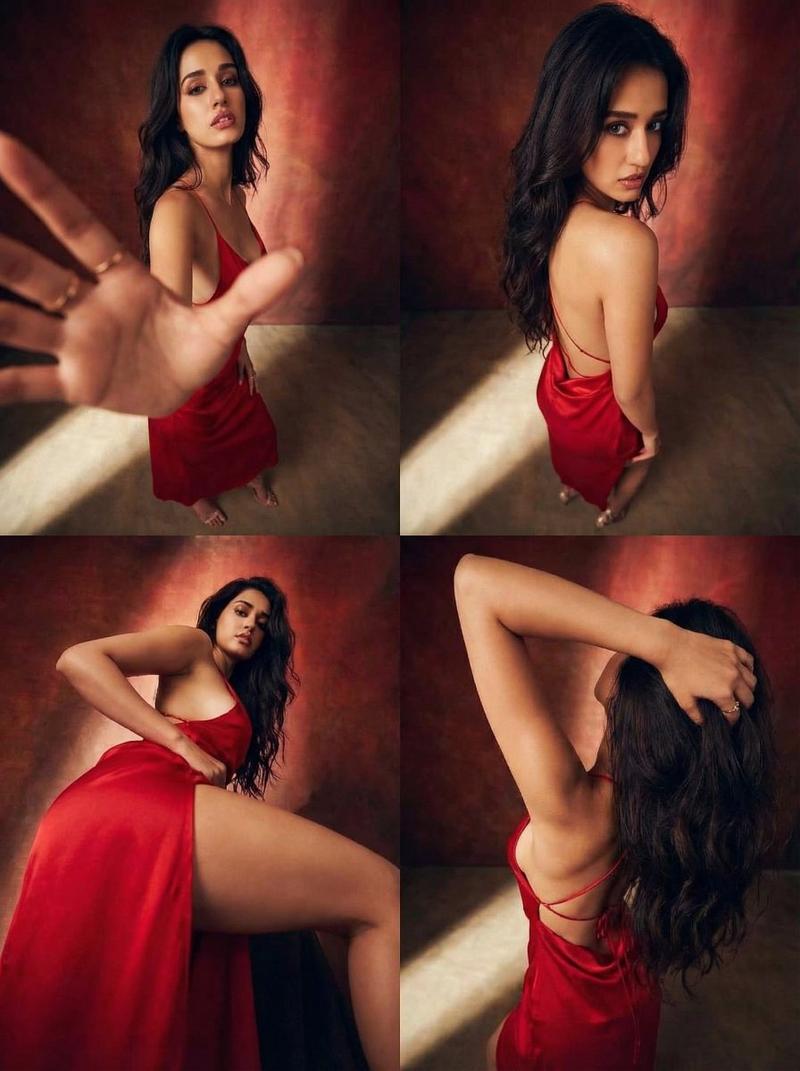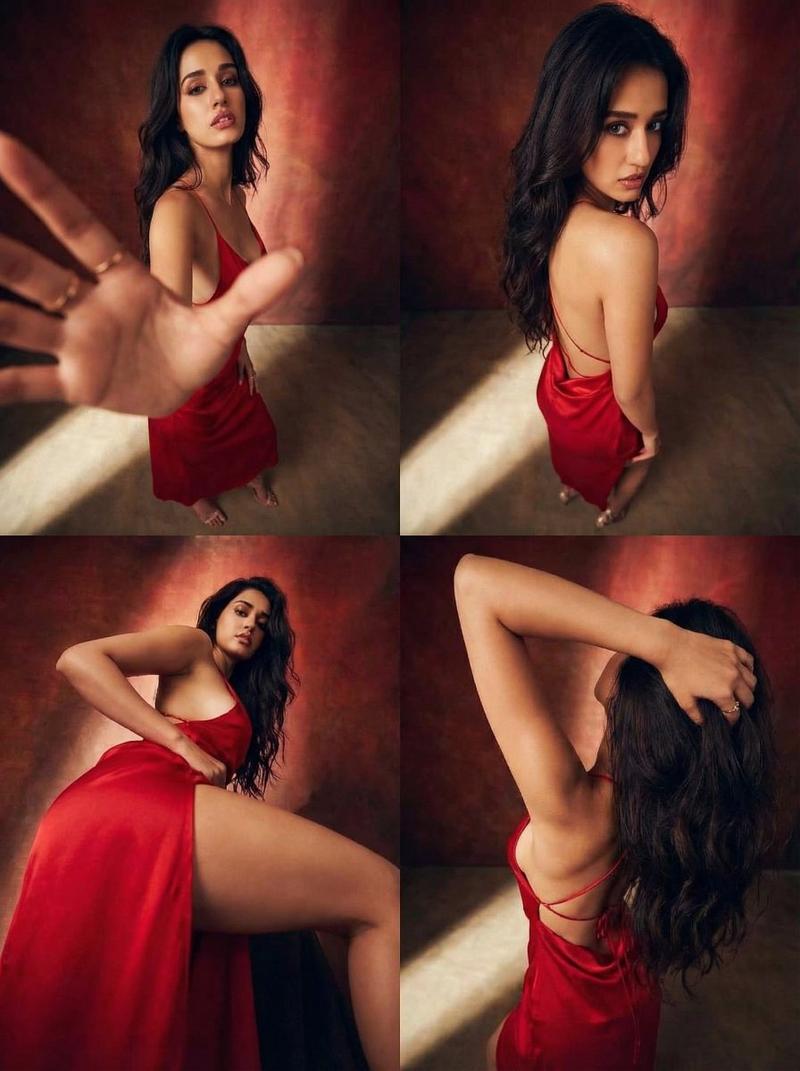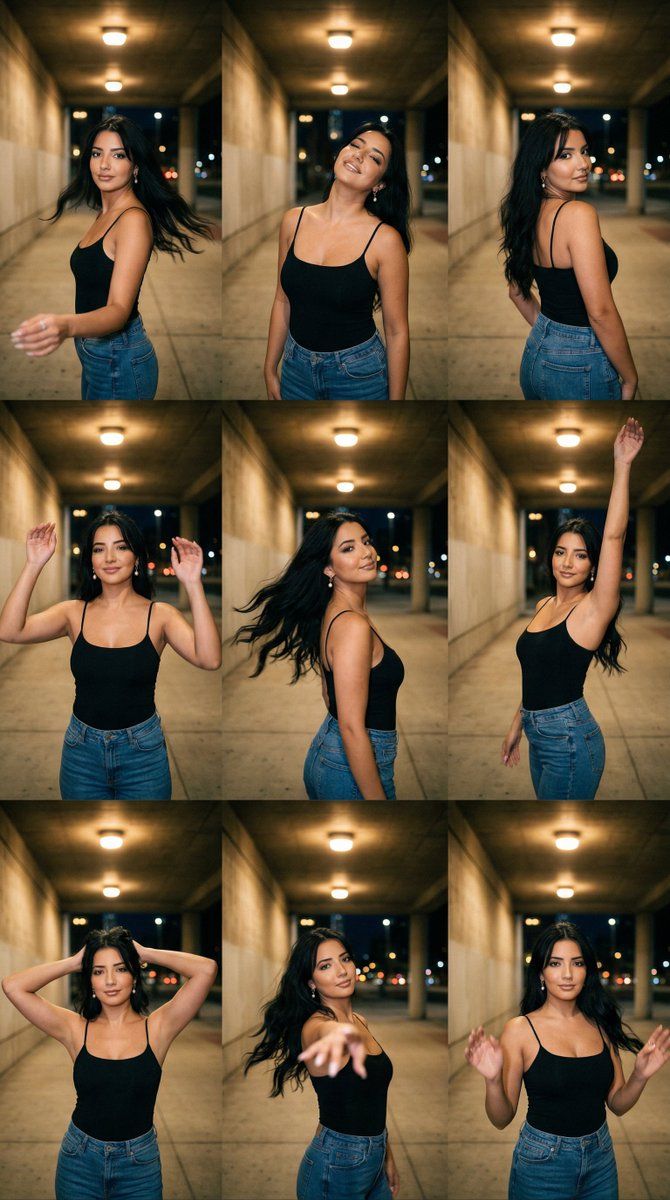
城市地下通道动态肖像系列 3x3 网格
Prompt
{
  "generation_request": {
    "meta_data": {
      "tool": "NanoBanana Pro",
      "task_type": "urban_underpass_tungsten_motion_series_grid_3x3_no_text",
      "language": "en",
      "priority": "highest",
      "version": "v1.0_URBAN_UNDERPASS_TUNGSTEN_MOTION_3X3_LOCKED"
    },
    "input": {
      "mode": "image_to_image",
      "reference_image_usage": "very_high",
      "preserve_identity": true,
      "preserve_facial_features": true,
      "preserve_hairstyle": true,
      "preserve_wardrobe": true,
      "notes": "Use the reference as the primary anchor. Create a 3x3 grid (9 panels) with the SAME adult woman identity and the SAME urban underpass location in every panel. Keep background architecture and lighting consistent. Each panel must show a different motion pose (dance-like) with realistic hair movement and slight motion blur ONLY on hair/arms. No text, no logos, no watermark."
    },
    "output_settings": {
      "aspect_ratio": "4:5",
      "orientation": "portrait",
      "resolution_target": "ultra_high_res",
      "num_images": 1,
      "layout": {
        "type": "grid",
        "rows": 3,
        "cols": 3,
        "gutter": "thin",
        "outer_border": "none",
        "panel_consistency": "very_high"
      },
      "sharpness": "cinematic_crisp_faces",
      "grain": "subtle_film",
      "render_style": "cinematic_lowlight_street"
    },
    "scene": {
      "concept": "night underpass motion portrait series",
      "environment": "urban underpass / corridor with concrete walls, repeating ceiling lights, deep background perspective, city hints outside",
      "lighting": {
        "style": "tungsten overhead practical lights",
        "key_light": "warm overhead pools of light",
        "fill": "low ambient, soft",
        "shadows": "soft but directional, realistic falloff",
        "avoid": "flash, HDR, bright daylight"
      },
      "camera": {
        "lens": "35mm",
        "distance": "waist-up to mid shots across panels",
        "focus": "face and eyes sharp, background slightly soft",
        "motion": "allow slight motion blur on hair and hands only"
      },
    "subject": {
      "type": "adult woman",
      "wardrobe": "black spaghetti-strap tank top + blue jeans, no logos",
      "hair": "medium-long hair with natural volume, moving realistically",
      "makeup": "natural street glam",
      "anatomy_rules": "correct limb proportions, realistic hands, correct fingers"
    },
    "motion_panel_set": {
      "global_rule": "every panel has movement starting immediately; no slow-motion vibe; no melted limbs; face stays coherent",
      "panel_01": "turning toward camera, one hand extended, subtle hair swing",
      "panel_02": "head tilt back, relaxed smile, shoulders open",
      "panel_03": "over-shoulder glance, torso twist, hand on hip",
      "panel_04": "both hands lifted mid-dance, playful expression",
"panel_05": "hair whip to the side, chin tu- Category
- 创意图片
- Model
- Nano Banana Pro
- Creator
- Özge Döner
- Source ID
- d938f318-b313-46f5-92e1-b8823c0c7b90
- Published
- Mar 8, 2026
Views0