17

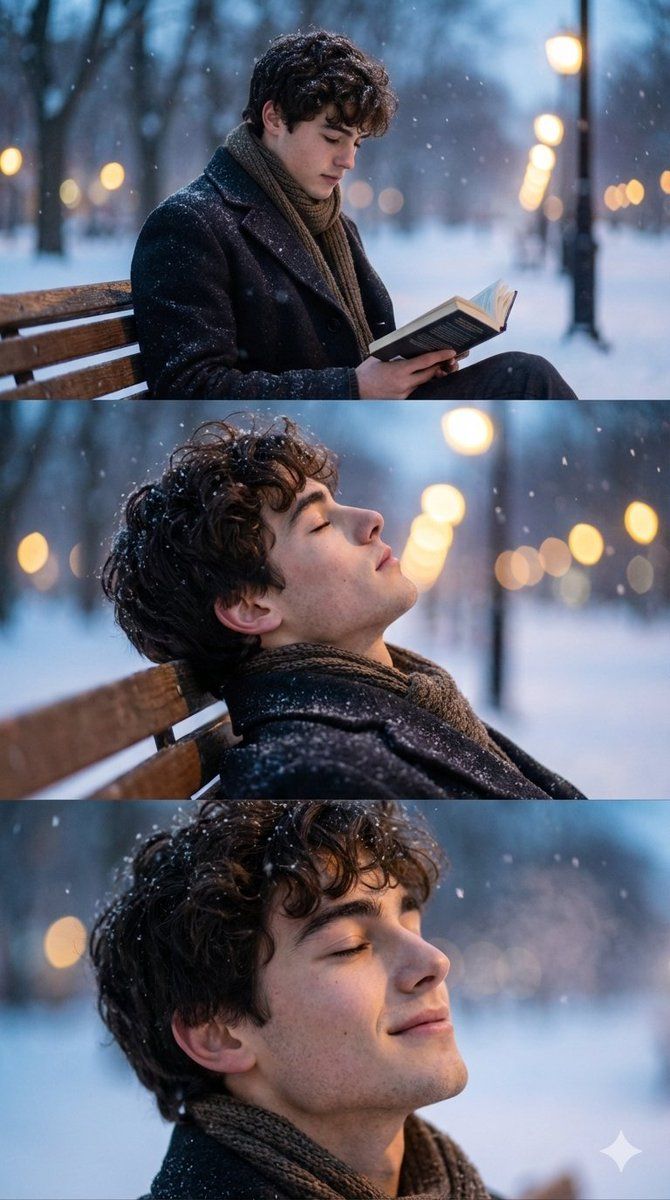
电影级冬季照片拍摄序列(3 帧)
Enlarge

电影级冬季照片拍摄序列(3 帧)

Prompt
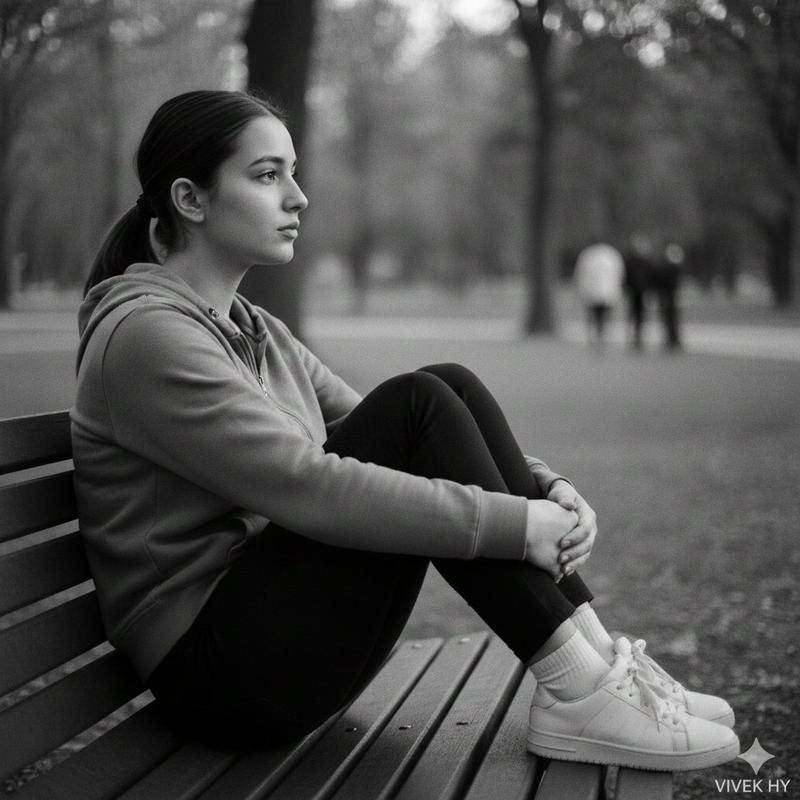
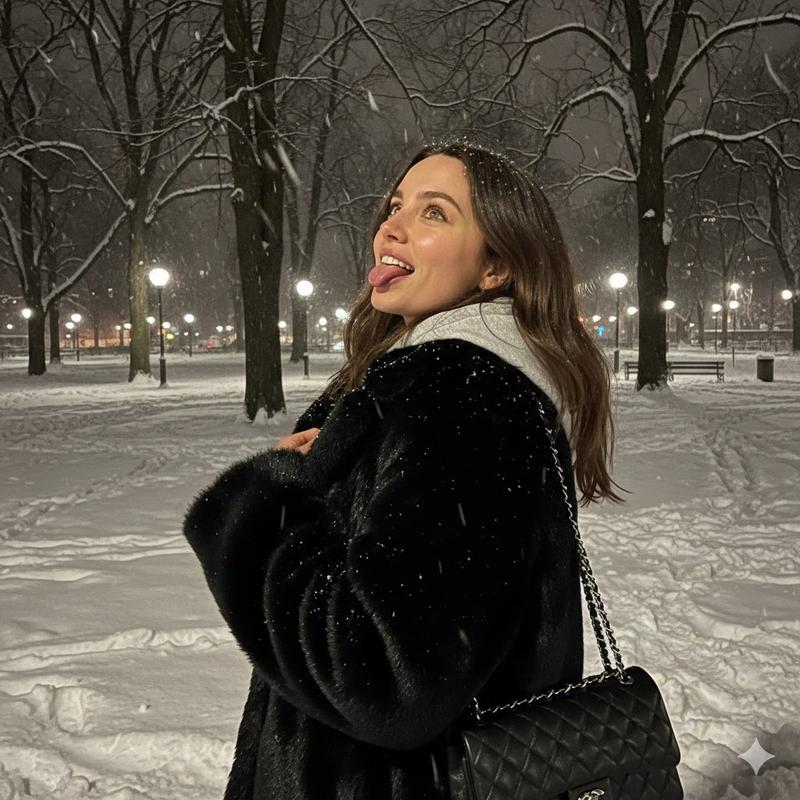
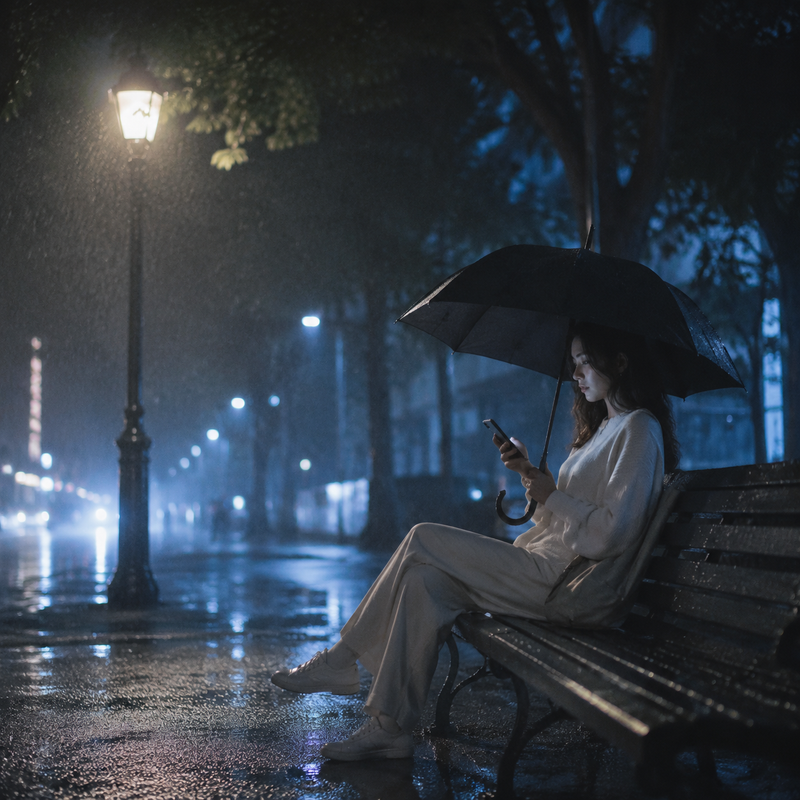
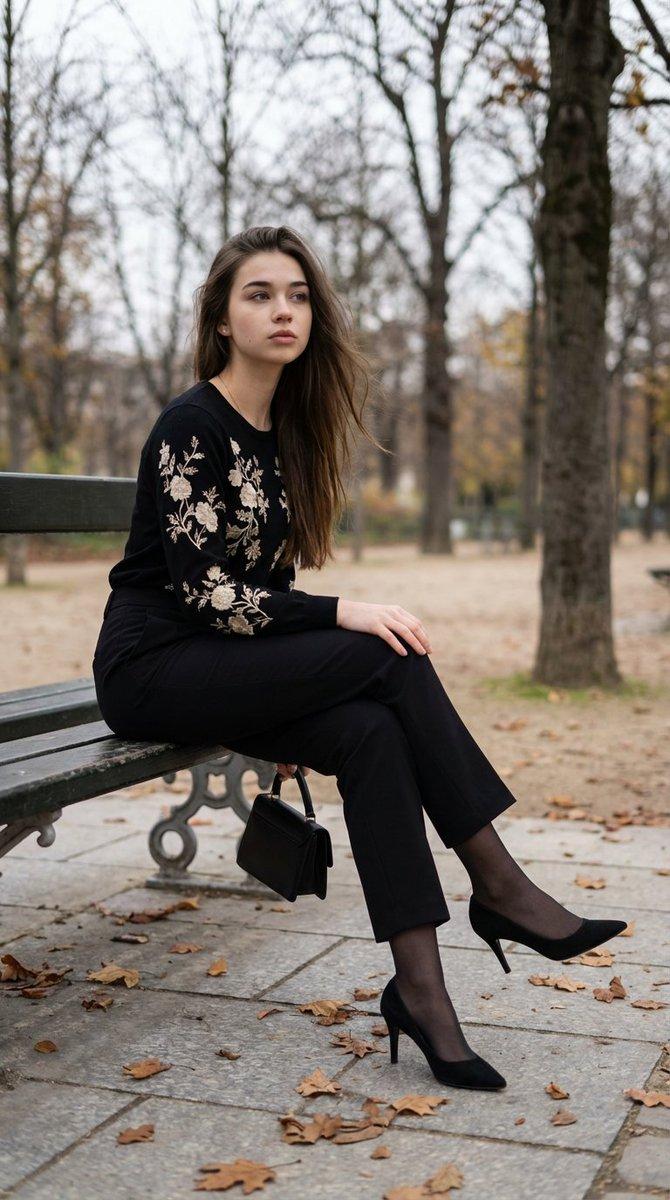
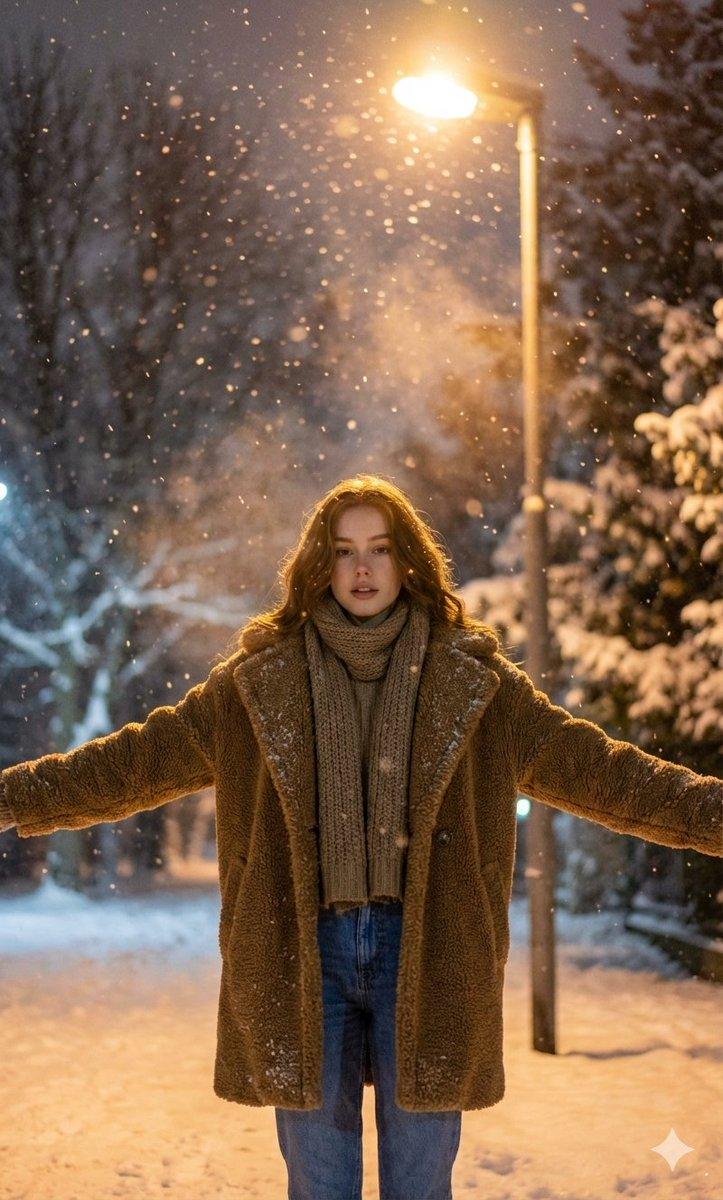
Vertical cinematic photo session, 9:16 format.
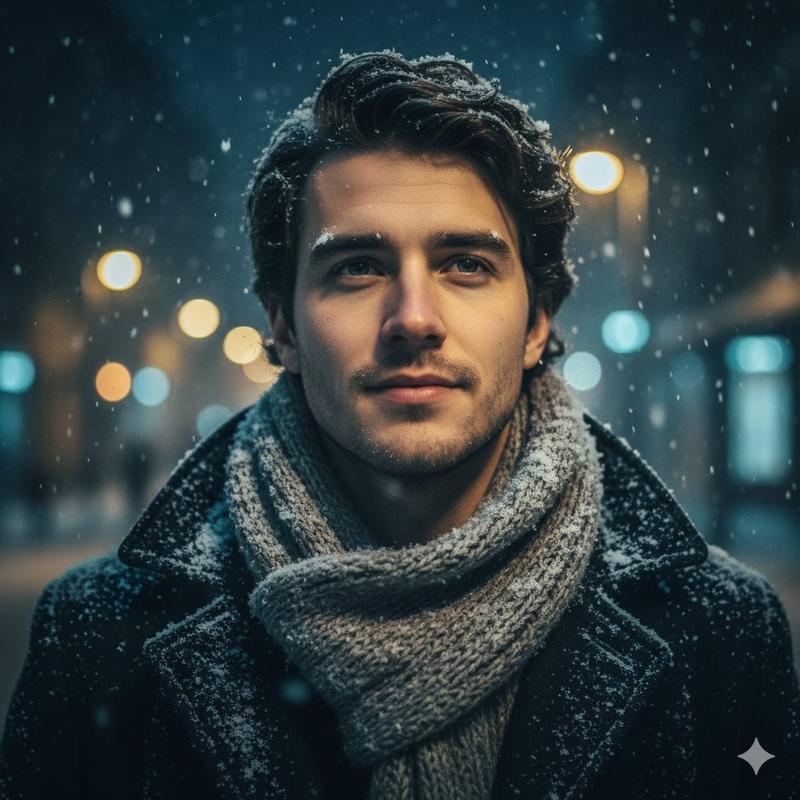
Use the face and appearance of the person from the attached image without modification. To preserve individual facial features, proportions, skin texture and natural facial expressions as much as possible. Create a photorealistic sequence of three shots, all shot in the same style, like a professional winter photo shoot. Scene: A winter city park in the evening, during blue hour. Snow-covered trees surround, snow gently falling, warm streetlights in the background, bokeh.
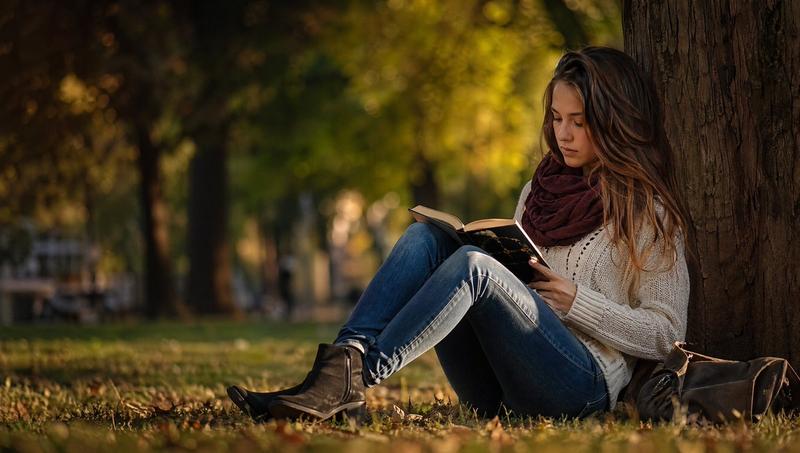
Frame 1: A man sits on a wooden bench, wrapped in a warm coat and scarf, reading a book. Snow slowly settles on hair and clothes. The depth of field is medium, creating an atmosphere of calm and comfort.
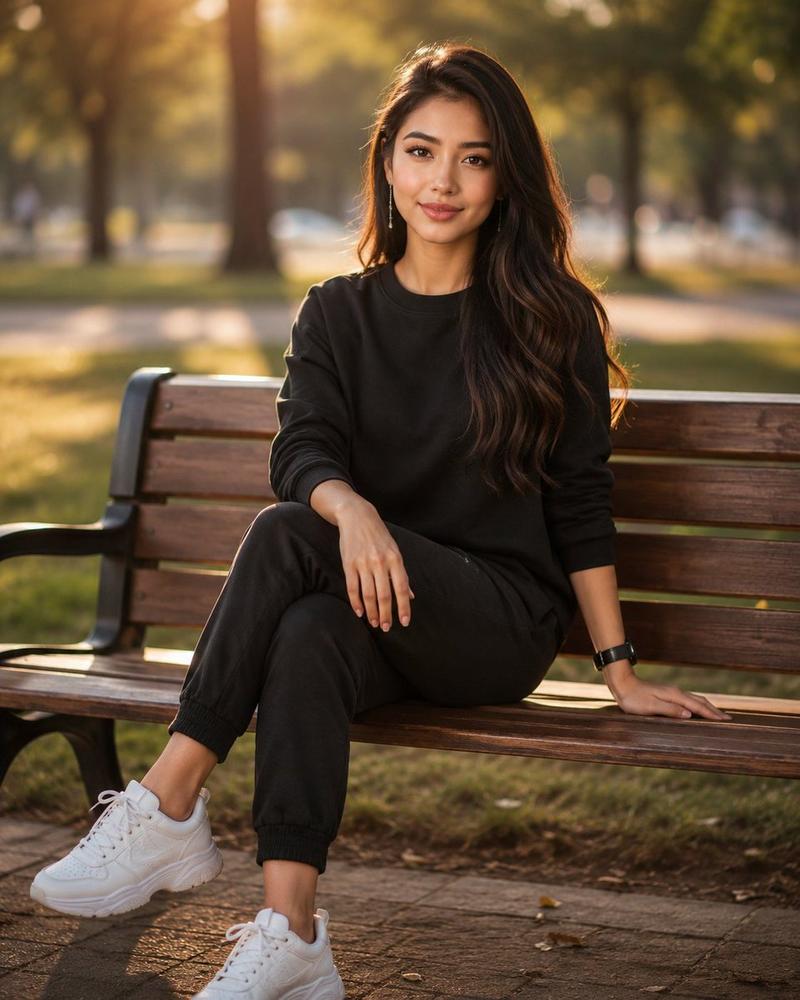
Frame 2: Profile portrait, camera closer. Small snowflakes are visible in the air, realistic texture of hair, skin, fabric.
The background is softly blurred, the light from the lanterns creates warm spots of light.
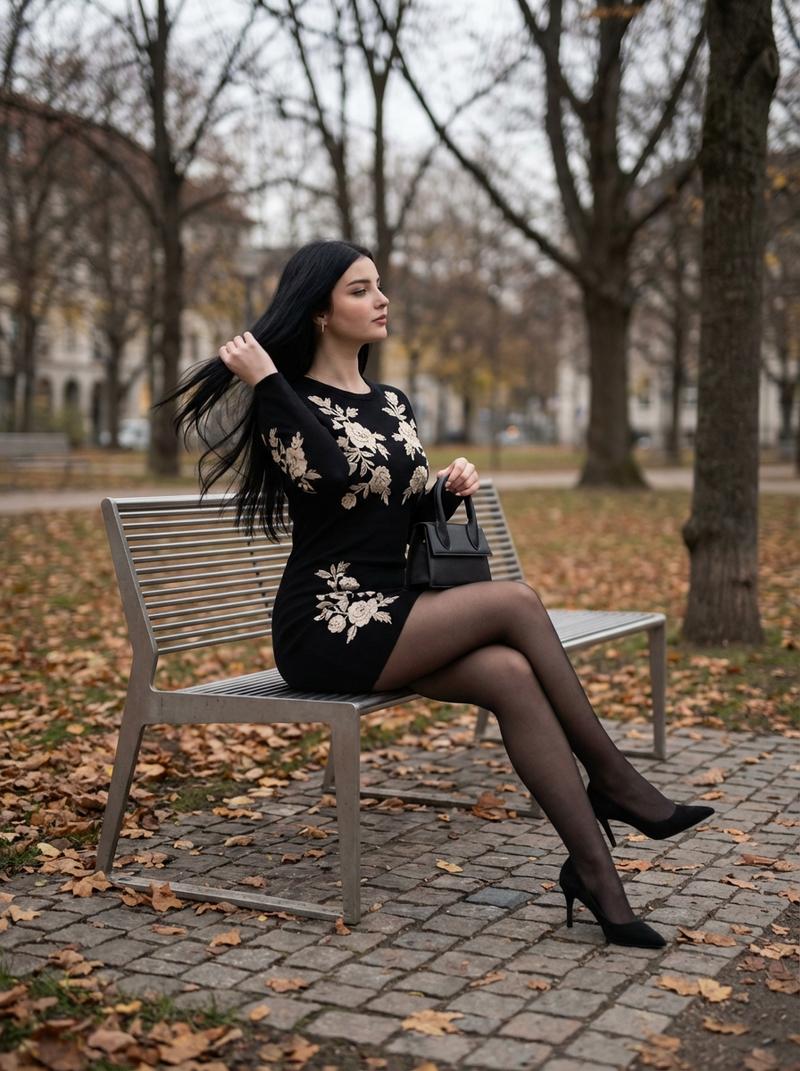
The man leans back on the bench, eyes closed, a slight expression of peace.
Frame 3: Closed left-handed expression. Breathing is slightly noticeable in the cold air. Snow continues to fall, a feeling of peace and quiet.
Photorealism, natural color correction, cinematic lighting, shallow depth of field, realistic light and snow physics.
Category
创意图片
Model
Nano Banana Pro
Creator
Harboriis
Views0
Source ID
2c26f63b-2c87-4a0f-8dba-ec0c0d8bbea1
Published
Mar 8, 2026

Guide

About "电影级冬季照片拍摄序列(3 帧)"

What is this prompt for?

"电影级冬季照片拍摄序列(3 帧)" AI image prompt for Nano Banana Pro (创意图片). 一个用于生成垂直电影感照片序列的提示,包含三张照片,描绘了一个男人在蓝色时段的冬季城市公园中。该提示要求严格遵循参考图像中人物的面部特征,并详细描述了三个不同的画面:在长凳上阅读、闭着眼睛的侧…

The full copyable prompt and example visuals above are ready for AI image generation or one-click recreate in Picva.

How to use this prompt

  1. Step 1

    Open the prompt detail

    Review the example visuals, category, and full prompt text for "电影级冬季照片拍摄序列(3 帧)".

  2. Step 2

    Copy the prompt

    Copy the prompt body from this page, or load it directly in Studio.

  3. Step 3

    Pick a model (Nano Banana Pro)

    Prefer Nano Banana Pro. If you switch models, keep subject and composition and tweak style terms.

  4. Step 4

    Generate and export

    Recreate the look in Picva, or export into your workflow for editing and publishing.

FAQ

What is the "电影级冬季照片拍摄序列(3 帧)" prompt?
It is an AI image-generation prompt for Nano Banana Pro in the 创意图片 category. This page includes the full prompt text, example visuals, and a one-click recreate path in Picva.
How do I use this prompt to generate an image?
Copy the prompt from this page, or use Generate / Studio. Paste it into a compatible image model, or recreate the look in Picva with optional reference images.
Which model is this prompt for?
This page lists Nano Banana Pro. Most descriptive prompts also transfer to nearby image models such as GPT Image, Flux, or Midjourney with light style tweaks.
Can I use the result commercially?
You can usually copy the prompt for creation, but commercial use of the final image depends on the model terms, reference-image rights, and the generated content. Follow the source author and platform rules.