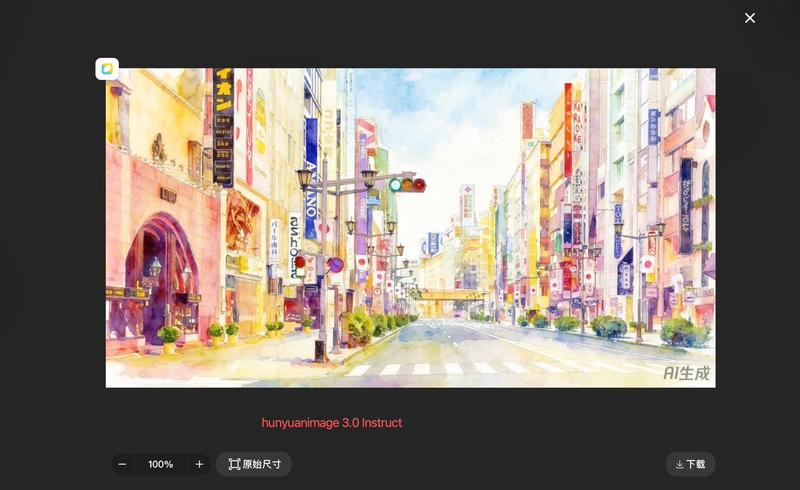
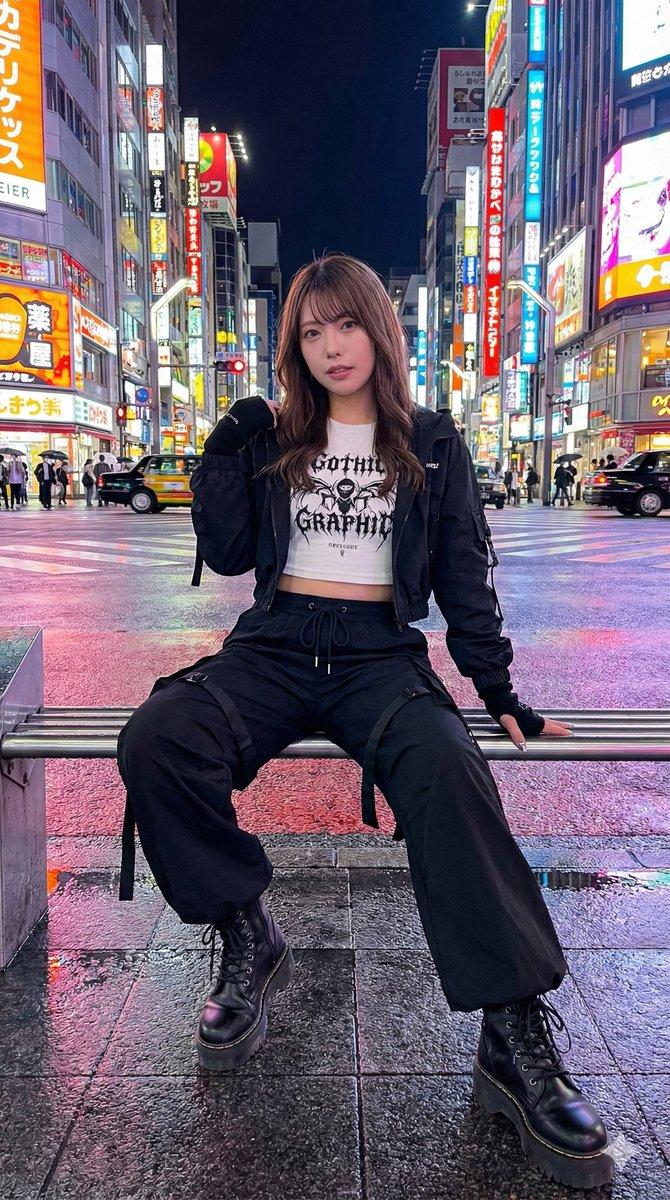
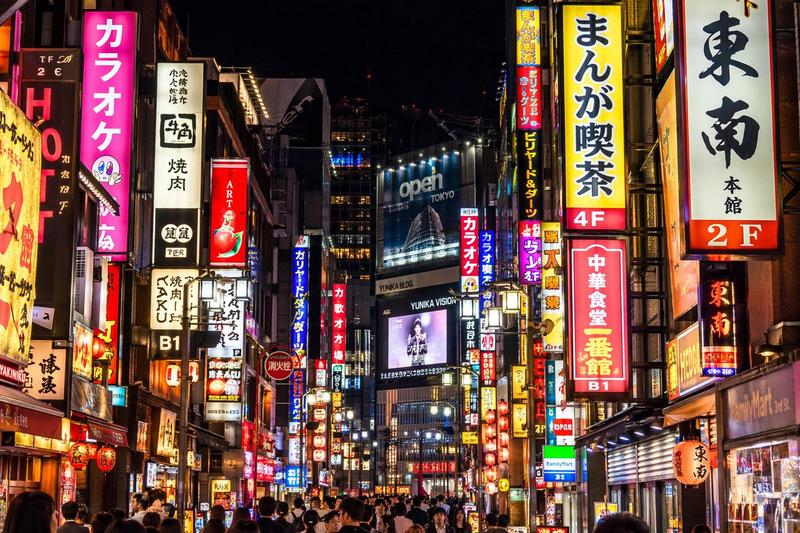
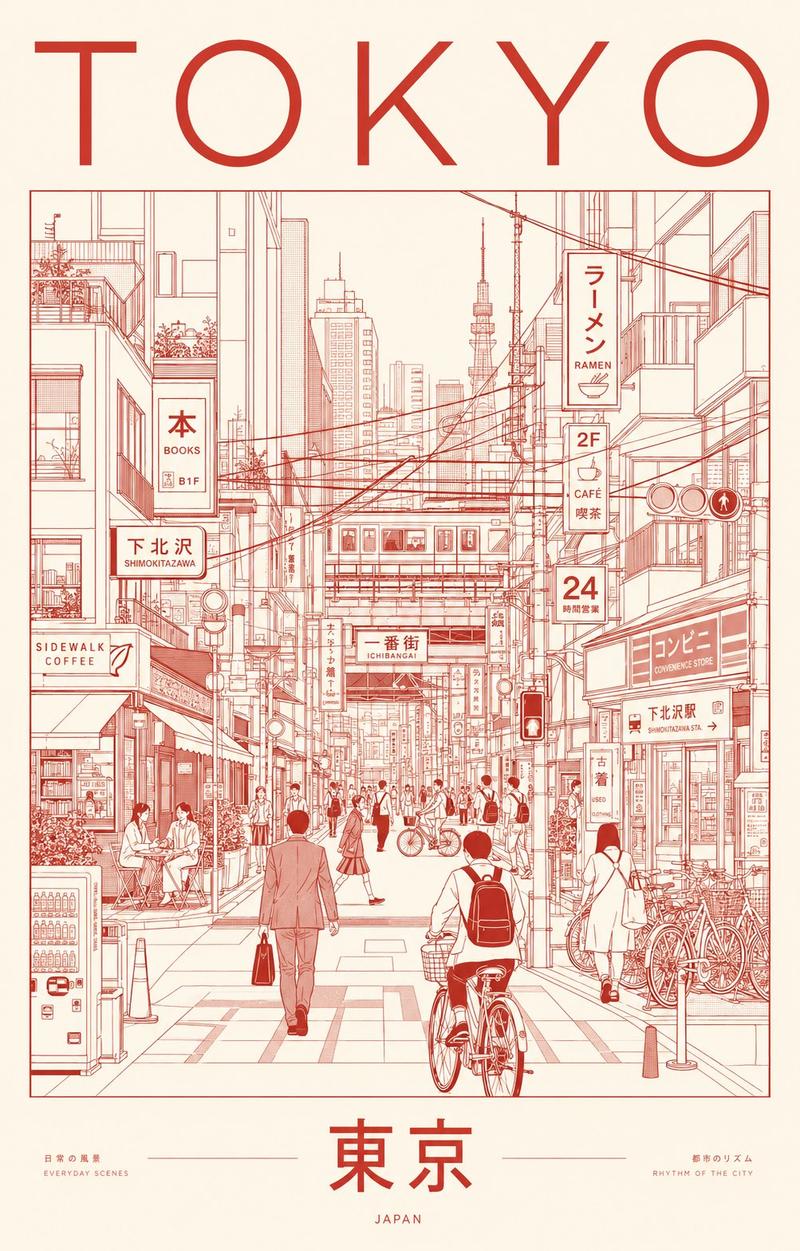
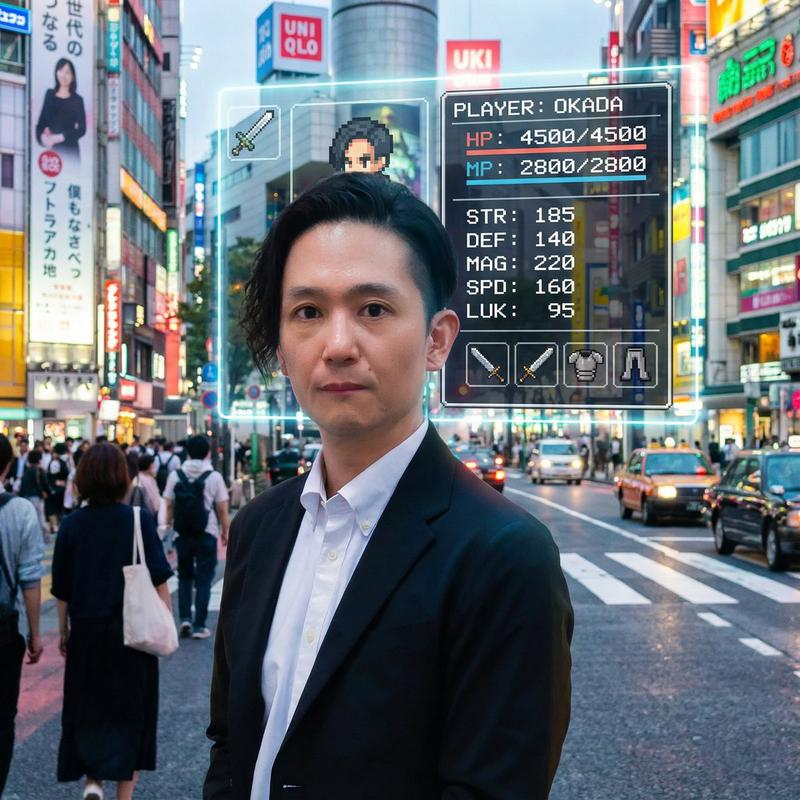
风格迁移至水彩画
Prompt
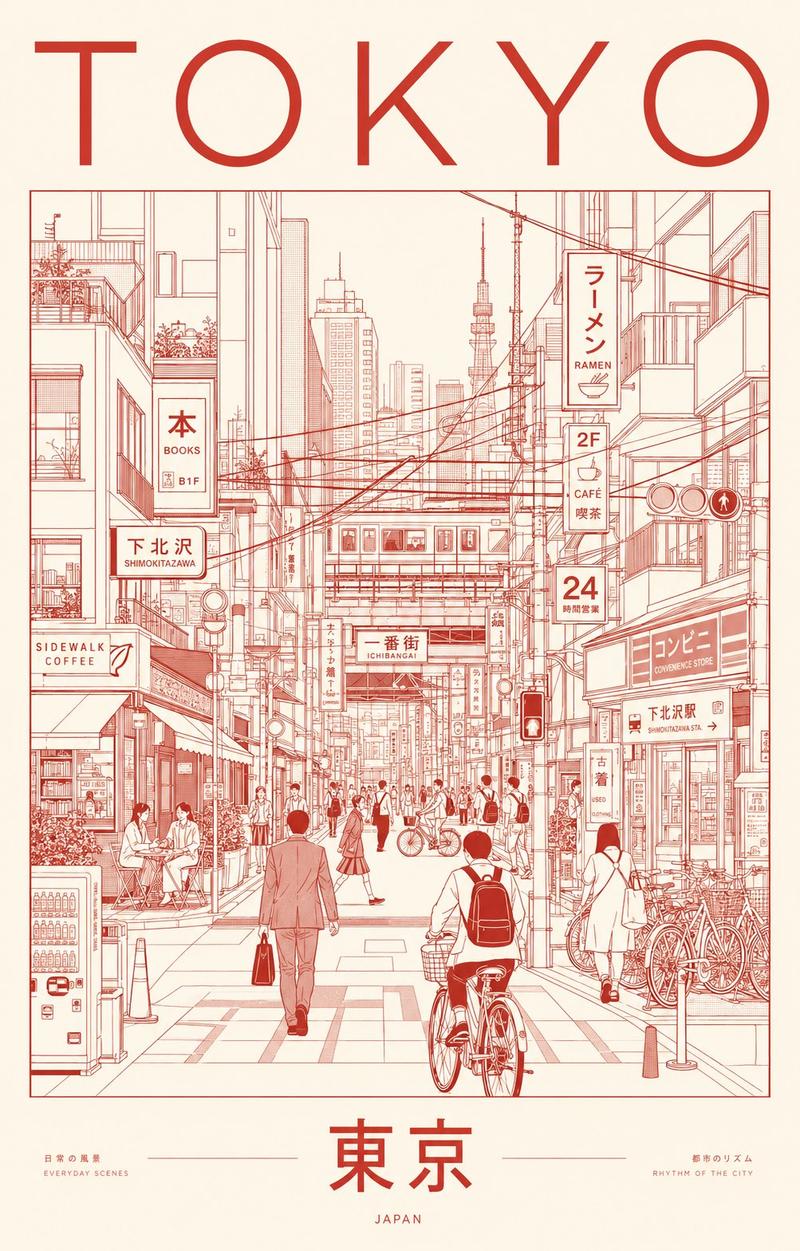
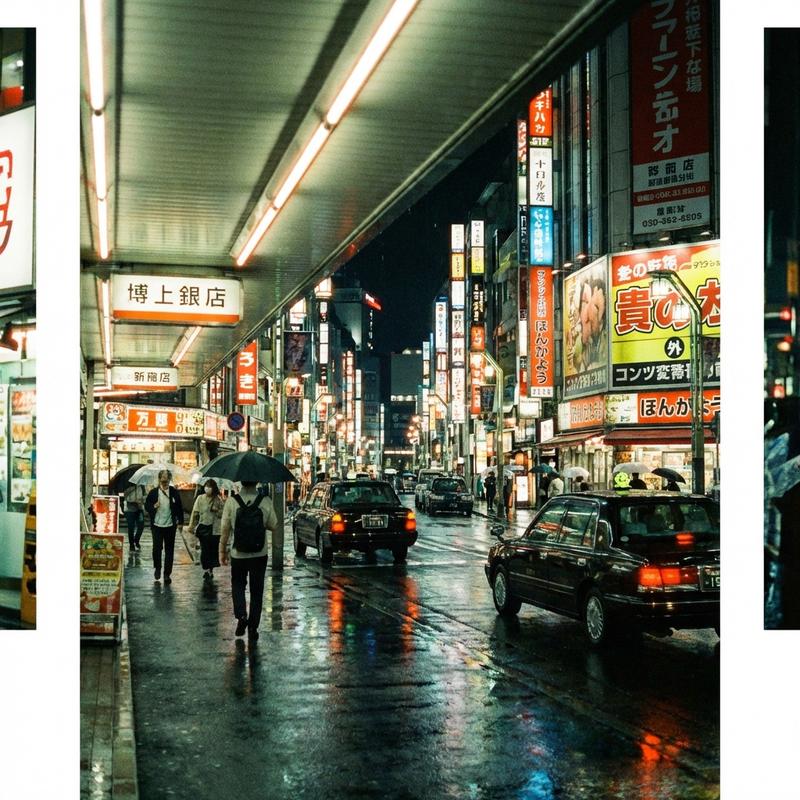
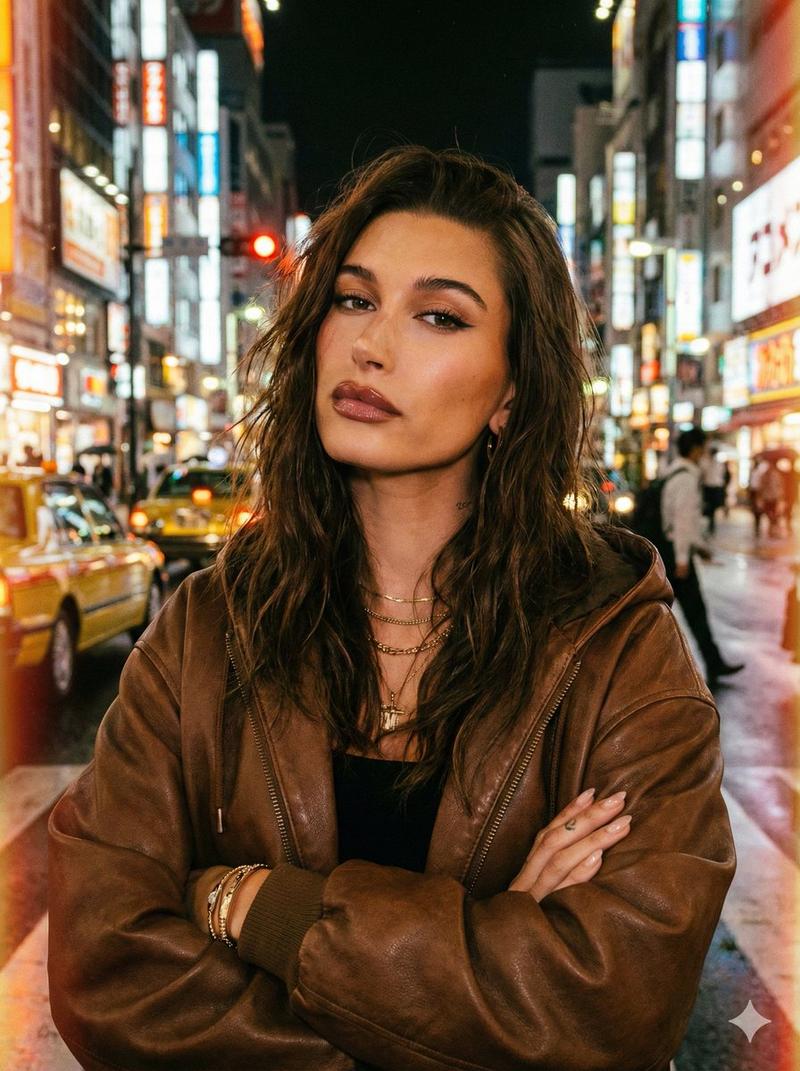
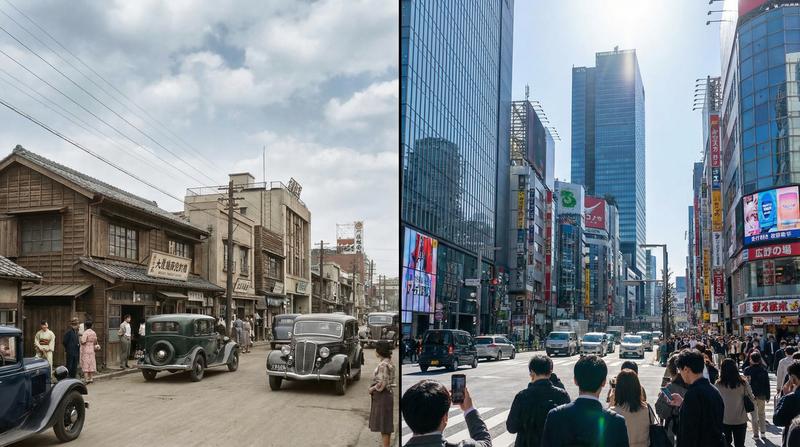
将上传的参考图转换为水彩画风格,高饱和度色彩,笔触清晰。背景保留,但细节简化为水彩质感。
- Category
- 创意图片
- Model
- Nano Banana Pro
- Creator
- Jason Zhu
- Source ID
- 8ab5c427-eb5d-4413-99dd-0cb7187c1007
- Published
- Mar 8, 2026
Views0
20
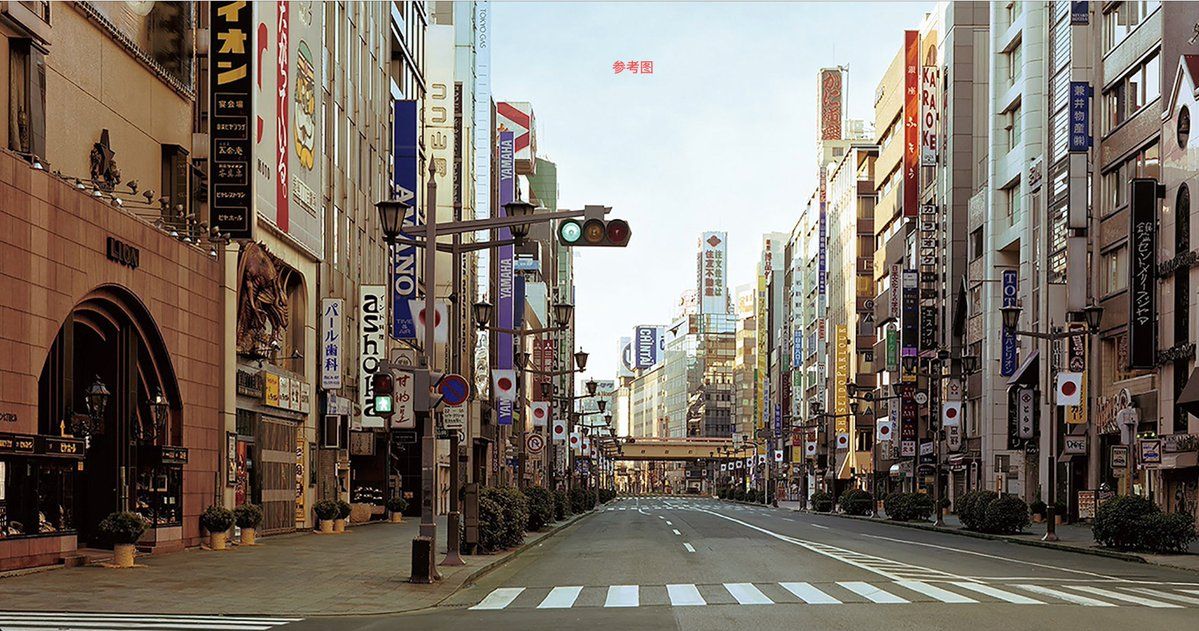
将上传的参考图转换为水彩画风格,高饱和度色彩,笔触清晰。背景保留,但细节简化为水彩质感。
Guide
"风格迁移至水彩画" AI image prompt for Nano Banana Pro (创意图片). 一个用于风格迁移的提示,指示 AI 将上传的参考图像转换为高饱和度的水彩画风格。它要求笔触清晰,并简化背景细节,同时保留水彩纹理。 --- 将上传的参考图片转换为水彩画风格,色彩饱和度高,笔触清晰。保留背景,…
The full copyable prompt and example visuals above are ready for AI image generation or one-click recreate in Picva.
Step 1
Review the example visuals, category, and full prompt text for "风格迁移至水彩画".
Step 2
Copy the prompt body from this page, or load it directly in Studio.
Step 3
Prefer Nano Banana Pro. If you switch models, keep subject and composition and tweak style terms.
Step 4
Recreate the look in Picva, or export into your workflow for editing and publishing.