17

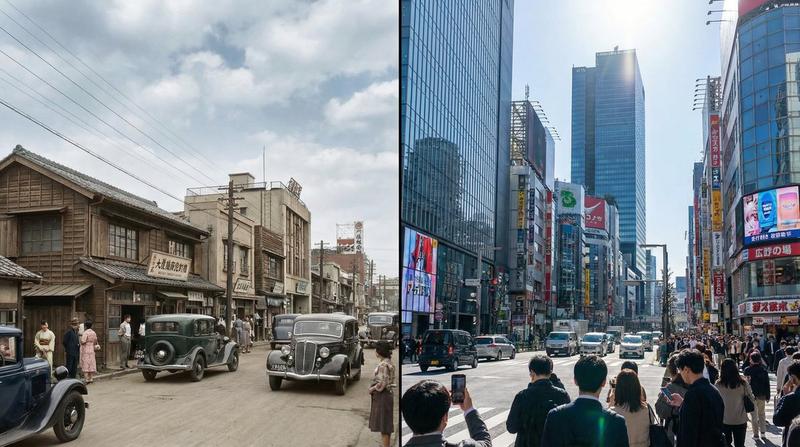
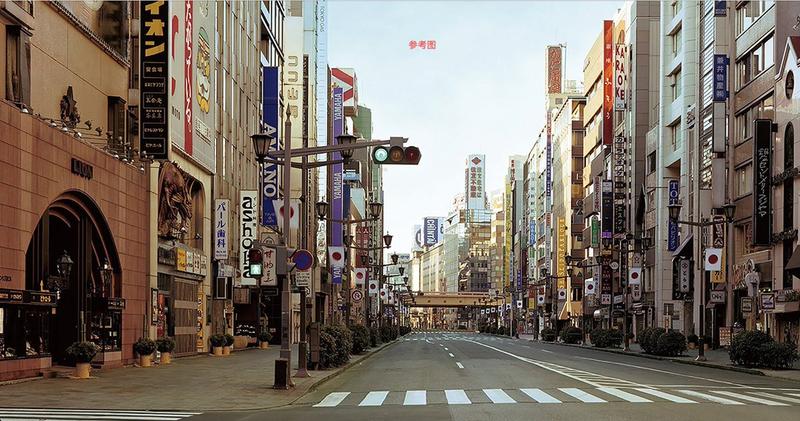
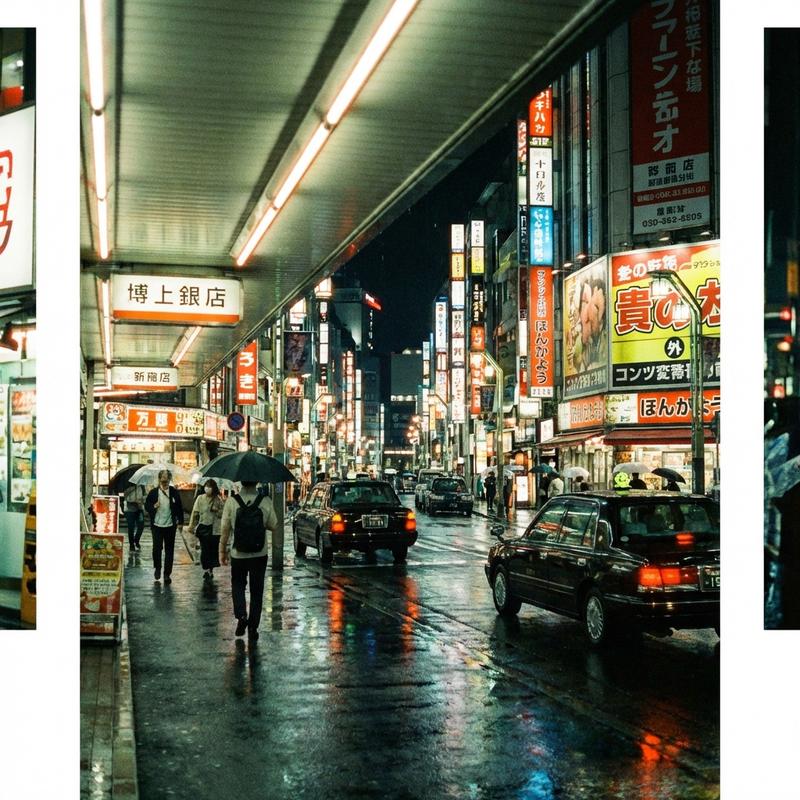
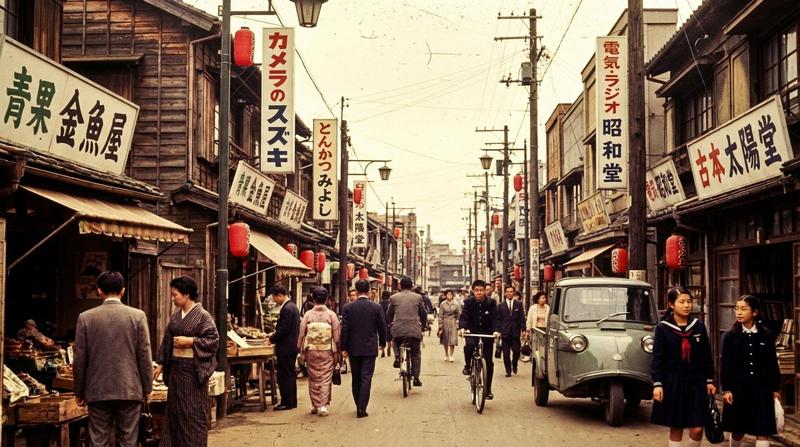
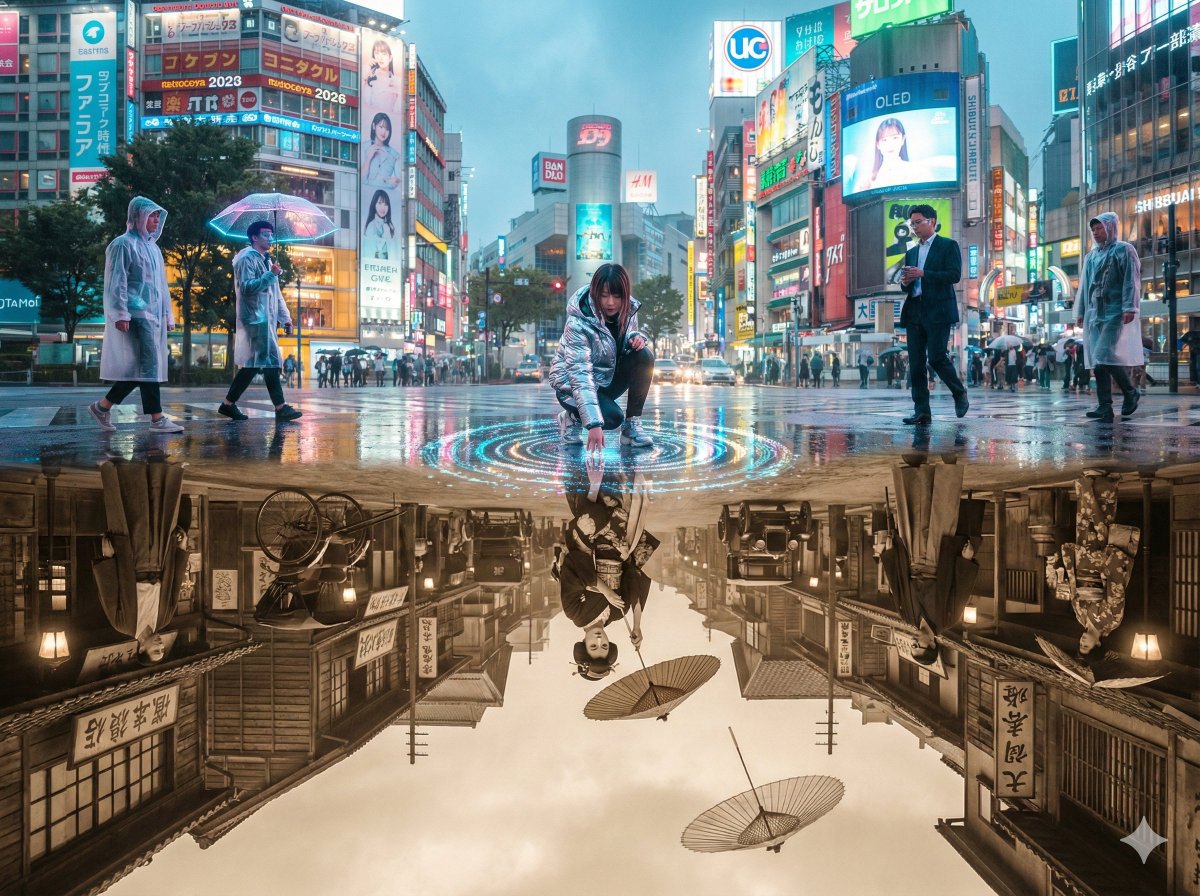
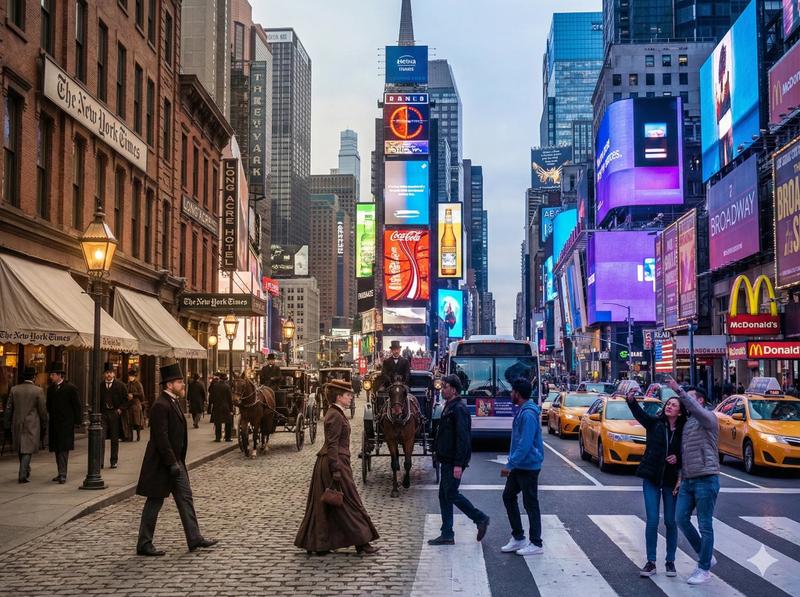
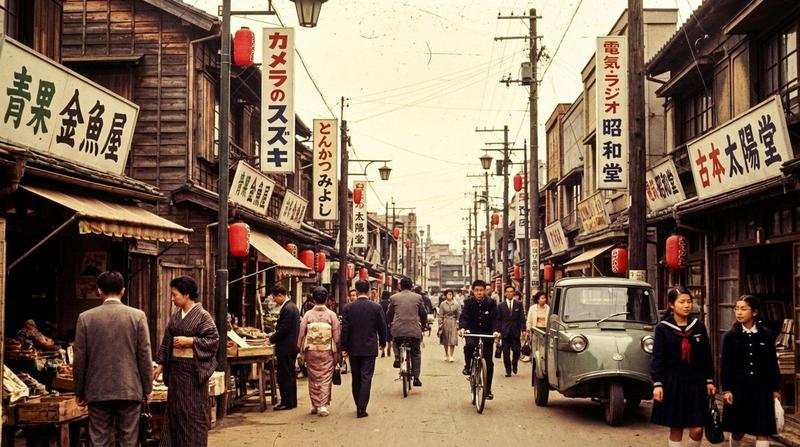
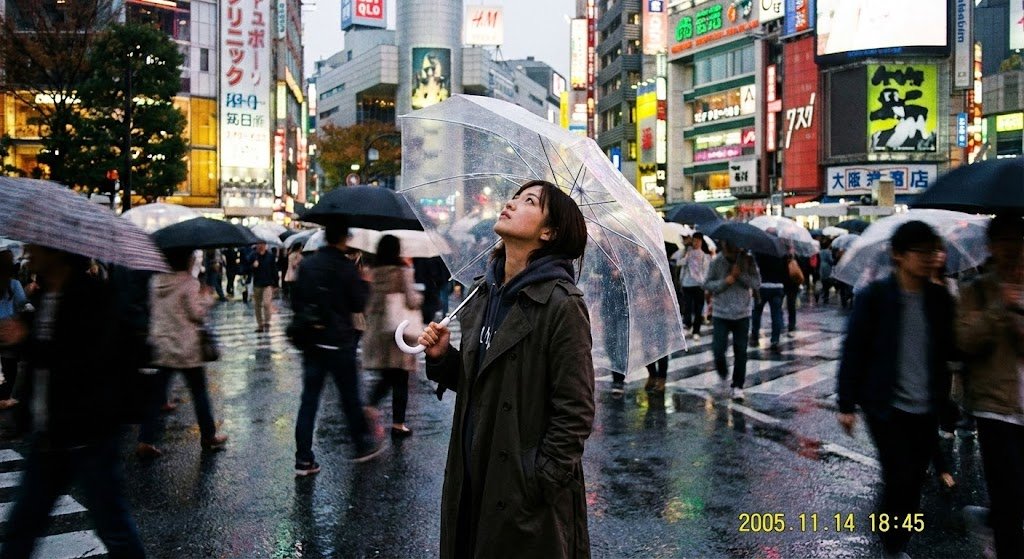
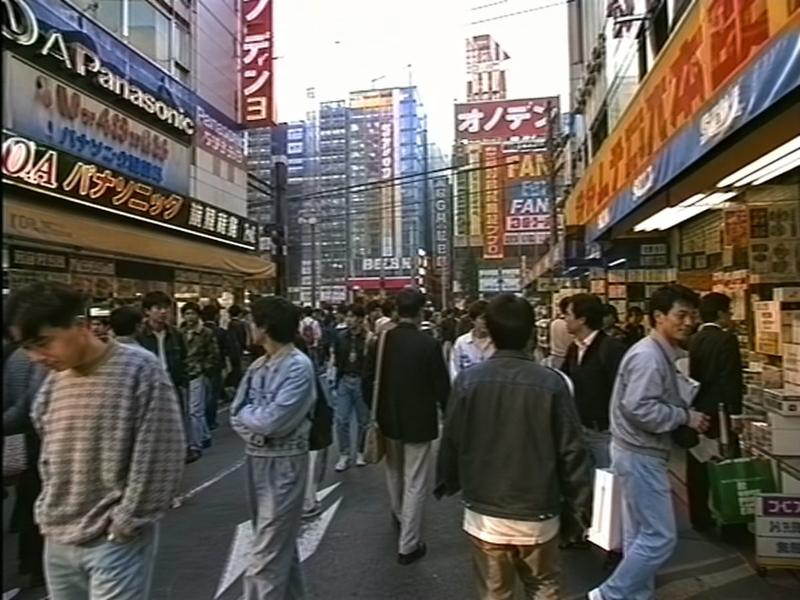
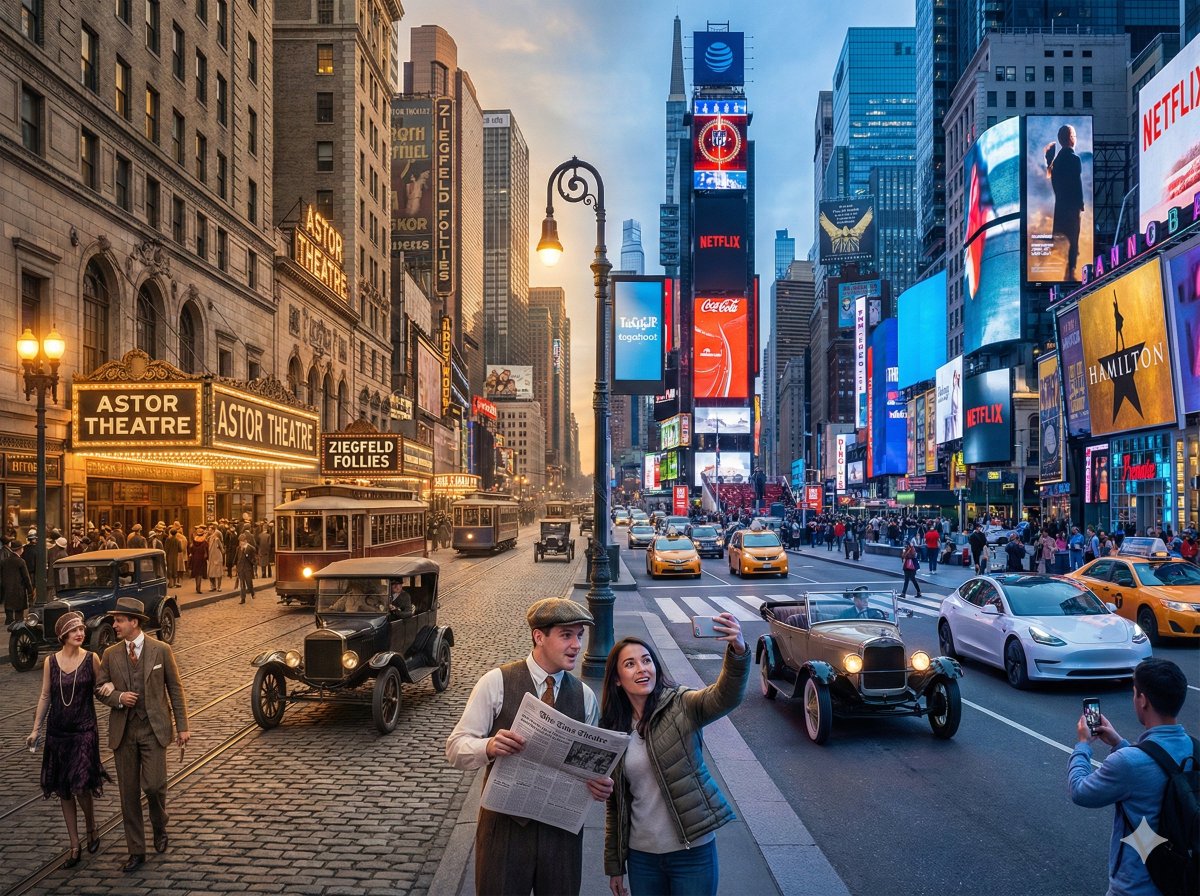
基于指定坐标,使用Nano Banana Pro生成不同年代同一地点的图像
Enlarge

基于指定坐标,使用Nano Banana Pro生成不同年代同一地点的图像

Prompt
指定した座標をもとに、🍌Nano Banana Proで同じ場所で撮影した異なる年代の画像を一発で生成するプロンプト🕰️
ロケーション名・年代、時間、緯度経度を書き換えれば好きな場所の画像を左右分割で生成することができます‼️()書きの部分を書き換え✒️
馴染みのない場所だと、どのくらいあっているのか判断できないので、ぜひ試してみてください🤓
思い出のある場所だとグッとくるものがあります。
【プロンプト】----------
16:9のフォトリアルな単一画像を生成し、左右に二分割 された構成にすること。左右それぞれに、同じ場所。
[LOCATION_NAME:(任意の場所)]
の別年代の姿を描写する。
左側(Left side):(任意の年)・(時間)
右側(Right side):(任意の年)・(時間)
カメラ位置は完全に同一とし、以下の座標を使用する:
[LATITUDE,LONGITUDE: (任意の場所の緯度経度)]
画像に文字(年号・ラベル・透かし等)は一切入れないこと。細かなビジュアルの指定はしない。
建築、光、車、人々、看板、素材、空気感、構図などすべてをNano Banana Pro に任せる。
それぞれの年代が自然に感じられ、1枚の16:9フレームの中で 左右に並ぶ時代比較画像 として成立すること。
--ar 16:9 --stylize 800 --v 6
--------------------
画像の生成:@higgsfield_ai (65%オフセール中)
#NanoBanana2 #NanoBananaPro
🍌on November 21st Higgsfield granted FREE access to Google's Nano Banana Pro Image model.
Category
Creative Use Cases
Model
Nano Banana Pro
Views0
Source ID
generate-images-of-different-eras-at-the-same-location-based-on-specified-coordinates-with-nano-banana-pro

Guide

About "基于指定坐标,使用Nano Banana Pro生成不同年代同一地点的图像"

What is this prompt for?

"基于指定坐标,使用Nano Banana Pro生成不同年代同一地点的图像" AI image prompt for Nano Banana Pro (Creative Use Cases). 指定した座標をもとに、🍌Nano Banana Proで同じ場所で撮影した異なる年代の画像を一発で生成するプロンプト🕰…

The full copyable prompt and example visuals above are ready for AI image generation or one-click recreate in Picva.

How to use this prompt

  1. Step 1

    Open the prompt detail

    Review the example visuals, category, and full prompt text for "基于指定坐标,使用Nano Banana Pro生成不同年代同一地点的图像".

  2. Step 2

    Copy the prompt

    Copy the prompt body from this page, or load it directly in Studio.

  3. Step 3

    Pick a model (Nano Banana Pro)

    Prefer Nano Banana Pro. If you switch models, keep subject and composition and tweak style terms.

  4. Step 4

    Generate and export

    Recreate the look in Picva, or export into your workflow for editing and publishing.

FAQ

What is the "基于指定坐标,使用Nano Banana Pro生成不同年代同一地点的图像" prompt?
It is an AI image-generation prompt for Nano Banana Pro in the Creative Use Cases category. This page includes the full prompt text, example visuals, and a one-click recreate path in Picva.
How do I use this prompt to generate an image?
Copy the prompt from this page, or use Generate / Studio. Paste it into a compatible image model, or recreate the look in Picva with optional reference images.
Which model is this prompt for?
This page lists Nano Banana Pro. Most descriptive prompts also transfer to nearby image models such as GPT Image, Flux, or Midjourney with light style tweaks.
Can I use the result commercially?
You can usually copy the prompt for creation, but commercial use of the final image depends on the model terms, reference-image rights, and the generated content. Follow the source author and platform rules.