19

豹纹连衣裙逼真镜面自拍的 JSON 提示词
Enlarge

豹纹连衣裙逼真镜面自拍的 JSON 提示词

Prompt
{
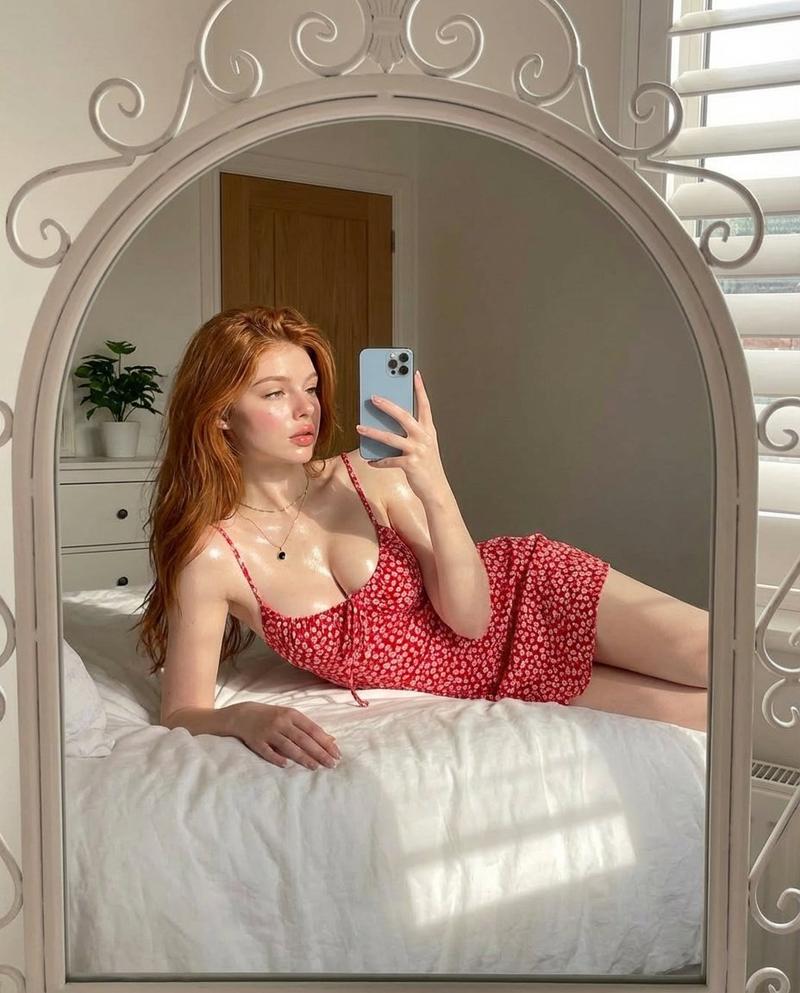
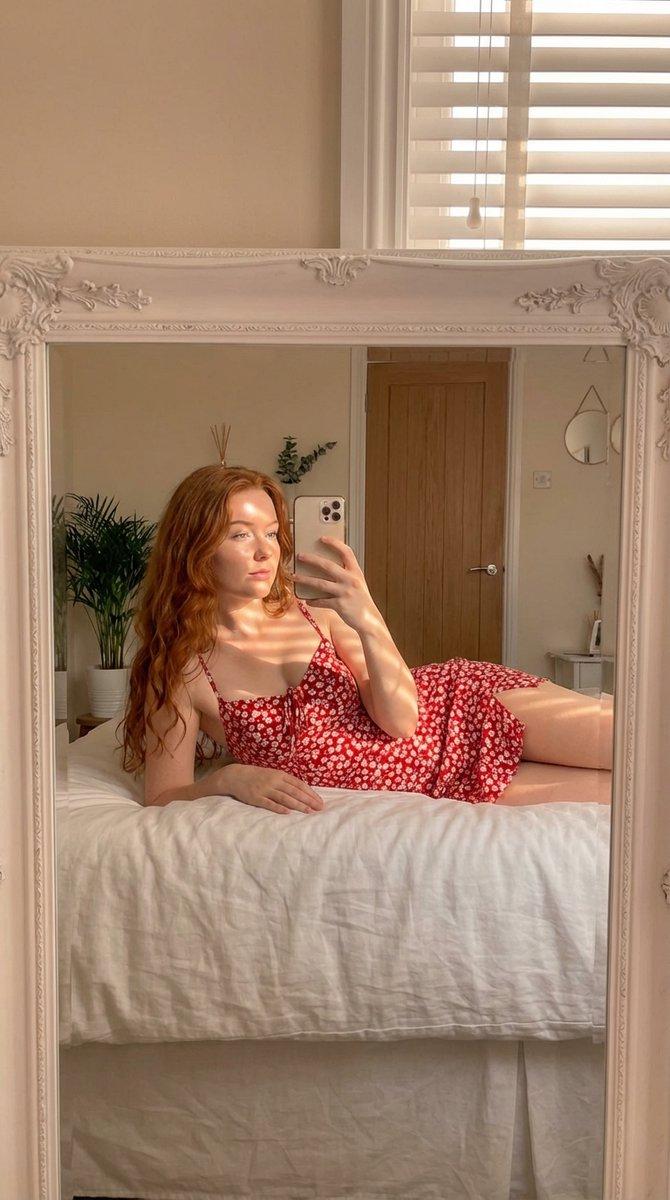
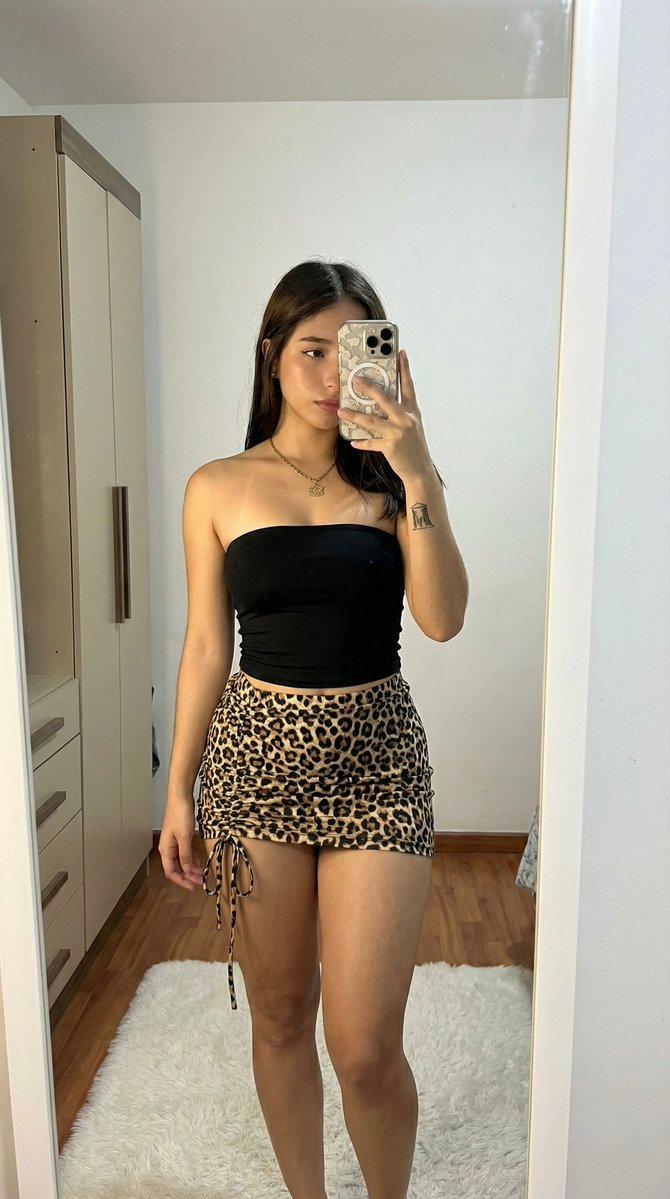
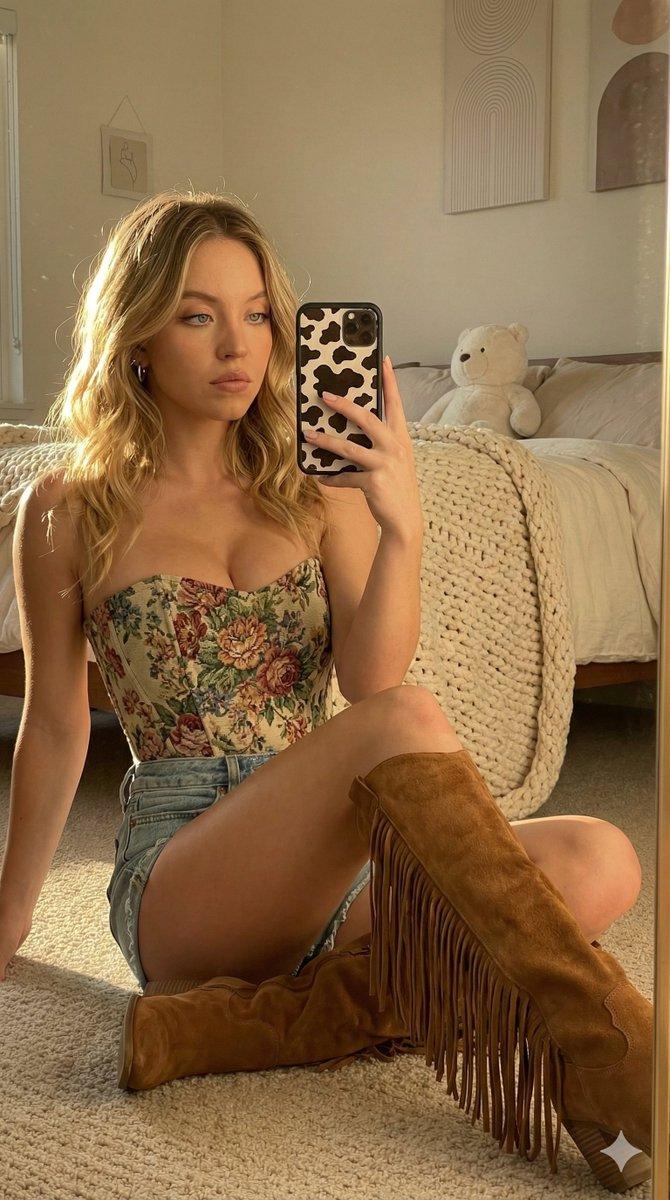
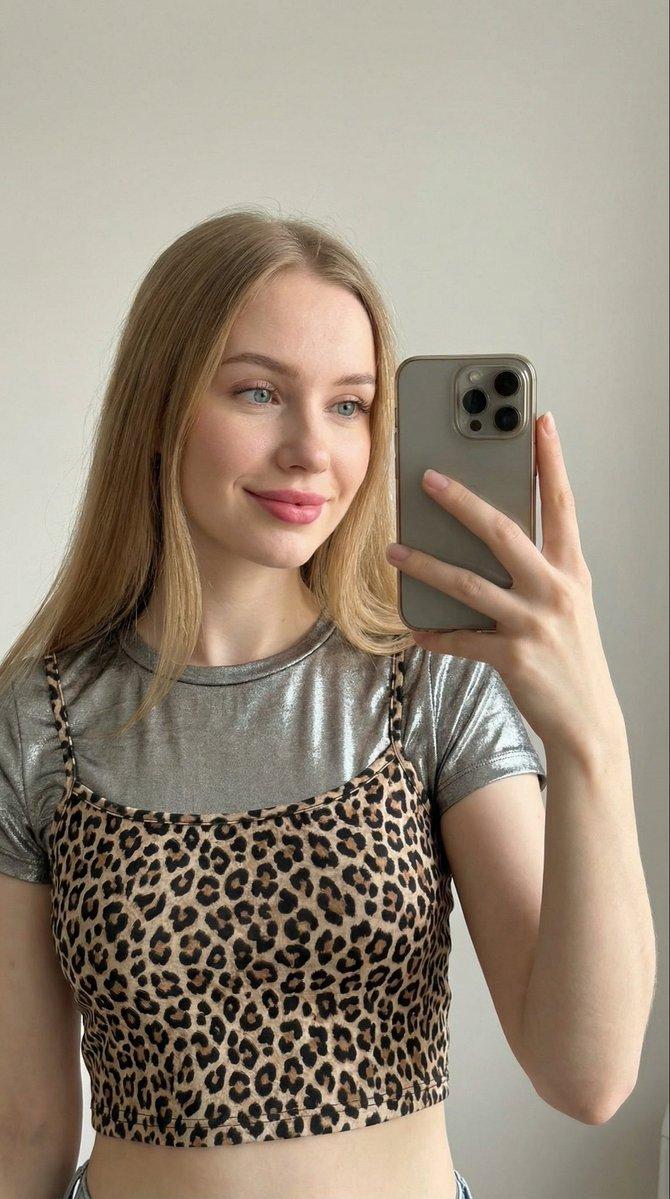
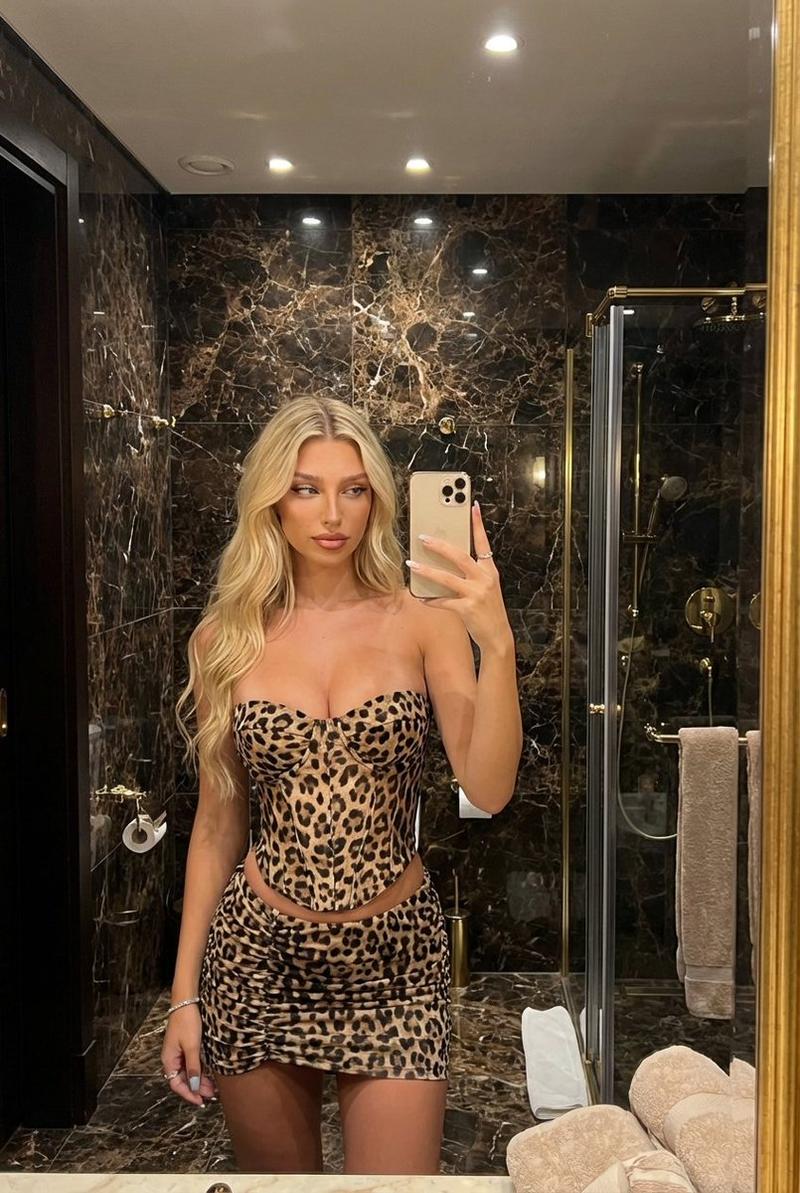
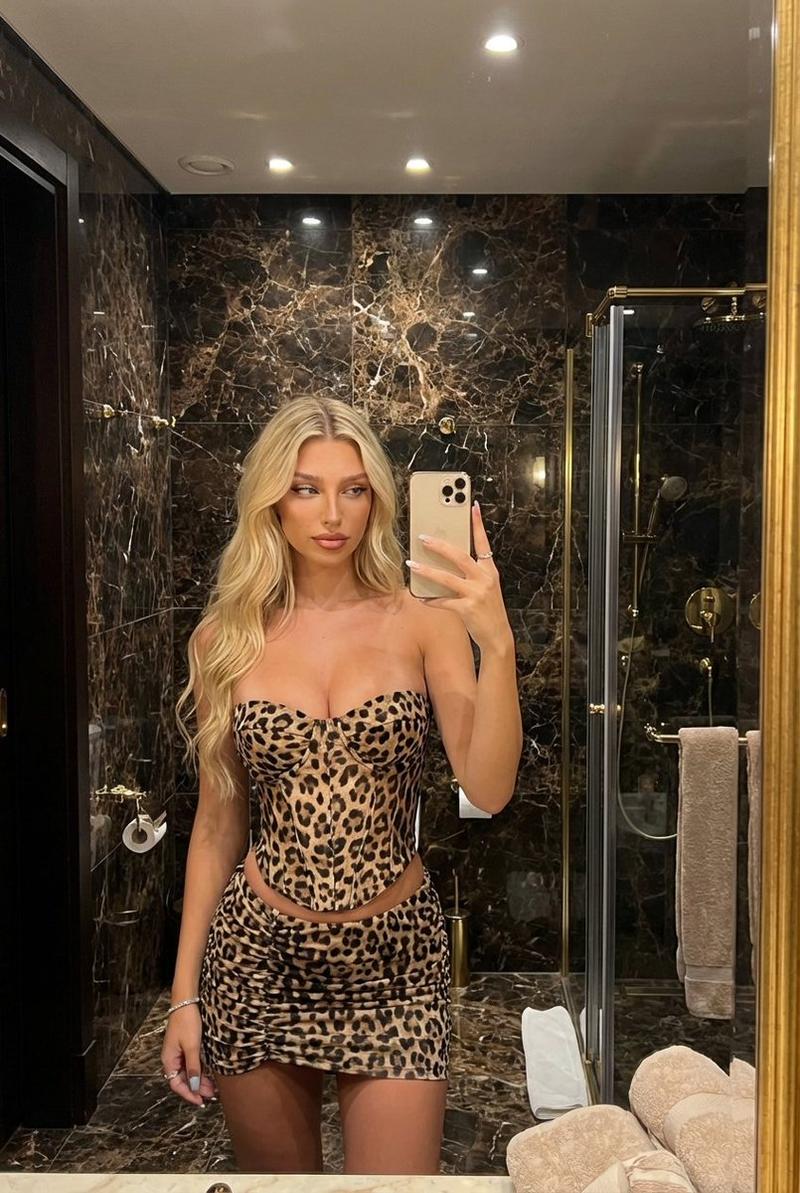
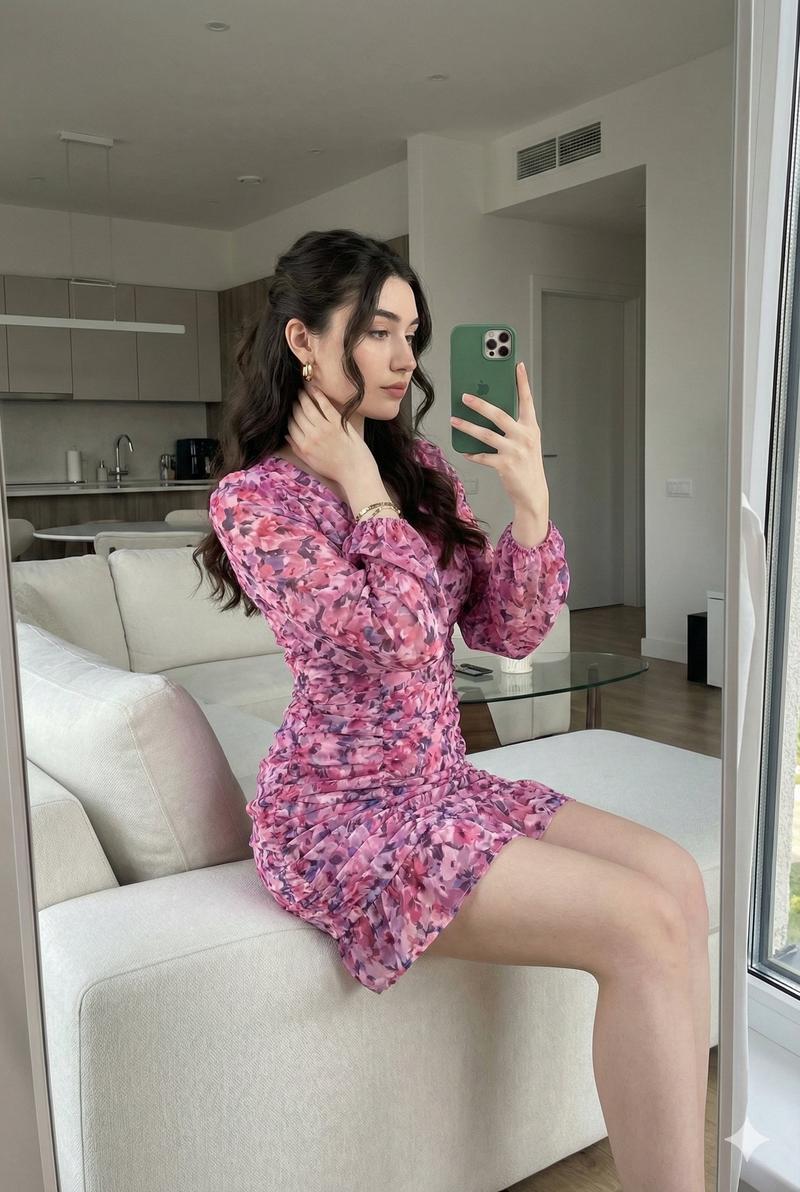
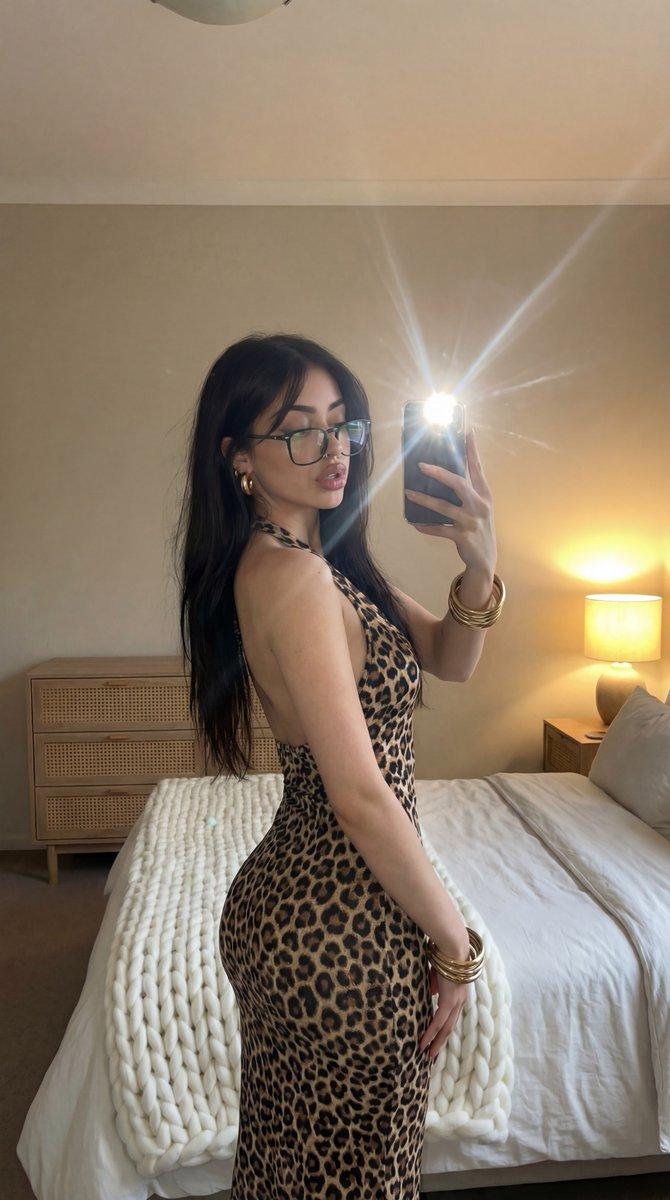
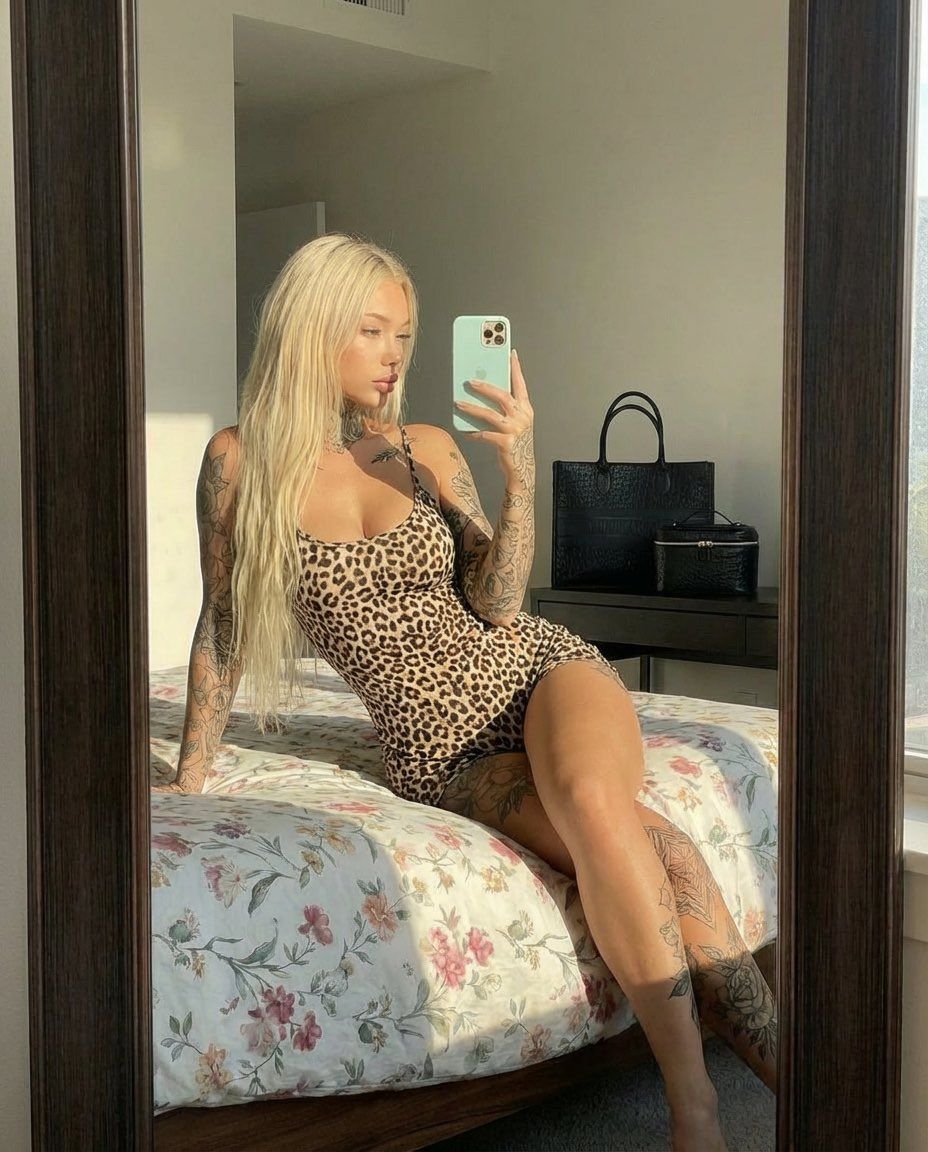
  "prompt": "A realistic mirror selfie of a tattooed blonde woman sitting on a bed in a sunlit modern bedroom. She is wearing a tight leopard-print mini dress, long straight platinum blonde hair, full sleeve tattoos on both arms and legs. The woman is posing confidently, holding a smartphone with a mint green case, looking at her reflection. Warm golden-hour sunlight coming through a window, soft shadows, natural skin texture, elegant and sensual vibe. High realism, sharp focus, cinematic lighting, Instagram aesthetic.",
  "style": "photorealistic",
  "lighting": "natural sunlight, golden hour",
  "camera": "mirror selfie, shallow depth of field",
  "quality": "ultra high resolution, 4k",
  "mood": "confident, sexy, classy",
  "negative_prompt": "blurry, low quality, distorted face, extra limbs, unrealistic proportions, overexposed, cartoon, anime"
}
Category
创意图片
Model
Nano Banana Pro
Views0
Source ID
e2ed26eb-3aac-495a-bcb7-0a3d977033ba
Published
Mar 8, 2026

Guide

About "豹纹连衣裙逼真镜面自拍的 JSON 提示词"

What is this prompt for?

"豹纹连衣裙逼真镜面自拍的 JSON 提示词" AI image prompt for Nano Banana Pro (创意图片). 一个用于 Nano Banana Pro 的 JSON 提示,请求一张纹身金发女郎的超逼真镜子自拍,她穿着紧身豹纹迷你连衣裙,在阳光充足的现代卧室中自信地摆姿势,强调黄金时段的光线和…

The full copyable prompt and example visuals above are ready for AI image generation or one-click recreate in Picva.

How to use this prompt

  1. Step 1

    Open the prompt detail

    Review the example visuals, category, and full prompt text for "豹纹连衣裙逼真镜面自拍的 JSON 提示词".

  2. Step 2

    Copy the prompt

    Copy the prompt body from this page, or load it directly in Studio.

  3. Step 3

    Pick a model (Nano Banana Pro)

    Prefer Nano Banana Pro. If you switch models, keep subject and composition and tweak style terms.

  4. Step 4

    Generate and export

    Recreate the look in Picva, or export into your workflow for editing and publishing.

FAQ

What is the "豹纹连衣裙逼真镜面自拍的 JSON 提示词" prompt?
It is an AI image-generation prompt for Nano Banana Pro in the 创意图片 category. This page includes the full prompt text, example visuals, and a one-click recreate path in Picva.
How do I use this prompt to generate an image?
Copy the prompt from this page, or use Generate / Studio. Paste it into a compatible image model, or recreate the look in Picva with optional reference images.
Which model is this prompt for?
This page lists Nano Banana Pro. Most descriptive prompts also transfer to nearby image models such as GPT Image, Flux, or Midjourney with light style tweaks.
Can I use the result commercially?
You can usually copy the prompt for creation, but commercial use of the final image depends on the model terms, reference-image rights, and the generated content. Follow the source author and platform rules.