15

LINE 贴图生成提示
Enlarge

LINE 贴图生成提示

Prompt
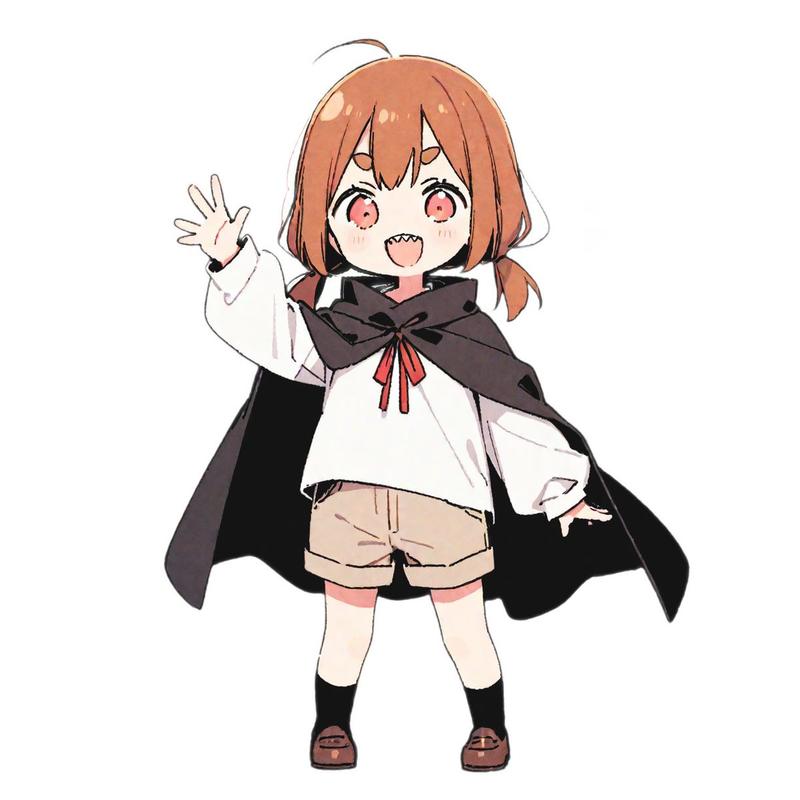
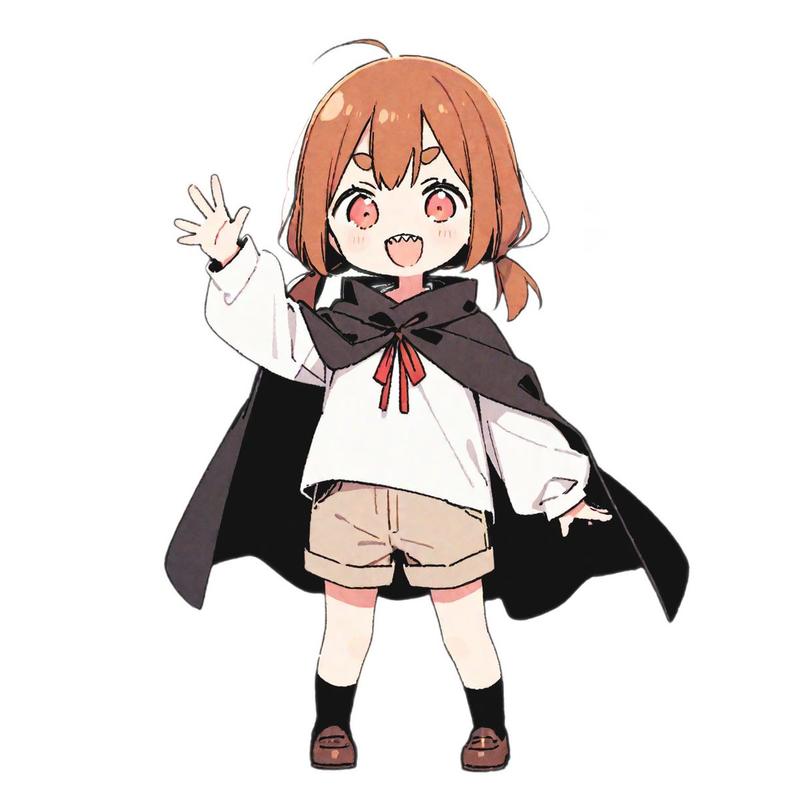
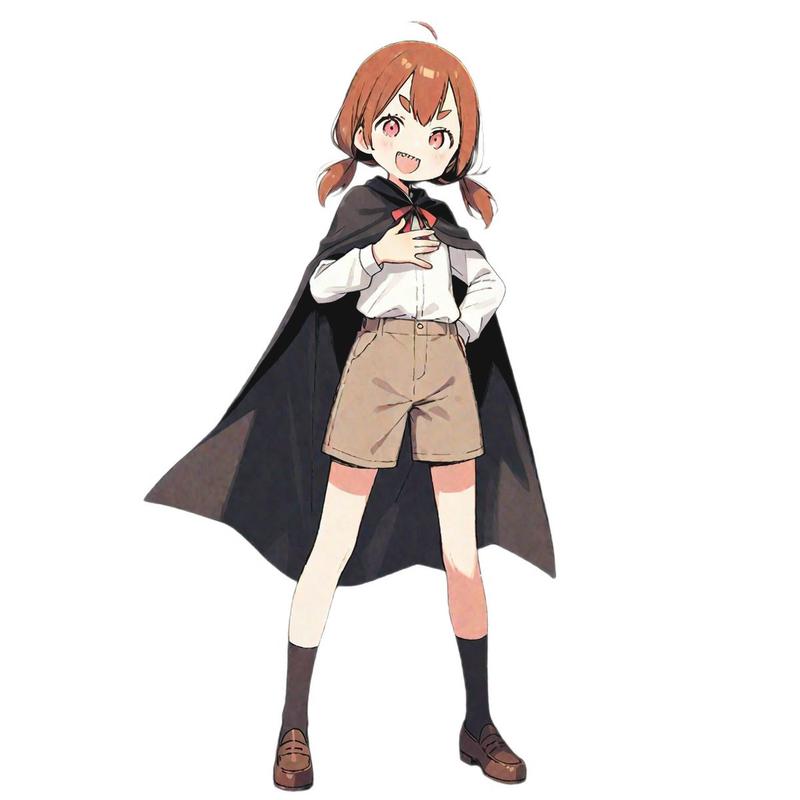
参照画像[画像1]

プロンプト
[画像1]をベースにして、
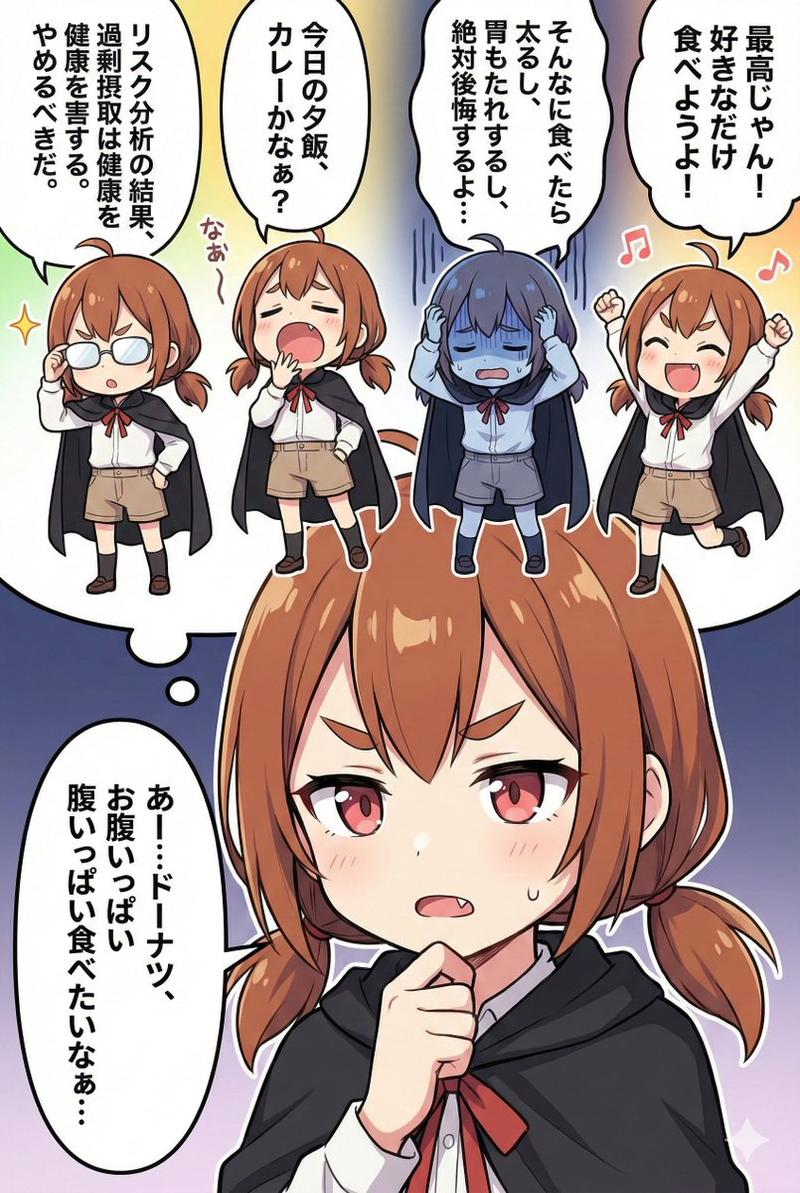
手書き風のLINEスタンプを9個まとめて生成してください。
統一感のある9個セットとして仕上げてください。

✅条件
・特徴は必ず保持
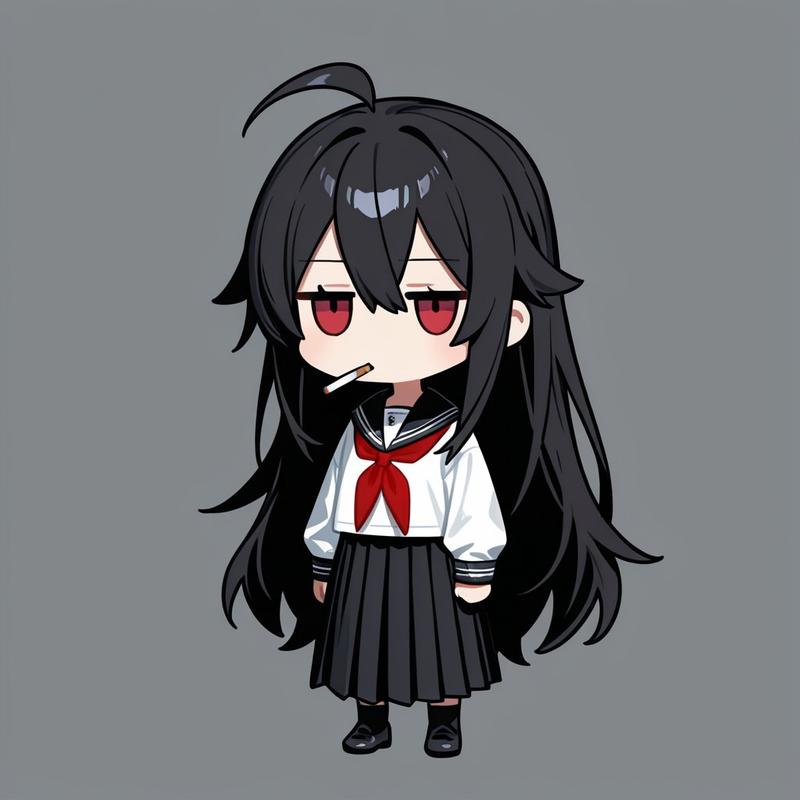
・参考テイストの線の太さ・色味・雰囲気を反映
・背景は完全に白
・文字は太字(白フチ or 黒フチ)
・文字の色はセリフの雰囲気に合わせる。
・自然な表情・ポーズ
・9個を1回で生成

✅作りたい9種類
セリフ:{argument name="セリフ1" default="おはよう!"}
セリフ:{argument name="セリフ2" default="ありがとう"}
セリフ:{argument name="セリフ3" default="ゴメン…"}
セリフ:{argument name="セリフ4" default="ねむい"}
セリフ:{argument name="セリフ5" default="OK!"}
セリフ:{argument name="セリフ6" default="NO!"}
セリフ:{argument name="セリフ7" default="大丈夫?"}
セリフ:{argument name="セリフ8" default="またね!"}
セリフ:{argument name="セリフ9" default="分からん"}
Category
创意图片
Model
Nano Banana Pro
Views0
Source ID
eef9945c-52d6-4188-ab73-202e3dedcad8
Published
Mar 8, 2026

Guide

About "LINE 贴图生成提示"

What is this prompt for?

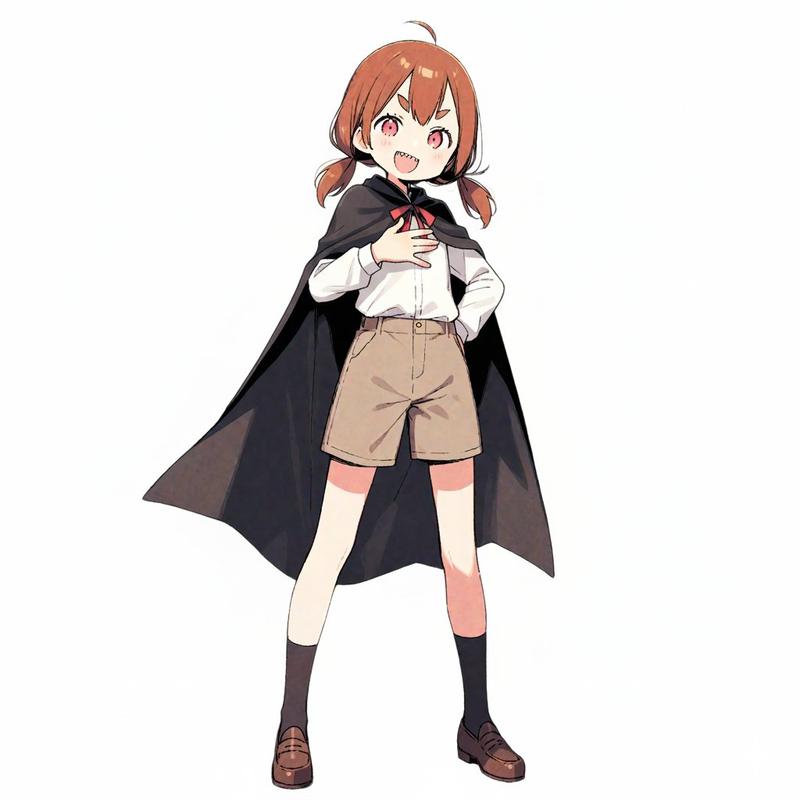
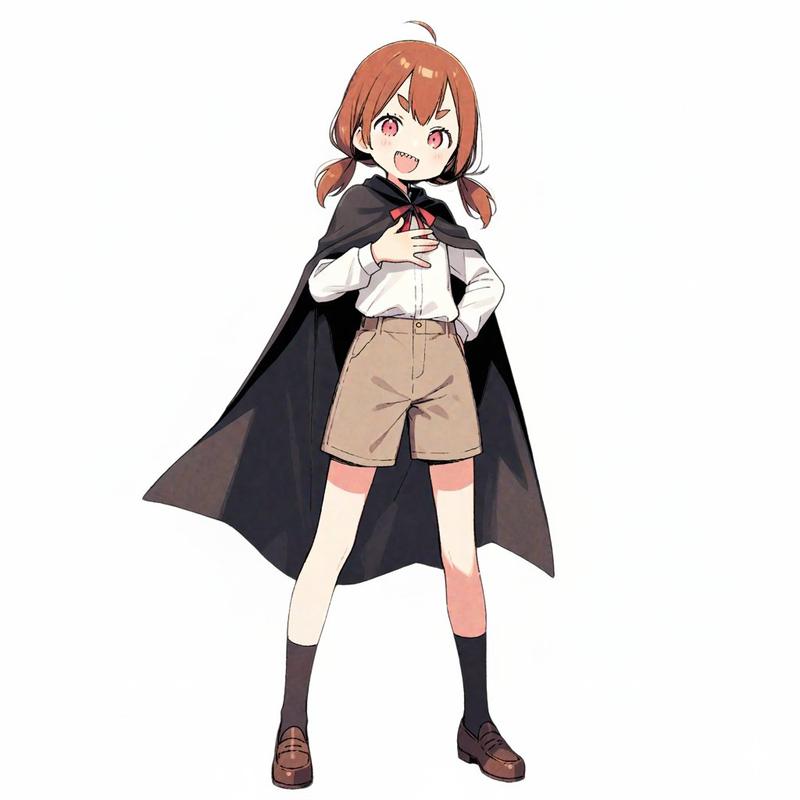
"LINE 贴图生成提示" AI image prompt for Nano Banana Pro (创意图片). 以下是为 Nano Banana Pro 生成一组九个 LINE 贴图的提示,基于一张参考图片。提示中指定贴图应采用手绘风格,保留角色的特征,使用带边框的粗体文字,并包含与九个常用短语列表相对应的特定表…

The full copyable prompt and example visuals above are ready for AI image generation or one-click recreate in Picva.

How to use this prompt

  1. Step 1

    Open the prompt detail

    Review the example visuals, category, and full prompt text for "LINE 贴图生成提示".

  2. Step 2

    Copy the prompt

    Copy the prompt body from this page, or load it directly in Studio.

  3. Step 3

    Pick a model (Nano Banana Pro)

    Prefer Nano Banana Pro. If you switch models, keep subject and composition and tweak style terms.

  4. Step 4

    Generate and export

    Recreate the look in Picva, or export into your workflow for editing and publishing.

FAQ

What is the "LINE 贴图生成提示" prompt?
It is an AI image-generation prompt for Nano Banana Pro in the 创意图片 category. This page includes the full prompt text, example visuals, and a one-click recreate path in Picva.
How do I use this prompt to generate an image?
Copy the prompt from this page, or use Generate / Studio. Paste it into a compatible image model, or recreate the look in Picva with optional reference images.
Which model is this prompt for?
This page lists Nano Banana Pro. Most descriptive prompts also transfer to nearby image models such as GPT Image, Flux, or Midjourney with light style tweaks.
Can I use the result commercially?
You can usually copy the prompt for creation, but commercial use of the final image depends on the model terms, reference-image rights, and the generated content. Follow the source author and platform rules.