20

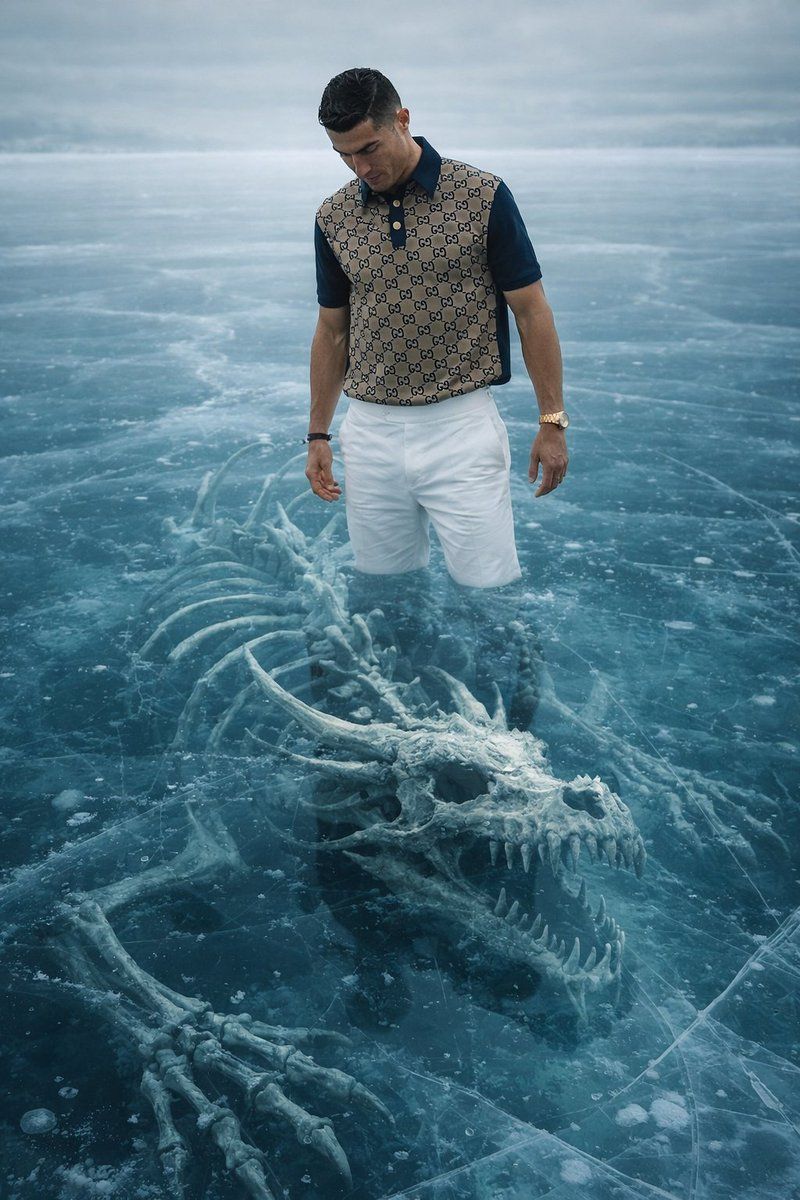
冰上男子与水下骨架的 8K 超逼真宣传图片
Enlarge

冰上男子与水下骨架的 8K 超逼真宣传图片

Prompt
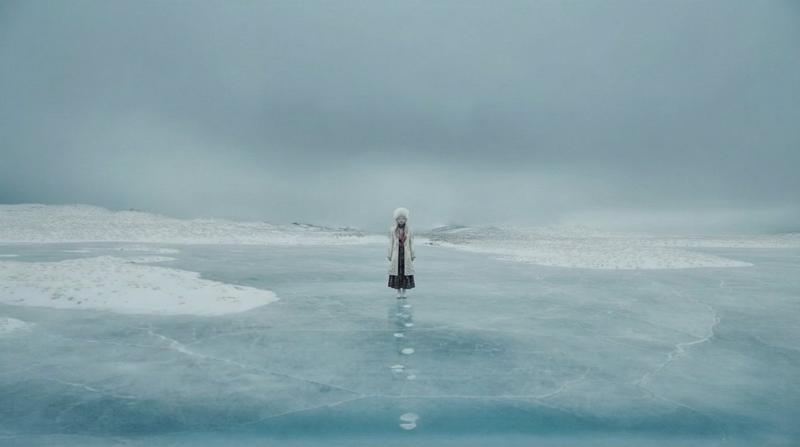
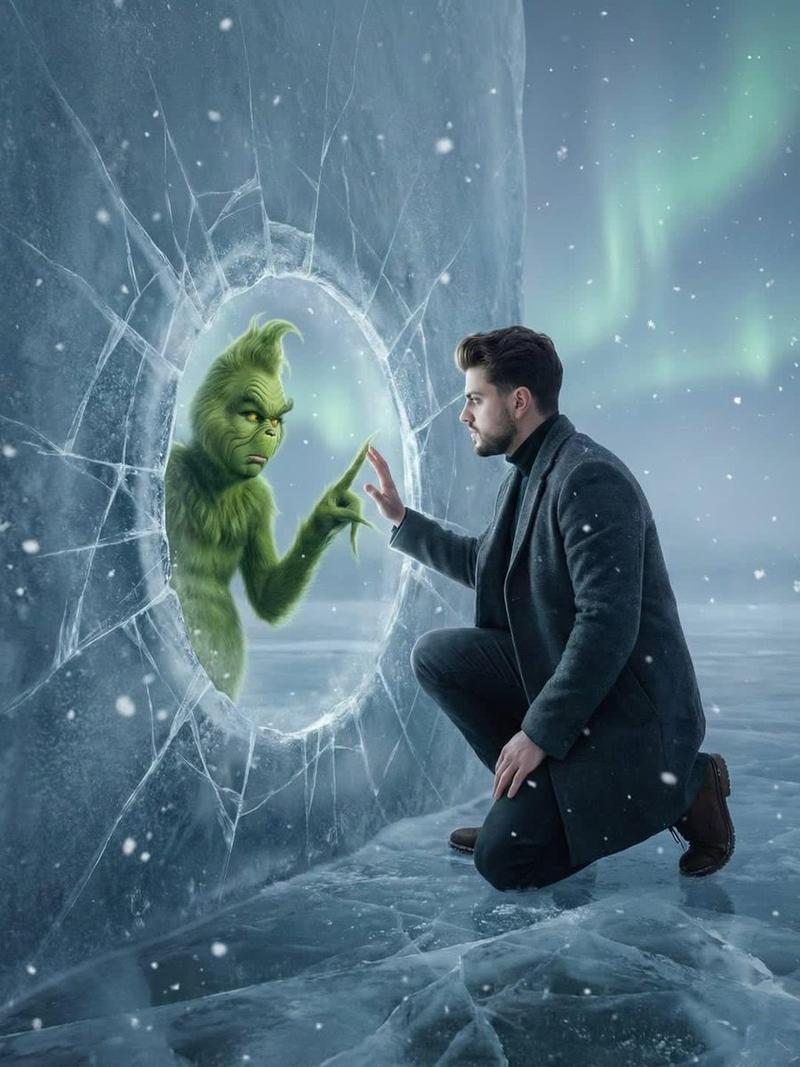
Use the man in the uploaded image standing directly on a vast frozen lake surface, feet slightly apart, gazing downward toward the ice. Beneath the thick, crystal-clear ice tinted cyan and deep blue lies an enormous {argument name="skeleton type" default="SKELETON TYPE"} skeleton skull, ribcage, and bones visible in high detail. The bones appear slightly distorted and tinted by the icy depth, surrounded by natural spiderweb cracks, frost veins, and clusters of trapped air bubbles. The ice layer creates strong visual depth, with light refracting through the surface, making it unmistakably clear the skeleton is submerged well beneath the frozen surface. Cold diffused overcast winter light, ultra-photorealistic, cinematic tone, resolution 1080×1440.
Category
创意图片
Model
Nano Banana Pro
Creator
Max
Views0
Source ID
ee2a19f1-9be5-4fd2-bb8c-e05d91bac50d
Published
Mar 8, 2026

Guide

About "冰上男子与水下骨架的 8K 超逼真宣传图片"

What is this prompt for?

"冰上男子与水下骨架的 8K 超逼真宣传图片" AI image prompt for Nano Banana Pro (创意图片). 一个高度详细、超逼真的图像生成提示,专为宣传内容设计。它描绘了一个男人站在广阔的冰冻湖面上,低头凝视着清澈的青色冰层下清晰可见的巨大扭曲骨架。该提示指定了电影般的色调、8K 分辨率,…

The full copyable prompt and example visuals above are ready for AI image generation or one-click recreate in Picva.

How to use this prompt

  1. Step 1

    Open the prompt detail

    Review the example visuals, category, and full prompt text for "冰上男子与水下骨架的 8K 超逼真宣传图片".

  2. Step 2

    Copy the prompt

    Copy the prompt body from this page, or load it directly in Studio.

  3. Step 3

    Pick a model (Nano Banana Pro)

    Prefer Nano Banana Pro. If you switch models, keep subject and composition and tweak style terms.

  4. Step 4

    Generate and export

    Recreate the look in Picva, or export into your workflow for editing and publishing.

FAQ

What is the "冰上男子与水下骨架的 8K 超逼真宣传图片" prompt?
It is an AI image-generation prompt for Nano Banana Pro in the 创意图片 category. This page includes the full prompt text, example visuals, and a one-click recreate path in Picva.
How do I use this prompt to generate an image?
Copy the prompt from this page, or use Generate / Studio. Paste it into a compatible image model, or recreate the look in Picva with optional reference images.
Which model is this prompt for?
This page lists Nano Banana Pro. Most descriptive prompts also transfer to nearby image models such as GPT Image, Flux, or Midjourney with light style tweaks.
Can I use the result commercially?
You can usually copy the prompt for creation, but commercial use of the final image depends on the model terms, reference-image rights, and the generated content. Follow the source author and platform rules.