18

超逼真茶叶摄影提示词(静物和分解视图)
Enlarge

超逼真茶叶摄影提示词(静物和分解视图)

Prompt
Create a hyper-realistic studio photograph of a freshly brewed tea in a transparent glass cup.
The cup is filled with rich amber-colored tea, with loose tea leaves clearly visible settled at the bottom.

Soft aromatic steam gently rising from the surface, realistic and natural.

Tiny bubbles suspended inside the tea, subtle reflections on the glass, and accurate glass thickness.

Clean pure white background with soft studio lighting and a gentle shadow beneath the cup.

Ultra-detailed DSLR photography style, macro realism, sharp focus, natural color tones, realistic liquid physics, 8K resolution.
Minimal, clean aesthetic.

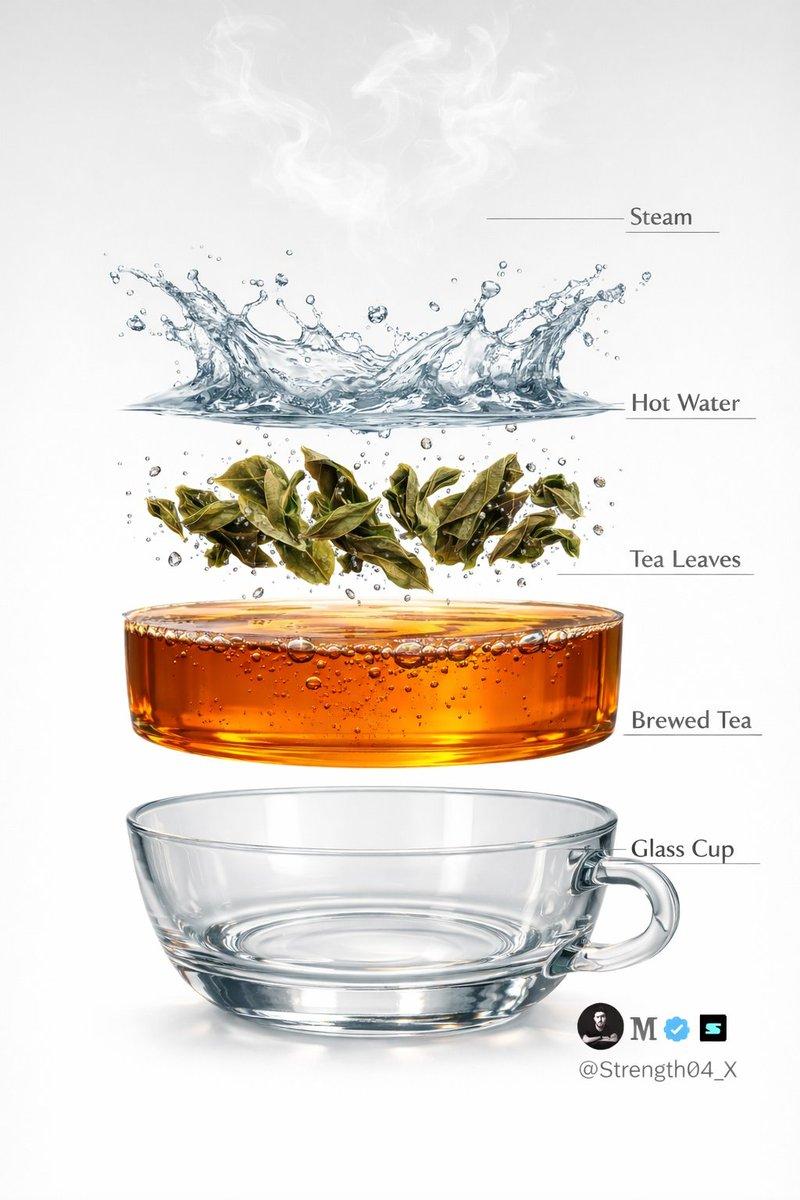
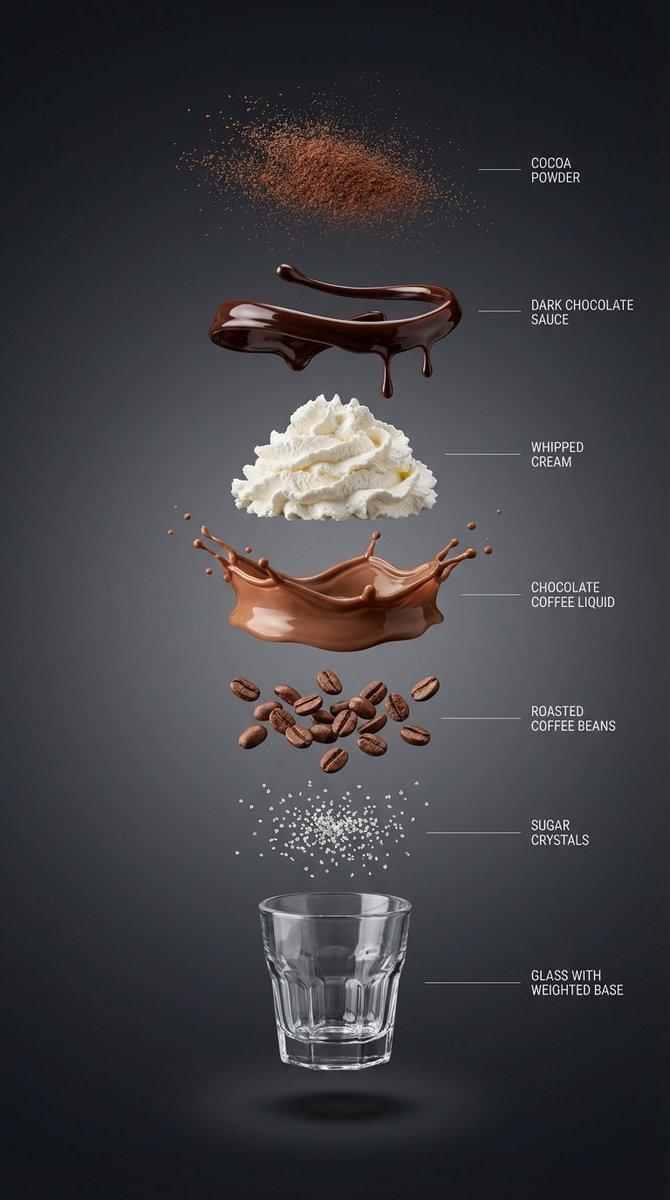
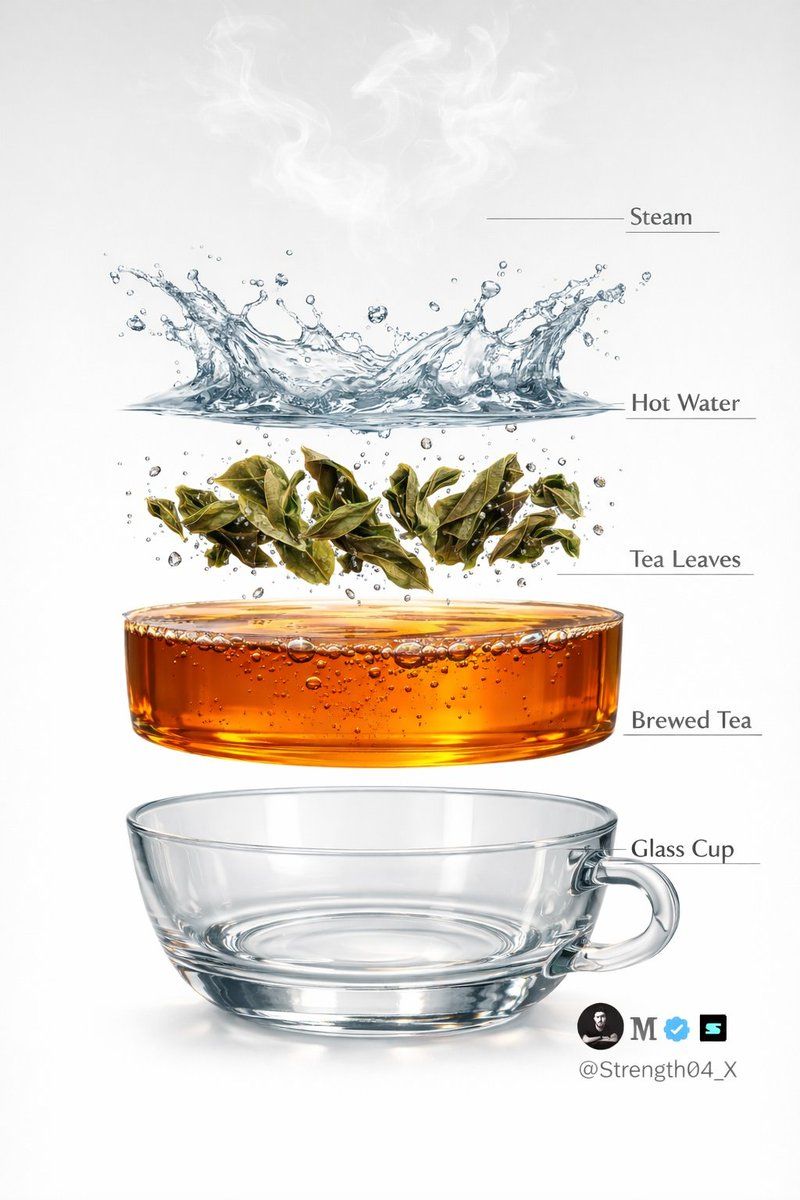
Image 2 - Create a hyper-realistic exploded vertical infographic of tea brewing on a pure white background.

At the very top, soft aromatic steam wisps floating naturally in the air.

Below it, a dynamic clear hot water splash frozen mid-motion with realistic liquid physics and droplets.

Under the water, fresh green tea leaves unfurling and suspended mid-brew with tiny air bubbles around them.

Below that, a smooth amber-colored brewed tea liquid layer, rich and transparent with subtle bubbles and reflections.

At the bottom, a crystal-clear transparent glass tea cup base, realistic glass thickness and soft shadow beneath.

Clean studio lighting, minimal aesthetic, evenly spaced floating layers, thin subtle infographic guide lines (no text labels).

Ultra-detailed DSLR photography style, macro realism, sharp focus, natural reflections, soft shadows, 8K resolution.
Category
创意图片
Model
Nano Banana Pro
Creator
𝐌
Views0
Source ID
baecb901-4428-453a-9c5d-e1af836f7f46
Published
Mar 8, 2026

Guide

About "超逼真茶叶摄影提示词(静物和分解视图)"

What is this prompt for?

"超逼真茶叶摄影提示词(静物和分解视图)" AI image prompt for Nano Banana Pro (创意图片). 生成超逼真茶饮图像的两个独立提示。第一个是新鲜冲泡的茶杯的静物摄影,强调蒸汽、气泡和玻璃质感。第二个是展示泡茶阶段的爆炸式垂直信息图,各层悬浮在空中,设计风格简洁、极简。 --- 创作一…

The full copyable prompt and example visuals above are ready for AI image generation or one-click recreate in Picva.

How to use this prompt

  1. Step 1

    Open the prompt detail

    Review the example visuals, category, and full prompt text for "超逼真茶叶摄影提示词(静物和分解视图)".

  2. Step 2

    Copy the prompt

    Copy the prompt body from this page, or load it directly in Studio.

  3. Step 3

    Pick a model (Nano Banana Pro)

    Prefer Nano Banana Pro. If you switch models, keep subject and composition and tweak style terms.

  4. Step 4

    Generate and export

    Recreate the look in Picva, or export into your workflow for editing and publishing.

FAQ

What is the "超逼真茶叶摄影提示词(静物和分解视图)" prompt?
It is an AI image-generation prompt for Nano Banana Pro in the 创意图片 category. This page includes the full prompt text, example visuals, and a one-click recreate path in Picva.
How do I use this prompt to generate an image?
Copy the prompt from this page, or use Generate / Studio. Paste it into a compatible image model, or recreate the look in Picva with optional reference images.
Which model is this prompt for?
This page lists Nano Banana Pro. Most descriptive prompts also transfer to nearby image models such as GPT Image, Flux, or Midjourney with light style tweaks.
Can I use the result commercially?
You can usually copy the prompt for creation, but commercial use of the final image depends on the model terms, reference-image rights, and the generated content. Follow the source author and platform rules.