17

爆炸视图产品渲染提示
Enlarge

爆炸视图产品渲染提示

Prompt
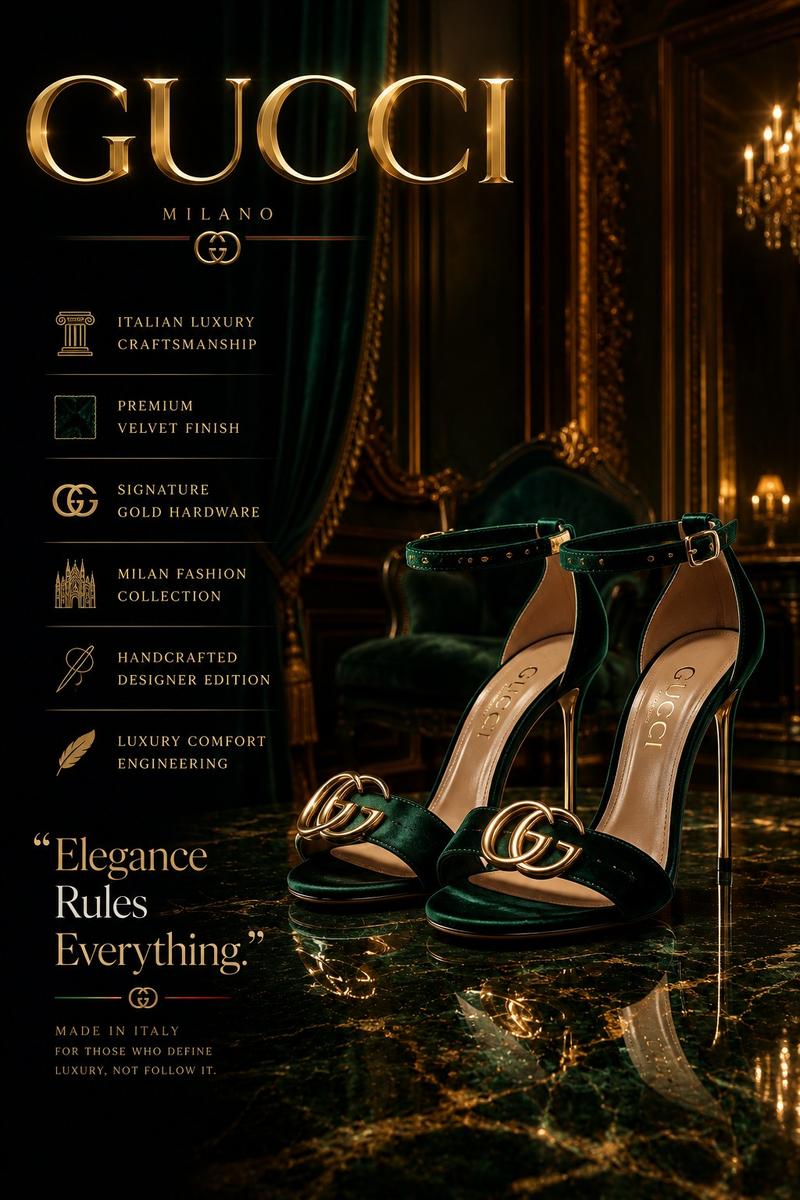
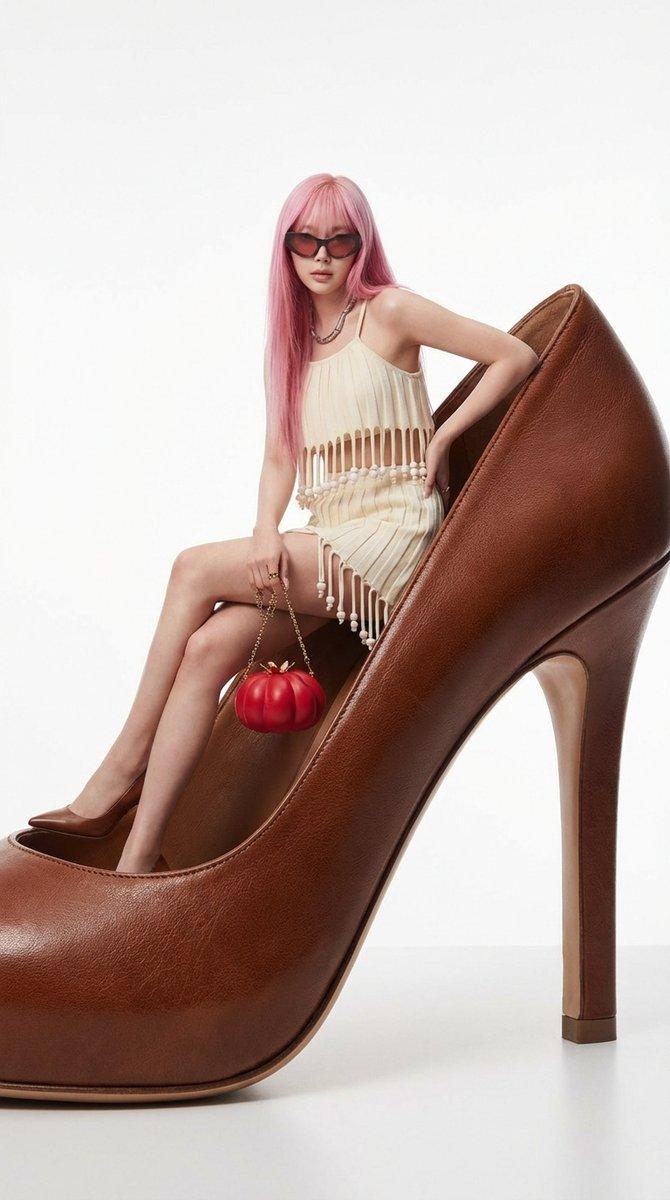
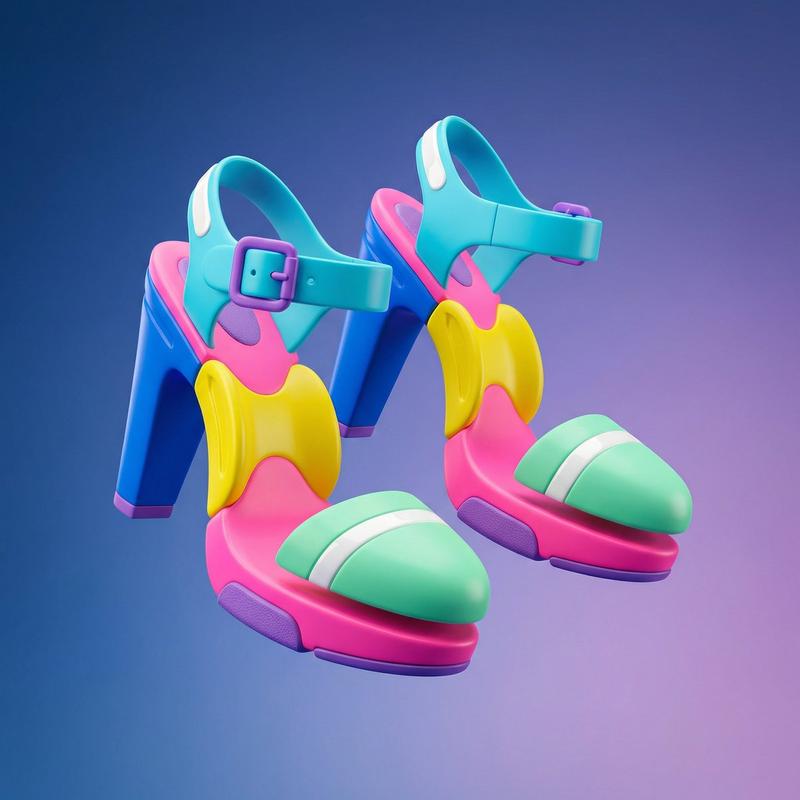
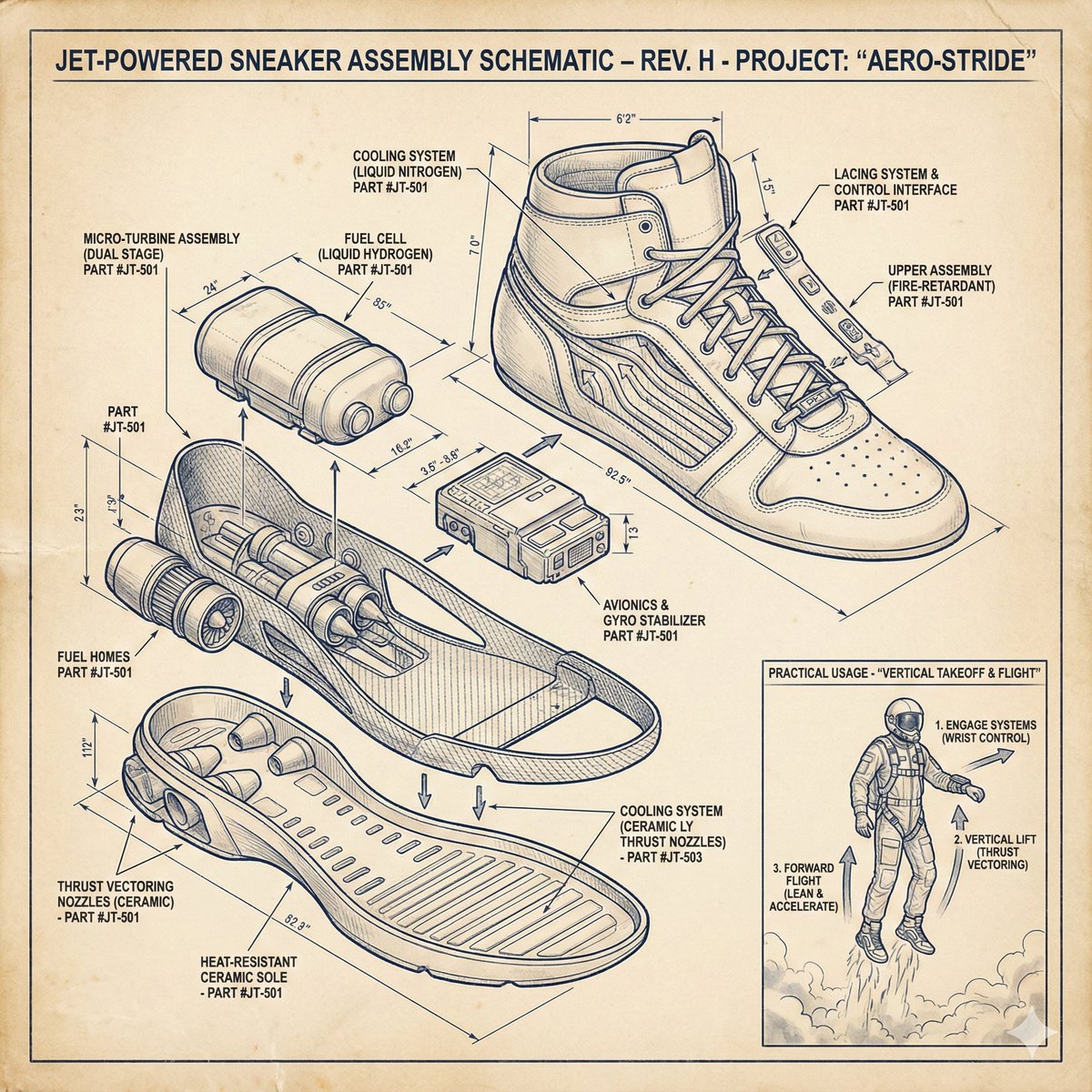
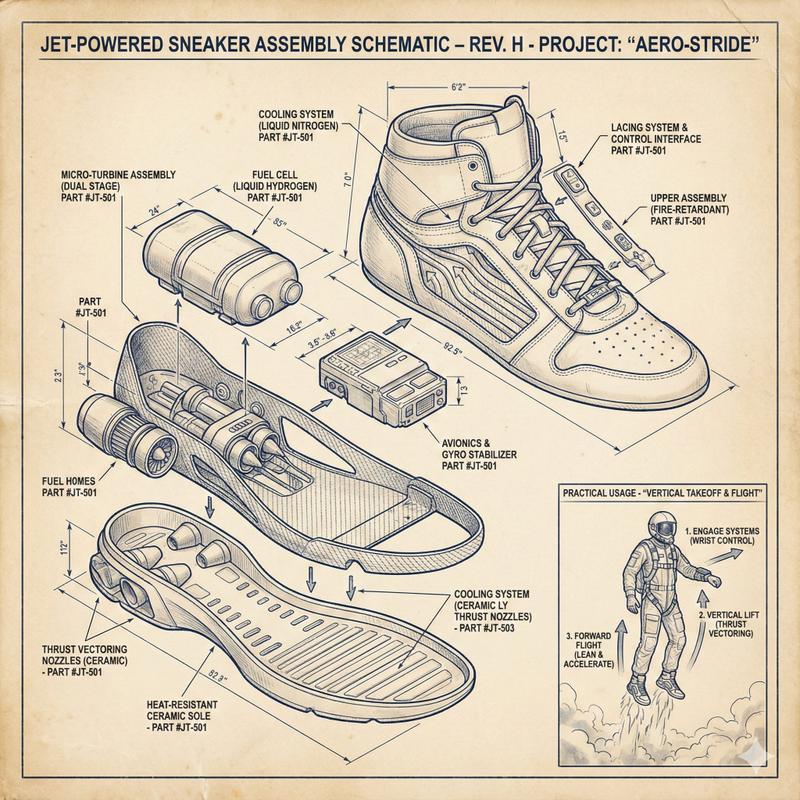
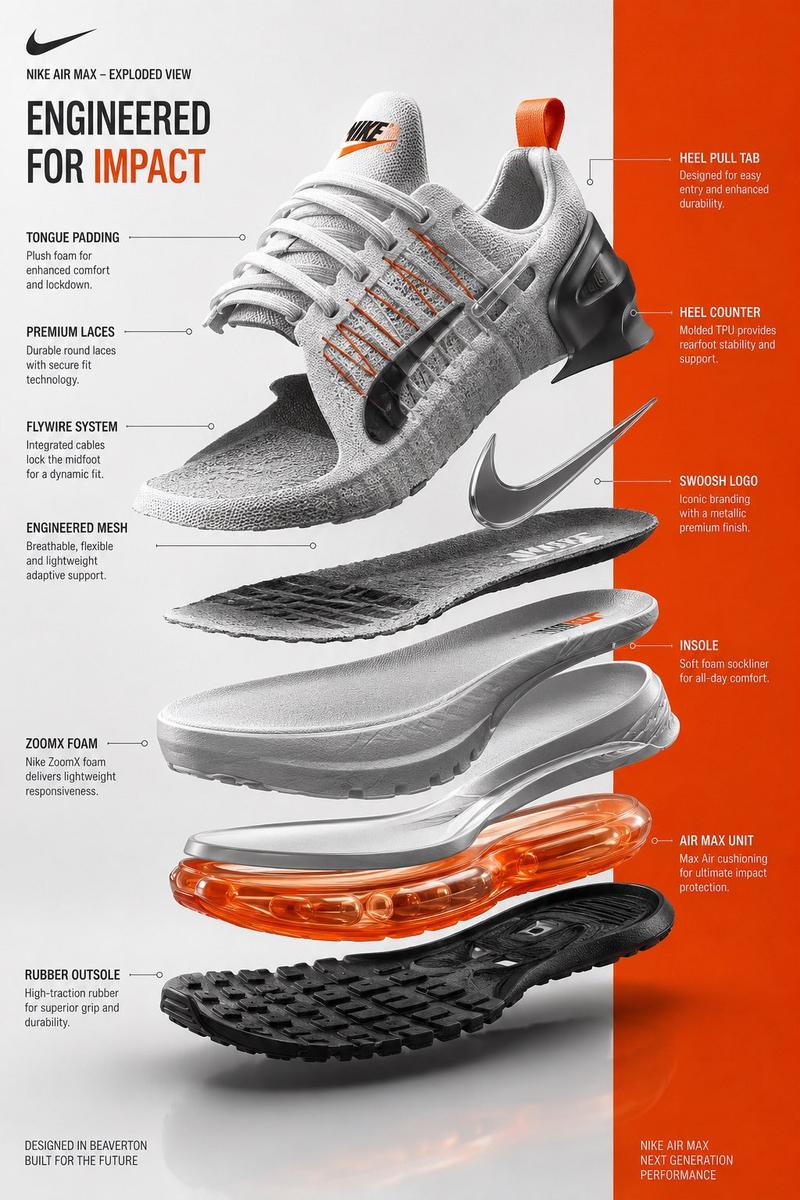
A hyper-realistic {argument name="product name" default="[INSERT PRODUCT]"} presented in an "exploded view" where internal components float upward in a gravity-defying vertical stack. Graphic Elements: Fine technical lines (ink-style) connecting parts to minimalist sans-serif labels. Layout: Horizontal split — Left side: Photorealistic 3D render with soft shadows; Right side: Matching architectural line drawing (blueprint style) on textured paper. Color Palette: Monochrome technical sketch with a {argument name="accent color percentage" default="15%"} accent color on key functional parts. Overall Mood: Design journal aesthetic, premium, calm, and highly educational.
Category
创意图片
Model
Nano Banana Pro
Views0
Source ID
0606dc27-c508-4732-a645-033c2f5cbd93
Published
Mar 8, 2026

Guide

About "爆炸视图产品渲染提示"

What is this prompt for?

"爆炸视图产品渲染提示" AI image prompt for Nano Banana Pro (创意图片). 一个详细的图像生成提示,旨在创建一个超现实、爆炸视图的产品图,强调技术精度和高端设计期刊美学。它指定了布局、图形元素(水墨风格线条、极简标签)、调色板(单色带一个强调色)和氛围,从而产生高度教育性和精致的…

The full copyable prompt and example visuals above are ready for AI image generation or one-click recreate in Picva.

How to use this prompt

  1. Step 1

    Open the prompt detail

    Review the example visuals, category, and full prompt text for "爆炸视图产品渲染提示".

  2. Step 2

    Copy the prompt

    Copy the prompt body from this page, or load it directly in Studio.

  3. Step 3

    Pick a model (Nano Banana Pro)

    Prefer Nano Banana Pro. If you switch models, keep subject and composition and tweak style terms.

  4. Step 4

    Generate and export

    Recreate the look in Picva, or export into your workflow for editing and publishing.

FAQ

What is the "爆炸视图产品渲染提示" prompt?
It is an AI image-generation prompt for Nano Banana Pro in the 创意图片 category. This page includes the full prompt text, example visuals, and a one-click recreate path in Picva.
How do I use this prompt to generate an image?
Copy the prompt from this page, or use Generate / Studio. Paste it into a compatible image model, or recreate the look in Picva with optional reference images.
Which model is this prompt for?
This page lists Nano Banana Pro. Most descriptive prompts also transfer to nearby image models such as GPT Image, Flux, or Midjourney with light style tweaks.
Can I use the result commercially?
You can usually copy the prompt for creation, but commercial use of the final image depends on the model terms, reference-image rights, and the generated content. Follow the source author and platform rules.