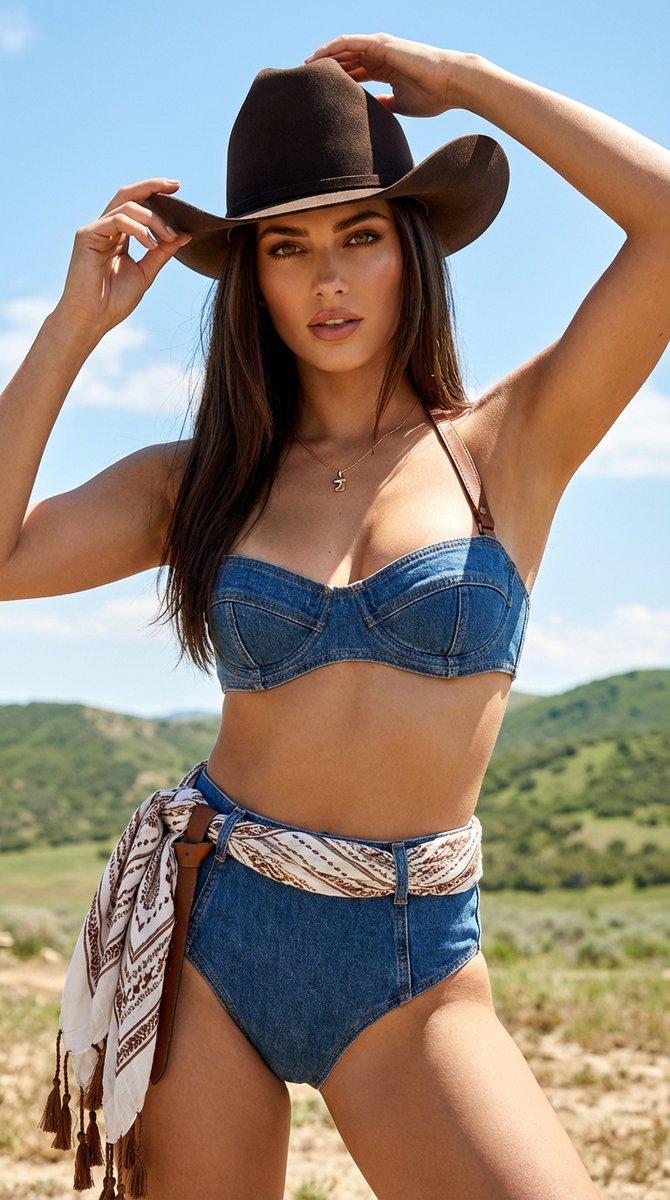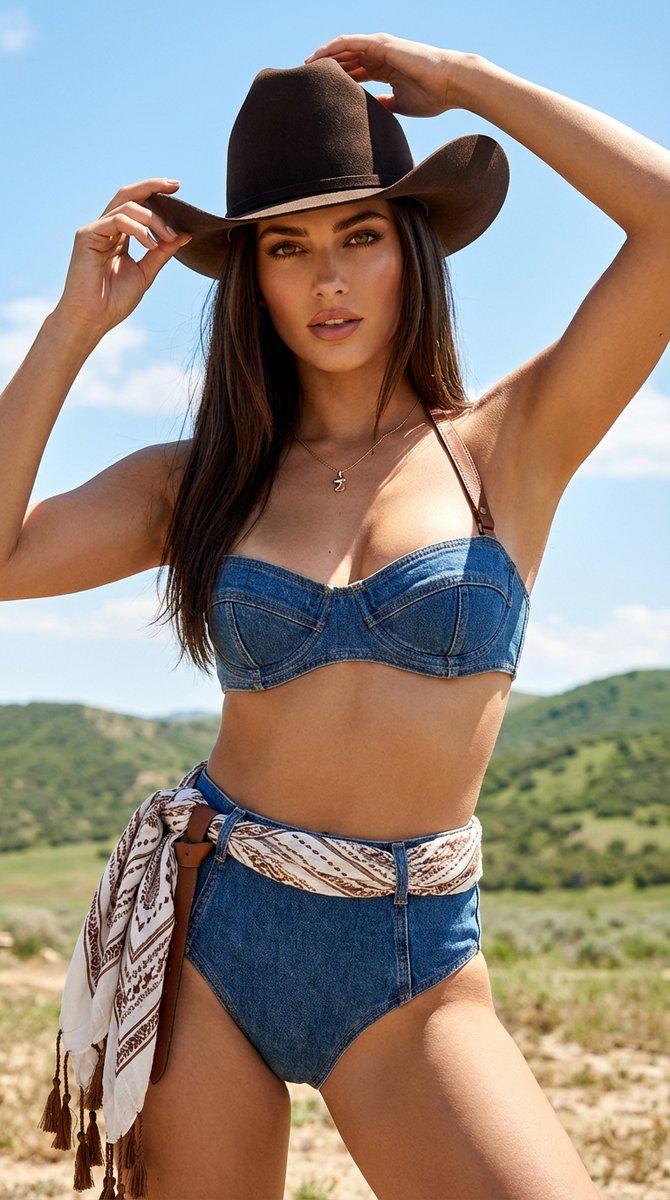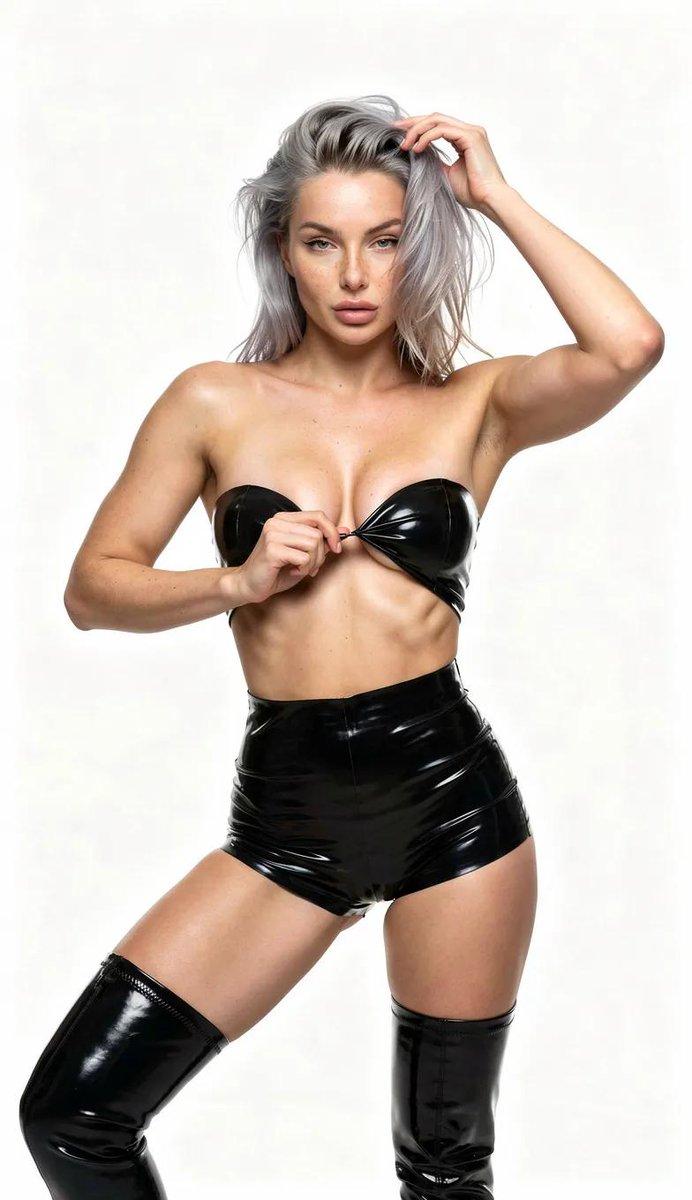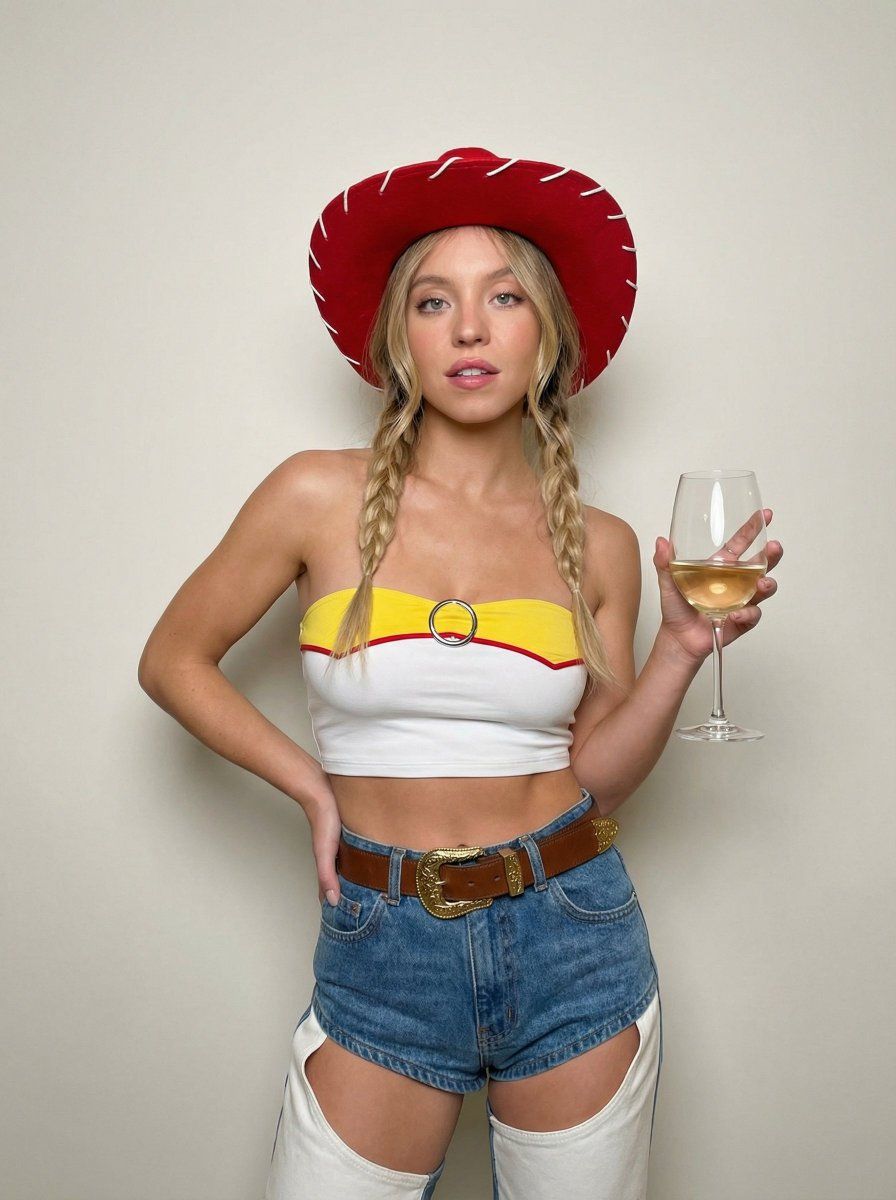
适用于 Nano Banana Pro 的牛仔女郎时尚摄影提示
Prompt
{
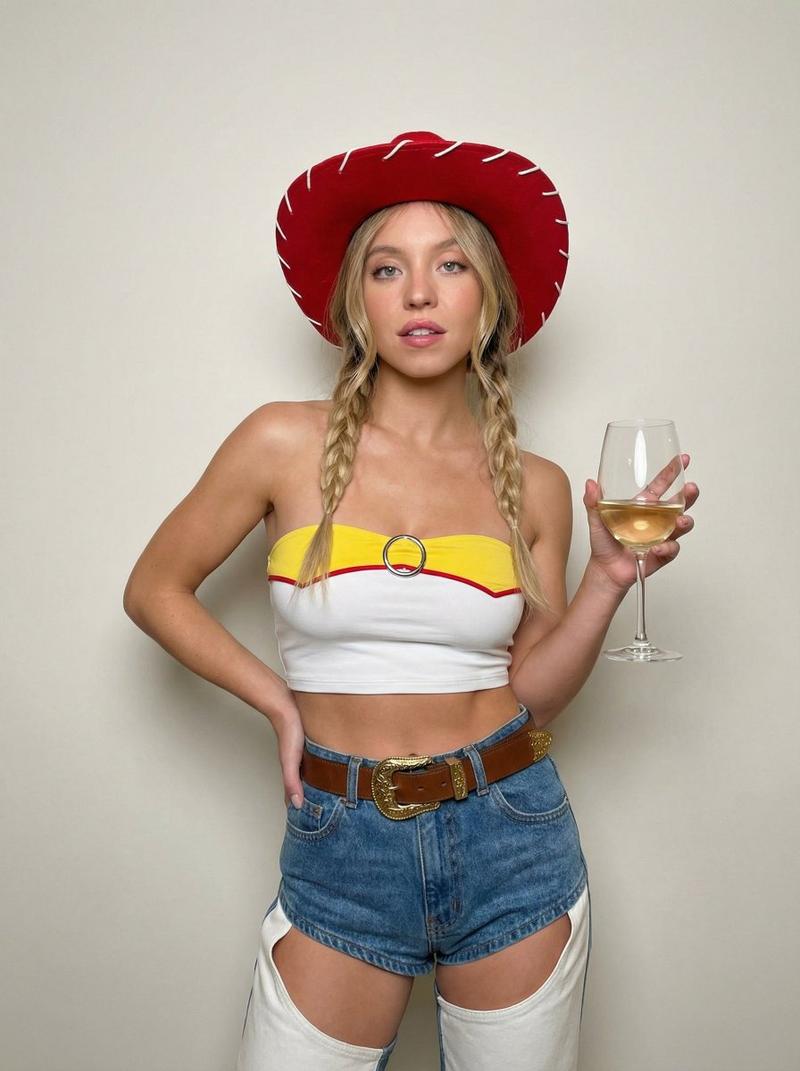
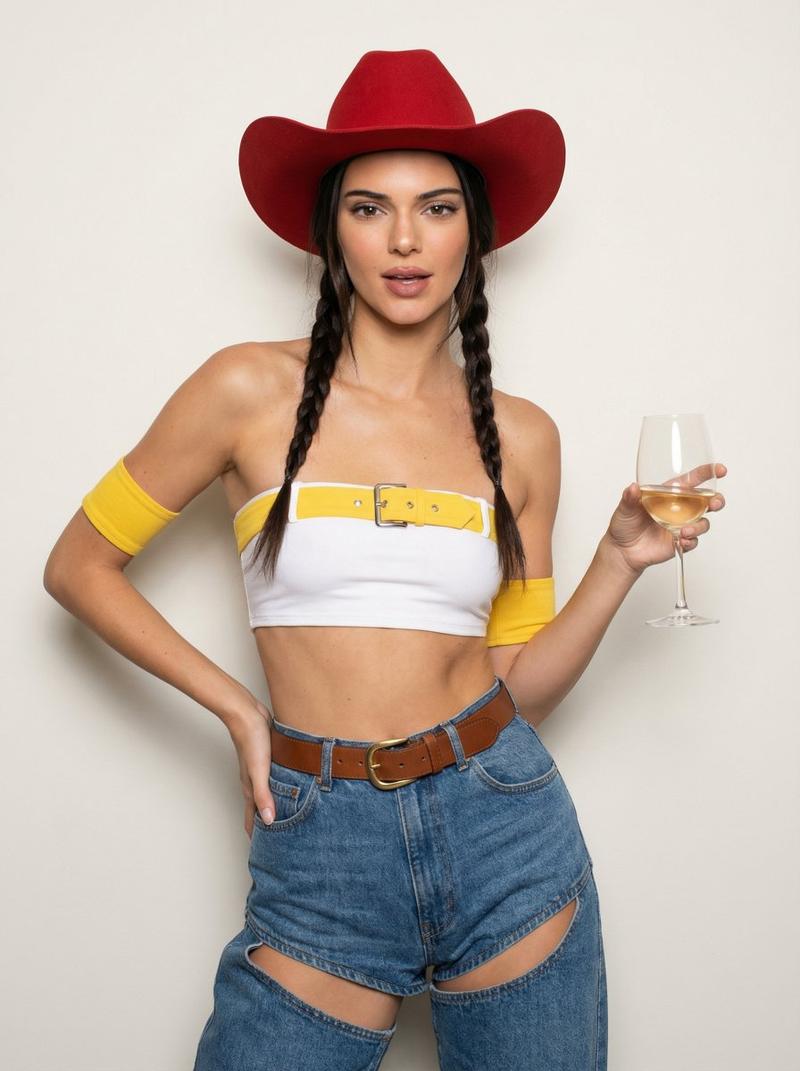
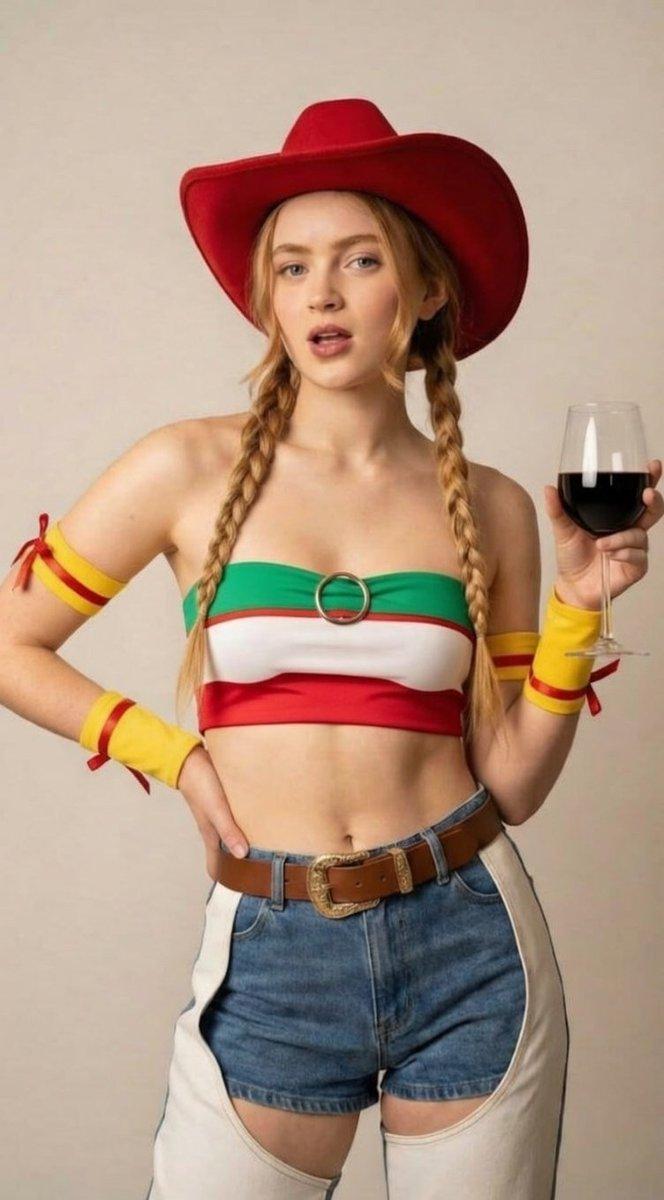
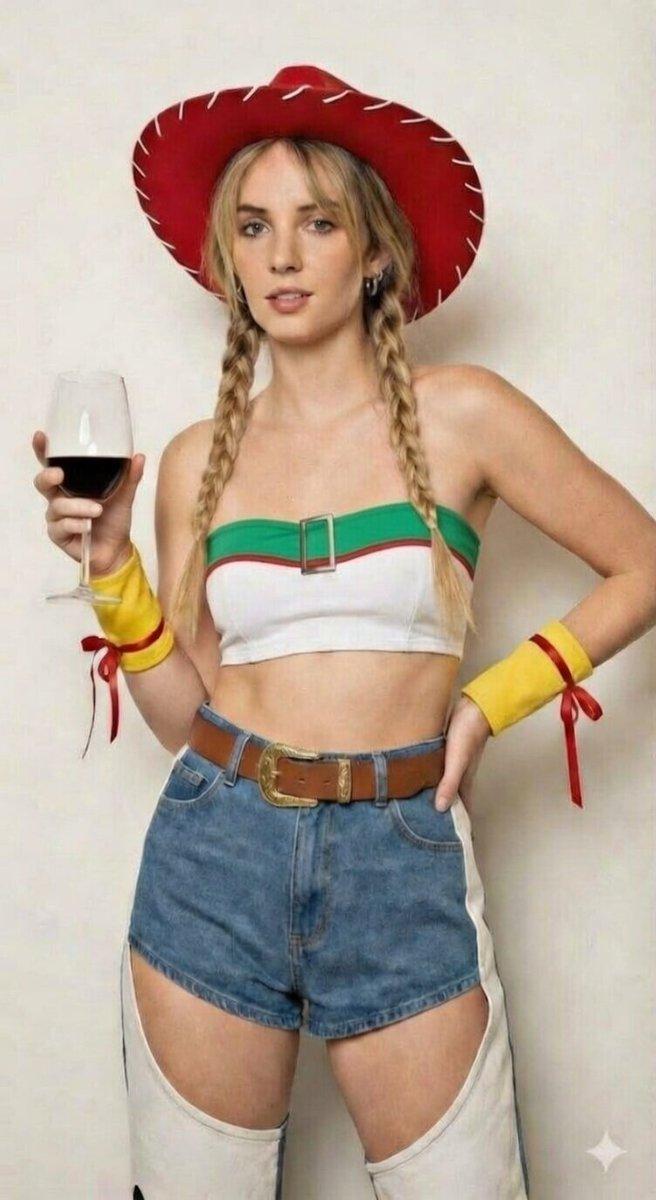
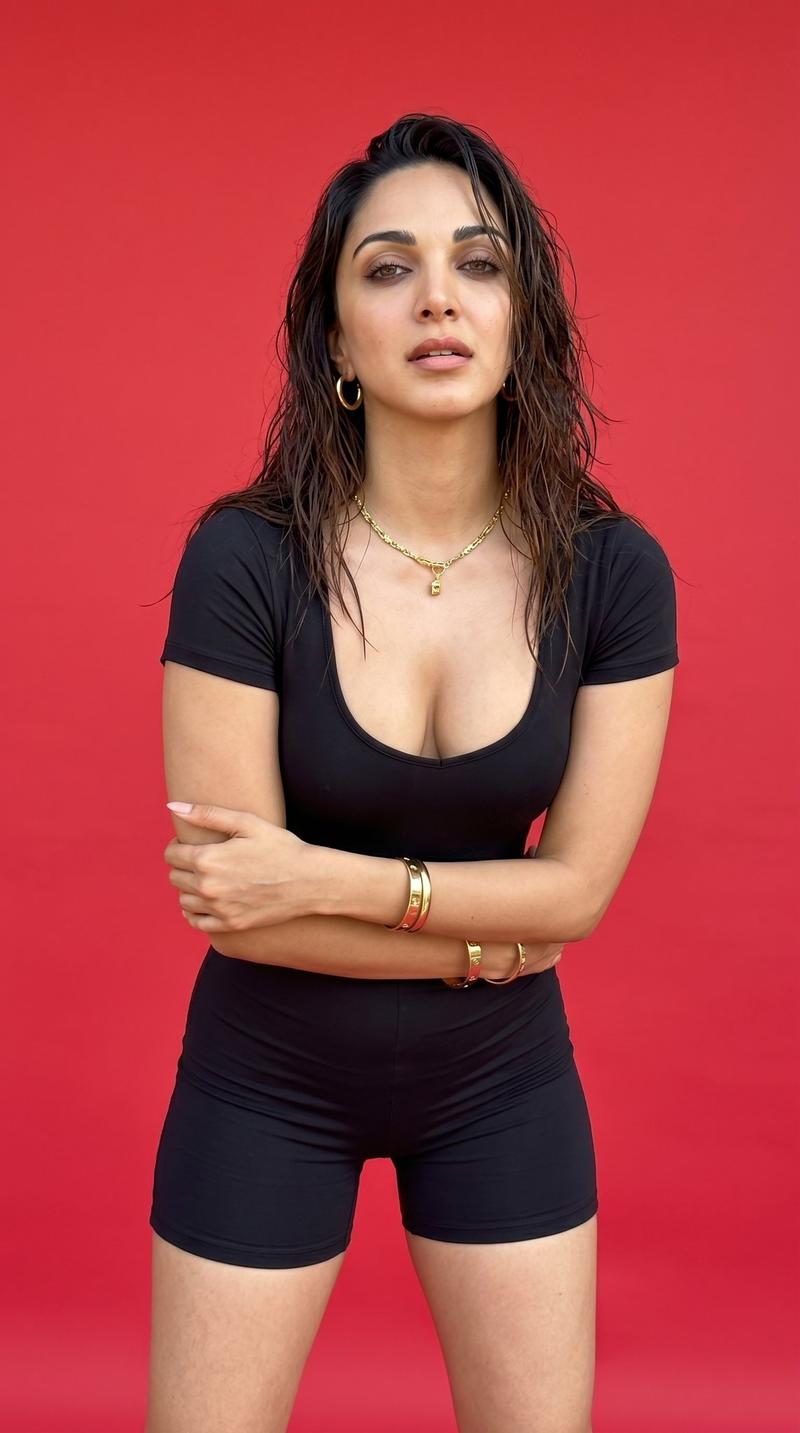
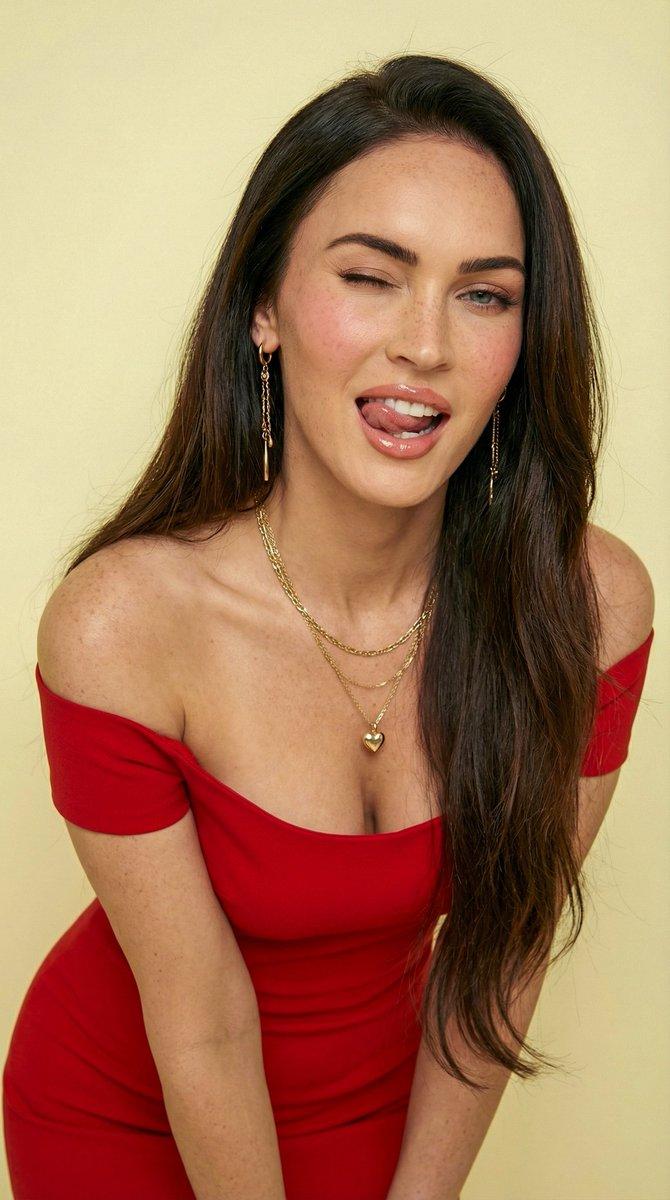
"subject": { "character": "woman in the referance images", "age": "20-30", "body_type": "curvy athletic", "skin_tone": "same as referance images", "face": { "features": "soft, symmetrical, high cheekbones", "expression": "confident, slightly playful, lips slightly parted", "eyes": "same as reference images" } }, "pose": { "stance": "one hand on hip, other hand holding a wine glass", "body_angle": "slightly turned to camera", "posture": "confident, relaxed", "legs": "slightly apart" }, "outfit": { "theme": "cowgirl / western inspired", "top": { "type": "strapless bandeau crop top", "colors": "white base with yellow band across chest", "details": "red piping line, silver circular buckle at center" }, "armwear": { "left": "yellow armband with red ribbon detail", "right": "yellow armband with red ribbon detail" }, "bottom": { "type": "high-waisted denim shorts", "details": "front cutout like a chaps-style, white side panels" }, "belt": { "color": "brown leather", "buckle": "large ornate gold buckle" }, "hat": { "type": "wide-brimmed cowgirl hat", "color": "{argument name="hat color" default="red"} with white stitching", "position": "centered, slightly tilted" } }, "hair": { "color": "blonde", "style": "two long braids", "part": "middle part", "loose_strands": "soft face-framing strands" }, "accessories": { "earrings": "small gold hoops", "glass": "clear wine glass with white wine", "makeup": { "lips": "natural pink", "eyes": "soft eyeliner, neutral eyeshadow", "cheeks": "subtle blush" } }, "mood_and_style": { "vibe": "playful, confident, glamorous", "genre": "fashion photography, cosplay-inspired", "aesthetic": "clean, bright, slightly retro" }, "background": { "type": "plain wall", "color": "{argument name="background color" default="light neutral (off-white)"}", "details": "minimal, studio-like" }, "lighting": { "type": "soft studio lighting", "direction": "frontal", "shadows": "minimal", "tone": "warm, natural" }, "camera": { "angle": "eye-level", "frame": "mid shot (waist up)", "lens": "50mm", "depth_of_field": "shallow background blur" }, "composition": { "crop": "centered subject", "spacing": "balanced negative space", "focus": "sharp on face and outfit details" }, "negative_prompt": [ "cartoon", "blurry", "low quality", "extra limbs", "deformed anatomy", "wrong outfit", "incorrect hat", "incorrect colors", "background clutter", "text", "watermark" ] }- Category
- 创意图片
- Model
- Nano Banana Pro
- Creator
- bengi
- Source ID
- 735fe924-e8bd-44a8-a7fe-90b01246500c
- Published
- Mar 8, 2026
Views0