19

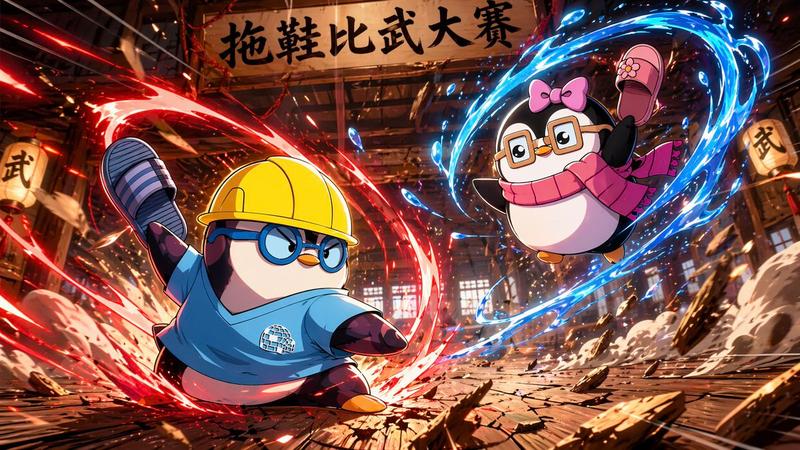
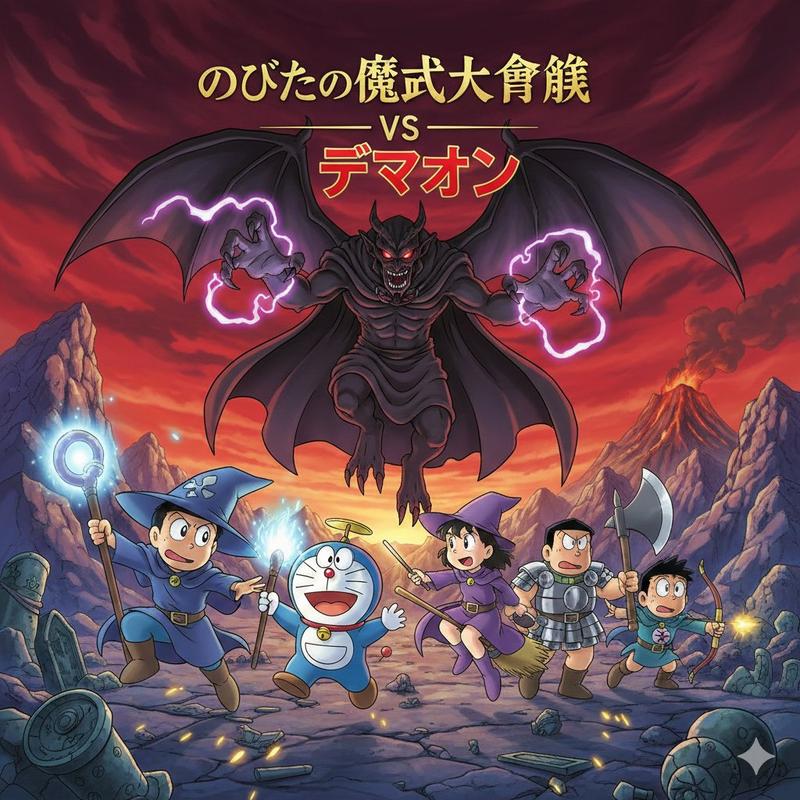
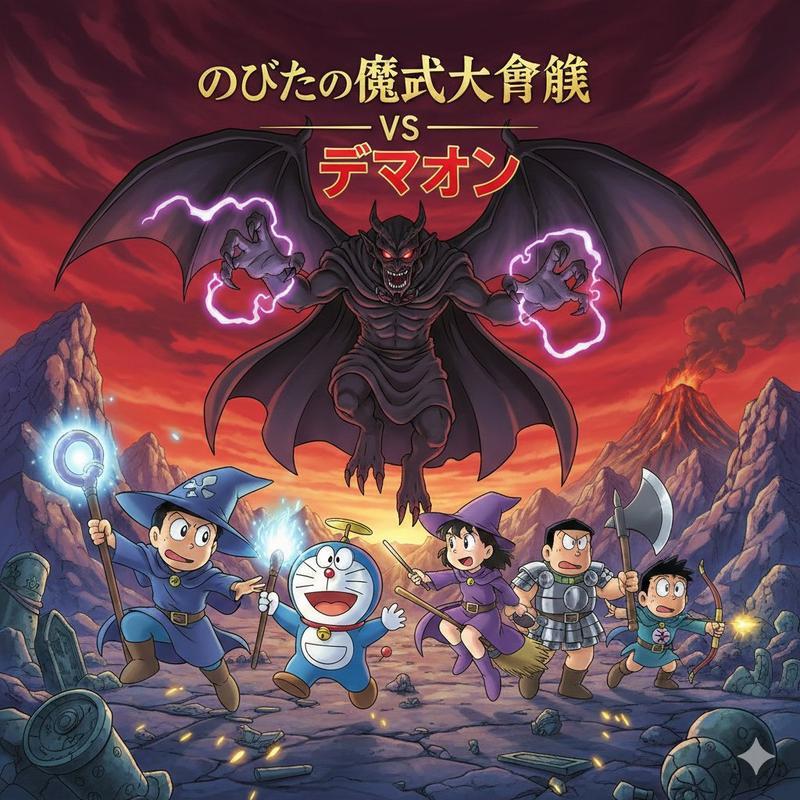
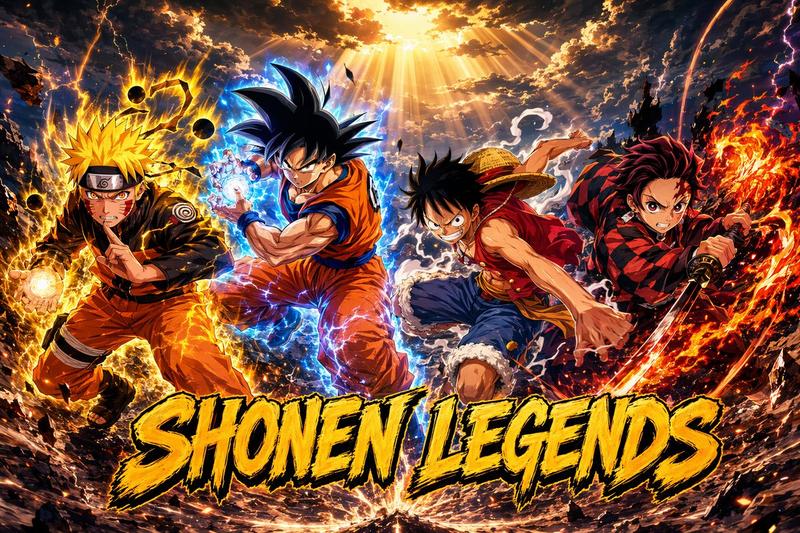
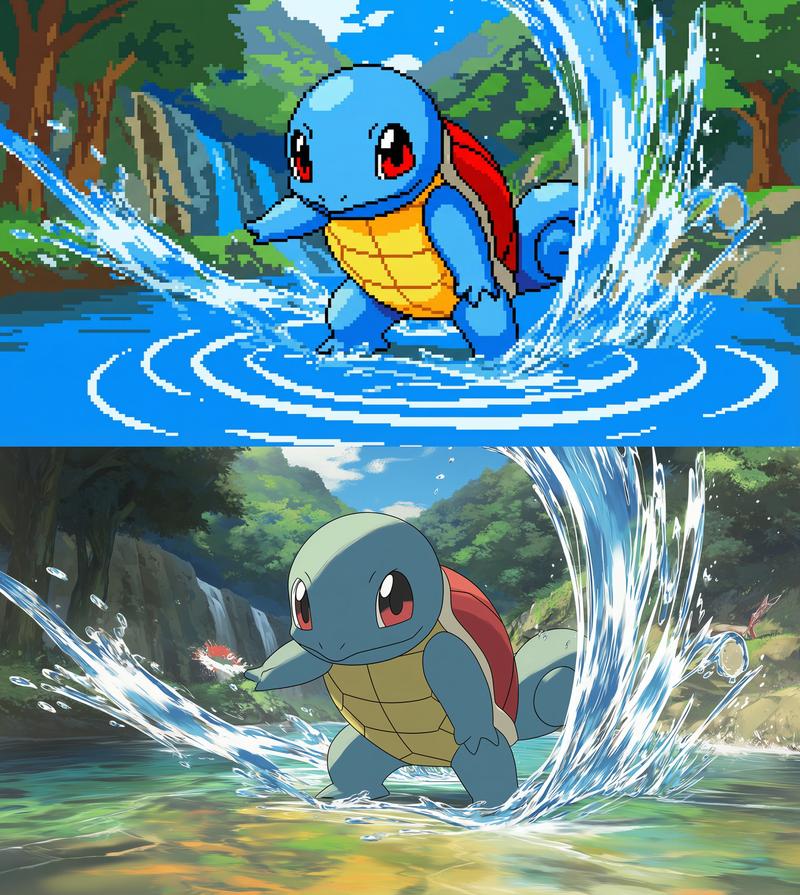
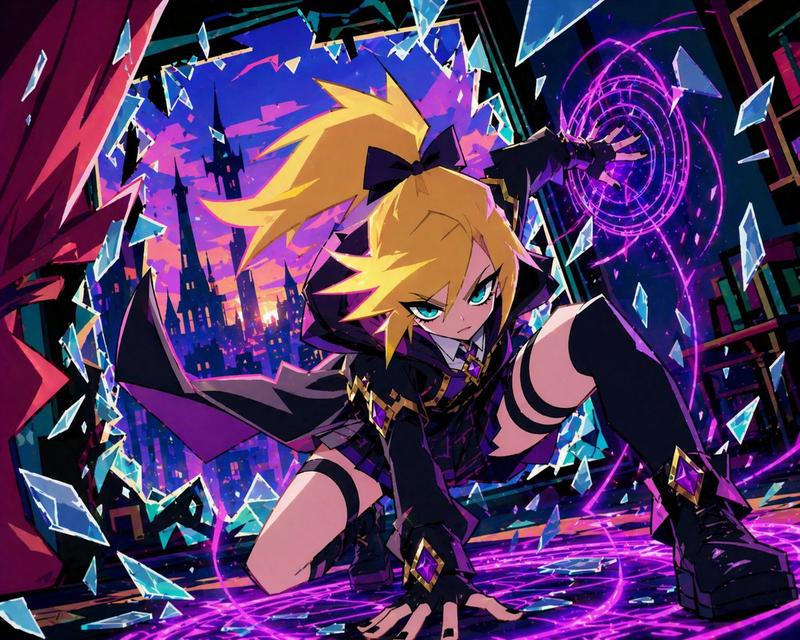
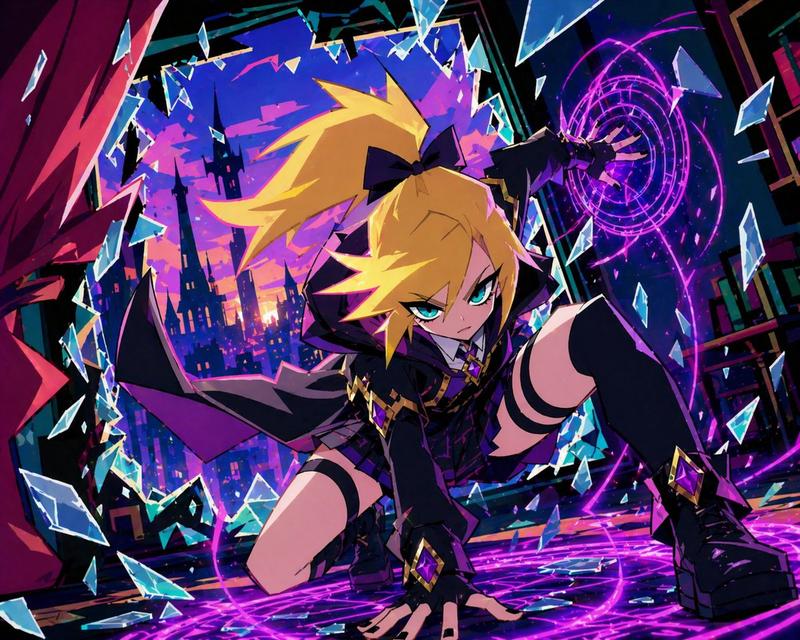
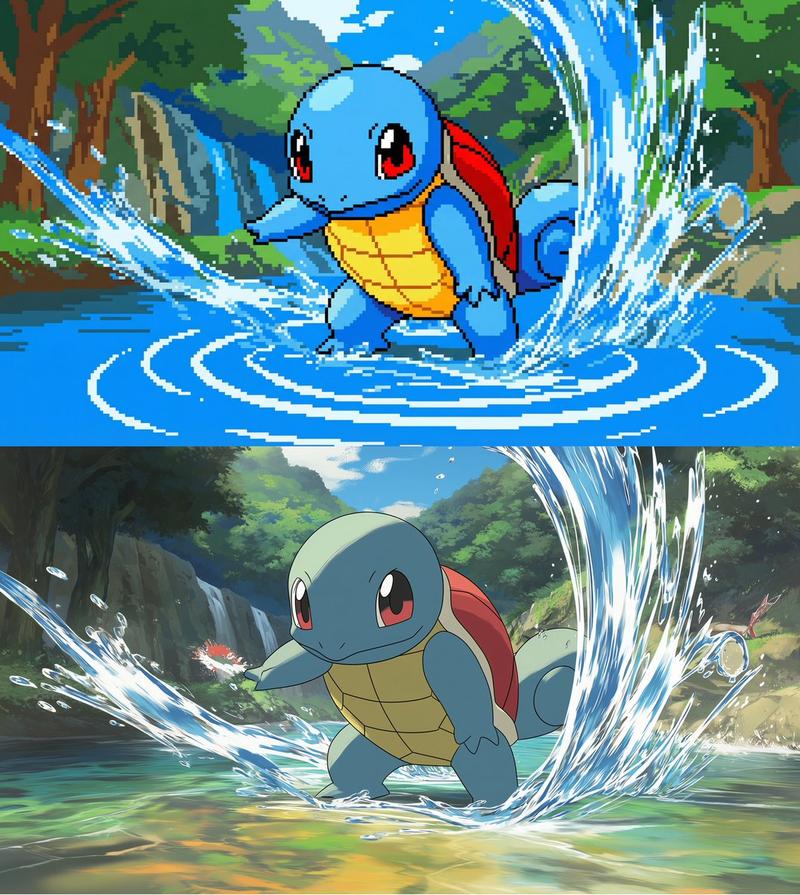
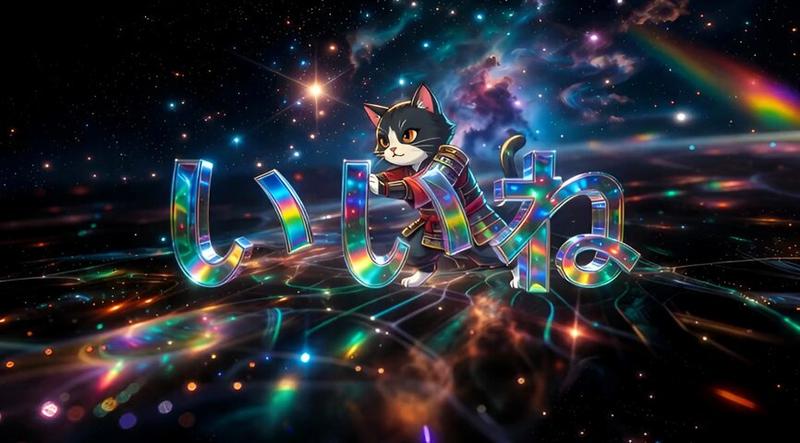
日式文字的动态动漫战斗海报
Enlarge

日式文字的动态动漫战斗海报

Prompt
Super dynamic Anime art of the 【{argument name="character name" default="REFERENCED CHARACTER OR ANIME CHARACTER NAME"}】referenced character 【〈  REMOVE SECTION FOR MORE CREATIVE RESULTS〉with his exact exact characteristics and facial expressions lineart-proportions】 in the exact same artstyle in battle with his signature energy matching the vibe of the referenced image, power and aura surrounding them, anime style, high resolution, high quality, high detail, dramatic anime background matching background of referenced image, anime key visual, write 【{argument name="text to write" default="TEXT"}】 on the 【{argument name="text position" default="POSITION"}】 in japanese at the attack in a chaotic and dramatic anime font that fits the power and energy of the attack, anime key poster.
Category
创意图片
Model
Nano Banana Pro
Creator
KiriKev
Views0
Source ID
0f67c404-a5a5-4c76-9ced-6c40b6892caf
Published
Mar 8, 2026

Guide

About "日式文字的动态动漫战斗海报"

What is this prompt for?

"日式文字的动态动漫战斗海报" AI image prompt for Nano Banana Pro (创意图片). 这是一个用于生成以参考角色为主角的超动感动漫战斗海报的模板提示。它指定使用参考角色的确切艺术风格和特征,用力量和气场环绕他们,并在特定位置加入戏剧性的日文文本,以配合攻击的能量。 --- 超级动感的…

The full copyable prompt and example visuals above are ready for AI image generation or one-click recreate in Picva.

How to use this prompt

  1. Step 1

    Open the prompt detail

    Review the example visuals, category, and full prompt text for "日式文字的动态动漫战斗海报".

  2. Step 2

    Copy the prompt

    Copy the prompt body from this page, or load it directly in Studio.

  3. Step 3

    Pick a model (Nano Banana Pro)

    Prefer Nano Banana Pro. If you switch models, keep subject and composition and tweak style terms.

  4. Step 4

    Generate and export

    Recreate the look in Picva, or export into your workflow for editing and publishing.

FAQ

What is the "日式文字的动态动漫战斗海报" prompt?
It is an AI image-generation prompt for Nano Banana Pro in the 创意图片 category. This page includes the full prompt text, example visuals, and a one-click recreate path in Picva.
How do I use this prompt to generate an image?
Copy the prompt from this page, or use Generate / Studio. Paste it into a compatible image model, or recreate the look in Picva with optional reference images.
Which model is this prompt for?
This page lists Nano Banana Pro. Most descriptive prompts also transfer to nearby image models such as GPT Image, Flux, or Midjourney with light style tweaks.
Can I use the result commercially?
You can usually copy the prompt for creation, but commercial use of the final image depends on the model terms, reference-image rights, and the generated content. Follow the source author and platform rules.