16

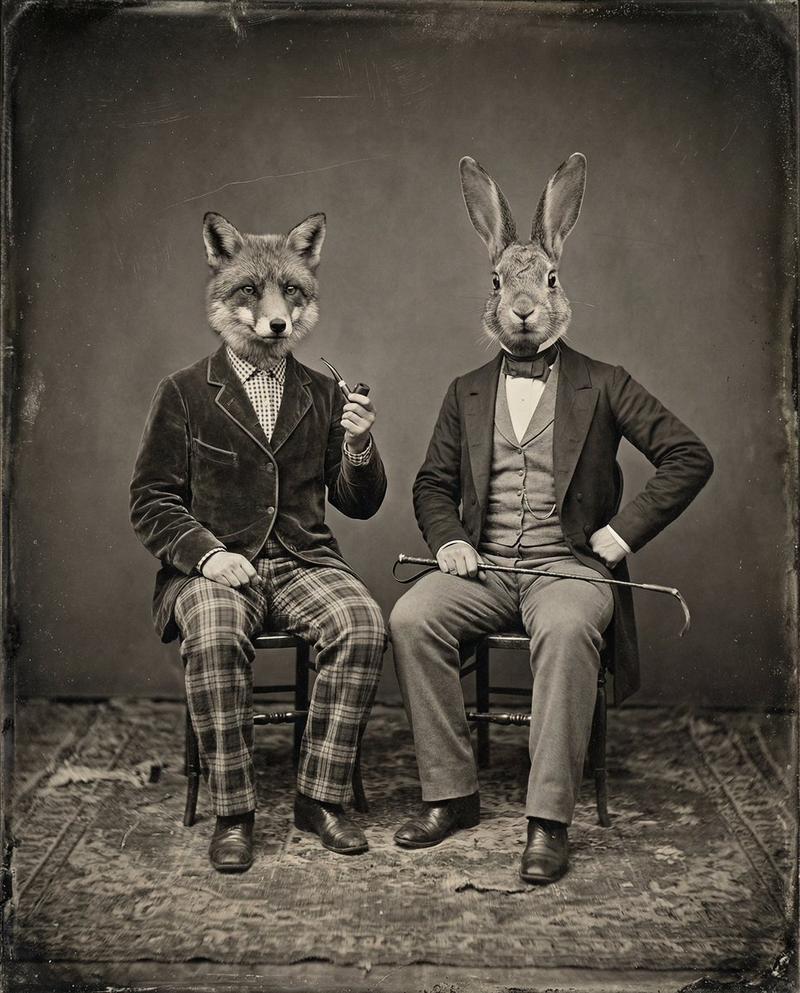
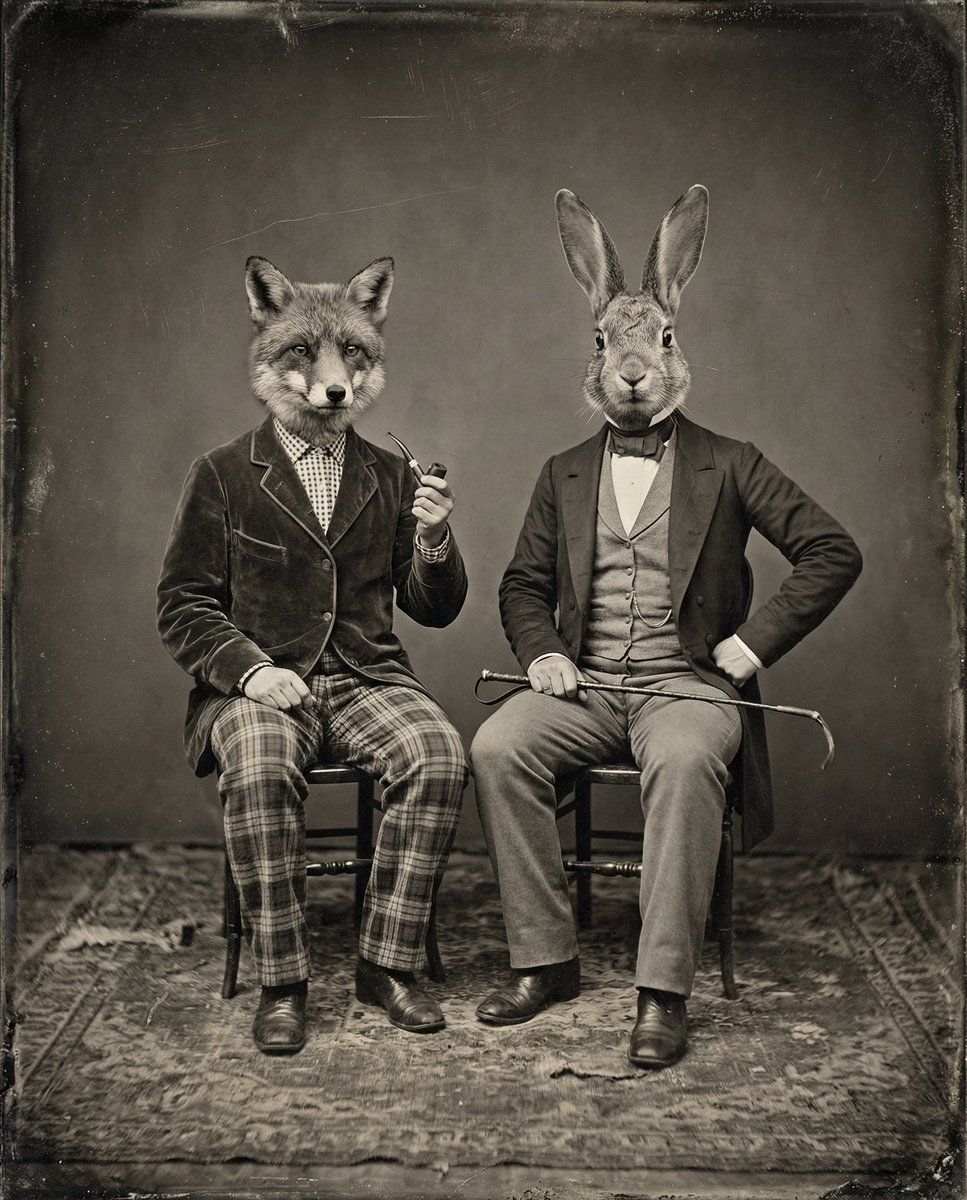
复古棕褐色动物头像肖像
Enlarge

复古棕褐色动物头像肖像

Prompt
A vintage, sepia-toned studio portrait features two figures dressed in Victorian-era attire, each wearing an animal head. The figure on the left has the head of a {argument name="animal head 1" default="fox"} and is wearing a dark velvet jacket over a checkered shirt and waistcoat, with plaid trousers and a scarf. They are holding a {argument name="prop 1" default="pipe"} in their right hand. The figure on the right has the head of a {argument name="animal head 2" default="rabbit"} and is wearing a waistcoat, jacket, and trousers, with a scarf around their neck. They have their left hand on their hip and are holding a riding crop in their right hand. Both figures stand on a patterned rug against a plain, dark background.
Category
创意图片
Model
Nano Banana Pro
Views0
Source ID
65cebb26-4051-416a-b30e-b361afd62d4a
Published
Mar 8, 2026

Guide

About "复古棕褐色动物头像肖像"

What is this prompt for?

"复古棕褐色动物头像肖像" AI image prompt for Nano Banana Pro (创意图片). 一个详细的图像生成提示,用于创建一张复古的、棕褐色调的影棚肖像,描绘两位身着维多利亚时代服装的人物,每人佩戴一个不同的动物头部(狐狸和兔子),并强调特定的服装和道具。此提示专为 Freepik 的 AI…

The full copyable prompt and example visuals above are ready for AI image generation or one-click recreate in Picva.

How to use this prompt

  1. Step 1

    Open the prompt detail

    Review the example visuals, category, and full prompt text for "复古棕褐色动物头像肖像".

  2. Step 2

    Copy the prompt

    Copy the prompt body from this page, or load it directly in Studio.

  3. Step 3

    Pick a model (Nano Banana Pro)

    Prefer Nano Banana Pro. If you switch models, keep subject and composition and tweak style terms.

  4. Step 4

    Generate and export

    Recreate the look in Picva, or export into your workflow for editing and publishing.

FAQ

What is the "复古棕褐色动物头像肖像" prompt?
It is an AI image-generation prompt for Nano Banana Pro in the 创意图片 category. This page includes the full prompt text, example visuals, and a one-click recreate path in Picva.
How do I use this prompt to generate an image?
Copy the prompt from this page, or use Generate / Studio. Paste it into a compatible image model, or recreate the look in Picva with optional reference images.
Which model is this prompt for?
This page lists Nano Banana Pro. Most descriptive prompts also transfer to nearby image models such as GPT Image, Flux, or Midjourney with light style tweaks.
Can I use the result commercially?
You can usually copy the prompt for creation, but commercial use of the final image depends on the model terms, reference-image rights, and the generated content. Follow the source author and platform rules.