19

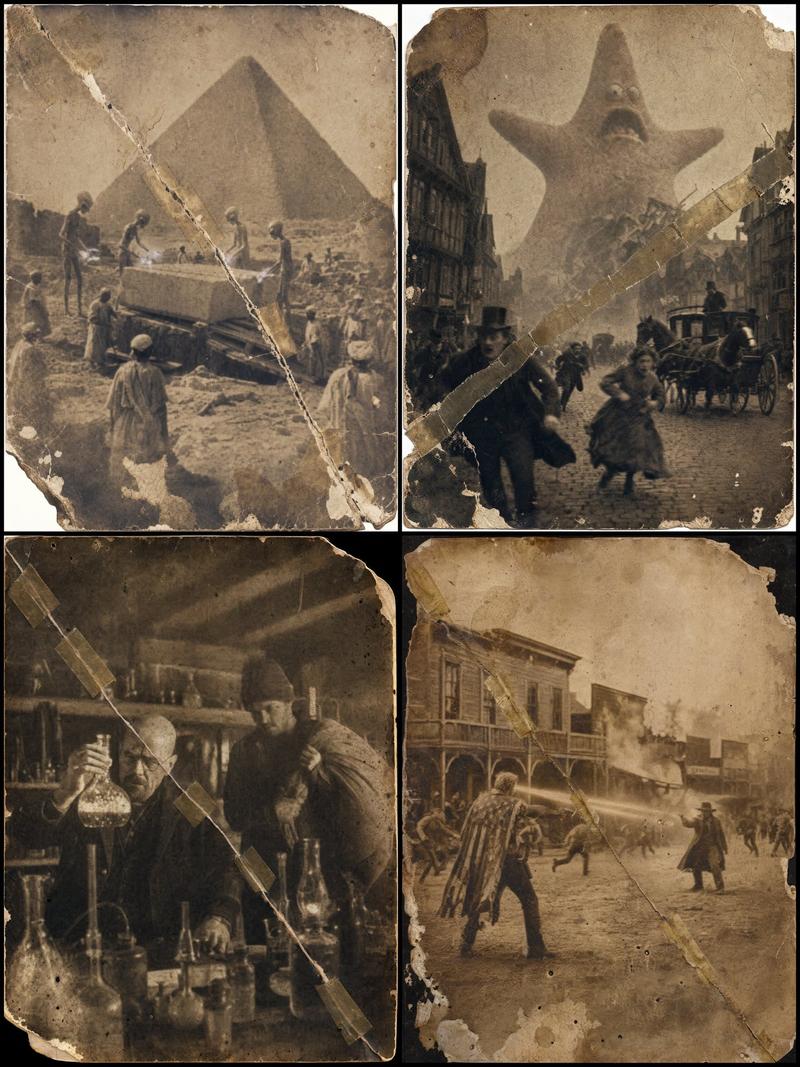
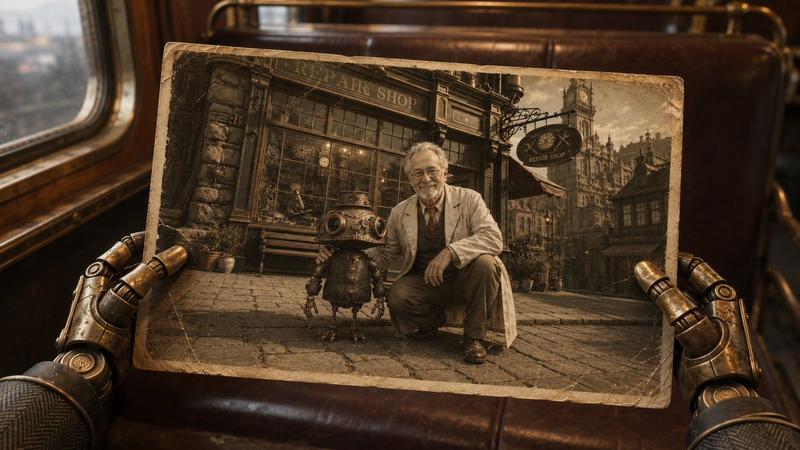
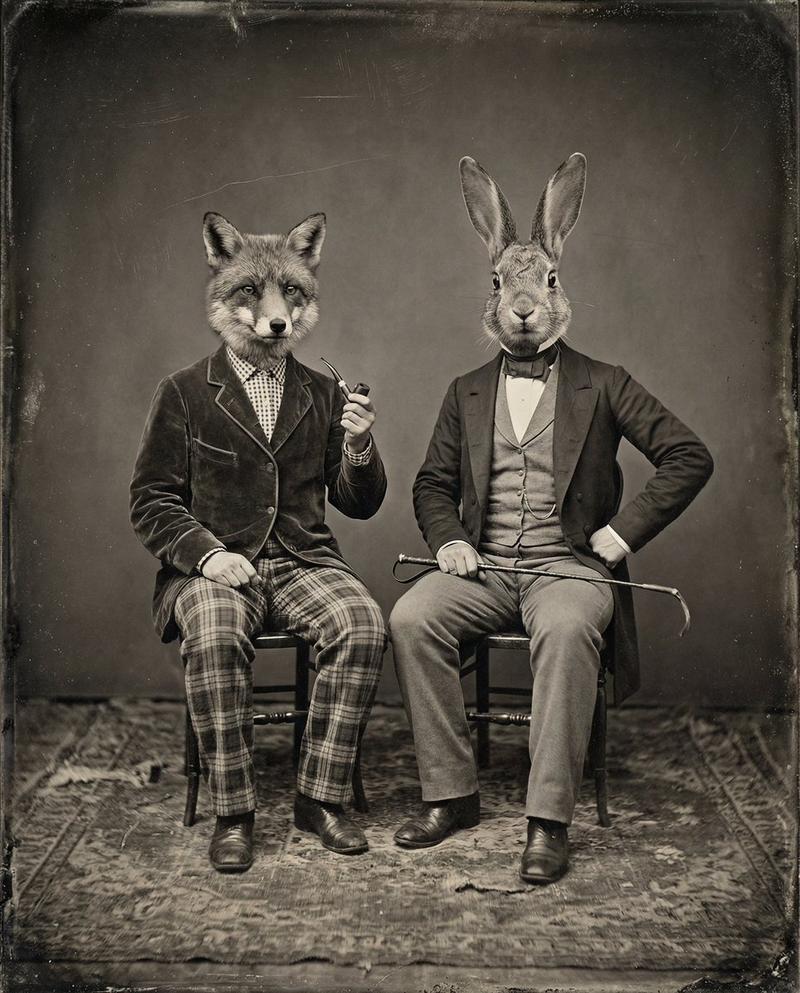
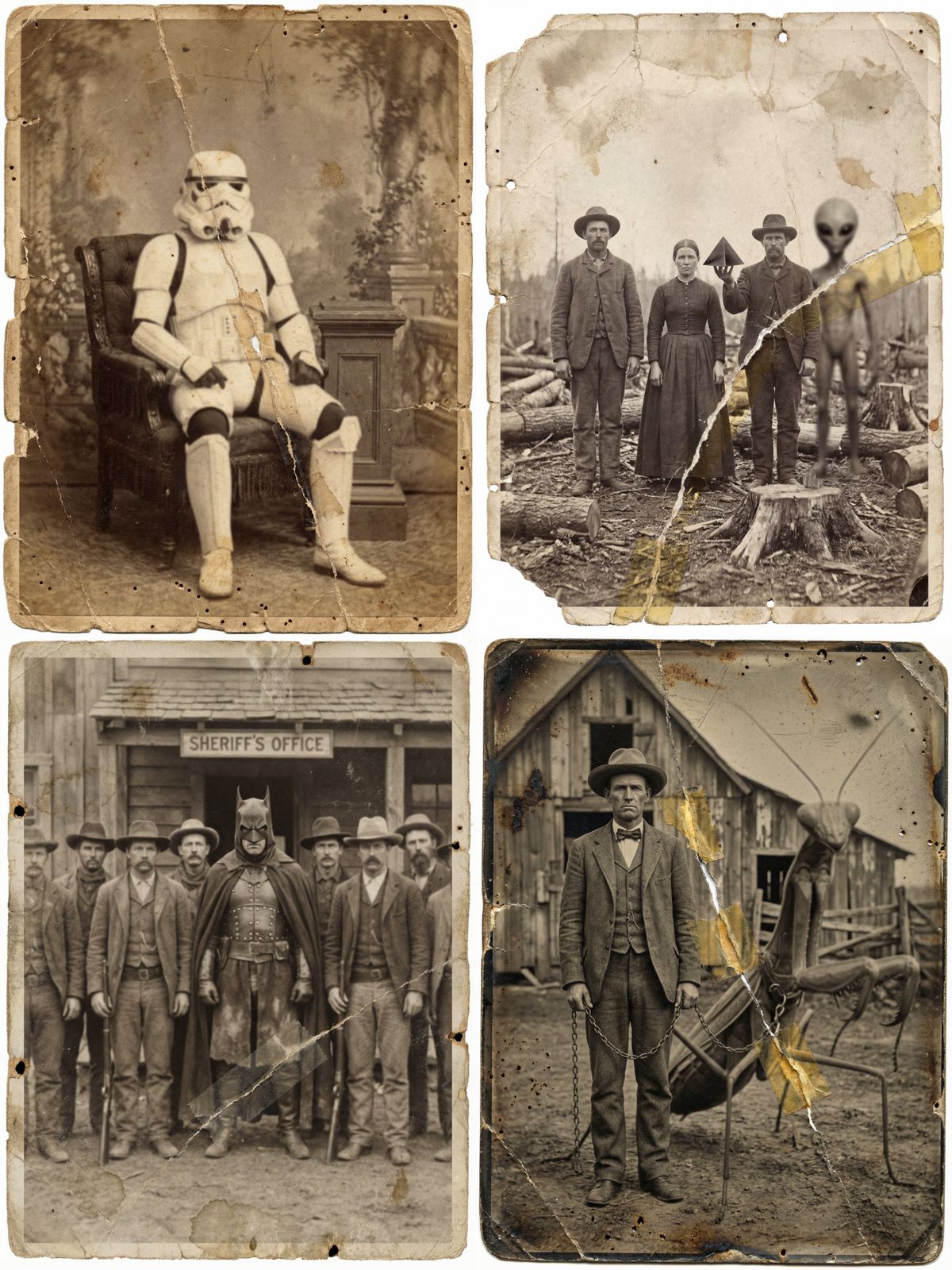
复古寻踪摄影,1870年代风格
Enlarge

复古寻踪摄影,1870年代风格

Prompt
Create vintage found-footage photographs that never existed with Nano Banana Pro 📸
More ideas in the comments.
Drop your own version in the comments, I’d love to see it 👀
- Prompt 👇
a photographic image in the style of 1870, [SCENE DESCRIPTION], with [CHARACTERS described in period-accurate clothing], [Describe the interaction].
The photo has an aged and worn appearance, as it was taken in 1870. It features prominent time-induced chemical stains, heavy grain, sepia toning, and deep scratches.
Significantly reduce the sharpness so that the details of the [SUBJECT] are not crisp, making the [SUBJECT] blurry and low-fidelity.
Greatly increase the wear of the photo, including small tears, missing corners, water damage, and small wormholes caused by insect damage. Add a prominent, jagged diagonal cut across the photo, mended clumsily with old, discolored tape.
Category
Photography & Realism
Model
Nano Banana Pro
Views0
Source ID
vintage-found-footage-photograph-1870s-style

Guide

About "复古寻踪摄影,1870年代风格"

What is this prompt for?

"复古寻踪摄影,1870年代风格" AI image prompt for Nano Banana Pro (Photography & Realism). Create vintage found-footage photographs that never existed with Nano Banana Pro…

The full copyable prompt and example visuals above are ready for AI image generation or one-click recreate in Picva.

How to use this prompt

  1. Step 1

    Open the prompt detail

    Review the example visuals, category, and full prompt text for "复古寻踪摄影,1870年代风格".

  2. Step 2

    Copy the prompt

    Copy the prompt body from this page, or load it directly in Studio.

  3. Step 3

    Pick a model (Nano Banana Pro)

    Prefer Nano Banana Pro. If you switch models, keep subject and composition and tweak style terms.

  4. Step 4

    Generate and export

    Recreate the look in Picva, or export into your workflow for editing and publishing.

FAQ

What is the "复古寻踪摄影,1870年代风格" prompt?
It is an AI image-generation prompt for Nano Banana Pro in the Photography & Realism category. This page includes the full prompt text, example visuals, and a one-click recreate path in Picva.
How do I use this prompt to generate an image?
Copy the prompt from this page, or use Generate / Studio. Paste it into a compatible image model, or recreate the look in Picva with optional reference images.
Which model is this prompt for?
This page lists Nano Banana Pro. Most descriptive prompts also transfer to nearby image models such as GPT Image, Flux, or Midjourney with light style tweaks.
Can I use the result commercially?
You can usually copy the prompt for creation, but commercial use of the final image depends on the model terms, reference-image rights, and the generated content. Follow the source author and platform rules.